
FarmLoop Stage 1 for A1 - Automatic Printing
Print Profile(3)



Description
Boost Me (for free)
Boost for free automatic printing systems!
Update: Fan Upgrade for A1 Released! → 80% Faster Cooling
→ https://makerworld.com/en/models/1776202-farmloop-stage-1-fan-upgrade-a1
A1 mini Version here → https://makerworld.com/en/models/1255869-farmloop-stage-1-for-a1-mini-automatic-printing
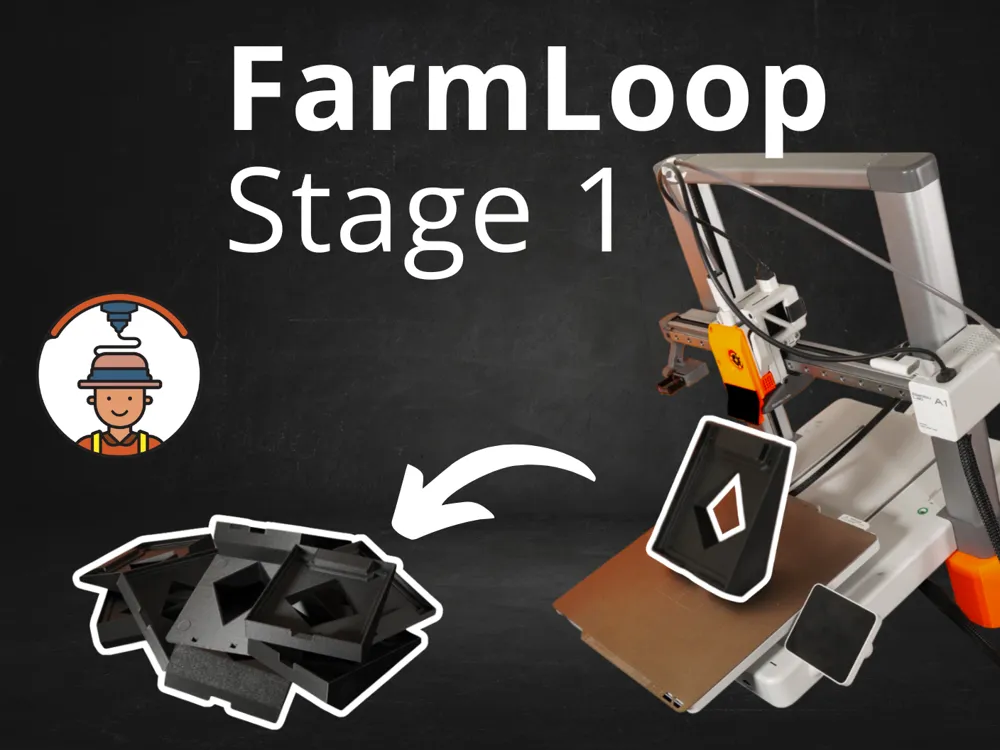
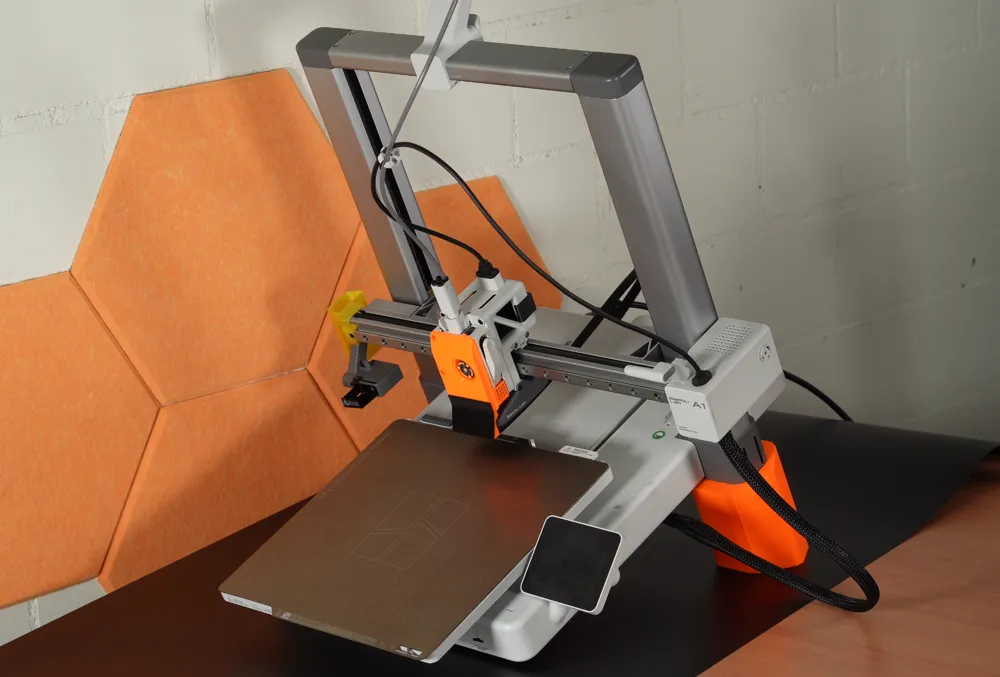
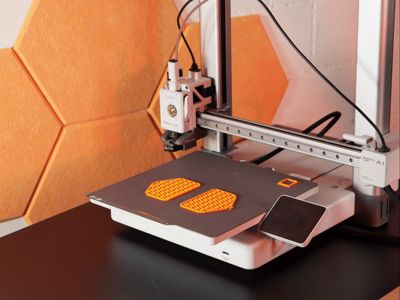
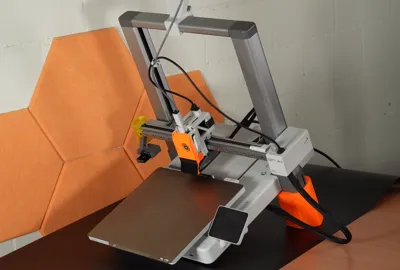
FarmLoop Stage 1 – Automatic Detachment Hardware for the Bambu Lab A1
Introducing 3D Farmers FarmLoop Stage 1, the hardware module of our innovative automatic printing system designed for the Bambu Lab A1 mini and now the A1. This system is engineered to boost your print farm’s profitability by automating the detachment of printed parts, reducing labor, and cutting production costs significantly.
How It Works:

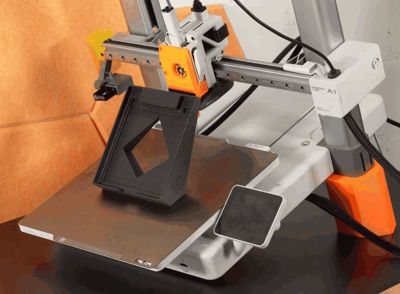
- Automated Detachment: The system leverages the printer’s print head to initiate the detachment process once a print is complete.
- Safe Part Removal: After the print finishes and the heat bed cools, a dedicated tool head lifts the part away from the build plate using a specially designed scraper.
- Engineered for Efficiency: A tilted base ensures that detached parts safely drop into collection boxes, while a TPU-enhanced scraper prevents scratching on your prints.
How to Start?
These hardware mods only work when they’re driven by the FarmLoop App, which injects the smart G-code that controls plate-bending, cooldown timing, and pusher sweeps.
Two easy ways to access the FarmLoop App
Standalone Access – Grab the browser-based FarmLoop App directly. A free version lets you start looping today with core detachment presets and local processing - no installs, no cloud accounts.
→ https://app.3d-farmers.com/- Through the Skool Community – Join our Skool community and you’ll automatically receive the full FarmLoop Pro version for as long as you’re a member. Pro unlocks unlimited loops, advanced tuning, multi-plate queues, plus exclusive CAD courses, business playbooks, and a network of makers to help you scale a profitable 3D-printing farm.
→ https://www.skool.com/3dfarmers
Choose the path that fits your journey - get the app on its own or dive into the community for the complete automation toolkit. Either way, happy looping!
Happy printing and welcome to the future of automated 3D production!
DISCLAIMER
Use this system at your own risk. The creator is not responsible for any damage, malfunction, or loss resulting from its use. Ensure you fully understand the installation and operation procedures—watch our video and refer to the provided documentation before implementation.
License

You shall not share, sub-license, sell, rent, host, transfer, or distribute in any way the digital or 3D printed versions of this object, nor any other derivative work of this object in its digital or physical format (including - but not limited to - remixes of this object, and hosting on other digital platforms). The objects may not be used without permission in any way whatsoever in which you charge money, or collect fees.


Comment & Rating (359)