

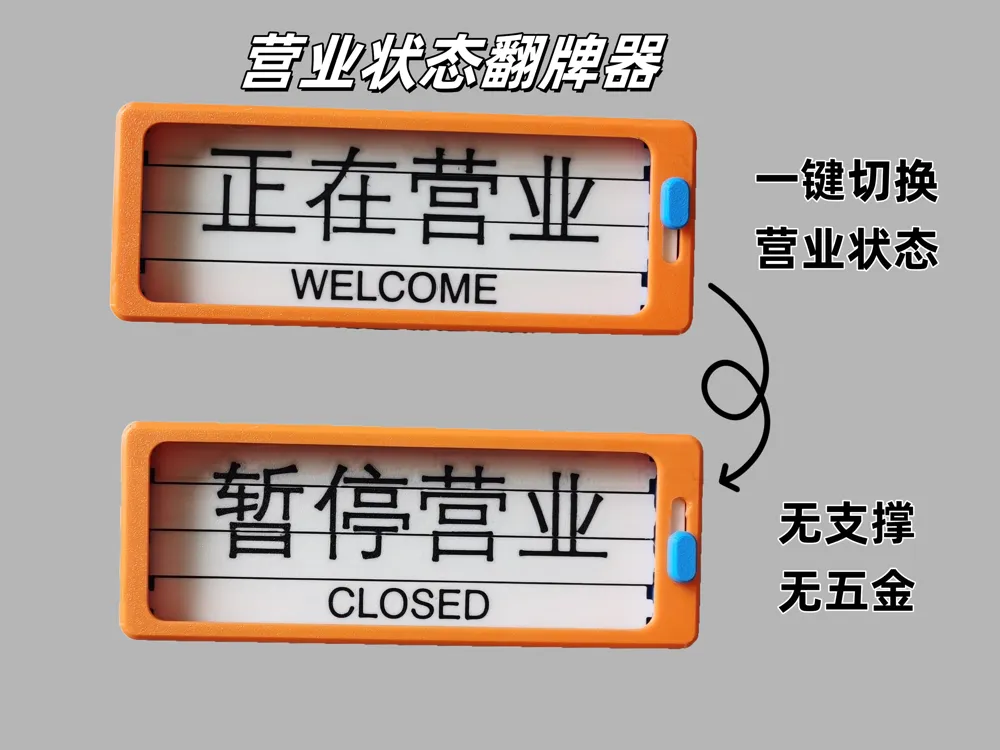
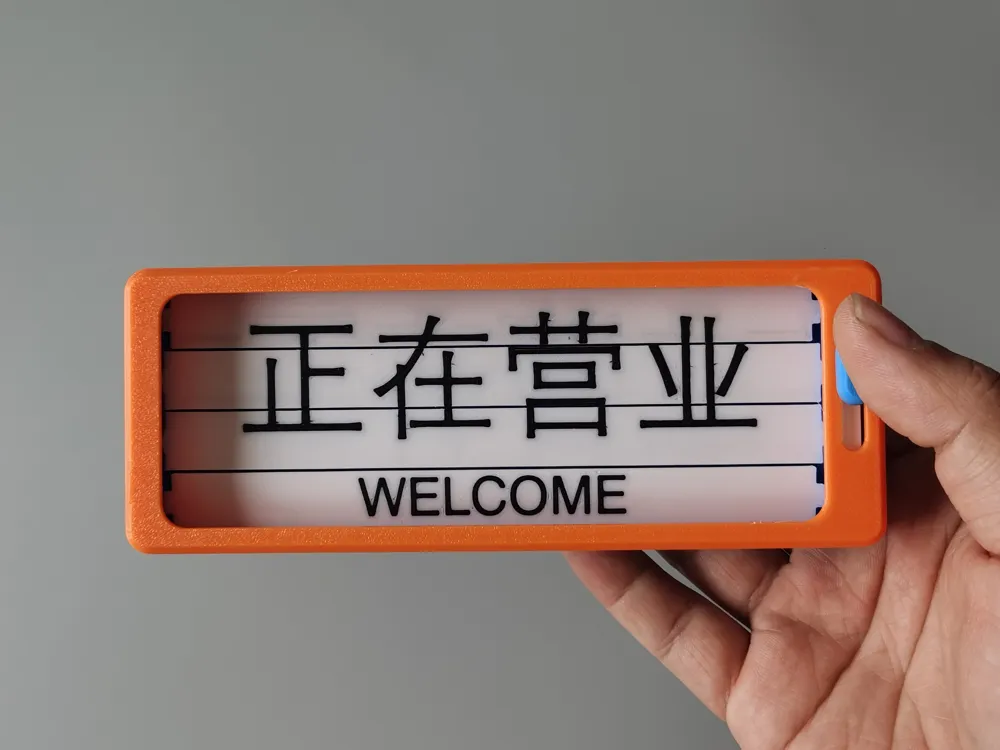
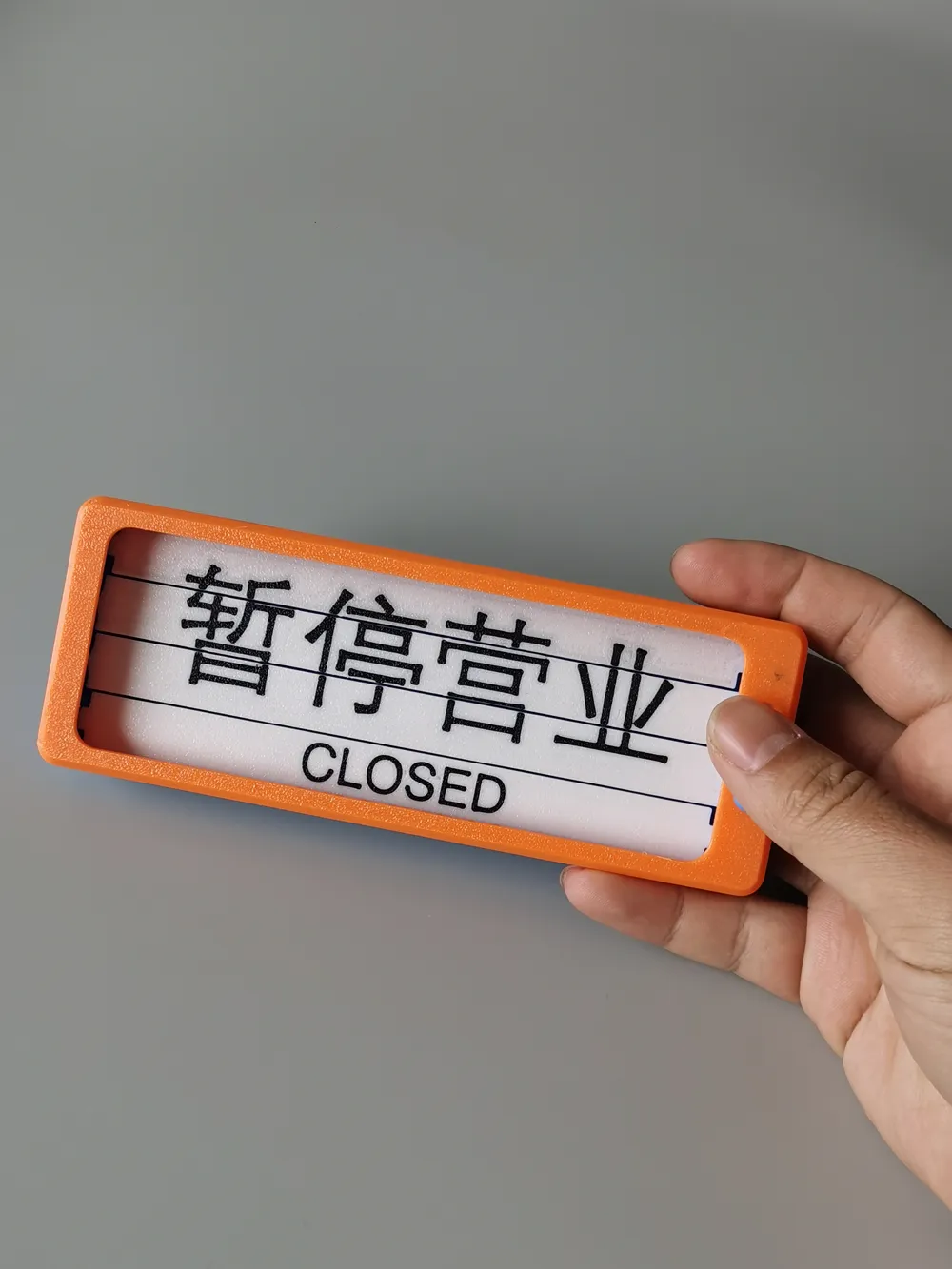
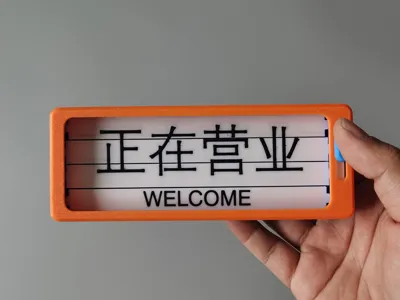
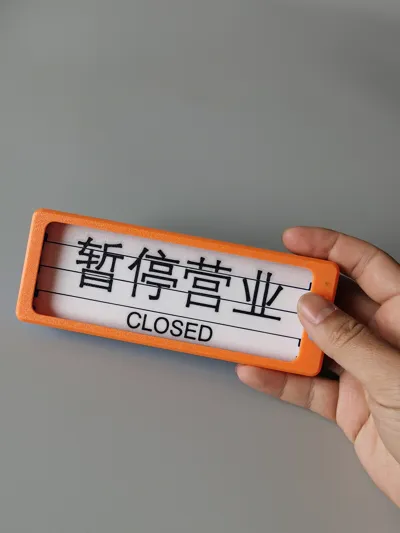
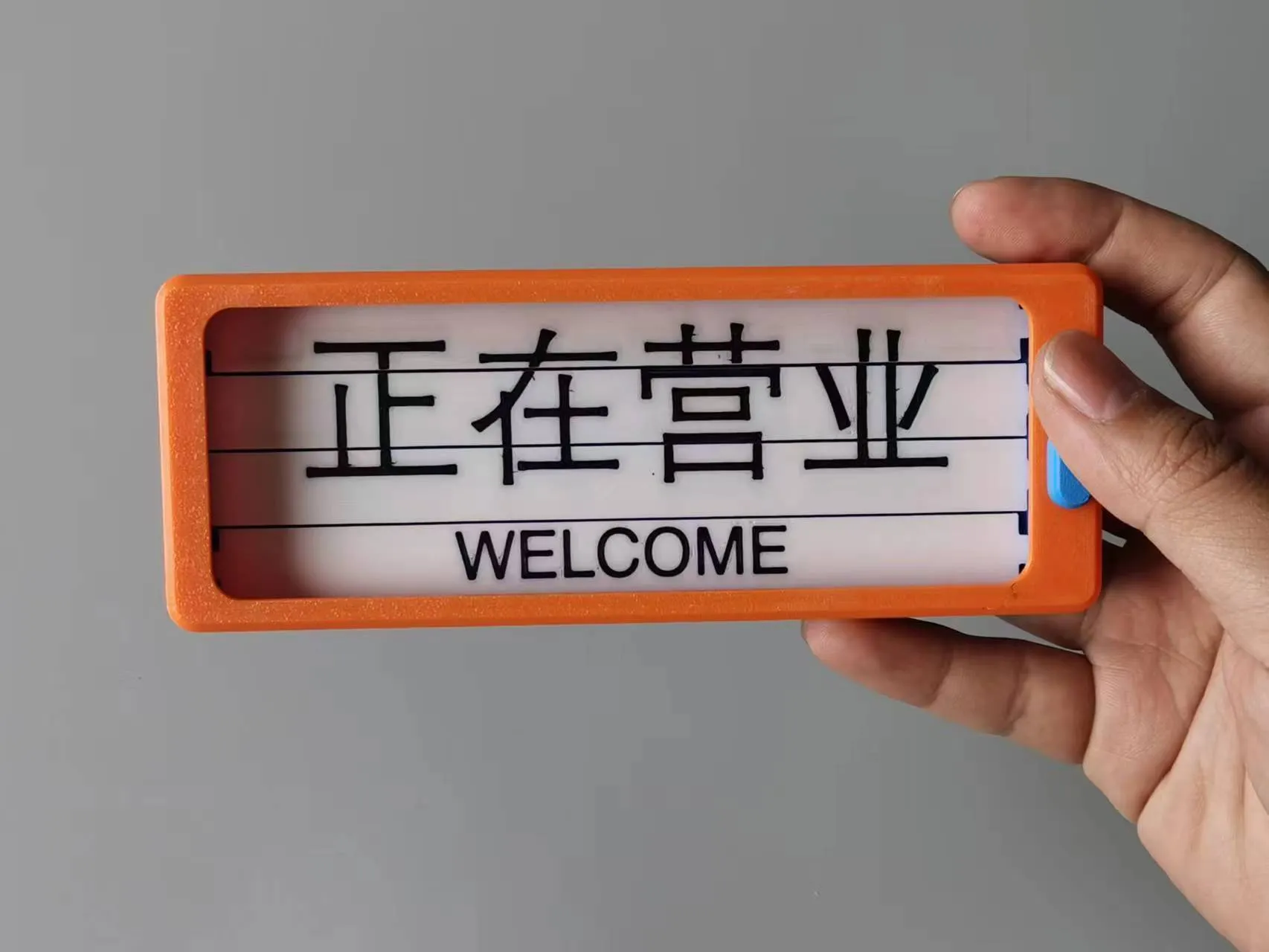
Business Status Flip Sign
Print Profile(2)
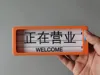


Description
Thank you for your download and support
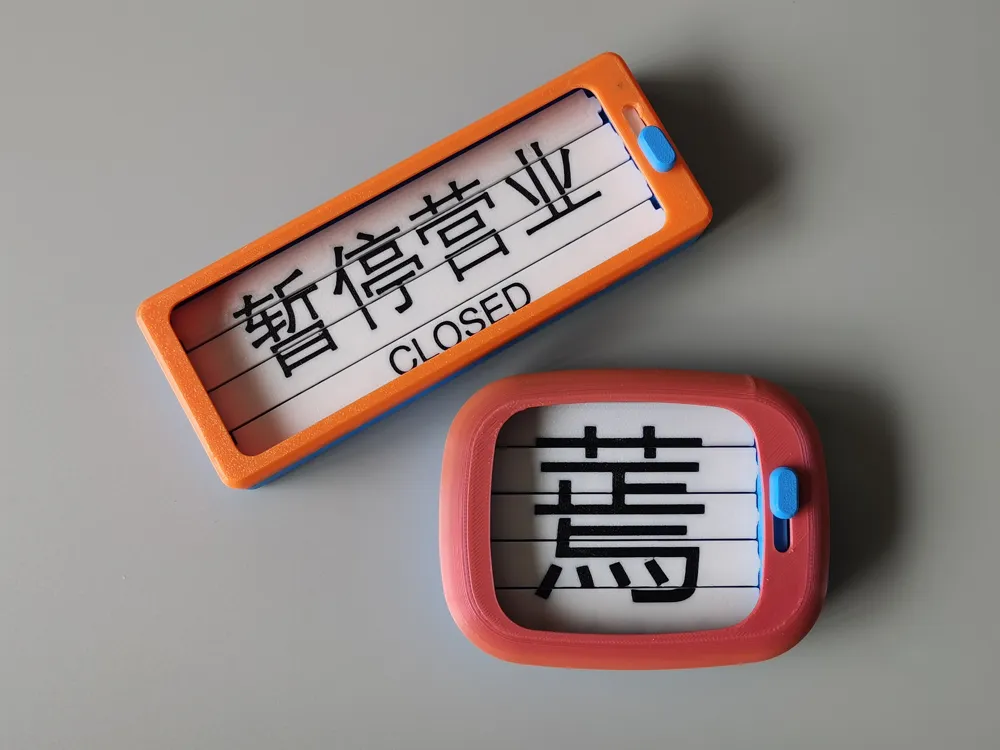
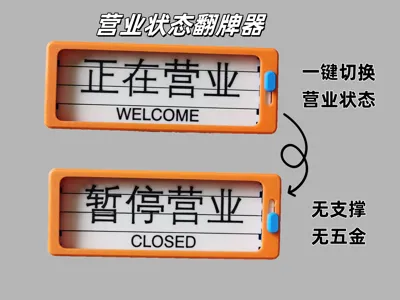
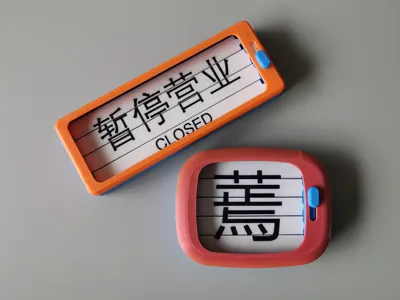
This model requires no supports or hardware, uses approximately 70g of filament, prints easily, and is simple to assemble. It’s perfect for fidgeting or practical use in shops and business halls.
The louver text requires AMS; if you don’t have AMS, try acrylic pens or stickers.
For DIY louver content, download the blank STL file included in the model files.
All tolerances are precise. I’ve printed several versions, all smooth and seamless. If there’s any sticking, use a utility knife or sandpaper.
Assembly instructions below
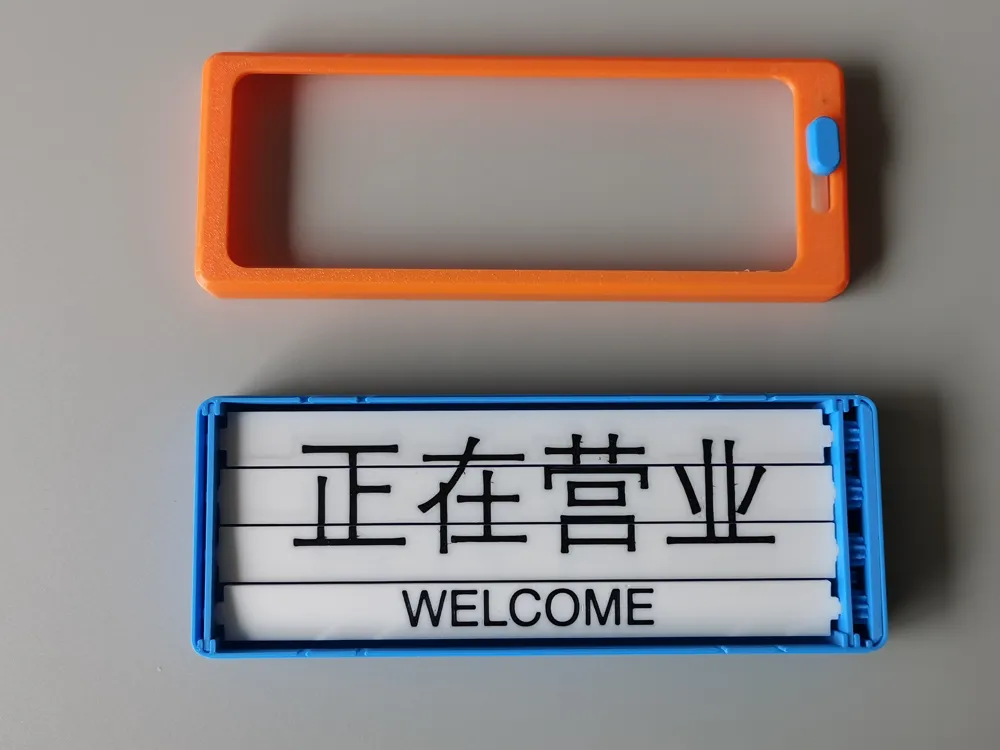
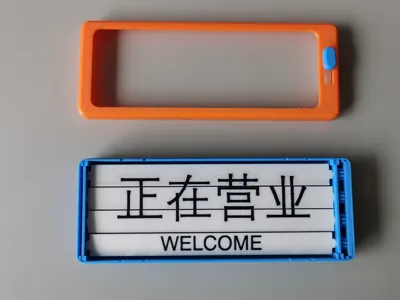
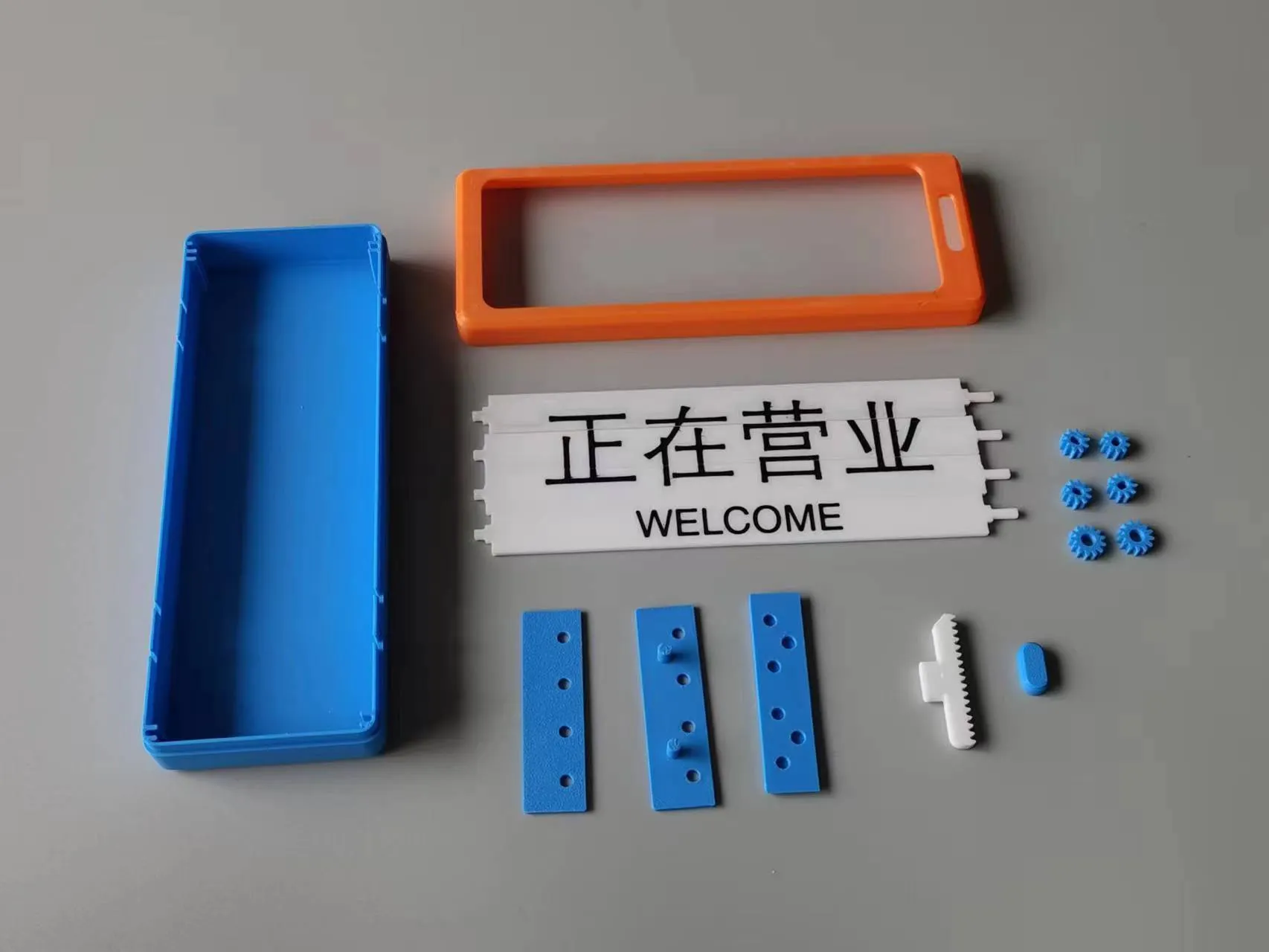
These are all the parts. The configuration file includes extra gears for replacements in case of defects.
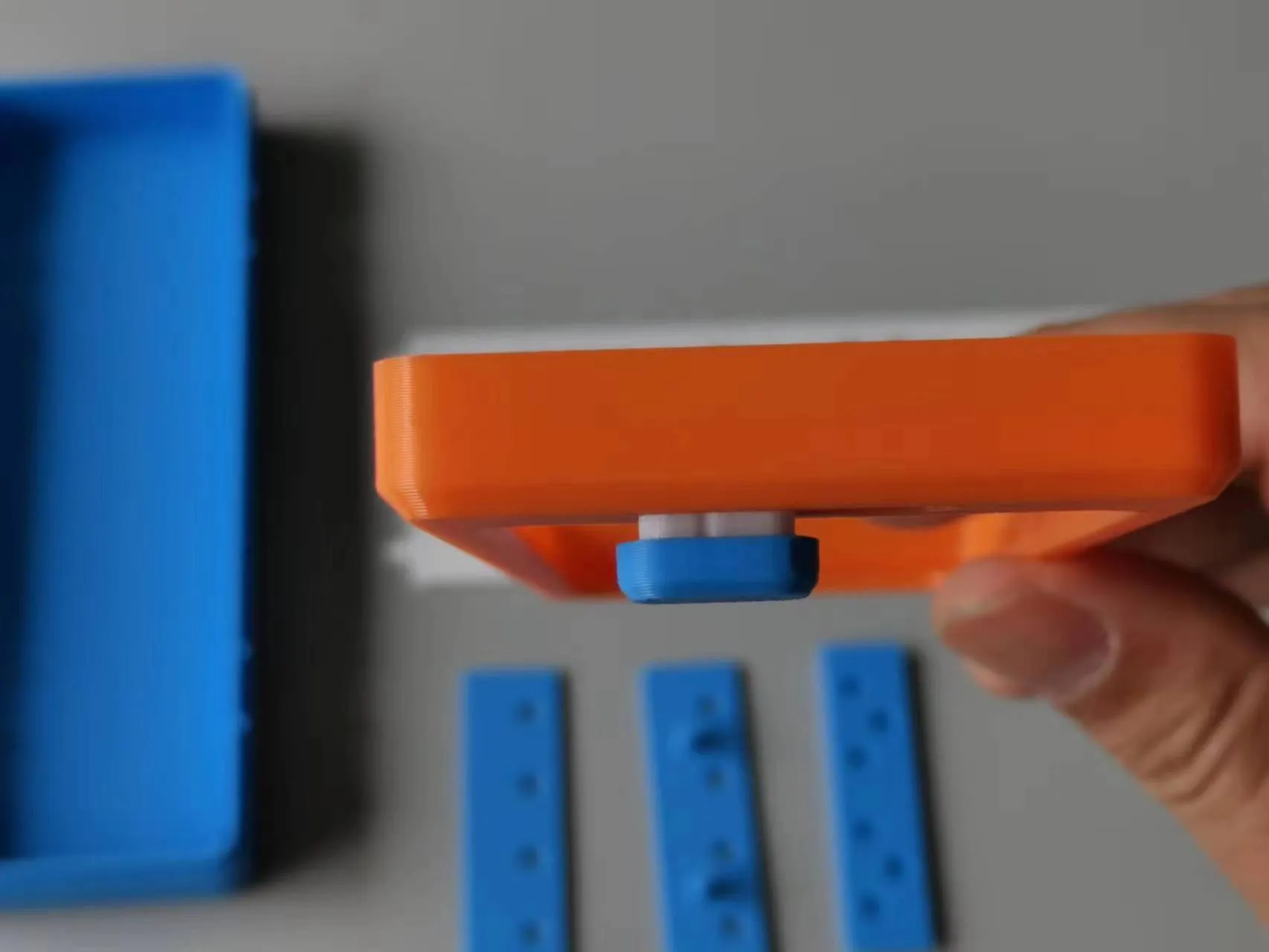
1. Install the rack and button. Note the rack’s orientation (see image); the button will be somewhat tight.
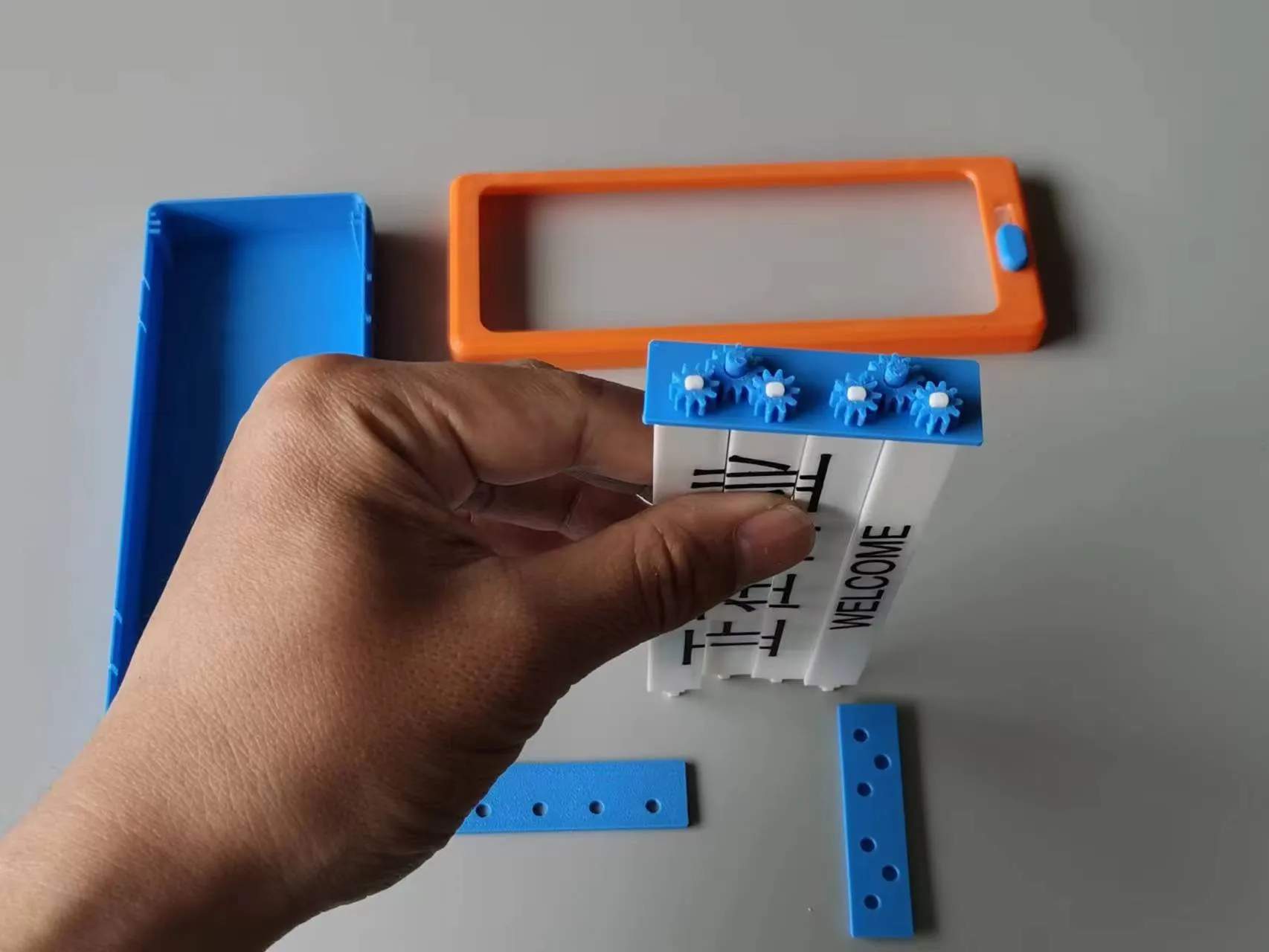
2. Install the gears as shown. First, install the four smaller gears, ensuring that the corresponding louvers are flush before installing the two larger gears. Misalignment here will prevent the louvers from aligning later. Make sure this step is done correctly first.
3. Install the gear box cover – this is easy.
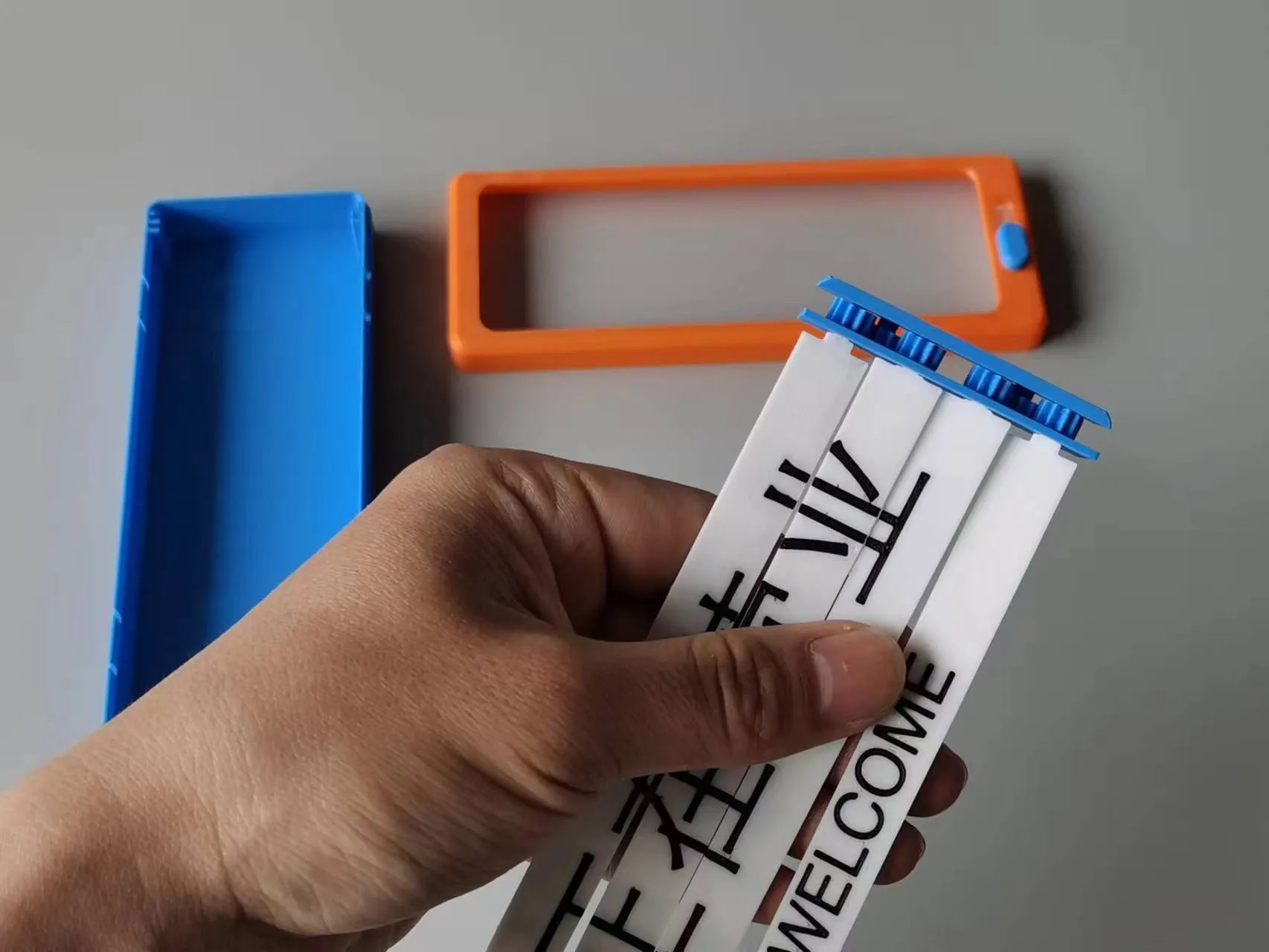
4. Install the left louver insert. It’s a little prone to coming apart; be patient. Once installed, it should look like this. Note the orientation of the left insert; look at the curves on each side to check. Try fitting it in first.
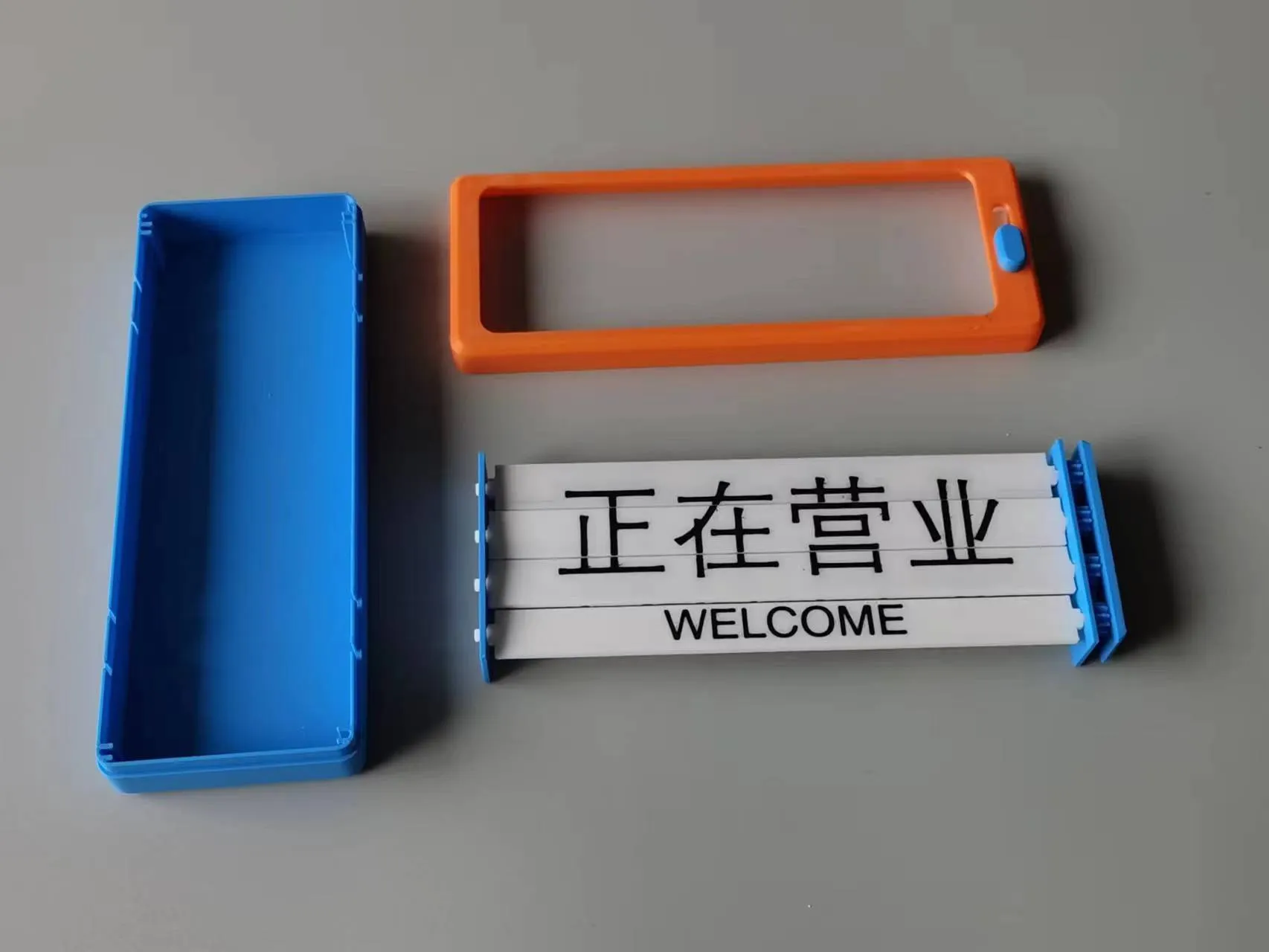
5. Insert the louver assembly. The slots align easily; just push it all the way in.
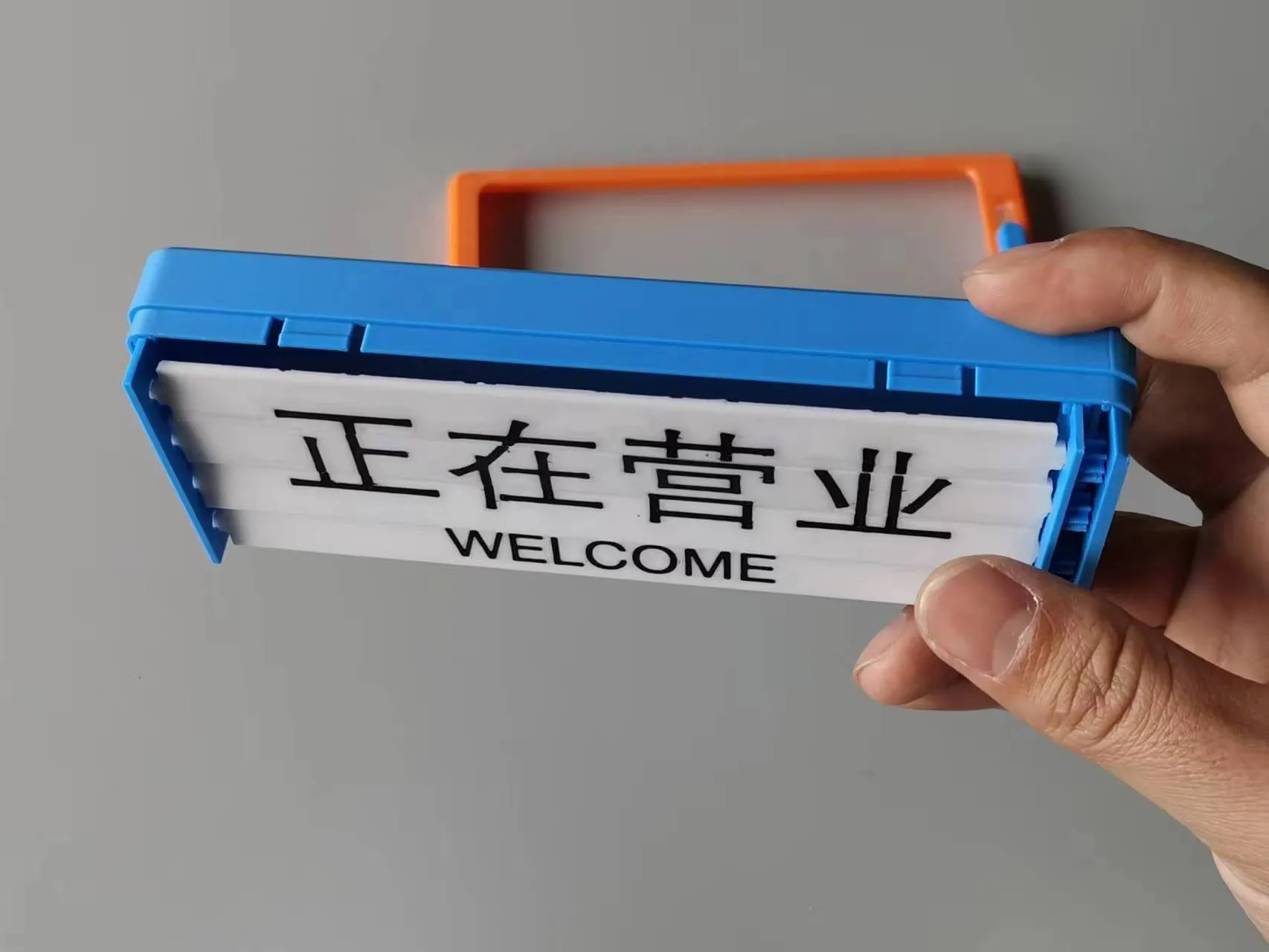
6. Adjust the louvers to be flush. Move the button to the bottom. Attach the front cover, ensuring the louvers remain flush. If not, you’ll see the issue; just take it apart and reassemble.
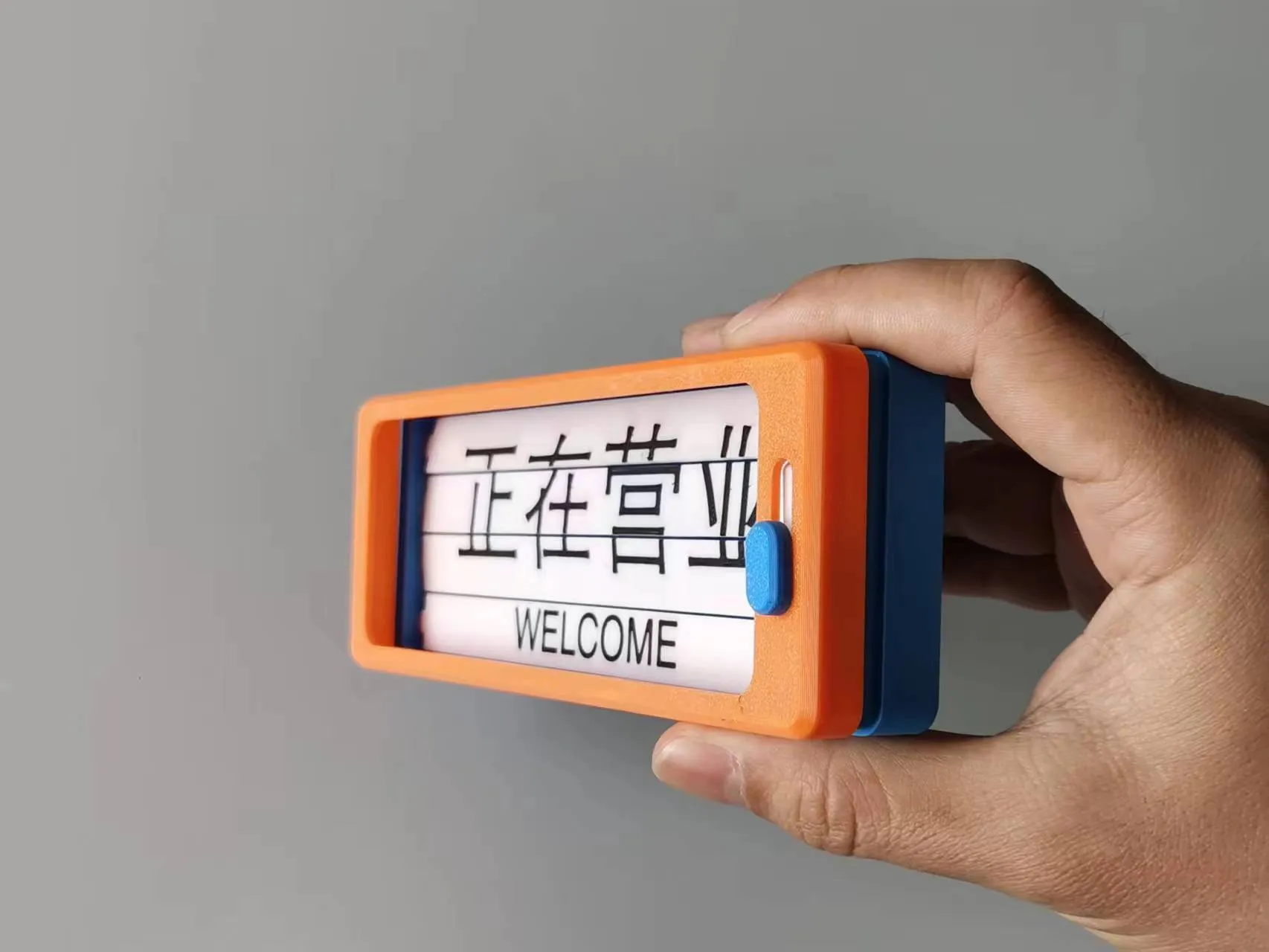
6. Finished
License

You shall not share, sub-license, sell, rent, host, transfer, or distribute in any way the digital or 3D printed versions of this object, nor any other derivative work of this object in its digital or physical format (including - but not limited to - remixes of this object, and hosting on other digital platforms). The objects may not be used without permission in any way whatsoever in which you charge money, or collect fees.


Comment & Rating (11)