
NFC Jukebox with ESP32, DFPlayer Mini and RC522
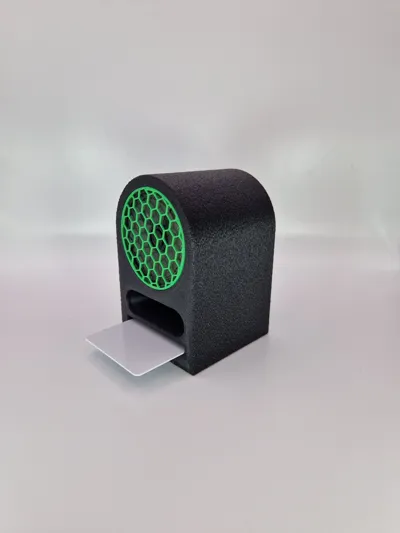
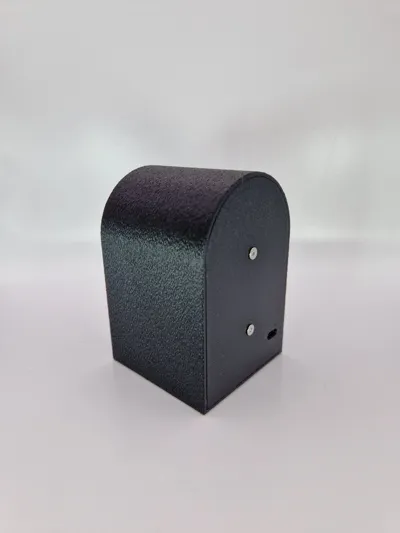
Print Profile(1)

Bill of Materials


- Speaker_8Ohm_0.5Watt_57mm x 1: https://www.amazon.de/gp/product/B00NWHF8G4/ref=ox_sc_act_image_1?smid=AQ1IBDB6G2RRD&psc=1
- RC522_without_presoldered_header x 1: https://www.amazon.de/gp/product/B074S8MRQ7/ref=ewc_pr_img_1?smid=A1X7QLRQH87QA3&psc=1
- Jumper x 1: https://www.amazon.de/gp/product/B0D91C4GF2/ref=ewc_pr_img_1?smid=A11EG882P3SP30&th=1
- ESP32_C3_super_mini x 1: https://www.amazon.de/gp/product/B0CPY6C7YL/ref=ewc_pr_img_2?smid=AQOJP59OJWBHK&psc=1
- DFPlayer x 1: https://www.amazon.de/gp/product/B07CRY9QTK/ref=ewc_pr_img_1?smid=A1X7QLRQH87QA3&th=1
Description
Please follow me IG: https://www.instagram.com/tc_toegel_creations/
Boost Me (for free)
💚 Love my creations? 💚 Show your support by giving me a like 👍, following me 🔔, downloading & printing my designs ⬇️, leaving a review ⭐, or boosting my work! 🚀 Every bit of support fuels my next creation. Thanks for being awesome!
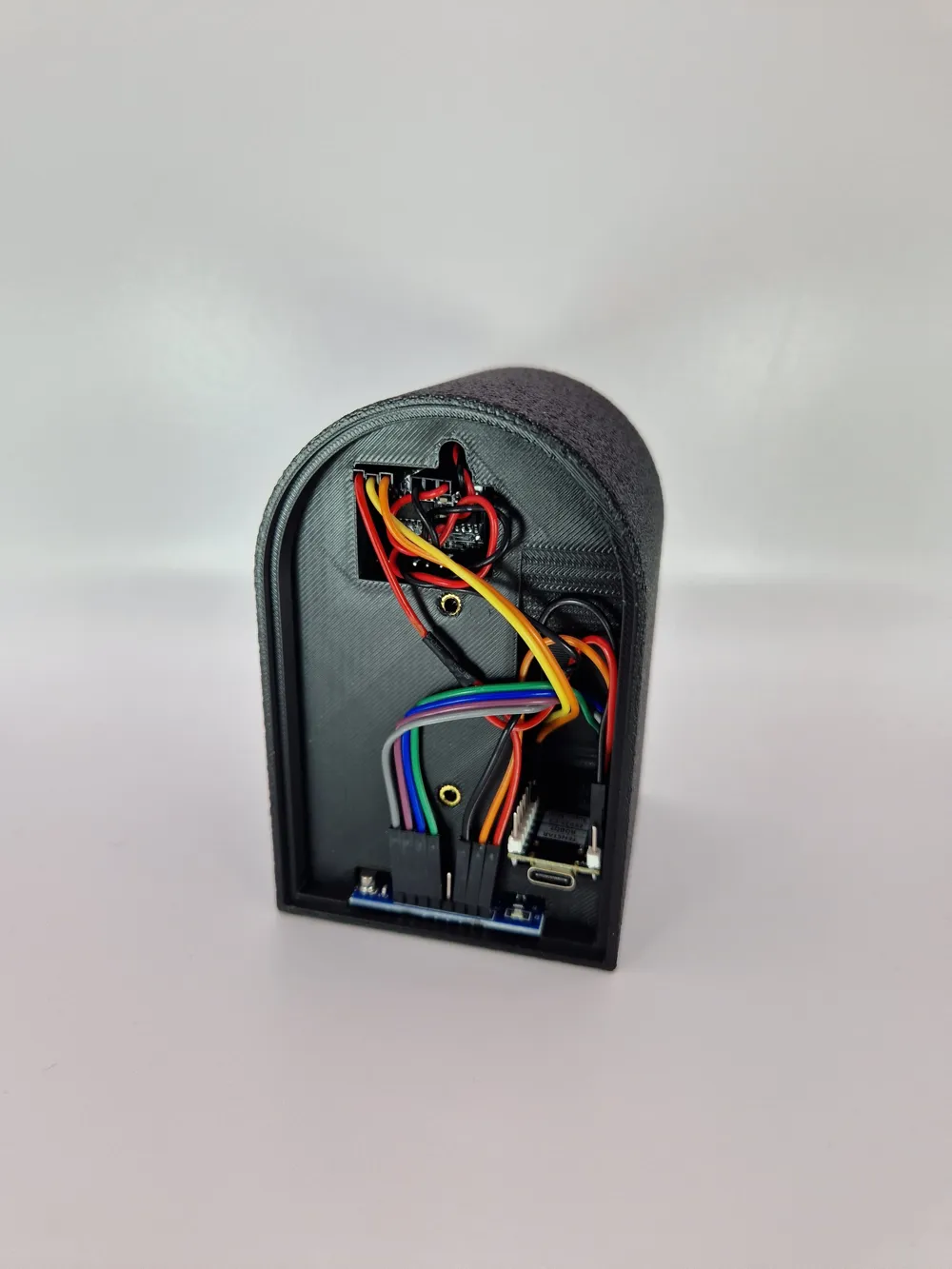
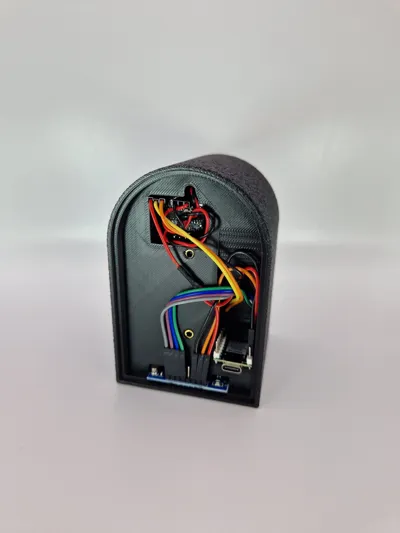
Wire diagram will follow soon !
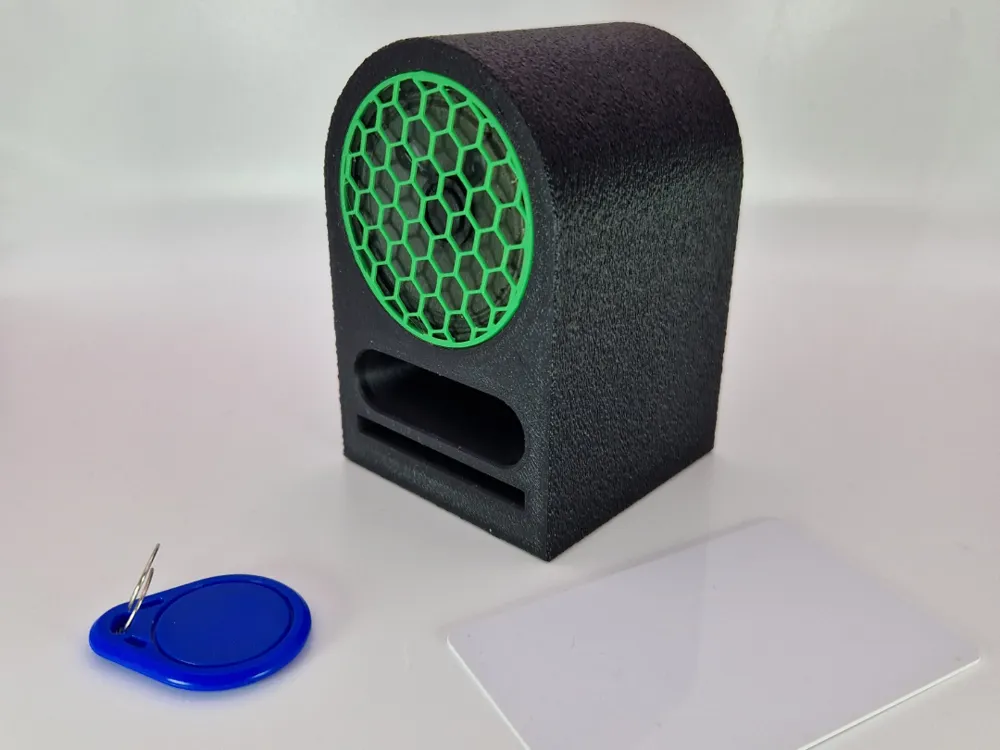
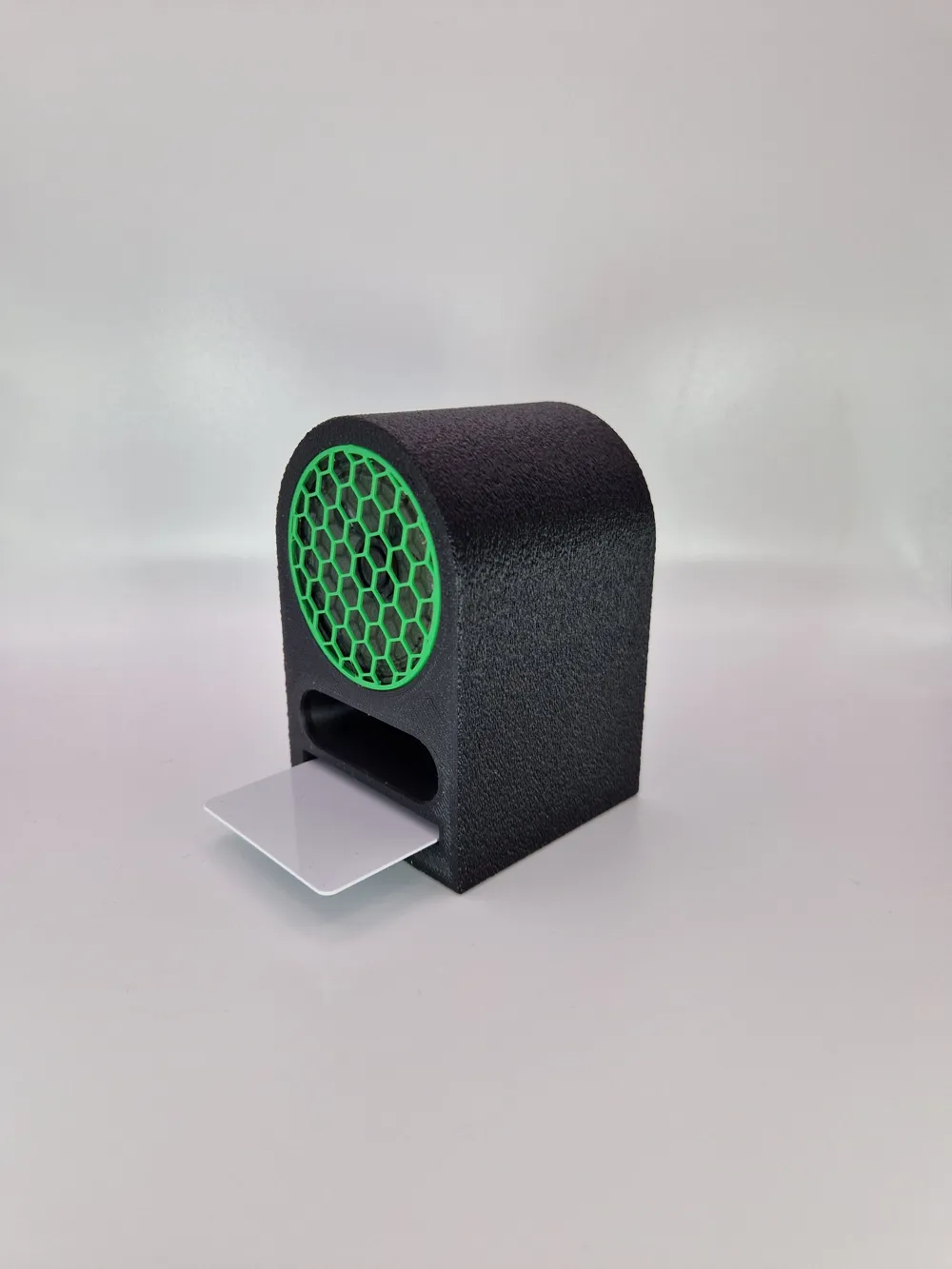
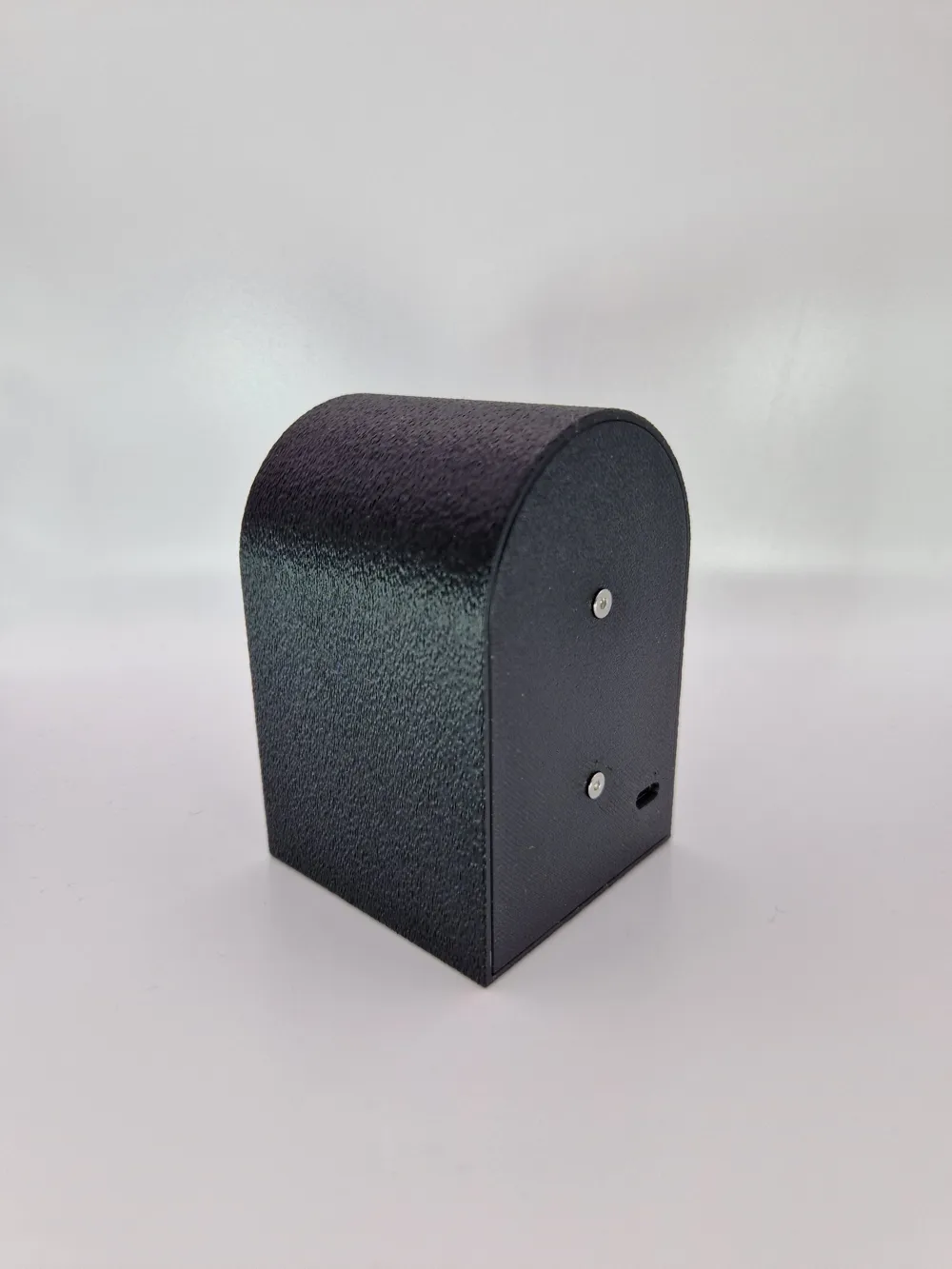
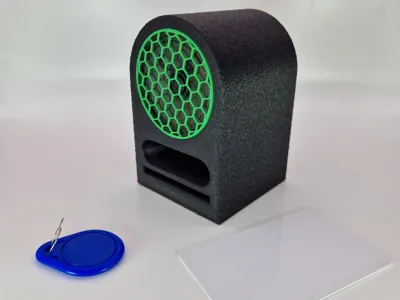
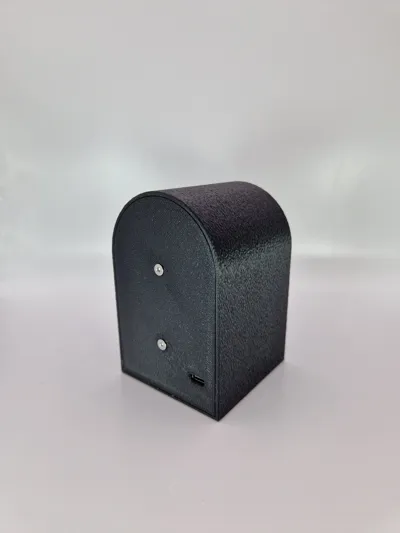
This project is a compact NFC-powered jukebox based on the ESP32-C3 Mini. It uses an RC522 NFC reader to scan RFID tags, which are mapped via a JSON file to trigger specific songs or entire folders on the SD card. The audio is played through a DFPlayer Mini connected to a small speaker – no AUX output needed.
Tracks are organized into folders (01 to 99) on the SD card, and named following the DFPlayer Mini format (001_xxx.mp3 to 255_xxx.mp3). NFC tags can be linked to a specific [folder, track] pair, or just to a folder to play full albums or playlists.
As an optional feature, a lightweight web interface allows for playback control over Wi-Fi, including Play/Pause, Next/Previous Track, and Volume adjustment.
This build is ideal for makers looking to create a standalone, physical music experience with simple NFC interaction and no need for a screen or smartphone.
Micropython Source Code in .zip :-)
Features:
- NFC control via RC522
- DFPlayer Mini handles audio playback from SD card
- Tags are mapped in a JSON file stored on the ESP32
- Folder and track selection per tag
- Optional web interface for remote control
- Standalone playback through connected speaker (no AUX)
Use cases:
- Kid-friendly jukebox
- Custom playlists with physical cards
- Embedded music stations for DIY installations
Hardware:
- ESP32-C3 Mini
- DFPlayer Mini (TX=21, RX=20)
- RC522 RFID Module (SCK=2, MOSI=1, MISO=0, CS=3, RST=4)
- SD card (with folders 01–99, tracks named 001_xxx.mp3 to 255_xxx.mp3)
- NFC tags (UIDs mapped to folders/tracks in JSON)
- Mini speaker or AUX output
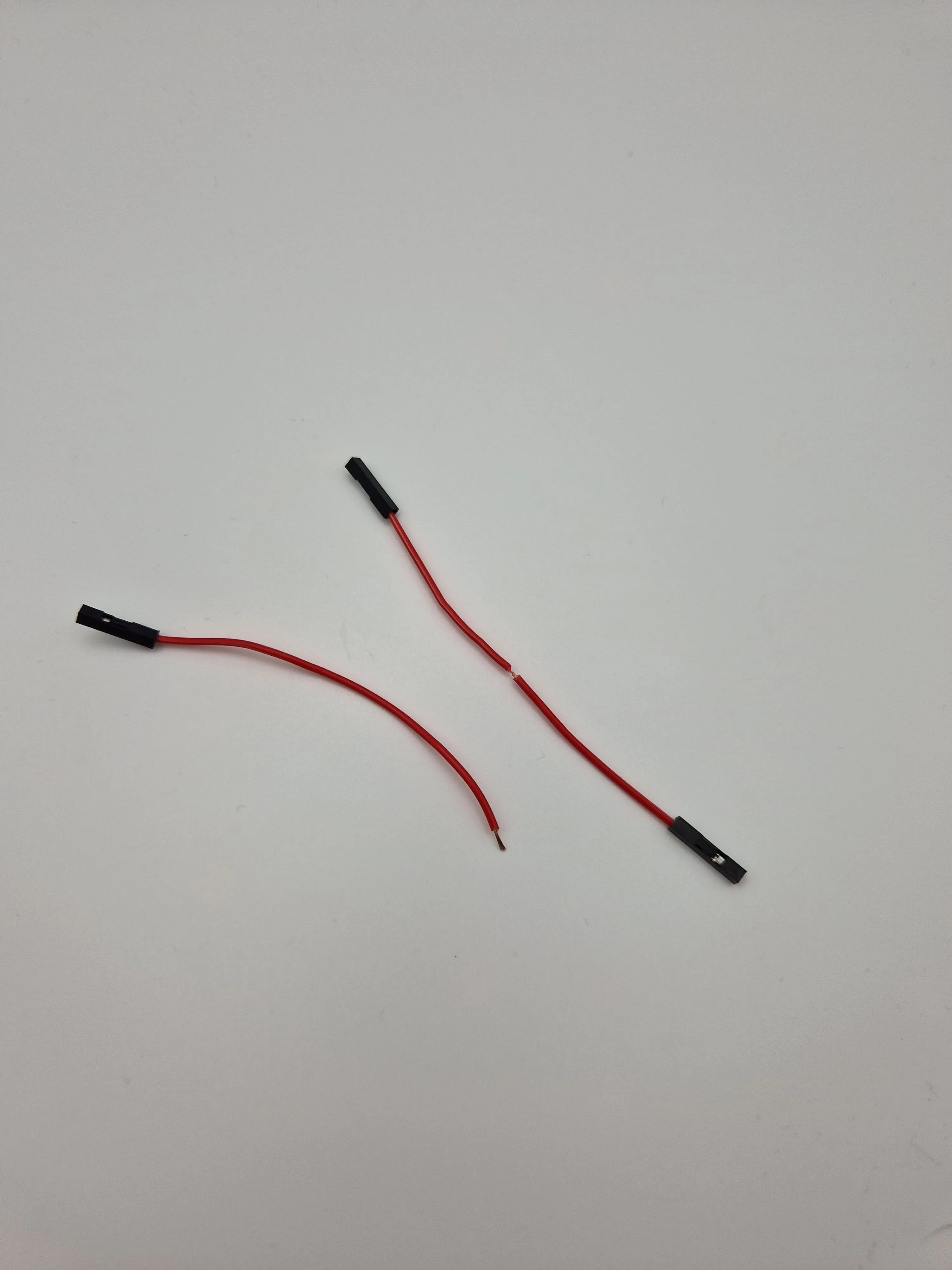
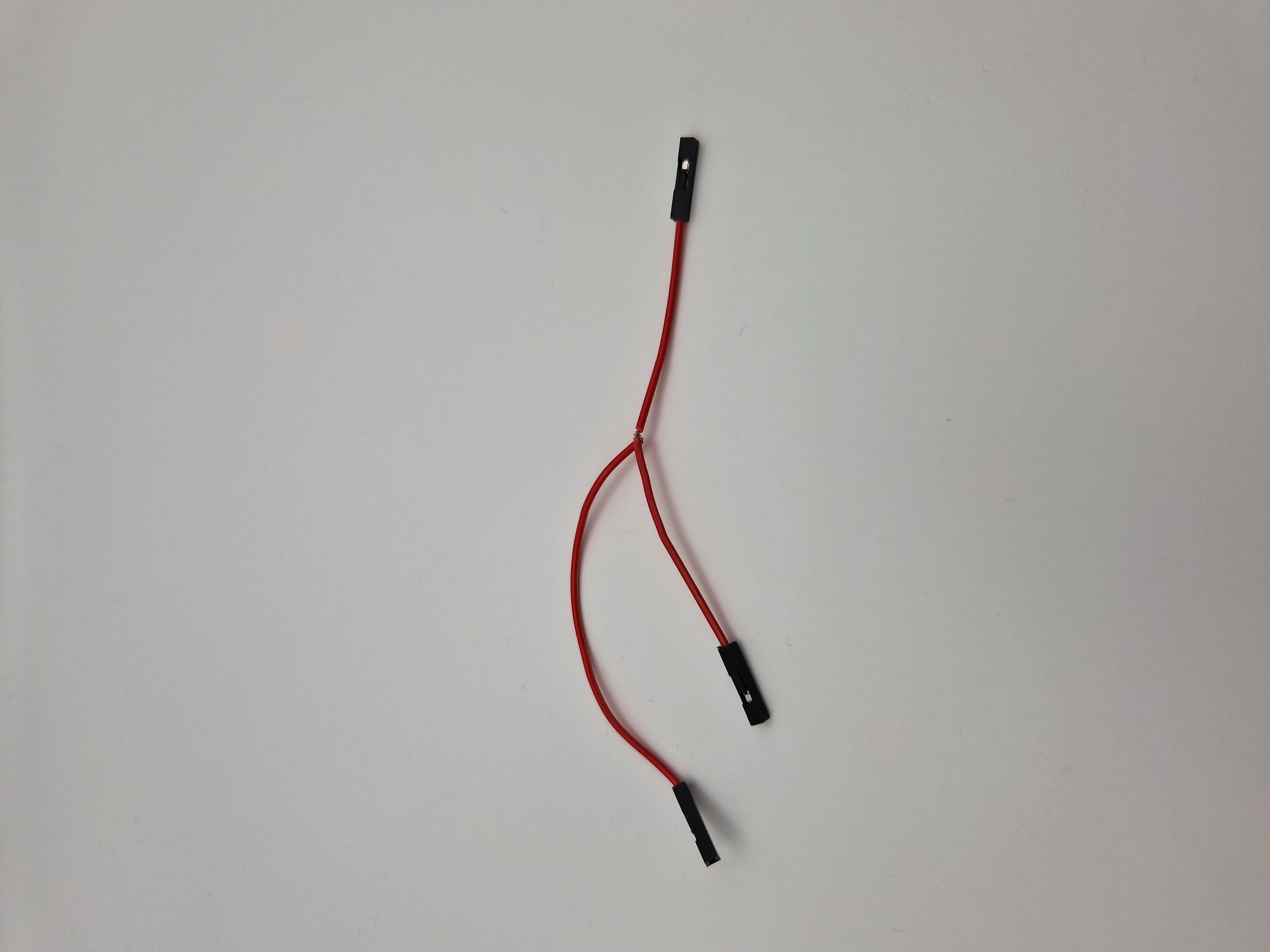
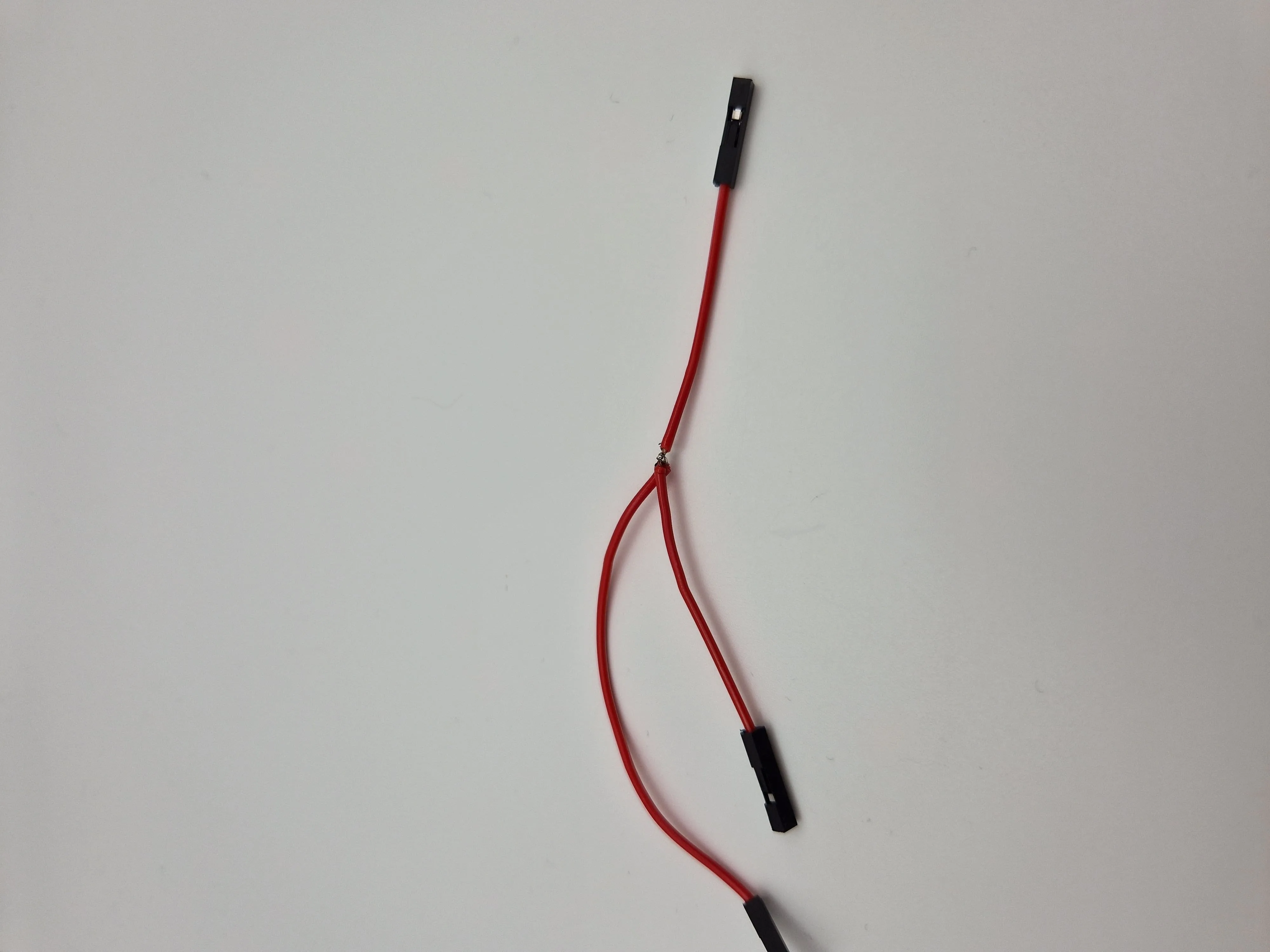
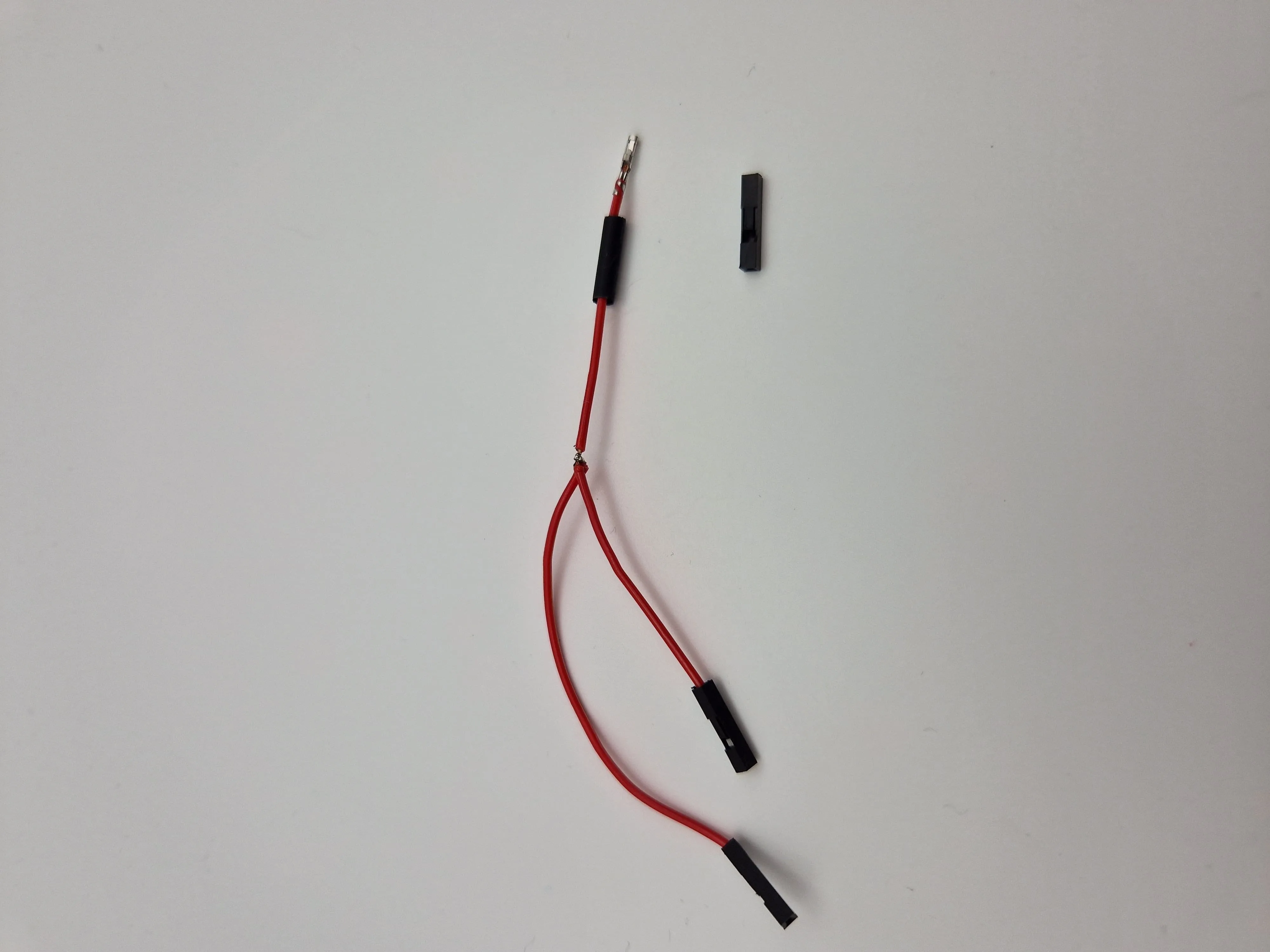
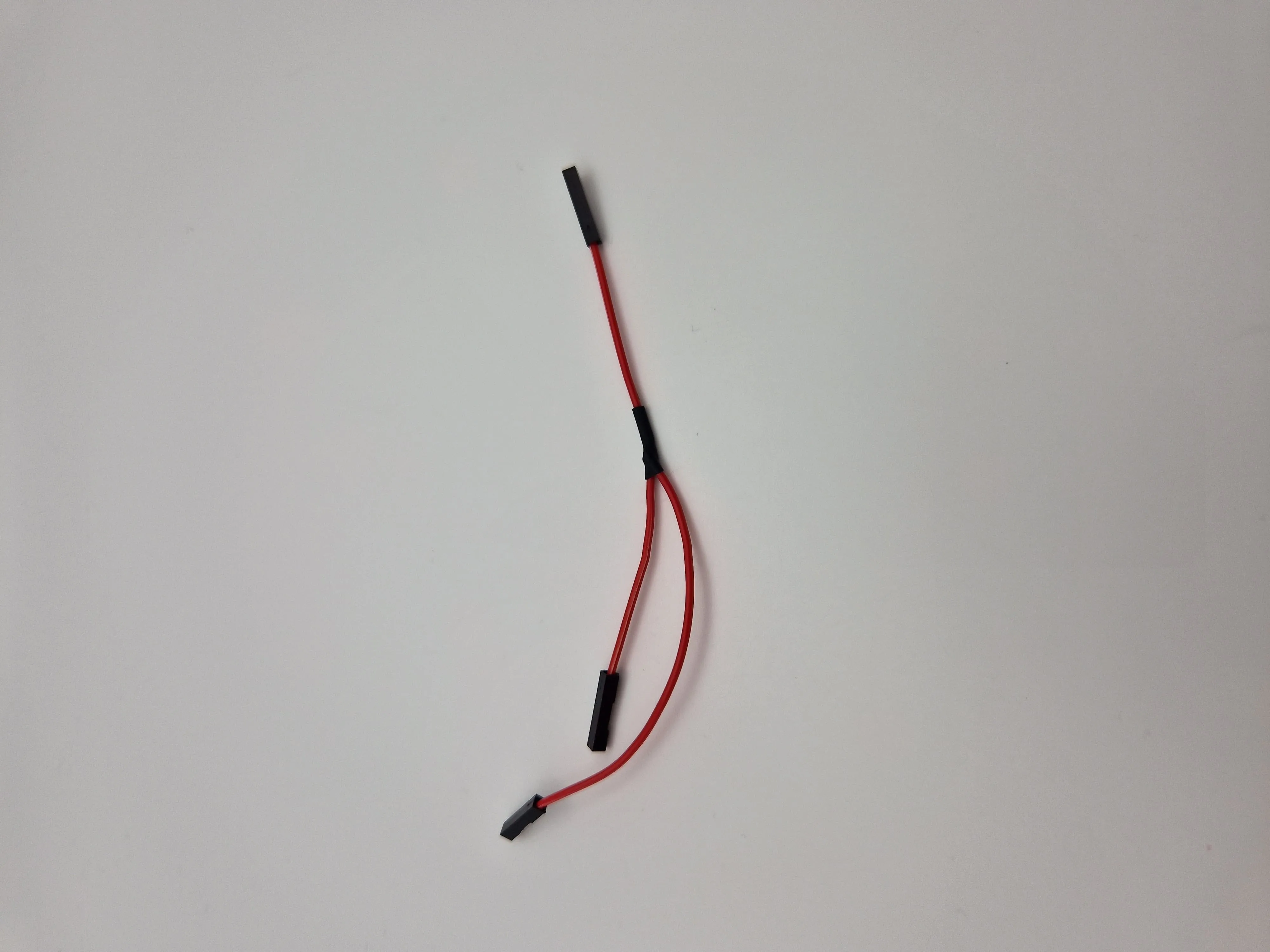
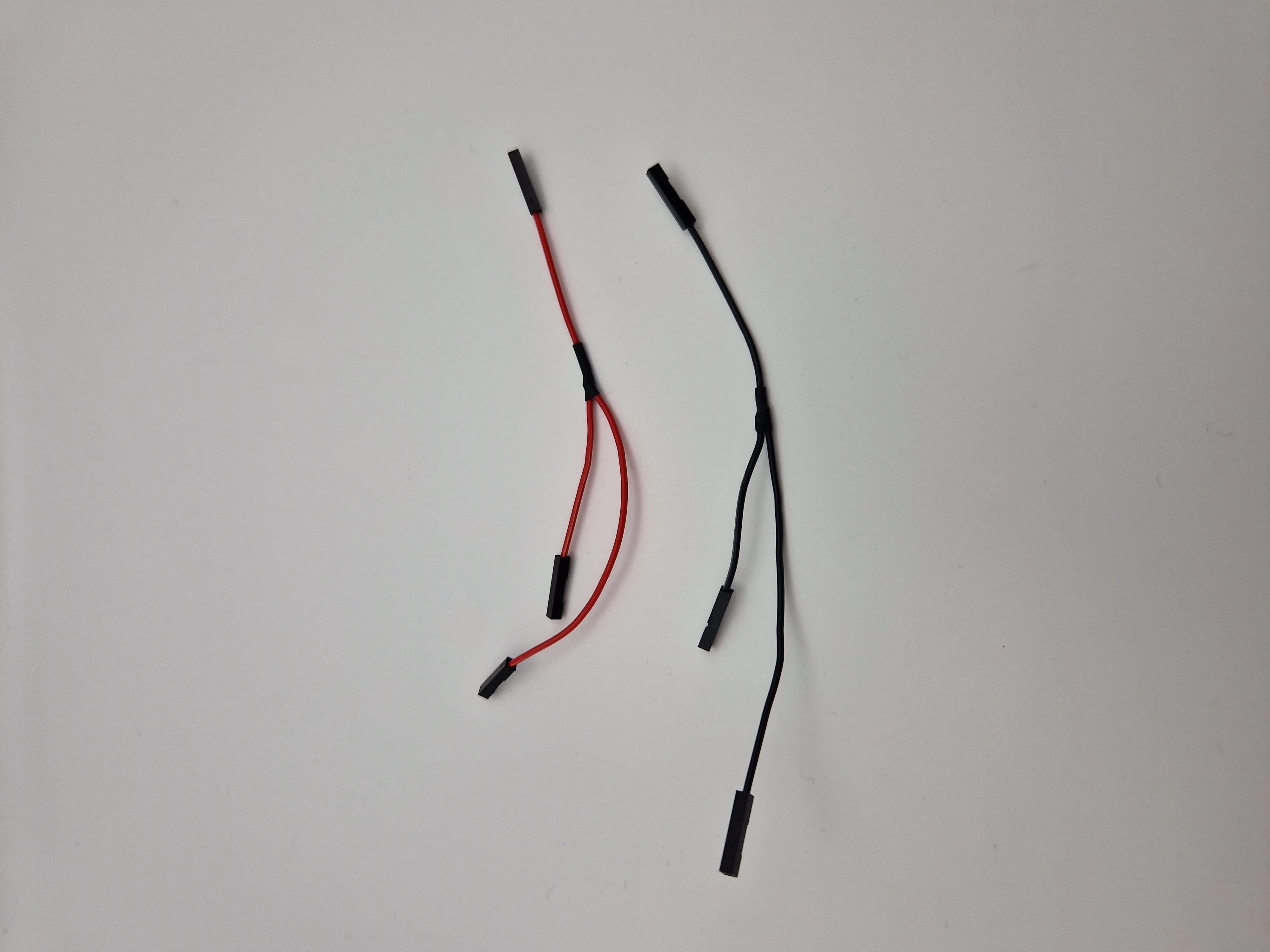
- 2x Y-Cable (see below for the 3.3V and GND)
🧰 MicroPython & File Upload with Thonny (short)
- Install Thonny: https://thonny.org
- Connect your ESP32-C3 via USB
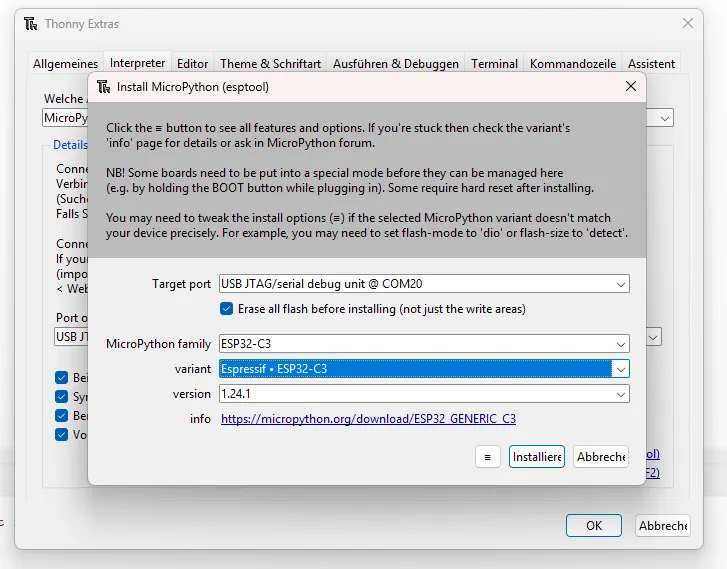
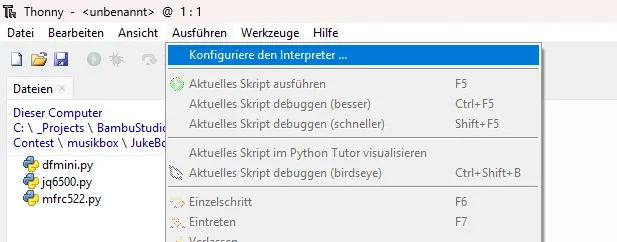
- In Thonny: Tools → Install MicroPython (ESP32)
- Board: ESP32-C3
- Select correct port
- Flash firmware
(if needed: hold BOOT + tap RESET to enter flash mode)
- Bottom-right: select MicroPython (ESP32)
- Open your scripts → File → Save as... → MicroPython device
- e.g. main.py, nfc_map.json, libraries
Tip: main.py runs automatically on boot.
📁 File Upload and Setup
Use Thonny to upload the following files to the ESP32-C3:
- dfmini.py – DFPlayer Mini driver
- mfrc522.py – RC522 NFC driver
- app.py – main application logic
- main.py – startup script
Upload each via:
File → Save as... → MicroPython device
The file nfc_map.json will be auto-generated on first boot if it doesn't exist.
It can be edited and saved directly on the controller later (e.g. using Thonny or WebREPL).
🎵 Music File Setup (SD Card)
- Create folders 01 to 99 on the SD card
- Name files like 001_song.mp3 to 255_track.mp3
- Place music or albums inside the corresponding folders
- Map NFC tags to [folder] or [folder, track] via nfc_map.json
Example:
{
"0487CD44A8": [2],
"04A3BC1F22": [3, 5]
}
Y-Cable
That’s it – once set up, tapping a tag will play music instantly!
Membership
☕Would you buy me a coffee? ☕ 💸Or interested in a commercial licenz?💸
Documentation (1)
License

You shall not share, sub-license, sell, rent, host, transfer, or distribute in any way the digital or 3D printed versions of this object, nor any other derivative work of this object in its digital or physical format (including - but not limited to - remixes of this object, and hosting on other digital platforms). The objects may not be used without permission in any way whatsoever in which you charge money, or collect fees.


Comment & Rating (7)