
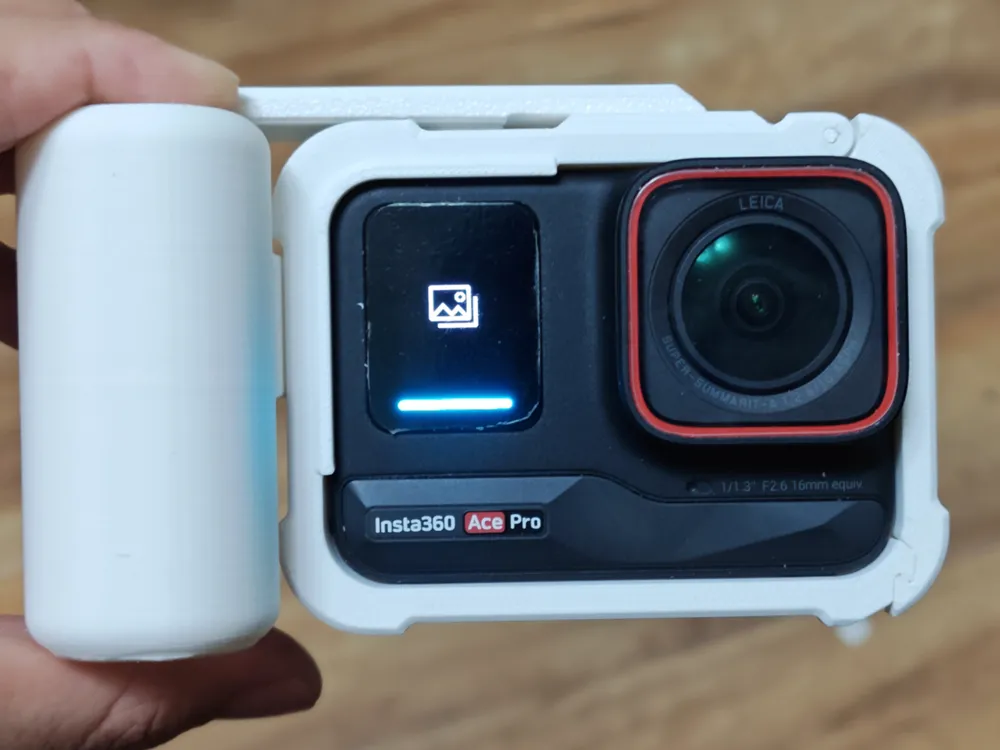
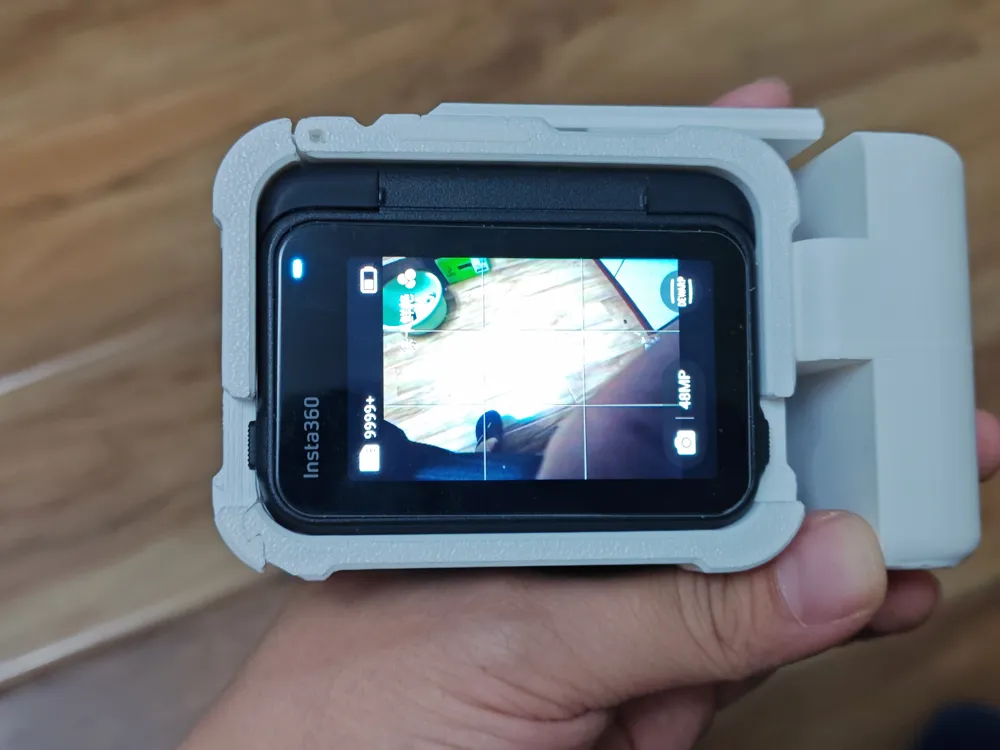
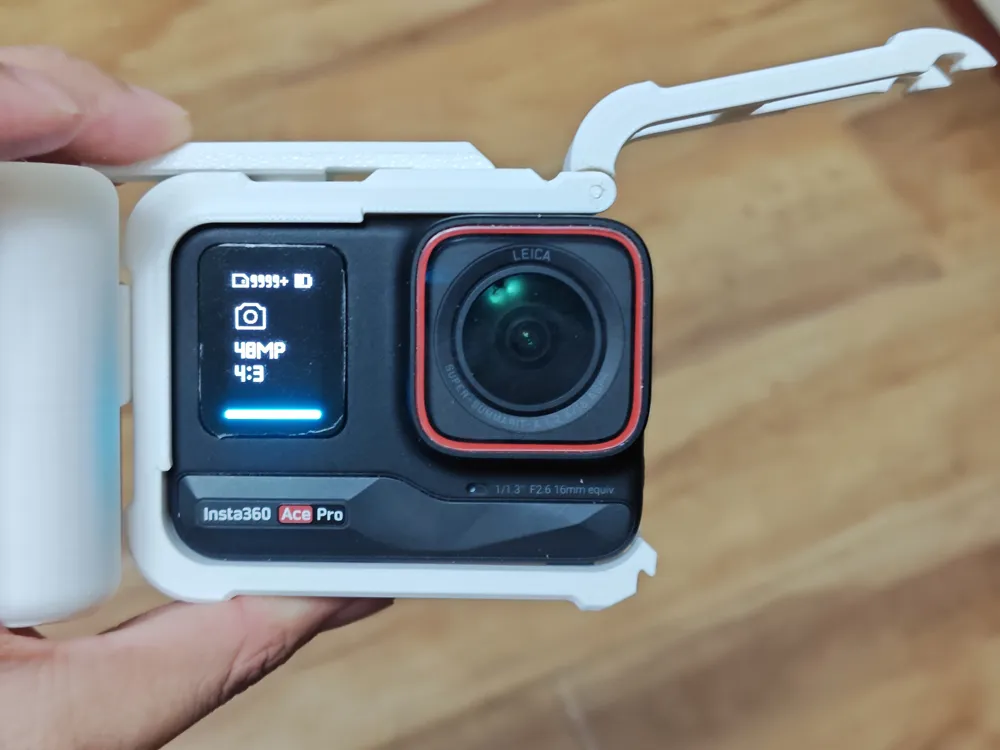
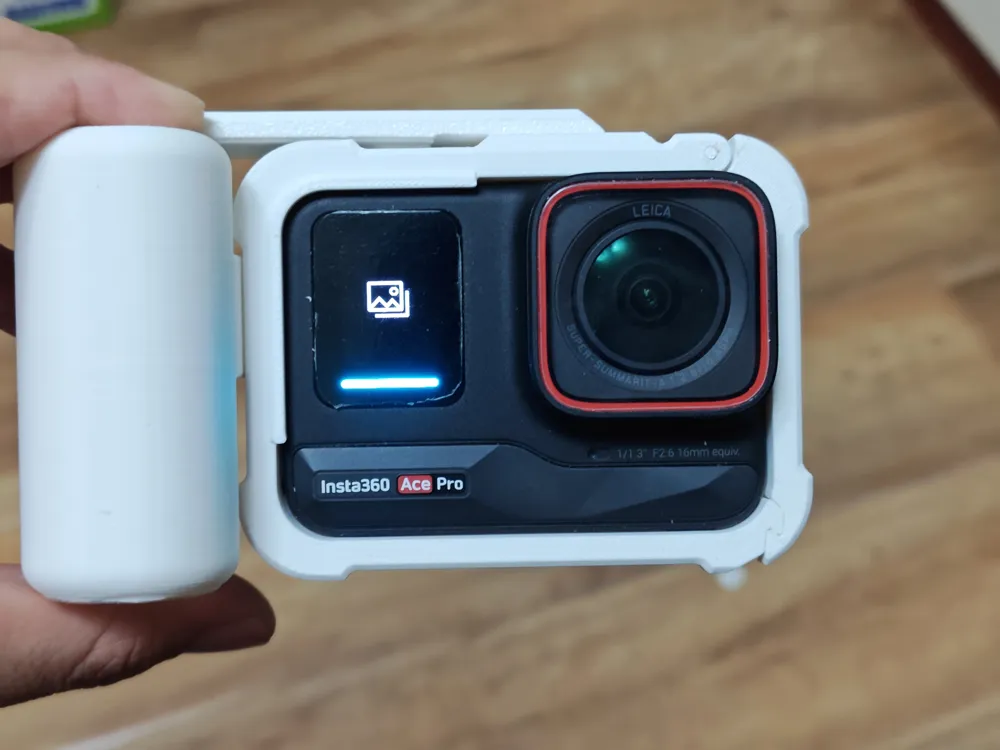
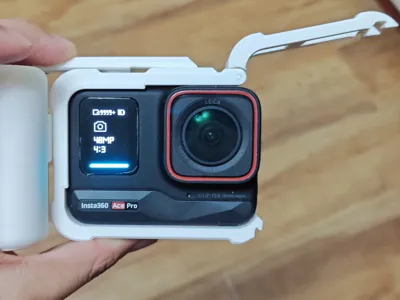
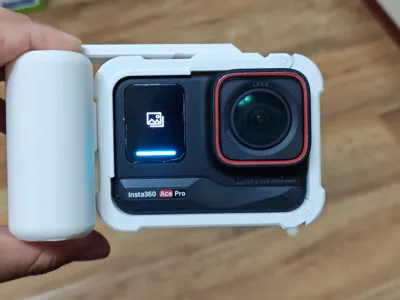
Insta360 Ace Pro street photography kit, cage, and handle 3D printed version
Print Profile(1)
Description
Version 2 supporting screen reversal is now online, please visit my homepage to check it out
Note: Some areas require sanding, please read this description completely, do not attempt if you lack the necessary tools, negative reviews are truly unwelcome.
Note: Some areas require sanding, please read this description completely, do not attempt if you lack the necessary tools, negative reviews are truly unwelcome.
Note: Some areas require sanding, please read this description completely, do not attempt if you lack the necessary tools, negative reviews are truly unwelcome.
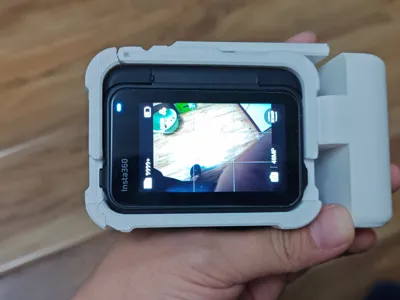
The assembly comprises a cage and a handle.
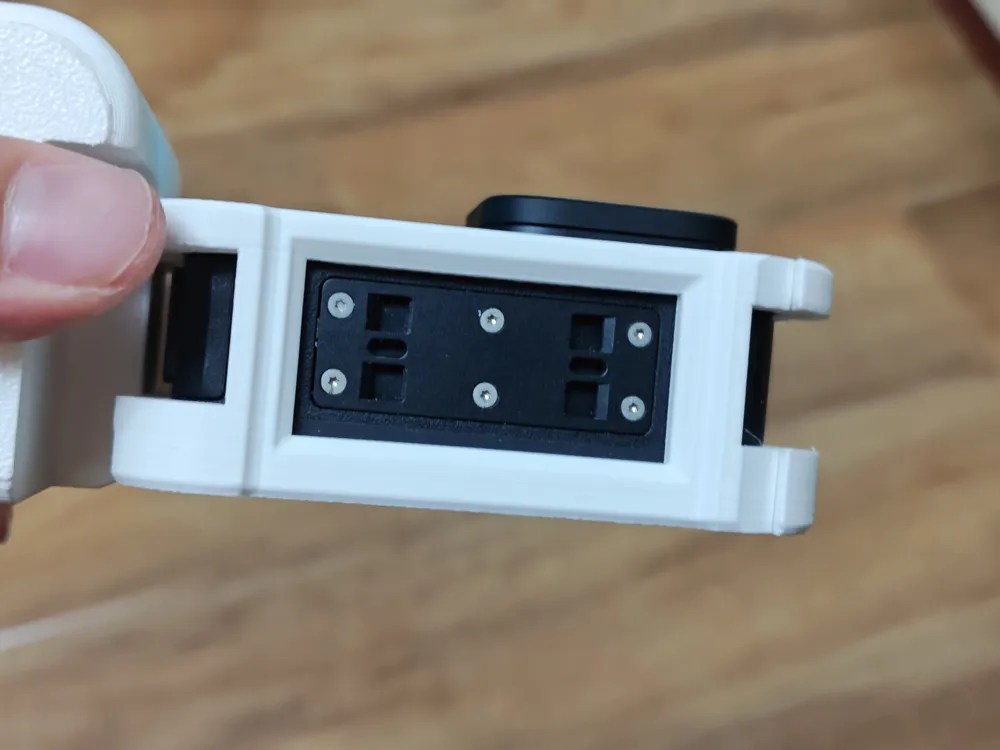
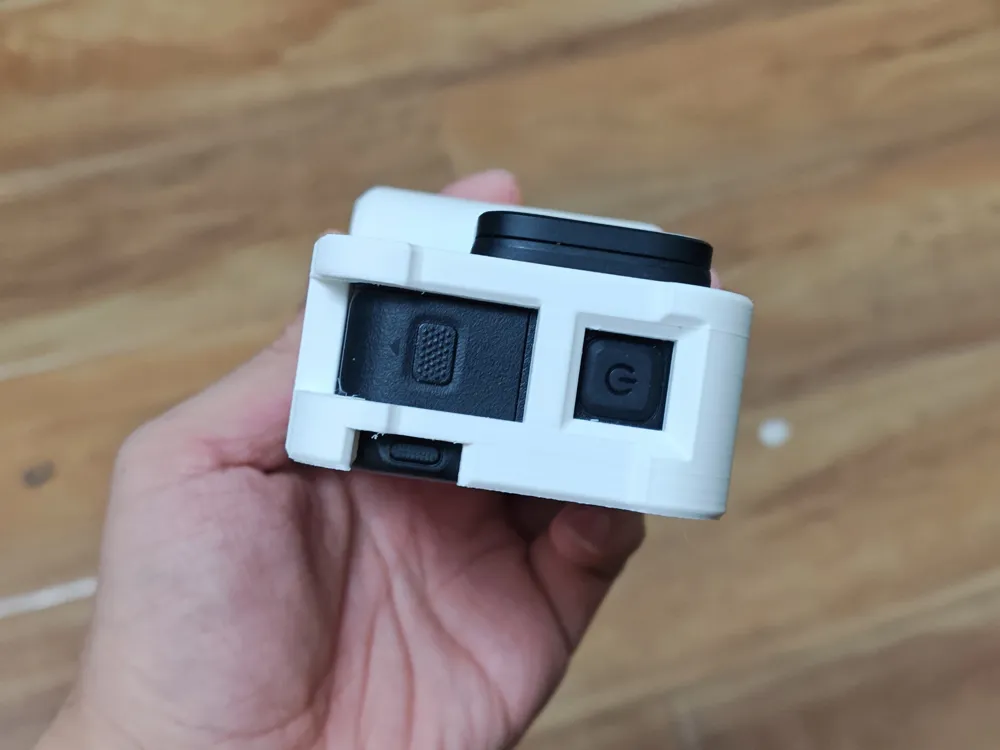
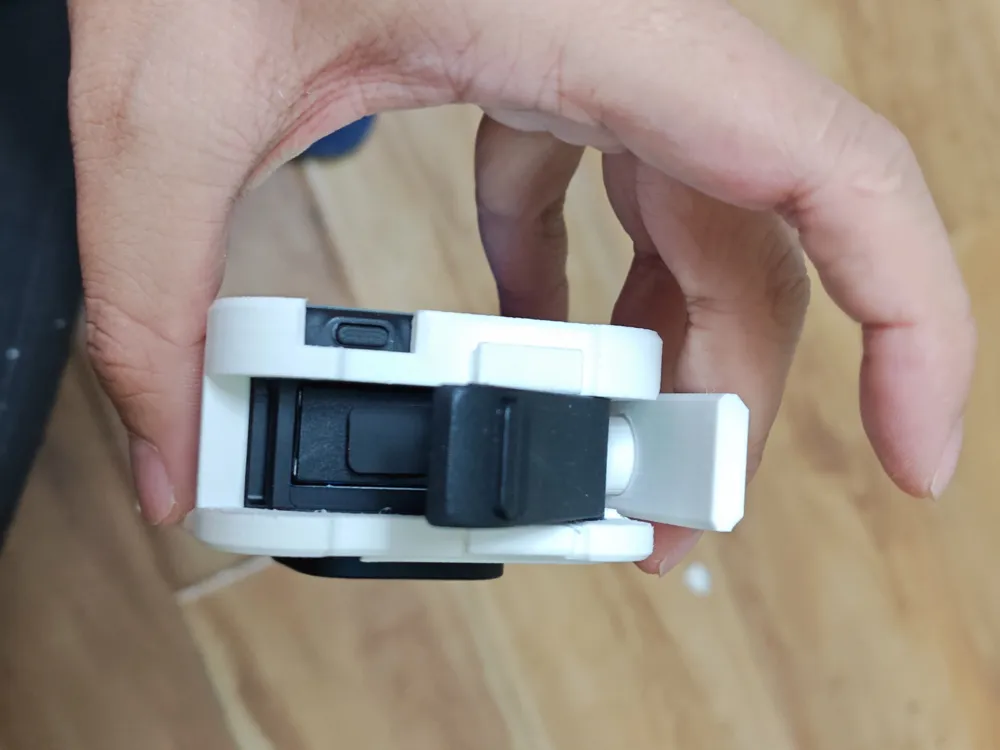
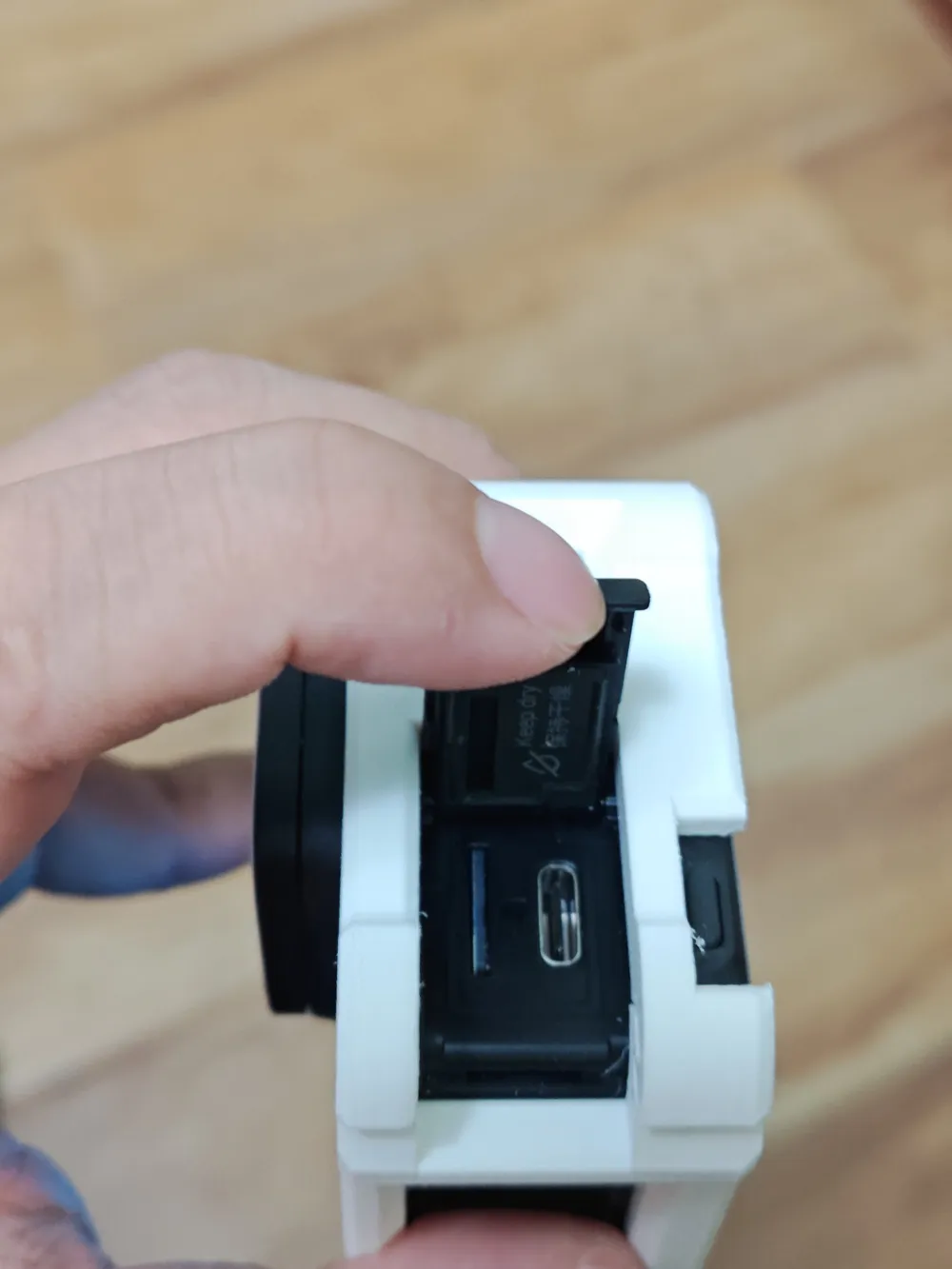
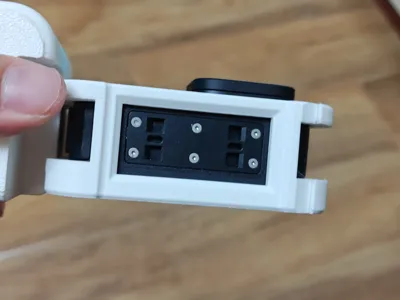
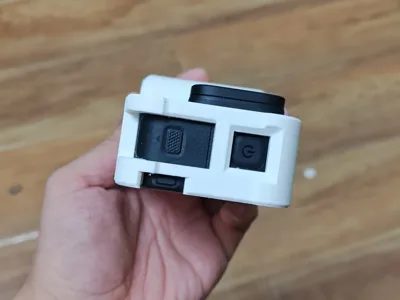
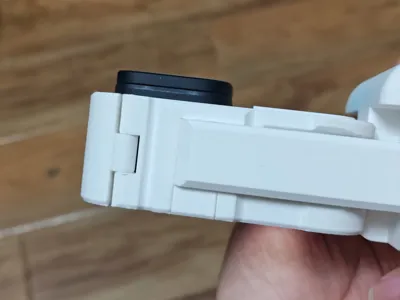
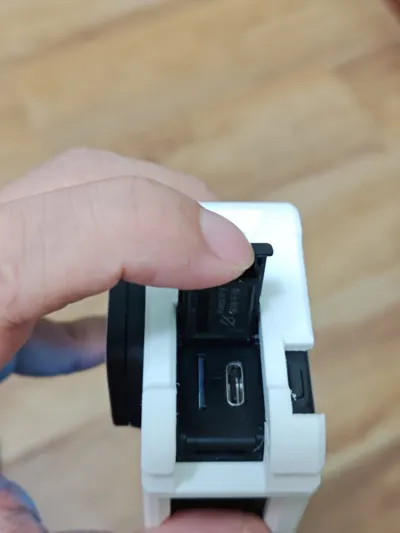
- The cage utilizes a side-opening mechanism secured by latches. The cage incorporates openings for the battery, power button, etc., allowing battery replacement, charging, and quick-release base connection without cage removal.
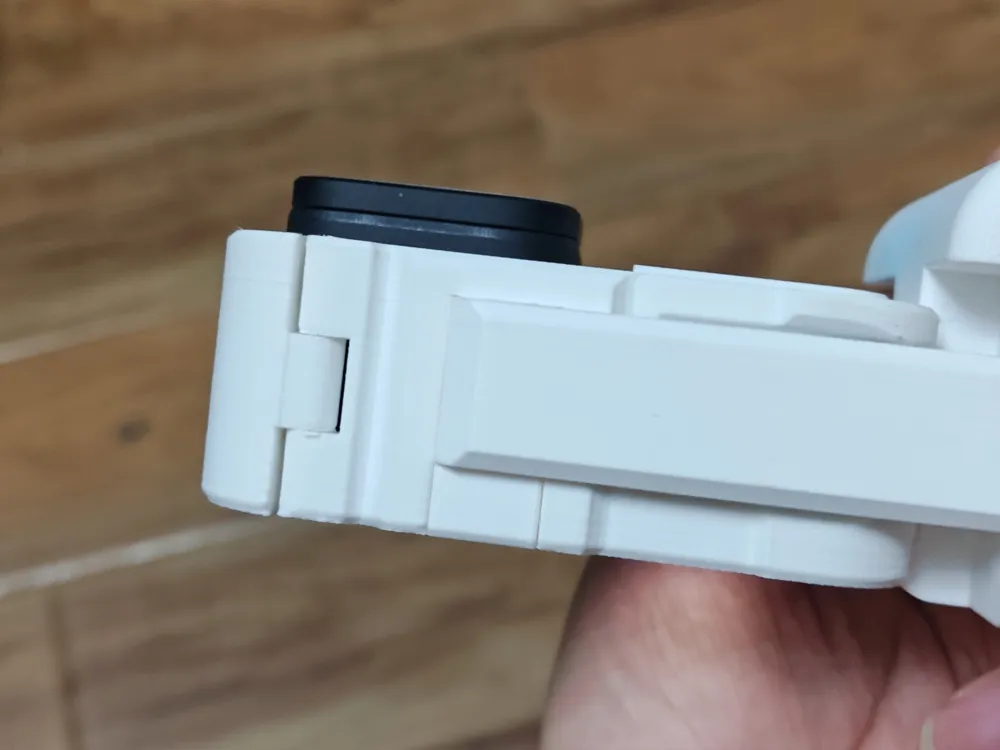
- The cage frame and side cover are connected by a 1.75 filament acting as a pivot. Placement influences hole precision; therefore, the holes are intentionally smaller, a necessary compromise. Hence, drilling and sanding with a small electric drill is required here.
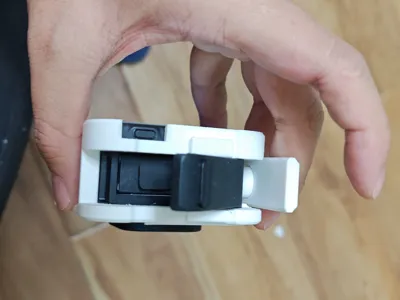
- The shutter plate and shutter button are printed separately for easy installation.
- The handle connects to the cage via a sliding mechanism. Meticulous sanding is necessary here, but avoid over-sanding to maintain secure connection.
Installation sequence:
- Sand the handle and cage connection points first.
- Complete the installation of the cage frame and openings.
- Attach the shutter plate to the cage.
- Attach the shutter button to the shutter plate.
- Install the handle.
License

You shall not share, sub-license, sell, rent, host, transfer, or distribute in any way the digital or 3D printed versions of this object, nor any other derivative work of this object in its digital or physical format (including - but not limited to - remixes of this object, and hosting on other digital platforms). The objects may not be used without permission in any way whatsoever in which you charge money, or collect fees.


Comment & Rating (23)