

Print Profile(7)




Description
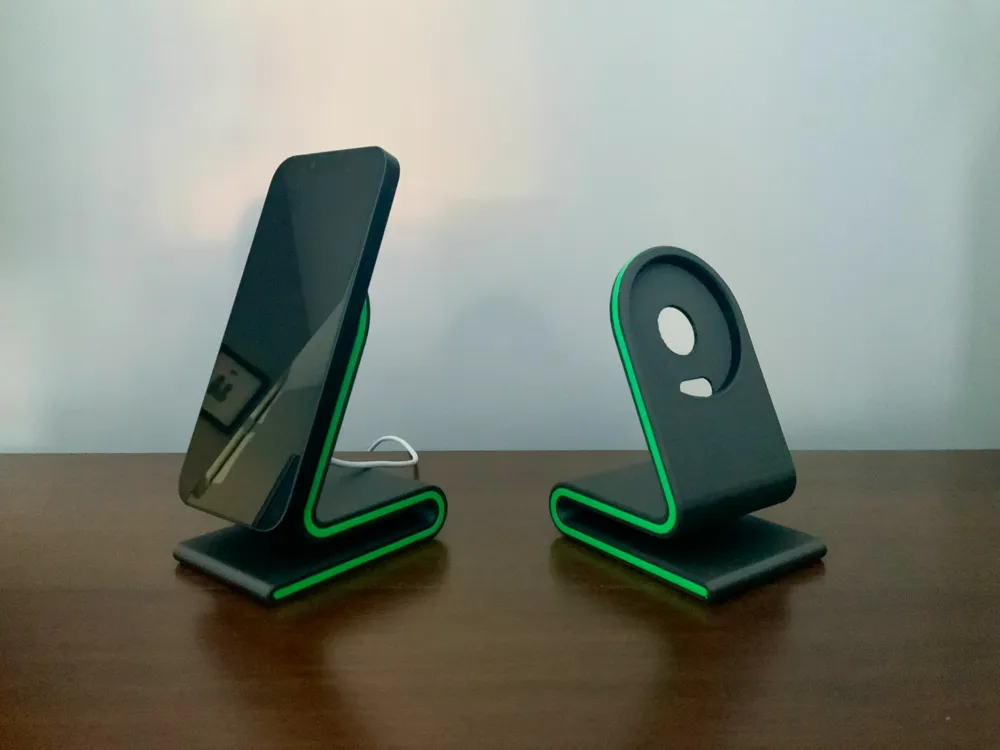
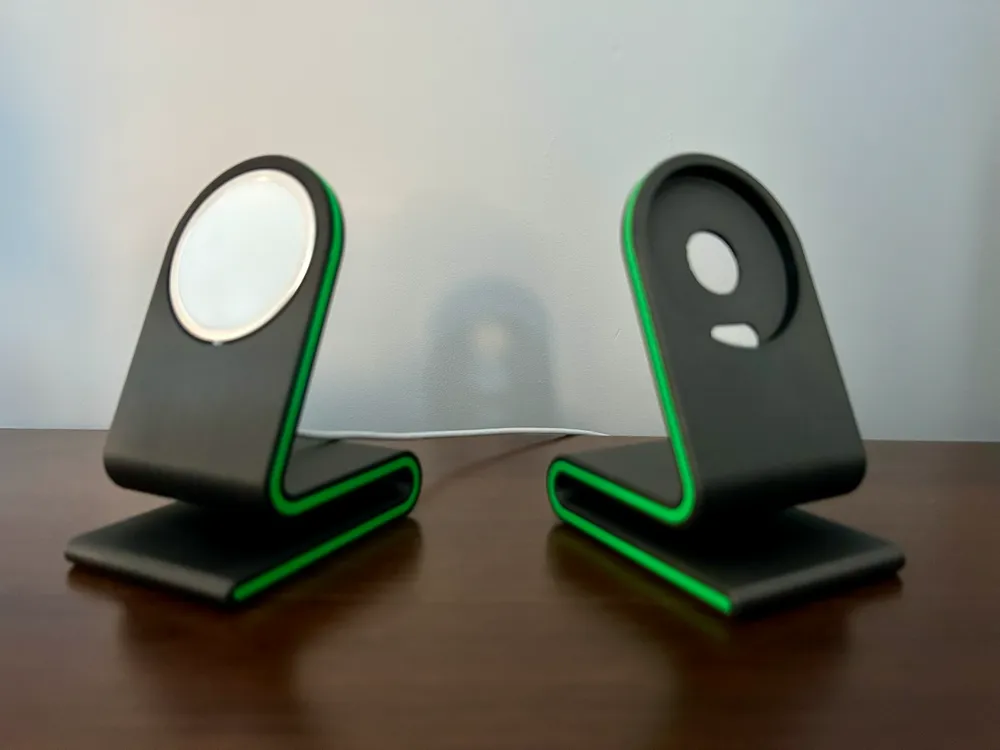
Sorry it has taken so long - added an official Apple MagSafe version
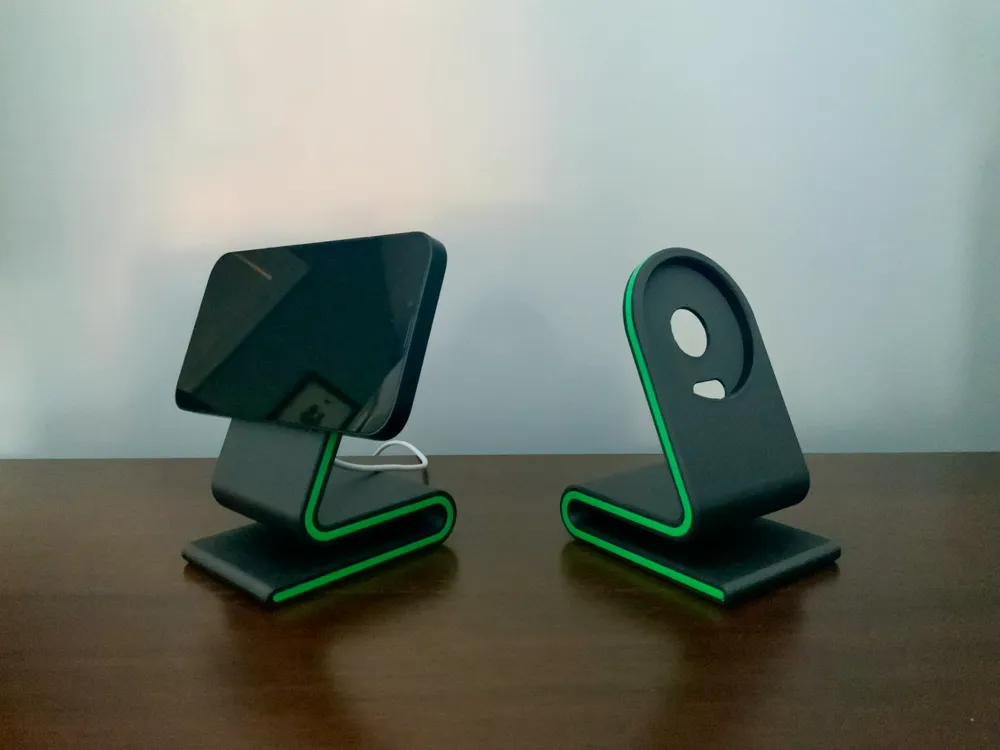
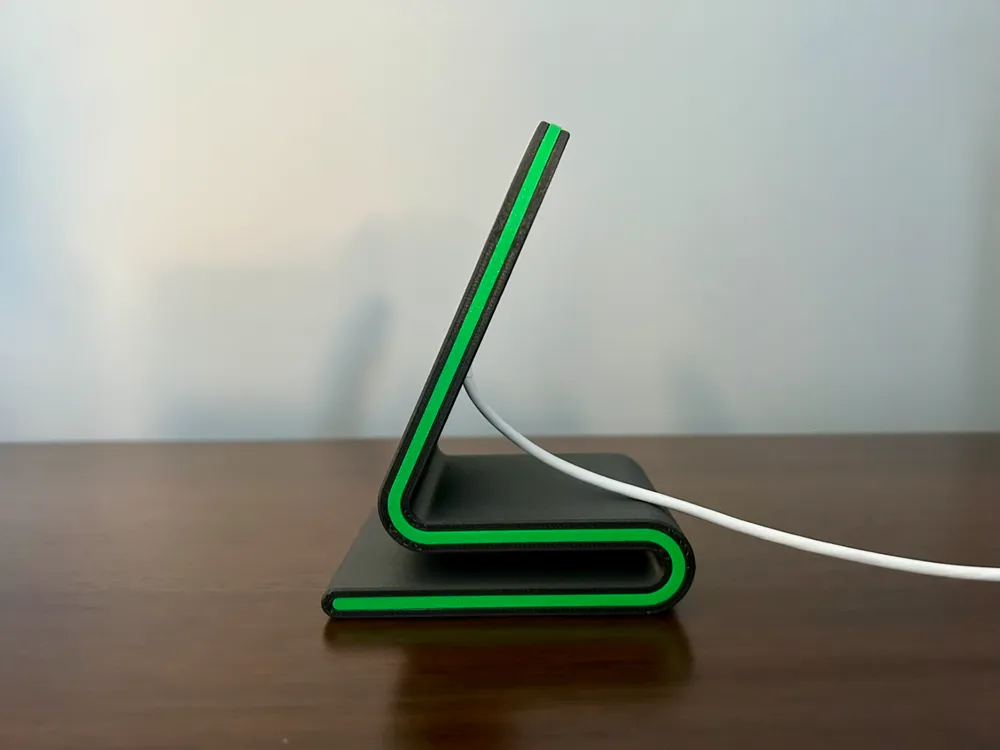
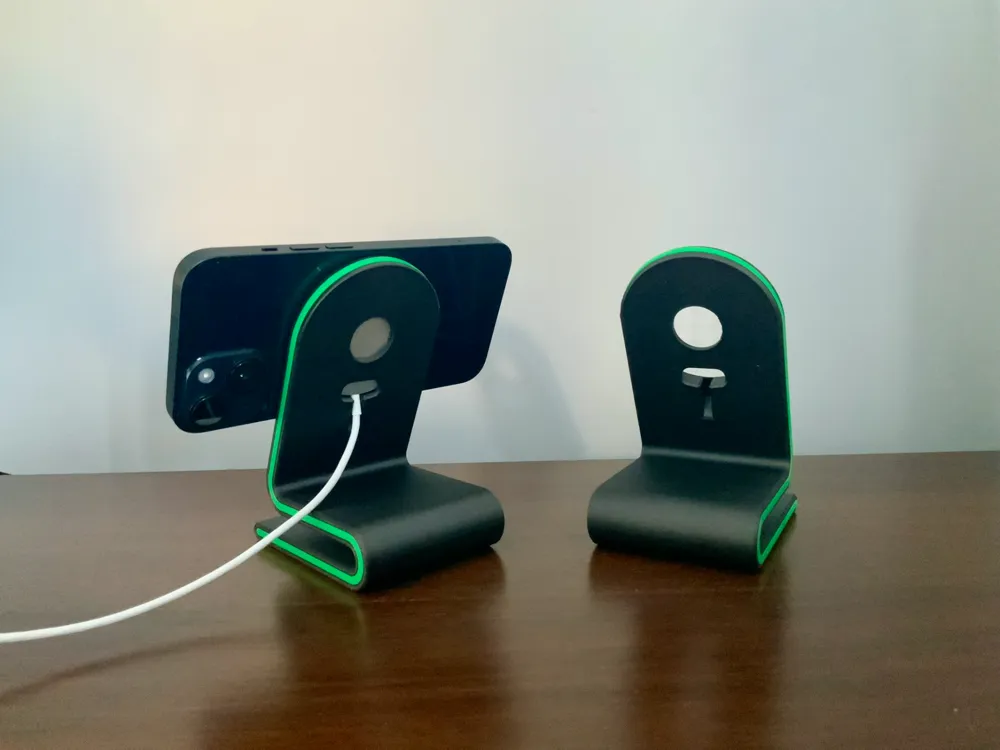
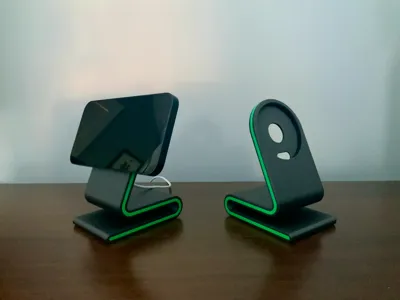
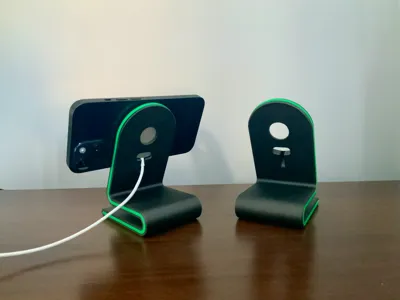
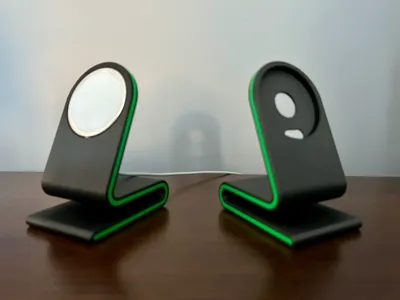
The MagSafe stand is designed to hold the phone with or without a case. The accent for the sides is printed separately and fitted in after being printed.
MagSafe puck I used for this design is
Magsafe puck needs to be secured with double-side tape
Hopefully, the dimensions for other models will be similar.
No AMS is needed for dual-color print.
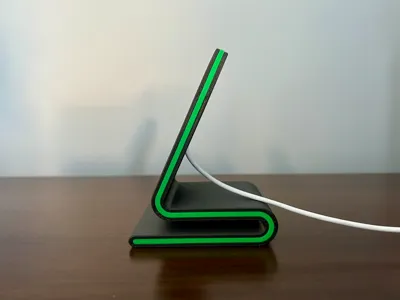
The accent is a push-fit design that fits into the side profile and then wraps around the top of the stand to be fitted on the other side.
It took a while to get this correct and the only way I could get a seamless tidy fit was to print the wrap-around section at the height of 3 layers printed at 0.16mm. This gives enough flexibility but can crease if not assembled correctly.
It is recommended to fit one side flush into the stand and then carefully wrap around the top profile before securing into the other side. I think it works quite well but any feedback on the accent design would be welcome.
I also recommend using my print profile for the stand itself or make sure you print at 0.12mm (first layer 0.16mm) with tree supports. This will ensure that the radius closest to the bed prints as well as possible.
Accent should be printed at 0.16mm with 4 wall loops for it to work correctly, I found a brim wasn't necessary (but it's up to you). I would recommend turning off the Aux fan on P1S and X1 printers to prevent it from warping when printing in PLA.
I tried a square design with a radius but this doesn't allow you to rotate the phone from portrait to landscape (or vice-versa) without it fowling on the camera bump. However, if you want a version like that then it can be done and it makes the accent design and printing quality to be flawless.
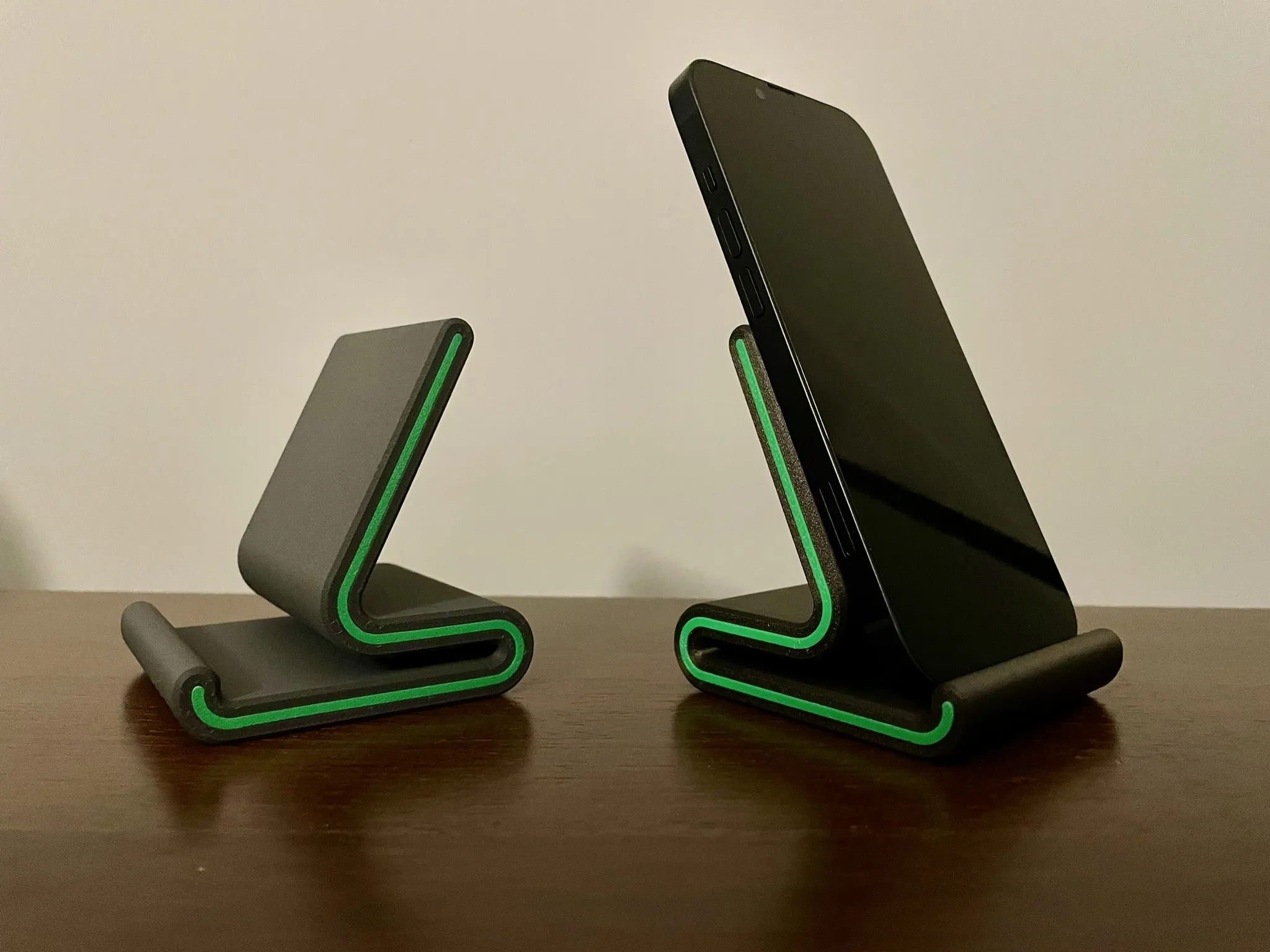
If you like this design I also have a version without MagSafe and an Apple watch Stand to complete the range.
https://makerworld.com/en/models/127277#profileId-137702
https://makerworld.com/en/models/137254#profileId-149348

License



Comment & Rating (714)