
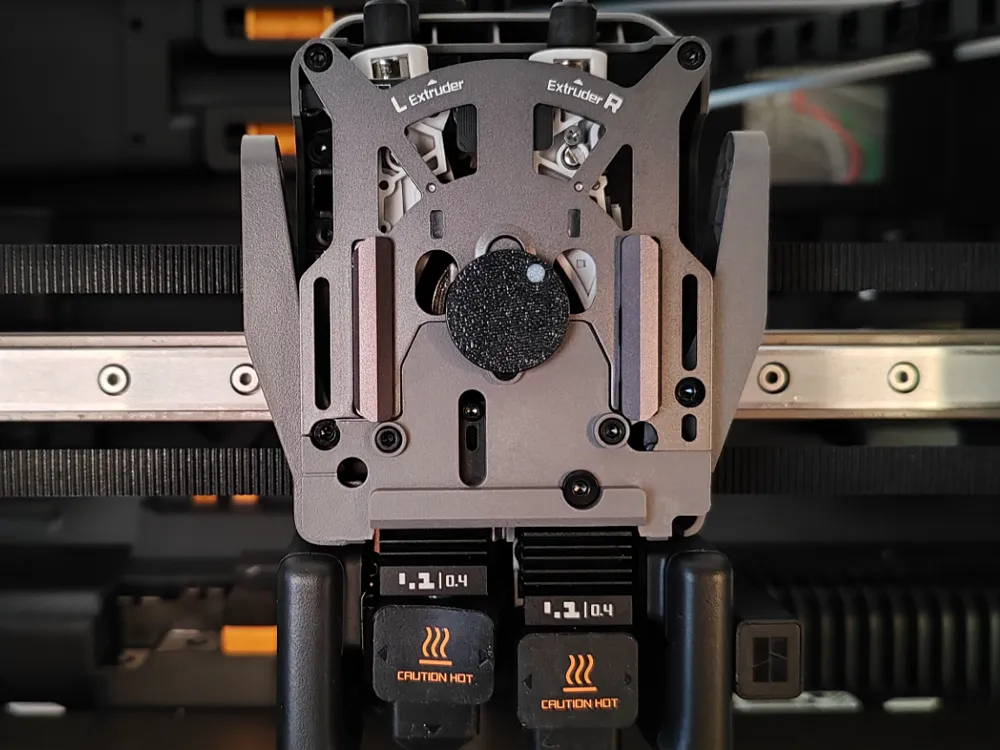
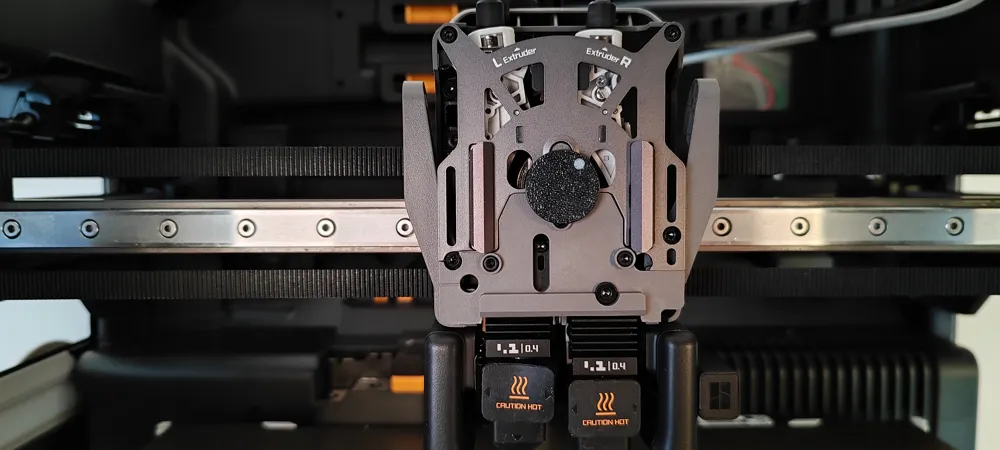
h2d extruder indicator
Print Profile(1)
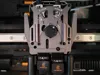
Description
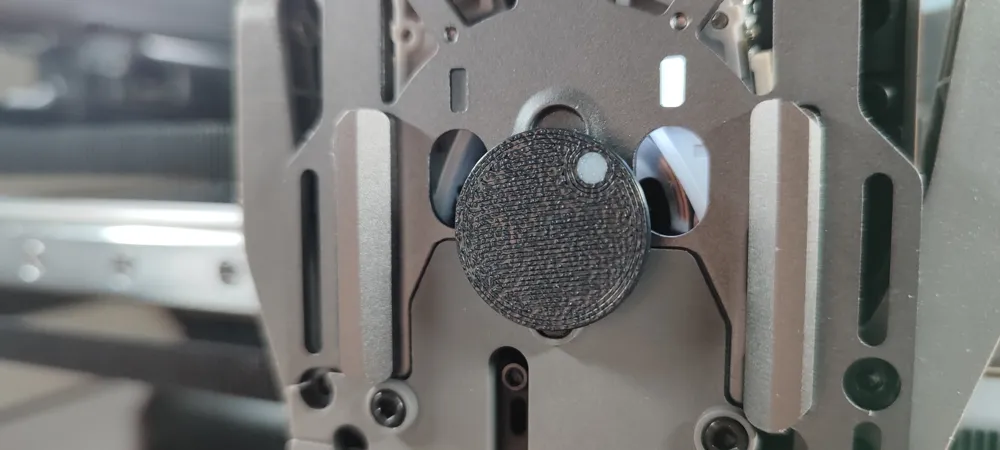
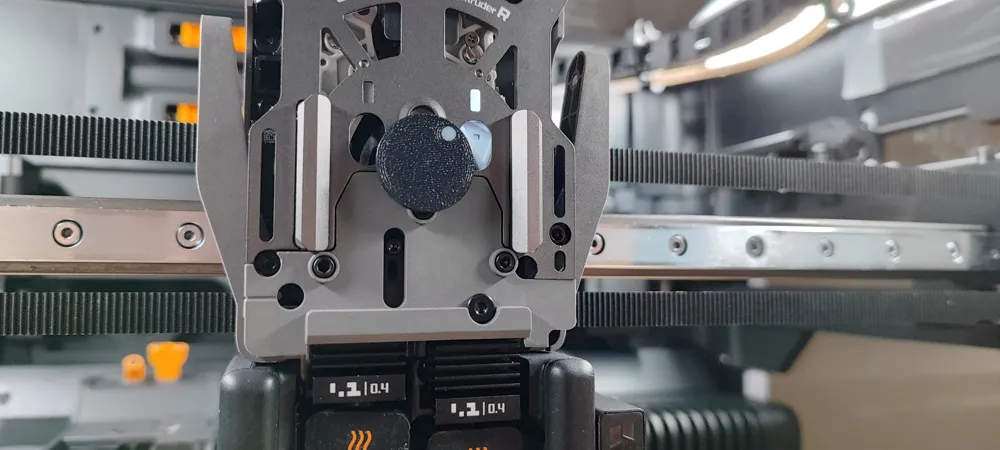
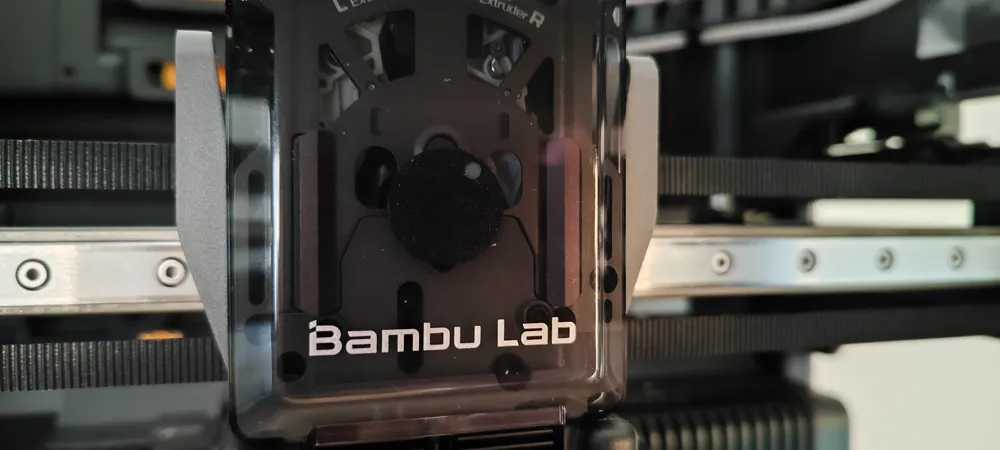
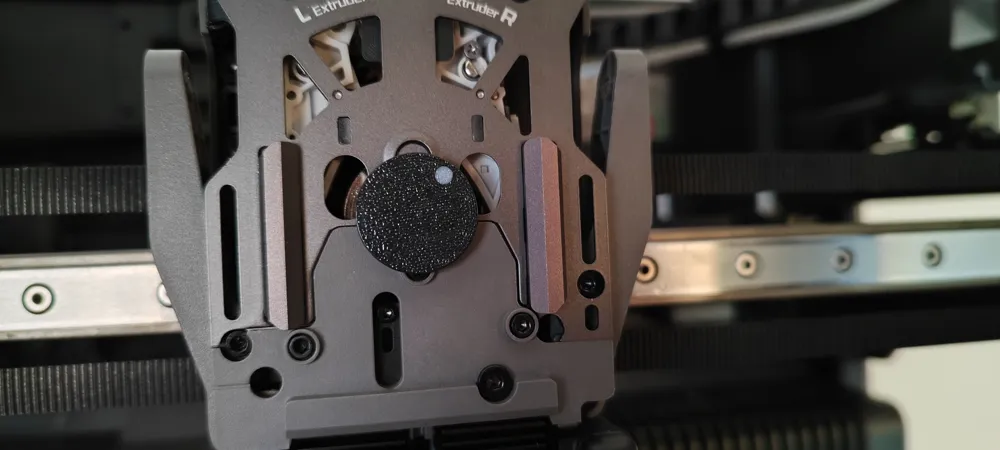
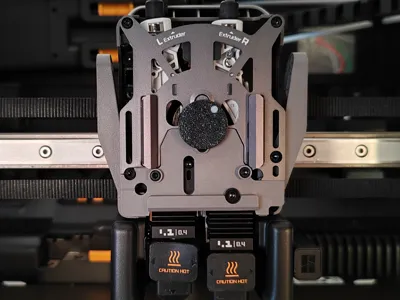
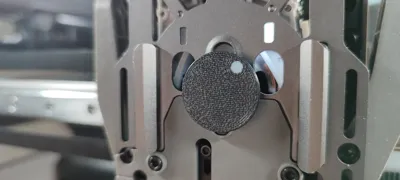
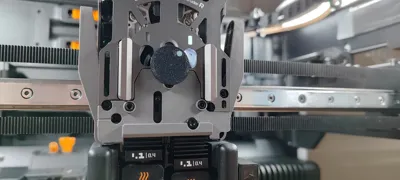
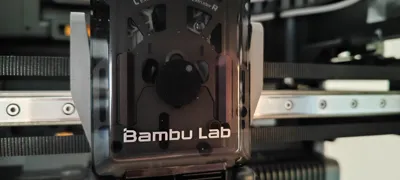
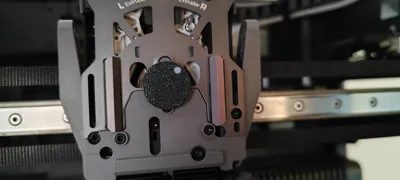
Simple and discreet extruder indicator. Similar to A1 printer.
How to:
- Remove the transparent cover
- Press the indicator onto the extruder shaft (do not force it) to a depth of 3 mm
- Replace the cover
Attention: High temperature resistant filaments such as ASA or ABS must be used.
Since the cover is a little smoky, you need to use a very light color like white for the small circle.
License

You shall not share, sub-license, sell, rent, host, transfer, or distribute in any way the digital or 3D printed versions of this object, nor any other derivative work of this object in its digital or physical format (including - but not limited to - remixes of this object, and hosting on other digital platforms). The objects may not be used without permission in any way whatsoever in which you charge money, or collect fees.


Comment & Rating (8)