
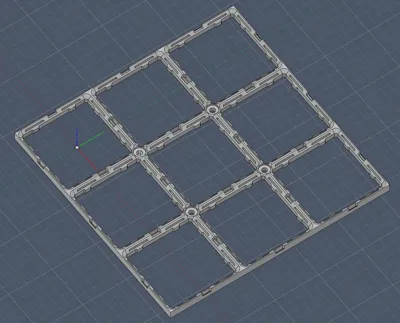
CLICKbase Gridfinity baseplate with screw holes
Print Profile(1)

Description
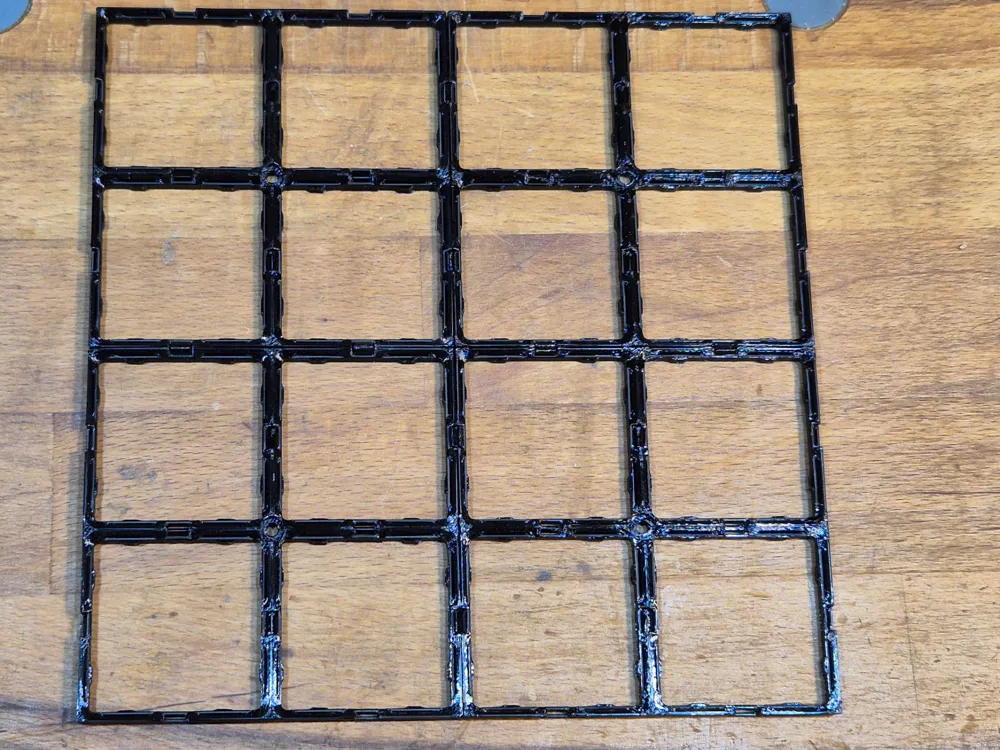
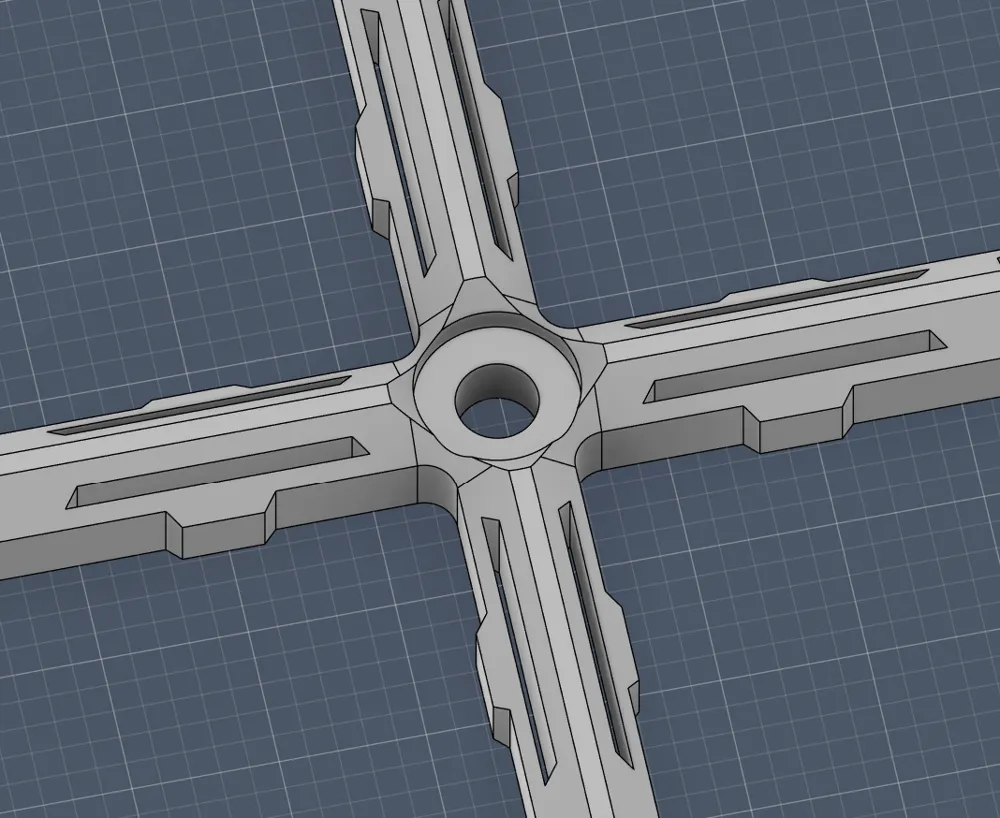
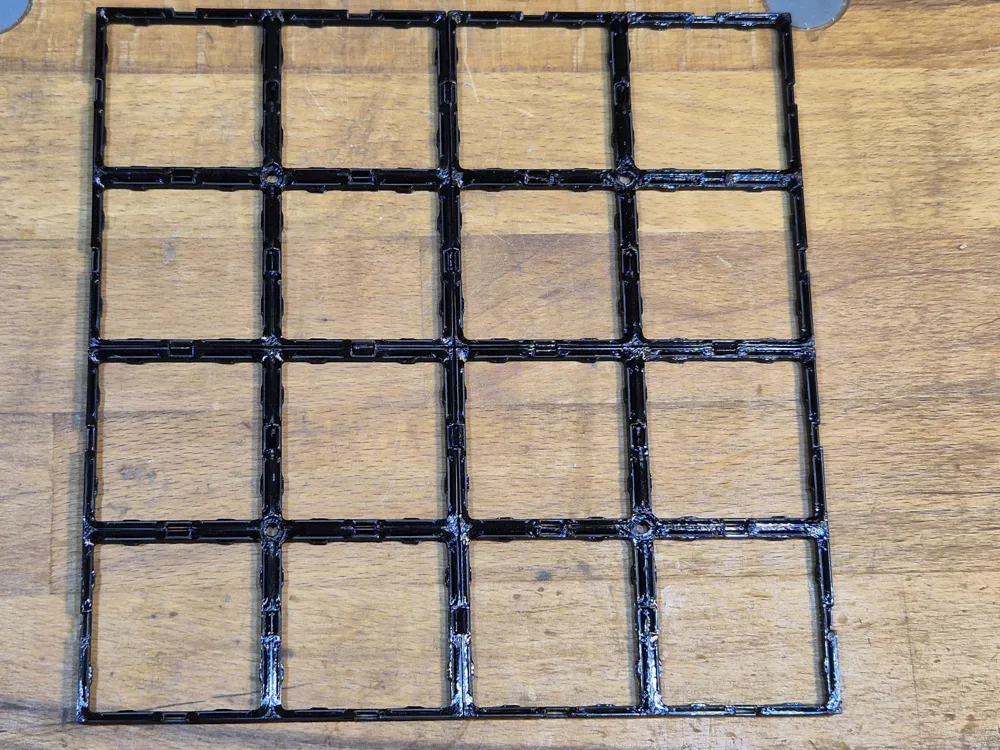
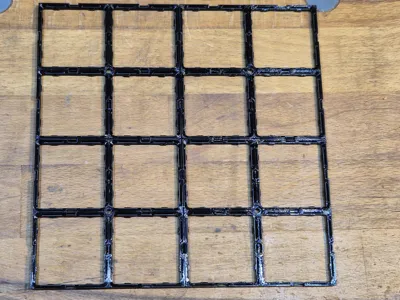
The CLICKbase is a Gridfinity baseplate that doesn't utilize magnets. Instead, it secures bins with eight small arms per square. The grip is quite strong, as the layer lines interlock with each other. Its a successor of my Clickfinity Baseplate that works in any orientation and is flat on the sides.
If there ever is a gridfinity 2.0, this should be the default baseplate.
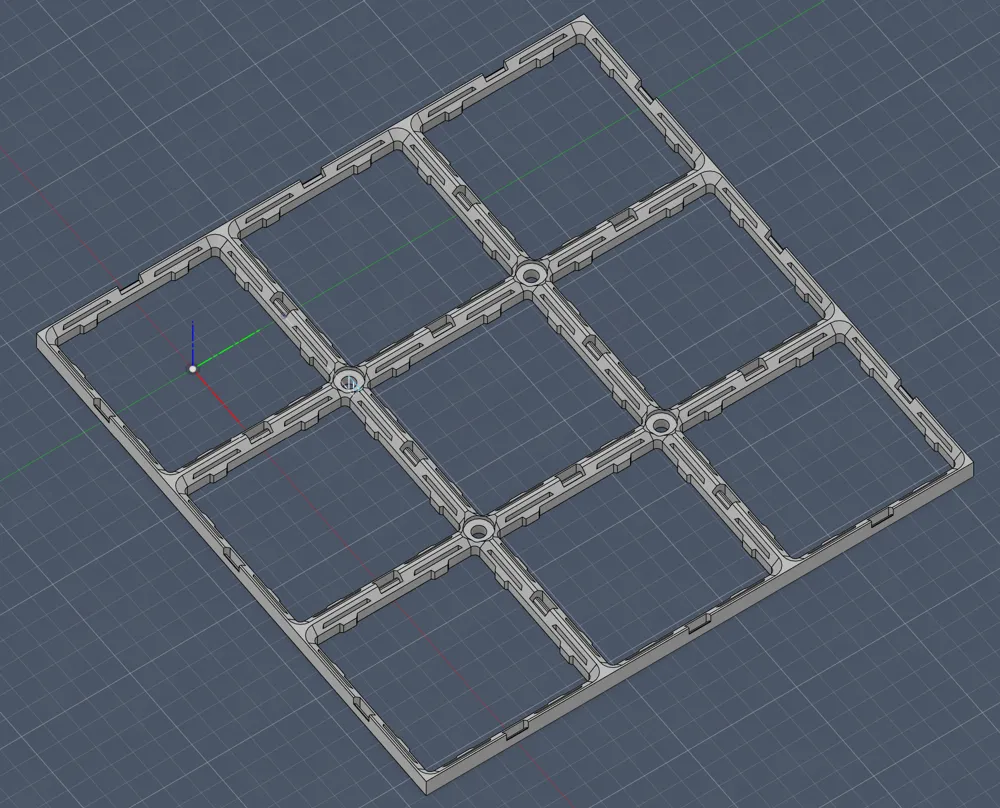
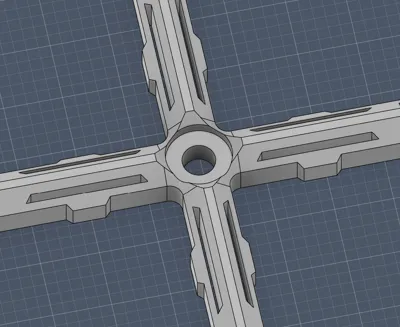
This remix features screw holes and a Flat-on-Top connector.
Securing the Clickplate
Clickplates are lightweight and thin, which means they may bend when you attempt to remove a bin, especially when printed with PETG. If possible, I recommend securing them with M2 or M2.5 self-tapping screws. I also had success with Hot-Glue and a card base.
Printing
- Print with PETG, ABS, ASA, or Nylon. Do not use PLA or PLA+ as these materials creep under constant load, causing the grid to lose its grip over time!
- Use a 0.4 Nozzle or smaller
- The print profile is already tuned based on my expirience and prints fine with 0,24 layer height and 0% infill.
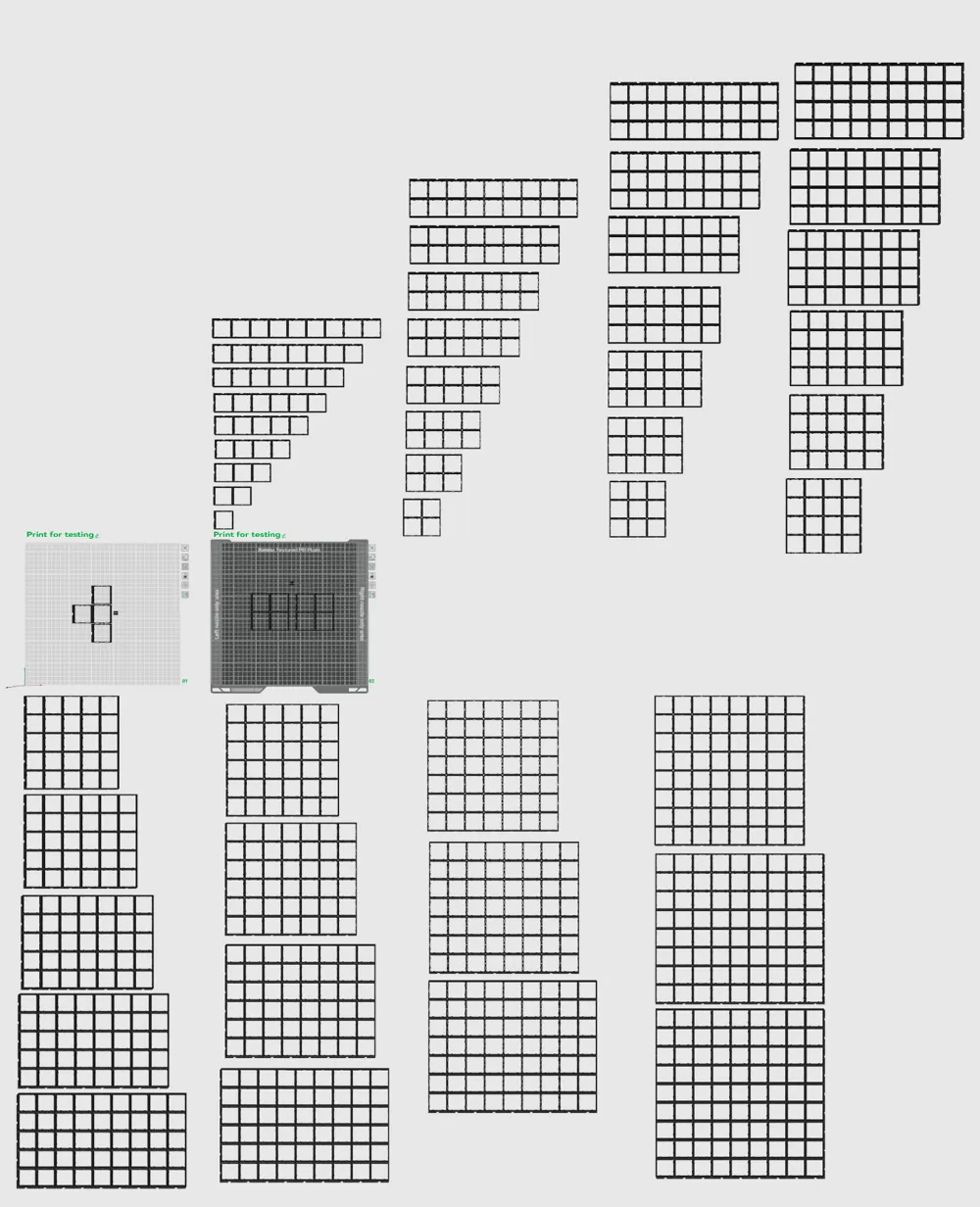
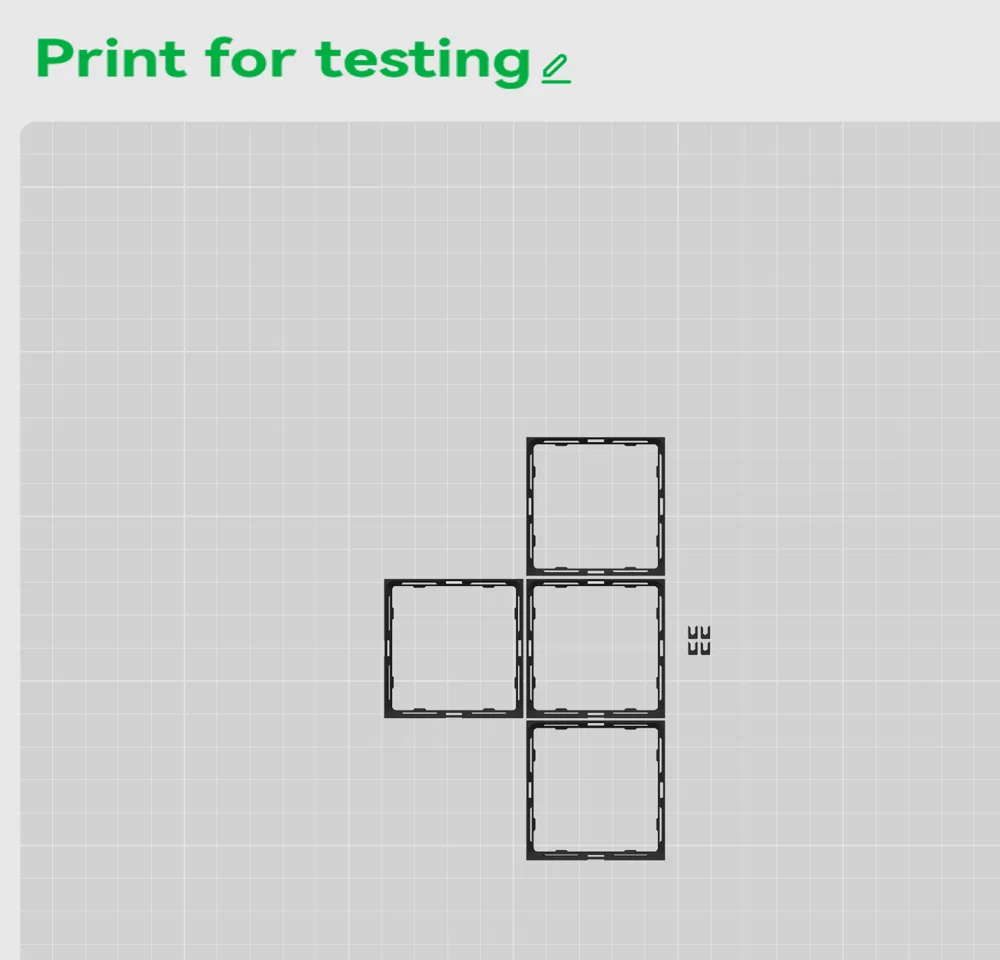
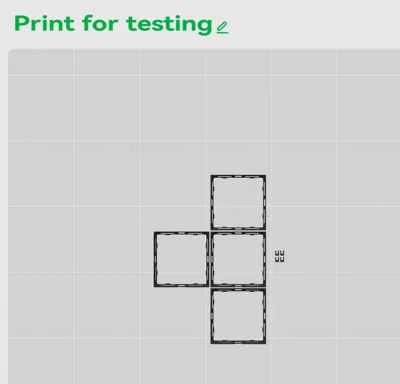
- Print the test plates to check it out, the first one to try the connectors and the 2nd one to test the bin fit
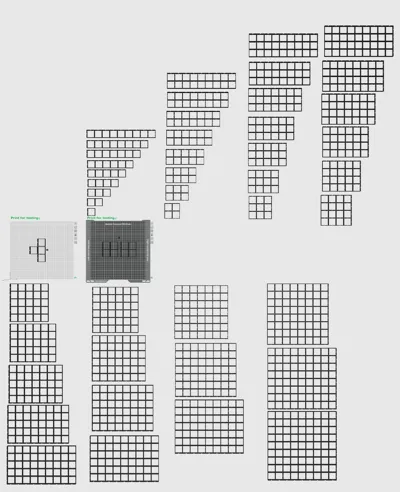
All sizes 1x1 to 9x9 are included in the print profile, just select the one you need and copy/paste it onto the build plate.
You can use a hex bit to press the connectors in. You should also be able to loosen them by pulling one part down without breaking them. If they do not get in or break, reduce the flow rate of your filament.
This remix is based on

License



Comment & Rating (22)