
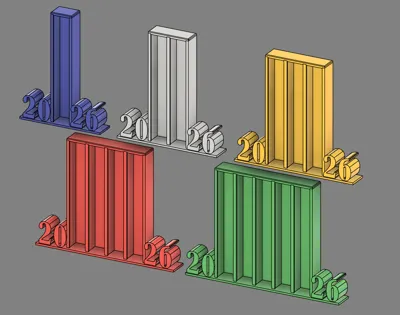
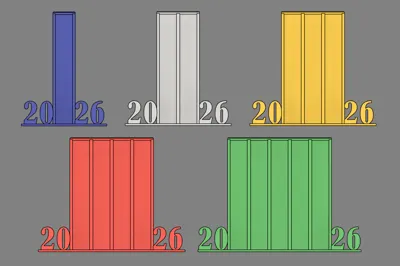
Print Profile(2)


Description
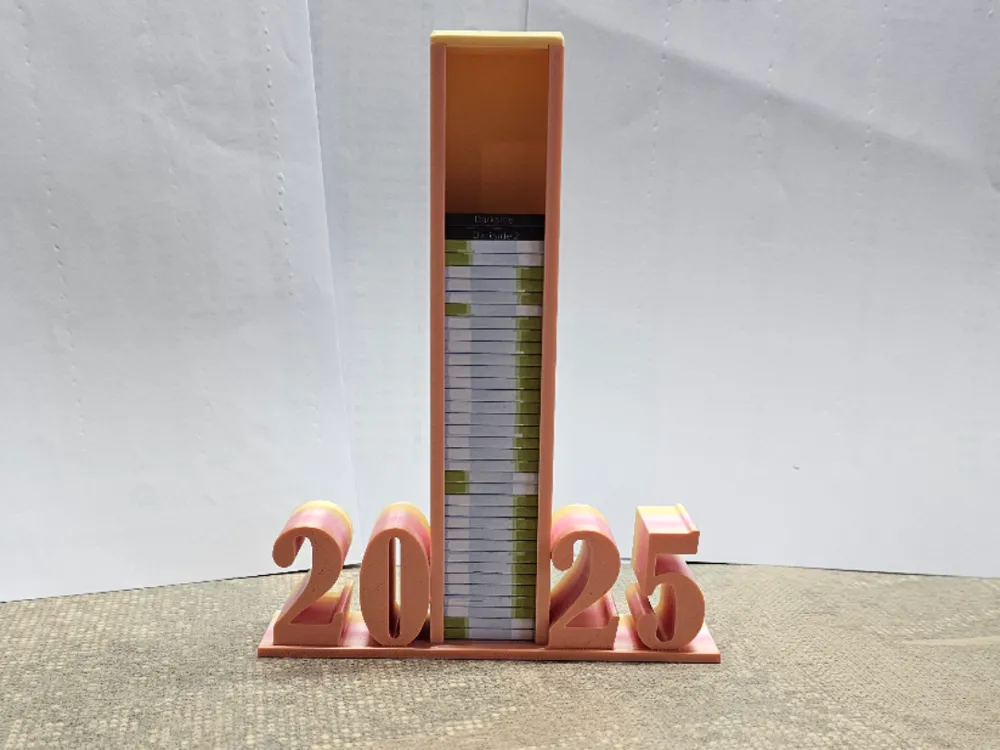
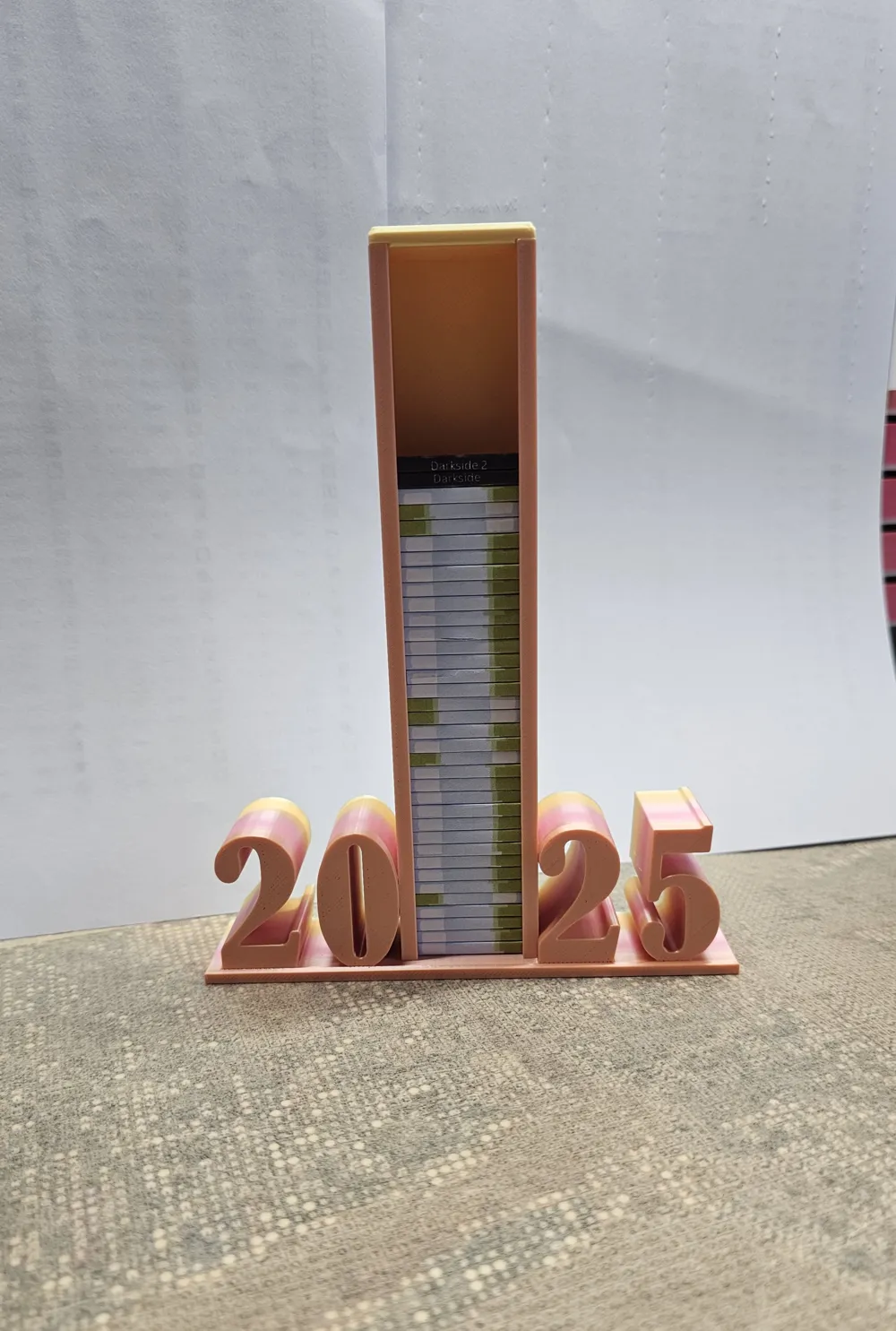
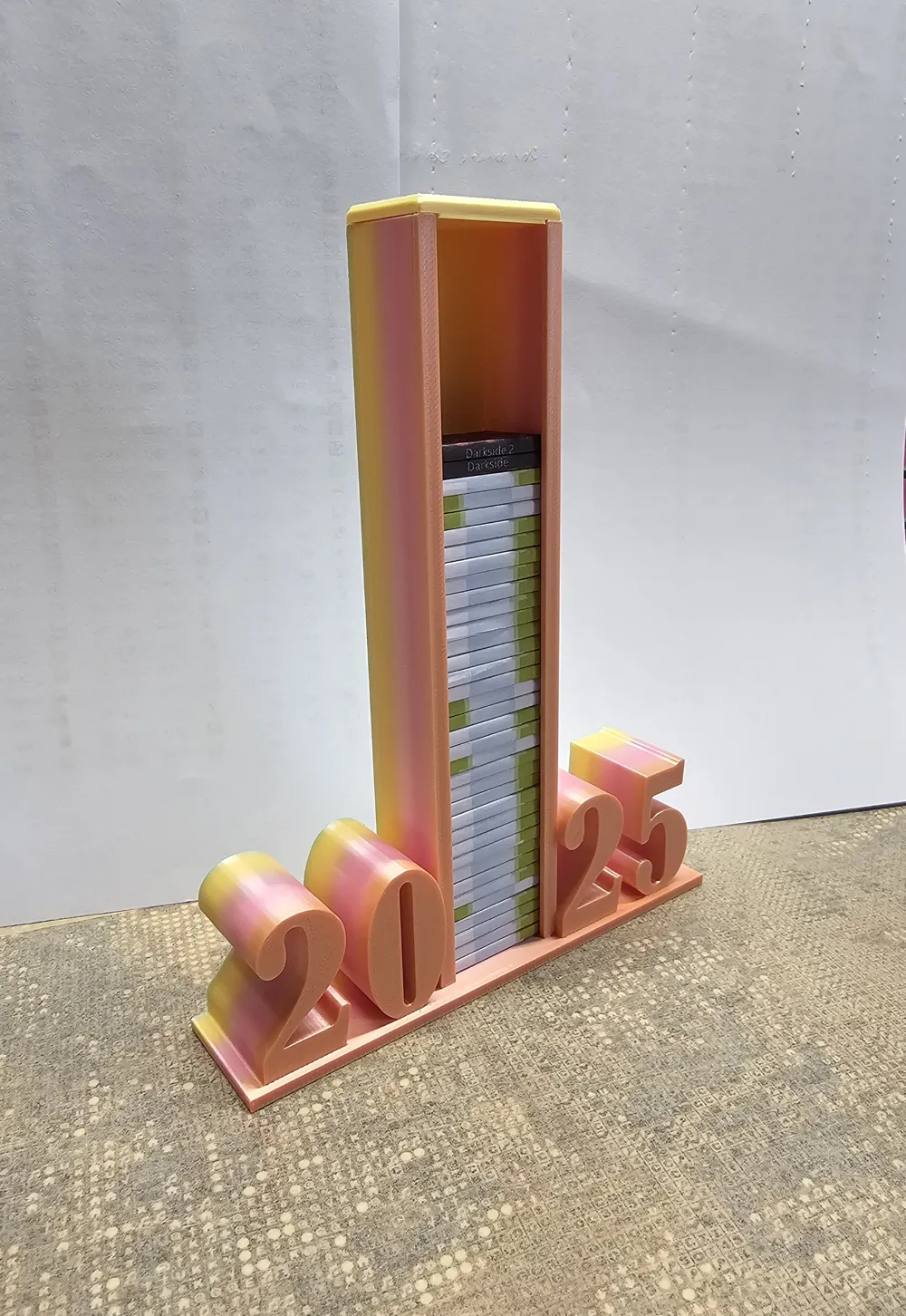
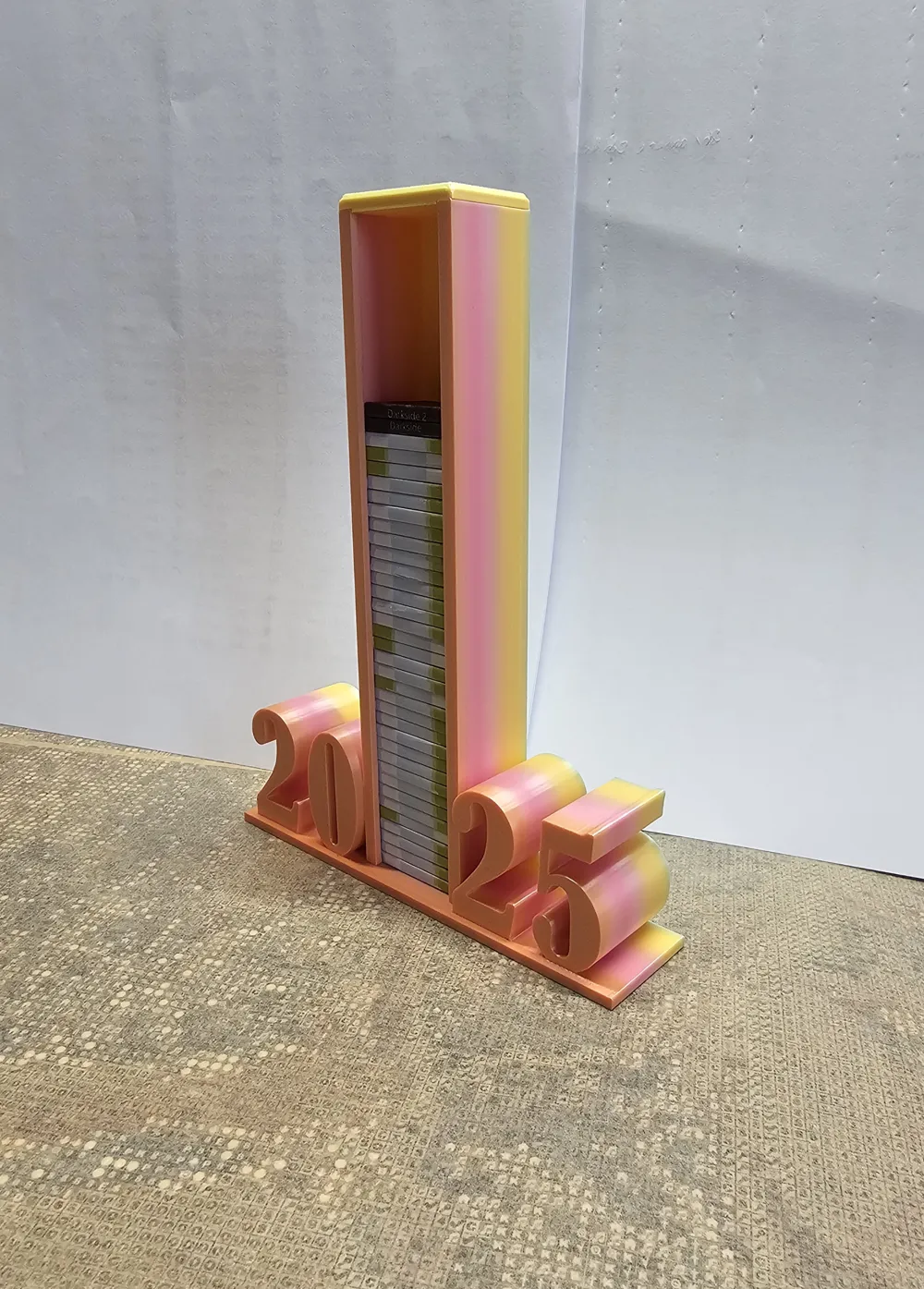
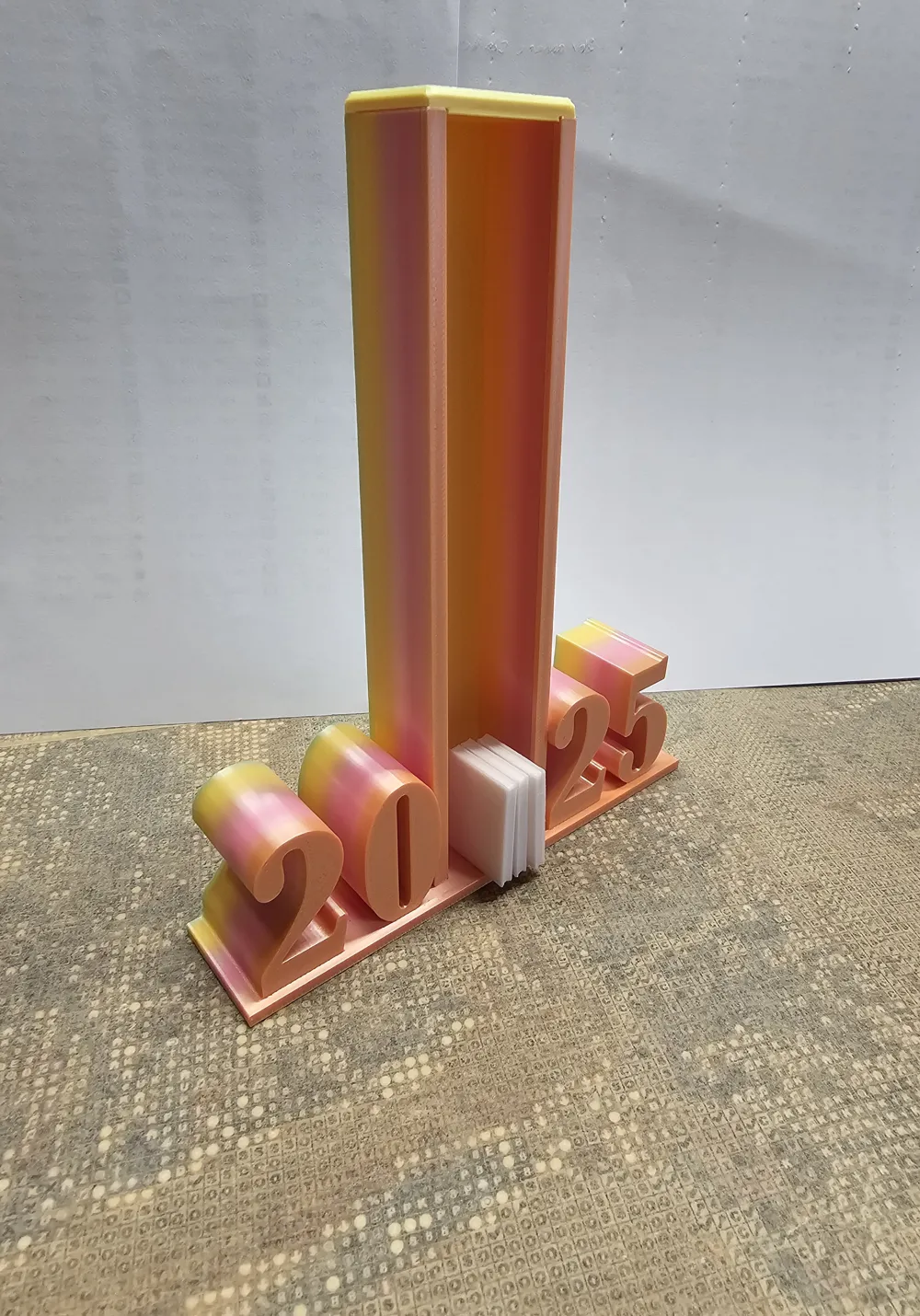
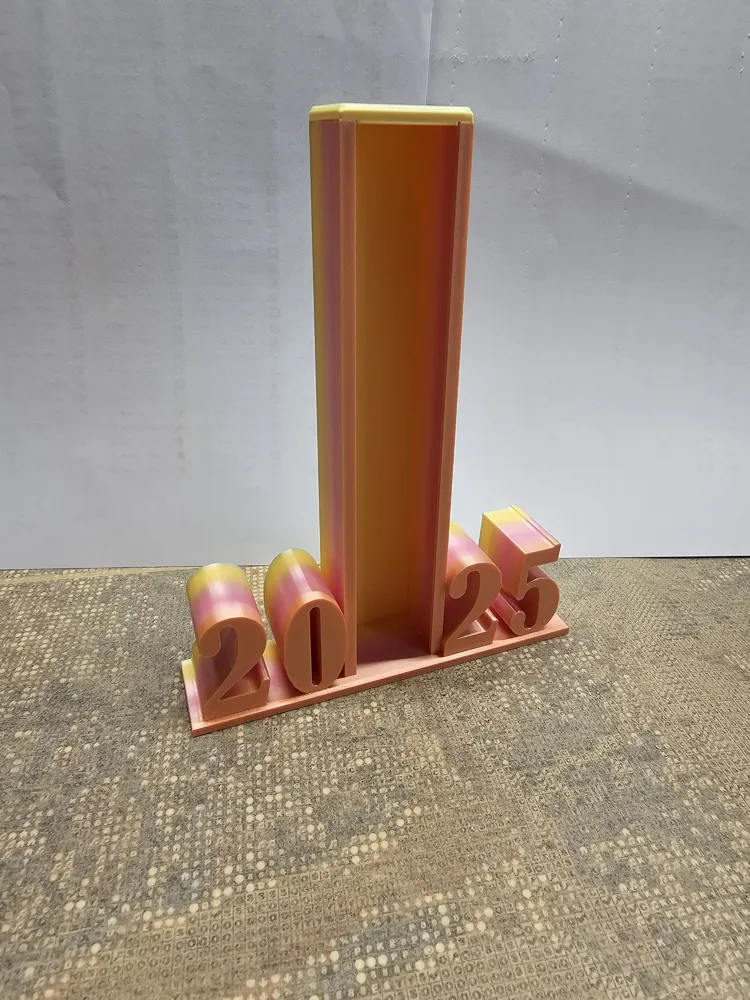
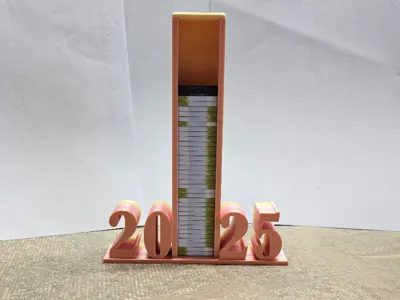
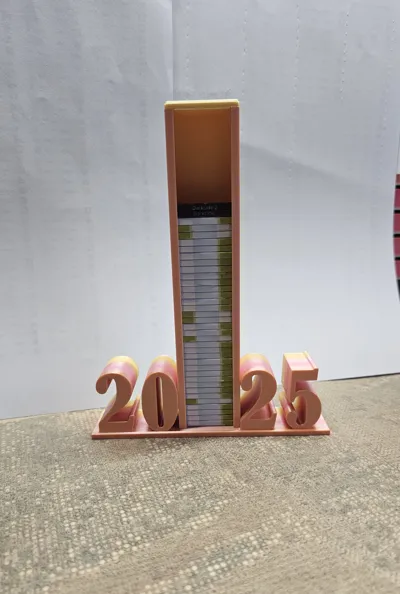
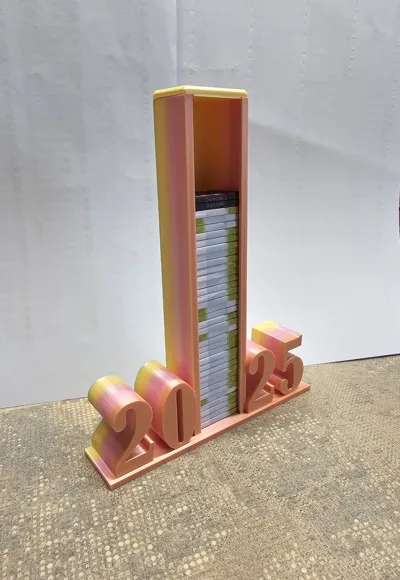
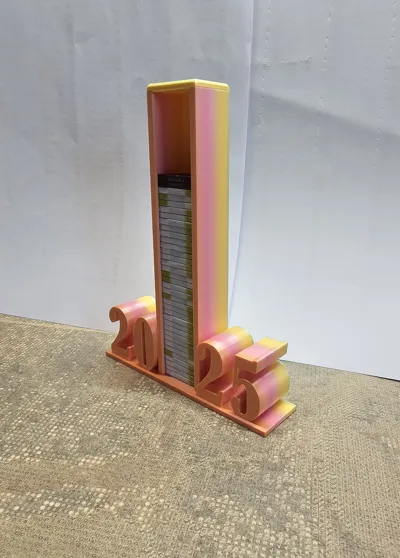
03.05.2025 → Added a 250-slot book nook -2025- (this is the maximum possible with horizontal text/numbers)
25.10.2025 → Added new print profile "book nook 2026 Version"
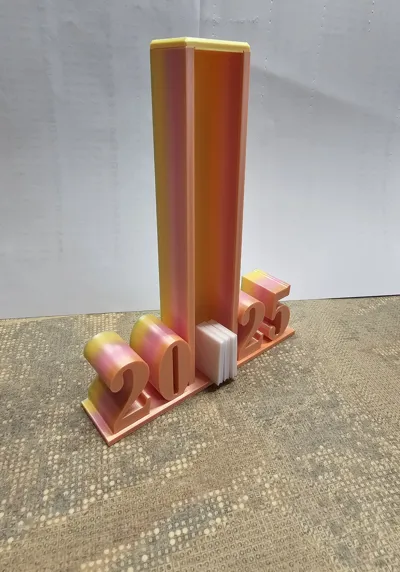
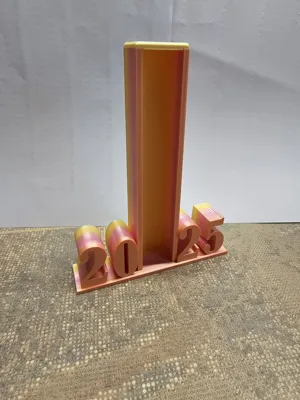
book nook -2025- and -2026-
Create mini-books as a reminder of your reading adventures in 2025 and 2026.
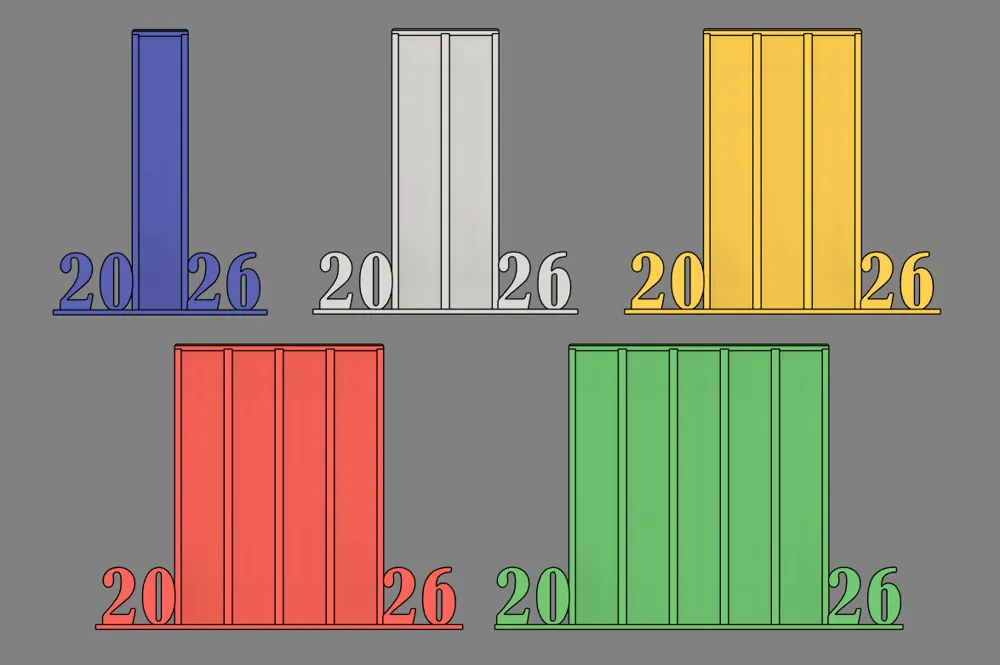
Make your read books visible with a book nook in 5 different sizes!
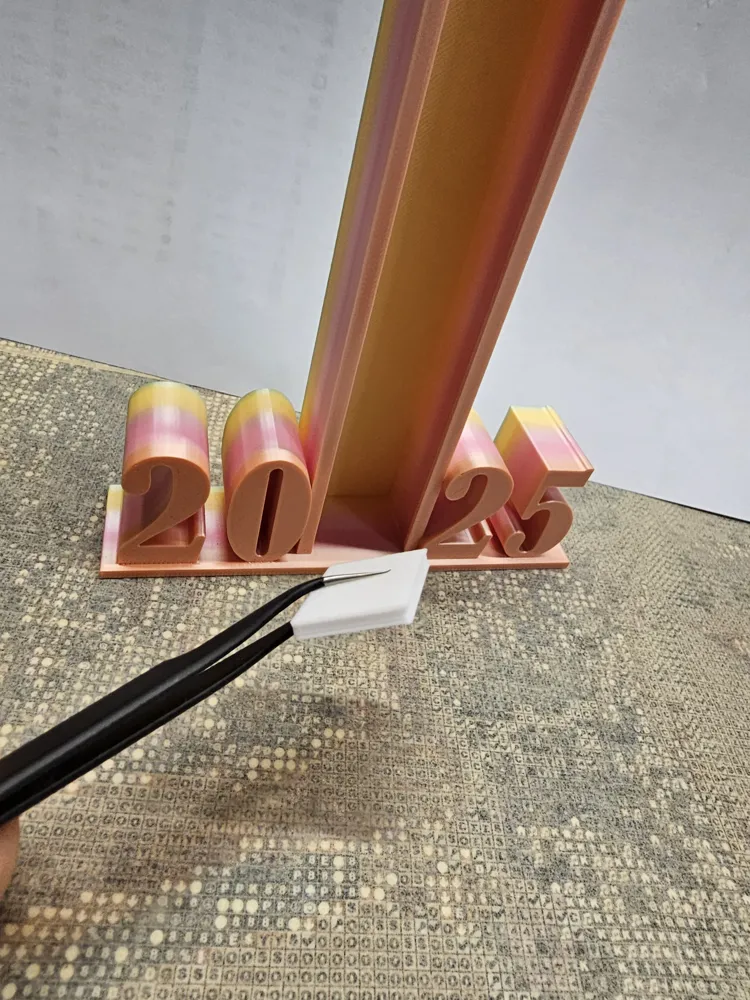
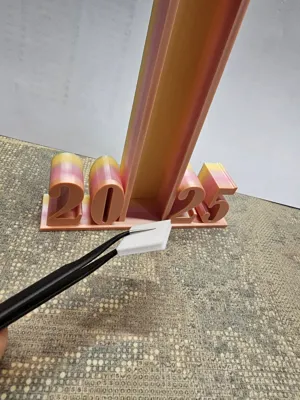
Each mini-book represents a real book you have read and grows piece by piece into your very own reading monument.
Why you will love it:
– Visual motivation for your reading goals
– Perfect for book lovers, bullet journal fans, and avid readers
– A charming reminder of every single book
This tower doesn't just have to be about books; for example, you can also visually represent and remember your audiobooks.
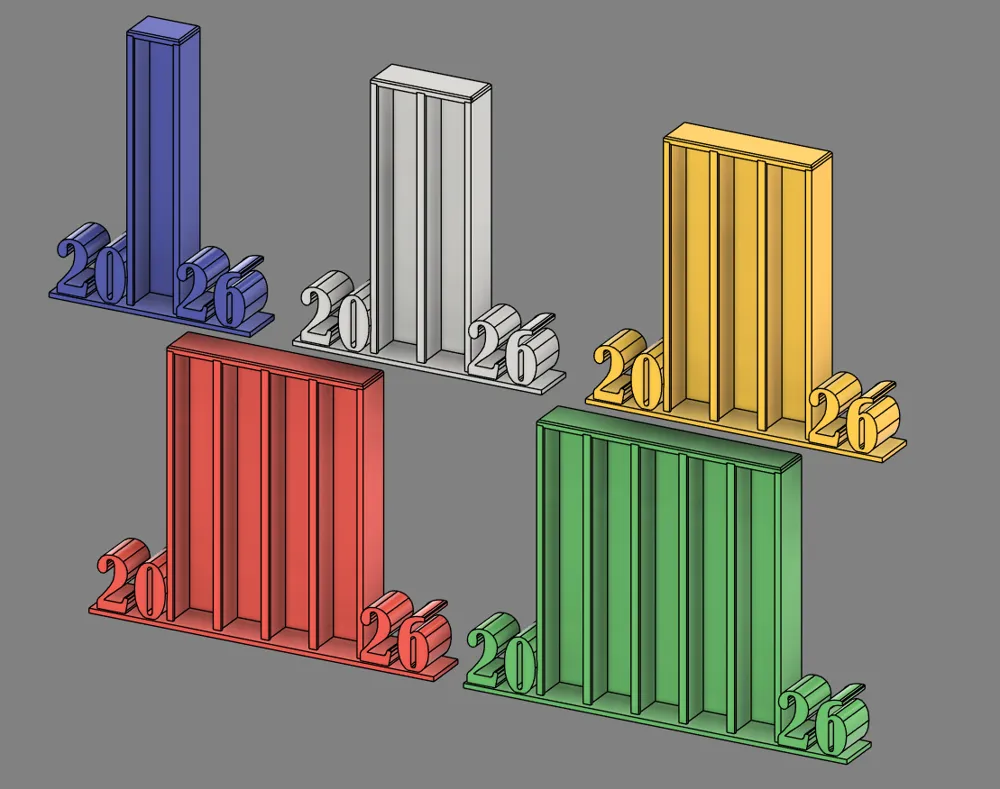
There are 5 different sizes to choose from: 50-slot book nook, 100-slot book nook, 150-slot book nook, 200-slot book nook, and 250-slot book nook.
- Plate 1 → 1x mini-book (can also be duplicated)
- Plate 2 → 50-slot book nook
- Plate 3 → 100-slot book nook
- Plate 4 → 150-slot book nook
- Plate 5 → 200-slot book nook
- Plate 6 → 250-slot book nook
To print your book covers and label the mini-books, I would recommend self-adhesive A4-sized label paper.
I use this label paper: Link Amazon
Dimensions for printing a cover for the mini-book: Width 42.2mm x Height 27.8mm
(Cover consisting of front, back, and spine)
Notes on printing and file:
- The height of the towers is designed in such a way that you should consider the thickness of the paper for labeling.
- The mini-book is 3mm thick, and due to the height of the towers, I have accounted for a 0.3mm tolerance, so the paper/label may be a maximum of 0.15mm thick! This means the front + mini-book + back should be a maximum of 3.3mm thick!
- Please pay attention to this, otherwise, 50 mini-books will not fit into one tower segment
- For printing, I chose a layer height of 0.16mm due to the long overhang, and this should be maintained.
- Speeds are adjusted
- Print lying flat!
- I have added a modifier to each tower. This only causes the surface of the numbers to be smoothed!
- If you don't want smoothing, you can remove the modifier. However, I find it looks better when the numbers are smoothed. :)
- Note: I printed it with 3 walls and 10% infill; if you want fewer walls, for example, 2 walls, you need to check for yourself if it looks good and works with 2 walls.
More versions of my book nooks:
- book nook - 2025 and 2026 Vertical -
- book nook - Books -
- book nook -Sub- (also -SuB- with a capital "B" + TBR "To Be Read" Version)
- book nook - Book -
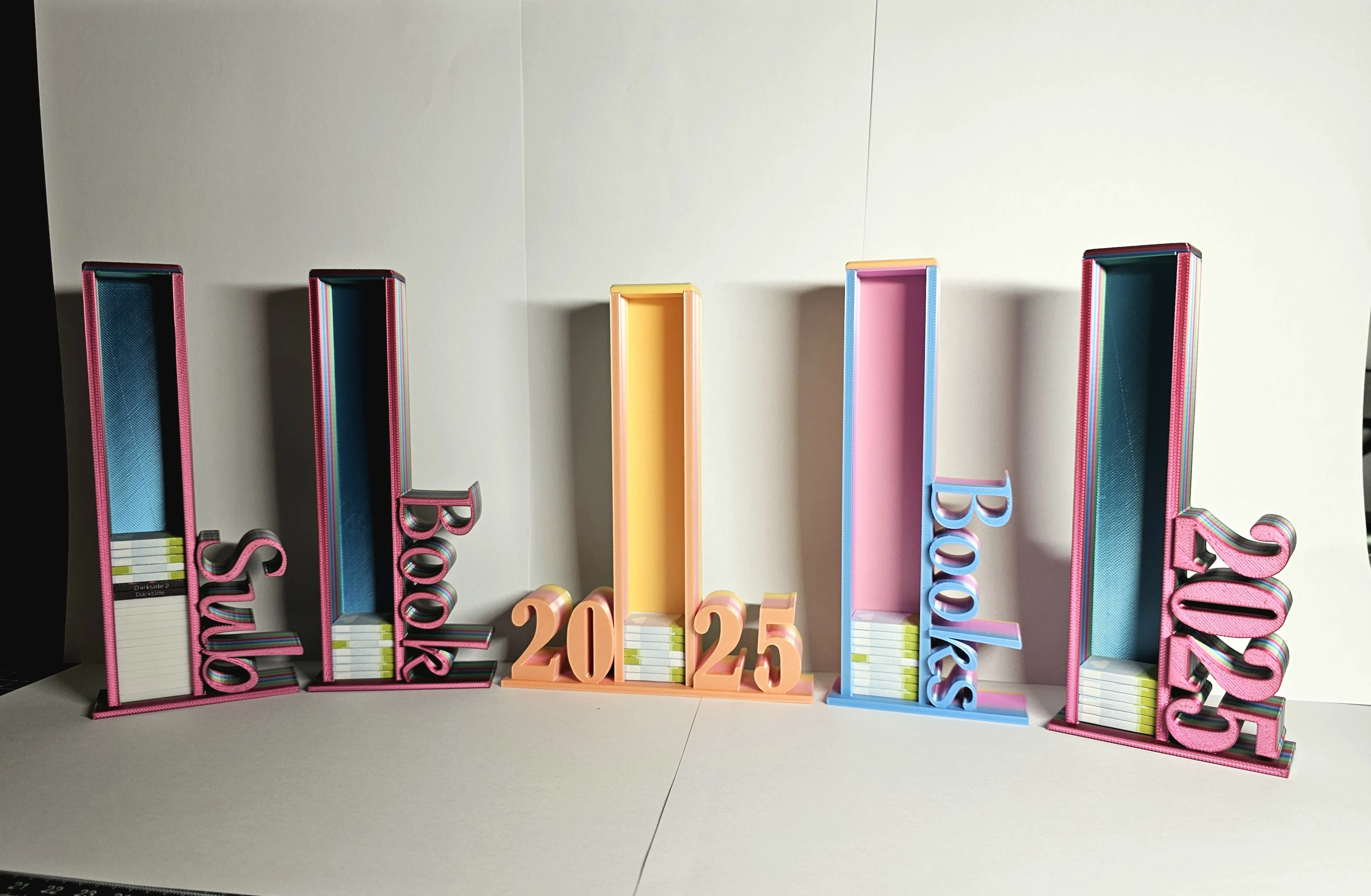
I hope you have a lot of fun with it.
For suggestions or anything else, just leave a comment. :)
Boost Me (for free)
Do you like my work? Then I would be very happy about a boost as a thank you and positive feedback. :)
License

You shall not share, sub-license, sell, rent, host, transfer, or distribute in any way the digital or 3D printed versions of this object, nor any other derivative work of this object in its digital or physical format (including - but not limited to - remixes of this object, and hosting on other digital platforms). The objects may not be used without permission in any way whatsoever in which you charge money, or collect fees.


Comment & Rating (7)