
Logitech C270 M10 socket ball joint mount
Print Profile(1)

Bill of Materials


Description
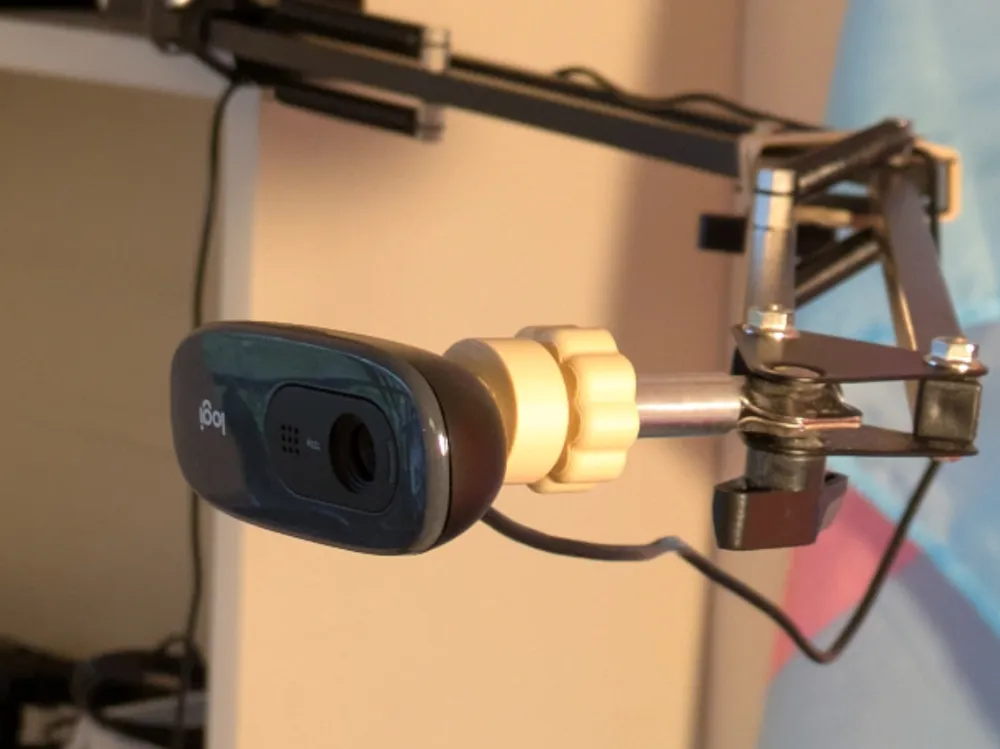
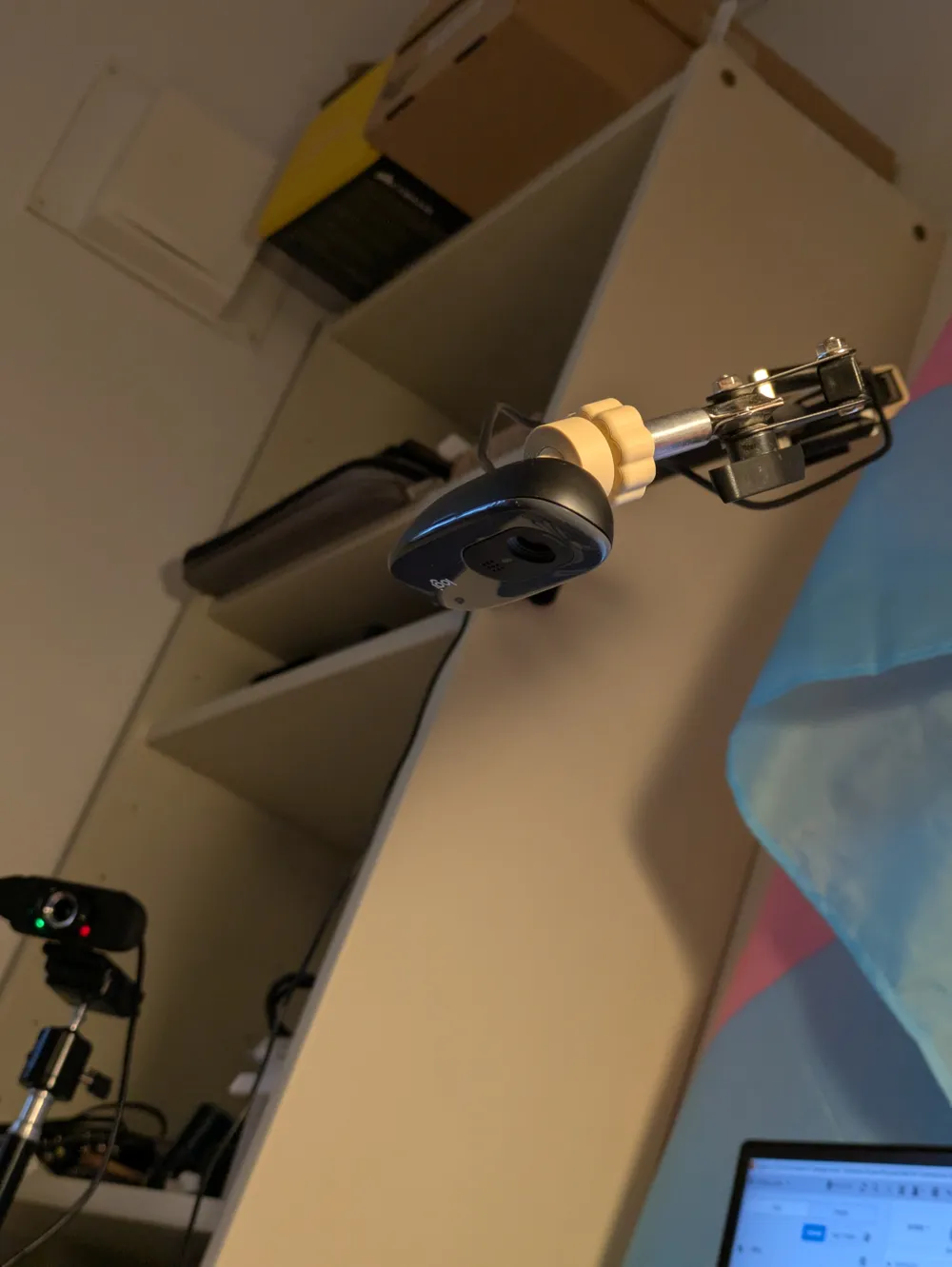
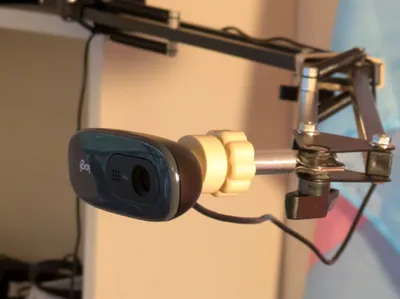
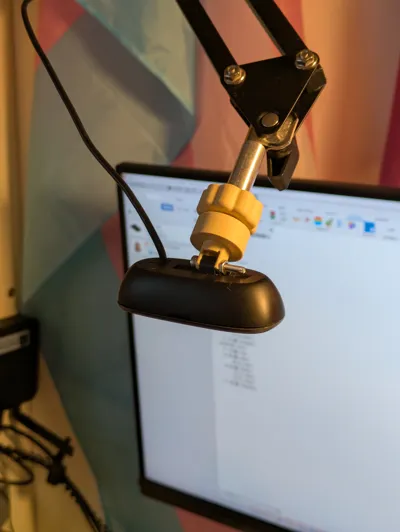
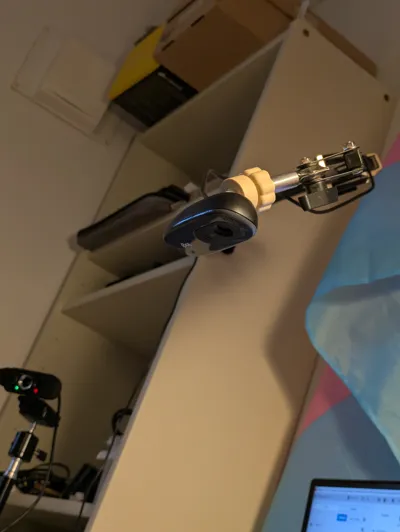
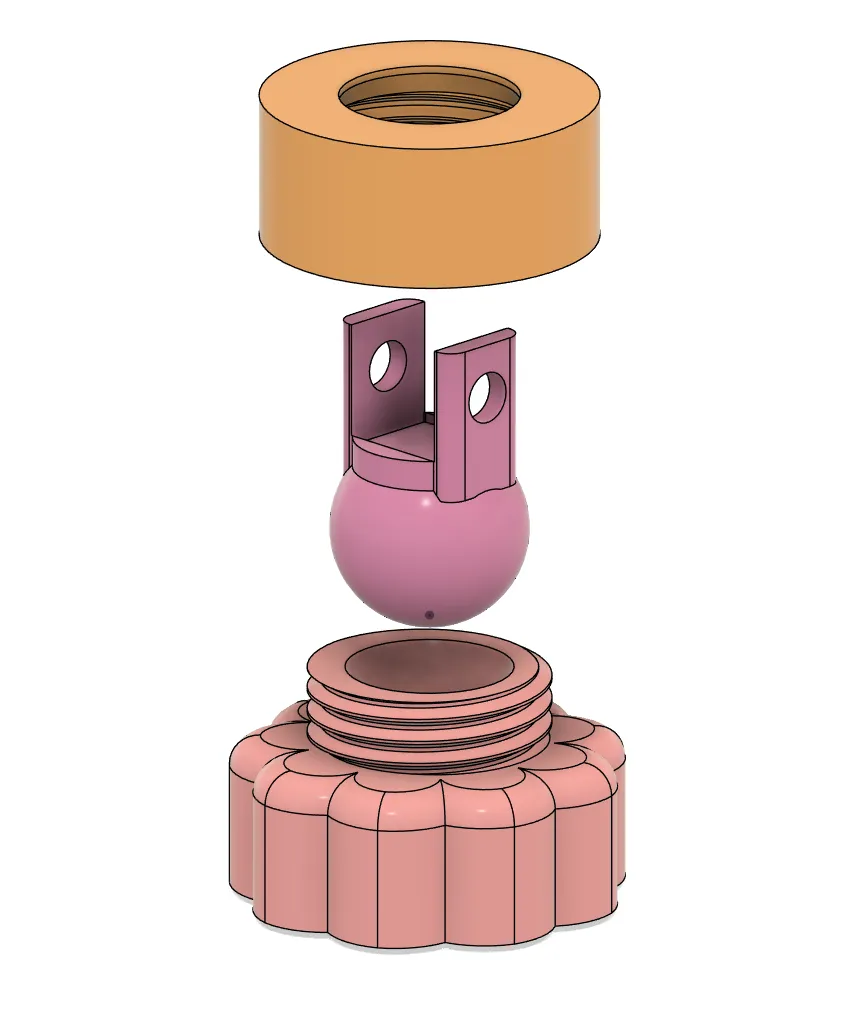
A simple mounting option for C270 webcams that will fit on M10 bolts. I use BL PLA Matte for the mount in the pictures but it works really well with BL PETG-HF as well.
 | 
|
Instructions
Step 1
Remove the weighted stand that is attached by default. To do this, pry away the small rubber pads that cover the joint connecting the camera to the default stand. Unscrew the one screw and use a pencil or other poking device to push out the bolt holding the joint together. Discard the default stand.
Step 2
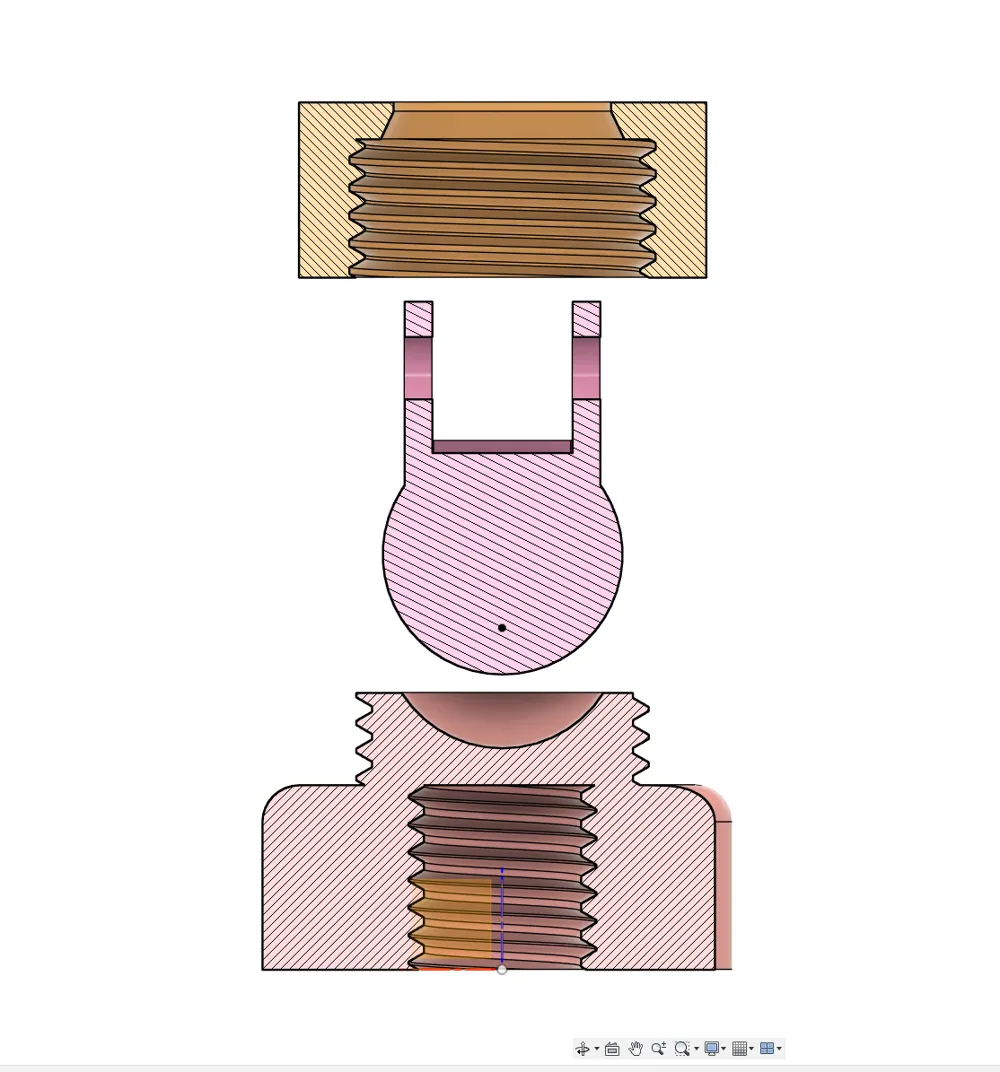
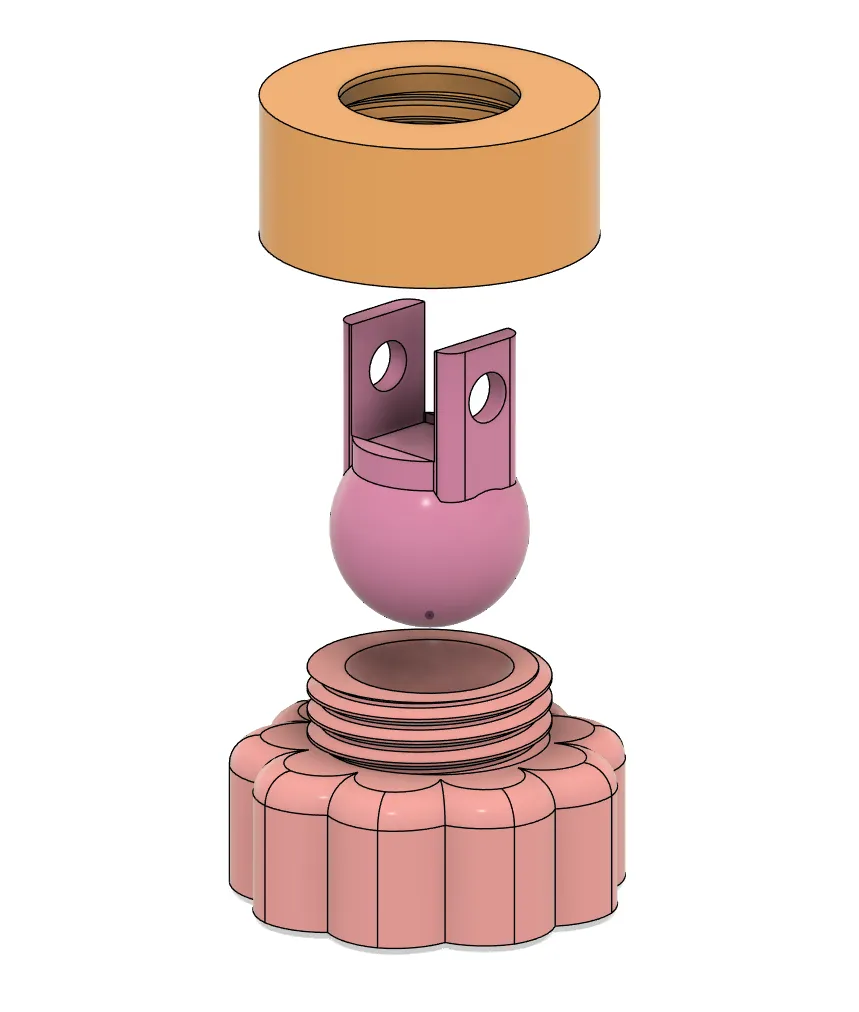
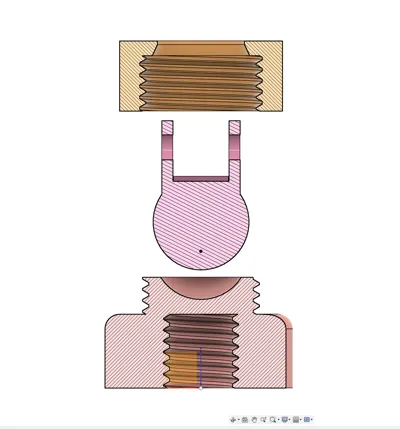
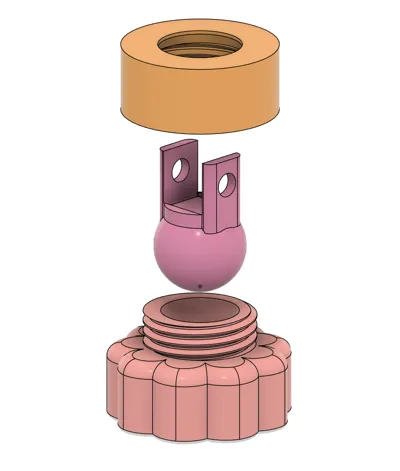
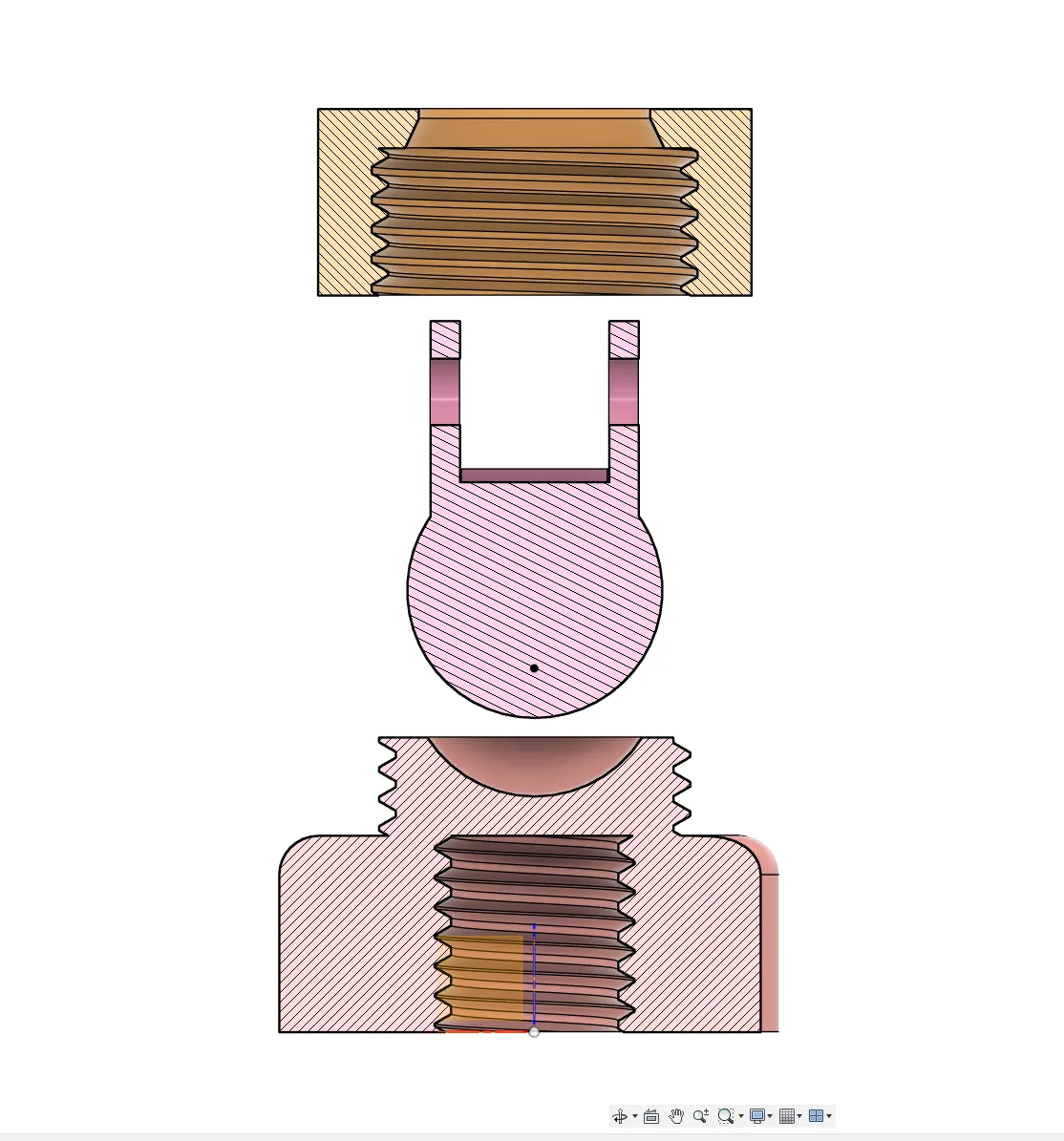
Slip the screw ring onto the ball joint.
Step 3
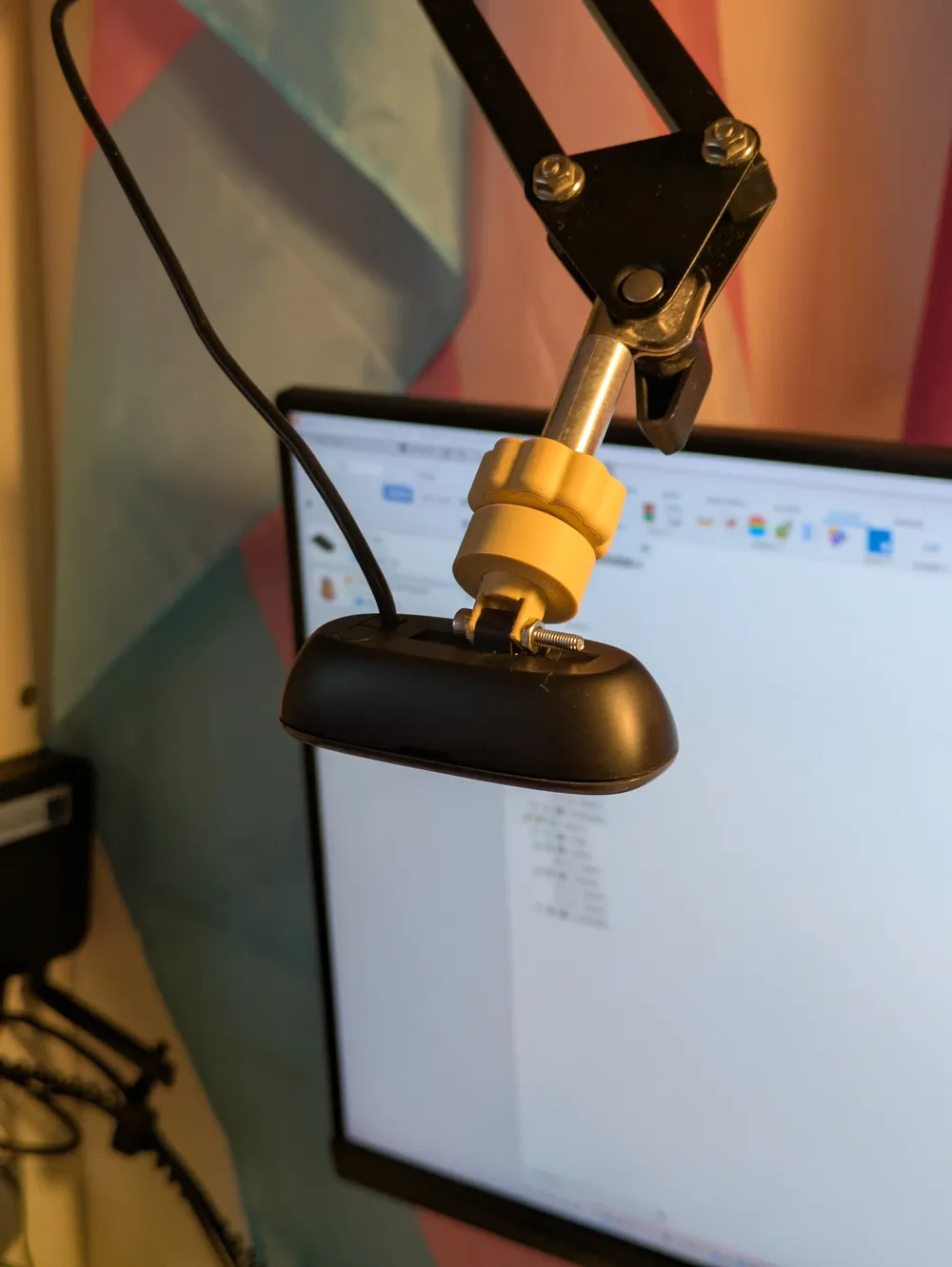
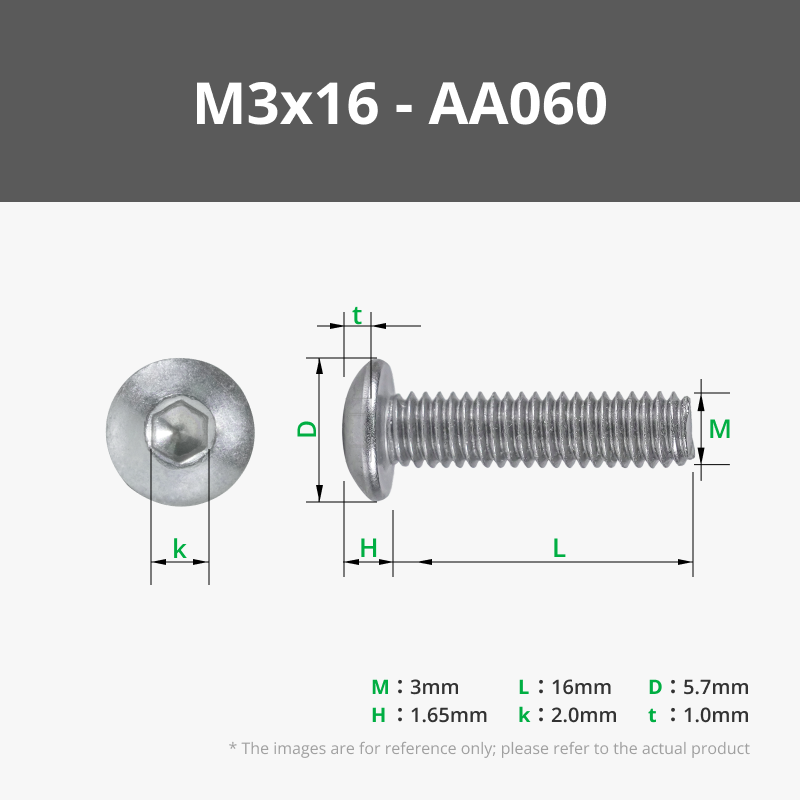
Use an M3x10-20 screw and an M3 nut to secure the camera to the ball joint with the screw ring on.
Step 4
Simply screw the camera assembly onto the base and presto, you're done!
Boost Me (for free)
It's a simple design but it took me about 7 iterations to get it to a point where I'm actually happy with it. If you could spare me a boost, it would make my day! Thank you in advance!
License

You shall not share, sub-license, sell, rent, host, transfer, or distribute in any way the digital or 3D printed versions of this object, nor any other derivative work of this object in its digital or physical format (including - but not limited to - remixes of this object, and hosting on other digital platforms). The objects may not be used without permission in any way whatsoever in which you charge money, or collect fees.


Comment & Rating (4)