
Print Profile(1)

Description
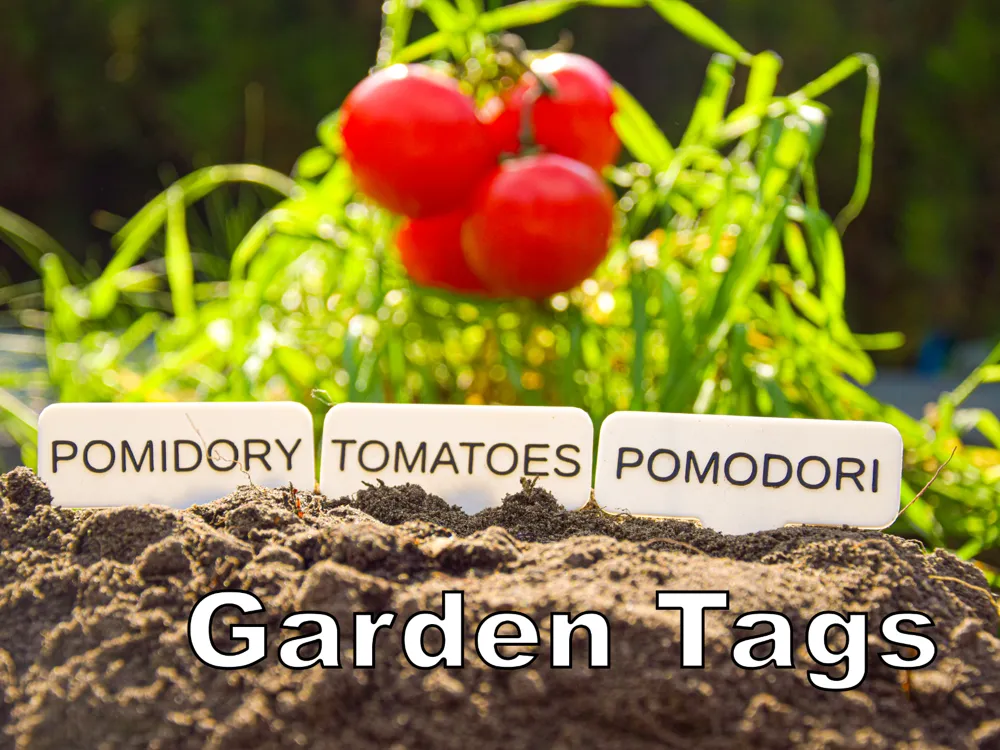
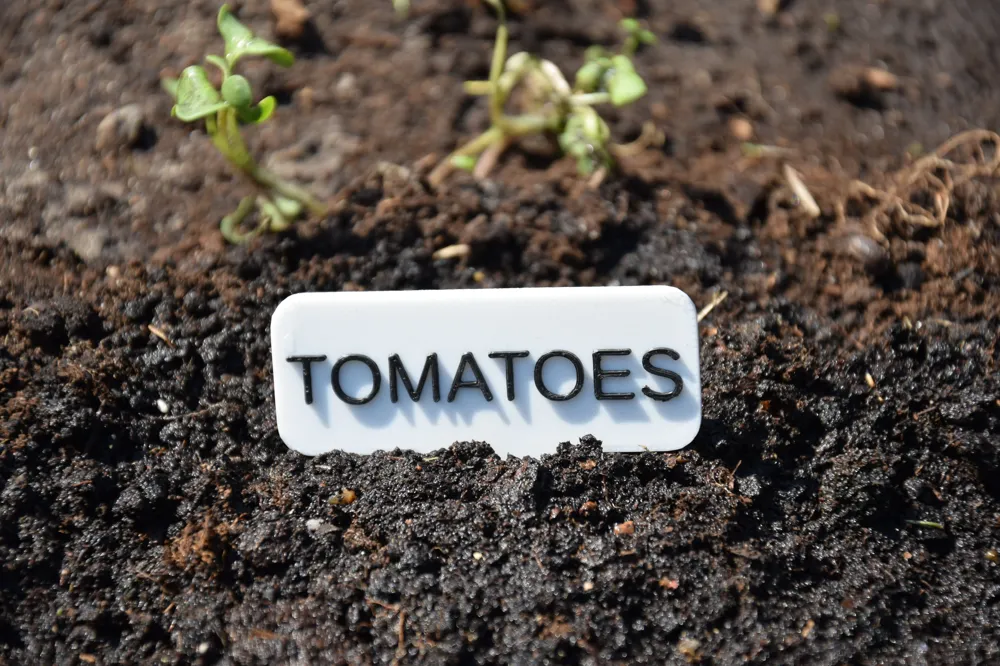
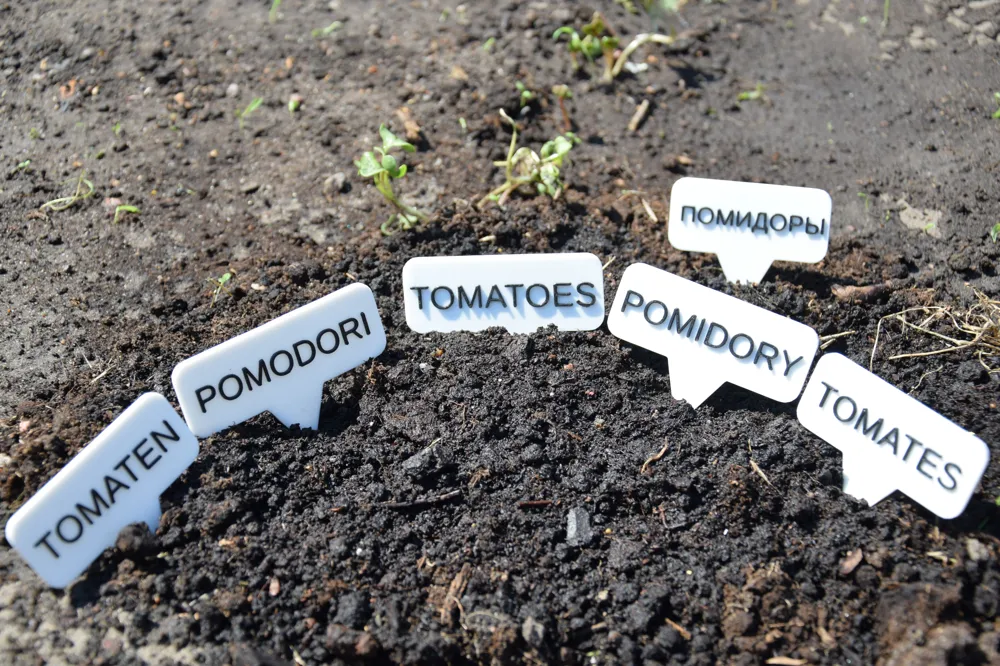
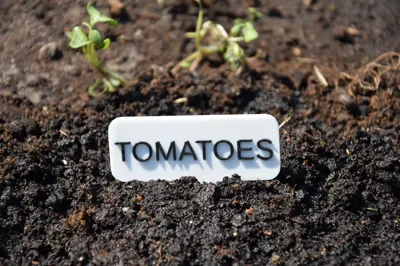
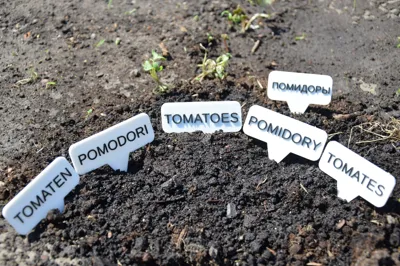
This model allows you to easily create personalized plant markers for your garden.
Whether you're organizing herbs, vegetables, or flowers, you can generate your own labels with just a few clicks using the built-in Customizer Tool.
🛠️How to customize the plant name?
- Click the "Customize" button on the model page. This opens the customization interface.
- In the input field labeled “Custom Text” (or similar), type the name of the plant you want (e.g., Carrot,
- Tomato, Basil, Rosemary).
- Click “Generate Preview” (or "Update Model") to see how your label will look.
- If you’re happy with the result, click “Download STL” to save your customized version.
- Slice the file in your slicer software and print it like any standard model. No supports are needed.
💡 You can repeat this process as many times as you like to create a full set of labels for all your plants.
🖨️ Print Settings:
- Layer height: 0.2 mm
- Material: PLA or PET-G
- Orientation: Flat on the print bed
- Supports: Not required
Boost Me (for free)
if you like my design boost me
License

You shall not share, sub-license, sell, rent, host, transfer, or distribute in any way the digital or 3D printed versions of this object, nor any other derivative work of this object in its digital or physical format (including - but not limited to - remixes of this object, and hosting on other digital platforms). The objects may not be used without permission in any way whatsoever in which you charge money, or collect fees.


Comment & Rating (2)