
Zettelkasten Index boxes (Slip Box)

Print Profile(5)



Description
Boost Me (for free)
I usually don’t ask for this, but I’ve noticed that many creators actively encourage it on other platforms—and it makes sense, as it helps increase visibility. So, if you can follow me, it would make difference. It’s a great way to support my work and show appreciation. For more insight subscribe my blog at: https://designrepcom.com/ This design is freely available for the community, but if you enjoy my work and would like to show your support, you can boost this project. Thanks!
Introduction
This model has been specially developed to take full advantage of the printing bed of most printers, which is approximately 200x200 or a little more.
but it can also be used for anything else, with saving writing material, drawing etc.
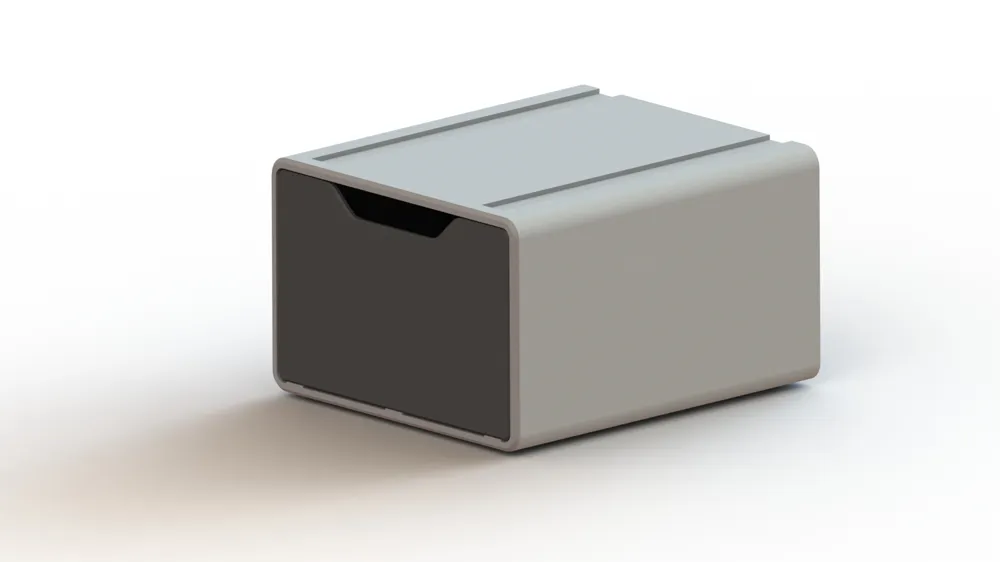
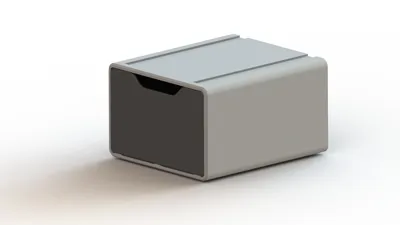
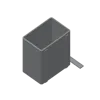
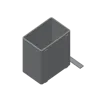
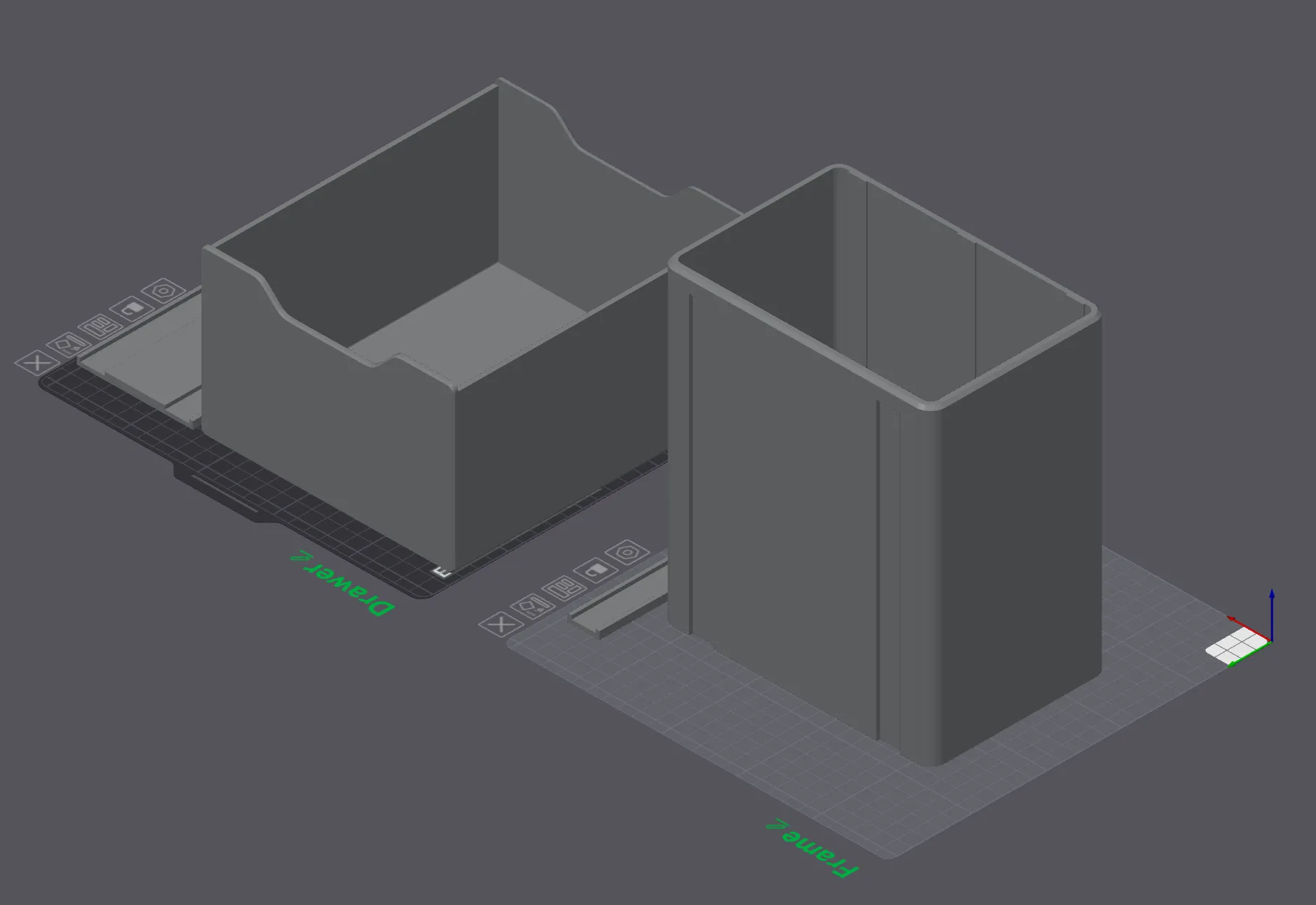
- This gray module you see is specific to 100x150mm index-cards (4x6 inches). To get an idea of the dimensions, it allows you to put a little more than 700 cards of 180g/m^2
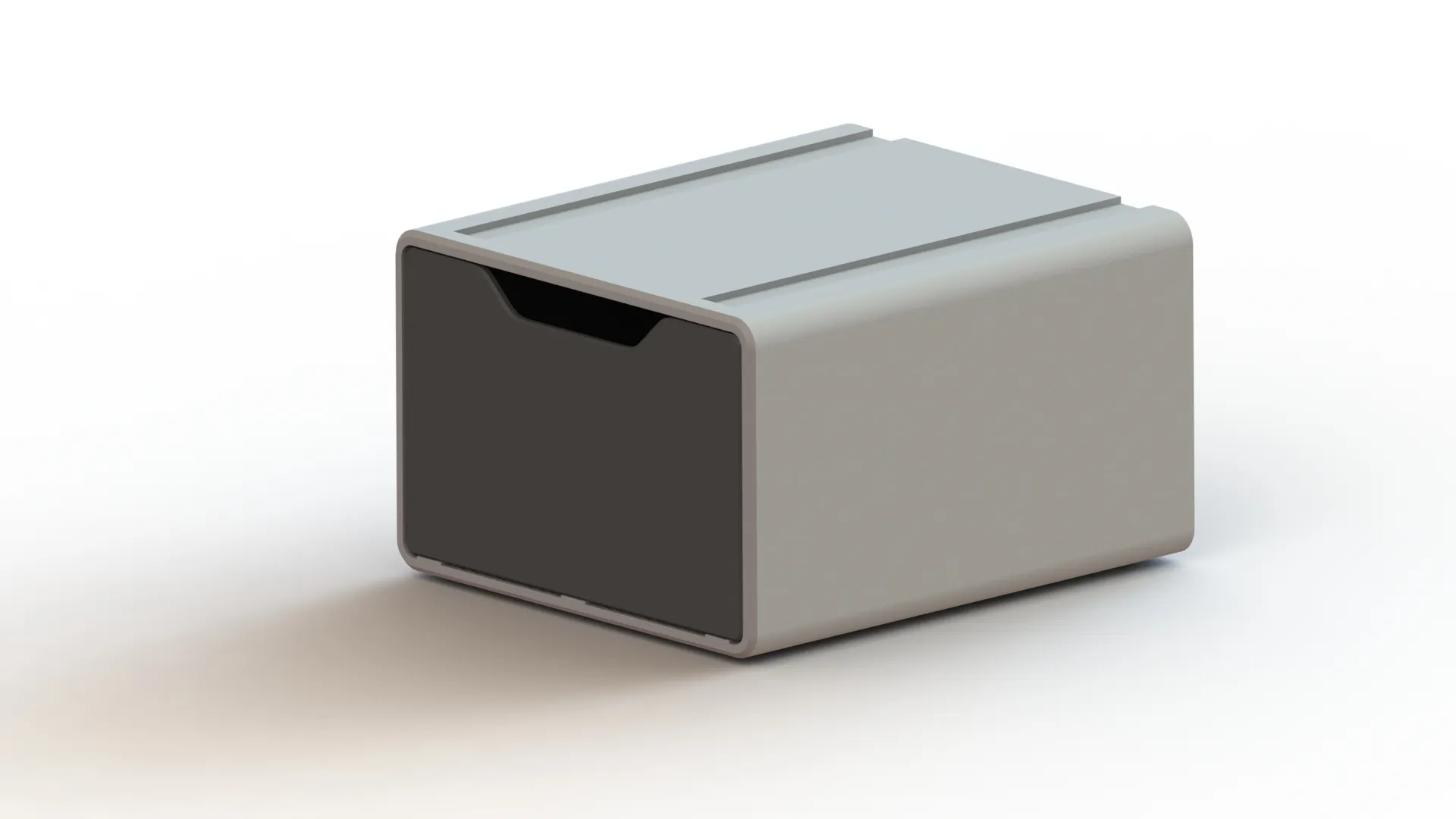
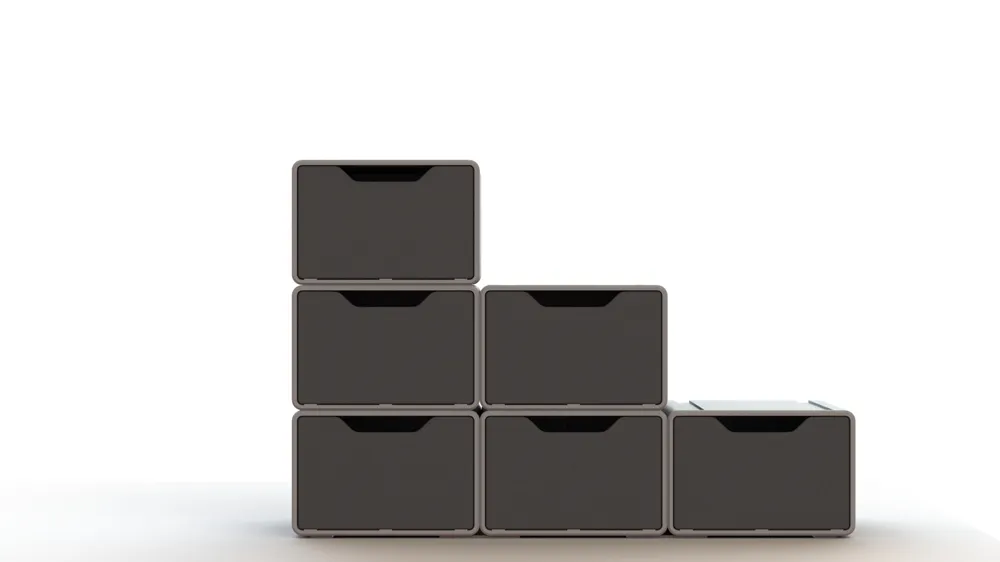
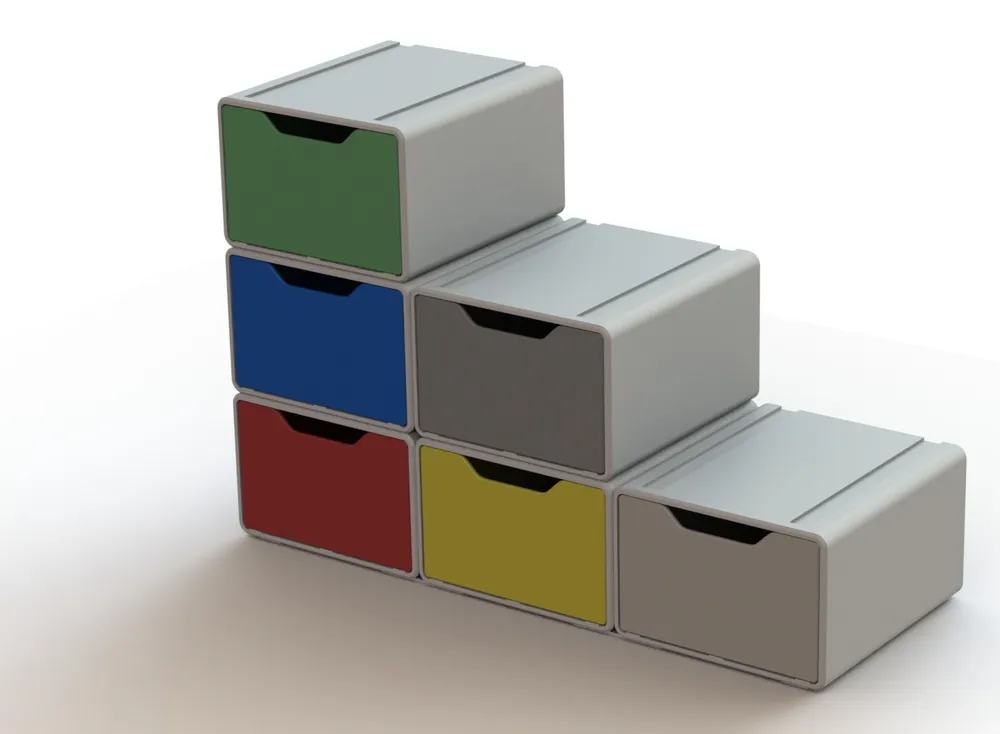
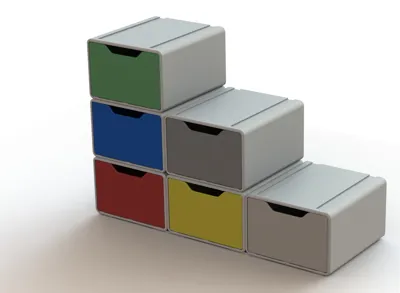
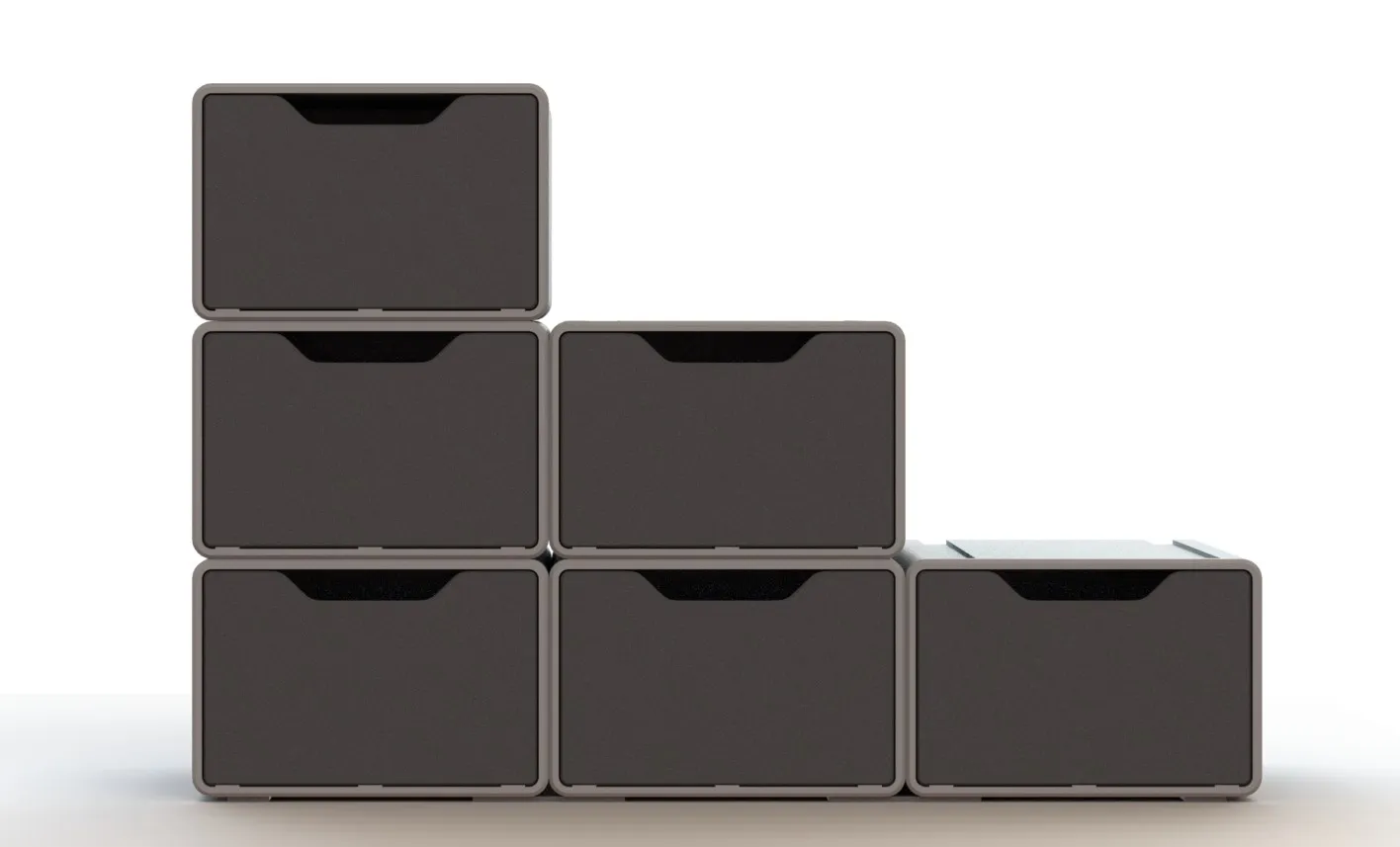
Of course, in the case of a modular system it is possible to accumulate as many modules as you need, that is, the system will grow according to your needs.
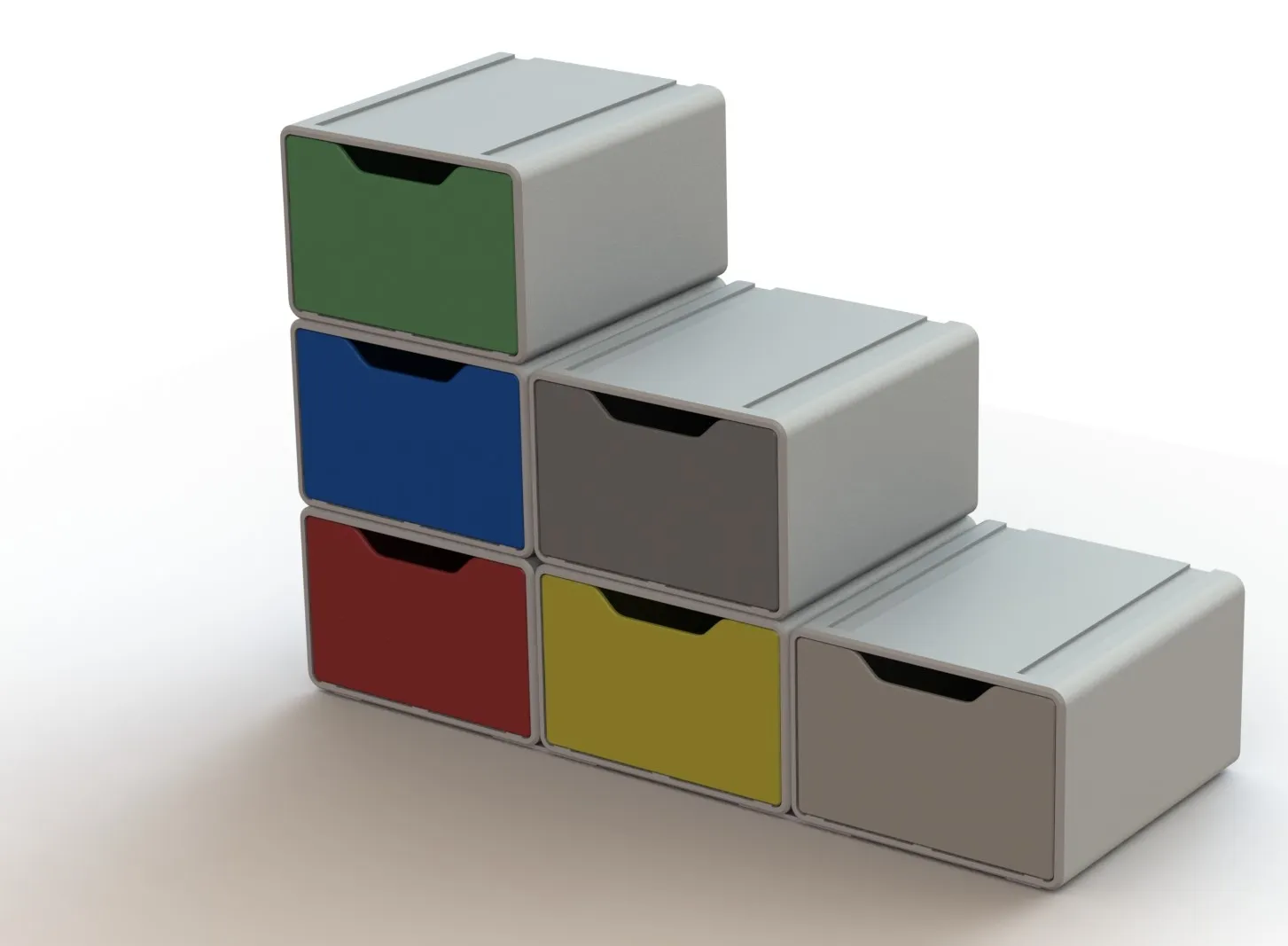
You can use colors for each of the groups, thus organizing your workflow.
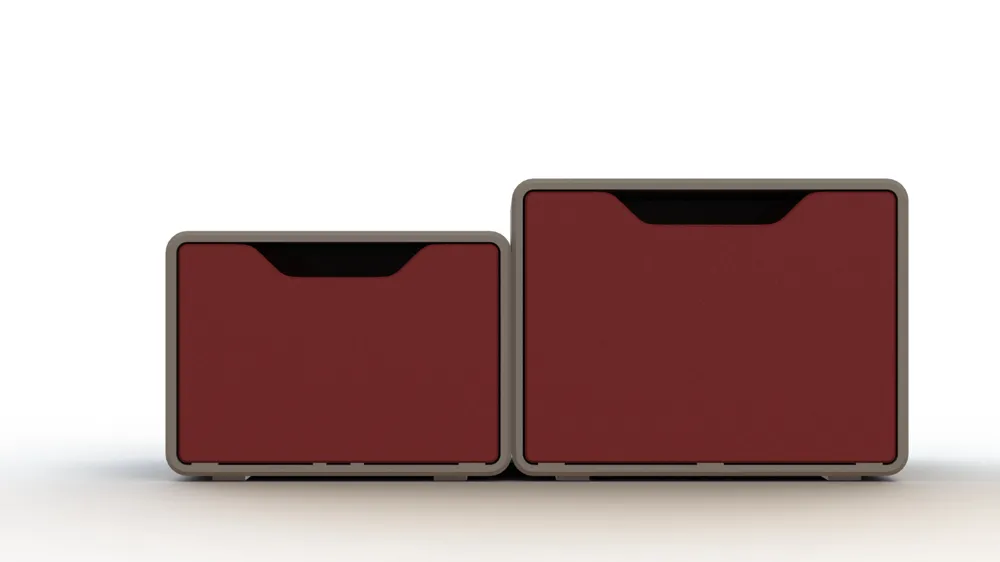
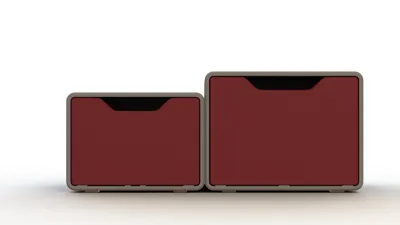
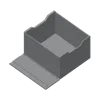
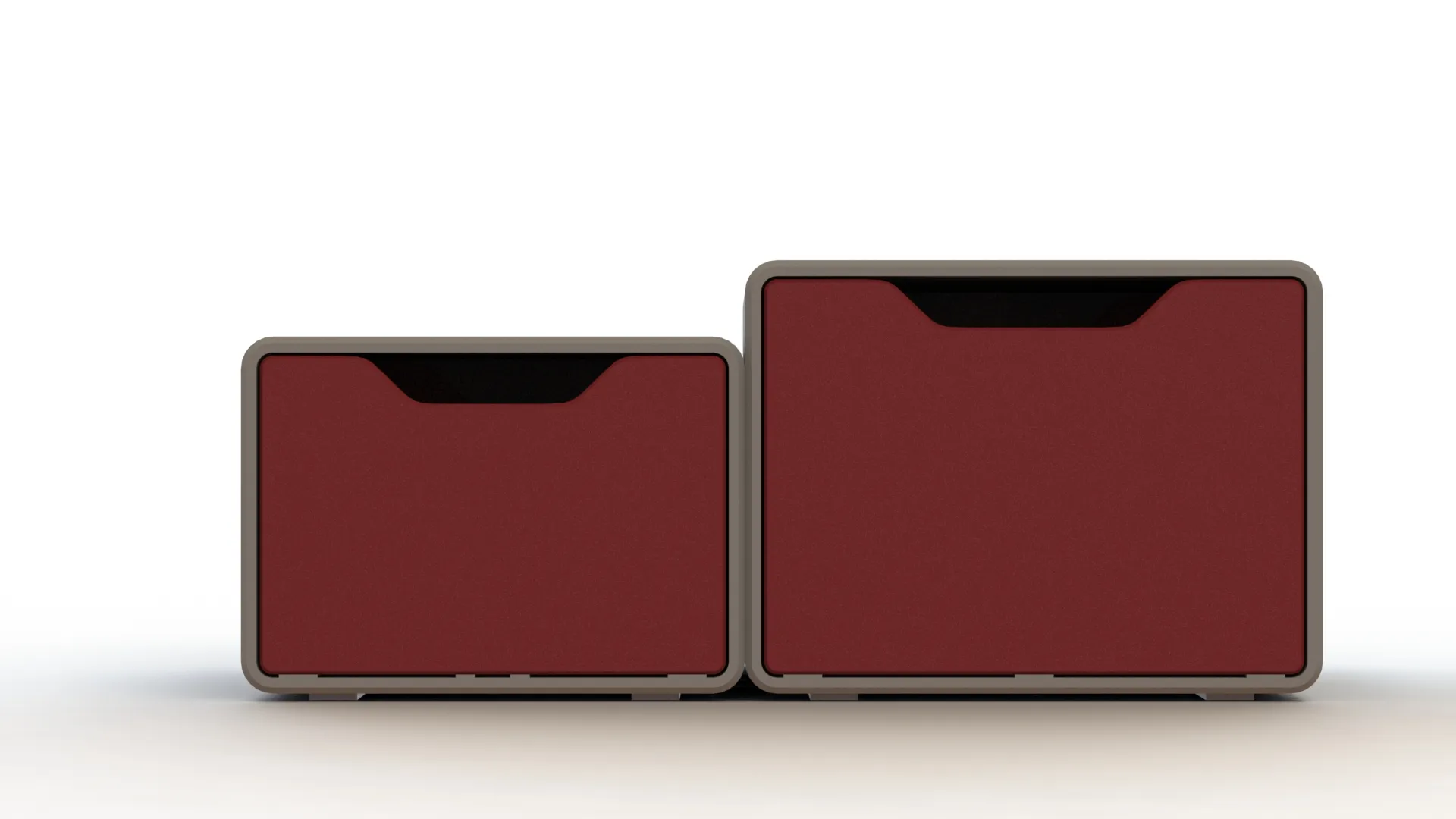
And a new 76,2x127,0mm (3x5 inches) that you can find in “3x5 module.3mf” in files.
Printing
These cards are the second largest, and so as you can see the boxes are not small either (like I've said in the beginning, they use almost all the print bed area (PRUSA MK series). You will have to wait a few hours before you can use your slip-box, but you will get it and it look fantastic. If you want other dimensions send a message or change this to your needs.
It is however a remarkably simple impression, without supports, without anything special. The infill is up to you, the default 15% is ok.
Change log
(26-09-2023) - Added some tabs, maybe they help. Only 2 layer thickness.

- Added a 3x5 box to files.
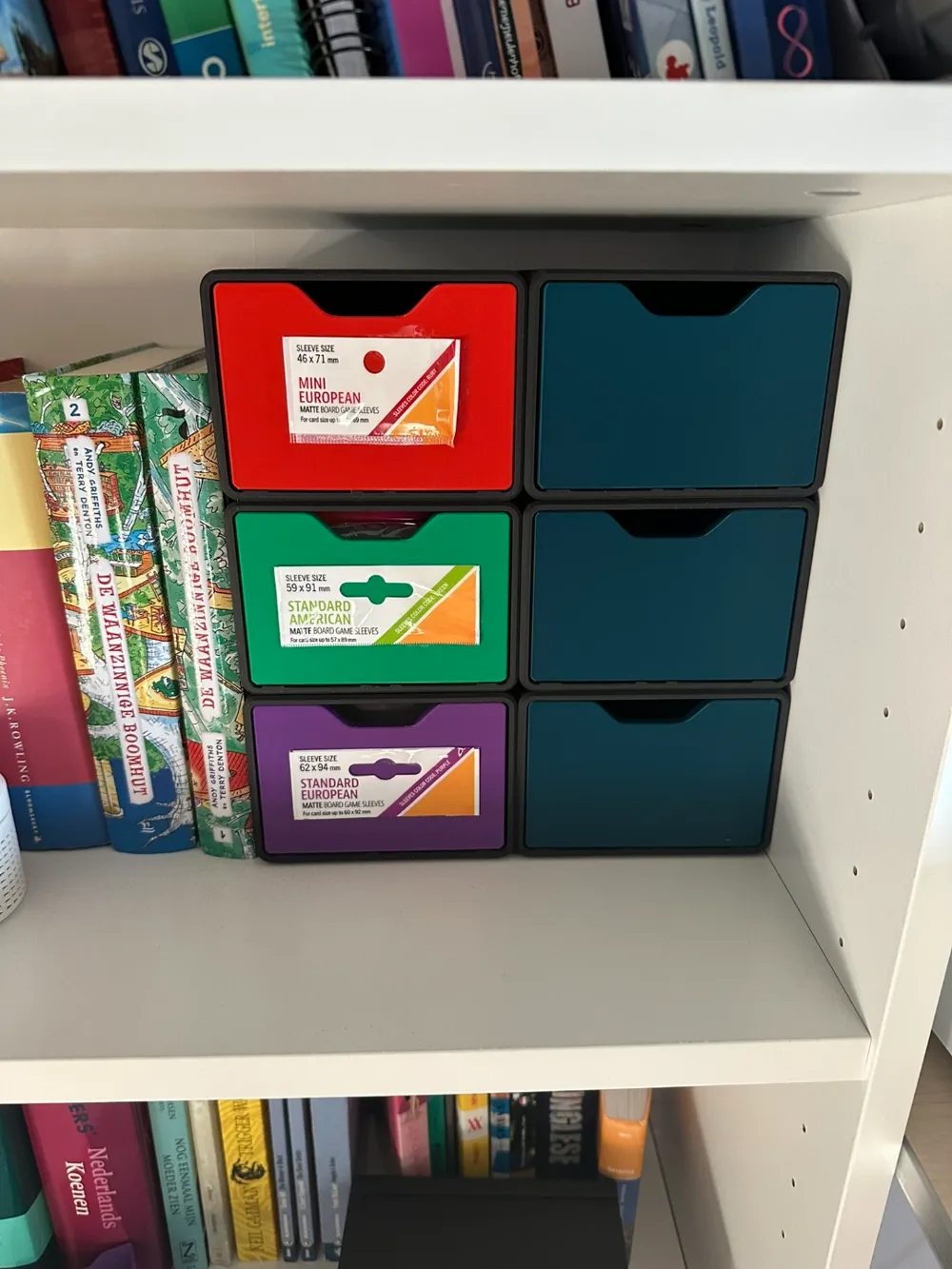
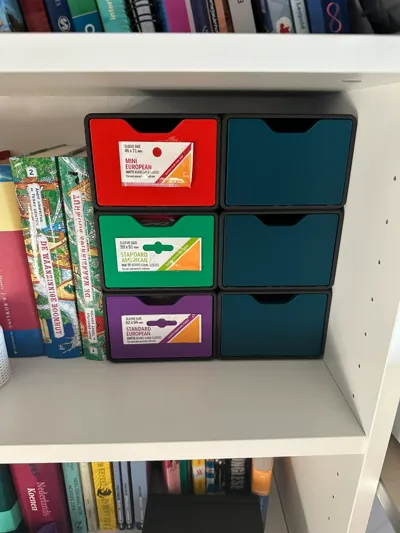
And a diferente application, board games sleeves and baggies, thanks to marco.boschetto

Support the designer:
This design is free for the benefit of the community, but If you like my designs and want to contribute, you can make a donation to buymeacoffee or paypal,that will be greatly appreciated.
Curious About My Tools? Check This Out!
For those of you who often ask about the tools I use to bring ideas to life, this article, The Journey From Idea To Object (Part I), offers some insights into the initial stages. It highlights the use of various tools, including software like Autodesk Fusion for CAD design, Blender for render and Bambu Studio for 3D printing preparation, and other... So, if you're curious about the software and hardware too, that I've incorporate in my workflow, take a look at the link for more details!" – Visit https://designrepcom.com/ for much more.
License



Comment & Rating (176)