
Customizable Tag for Car Tires / Wheels
Print Profile(1)
Description
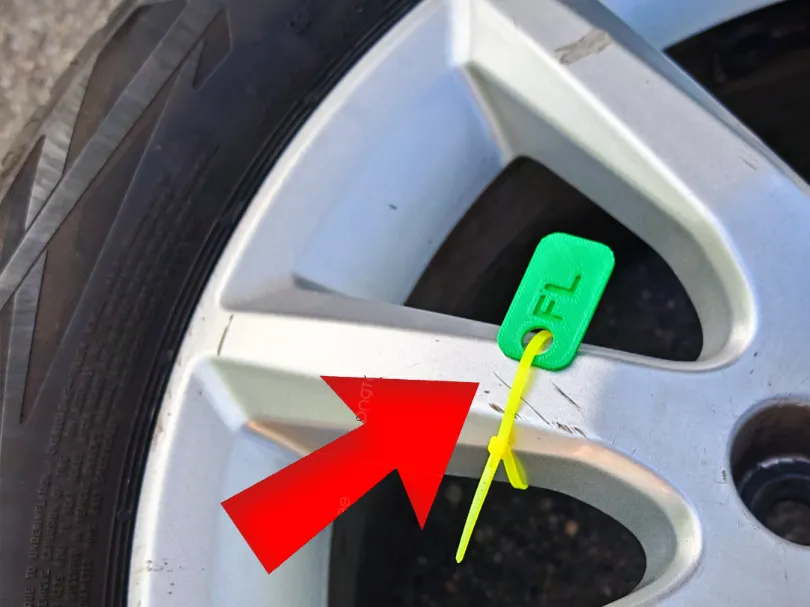
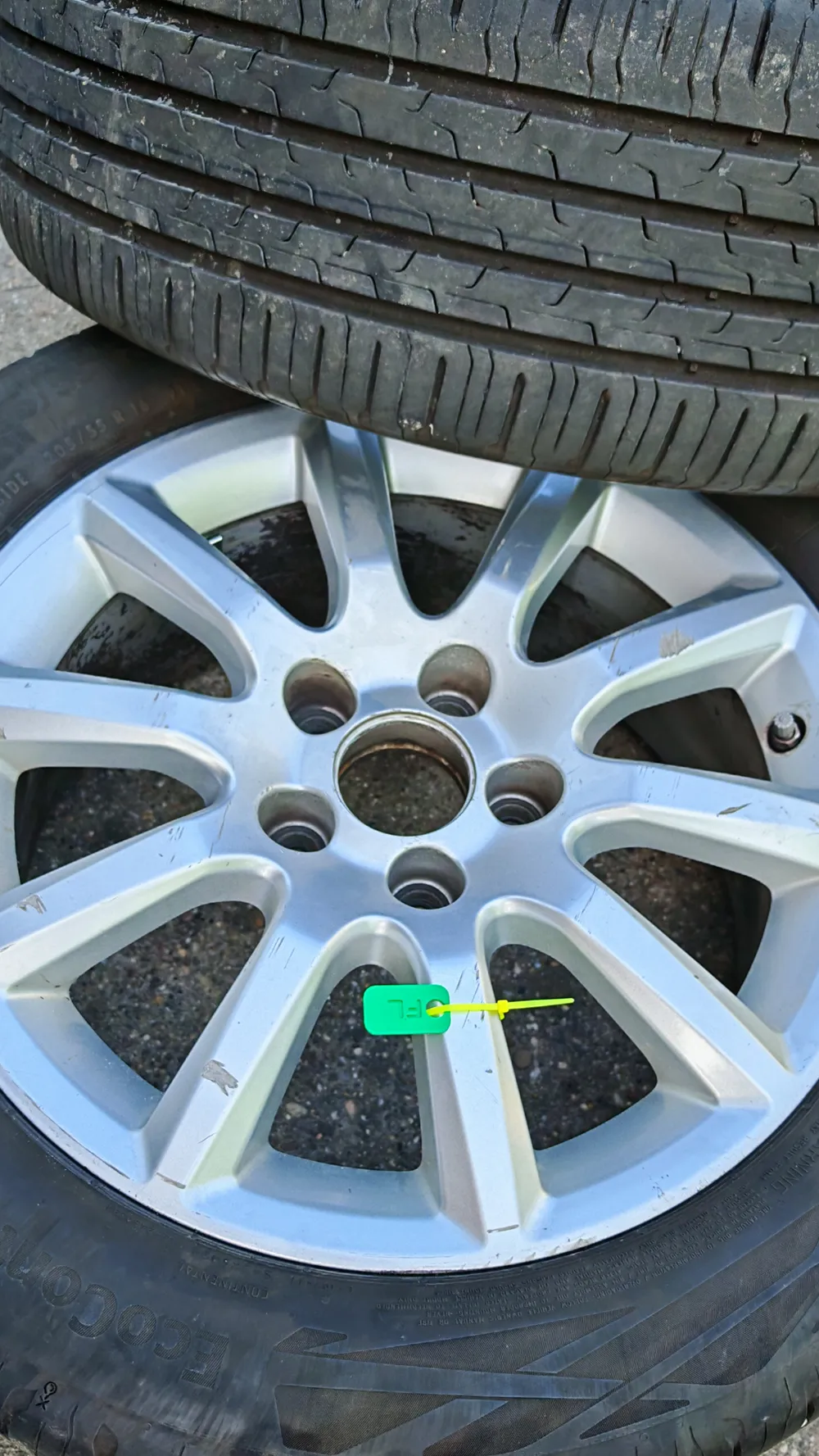
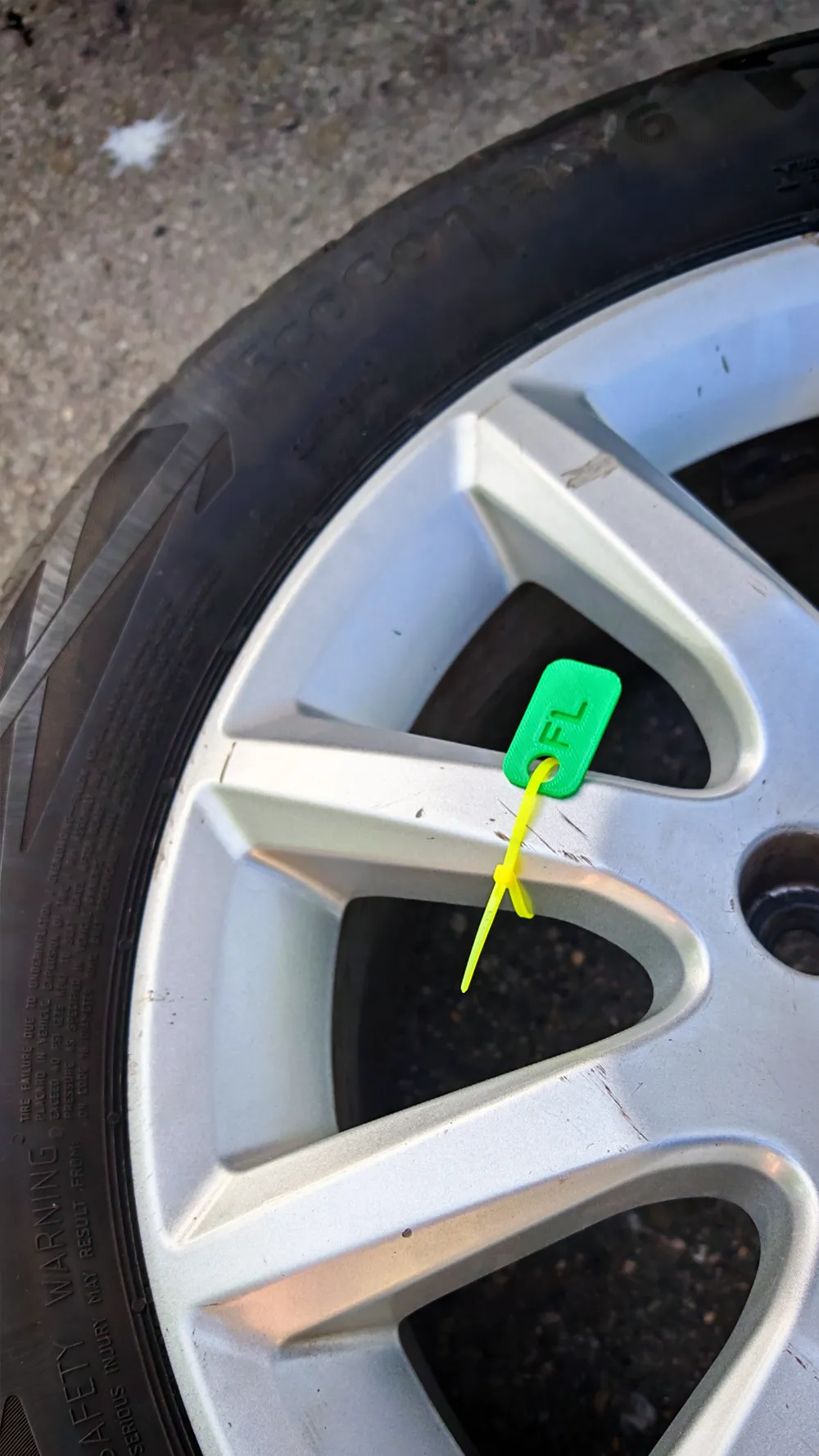
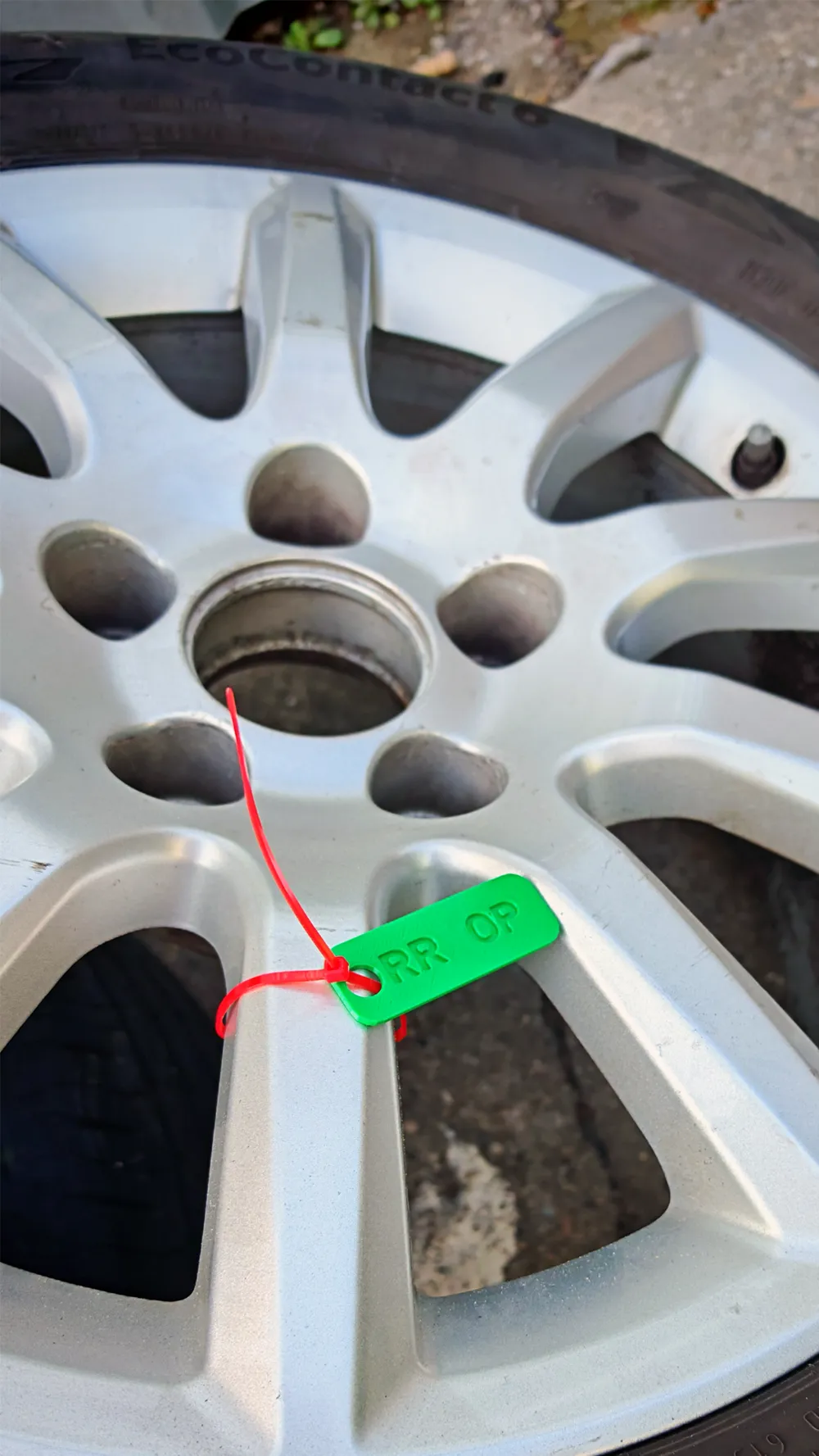
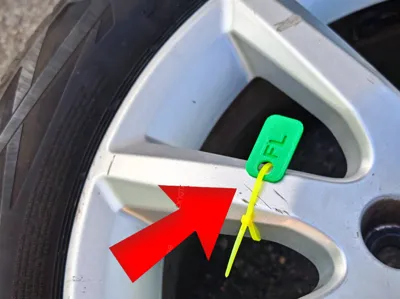
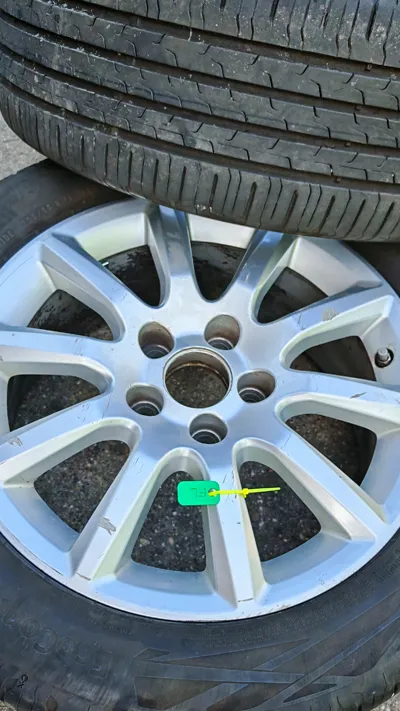
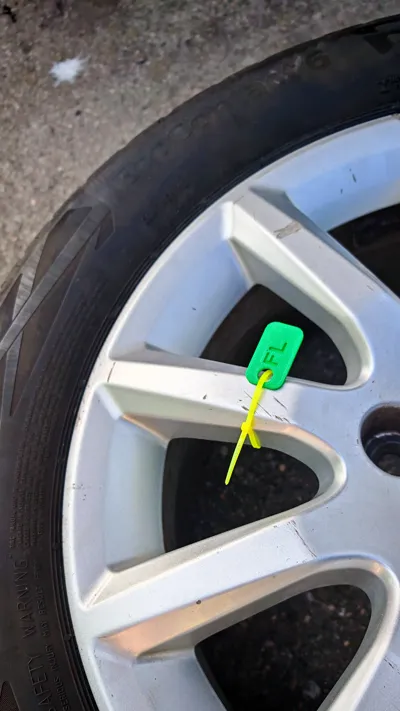
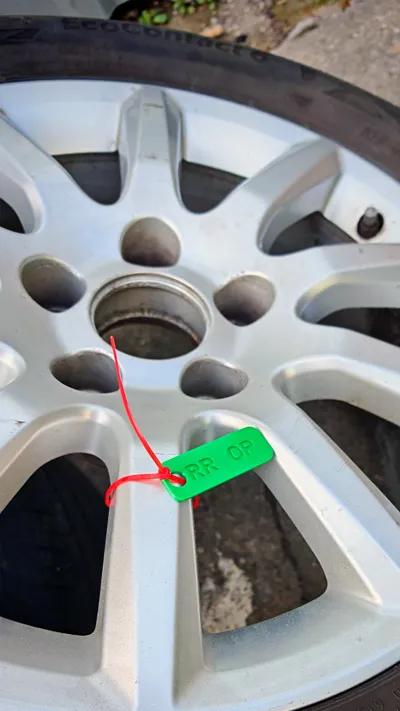
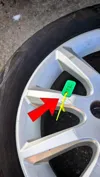
This customizable tag is perfect for labeling car tires, wheels, keys, other identifiers, or any small items. The uniquely designed tag allows you to engrave your own text (e.g., car brand abbreviation or other identifier). The model is designed to be easily customizable for every user, with parameters that can be modified according to your needs.
- Custom Engraving: You can engrave identifiers for your cars, such as "OP" for Opel or "AU" for Audi, or any other short text.
- Customizable Parameters: The model allows you to adjust the size, text, and the position of the hole according to your preferences.
- Sturdy and Durable: The model is designed for 3D printing, making it durable, easy to print, and customizable.
- Wide Application: It can be used not only as a car key tag but also as any other identifier.
Boost Me (for free)
The following parameters allow you to customize the model:
- Tag Dimensions:
- Width (plate_width): The width of the tag (mm).
- Length (plate_height): The length of the tag (mm).
- Thickness (plate_thickness): The thickness of the tag (mm).
- Corner Radius (corner_radius): The corner radius of the tag (mm).
- Hole Parameters:
- Hole Diameter (hole_diameter): The diameter of the hole (mm), located on the left side of the tag for cable ties.
- Hole Position (hole_offset_from_edge): The distance from the left edge of the tag to the center of the hole (mm).
- Text and Fonts:
- Text (text_value): The text you want to engrave on the tag. For example: "FL", “RR”, etc.
- Text Size (text_size): The size of the text (mm). Default value:
- Text Padding (text_padding): The padding around the text (mm). Default value: 1.5 mm.
- Text Positioning:
- The text starts 1 mm after the hole and ends 1 mm before the right edge of the tag.
!!! Make sure the print speed and temperature and cooling are set correctly for your printer and the filament you are using !!!
And the build plate should be clean for proper adhesion.
License

You shall not share, sub-license, sell, rent, host, transfer, or distribute in any way the digital or 3D printed versions of this object, nor any other derivative work of this object in its digital or physical format (including - but not limited to - remixes of this object, and hosting on other digital platforms). The objects may not be used without permission in any way whatsoever in which you charge money, or collect fees.


Comment & Rating (3)