
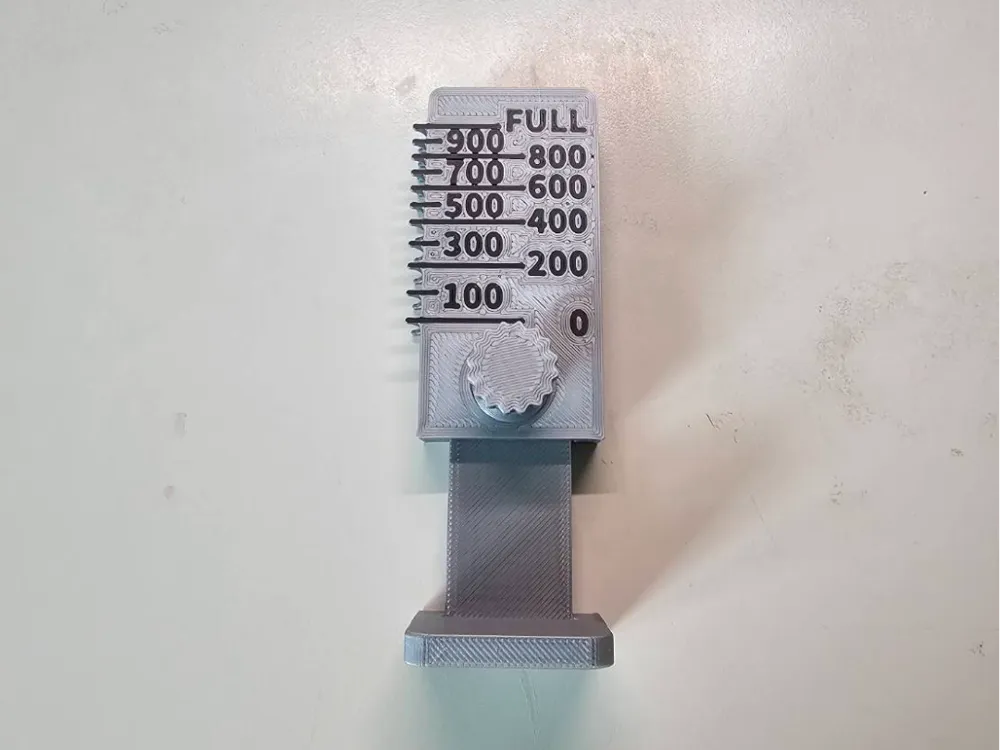
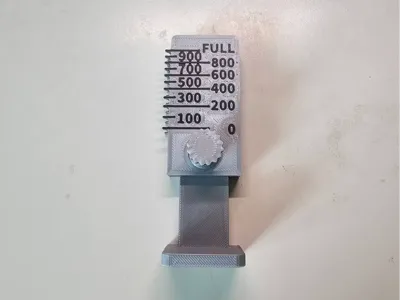
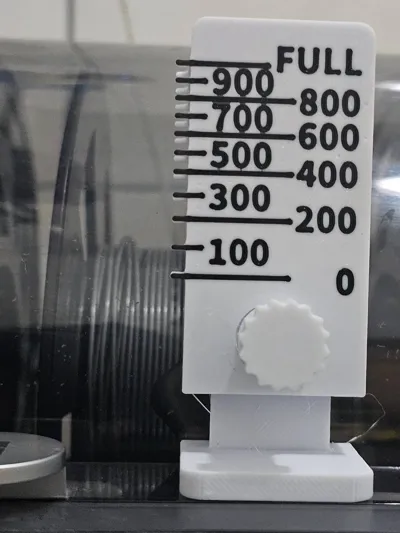
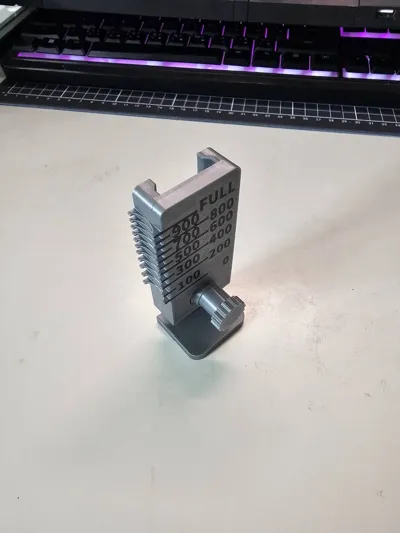
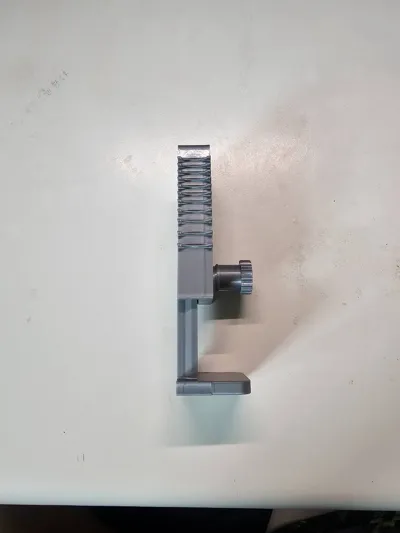
AMS Out-of-Box External Filament Gauge Tool V2 (Adjustable)
Print Profile(1)

Description
Boost Me (for free)
Every boost helps me create more useful and innovative designs. Thank you for your support! More of my creations can be found in my portfolio; feel free to browse.
Improvements from the previous generation:
Filament spools from different manufacturers are not uniform.
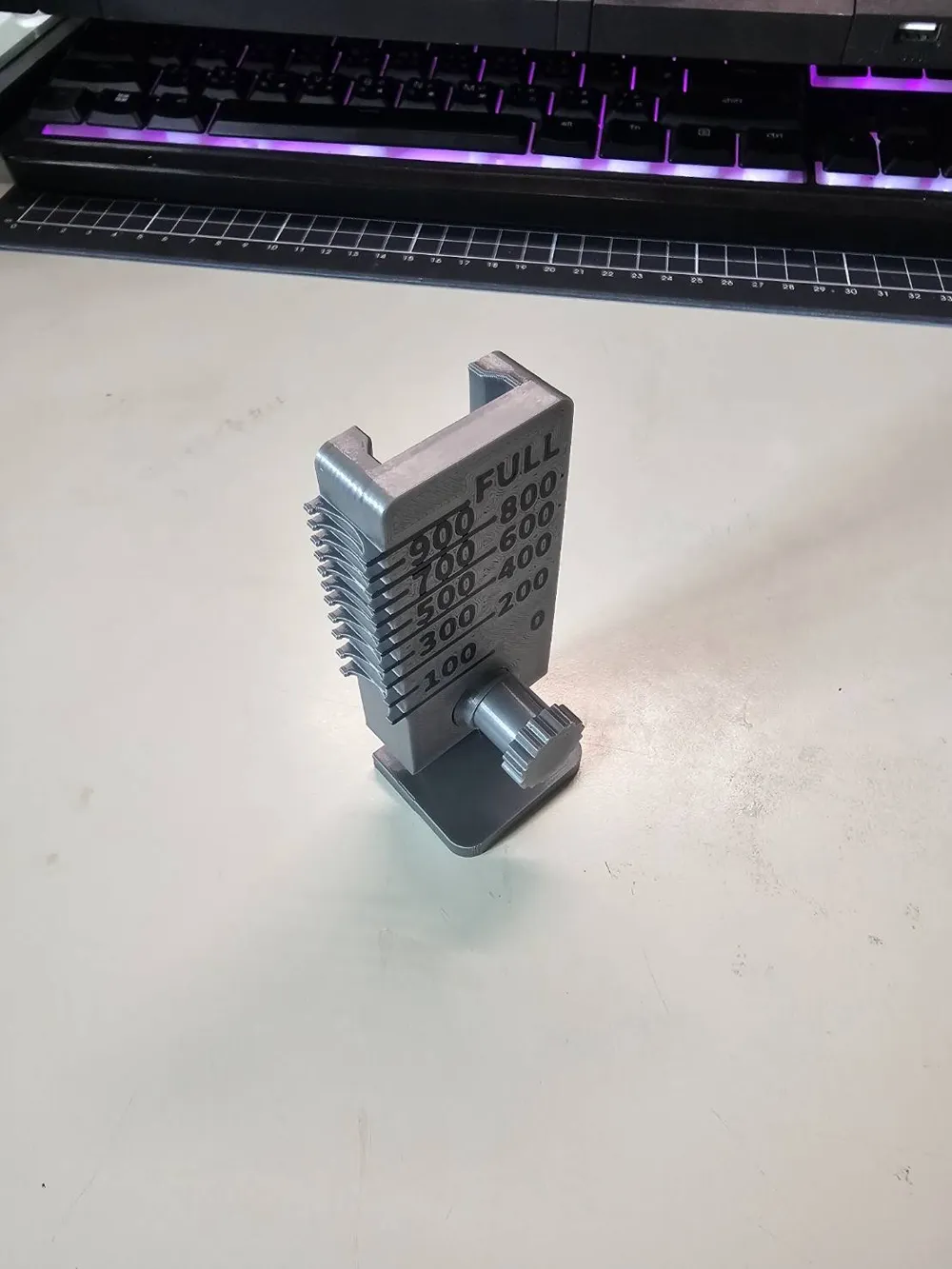
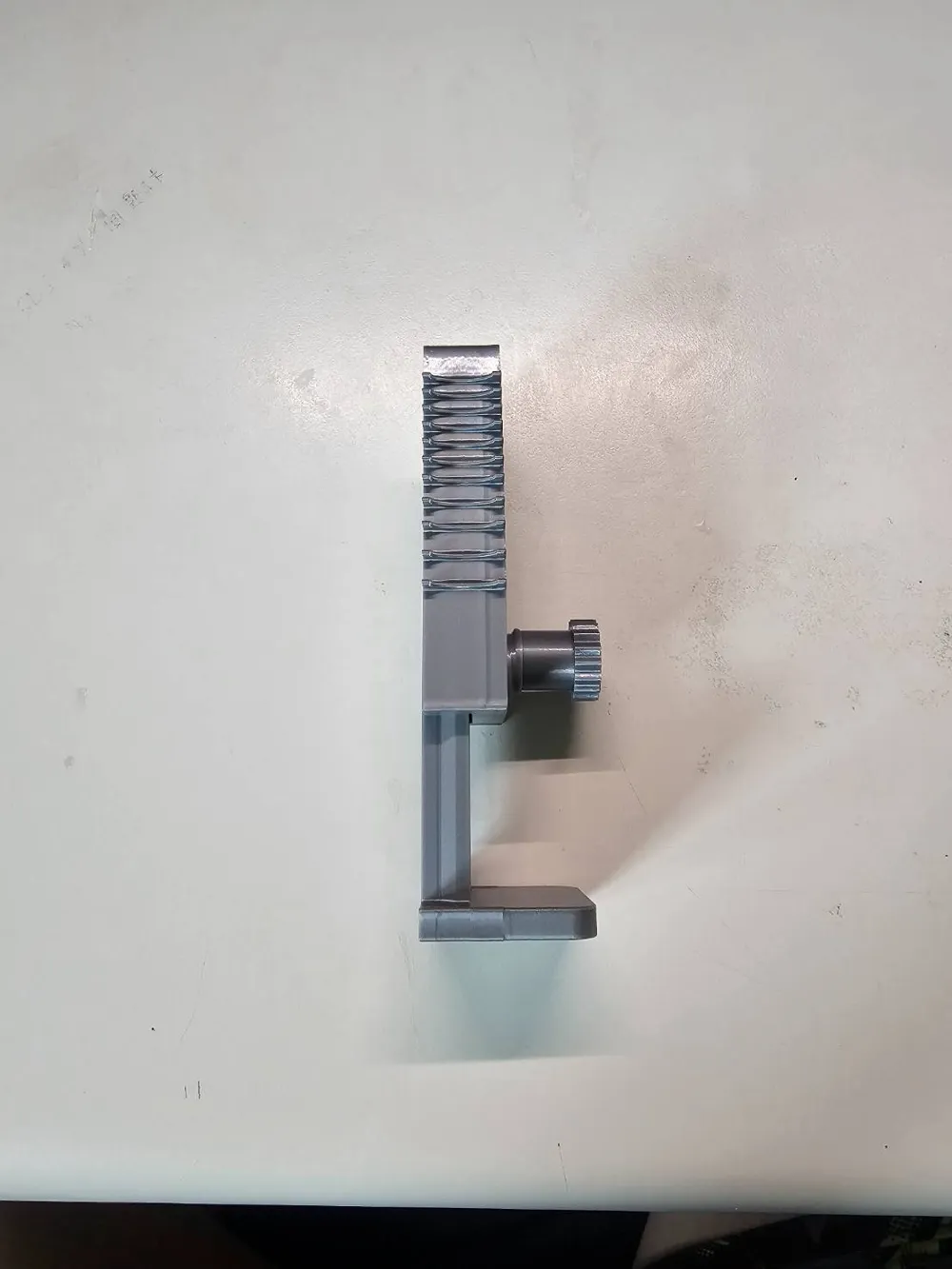
Therefore, this improved version allows for Z-height adjustment.
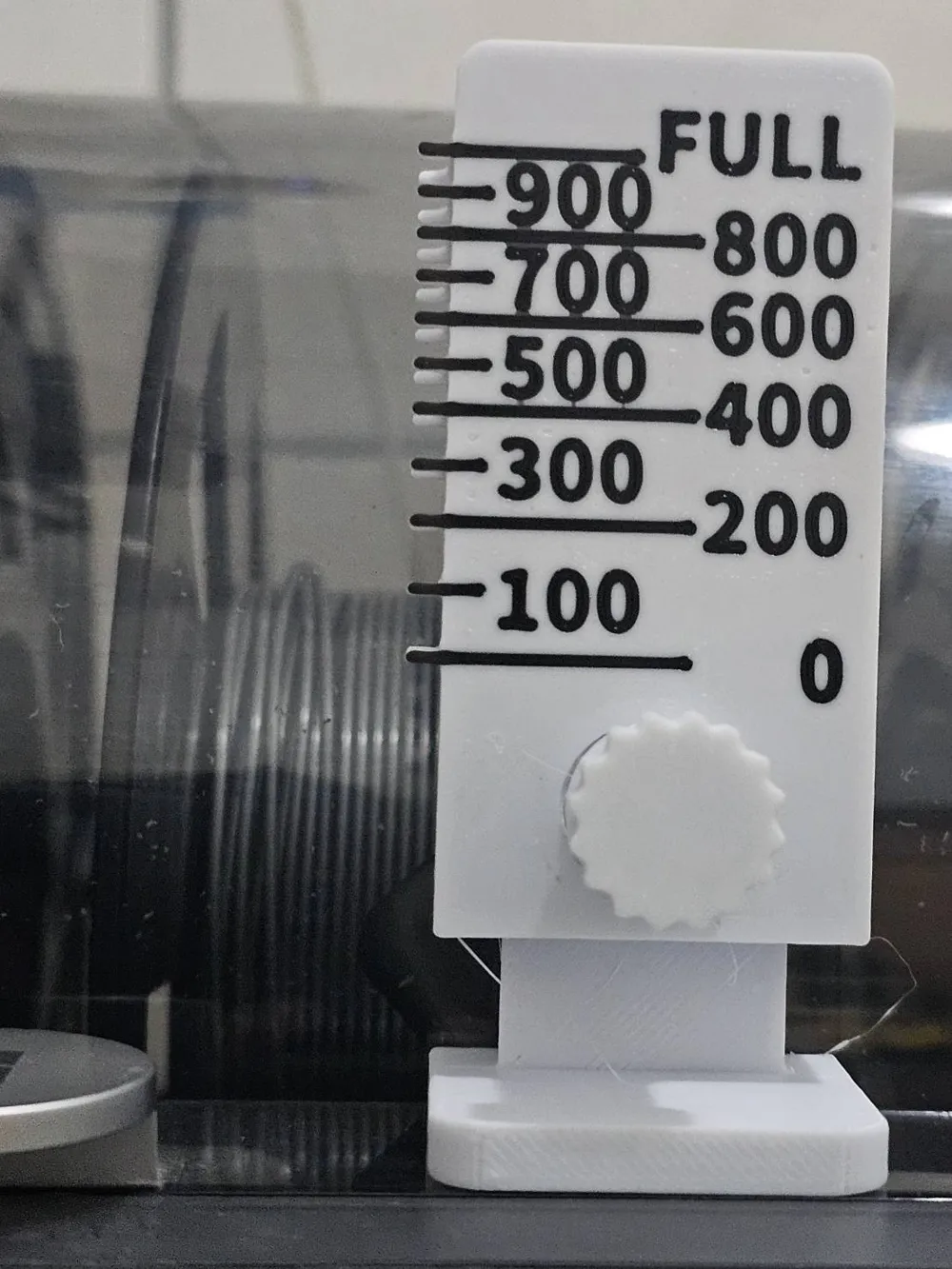
Place the tool on the AMS cover,
as shown below: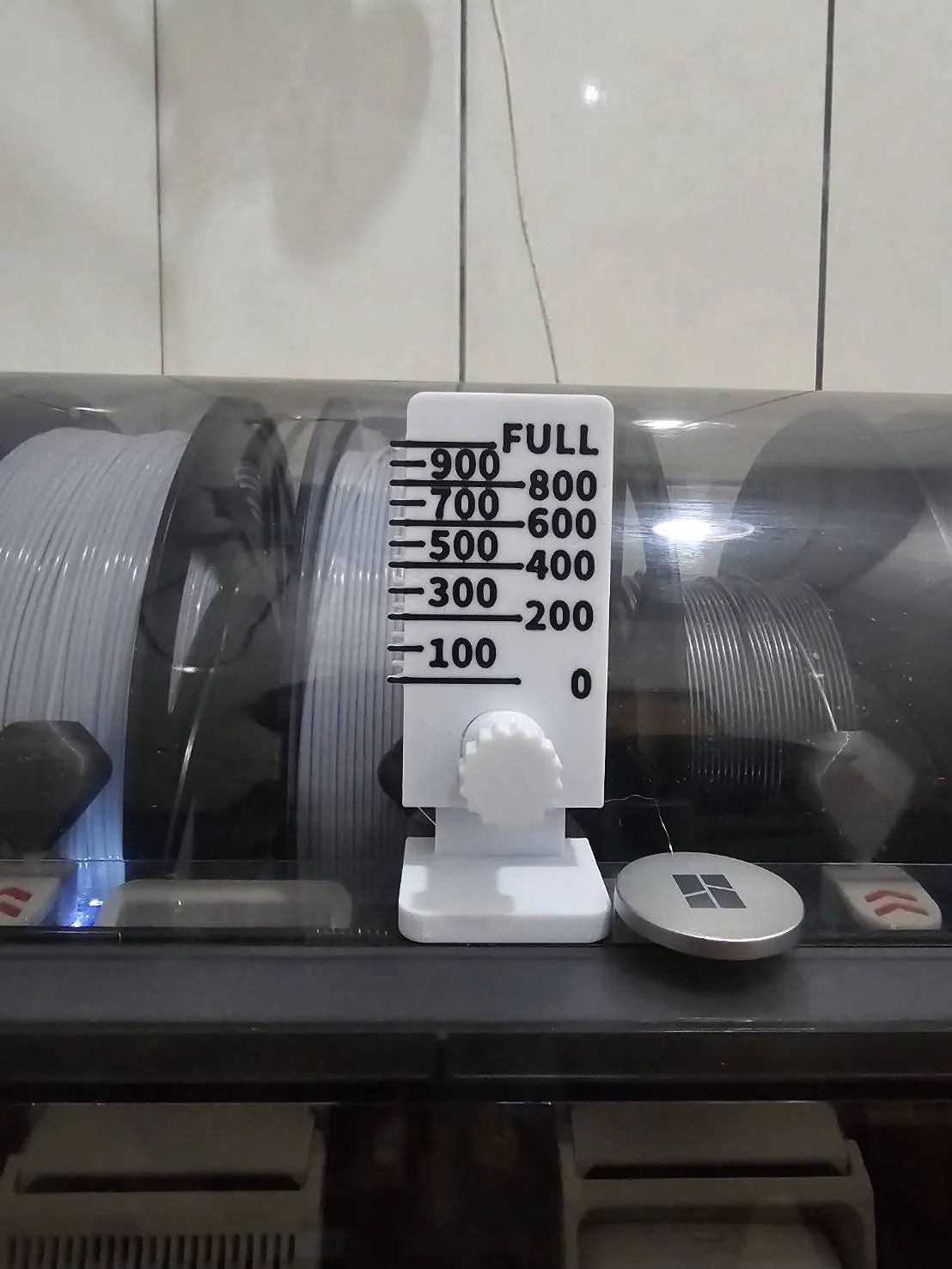
First time use:
Calibrate the tool height.
Load a brand new filament spool.
Adjust the height.
Align the two red circles marked "FULL" with the filament.
Tighten the screw.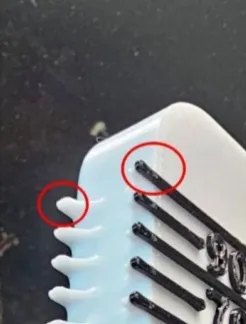
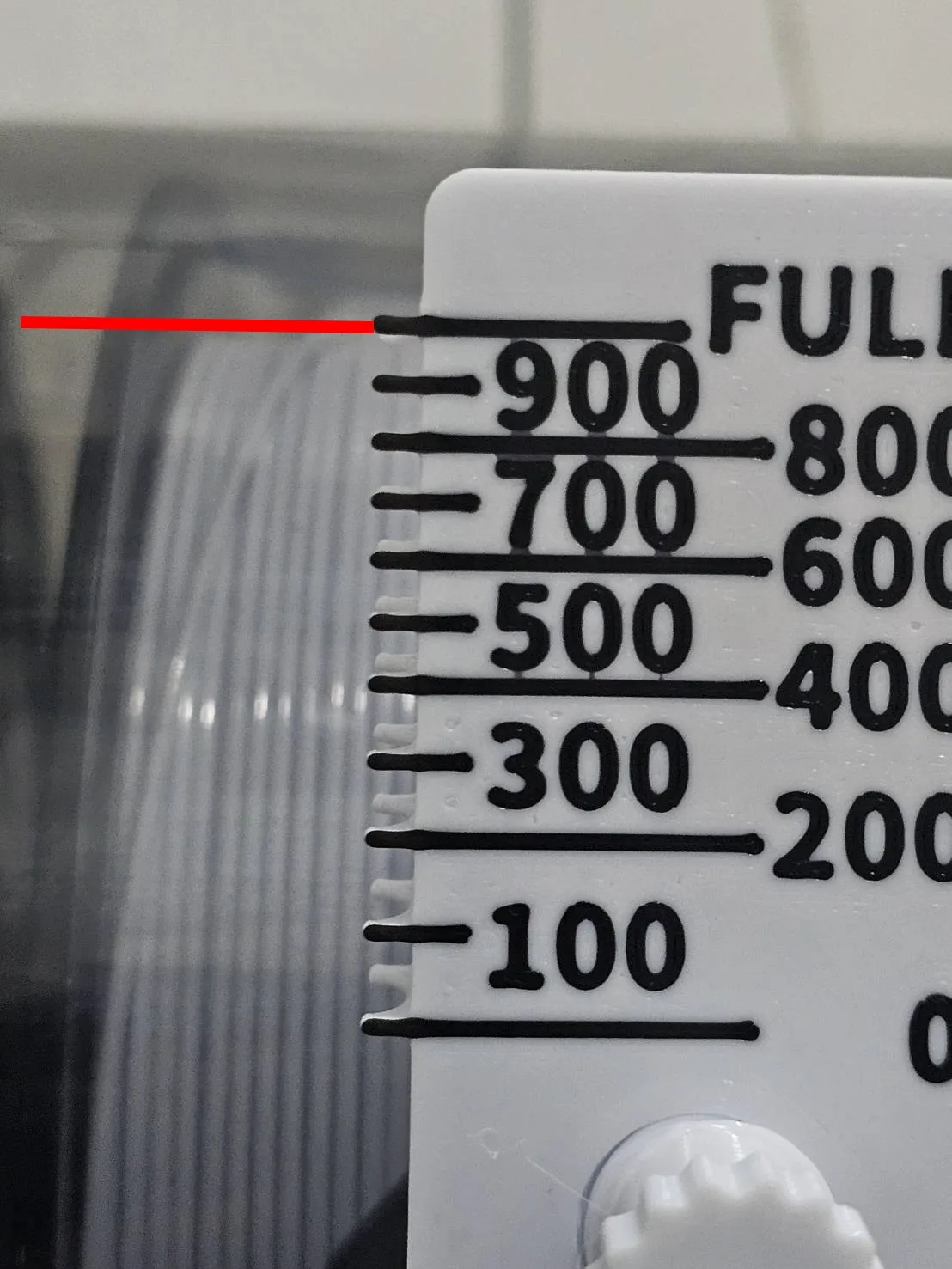
The filament must be neatly aligned.
If not, the filament spool will appear larger.
This leads to inaccurate estimations.
As shown below, an unaligned spool appears larger than a neatly aligned one.
Left: Unaligned; Right: Aligned
(Both are brand new spools)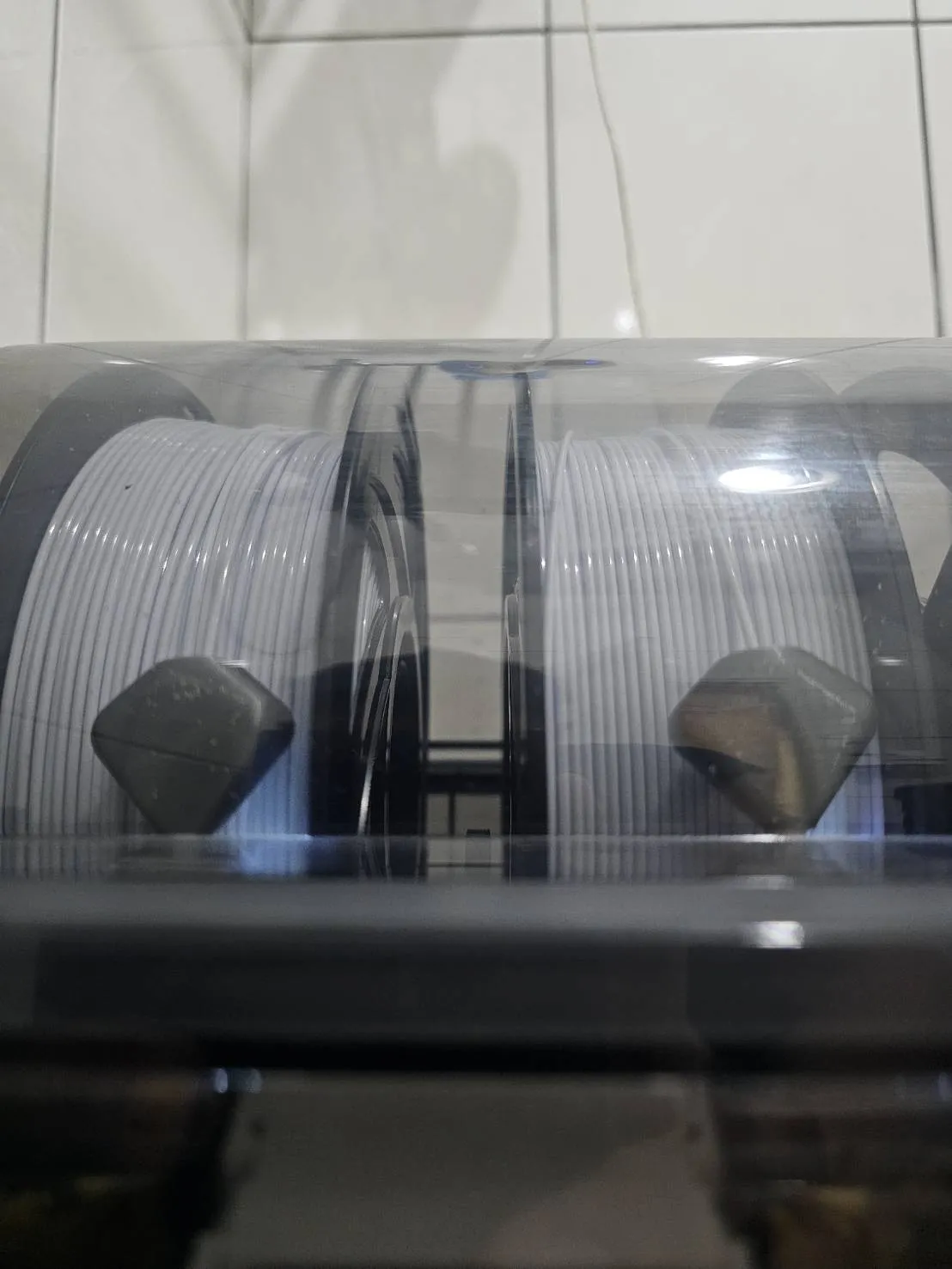
Tool Usage Tips:
Viewing angles that are too high or too low
will cause significant errors.
As shown below: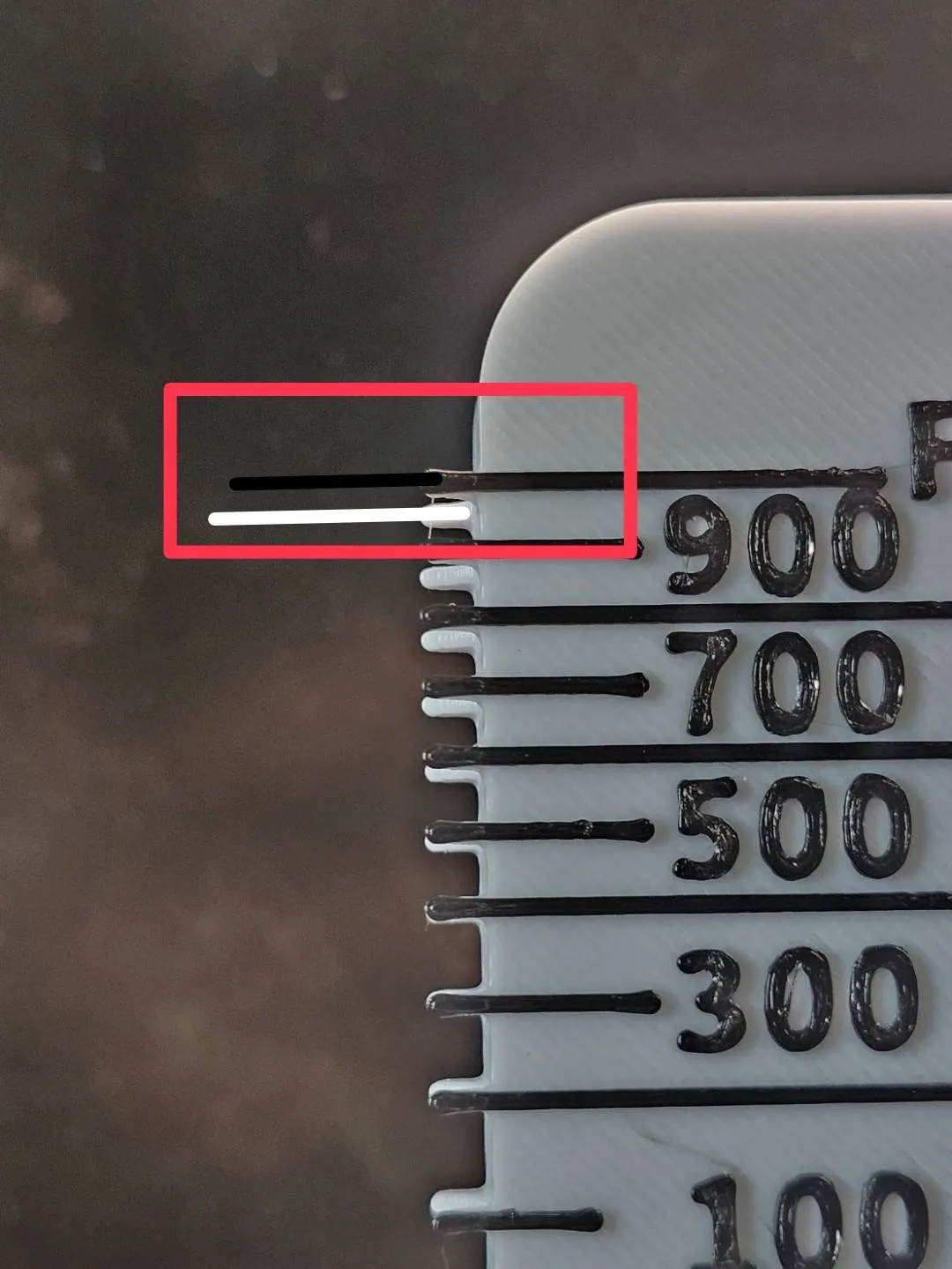
When the black line is above,
it indicates the viewing angle is too low.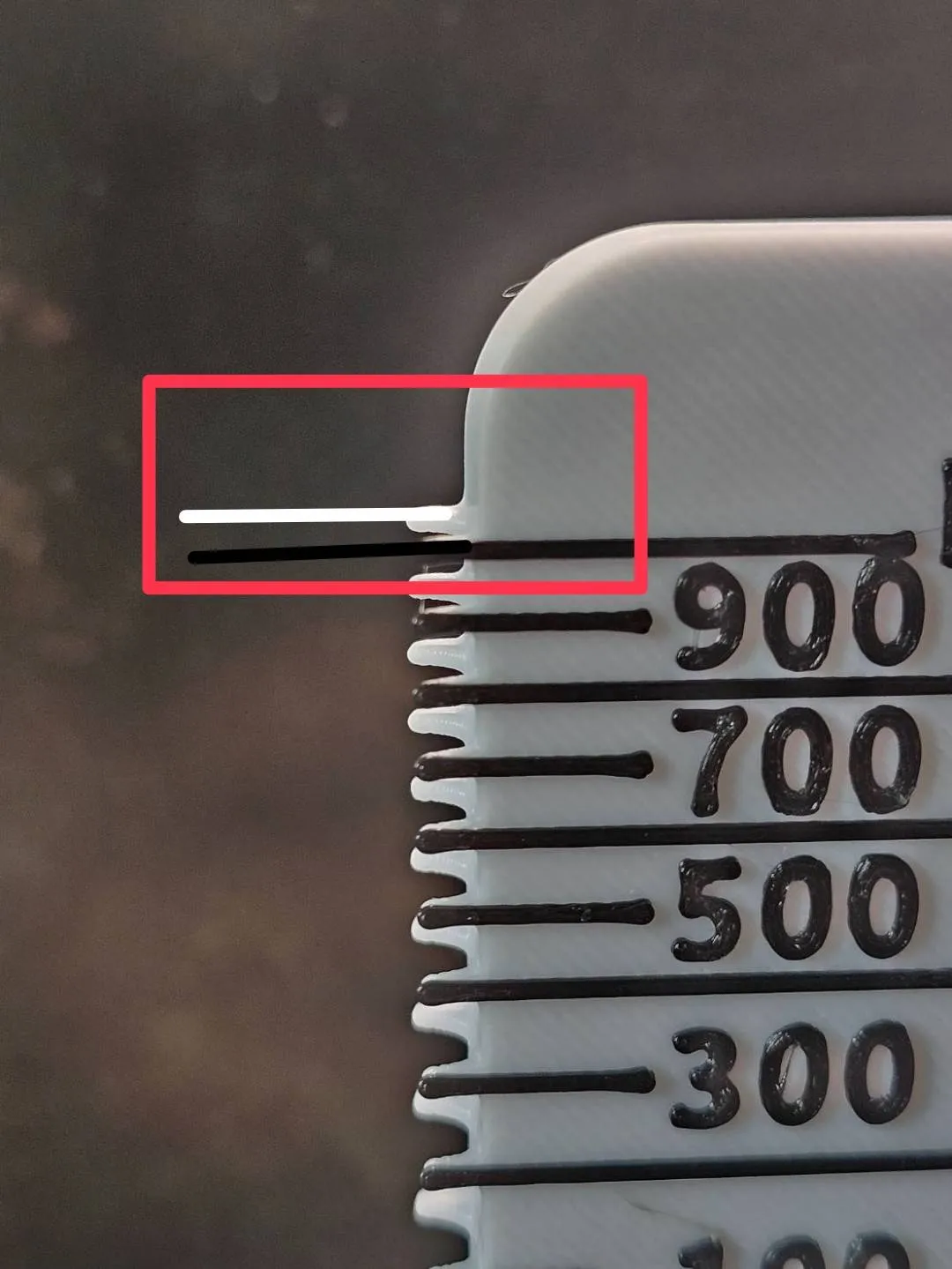
When the white line is higher than the black line,
it indicates the viewing angle is too high.
Adjust your viewing height so that the black and white markers and the filament
form a straight line.
As shown below: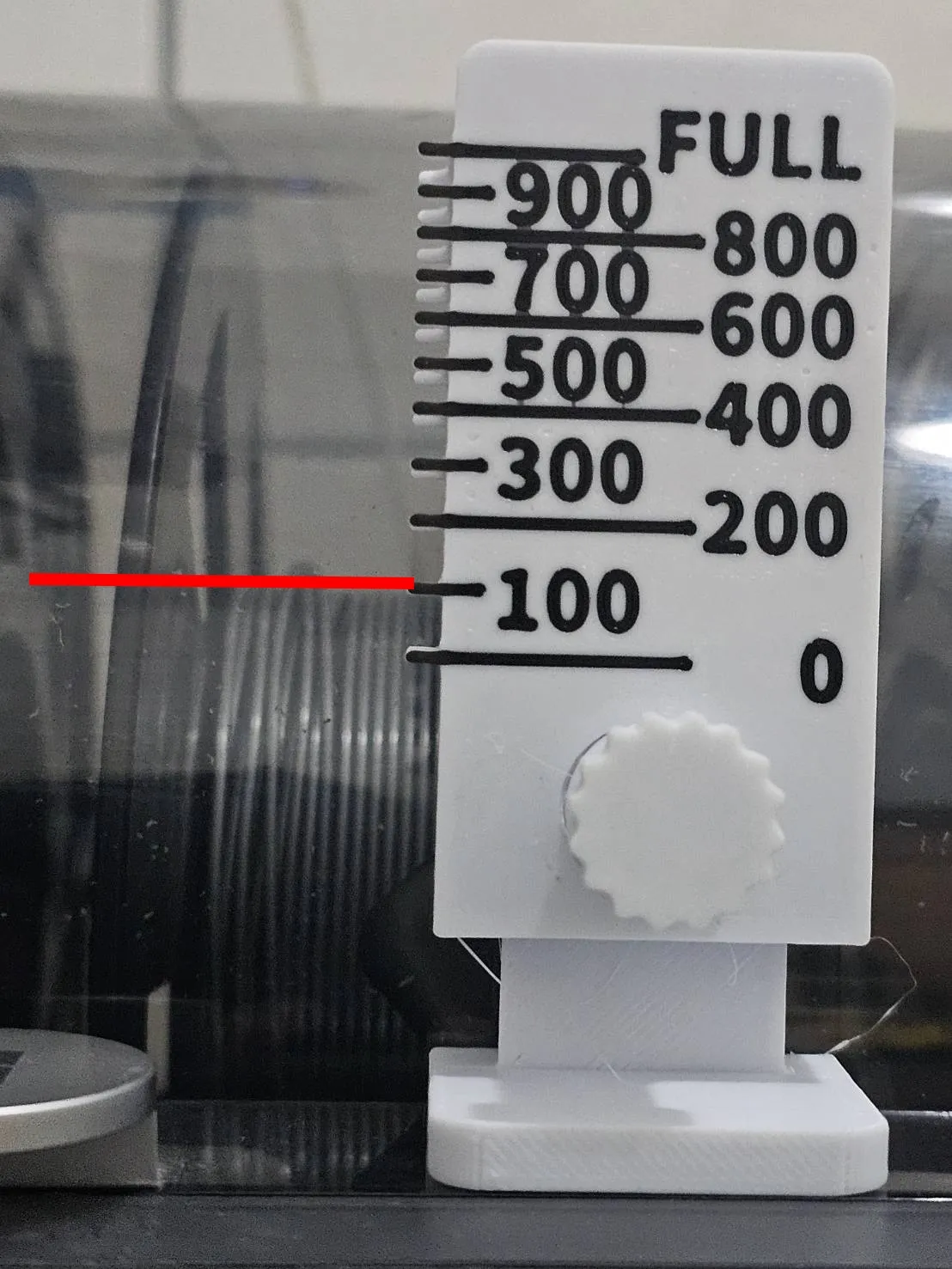
(Special thanks to @user_166674195 for providing this information)
License

You shall not share, sub-license, sell, rent, host, transfer, or distribute in any way the digital or 3D printed versions of this object, nor any other derivative work of this object in its digital or physical format (including - but not limited to - remixes of this object, and hosting on other digital platforms). The objects may not be used without permission in any way whatsoever in which you charge money, or collect fees.


Comment & Rating (1)