
Customizable Modular Storage Tray Organizer
Print Profile(1)

Description
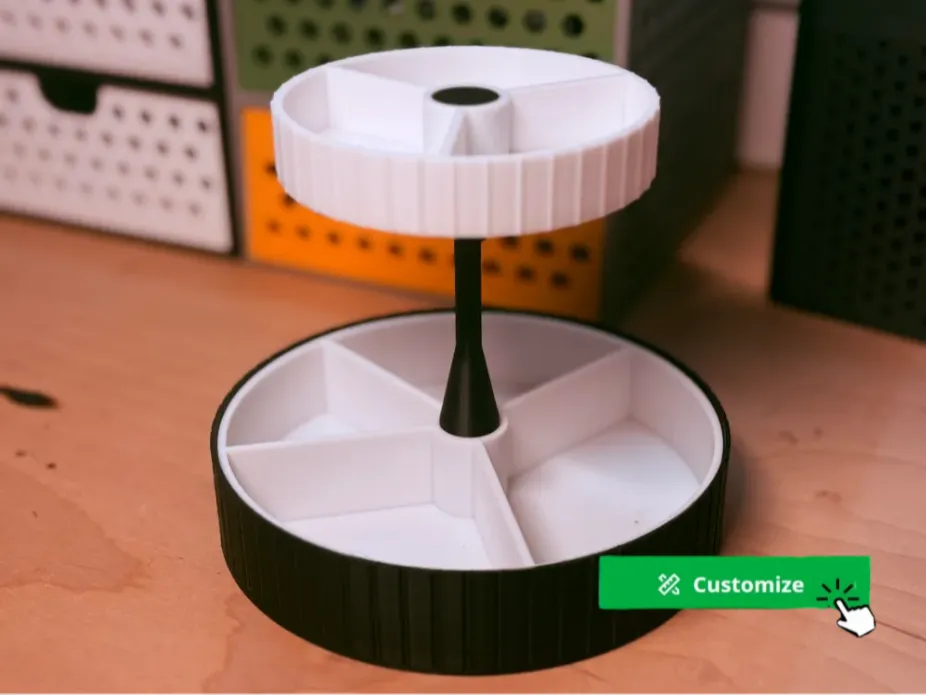
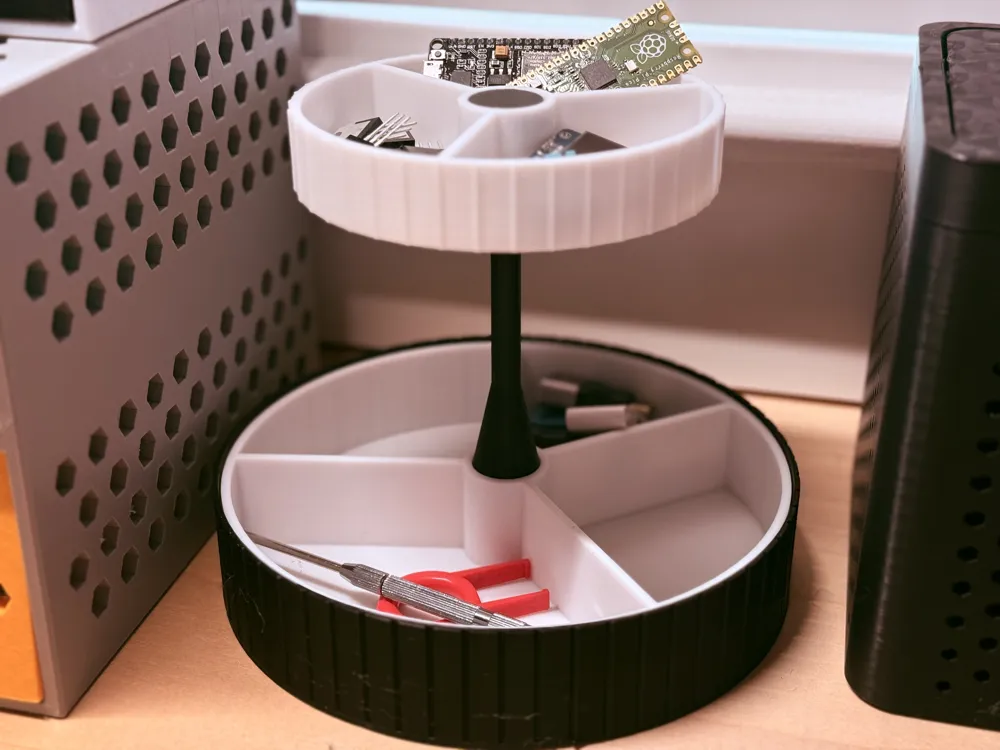
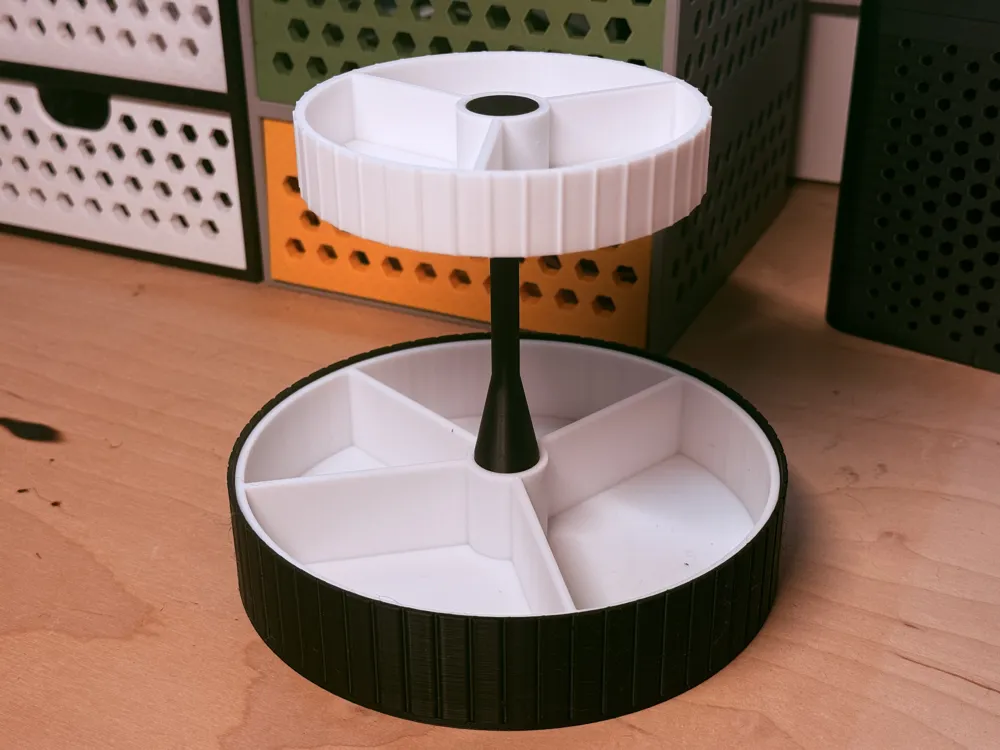
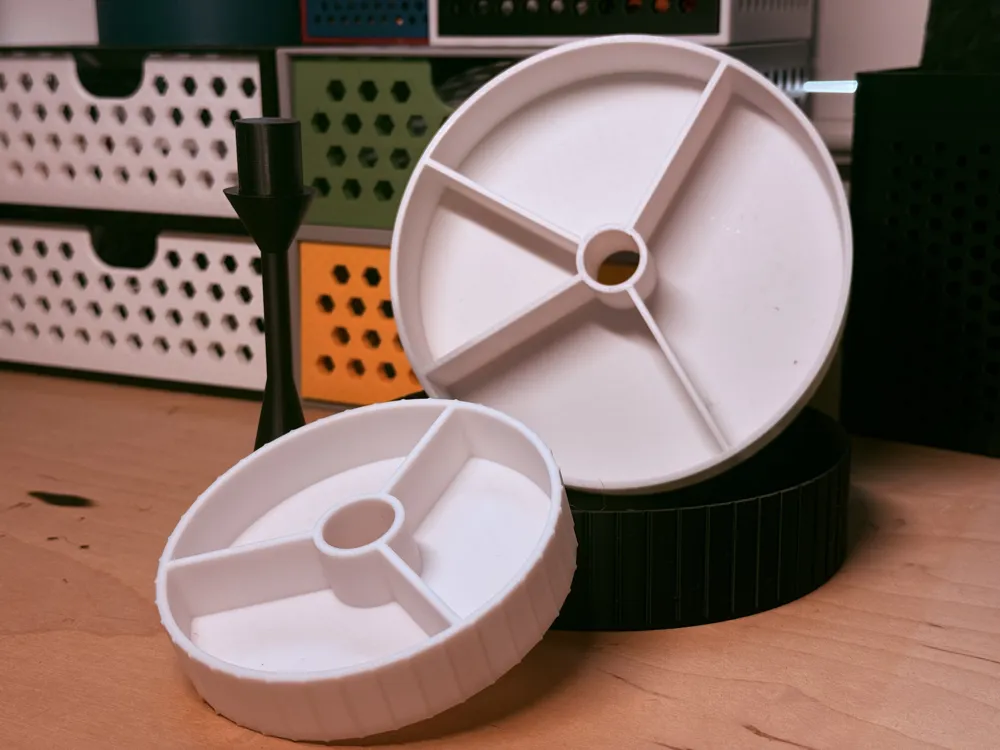
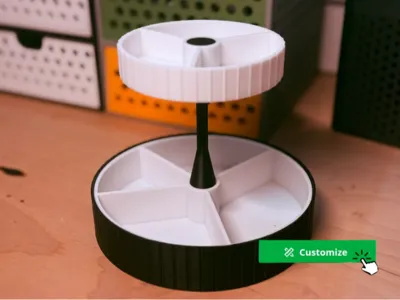
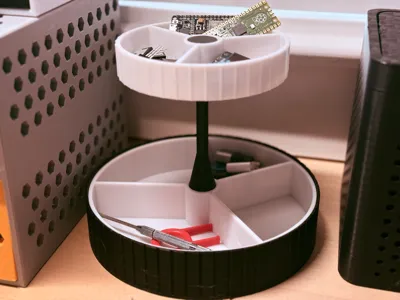
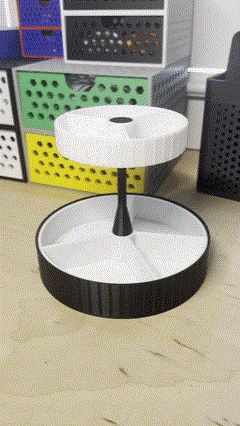
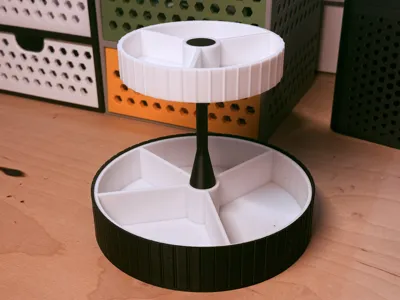
This is a fully parametric, two-level rotating organizer perfect for desks, workshops, or anywhere you need organized storage!
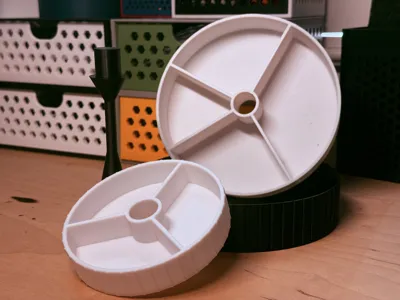
- Top and bottom trays rotate for easy access
- Snap-fit pillar system — no glue or fasteners required.
- Ribbed housing and tray edges for better grip and style.
- Fully customizable with easy sliders
✅ Designed for support-free printing
✅ Parametric settings allow you to adjust tray sizes, section layout, ribbing, pillar spacing, and more
----------------------------------------------------------------------------------------------------------------------------------------------------------------------------------------------------------
This model is designed to be uploaded part-by-part for better slicing and assembly.
In the customize section in Makerworld, before exporting the STL:
Find the setting:
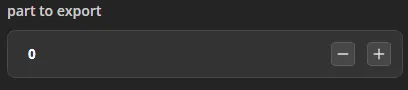
part_to_export = 0
- Set the export number based on the part:
- part_to_export = 1; → Bottom Housing
- part_to_export = 2; → Bottom Tray
- part_to_export = 3; → Pillar
- part_to_export = 4; → Top Tray
- Press Generate and Then Import Each File into Bambu Studio to Print
✅ Important: Export only one part at a time using the setting above — do not export the full model at once!
----------------------------------------------------------------------------------------------------------------------------------------------------------------------------------------------------------
⚙️ Customizable Parameters (Built-In Sliders):
- Tray radii (top & bottom)
- Tray heights
- Size of tray compartments
- Gap between trays
- Ribbing (enable/disable, width, depth, spacing)
- Snap fit tolerances
- Pillar design and dimensions
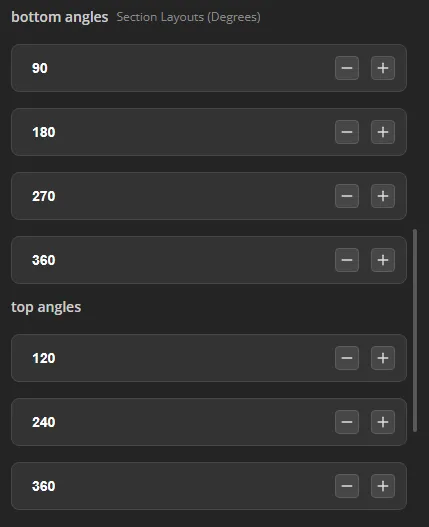
✅ Important: To change the size of tray compartments, adjust the “bottom angles” and “top angles” sections in the customizer. Walls will appear at each angle you select.
Boost Me (for free)
Boost Me (for free)
If you enjoy this or any other design of mine, Please consider dropping a follow, like or boost. The support is greatly appreciated and helps me grow as a creator. Thank You!
License

You shall not share, sub-license, sell, rent, host, transfer, or distribute in any way the digital or 3D printed versions of this object, nor any other derivative work of this object in its digital or physical format (including - but not limited to - remixes of this object, and hosting on other digital platforms). The objects may not be used without permission in any way whatsoever in which you charge money, or collect fees.


Comment & Rating (2)