
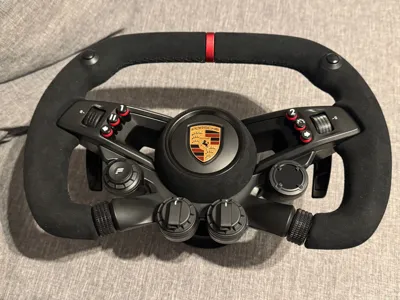
Fanatec Button Caps for Porsche Vision GT Wheel

Print Profile(1)

Description
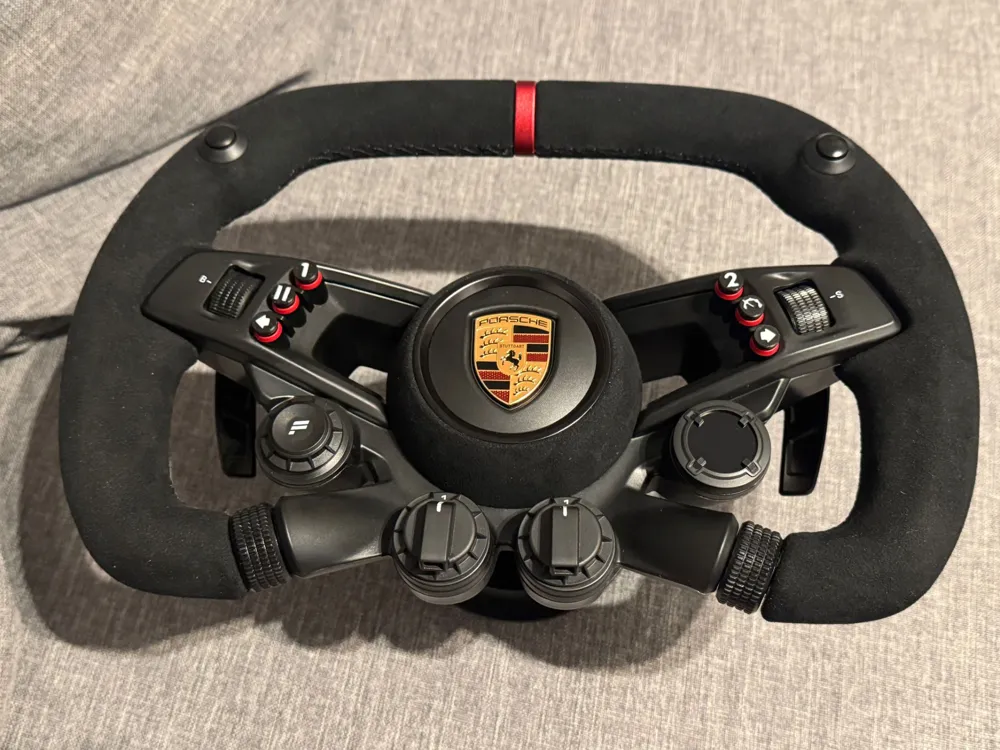
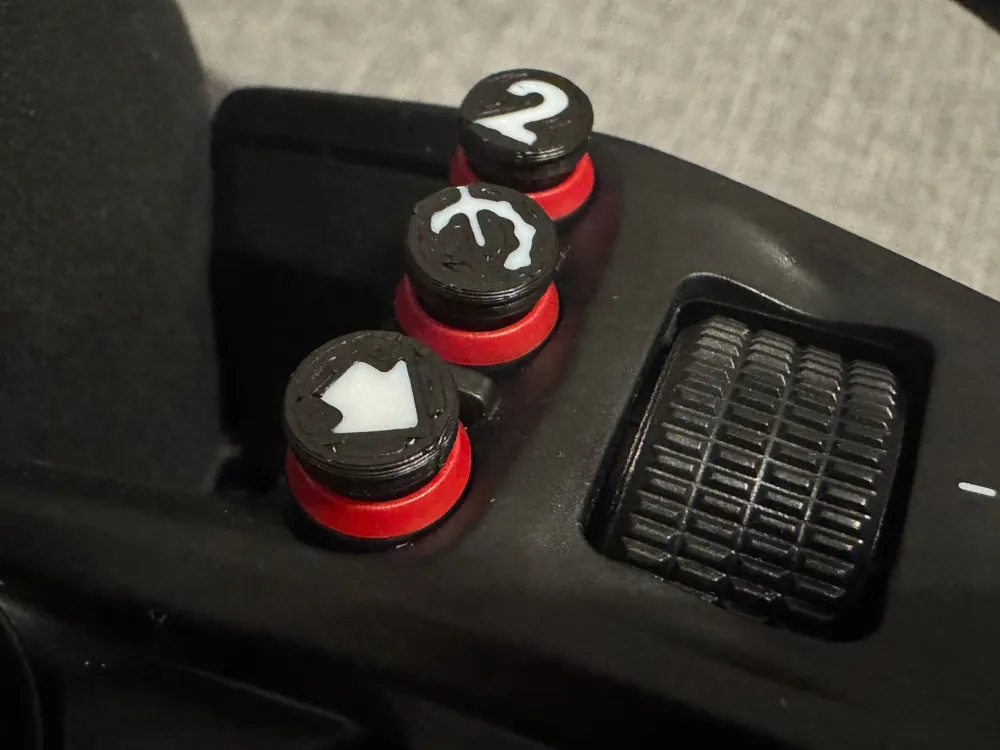
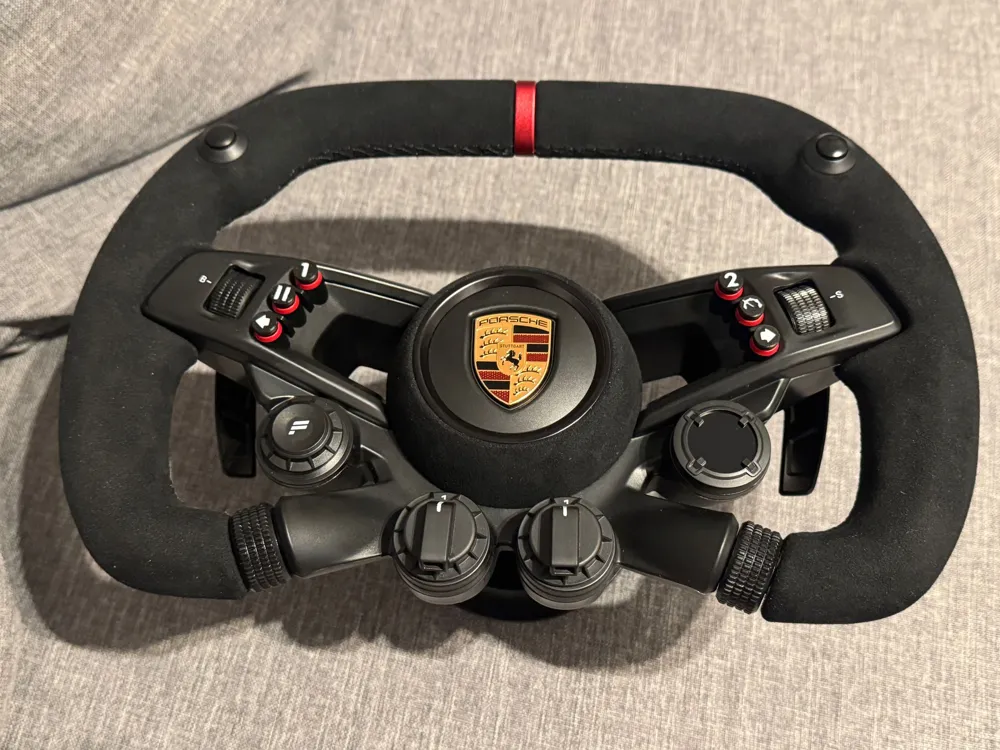
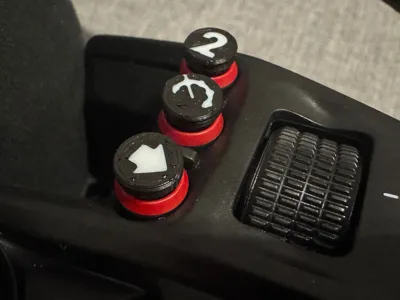
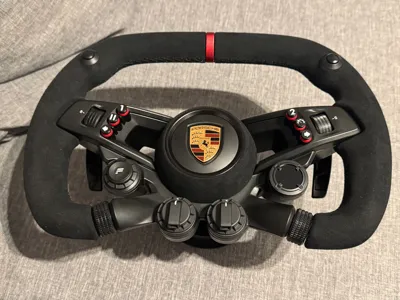
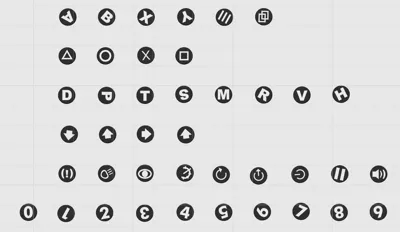
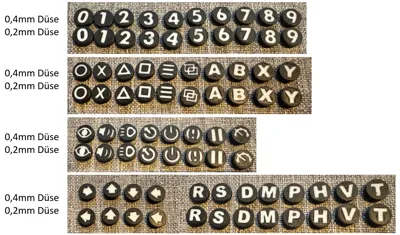
Fanatec Button Caps for Porsche Vision GT Wheel
Button caps for the six small buttons
Important! Read the entire description!
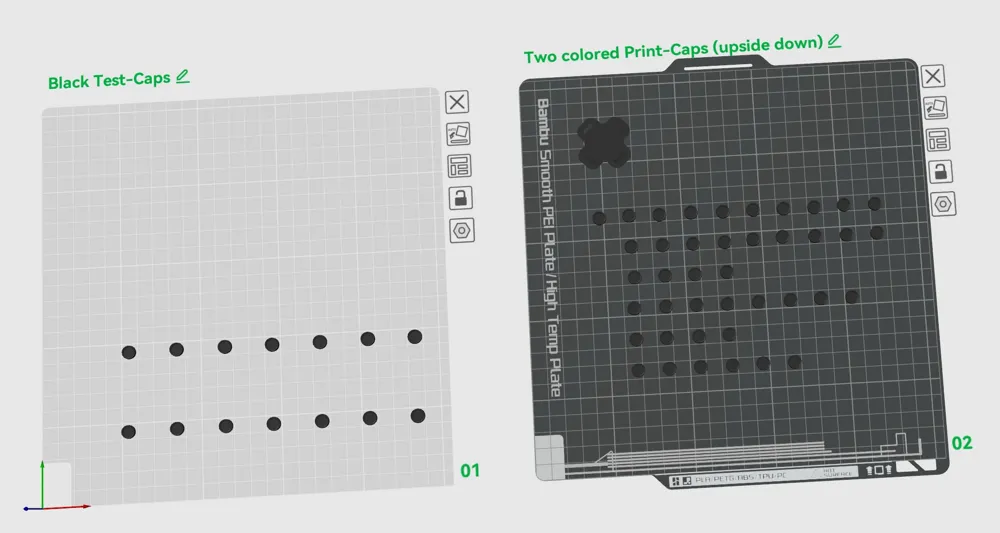
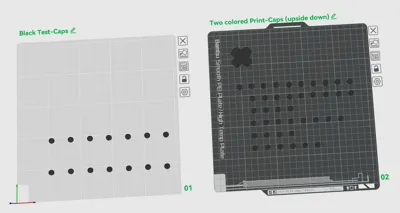
The print file contains two build plates.
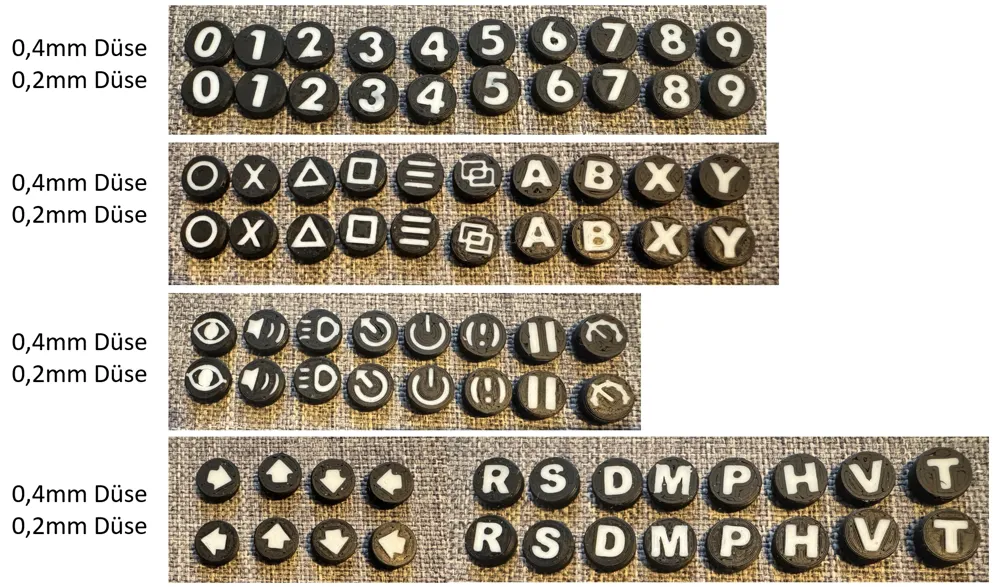
The first plate features monochrome test caps
These are available in various sizes, adjustable in percentage increments along the X and Y axes. The Z axis (height) must always remain at 100%.
Background:
I am unaware of the button tolerances and those of various 3D printers.
Therefore, the test button caps must first be printed to determine the correct print size for your printer and wheel.
Take notes and use a labeled storage system to avoid mixing up the caps 😉.
Once you have found a suitable size, test the test cap on all buttons.
After printing the test caps and determining the correct size, you will know the correct percentage size of the test cap.
Important: Allow the test caps to cool to room temperature!
For me, the smallest suitable size was 98.0%; I recommend adding 0.5% to the smallest suitable size.
→ Therefore, print at 98.5%.
Now reopen Bambu Studio and select all the caps on the second build plate (hold down the Shift key and use the selection box to select all caps).
Now open the scaling tool (S key).
The uniform scaling must be deactivated because the Z axis must remain at 100%.
Enter the percentage size of the suitable cap from the first build plate on the X axis.
Use the Tab key to jump to the next input (Y axis), and the value will be adopted.
Note: After the first entry, the size of all caps changes, however the value in the modified input immediately reverts to 100%; don't be deterred and change the second value as well.
If you then select a single cap and check the size, you will see that the entered size has been adopted. (If something goes wrong, simply reopen the print file without saving)
The video shows how to adjust the size (see below).
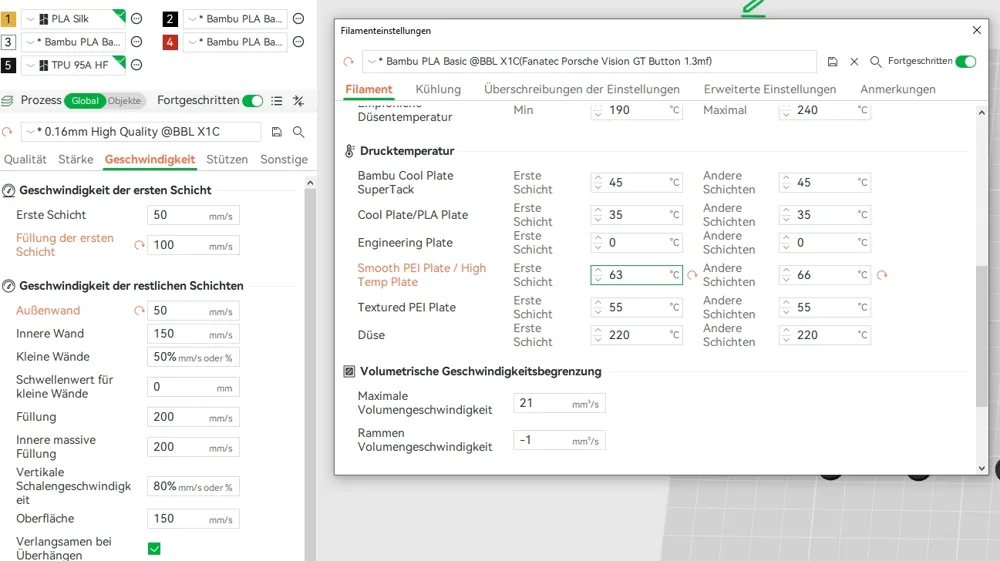
I recommend a build plate without texture; the print settings are saved accordingly.
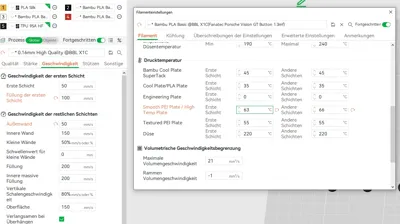
Settings for “Smooth PEI Plate / High Temp Plate”
First layer: 63°C
Other layers: 66°C
First layer speed: 50mm/s
First layer infill: 100mm/s
Nozzle: 0.4mm
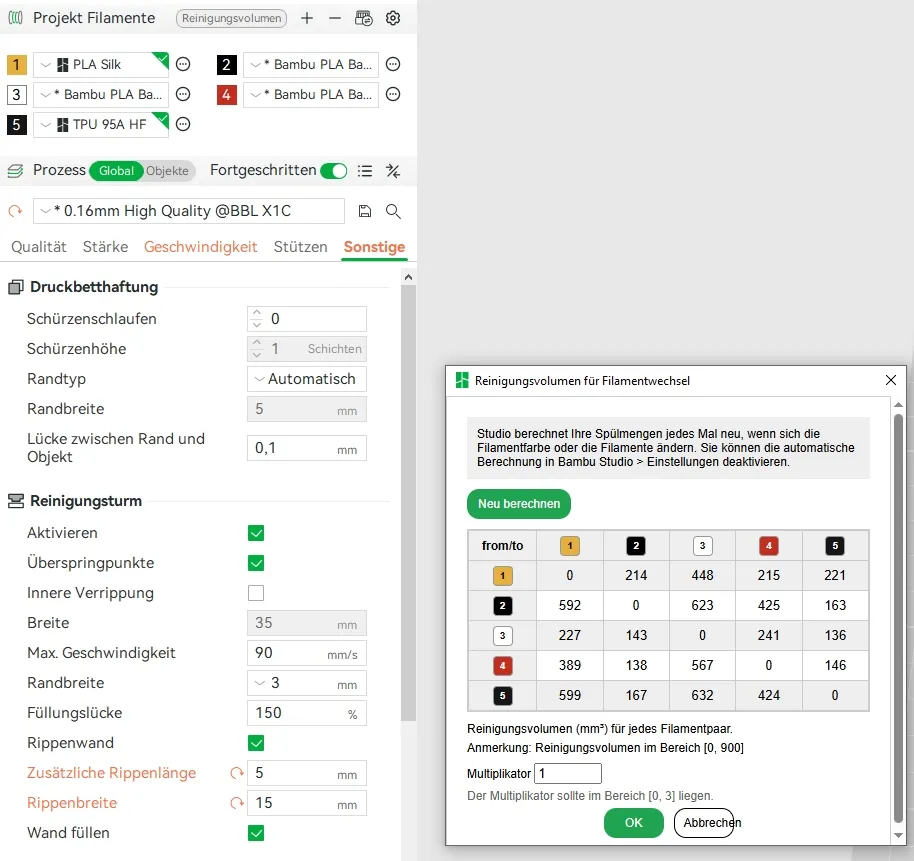
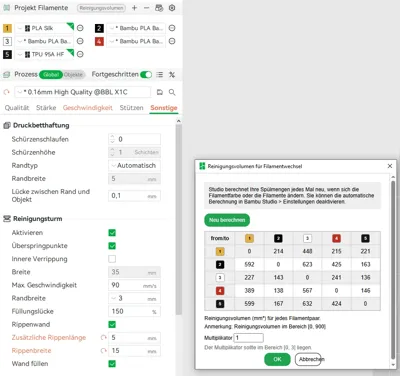
Remember to set the purge volume multiplier from 0 to at least 1.
License

You shall not share, sub-license, sell, rent, host, transfer, or distribute in any way the digital or 3D printed versions of this object, nor any other derivative work of this object in its digital or physical format (including - but not limited to - remixes of this object, and hosting on other digital platforms). The objects may not be used without permission in any way whatsoever in which you charge money, or collect fees.


Comment & Rating (21)