
AMS dry pod Ultra ventilated, light 8g, kit card
Print Profile(7)


Description
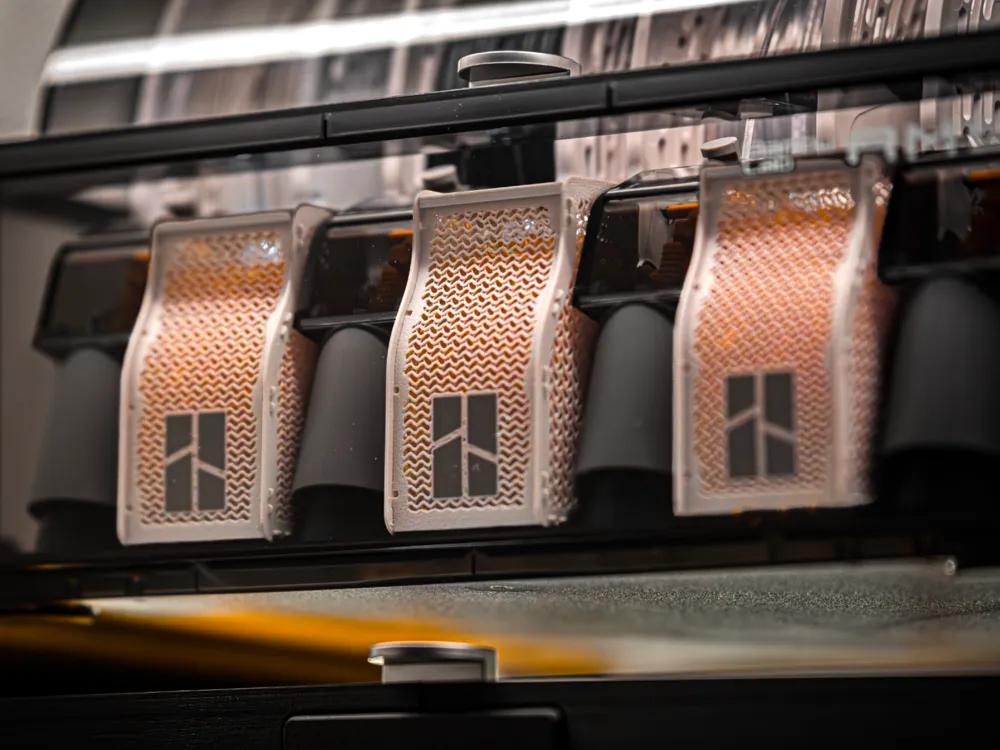
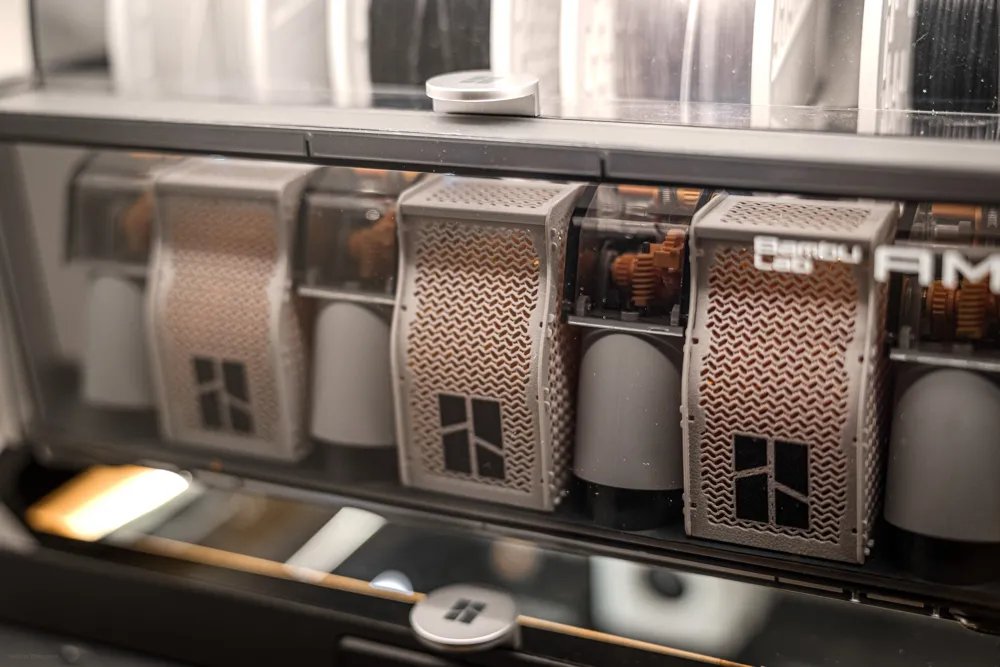
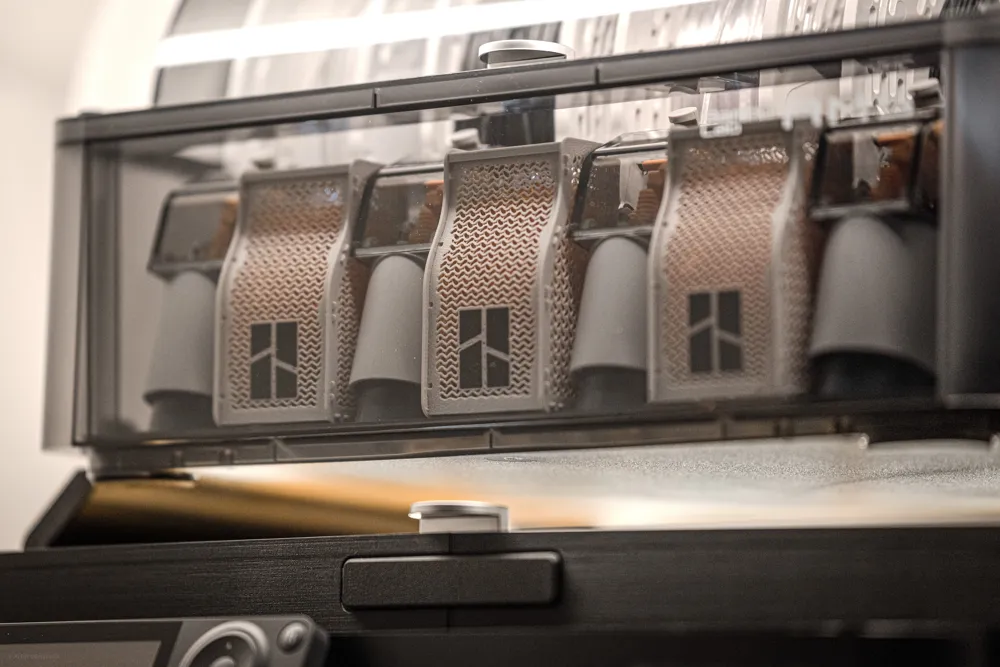
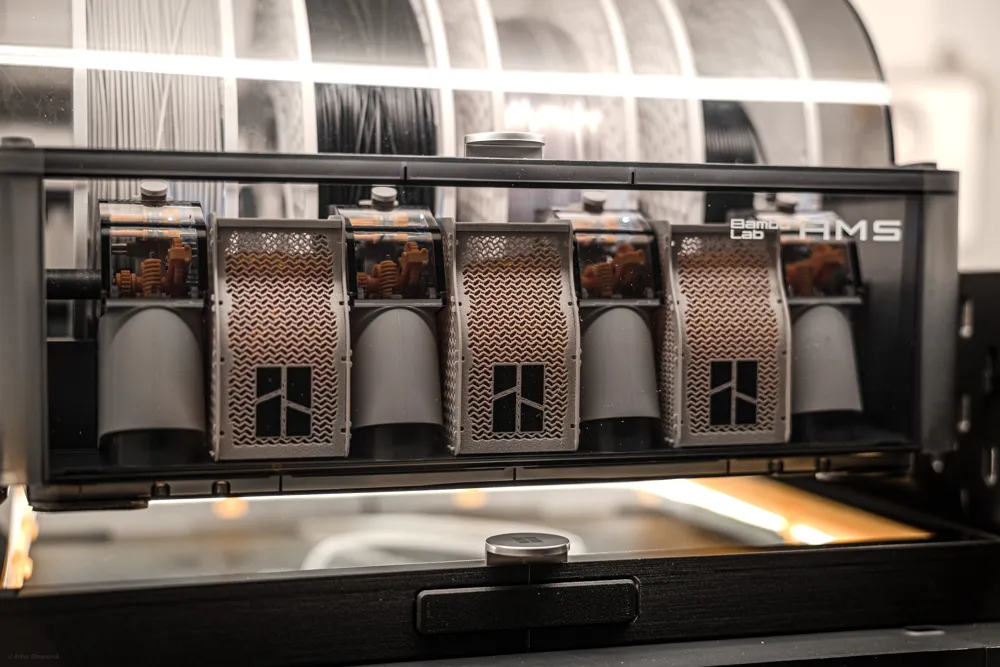
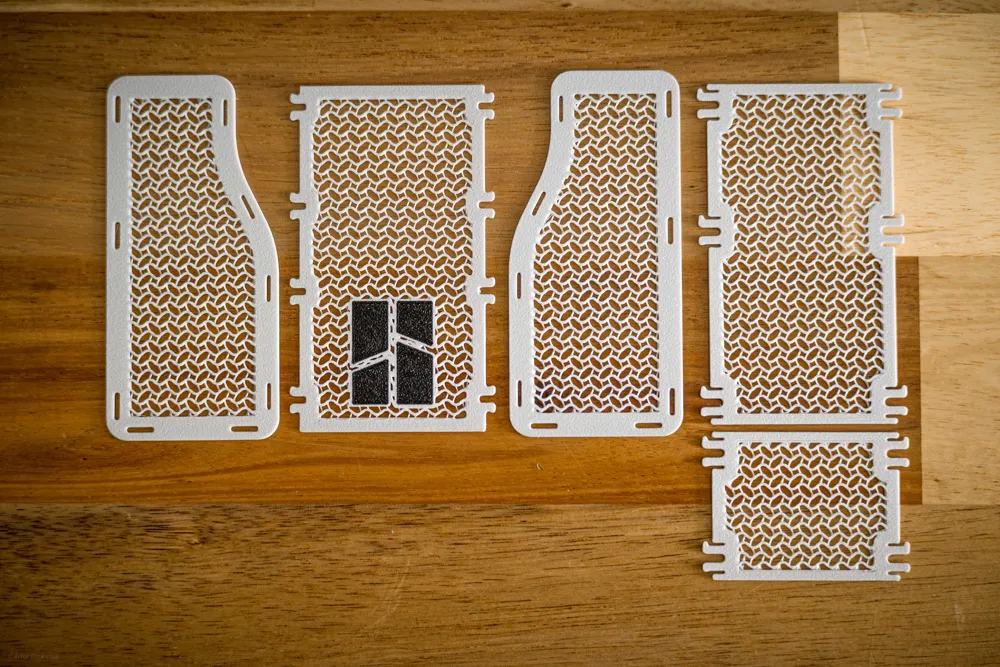
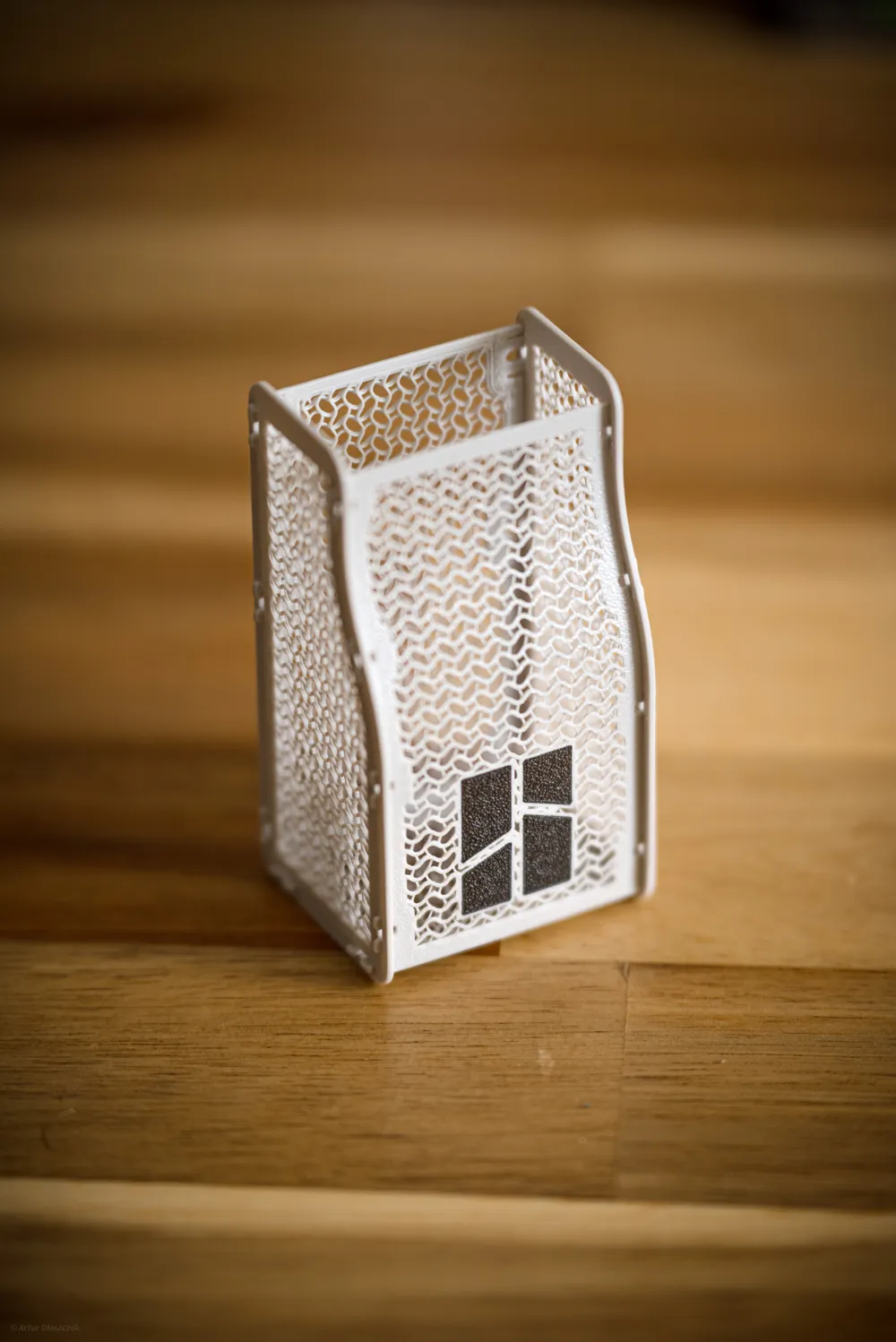
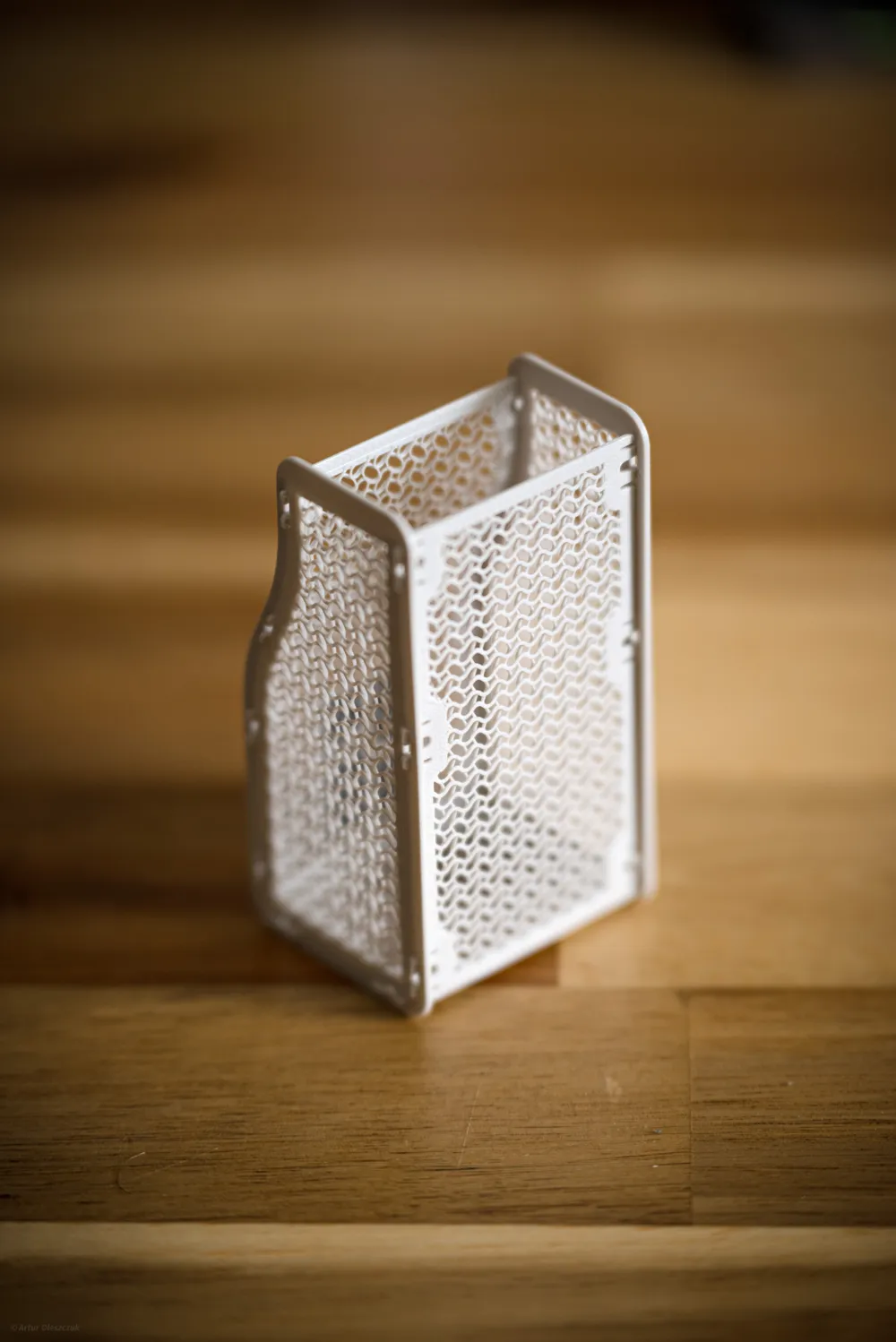
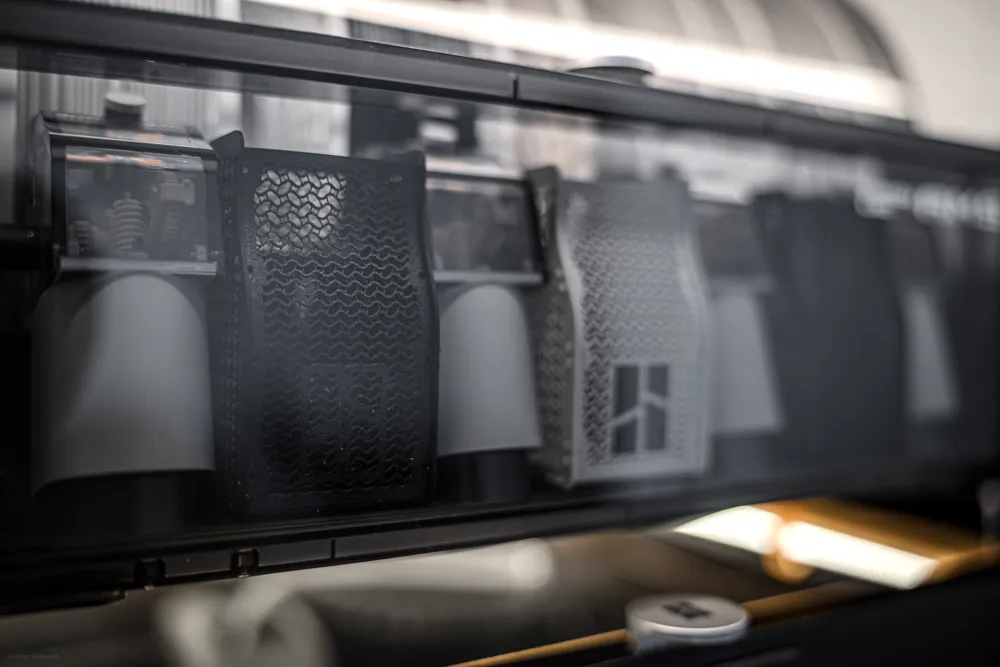
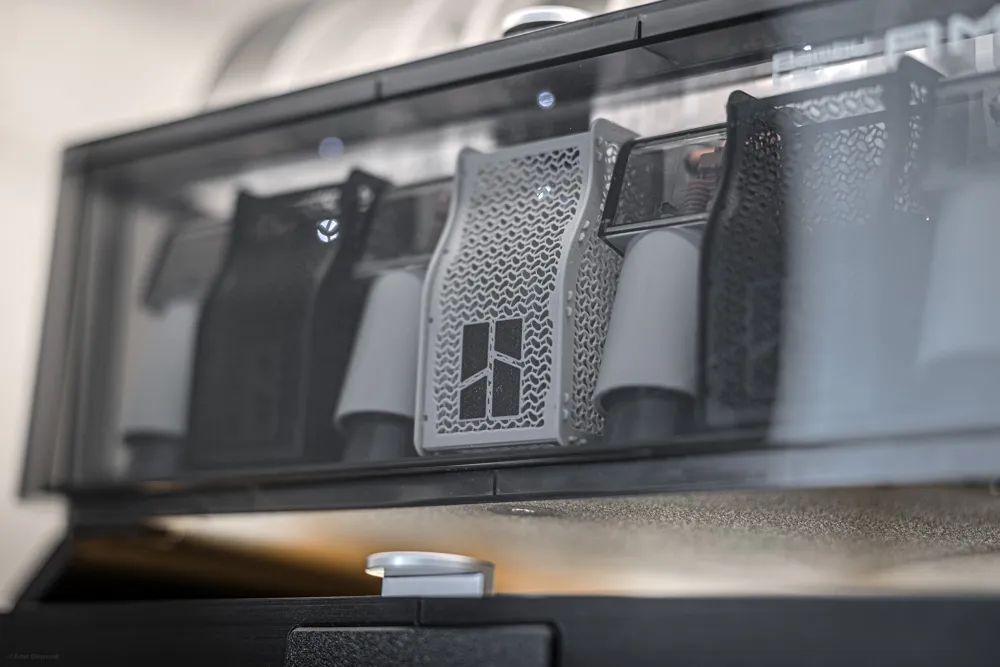
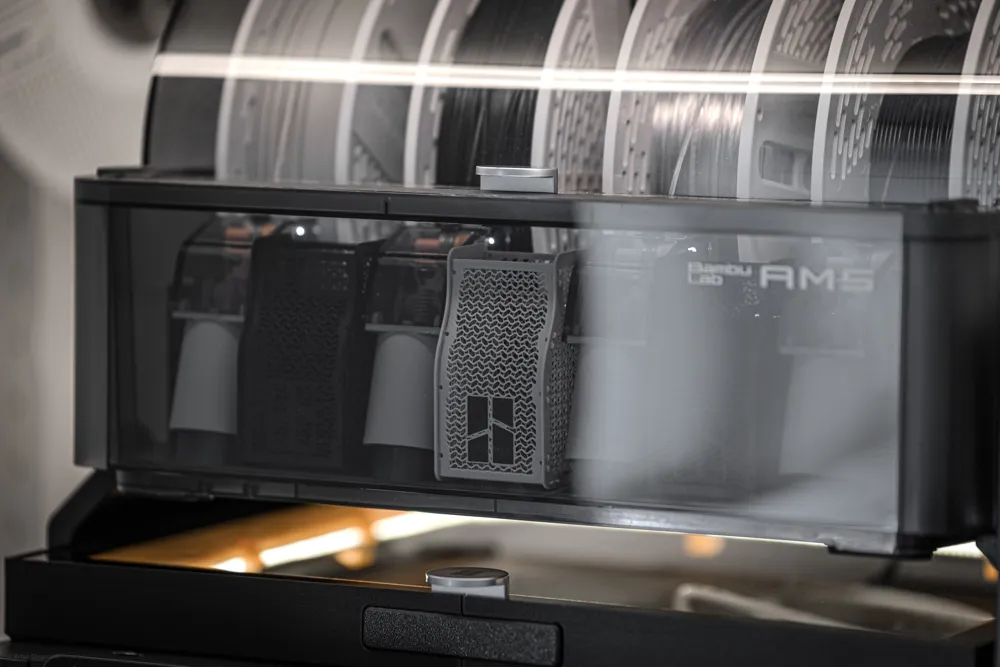
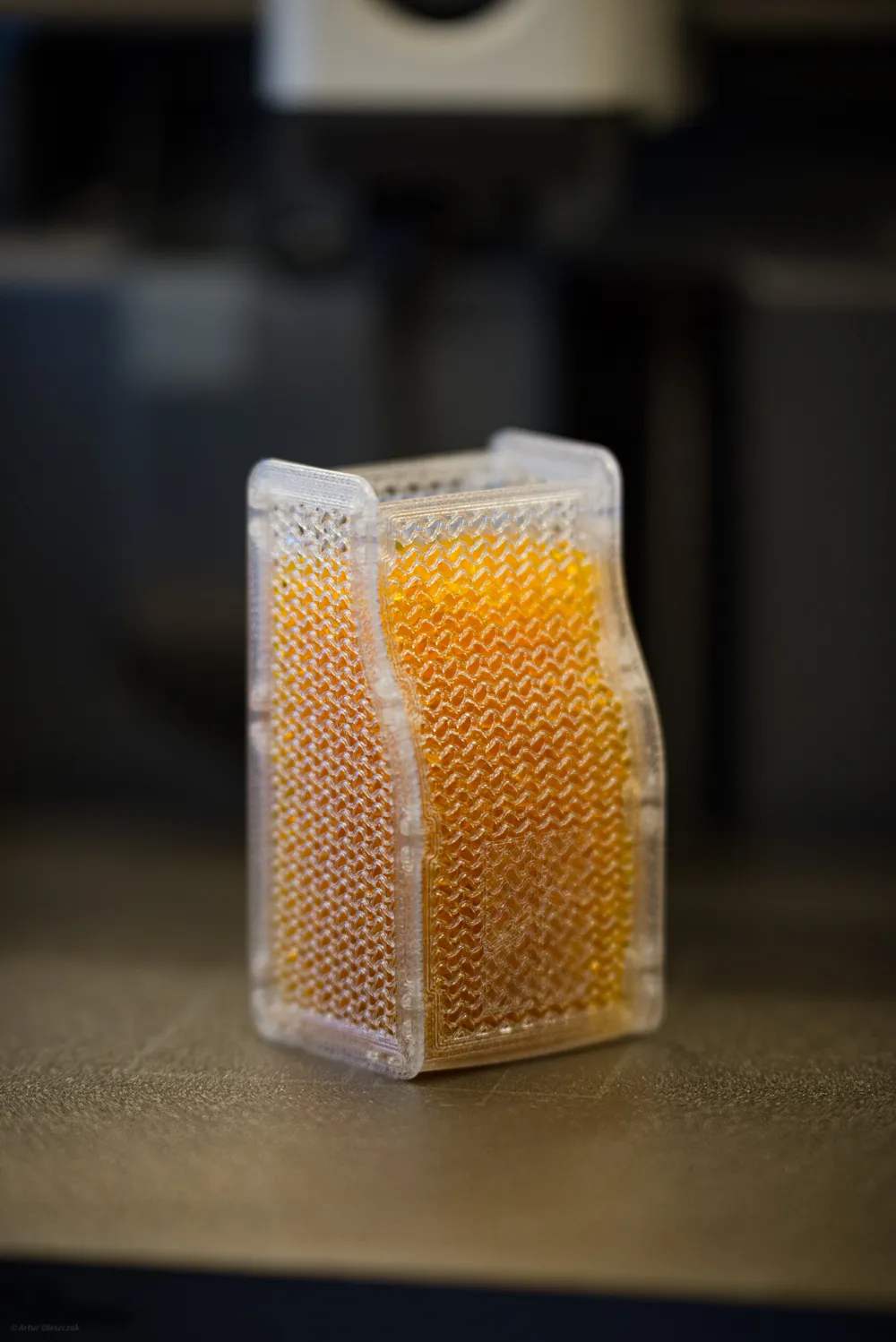
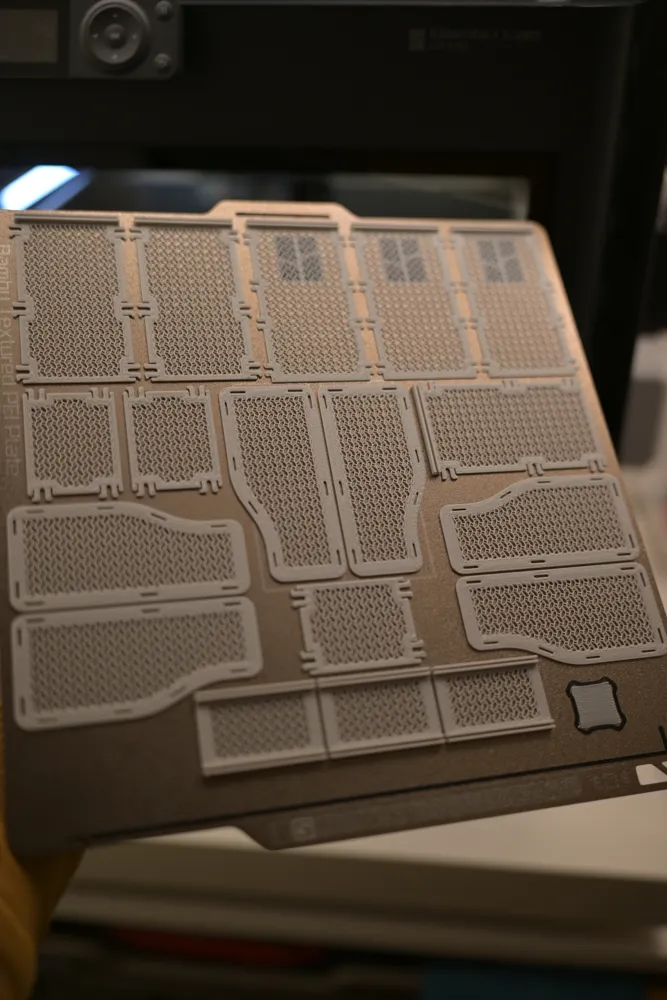
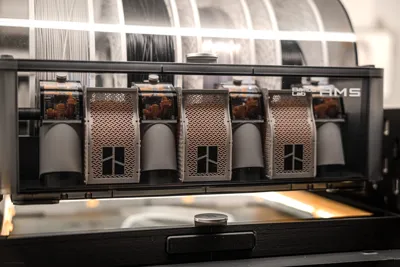
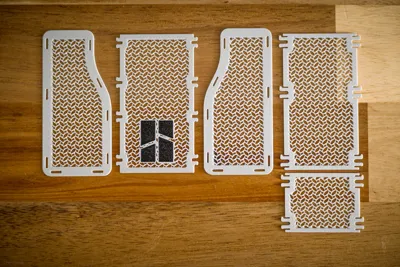
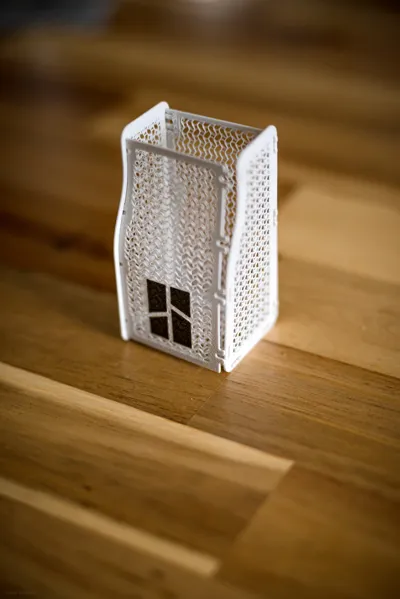
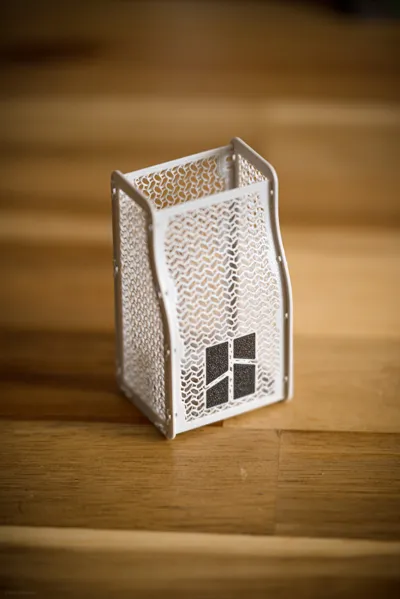
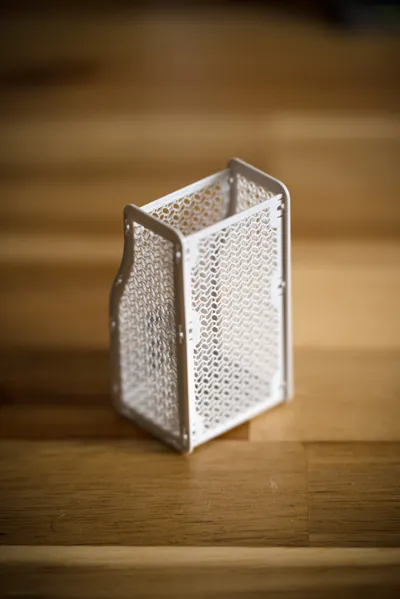
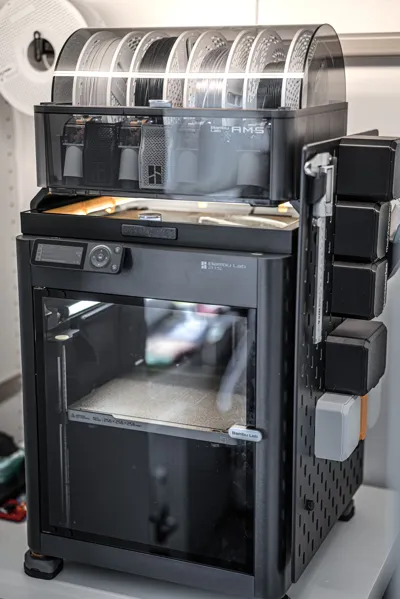
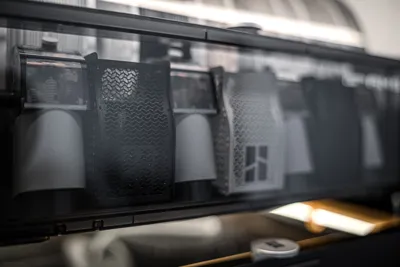
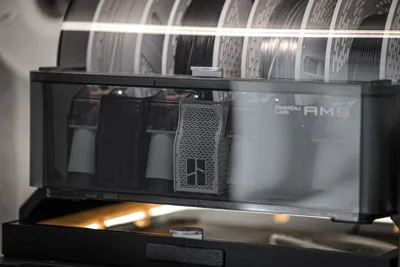
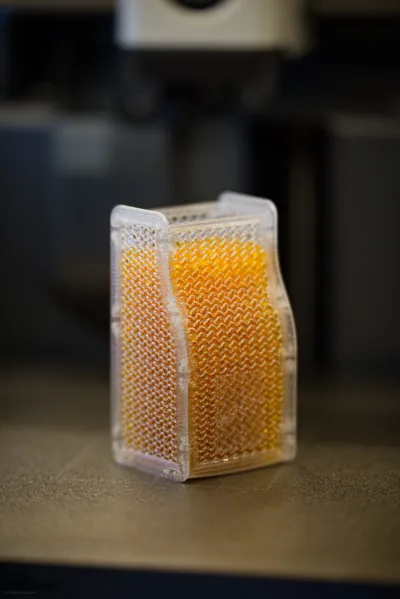
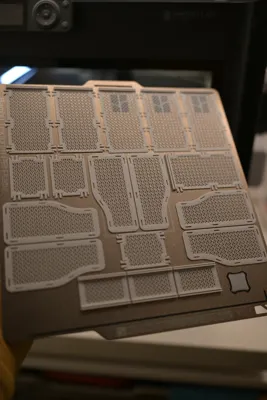
First of it's kind - kit card style - ultra light and only 4 layers to print
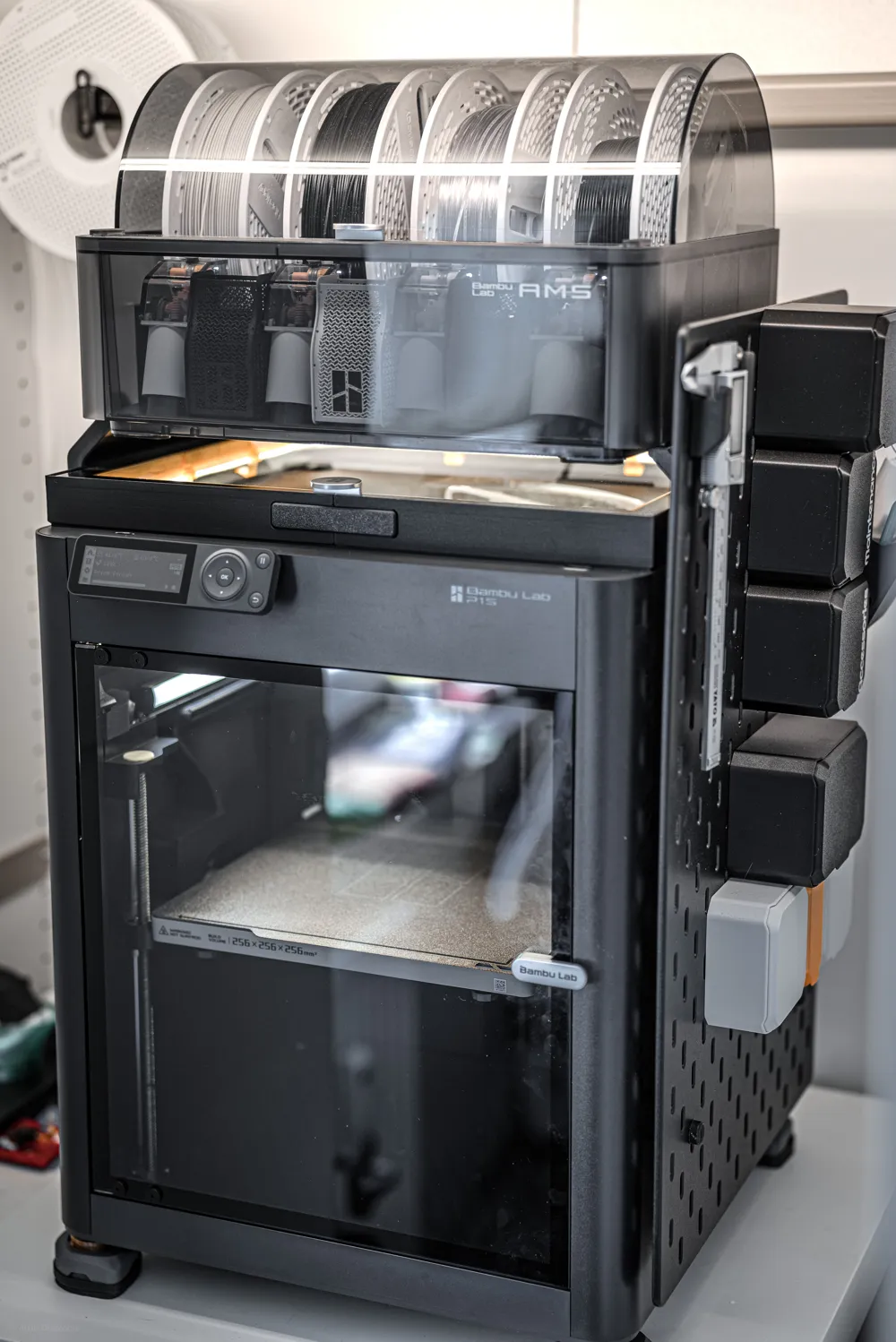
AMS 2 COMPATIBLE - check print profiles
- only 8g of filament for each pod - 25g for whole set of 3
- 25 minutes per one dry pod box - 1:20h for whole set of 3
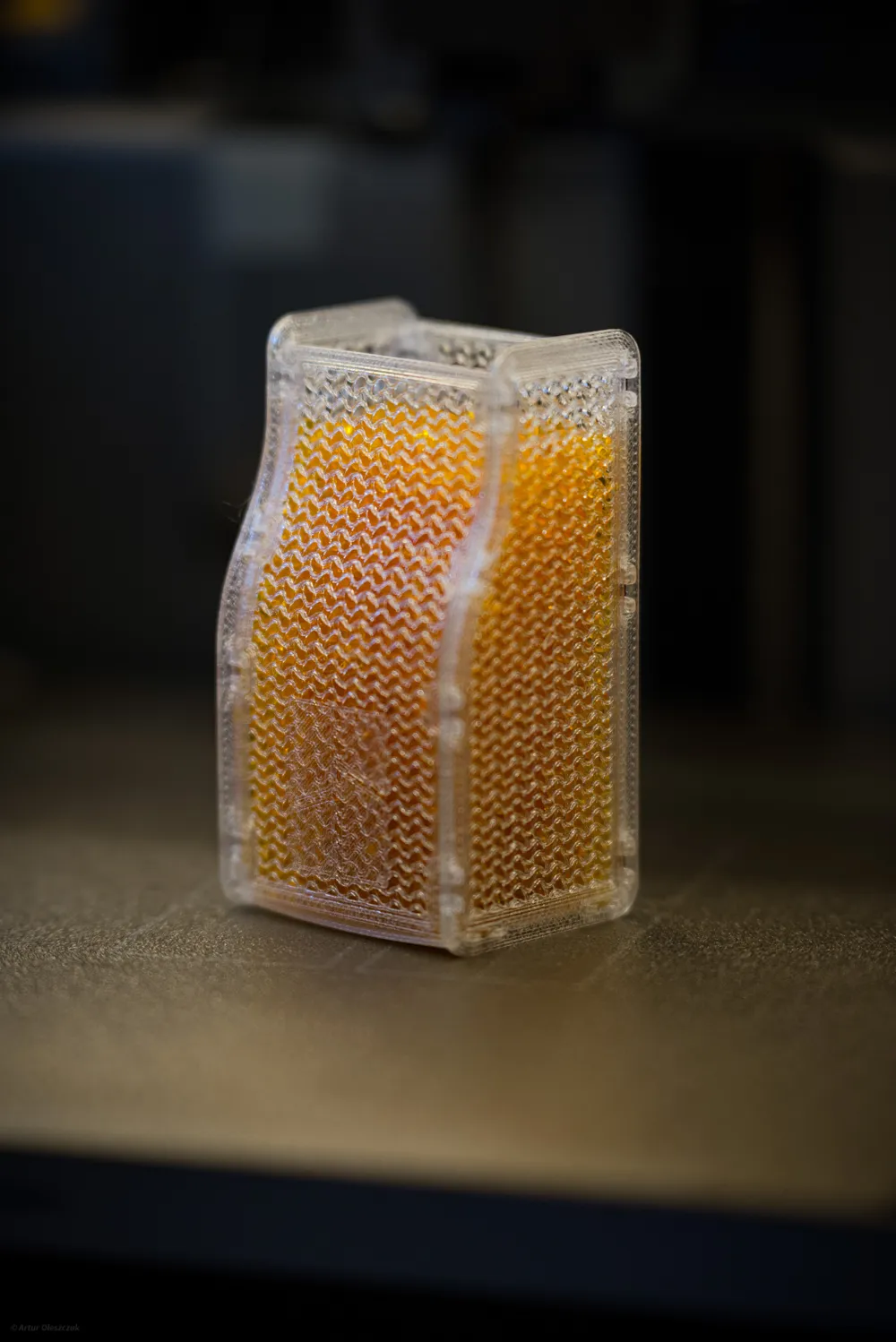
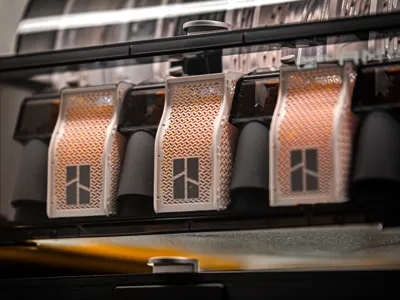
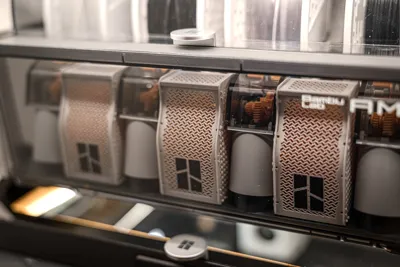
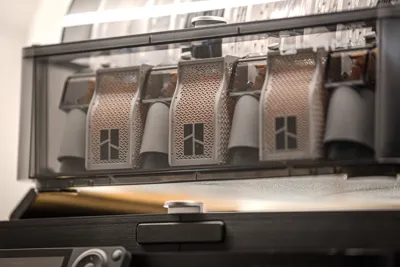
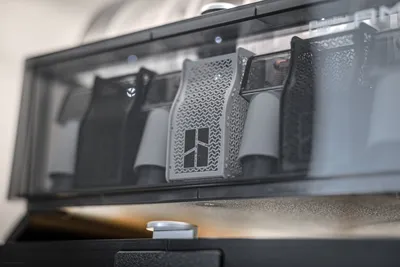
- Ultra ventilated with customized infill parameters! You want to make it honeycomb? Hilbert pattern? Spiral? No problem!
- Customizable and easy to personalize, just replace logo with you own design! This model was not created in collaboration with bambulab, logo is placeholder for your own logo and can be easily deleted/changed. It's implemented to easily distinguish upper lower part of mesh and provide ready to print settings and fulfill aesthetics of AMS.
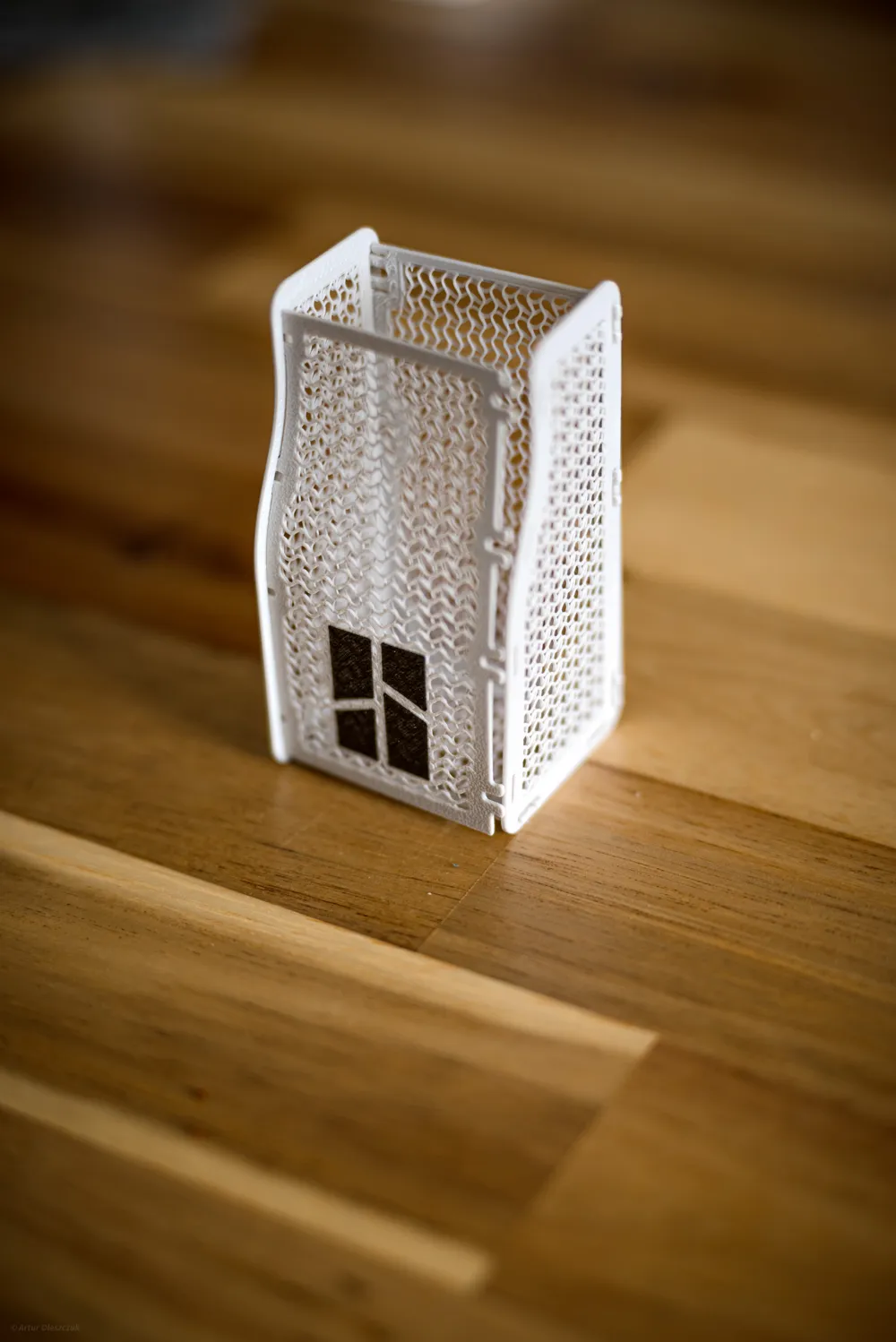
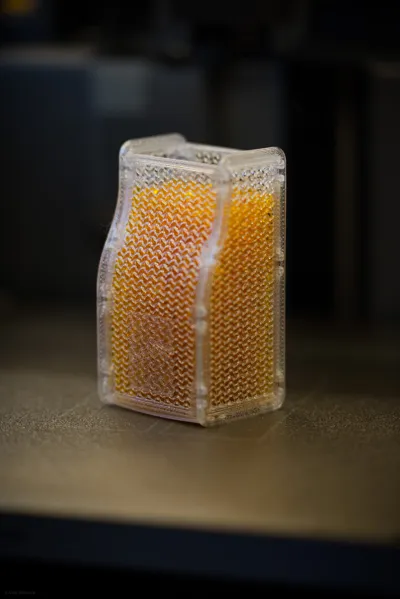
Unbeatable ventilation thanks to super light infill technique, kit card style design, print and have fun putting it together.
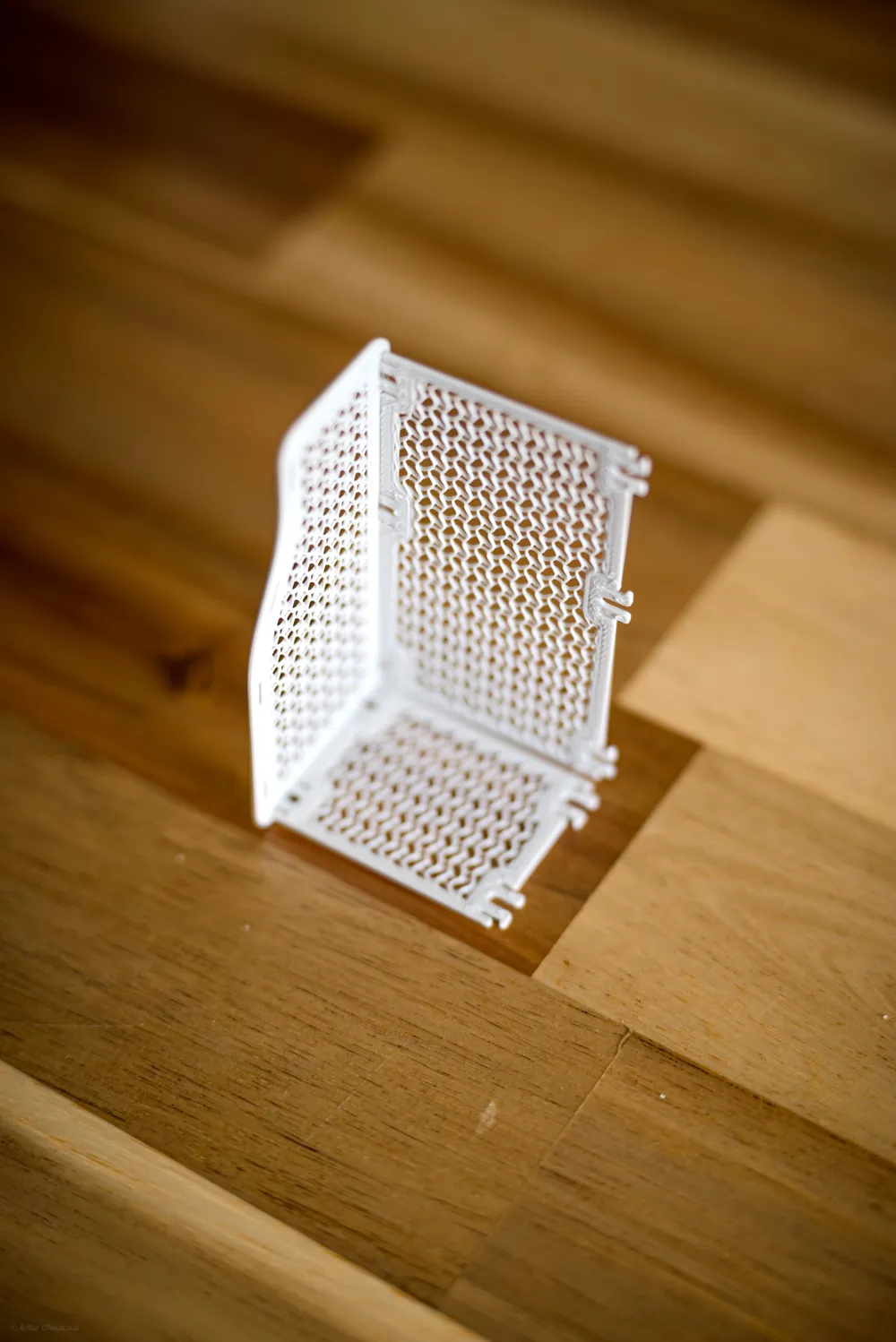
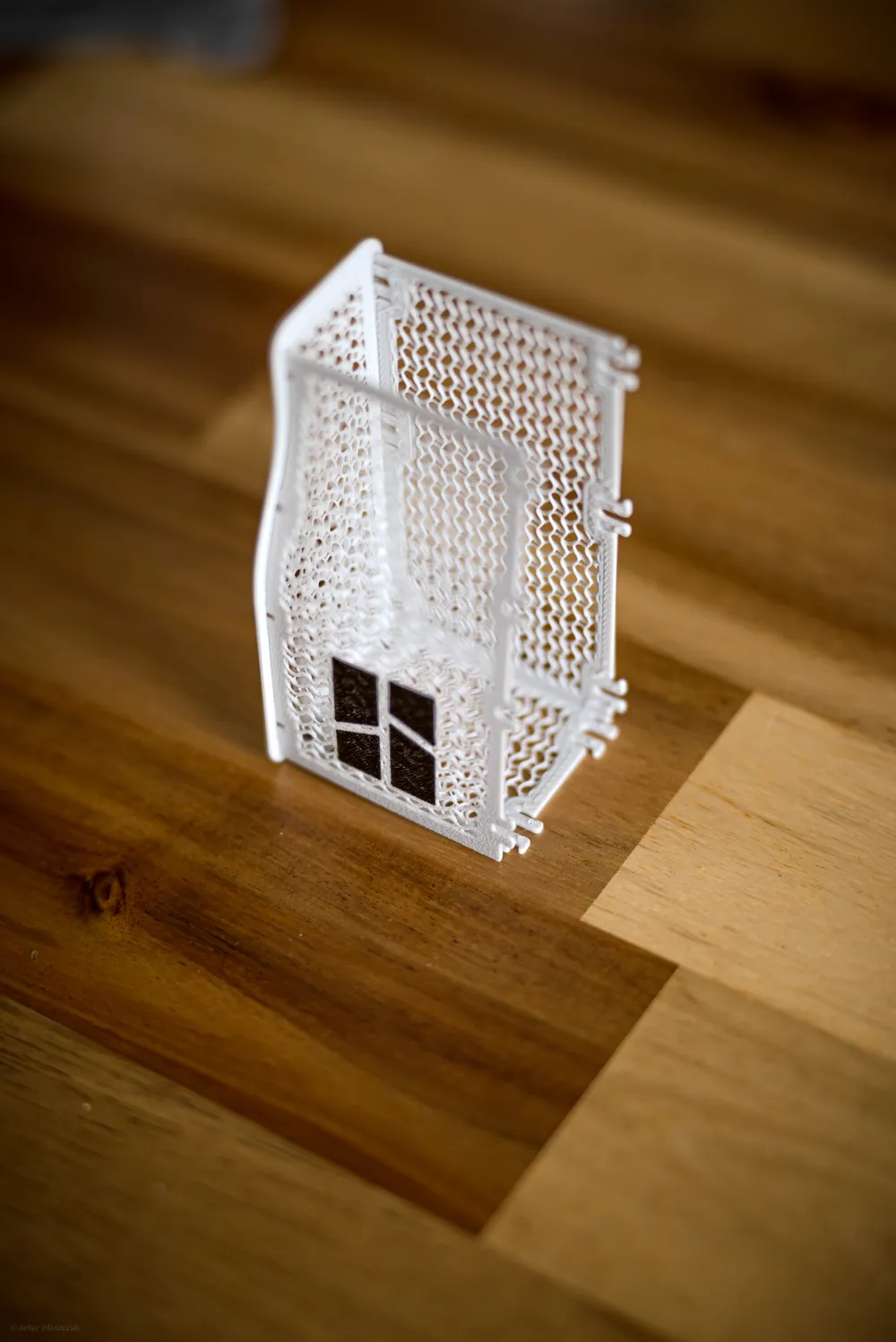
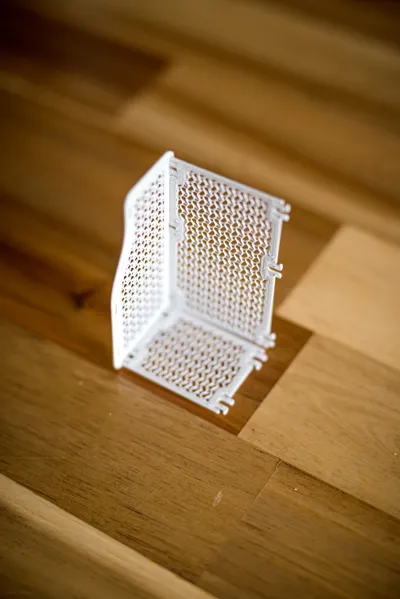
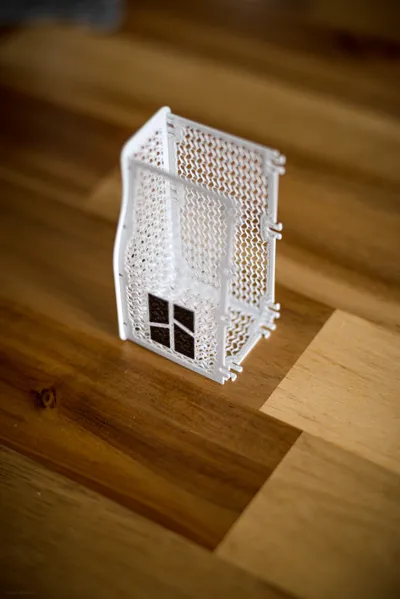
To put it together start with side. Next insert back piece to according slots. Insert bottom piece. Snap together front piece into slots and shape it. Now insert second side panel to bottom piece, next back piece starting from bottom clip. Last one is front mesh, start from bottom to make it easiest.
Everything should snap together super easy - I do recommend using PETG as it's way more durable and won't break over time like PLA, especially front piece. If you want to be super confident, you can use super glue to secure all clips.
Boost Me (for free)
If you want to support my work, boost me for free!
Prepare your printer before printing!Model contains small parts, make sure you have prepared your printer before printing.
With that, it's impossible to have any printing failures. |
Easy customization -
You can delete logo by simply removing logo mesh from parts list or using replace model function. And that's it! Just make sure connecting front piece it's not up side down :)
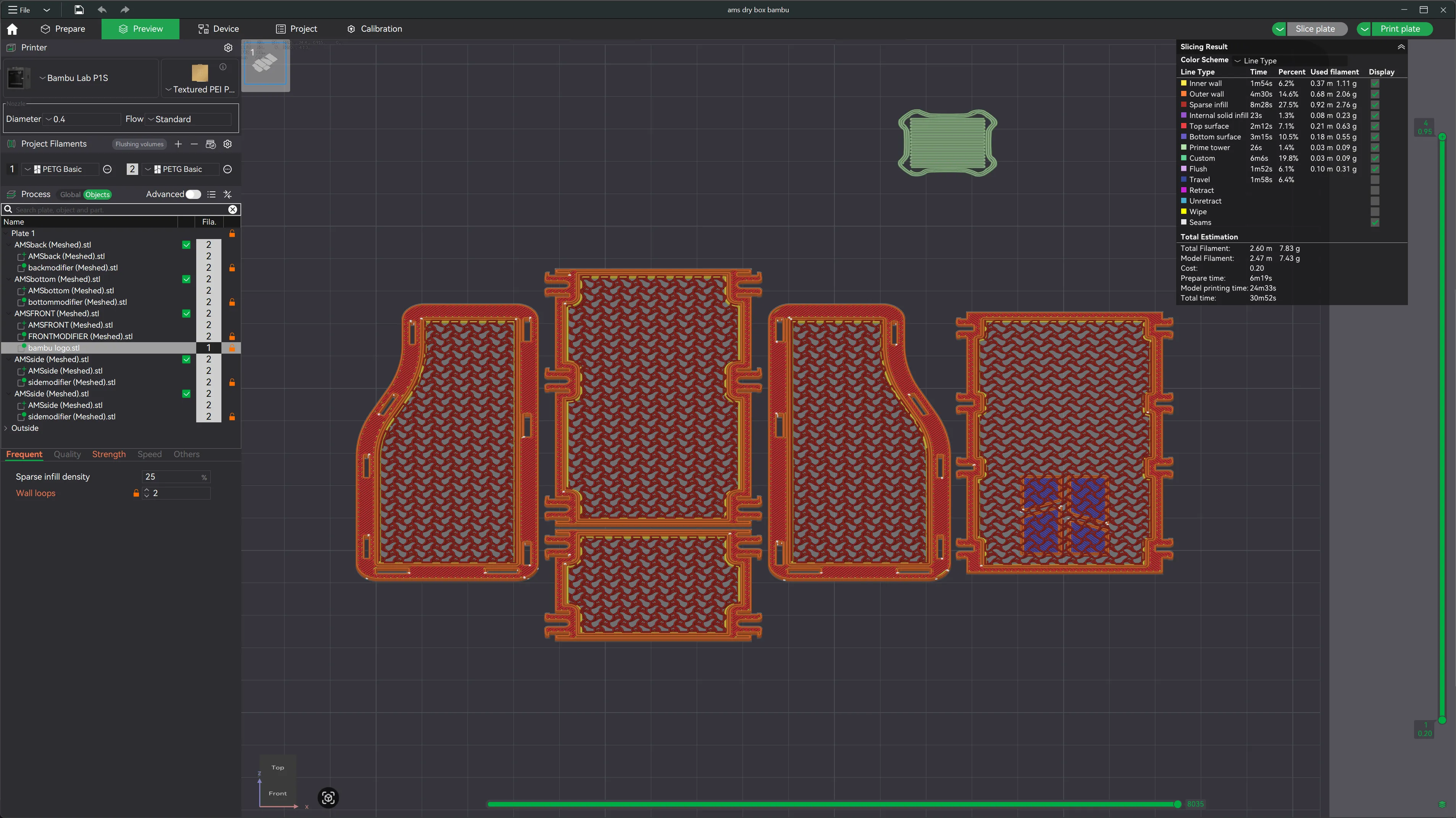
Do you want to change infill pattern and density? Super easy - just modify global infill pattern and density, and that's all! Print one piece to make sure you have right density and reprint whole set with your own settings.
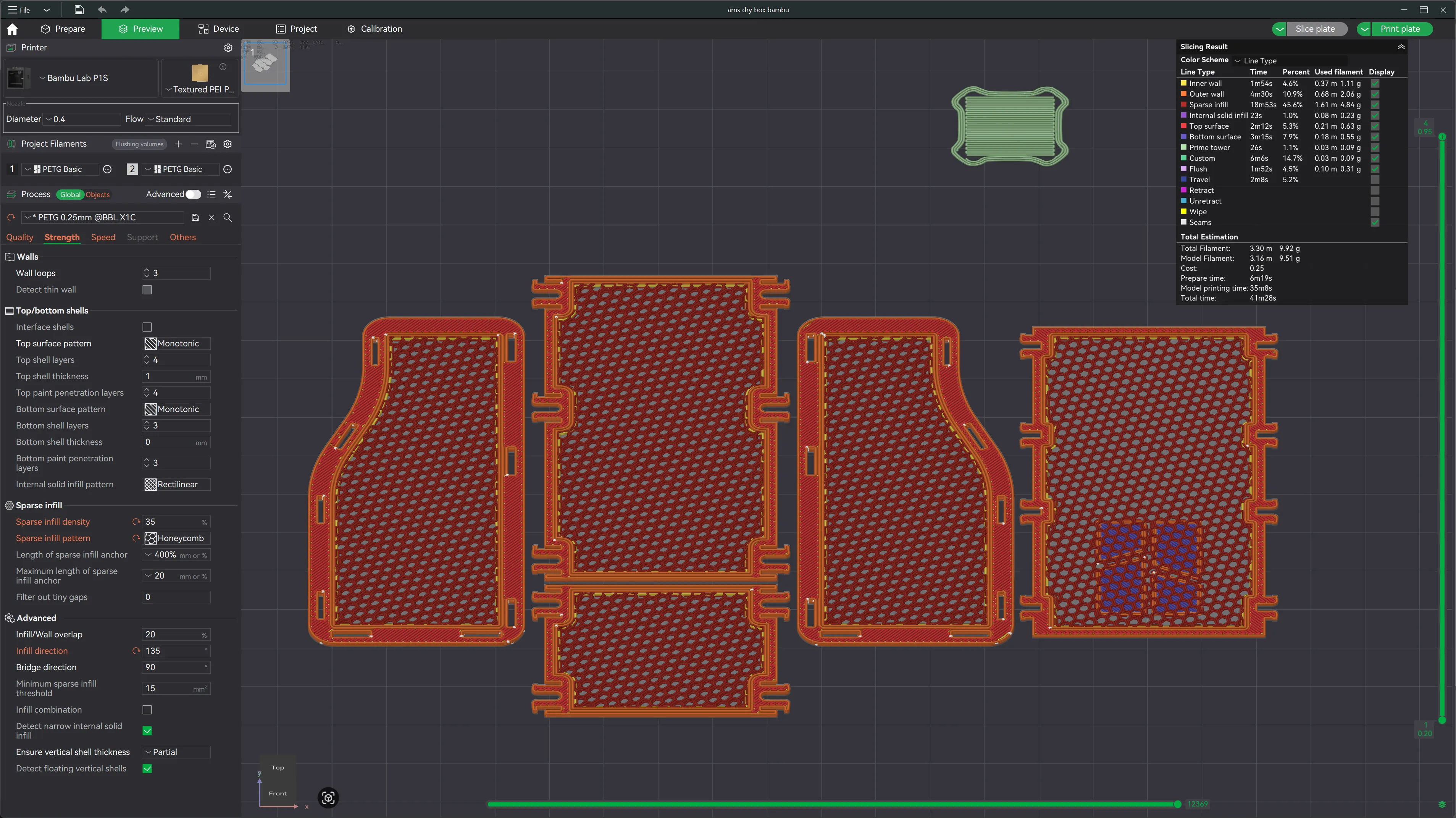
Bonus!
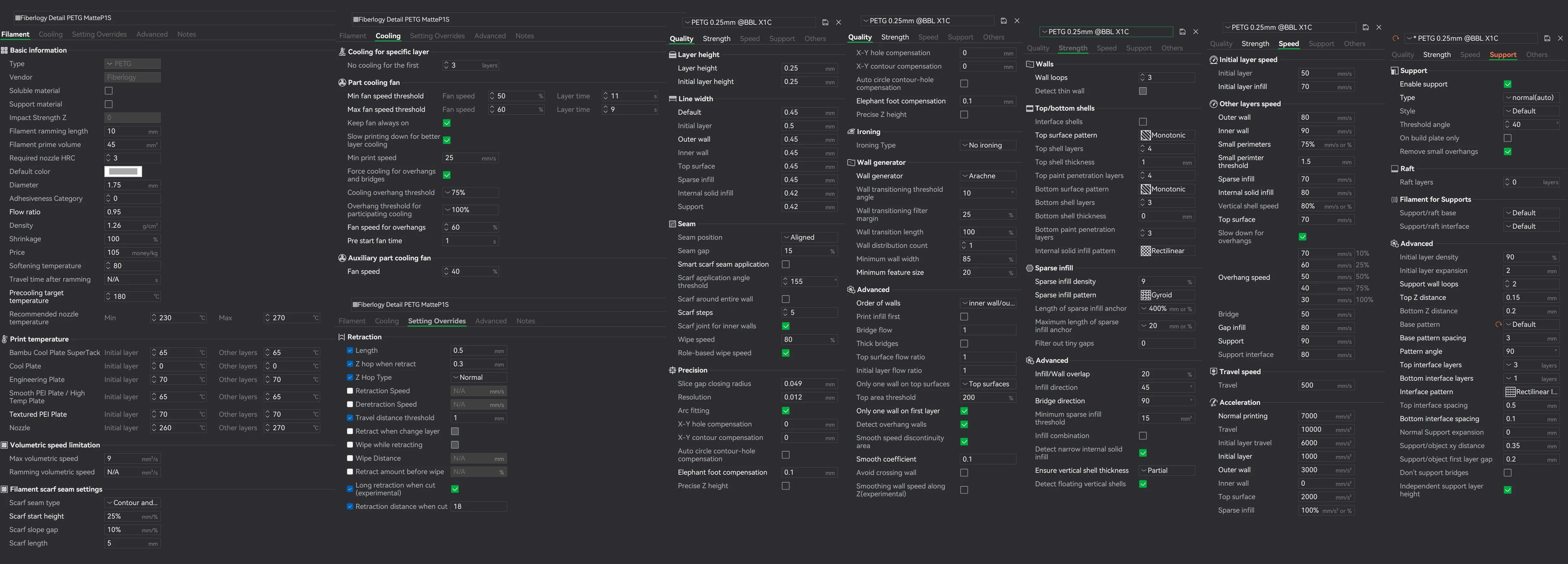
For many weeks I was fine tuning Fiberlogy Matte PETG, here are settings I'm using with great success
And Generic PETG settings that almost “one fit all” - printed perfectly Bambu petg and petg transparent
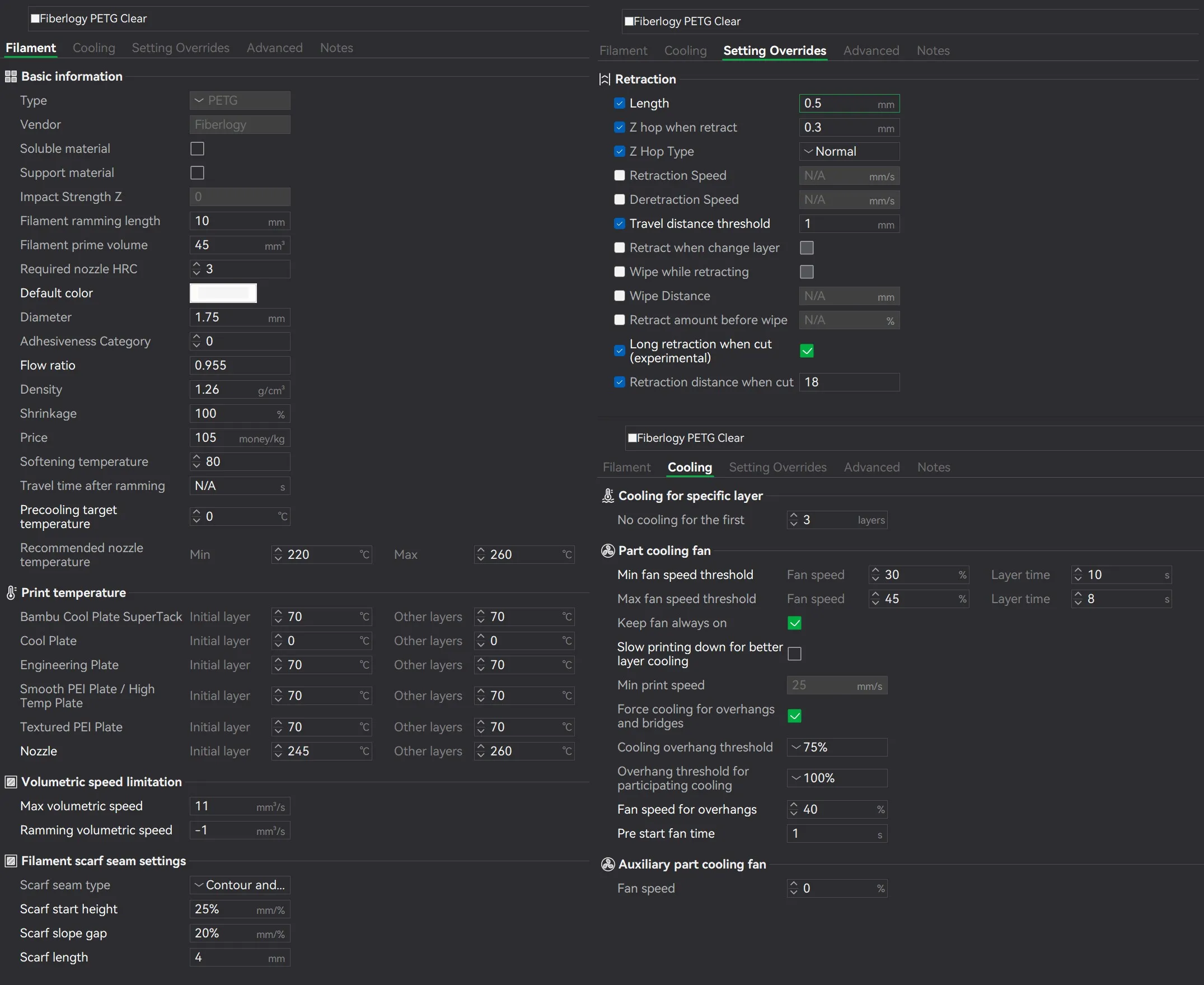
For both you can create generic Pressure Advance profile - Go to calibration, Flow calibration, manage result and find petg you are based on with those settings and type 0.03 - it's very common PETG PA value.
License

You shall not share, sub-license, sell, rent, host, transfer, or distribute in any way the digital or 3D printed versions of this object, nor any other derivative work of this object in its digital or physical format (including - but not limited to - remixes of this object, and hosting on other digital platforms). The objects may not be used without permission in any way whatsoever in which you charge money, or collect fees.


Comment & Rating (1640)