Search models, users, collections, and posts

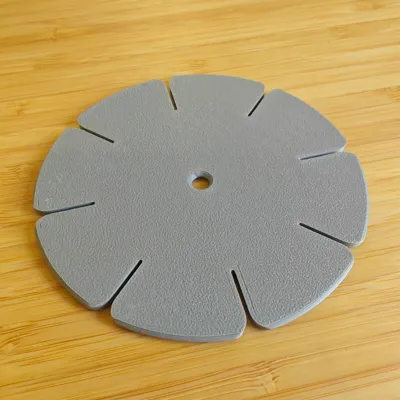
Kumihimo Bracelet Disk
IP Report
Print Profile(2)

0.2mm layer, 2 walls, 15% infill
Designer
35 min
1 plate

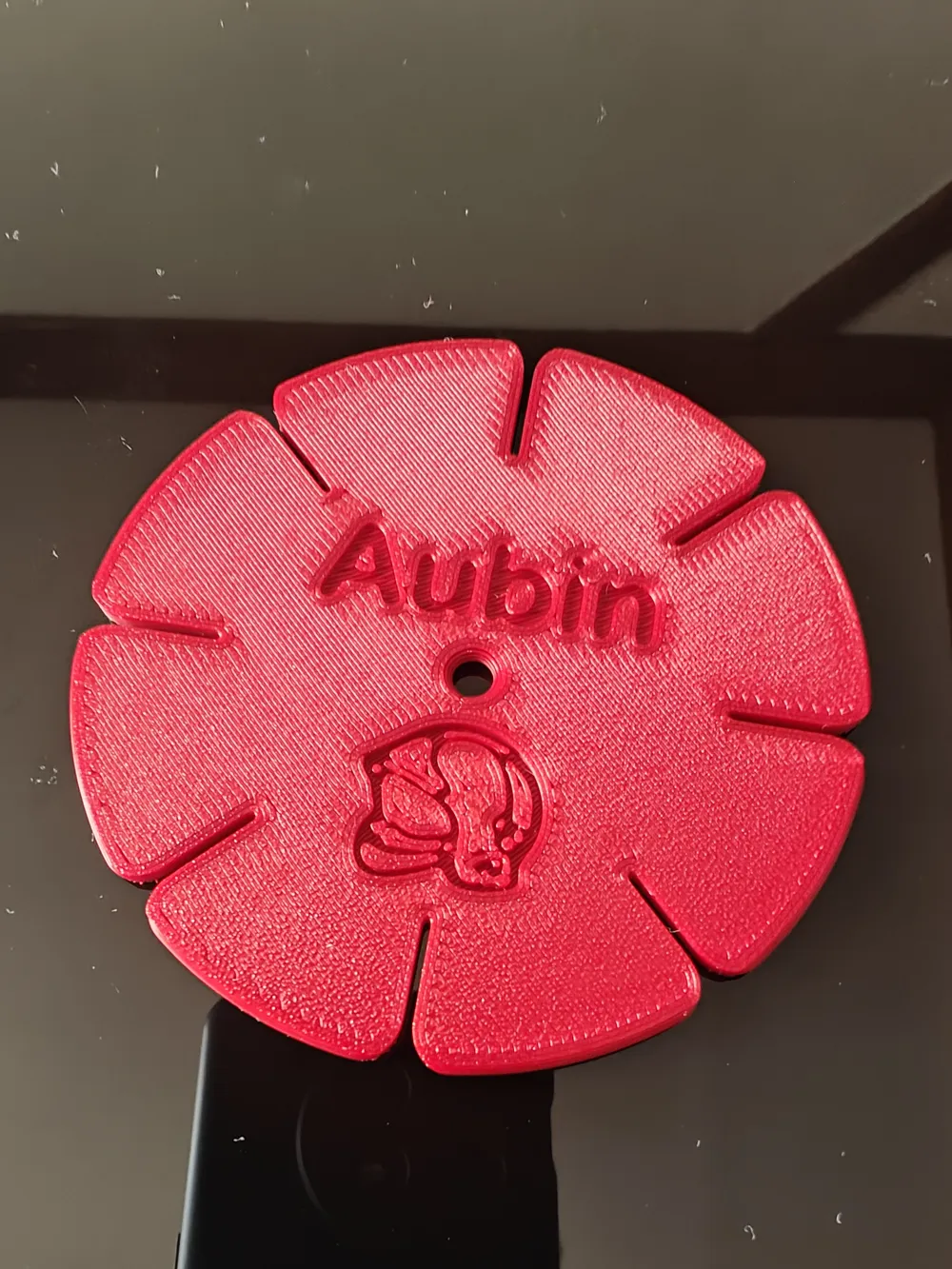
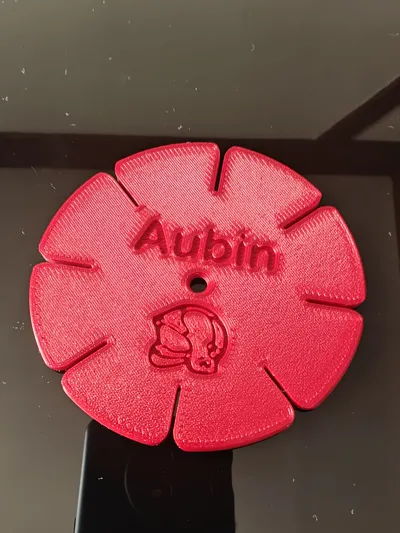
Text personalization, 0.2mm layer, 2 walls, 15% infill
Designer
36 min
1 plate
Open in Bambu Studio
Boost
79
259
23
2
426
349
Released
Description
Content has been automatically translated.
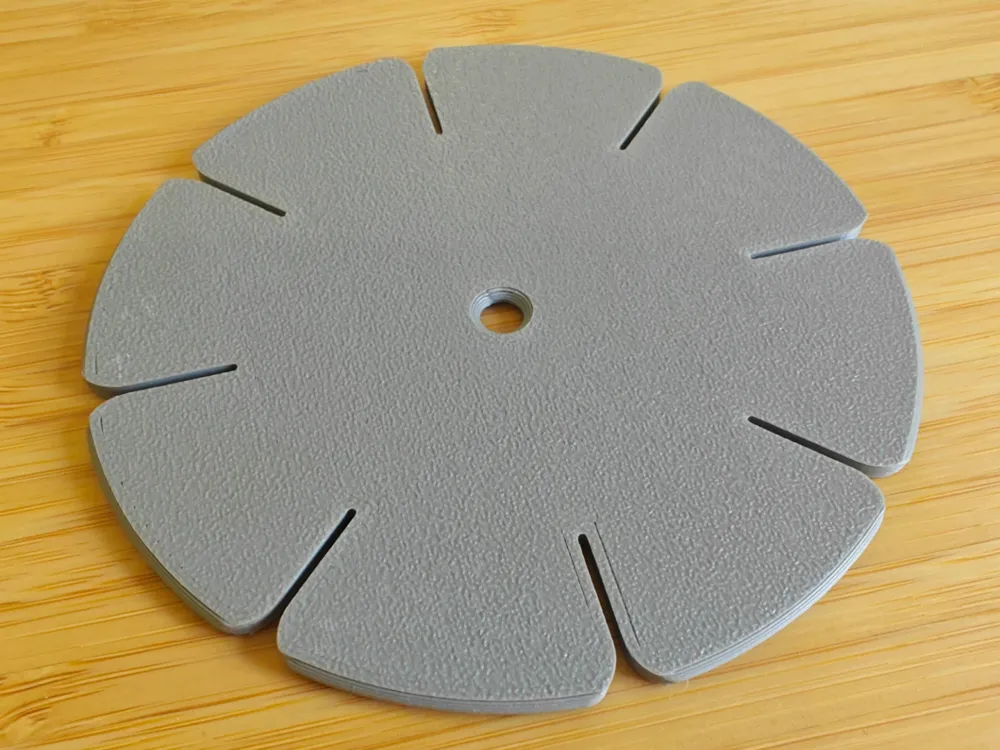
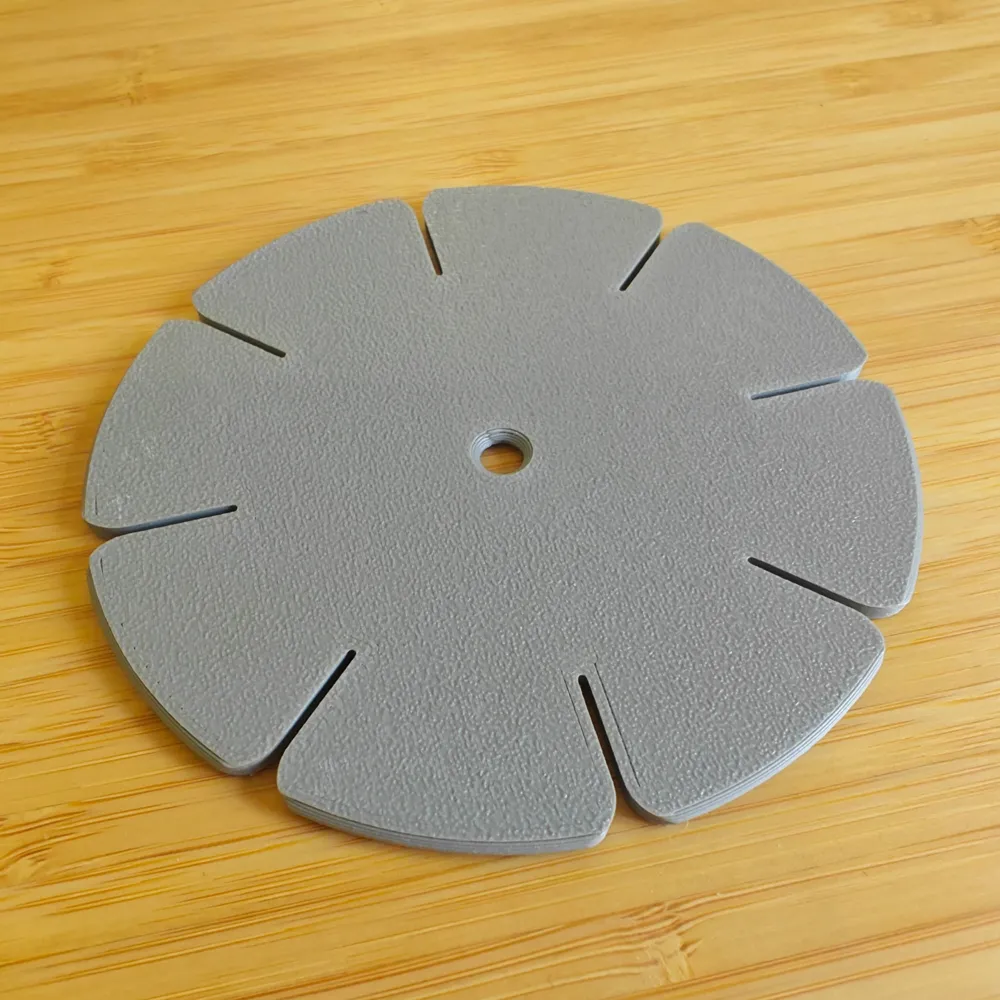
Kumihimo disc. 8 openings, 7 strands.
My first 3D model for printing, there might be better ones ^^
Very simple, Easily customizable.
I reduced the 3D model on the Z-axis, 2.4mm thick being quite resistant.
The slots are 1mm thick, enough to hold standard threads without damaging them. Otherwise, reduce the scale slightly to make them tighter.
Notes:
- The ironing function is enabled, which smooths the top surface, but it takes printing time, it can be disabled if not necessary
- To customize simply, you can add text or a logo with a negative volume type object in Bambu Studio.
I added a profile with customizable text, you can use the MakerLab logo creation to generate an STL simply (https://makerworld.com/fr/makerlab/makeMySign) (to be added as a negative shape)
How to use it
Here is a video I found for the instructions:
License

This user content is licensed under a
Creative Commons Attribution-Noncommercial


Comment & Rating (23)