
Customizable Keycaps
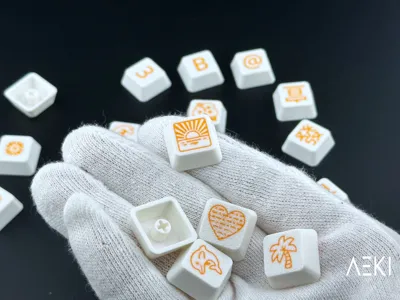
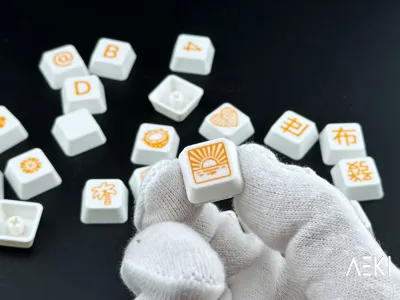
Print Profile(1)




Description
I’ve made this model free for personal use, so if you like my design and want to support my work or get commercial license you can support me here or in Patreon It helps me a lot on making more designs.
If you share the print tag me on Instagram @Aeki3D, love seeing your takes on the design !!
Boost Me (for free)
If you like my work give me a boost
Description
I know most people like my organic designs but from time to time I love to geek out on Openscad to make parametric 3D models.
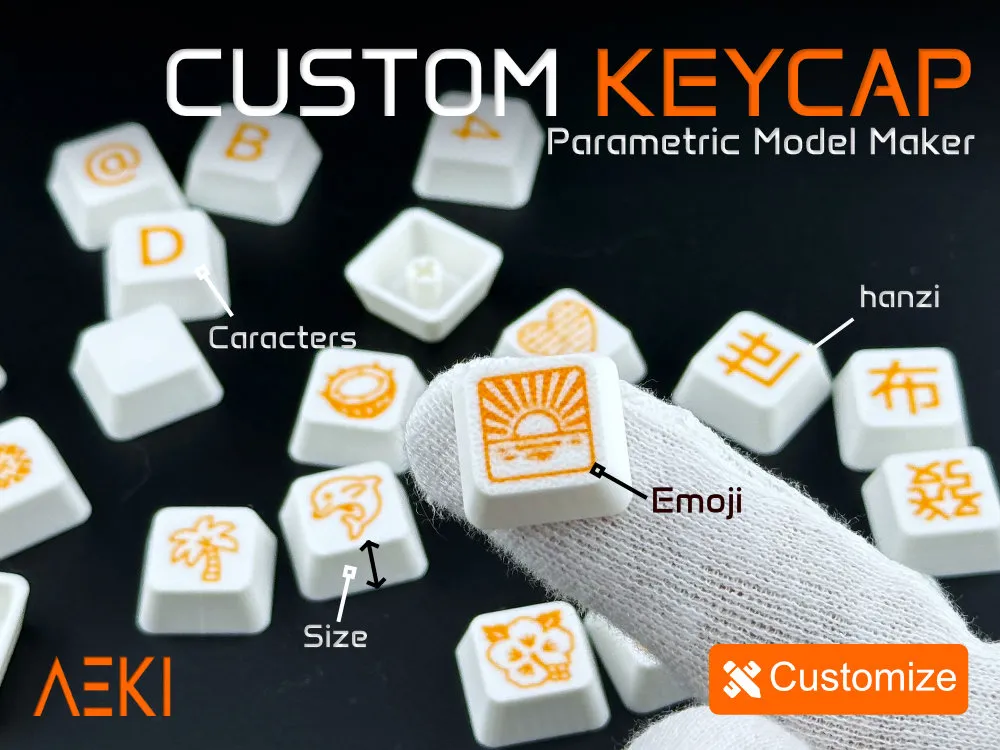
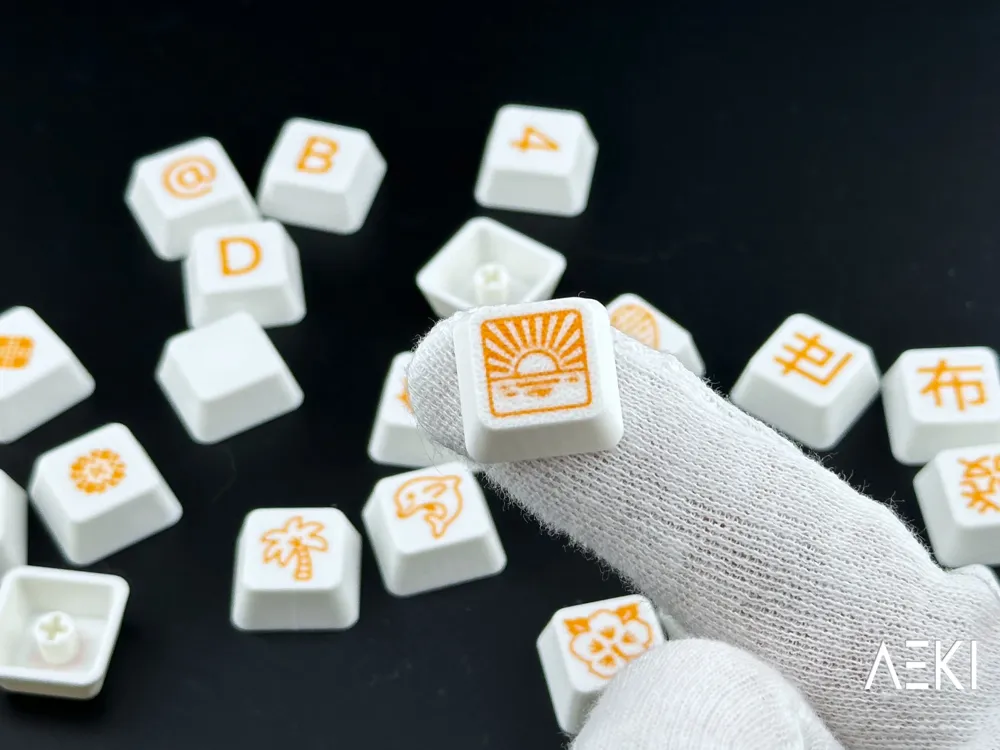
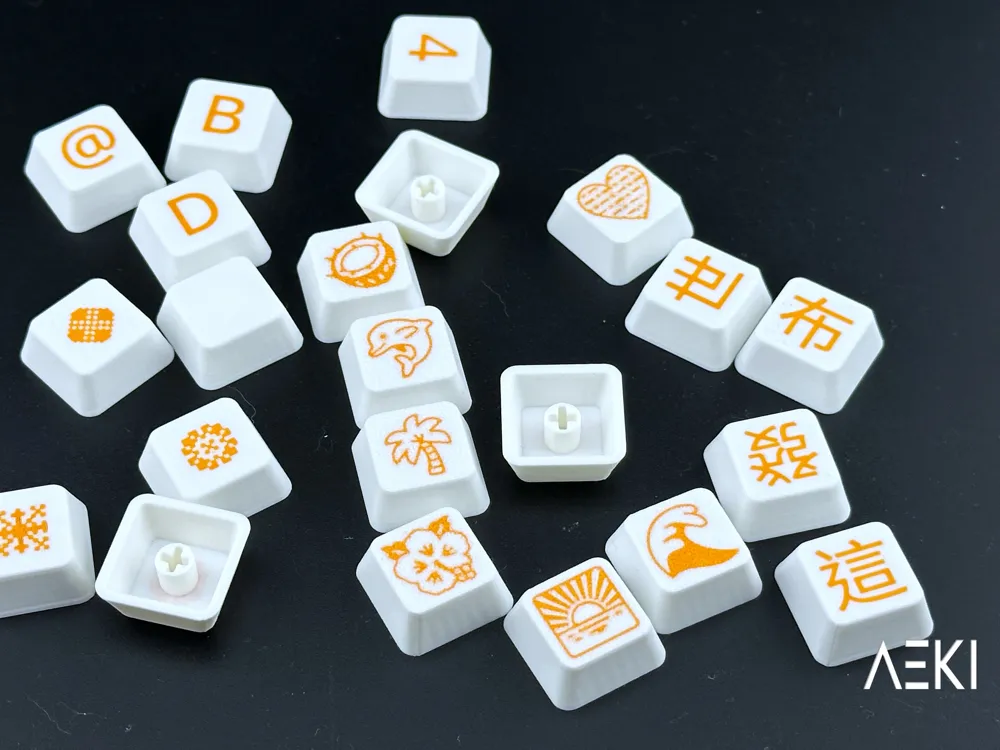
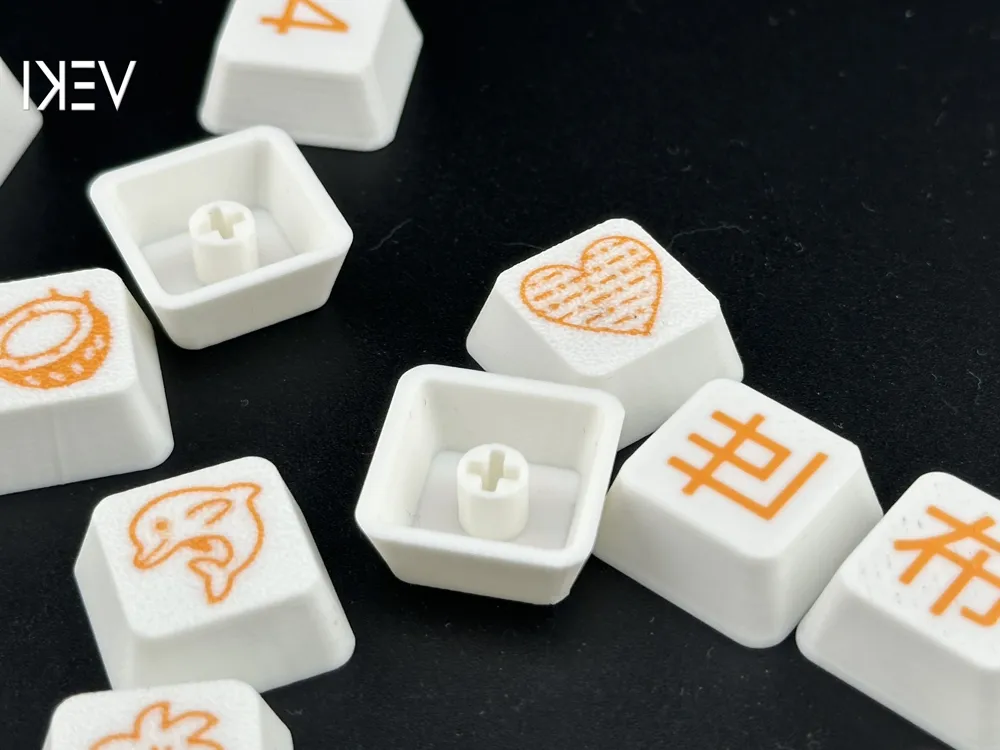
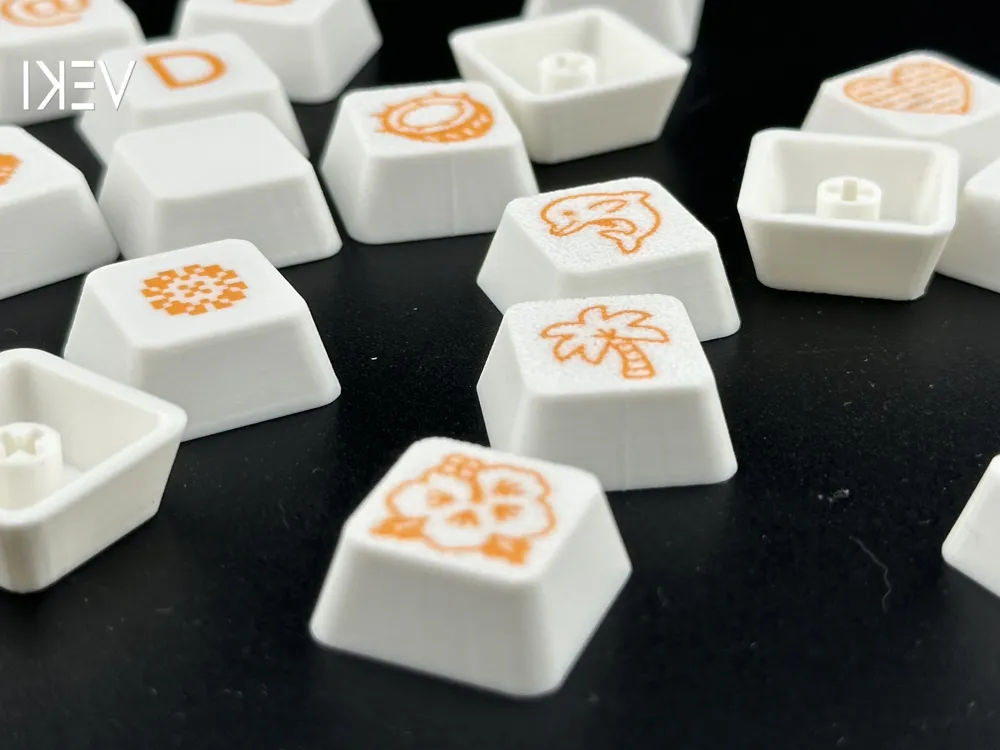
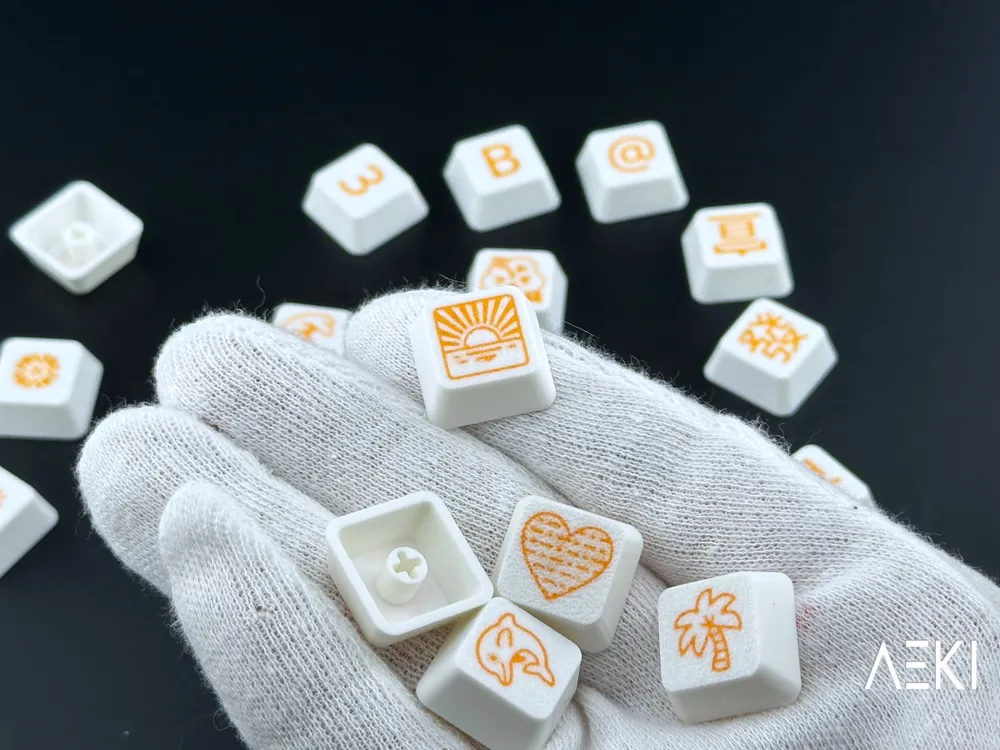
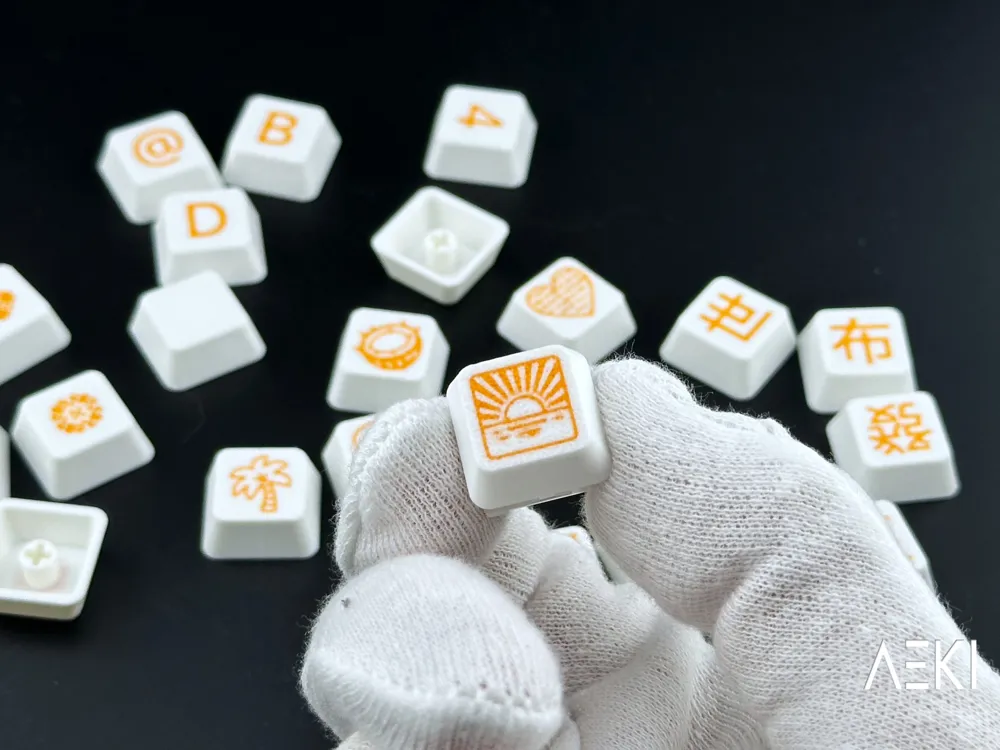
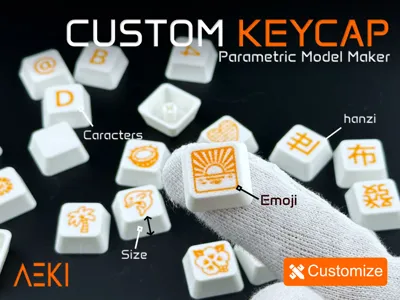
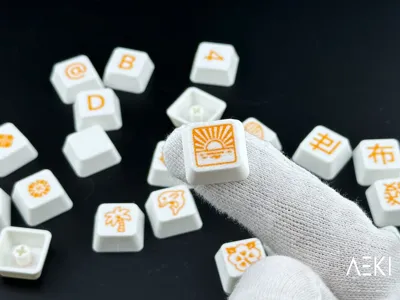
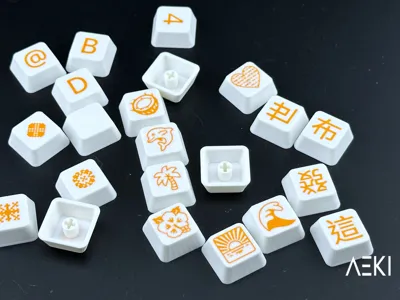
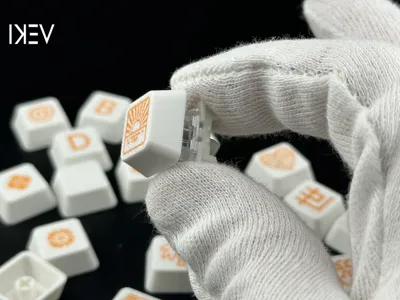
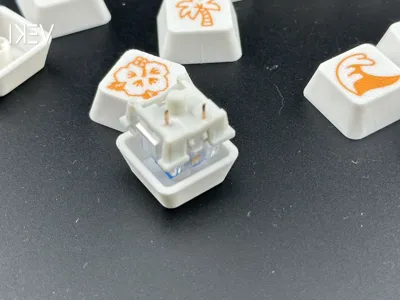
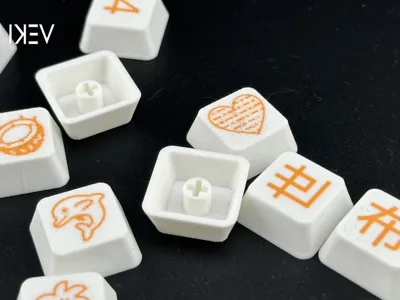
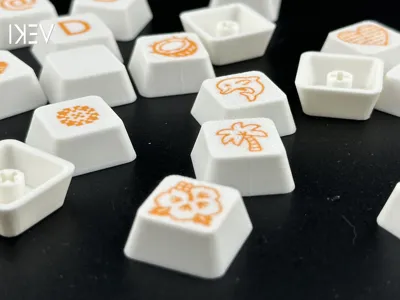
Here is a parametric keycap customizer, where you can customize up to 9 keys with the characters of your likings.
You can also change the height of your keycap, I might add more options later if a lot of people ask for it like tilt or specific keycap profiles.
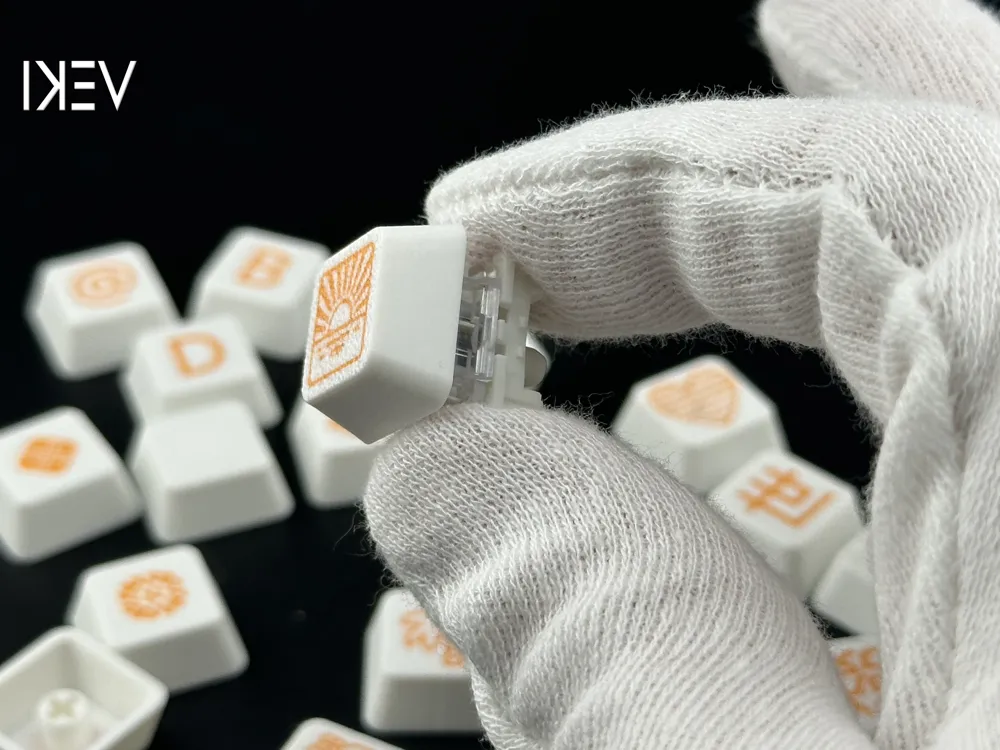
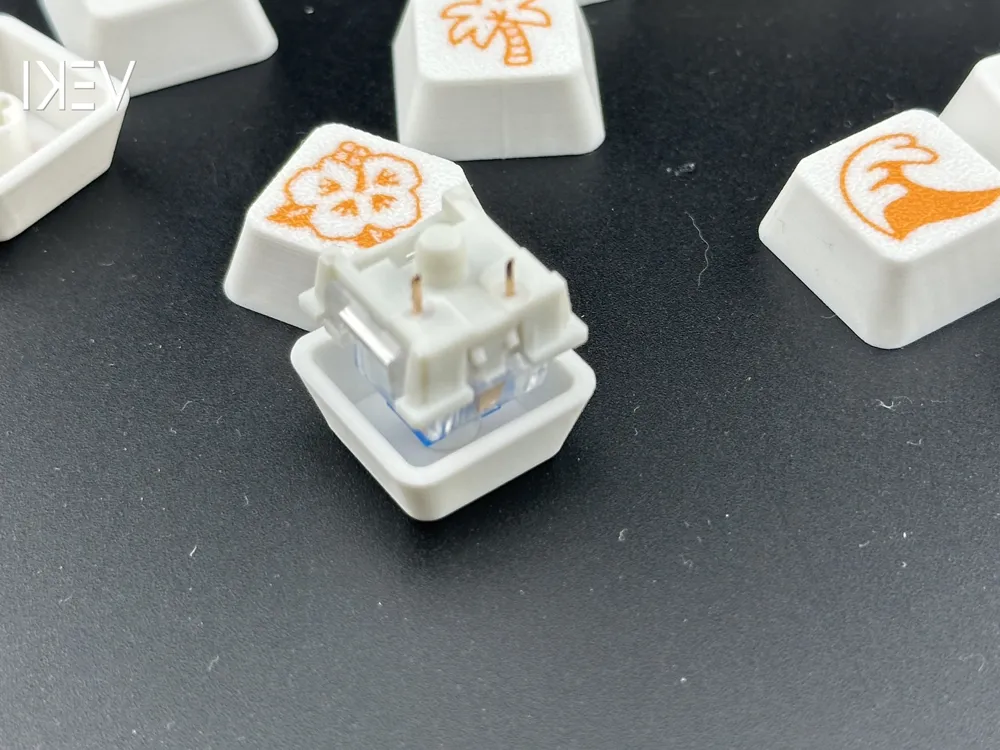
It should work for most CherryMX keys.
Although 0.4mm nozzle will work I'd really advise on using a 0.2mm nozzle for better looking results.
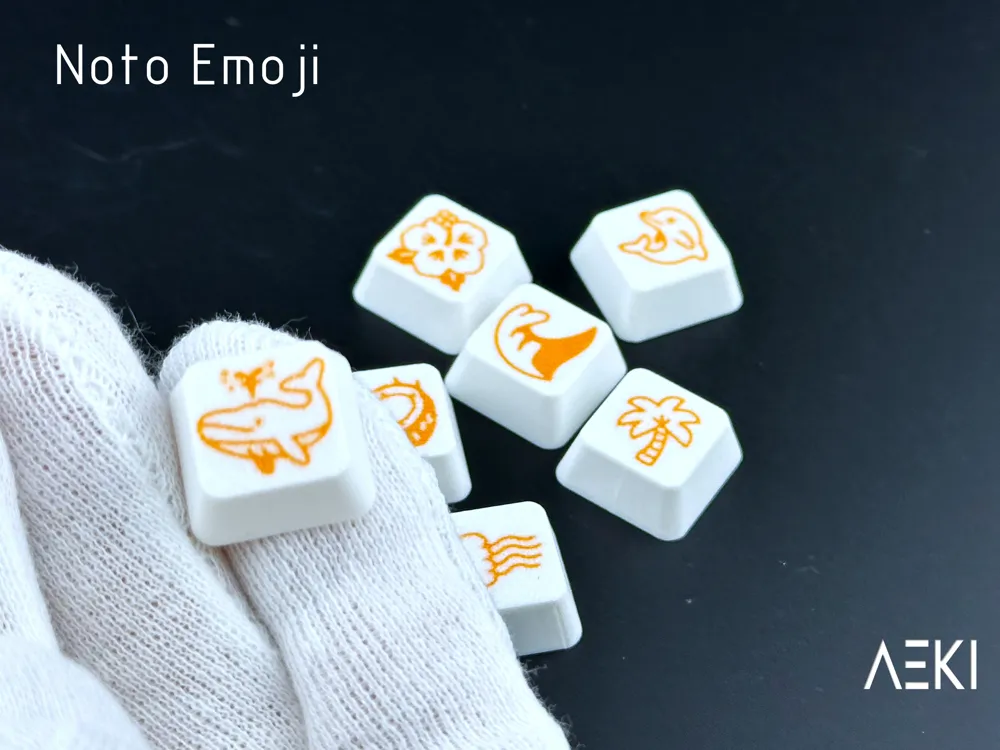
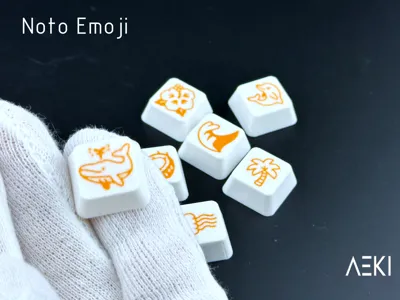
It works with emoji and special characters that you can find here for example: https://emojidb.org/emojis-emojis.
How to use it ?
Its use should be pretty straightforward but here is a step by step guide if you feel lost:
put your Text or emoji on the first box:
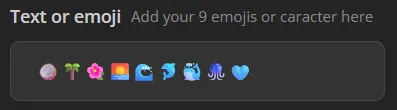
Only one character is possible per keycap, with a maximum of 9 characters (you can add more but they wont show up on the model).
Chose the font you want to use :
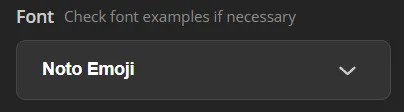
For emoji keep Noto Emoji -> 💀✌︎🌴🐢🐐🍄⚽👑📸😬👀🏡🐦🔥🍋🟩🍄🙂🏆😻🌟🍀🎨
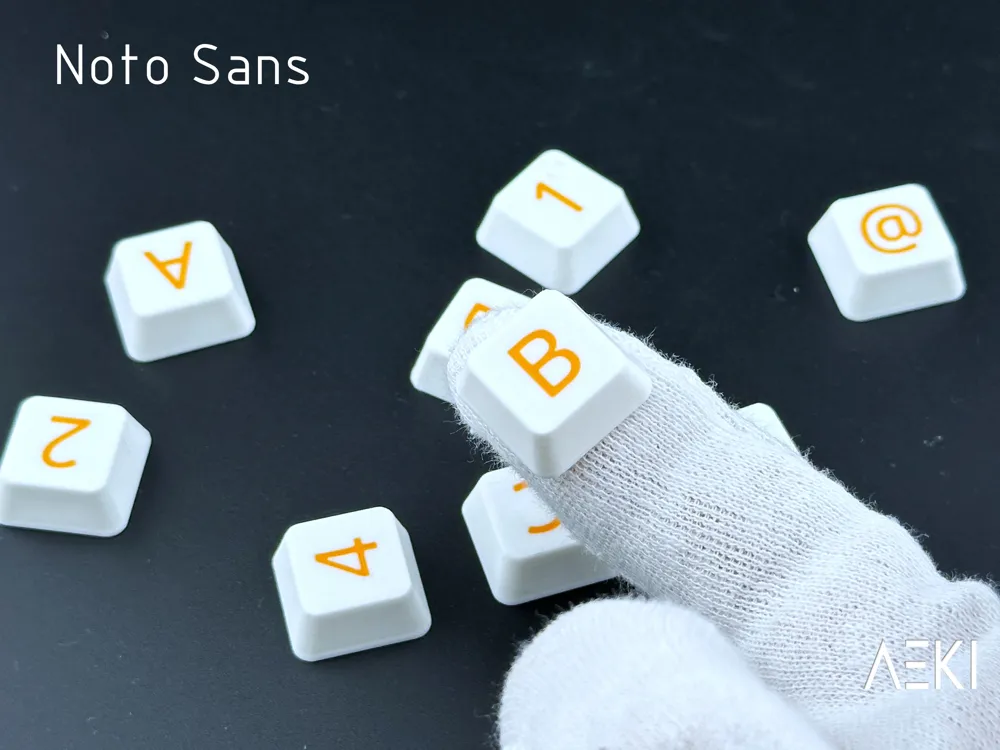
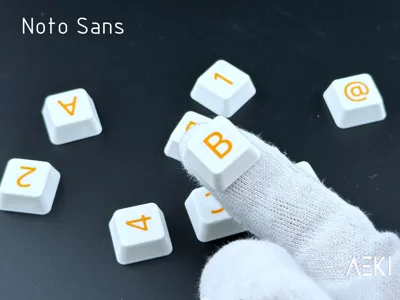
For text use Noto Sans -> Whereas recognition of the inherent dignity@&24632ù^%
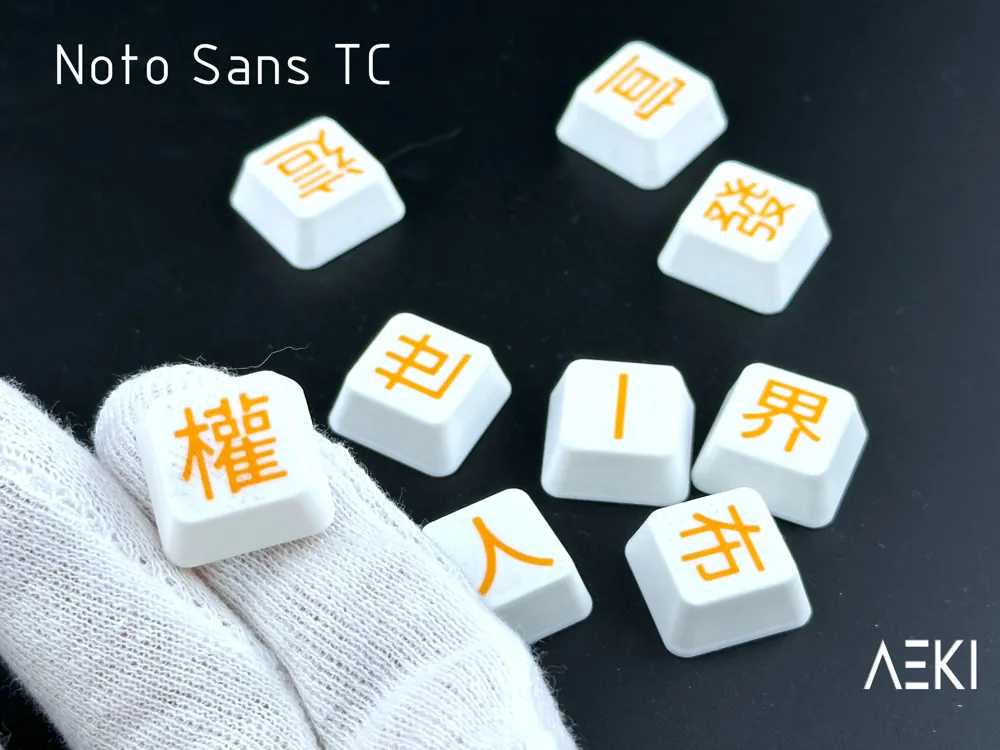
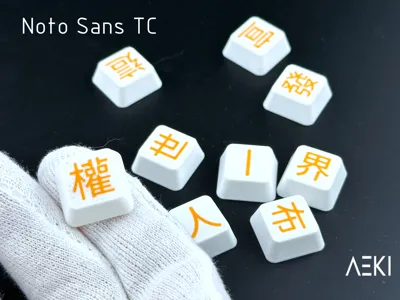
For Chines characters use Noto Sans TC -> 鑑於對人類家庭所有成員的固有尊嚴及其平等的和
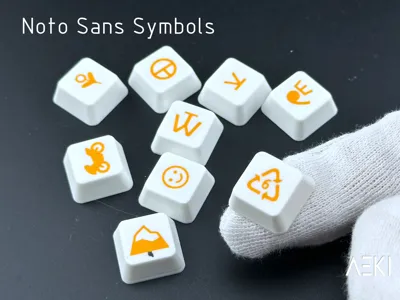
For extended symbols you also have the option to use:
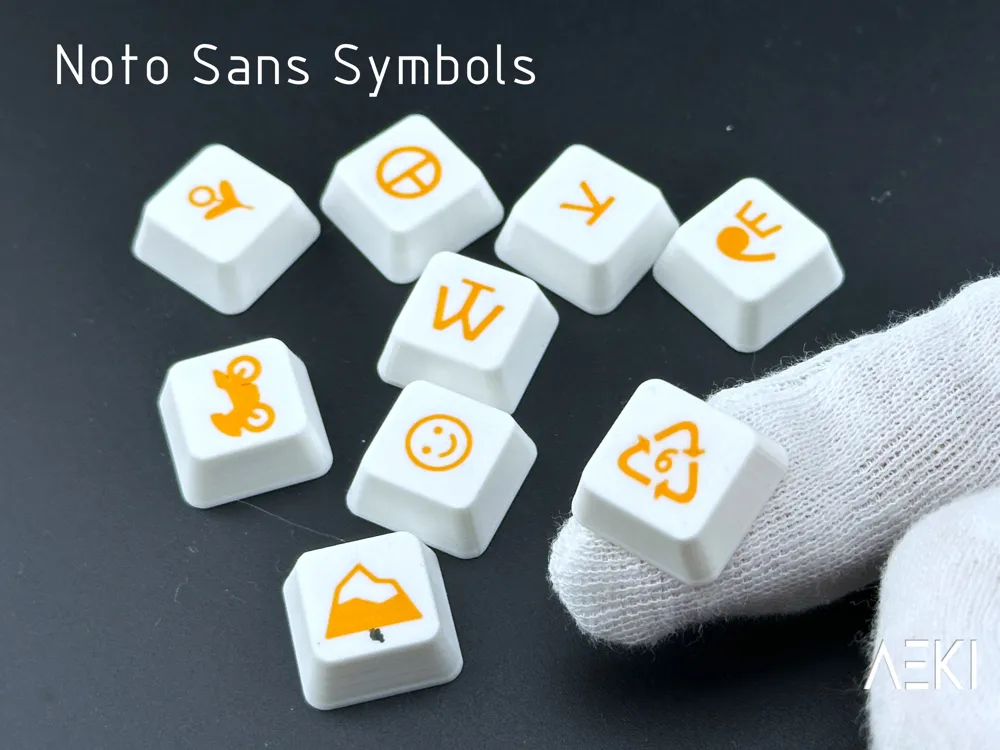
Noto Sans Symbols -> ⛾⛿☯☸ ⛩⛰⛱⛴⛷⛸⛹ ♸⚥☊☍☓☤ 🄰🄱🆈🆉 ⚖♇♪♬
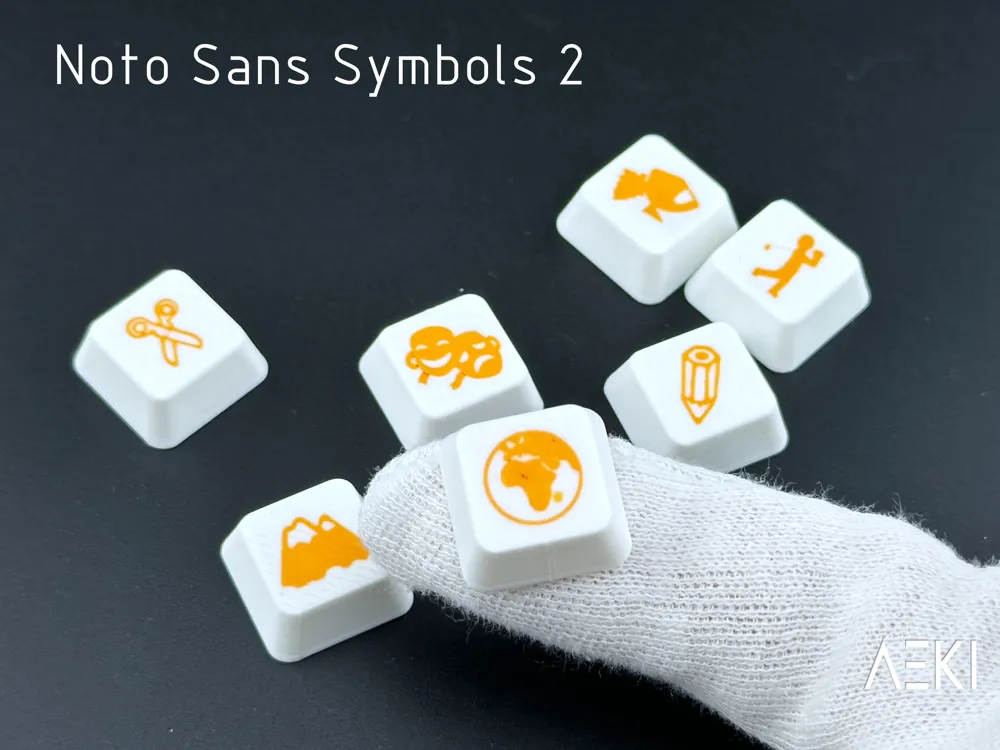
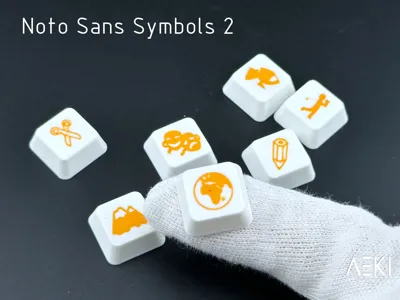
Noto Sans Symbols 2 -> 🌍✄✎ 🏔🏕🏌🏍🎭🎮 🯅🯆🯇🯉 🡢🡭🡱🡼 🯱🯲🯳🯴🯵🯶 🂮🂱🂲🂳
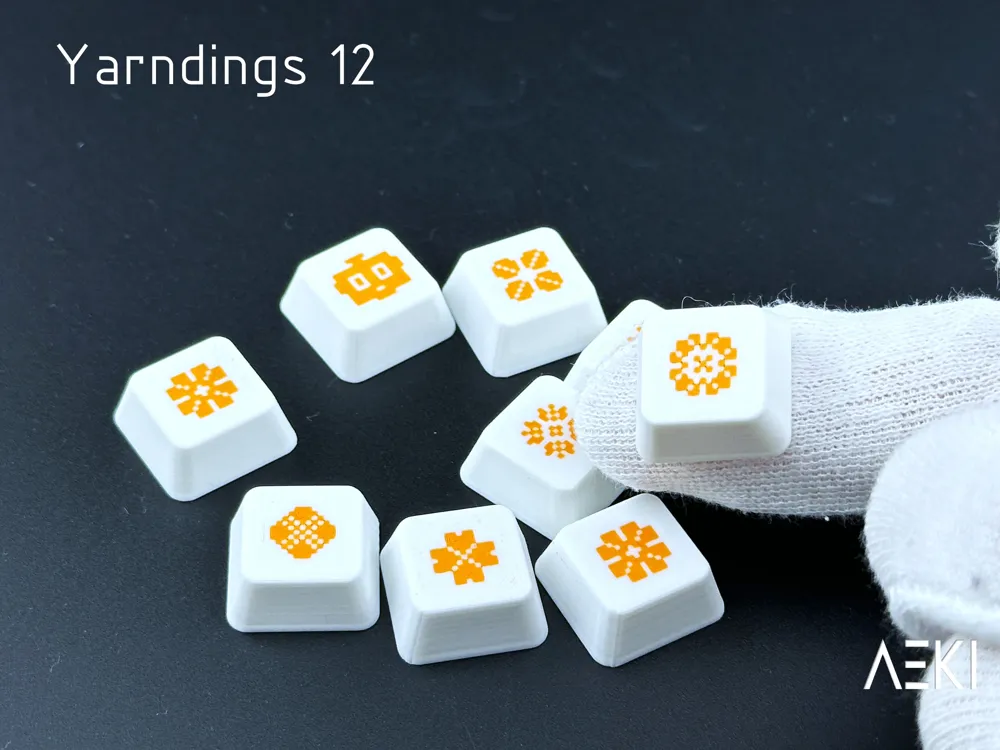
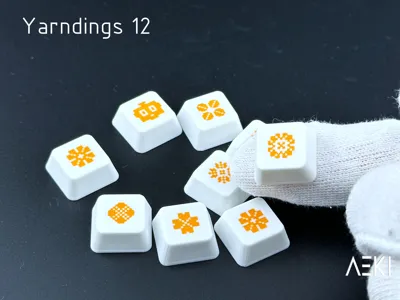
Yarnding 12 ( ! Transform text into symbols !) -> Whereas disregard and contempt for human
Text size (Optional)
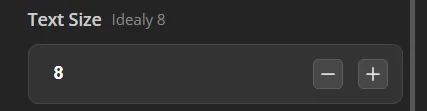
Pretty straightforward, 8 work best but you can change to your liking.
Font Example (Just here as a reminder)
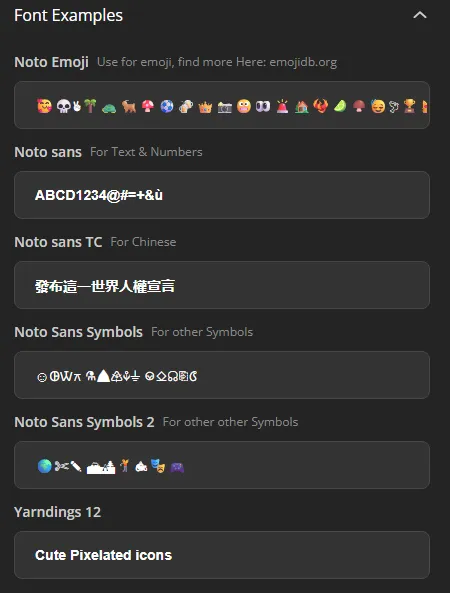
Just a list of examples of character that you can use.
Choose Colors
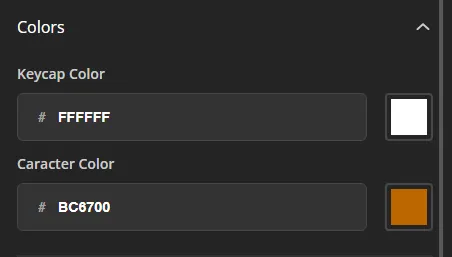
You can choose the main color first and the character color second.
Chose how many keys you want (optional)
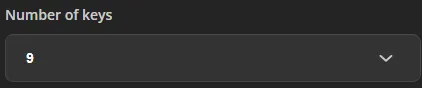
If you want less than 9 keys you can chose here
Keycap Height (optional)
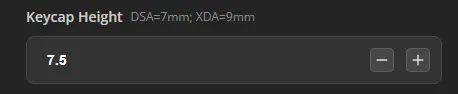
You can tweak the height o your keycap to fit for your specific keyboard
Don’t forget to hit Generate !
Known Bugs and Issues
- Not a bug but I know that the code isn’t optimized
- There is a weird glitch where one of the characters doesn’t appear (to fix it reload the page)
- Not a bug but emoji and symbols are similar and will only work with their respective font, so if a character appear as a rectangle it’s usually because it’s not supported by the font.
License

You may create derivative works based on this object, provided that all such derivative works are published exclusively on the MakerWorld platform and include proper attribution to the original creator. You may not share, upload, host, distribute, or publish this object—or any derivative work of this object—on any other digital platform, marketplace, or distribution channel. Commercial use of this object and any derivative works is strictly prohibited. This includes, but is not limited to, selling, renting, sublicensing, or using the object in any context in which you receive monetary compensation or other financial benefits.


Comment & Rating (74)