
Print Profile(1)

Bill of Materials





Description
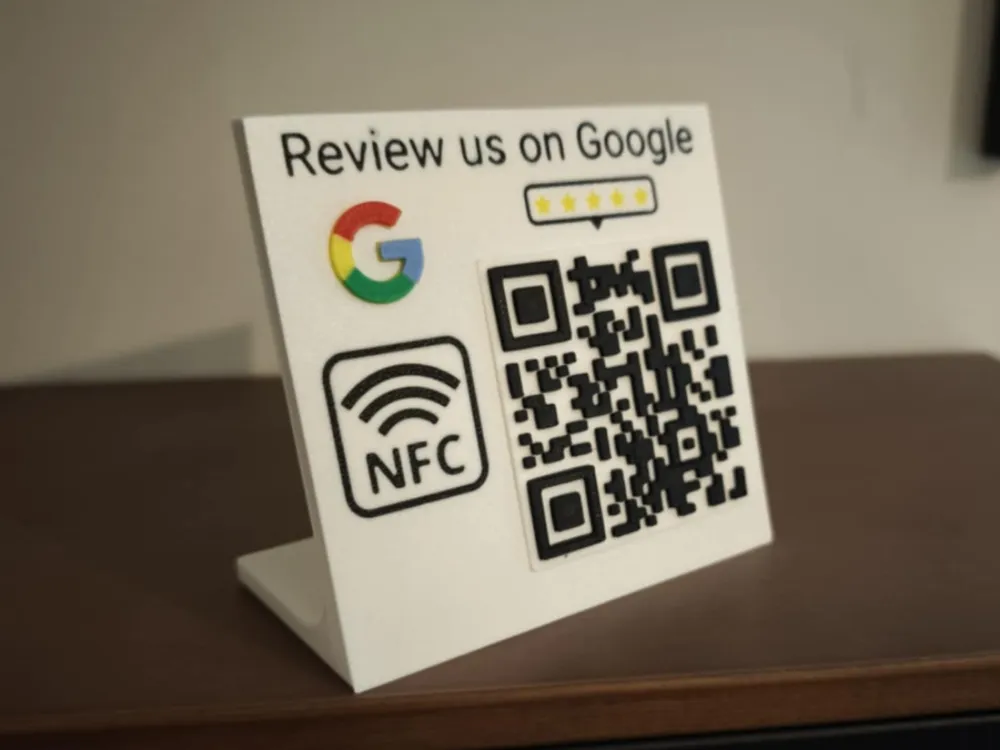
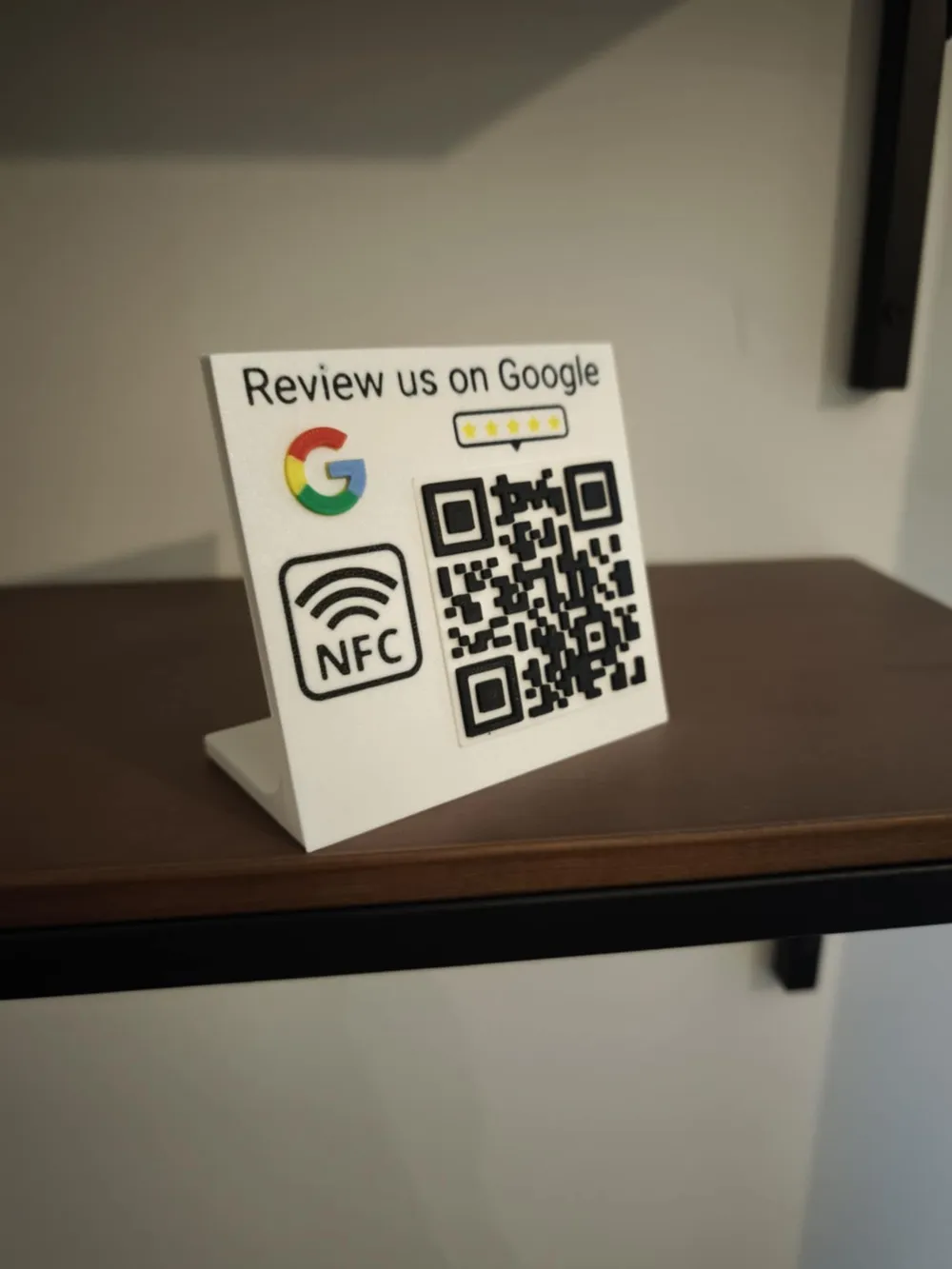
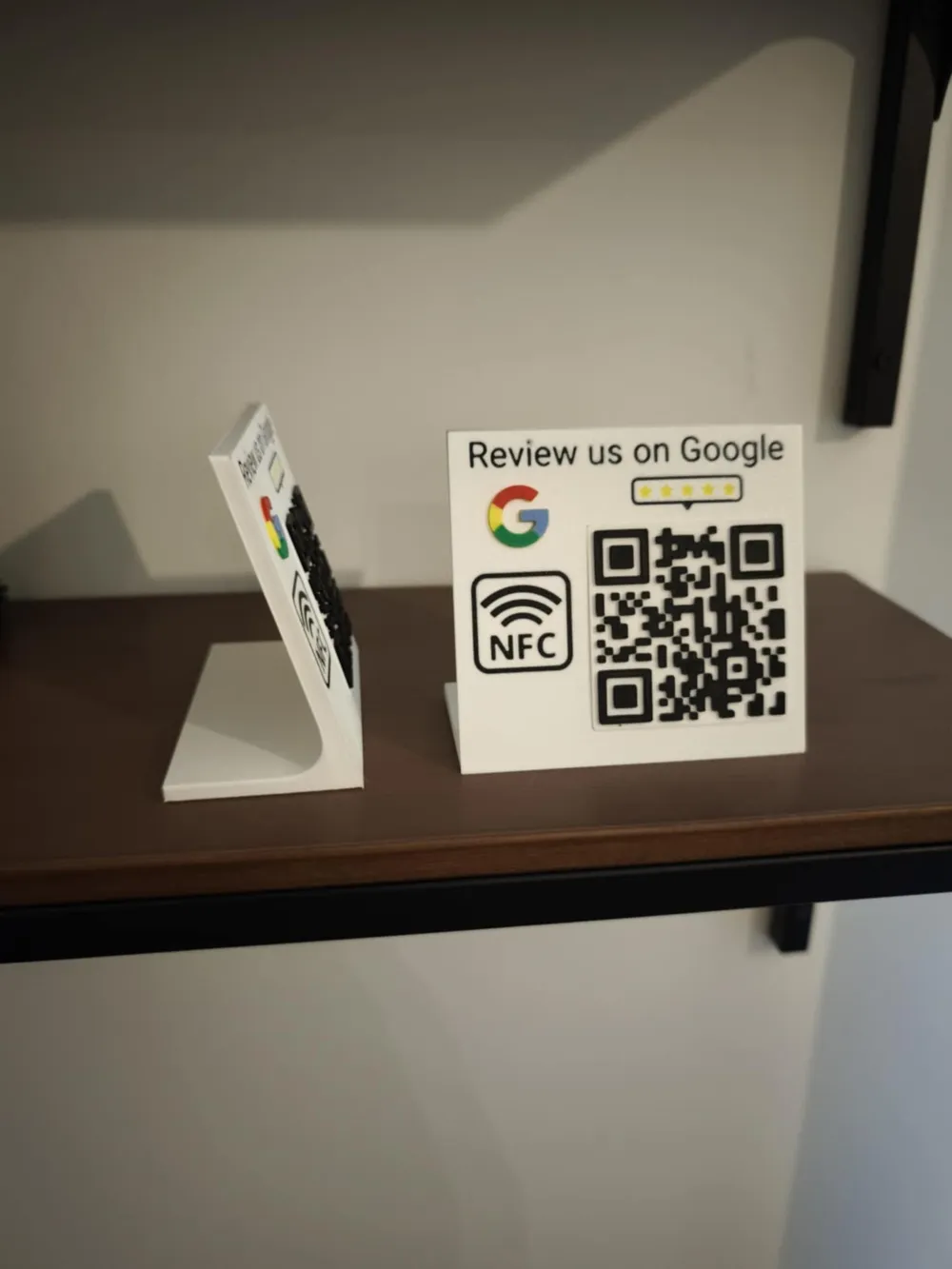
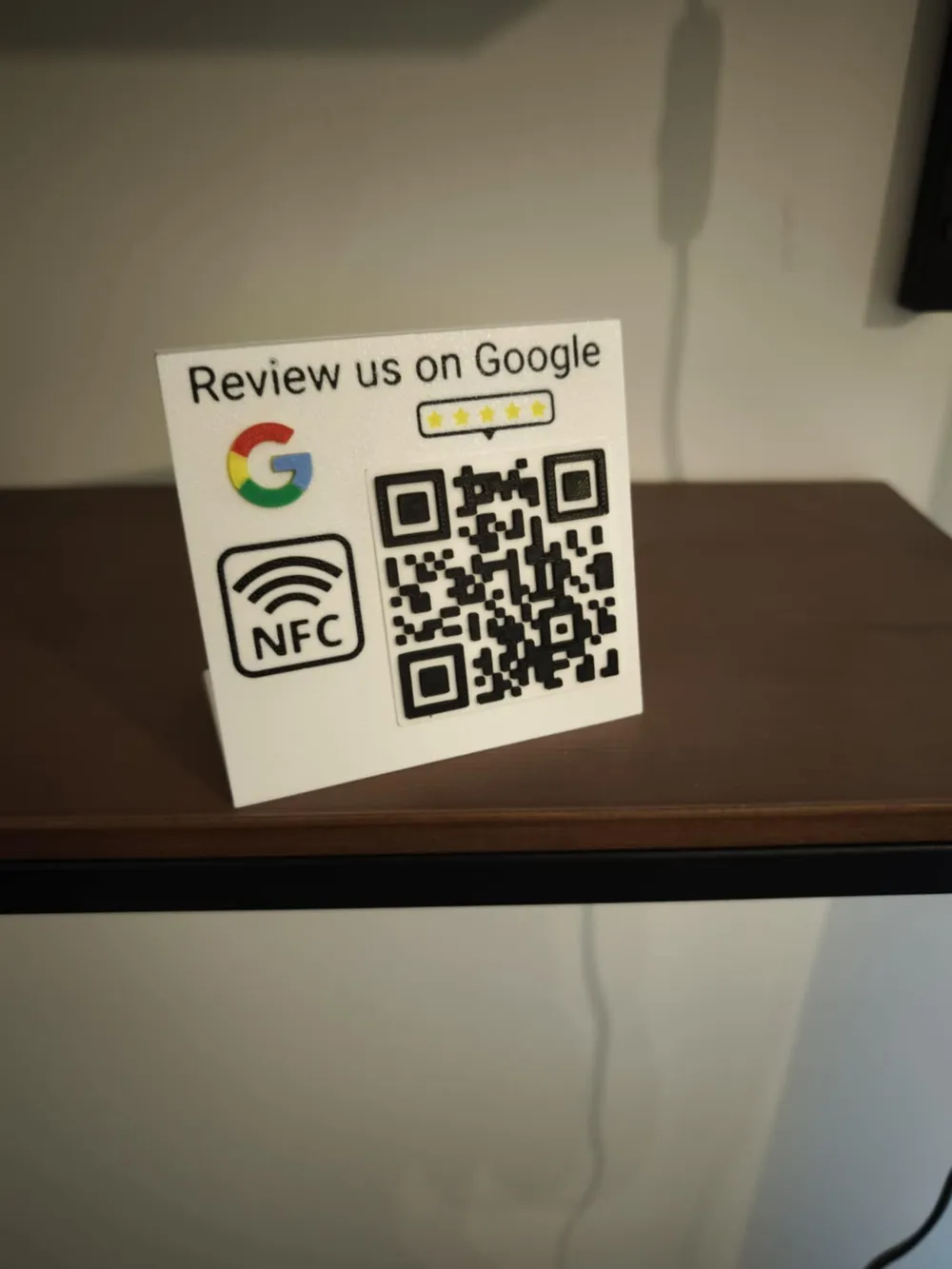
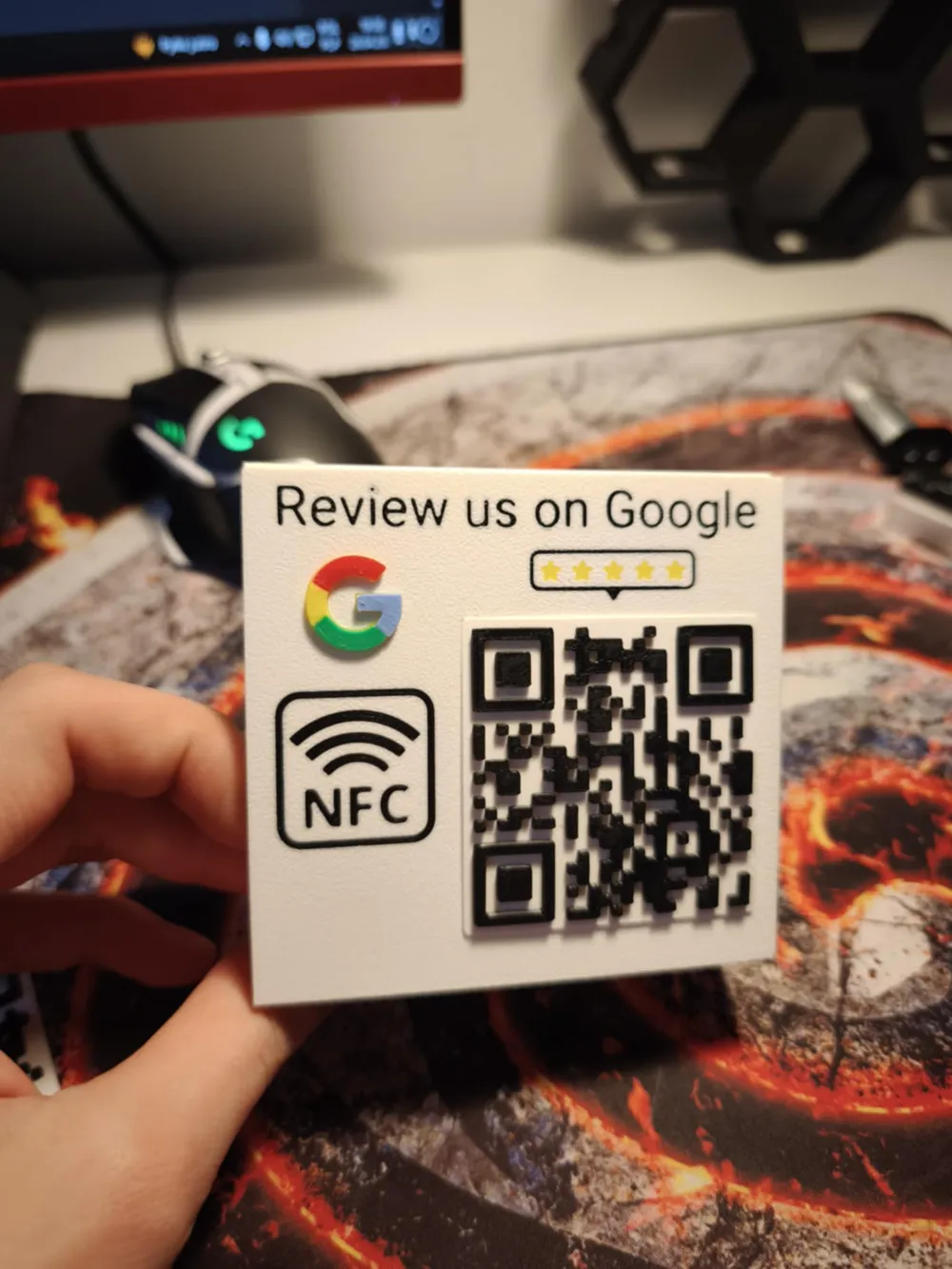
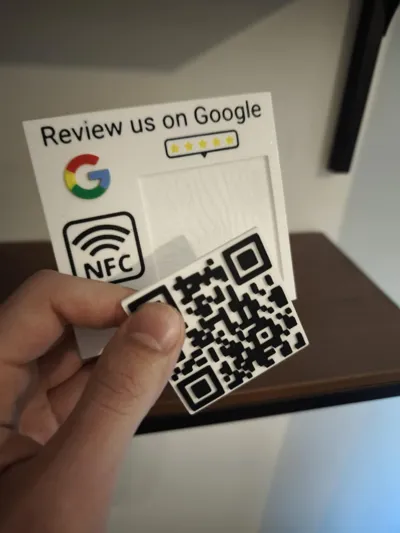
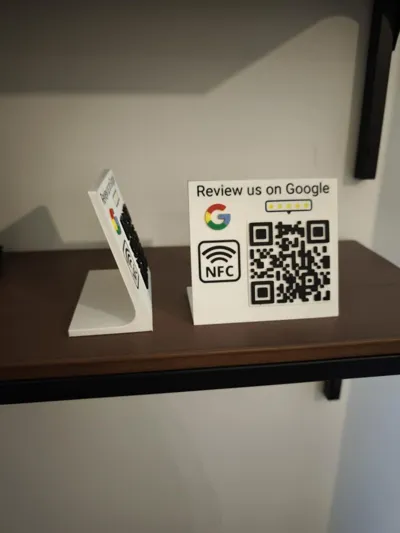
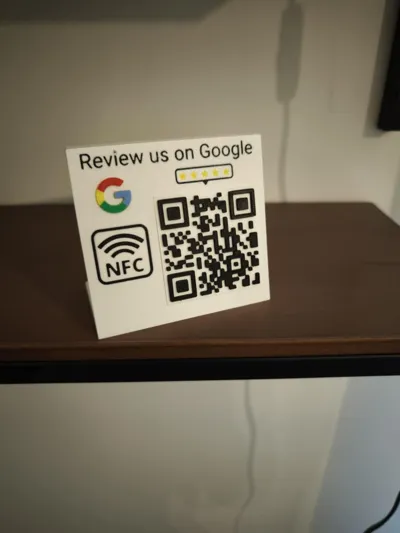
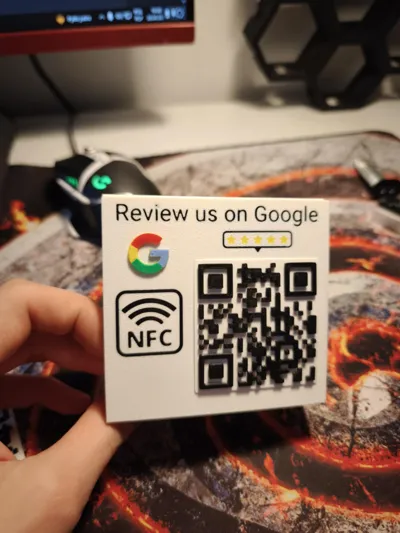
Simple and easily customizable google reviews stand with NFC and QR code.
Thanks to its compact size and sleek design, it's fit perfectly for any business, restaurant, or office!
Boost Me (for free)
Your boost keeps me motivated to create more!
License info
If you need a commercial license for my model, write me a private message for more information
NFC tag info
This design uses standard 25 mm NFC stickers, which you can easily find on Amazon
To insert the NFC tag, I added a pause in the print at layer 13. When the printer stops, place the NFC tag and click "Resume Printing."
if you haven't programmed your nfc tag before, here is a tutorial
QR CODE customization
To custom your QR code simply use this model: Customizable qr code V2.5!! by Mike33D (I have already contacted him and I have his permission to use his generator).
Make sure to boost Mike’s generator – without it, this model wouldn’t be possible!
Step1: Click Customize
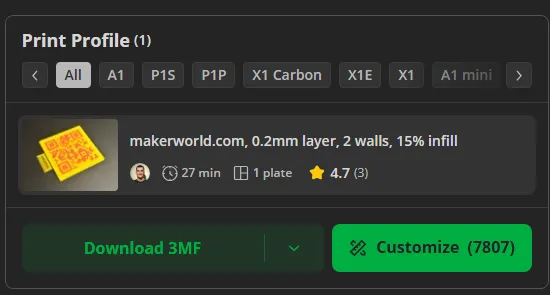
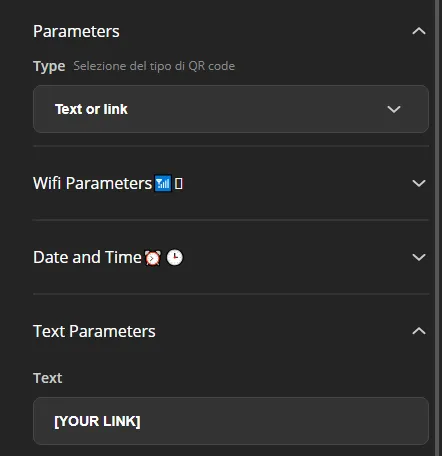
Step2: Paste your link in “Text parameters” tab (If your link is very long, use URL Shortener)
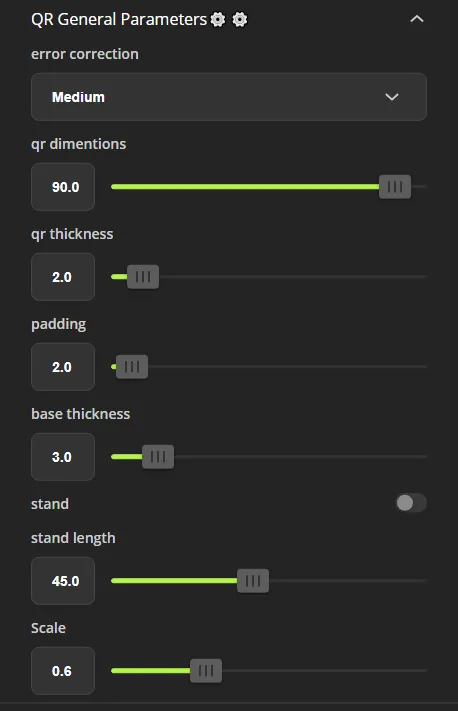
Step 3: Go to “QR General Parameters” tab, and copy ALL parameters from picture below (Mistakes in this step can cause the printed QR code to not fit into the rest of the stand!!!)
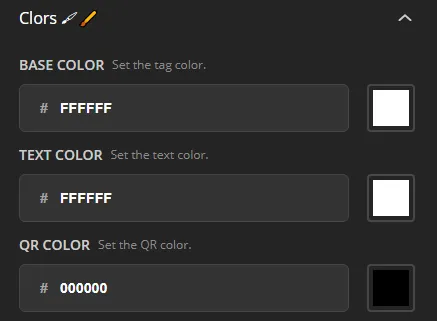
Step 4: Go to “Colors” tab and change colors as shown (Base = white, QR Color = Black)
Step 5: Click generate

Your QR code should be 57,6 x 57,6 x 3 mm
Step 6: Download
Step 7: Open it in slicer and print
Step 8: Assembly
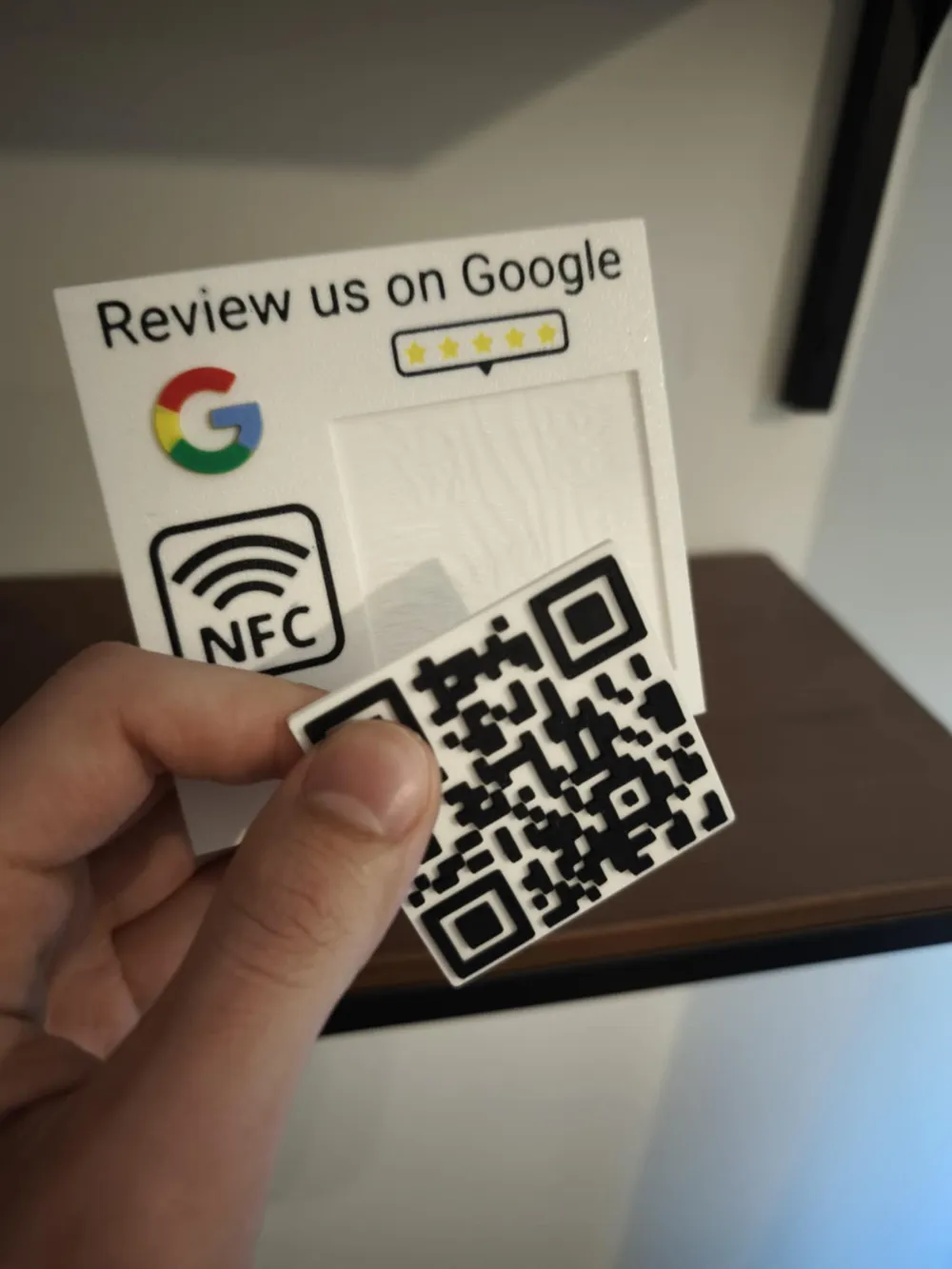
Printed QR code fits well without glue inside stand, but you can glue it anyway
The Google logo, however, should be glued into place.
And that’s your Google Reviews Stand – ready to go!
I hope you enjoy this design. Feel free to comment, share, and give it a boost!
License

You shall not share, sub-license, sell, rent, host, transfer, or distribute in any way the digital or 3D printed versions of this object, nor any other derivative work of this object in its digital or physical format (including - but not limited to - remixes of this object, and hosting on other digital platforms). The objects may not be used without permission in any way whatsoever in which you charge money, or collect fees.


Comment & Rating (53)