
Rain gauge Zigbee - Pluviometro Zigbee
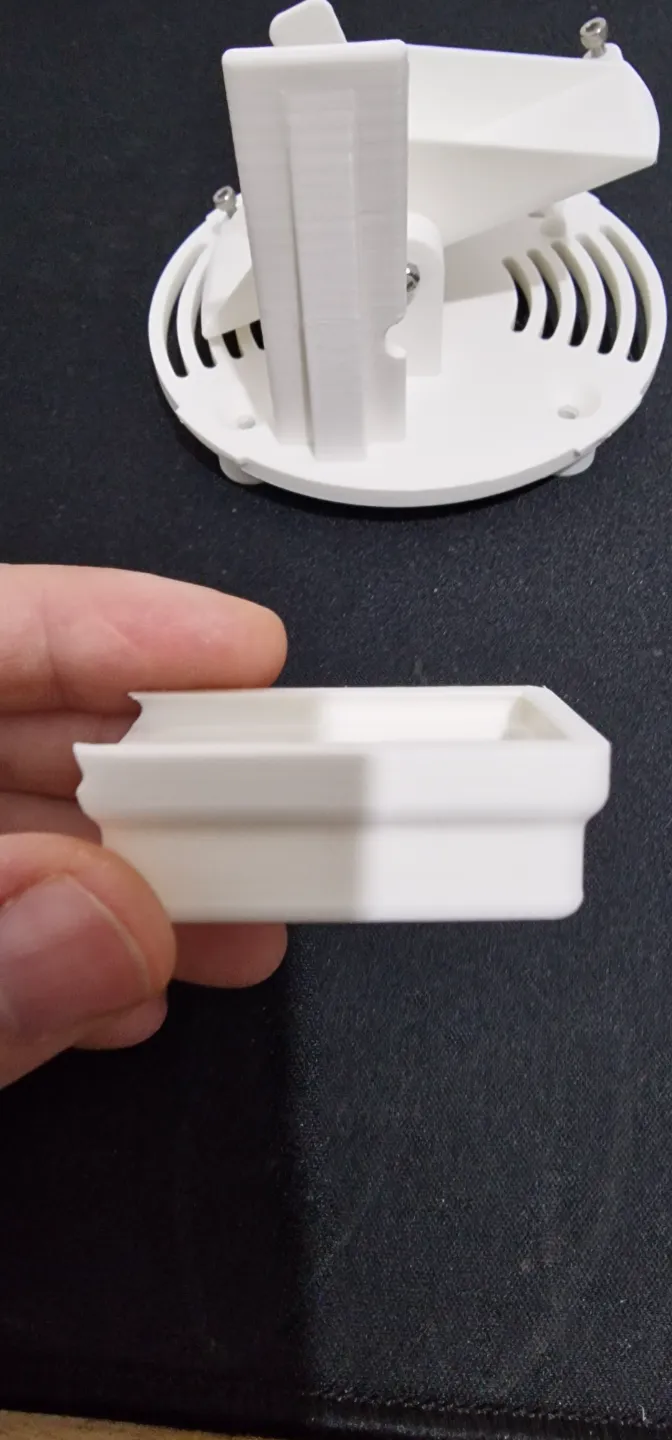
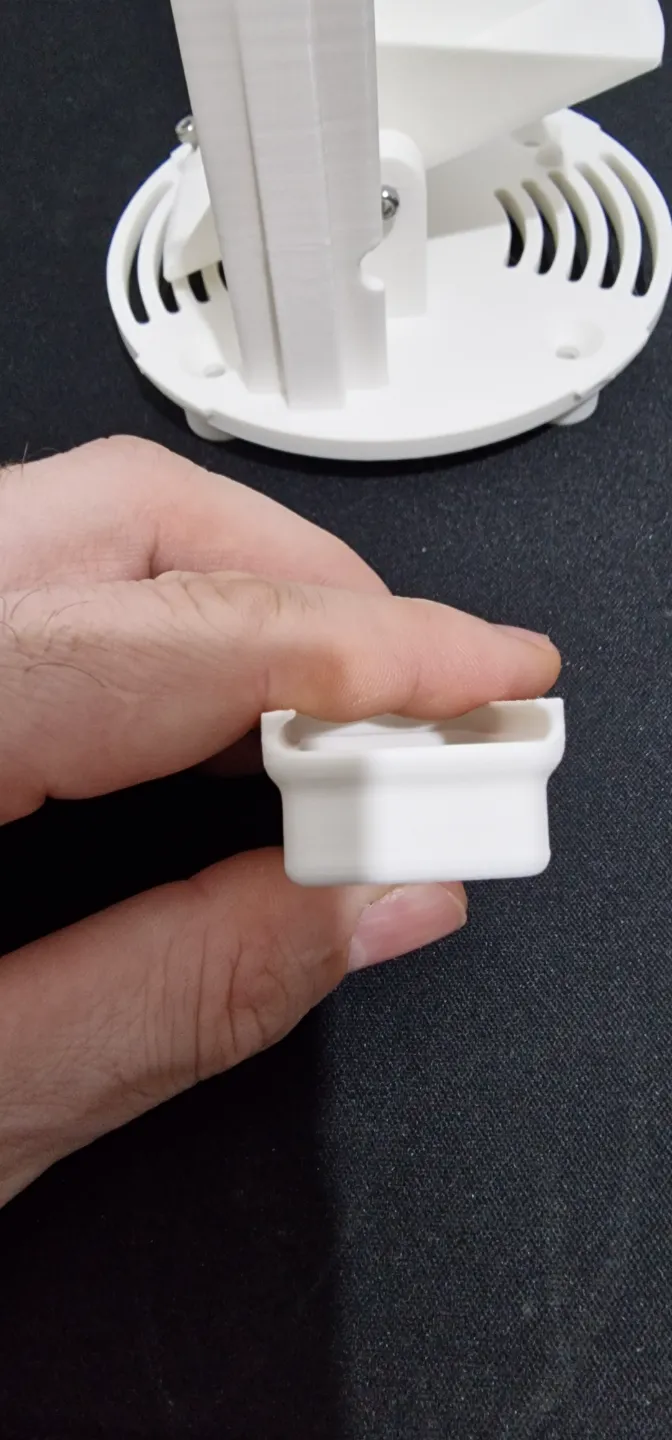
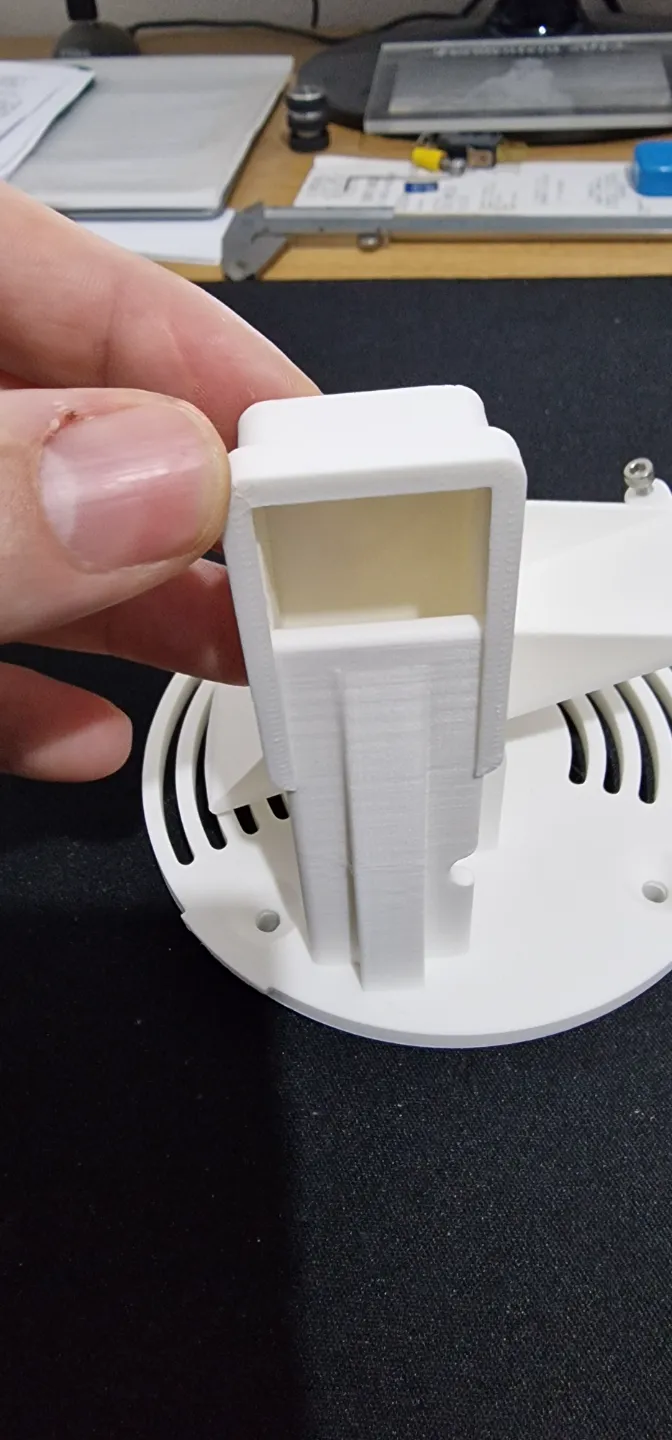
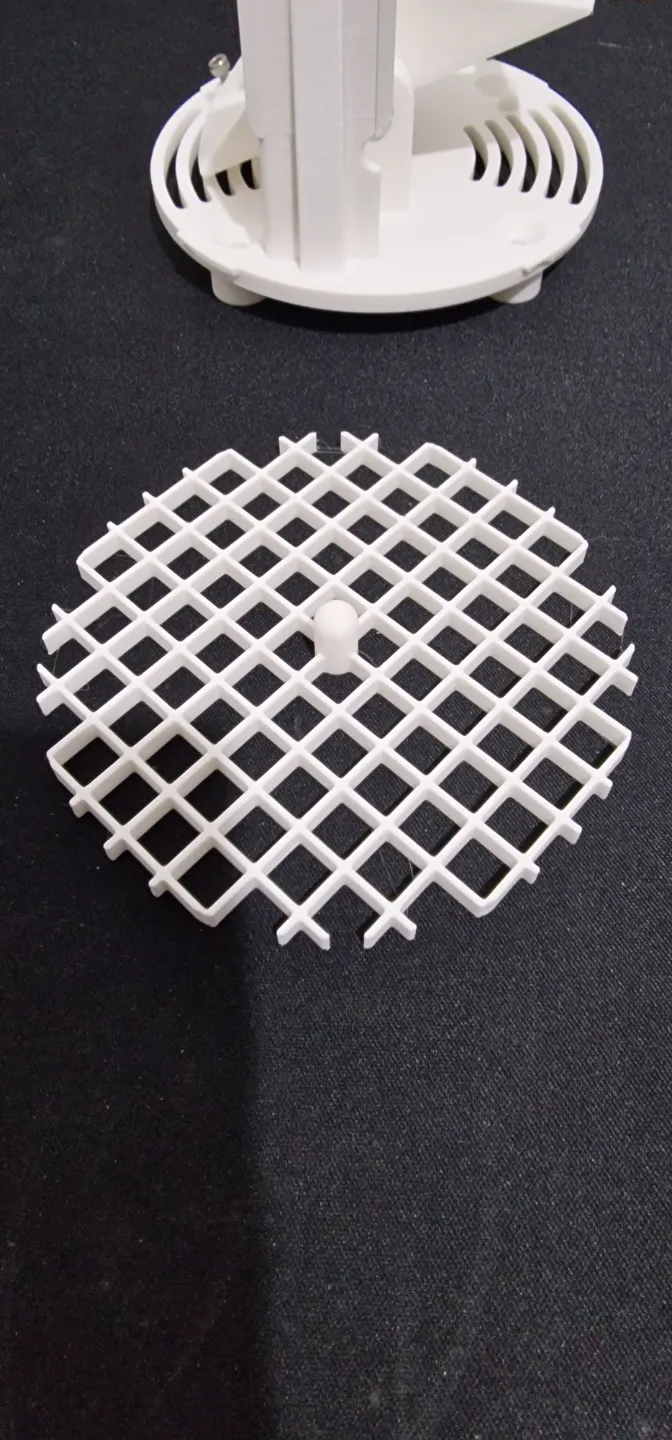


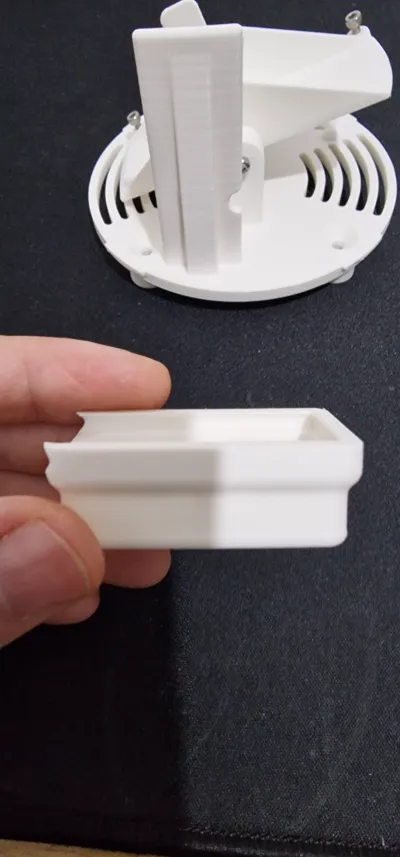
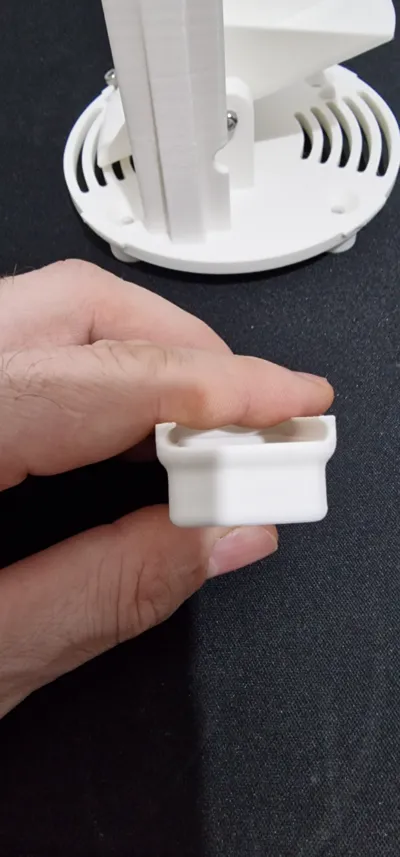
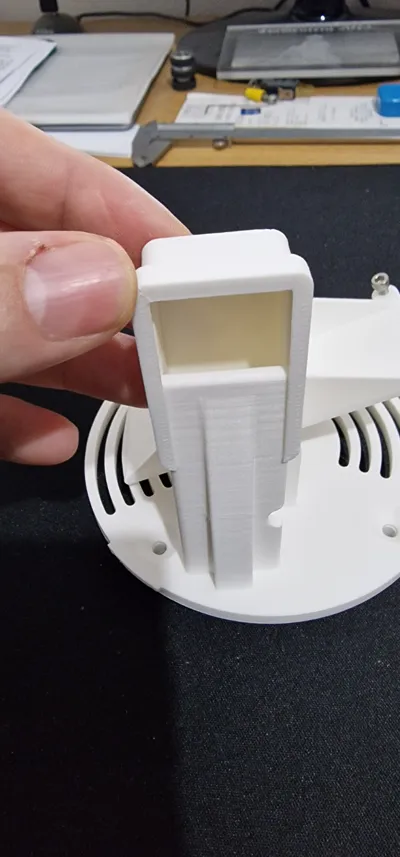
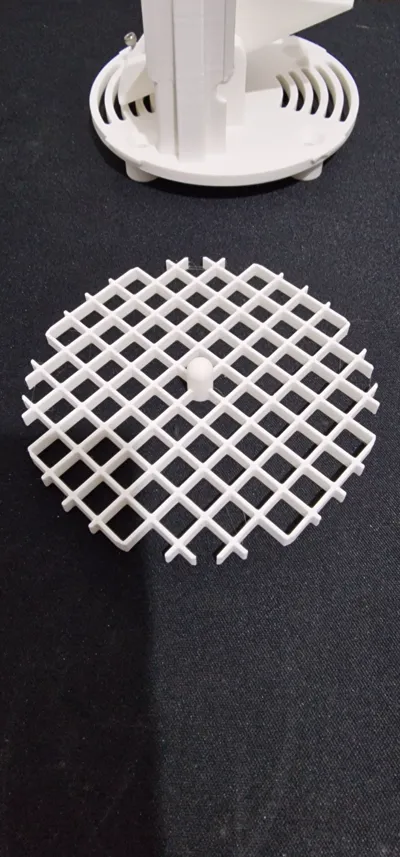
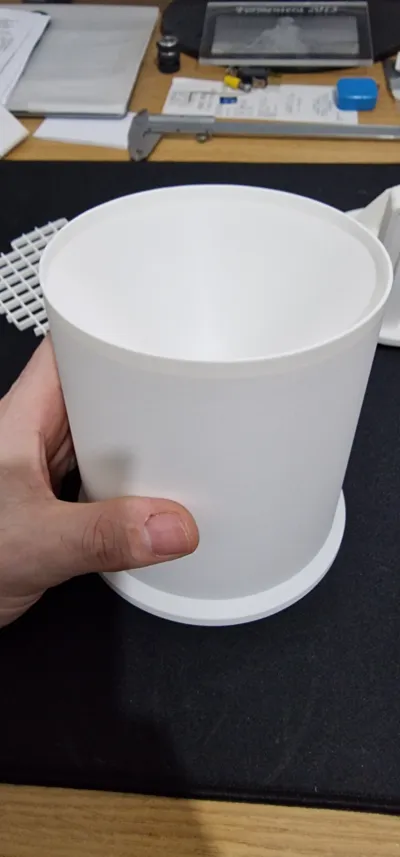
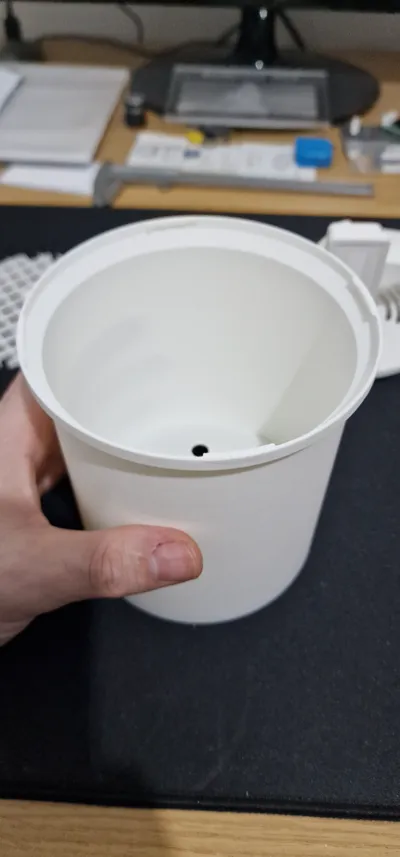
Print Profile(3)


Description
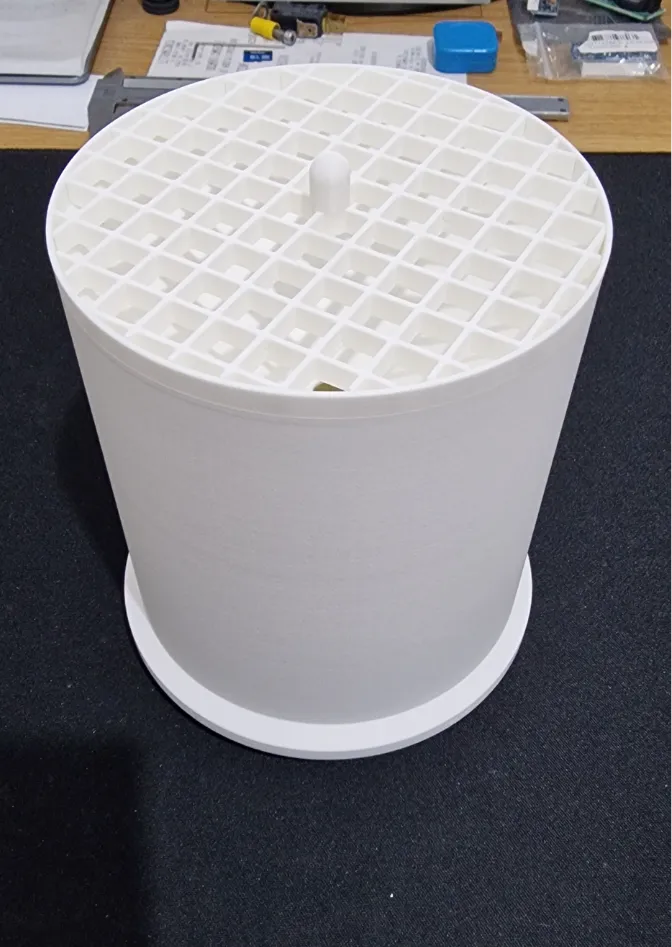
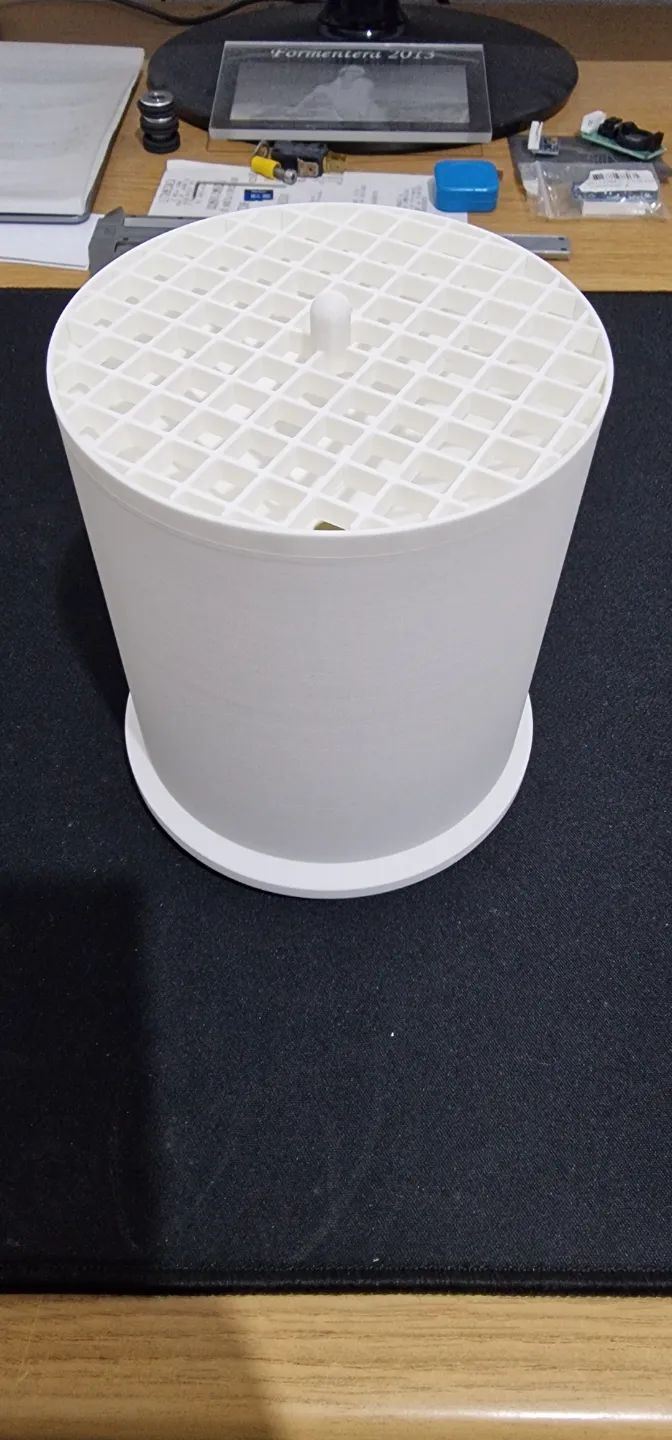
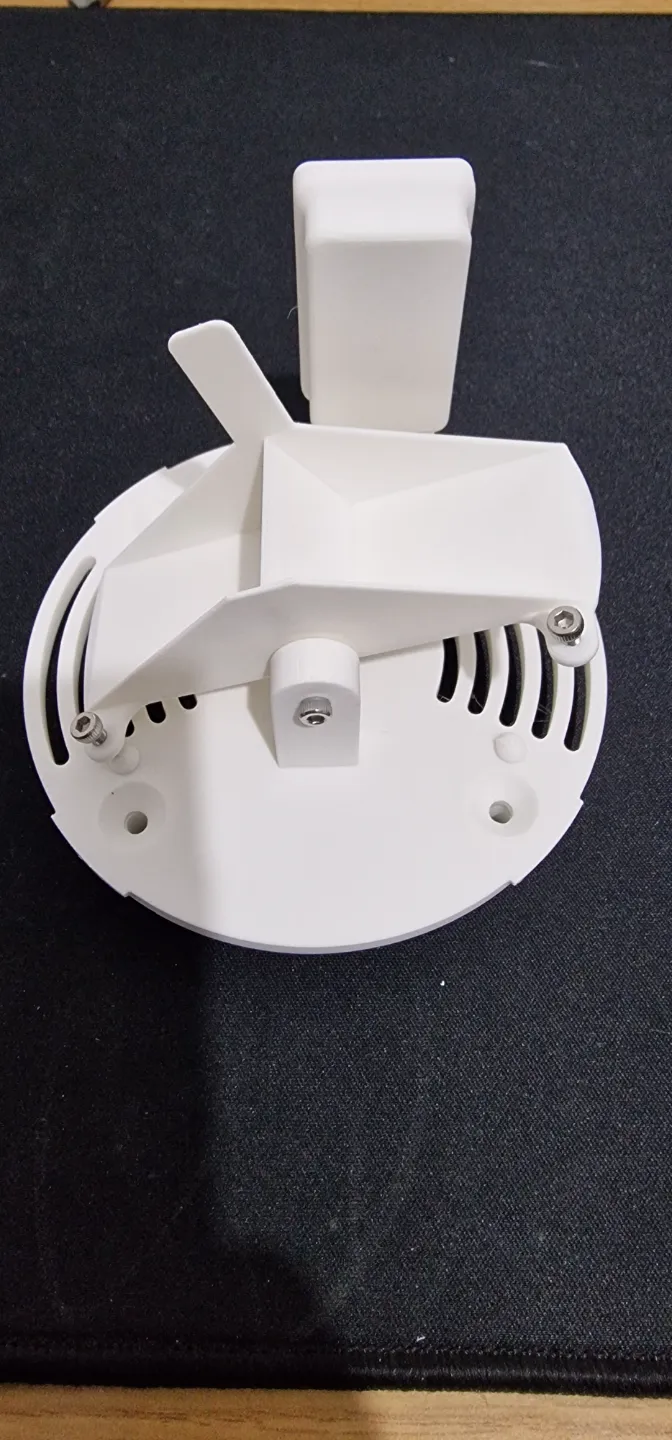
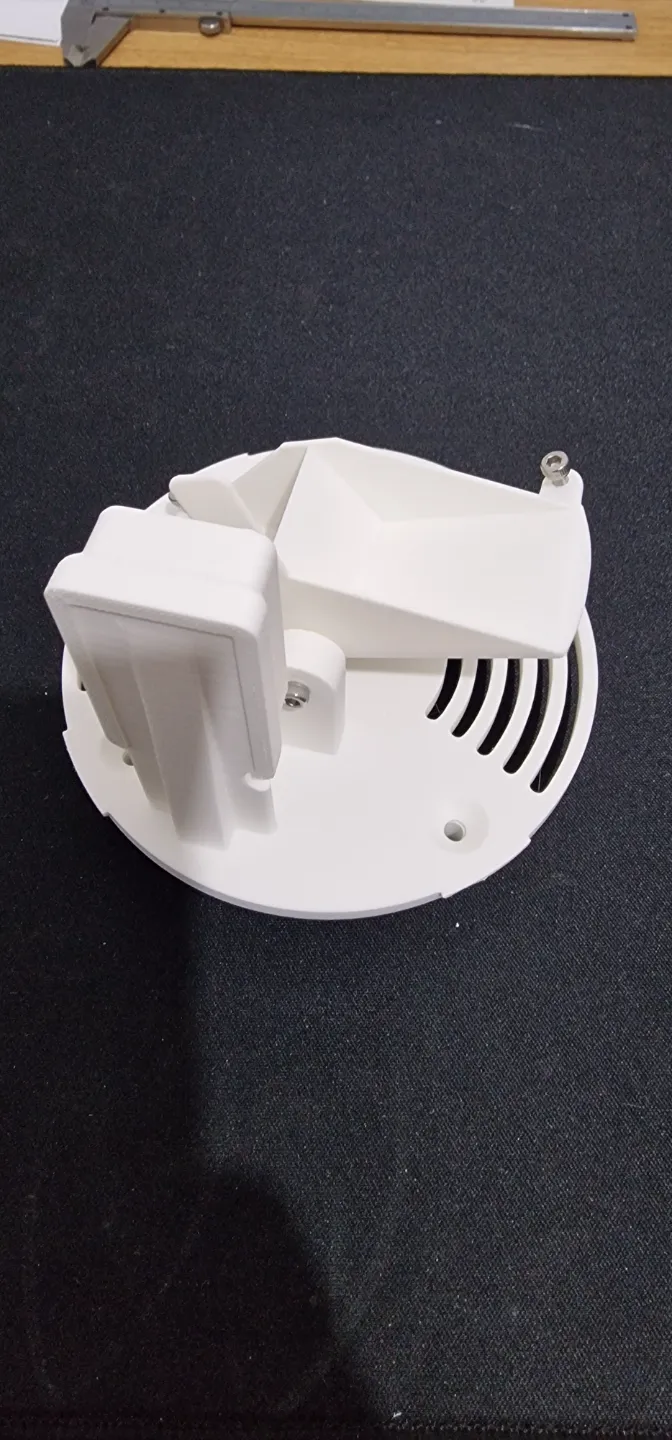
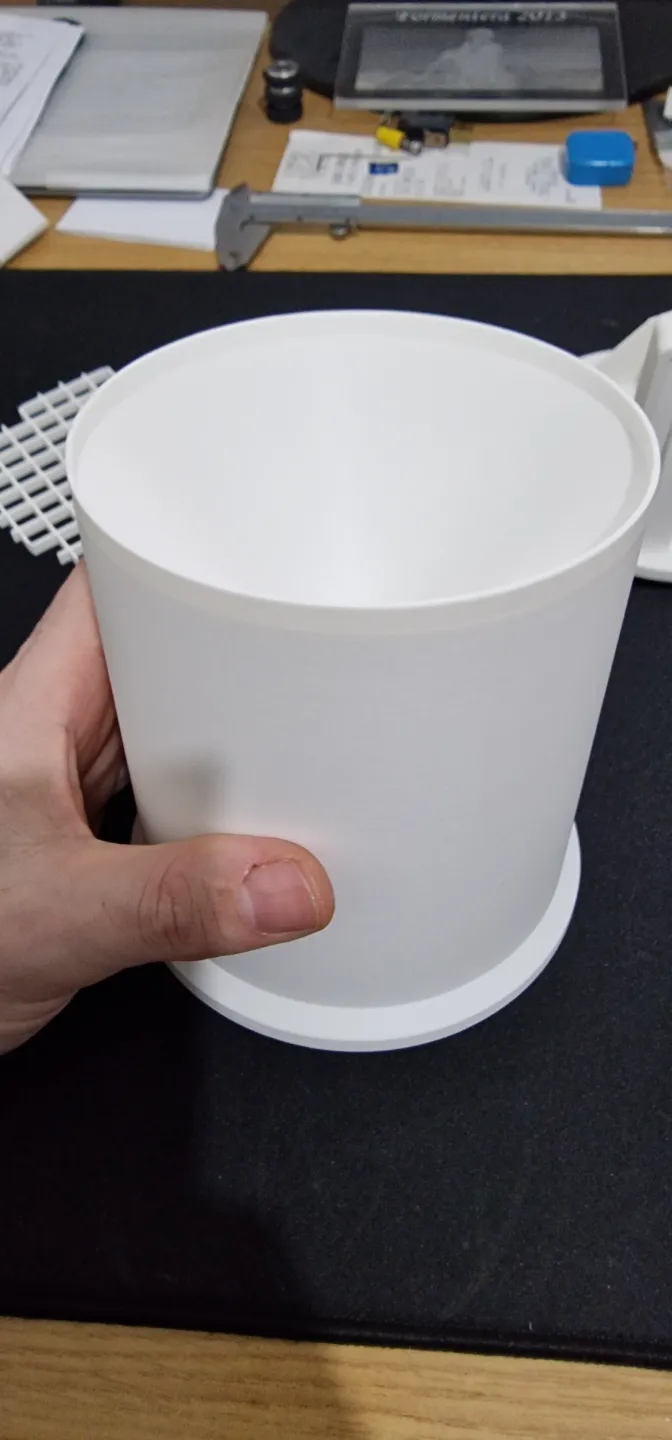
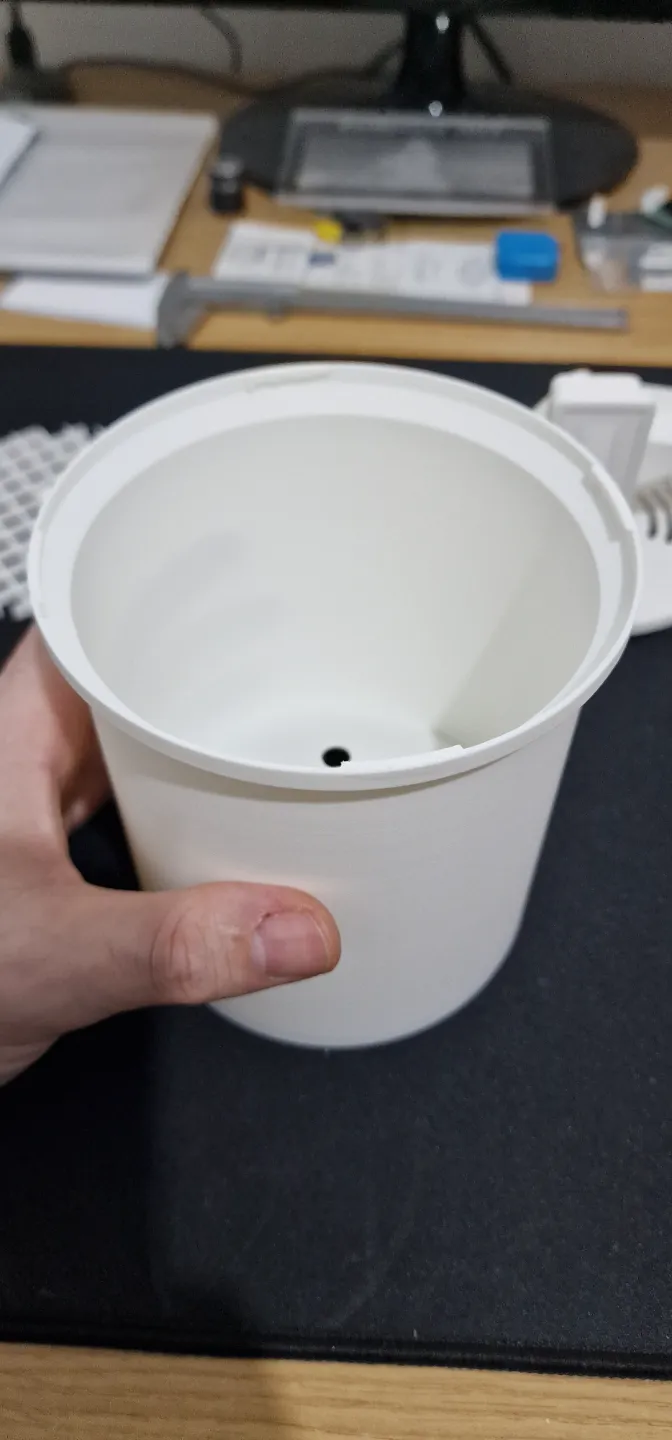
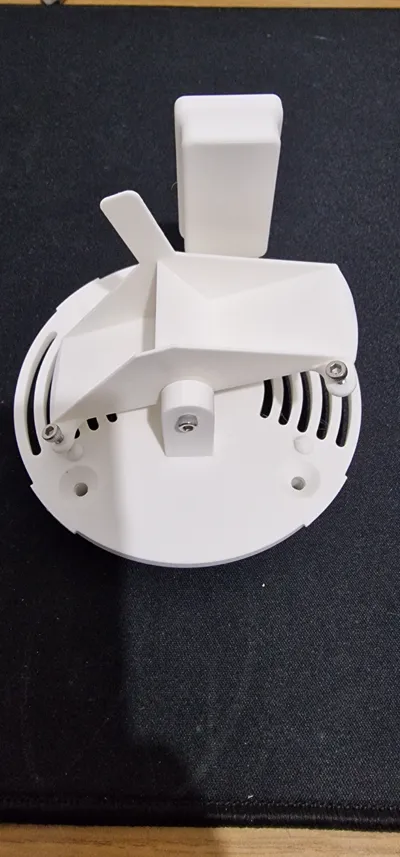
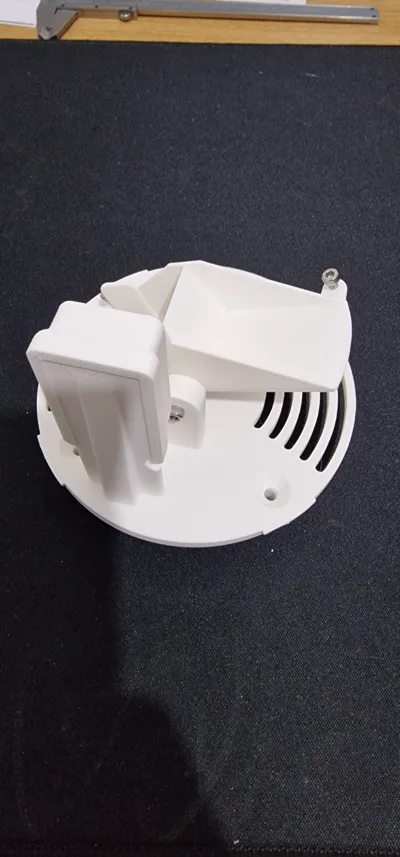
I created a 3D model of a rain gauge to integrate into Home Assistant using an Aqara Zigbee door and window sensor, similar to what I saw in a YouTube video
Calibration
First, you need to mount the sensor's magnet in position. Then, using a syringe, empty exactly 5ml of water into one tipping bucket. Use the opposite screw to adjust it so that it tips over only with 5ml of water. Afterward, repeat the same procedure for the other tipping bucket. I recommend performing multiple calibration tests to make everything more precise
Formula for calculating mm of rain
The calculation is derived by knowing the area of the cup (A = π x r² = 3.1416 x 2893.44 = 9090.031104) and knowing that one tipping bucket contains 5ml (5ml = 5000mm³) we can find the water column with the formula (V = A x h)
We know h in mm³ (5000mm³) and also the area (9090.031104)
So the formula is: h = V / A= 5000mm³ / 9090.031104= 0.550053
This value represents the mm of rain recorded with each tip of the rain gauge's tipping bucket
At this link, you will find explanations on how to configure it in Home Assistant
https://smartsolutions4home.com/ss4h-zrg-zigbee-rain-gauge/
Packages for Home Assistant
I created this file by including it in packages without creating confusion in the configuration.yaml file. Just include the packages:
homeassistant:
packages: !include_dir_named packages
and then create a new folder renamed packages
Inside it, create a new file renamed pluviometro.yaml
and inside it insert this code:
sensor:
- platform: history_stats
name: "sensore_pioggia_on"
entity_id: binary_sensor.pluviometro_contact
state: "on"
type: count
start: "{{ now() - timedelta(hours=24) }}"
end: "{{ now() }}"
- platform: history_stats
name: "sensore_pioggia_off"
entity_id: binary_sensor.pluviometro_contact
state: "off"
type: count
start: "{{ now() - timedelta(hours=24) }}"
end: "{{ now() }}"
- platform: template
sensors:
sensore_pioggia_aqara:
friendly_name: "Aqara Rain Sensor"
unit_of_measurement: "mm"
value_template: >
{% set count_on = states('sensor.sensore_pioggia_on') | int(0) %}
{% set count_off = states('sensor.sensore_pioggia_off') | int(0) %}
{% set count = count_on + count_off - 1 %}
{% set mm = count * 0.550053 %}
{{ mm | round(1, 'floor') }}
Update
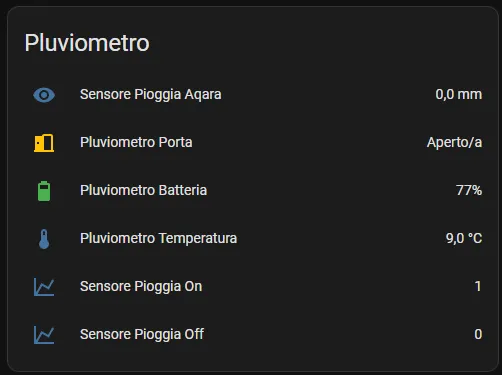
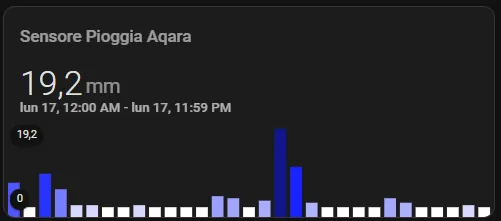
I modified the operating logic of the rain gauge so that at the end of the day, it automatically resets at midnight every day, and with a monthly graph, I see the daily values read. If desired, you can modify the data duration of the graphic card by changing hours_to_show: 744 which corresponds to 31 days
This is the new Packages and graphic card
Packages
automation:
- alias: Reset rain count at midnight
trigger:
platform: time
at: "00:00:00"
action:
- service: input_number.set_value
target:
entity_id: input_number.contatore_pioggia_on
data:
value: 0
- service: input_number.set_value
target:
entity_id: input_number.contatore_pioggia_off
data:
value: 0
input_number:
contatore_pioggia_on:
name: Rain Counter On
initial: 0
min: 0
max: 1000
step: 1
contatore_pioggia_off:
name: Rain Counter Off
initial: 0
min: 0
max: 1000
step: 1
sensor:
- platform: history_stats
name: "Rain Sensor On"
entity_id: binary_sensor.pluviometro_contact
state: "on"
type: count
start: "{{ now().replace(hour=0, minute=0, second=0, microsecond=0) }}"
end: "{{ now() }}"
- platform: history_stats
name: "Rain Sensor Off"
entity_id: binary_sensor.pluviometro_contact
state: "off"
type: count
start: "{{ now().replace(hour=0, minute=0, second=0, microsecond=0) }}"
end: "{{ now() }}"
- platform: template
sensors:
sensore_pioggia_aqara:
friendly_name: "Aqara Rain Sensor"
unit_of_measurement: "mm"
value_template: >
{% set count_on = states('sensor.sensore_pioggia_on') | int(0) %}
{% set count_off = states('sensor.sensore_pioggia_off') | int(0) %}
{% set count = count_on + count_off - 1 %}
{% set mm = count * 0.550053 %}
{{ mm | round(1, 'floor') }}
Mini graph card
type: custom:mini-graph-card
icon: mdi:weather-rainy
name: Precipitation
aggregate_func: max
hours_to_show: 744
group_by: date
show:
graph: bar
fill: true
icon: false
color_thresholds:
- value: 12
color: "#030ffc"
- value: 7
color: "#353ffc"
- value: 5
color: "#656dfc"
- value: 3
color: "#979dfc"
- value: 1
color: "#afb3fa"
- value: 0
color: "#ffffff"
entities:
- entity: sensor.sensore_pioggia_aqara_2
state_adaptive_color: false
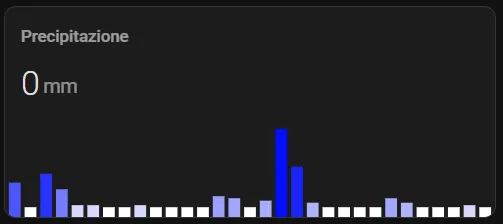
Hovering over it, you can read the graph data
Boost Me (for free)
Give me a boost if you like my rain gauge
I currently printed it in Polymaker white PLA to check if everything is okay. I plan to re-print the top cover and the grid in white ASA later, as they will be exposed to the elements all year round
The base is printed with 30% infill and 3 wall loops to give it overall robustness, while the rest only requires 15% infill and 2 wall loops. The only supports used are to support the parts that create the interlocking closure between the base and the top cover
Free Project:
This is a completely free project, but if you feel the need to support me, you can offer me any amount you wish. Thank you

Update
As requested, I have added a new lid for the new Aqara T1 sensor, which is slightly thicker
Everything remains compatible with the rest without modifications to the remaining parts
License

You shall not share, sub-license, sell, rent, host, transfer, or distribute in any way the digital or 3D printed versions of this object, nor any other derivative work of this object in its digital or physical format (including - but not limited to - remixes of this object, and hosting on other digital platforms). The objects may not be used without permission in any way whatsoever in which you charge money, or collect fees.


Comment & Rating (112)