
V2 Self-Ejecting TF SD Card U Disk Reader M.2 SSD Storage Case
Print Profile(6)


Description
Updated on 25/9/20, to prevent hinge detachment due to printer accuracy issues, all hinges have been thickened (original diameter 3mm, changed to 3.6mm). Deleted print profiles 2.4 and 2.5
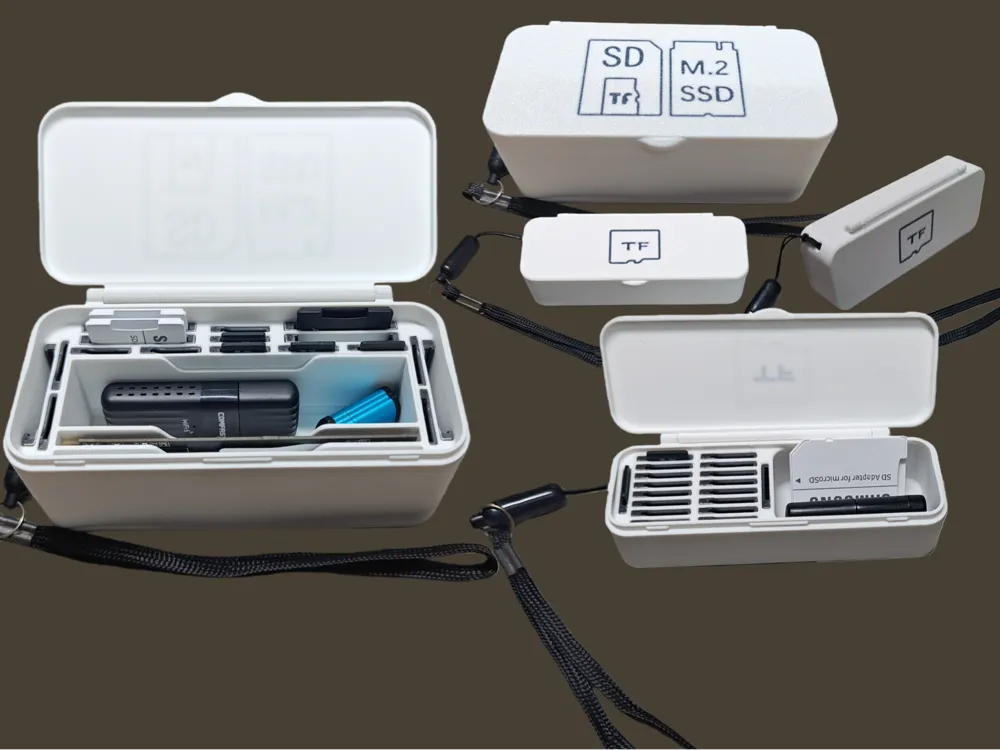
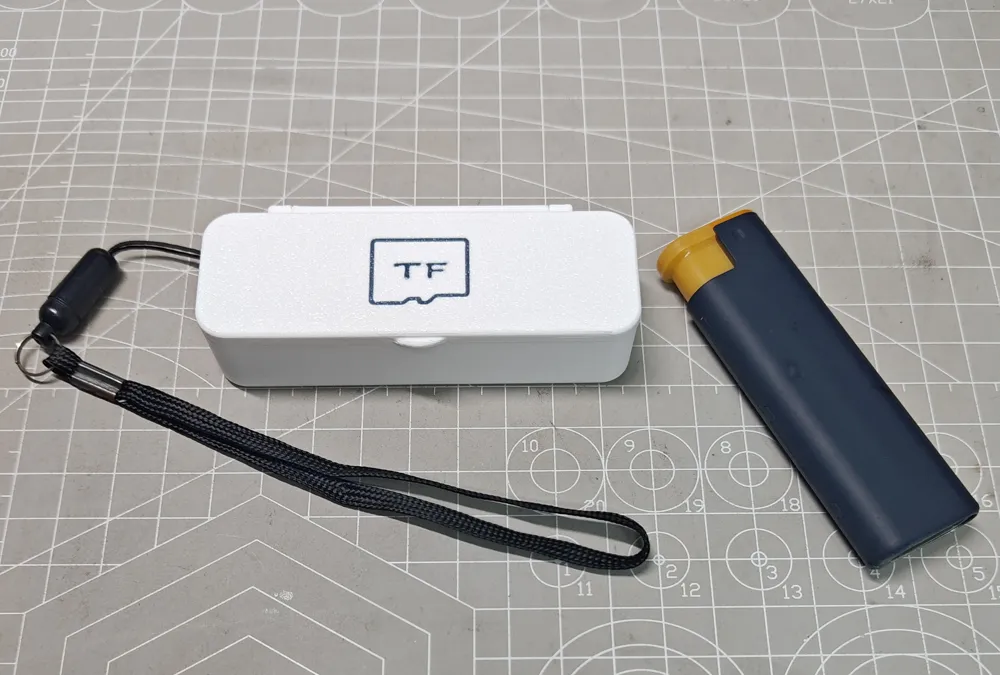
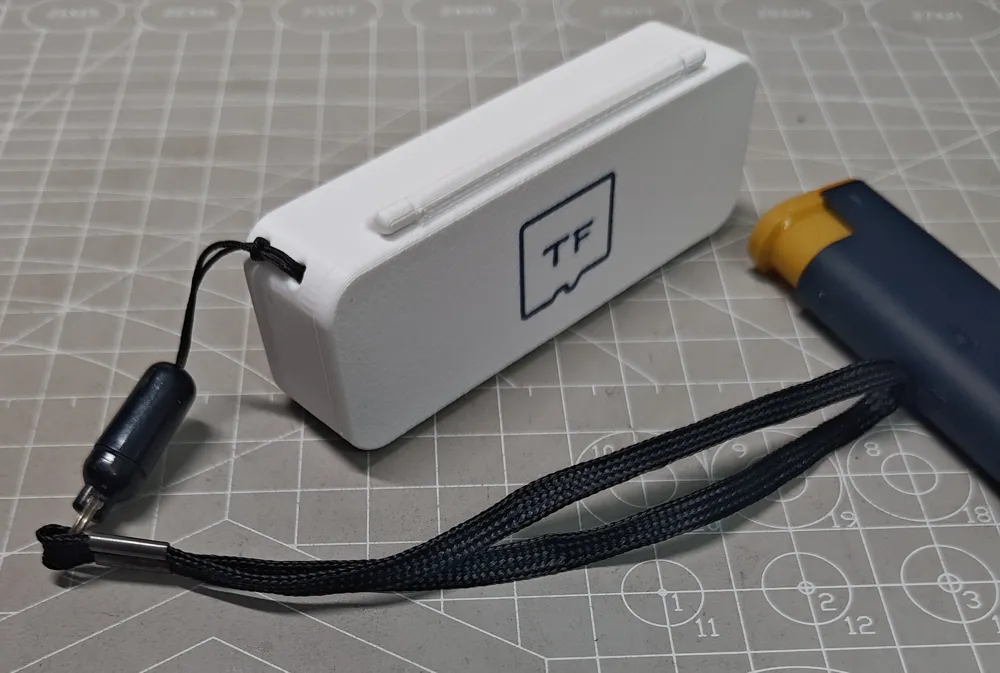
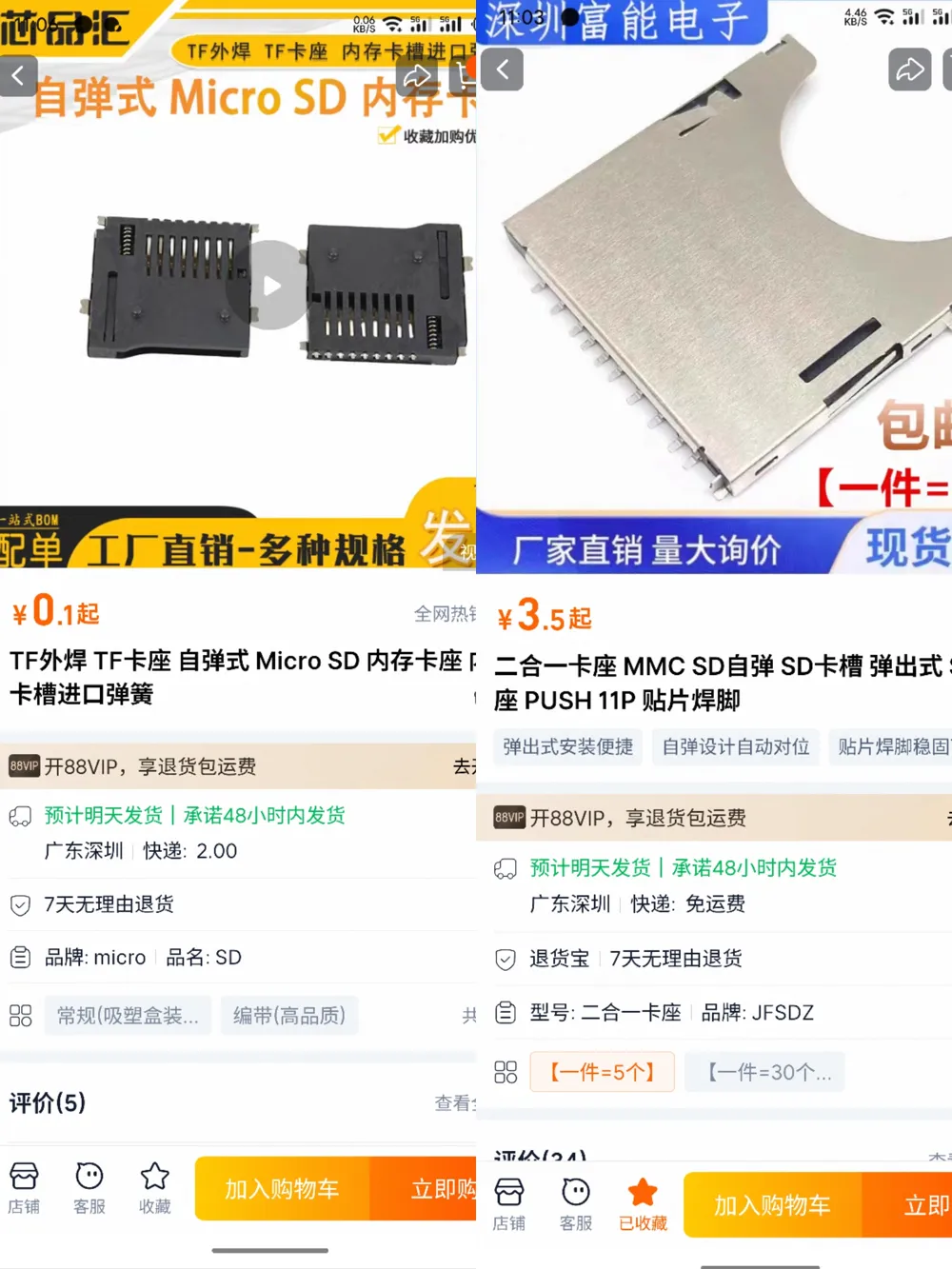
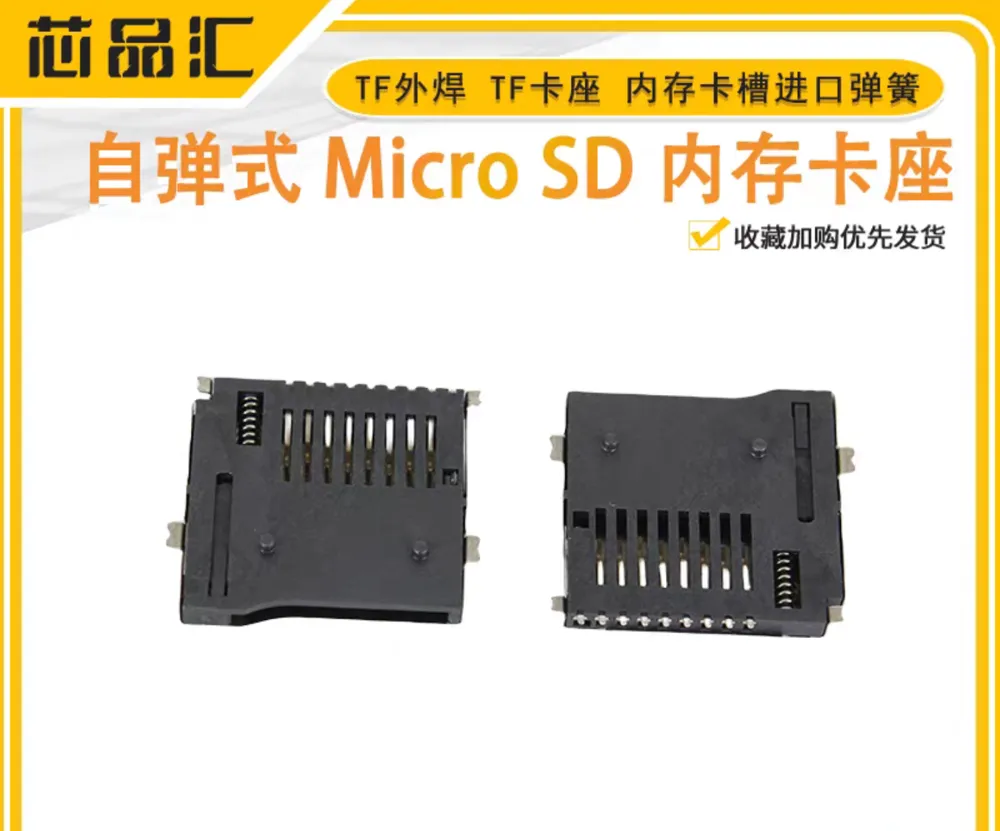
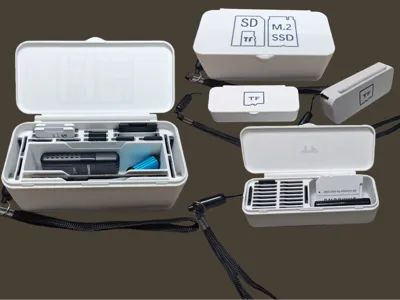
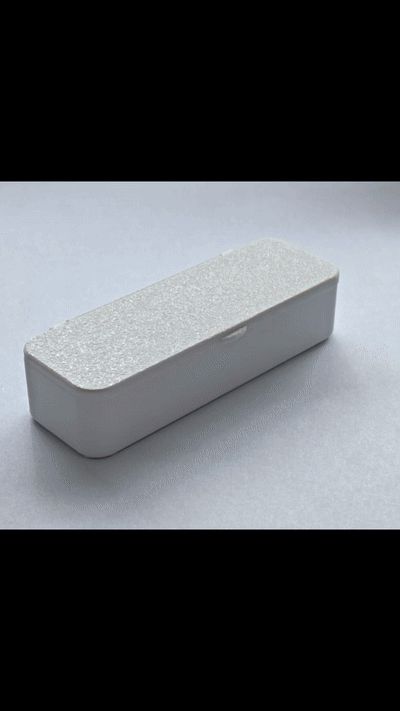
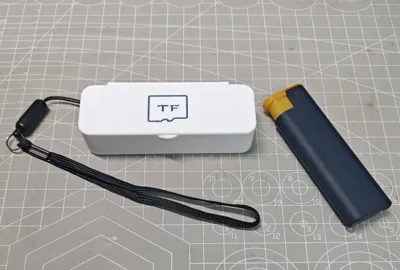
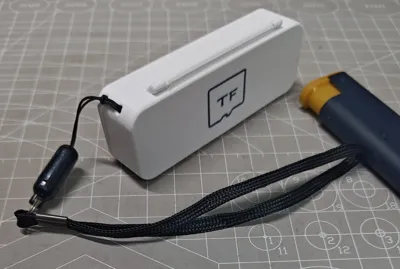
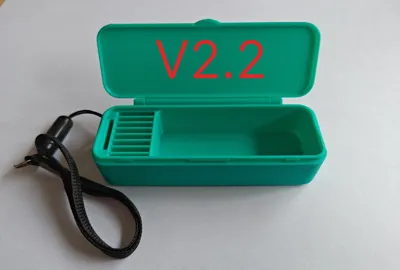
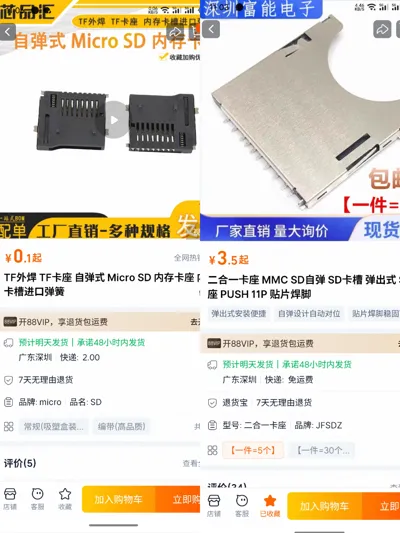
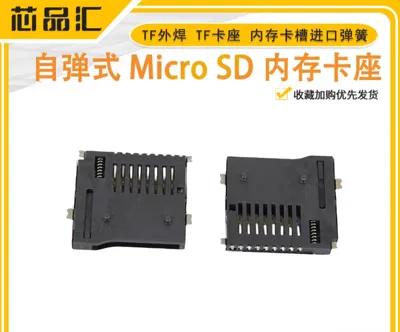
TF card USB drive storage box V2, compared to V1, V2 is a crazier design because one day while browsing Taobao I found that these TF card self-ejecting memory card slots were so cheap, I immediately ordered 50 and designed the V2 storage box. V2 offers excellent stability while being easier to access, ensuring your microSD cards won't shake or get squeezed, and V2 has more detailed classifications, please choose patiently, I believe there's always one that suits you!
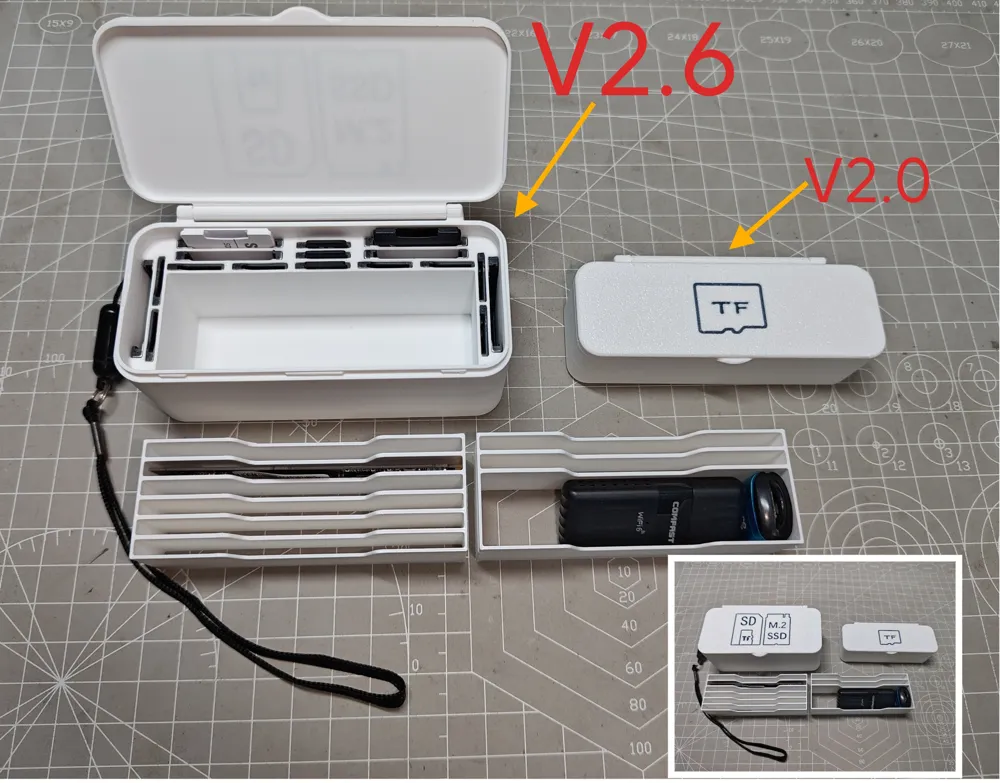
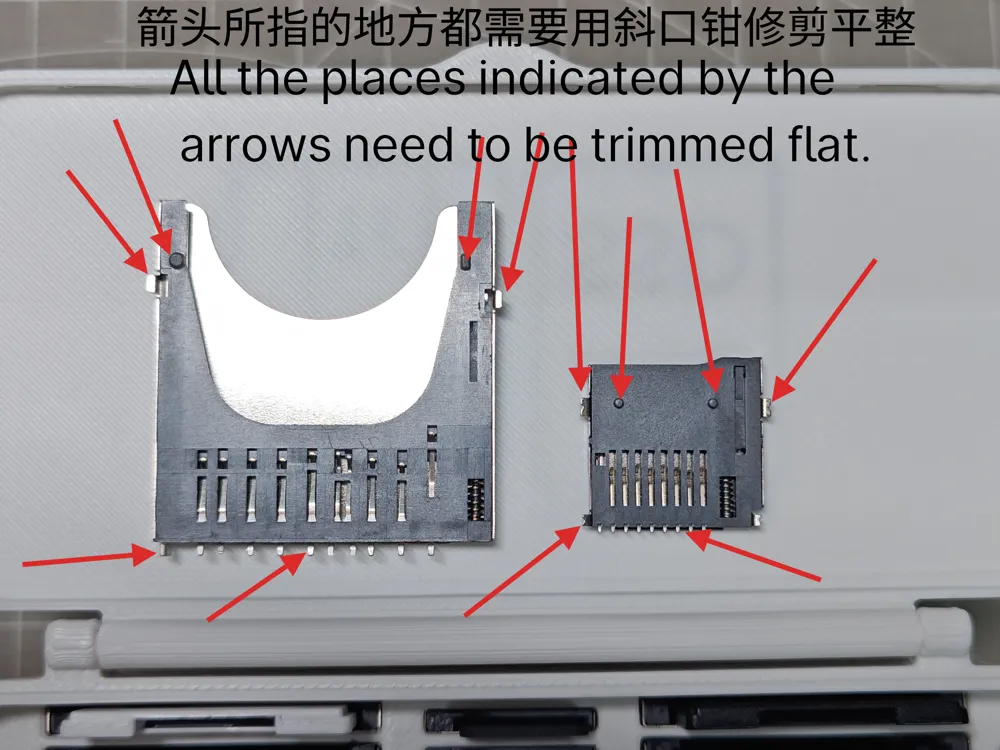
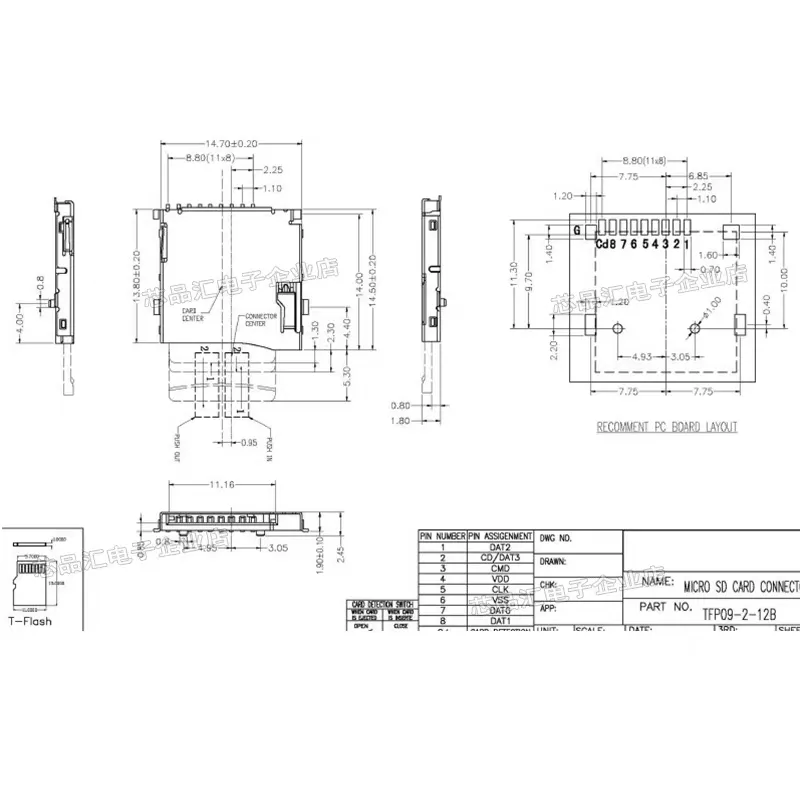
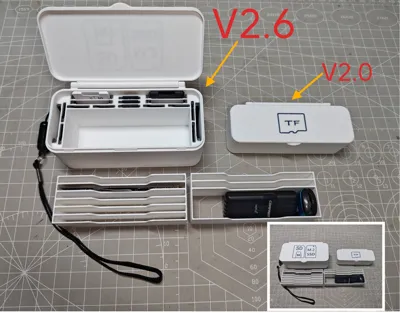
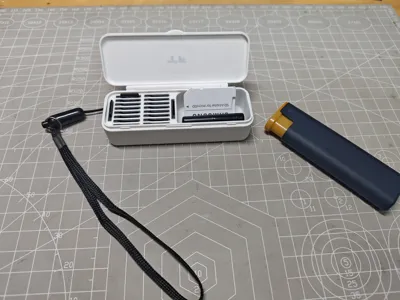
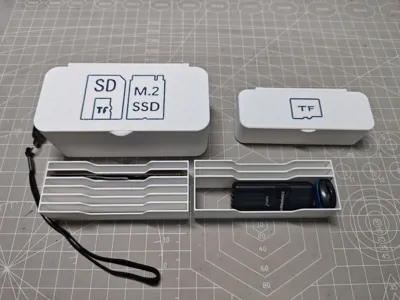
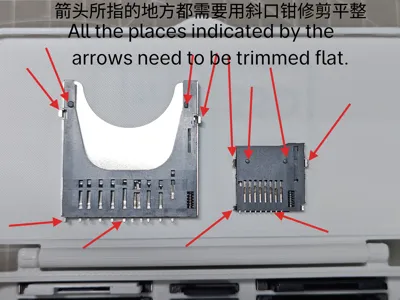
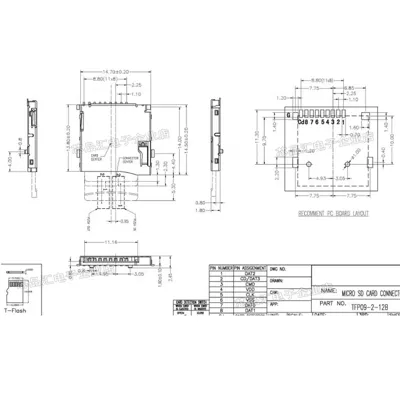
V2 is a delicate, compact, and very spacious portable TF memory card storage box that is easy to install and saves material. The flip cover installation requires no hardware, when installing the flip cover, first align and insert one side, then firmly press and insert the other side from bottom to top, there are hidden snaps between the lid and the box body, which are quite tight, daily use and normal height drops are within its tolerance. When installing the TF card self-ejecting memory card slot, you need to trim some parts of the patch (the image above illustrates the trimming parts), after trimming, just insert it directly into the corresponding slot, /////// !!!!!!!!!!! Remember to push it all the way in, after reaching the bottom, the top of the memory card slot should be level with the top of the slot!! This is very important!! (A flat-head screwdriver can assist, otherwise your fingernails might get damaged) /////// !!!!!!!!!!!
Tested with PLA and PETG, both can be printed normally
Six print profiles are available:

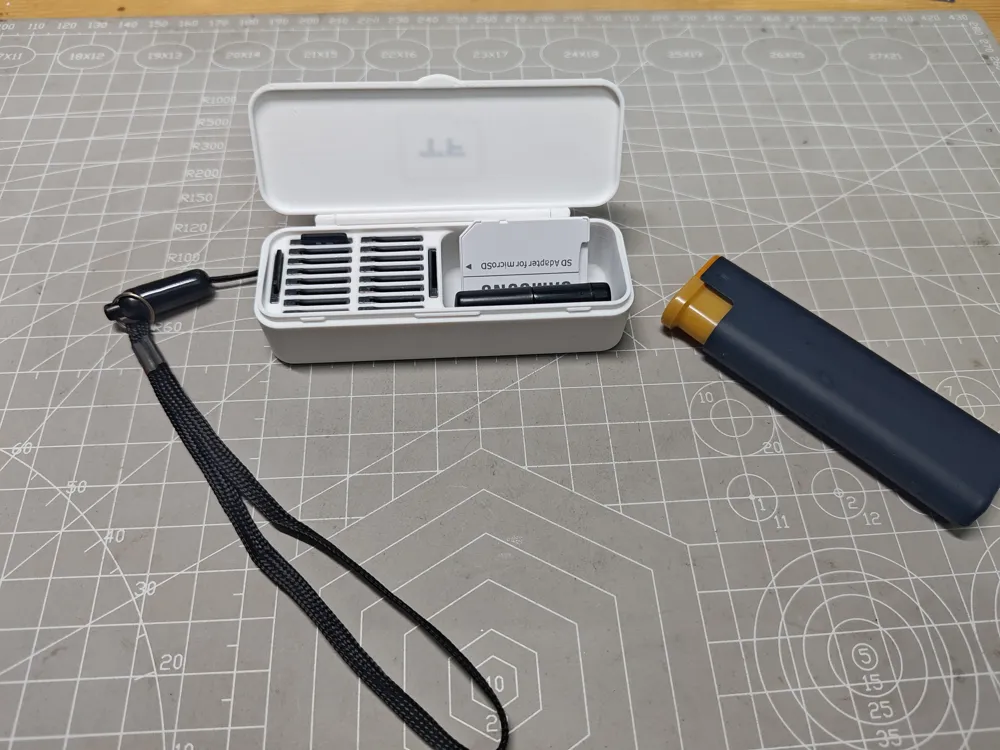
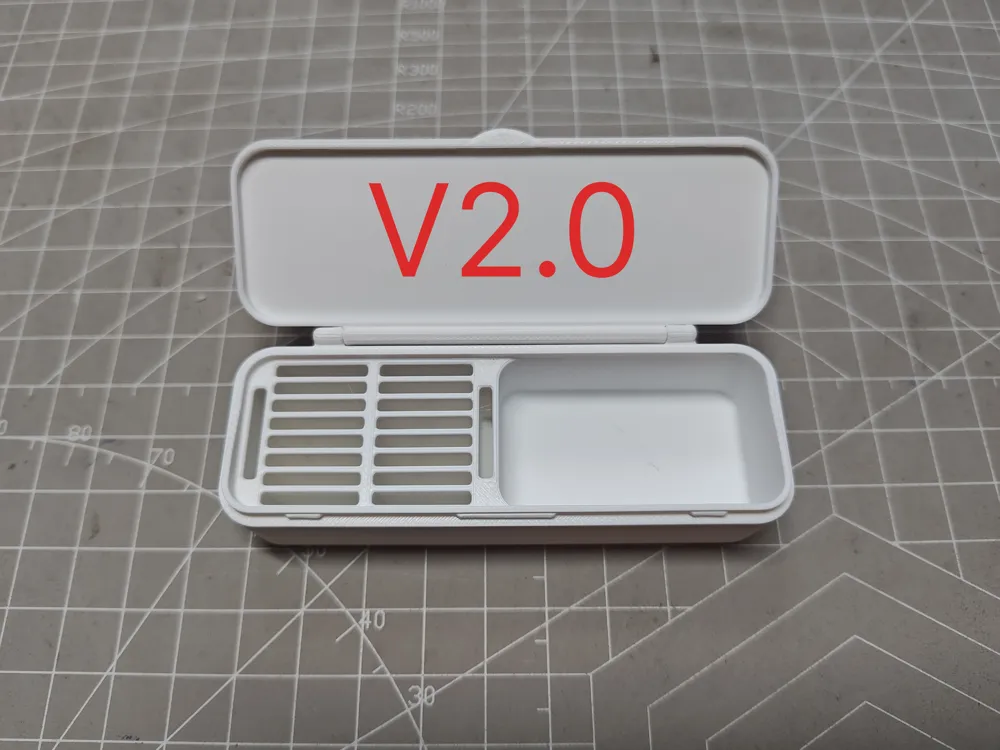
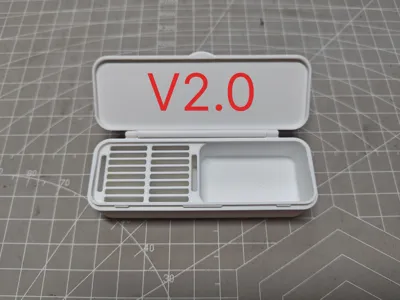
1. V2.0 single color no icon, half stores 18 TF cards, the other half can store USB drives, card readers, etc. USB drive compartment 42x25mm
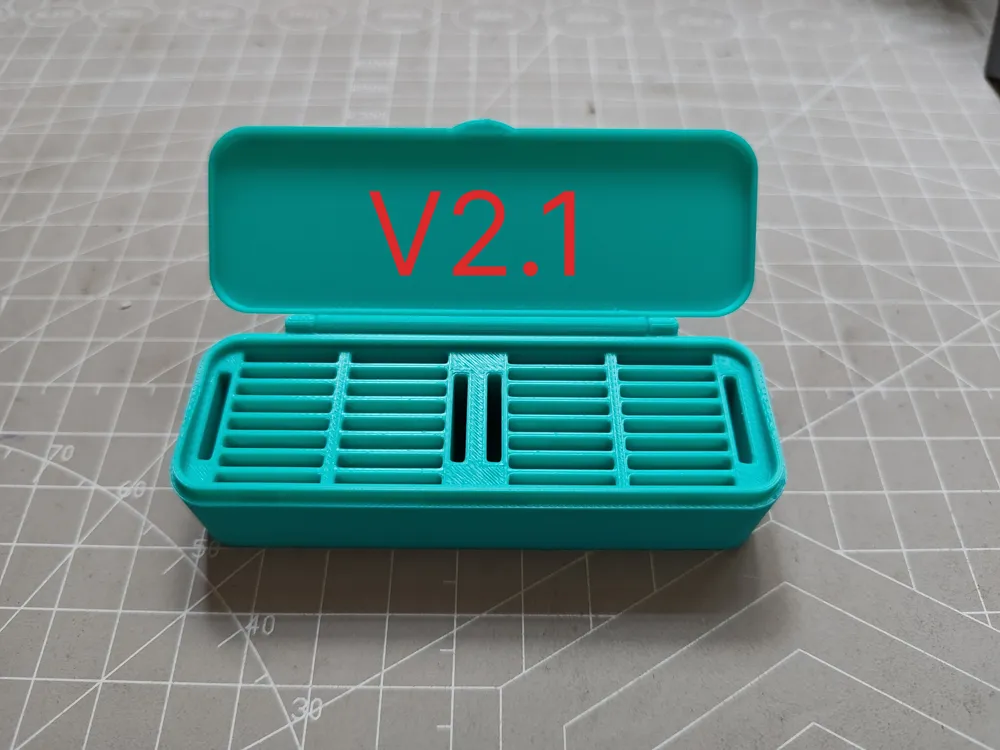
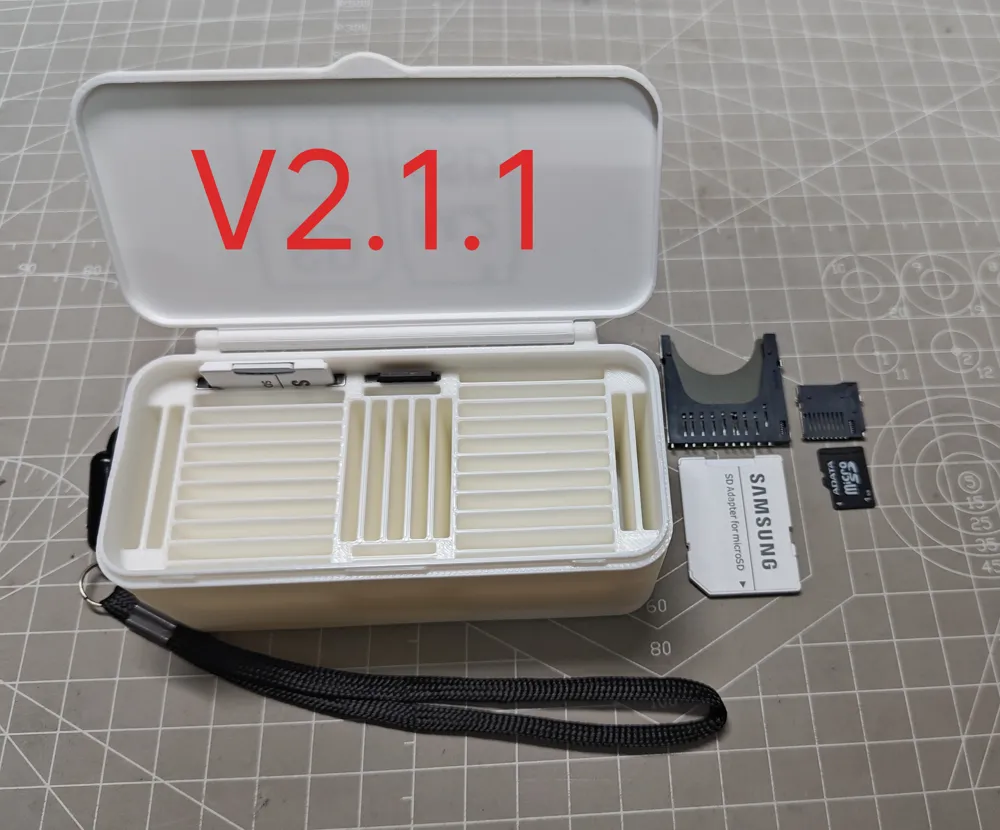
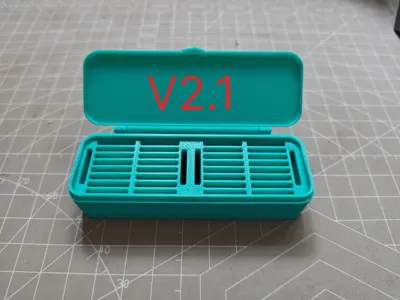
2. V2.1 single color no icon, stores 36 TF cards
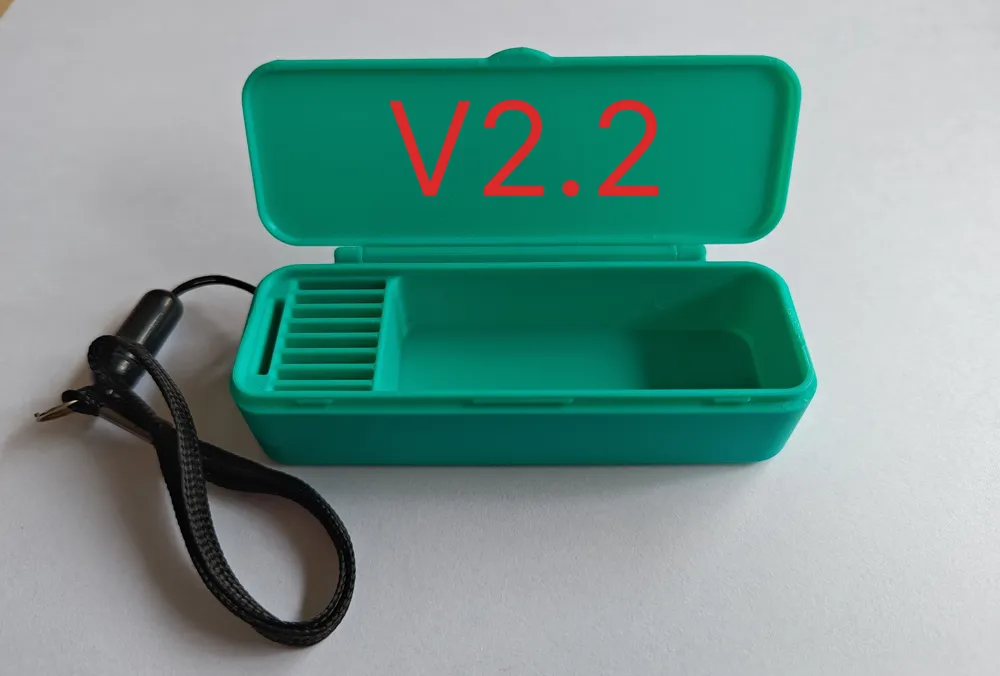
3. V2.2 and V2.3 single color no icon, V2.2 USB drive compartment 63x25mm. V2.3 USB drive compartment 73x18mm
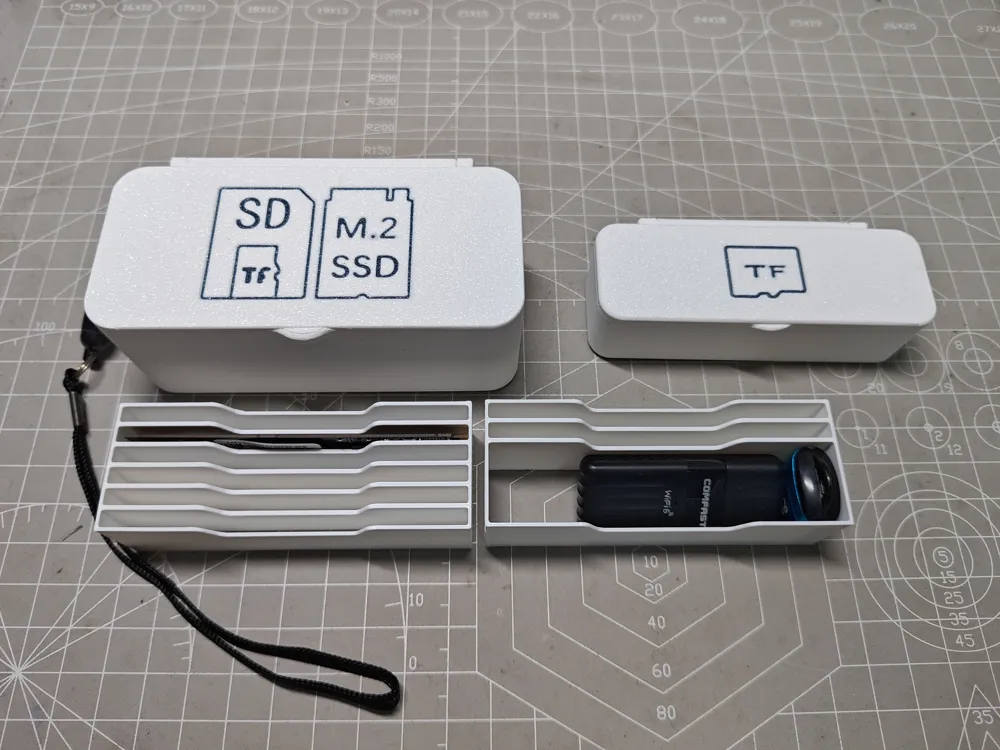
4. Collection of V2.0, V2.1, V2.2, V2.3 multi-color, lid with TF icon
5. V2.6 requires 6 standard large SD cards and 11 microSD (TF) card self-ejecting bases. plate 1 single color, plate 2 multi-color with icon. Can accommodate M.2 SSDs up to 2280. On 25/11/5, V2.6ENL enlarged version was added, target plate 3 single color, plate 4 multi-color
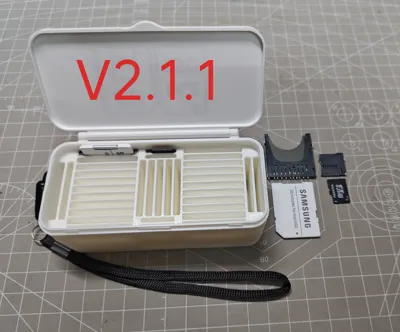
6. V2.1.1 version installs 31 SD card slots, 4 TF cards (single color)
Important note: After printing, you should check for any residue in the slots and ensure the base and cards can be fully inserted, this is crucial for the safety of your cards, and before closing the box, also check if anything is not fully in place! Cards are valuable, data is priceless, please handle with care!
This is the V2 self-ejecting version, you need to purchase self-ejecting memory card slots separately, if you don't want to buy them, you can click on my personal homepage to jump to the V3 direct insert version, the V3 version is purely 3D printed and has no self-ejecting function
Boost Me (for free)
If this model satisfies you all, may I humbly ask for a boost? If not, leaving a good review before you go would also be awesome!
↓↓↓Below is historical update information, which can be ignored.↓↓↓
Updated on 25/9/13, added V2.1.1 print profile, it can install 31 SD card slots and 4 TF card slots
Updated on 25/7/4, added V2.6 print profile, V2.6 can install 6 standard SD self-ejecting bases, 11 microSD card self-ejecting bases, and can fit M.2 SSDs up to 2280 standard sideways. It will be larger in volume than other models. (In print profile 6, plate 1 is single color, plate 2 is multi-color)
Updated on 25/5/20, added V2.2 and V2.3 print profiles, this configuration reduces the number of memory card slots to be compatible with more sizes of USB drives and card readers (print profile 3)
Updated on 25/5/9, 1. Uploaded multi-color version with icons V2.0/V2.1/V2.2/V2.3/V2.5 (print profile 4). 2. Added a lanyard hole in the upper left corner
License

You shall not share, sub-license, sell, rent, host, transfer, or distribute in any way the digital or 3D printed versions of this object, nor any other derivative work of this object in its digital or physical format (including - but not limited to - remixes of this object, and hosting on other digital platforms). The objects may not be used without permission in any way whatsoever in which you charge money, or collect fees.


Comment & Rating (38)