
Print Profile(1)

Bill of Materials





Description
In the carbon freezing chamber Boba Fett said to Darth Vader:
“What if he doesn't survive? He's worth a lot to me.”
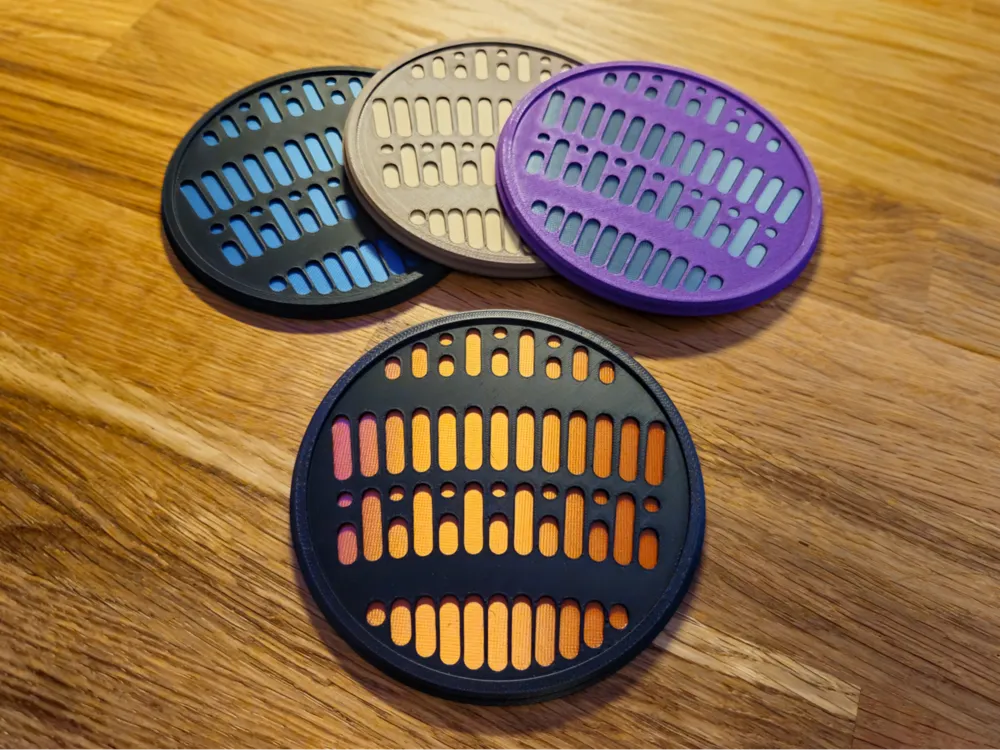

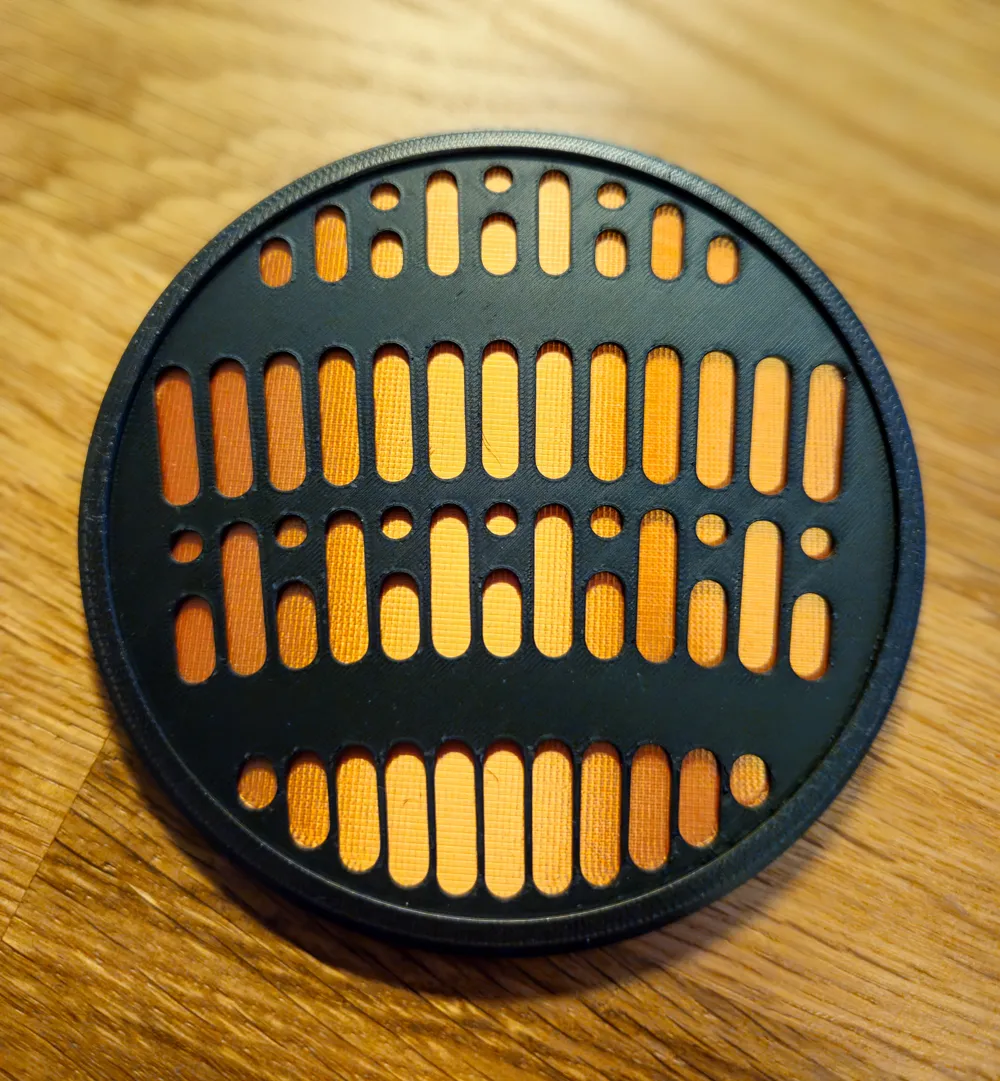
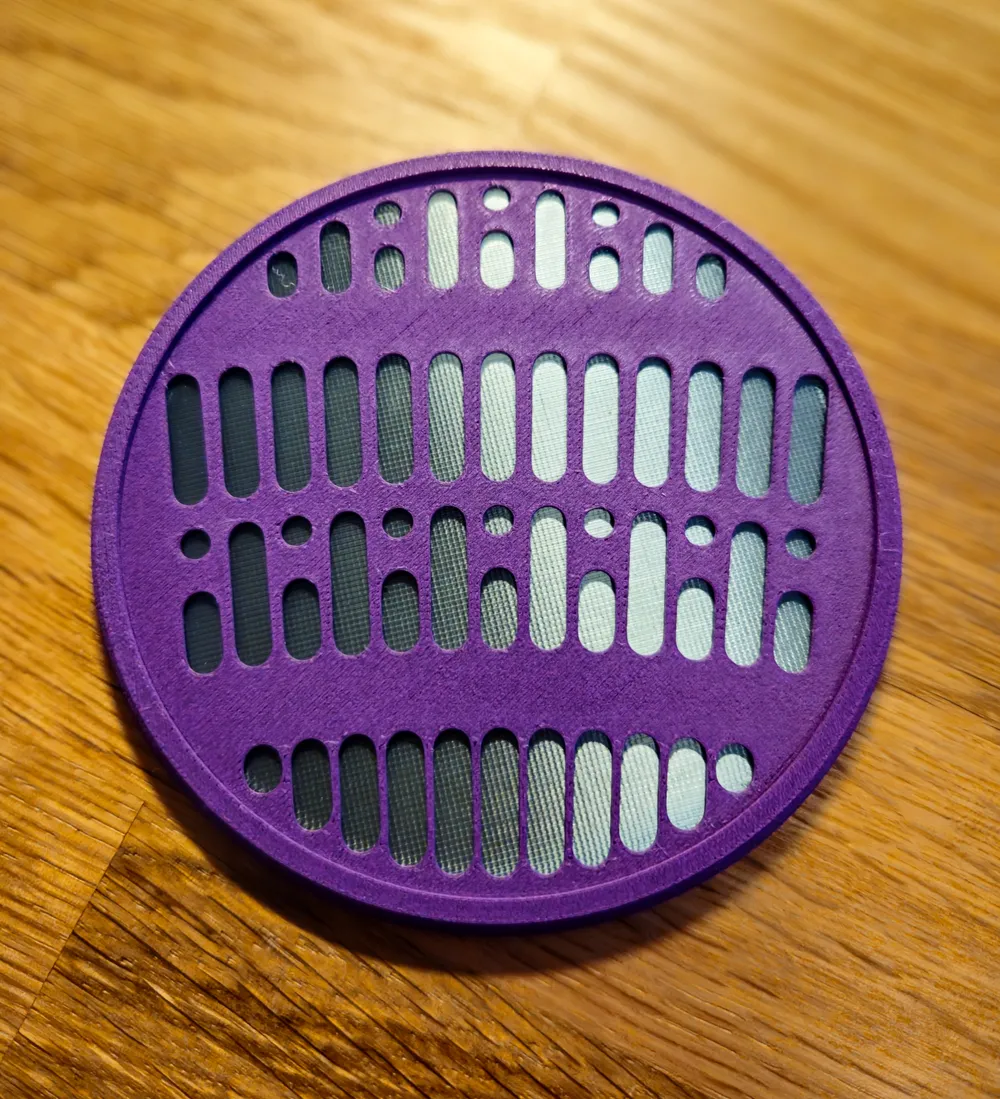
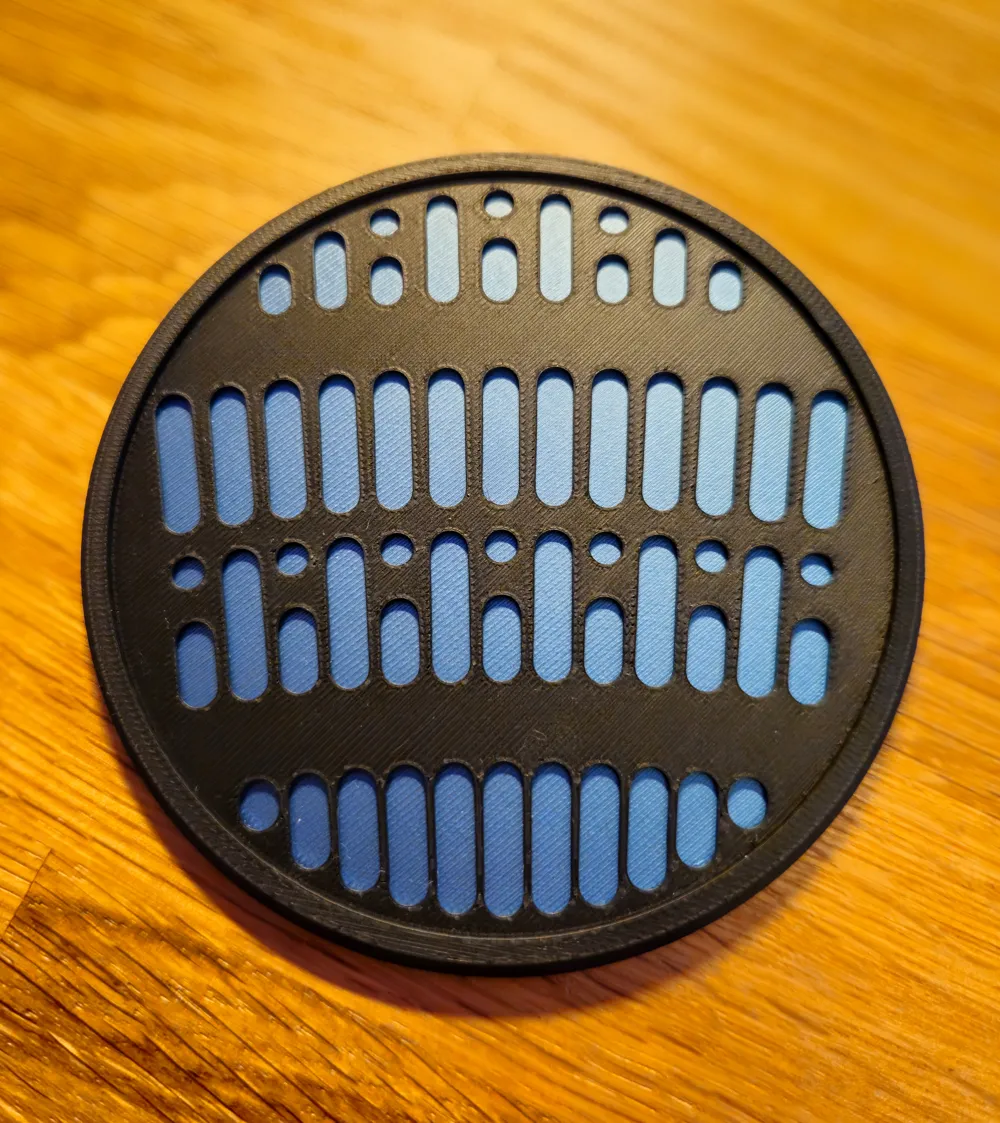
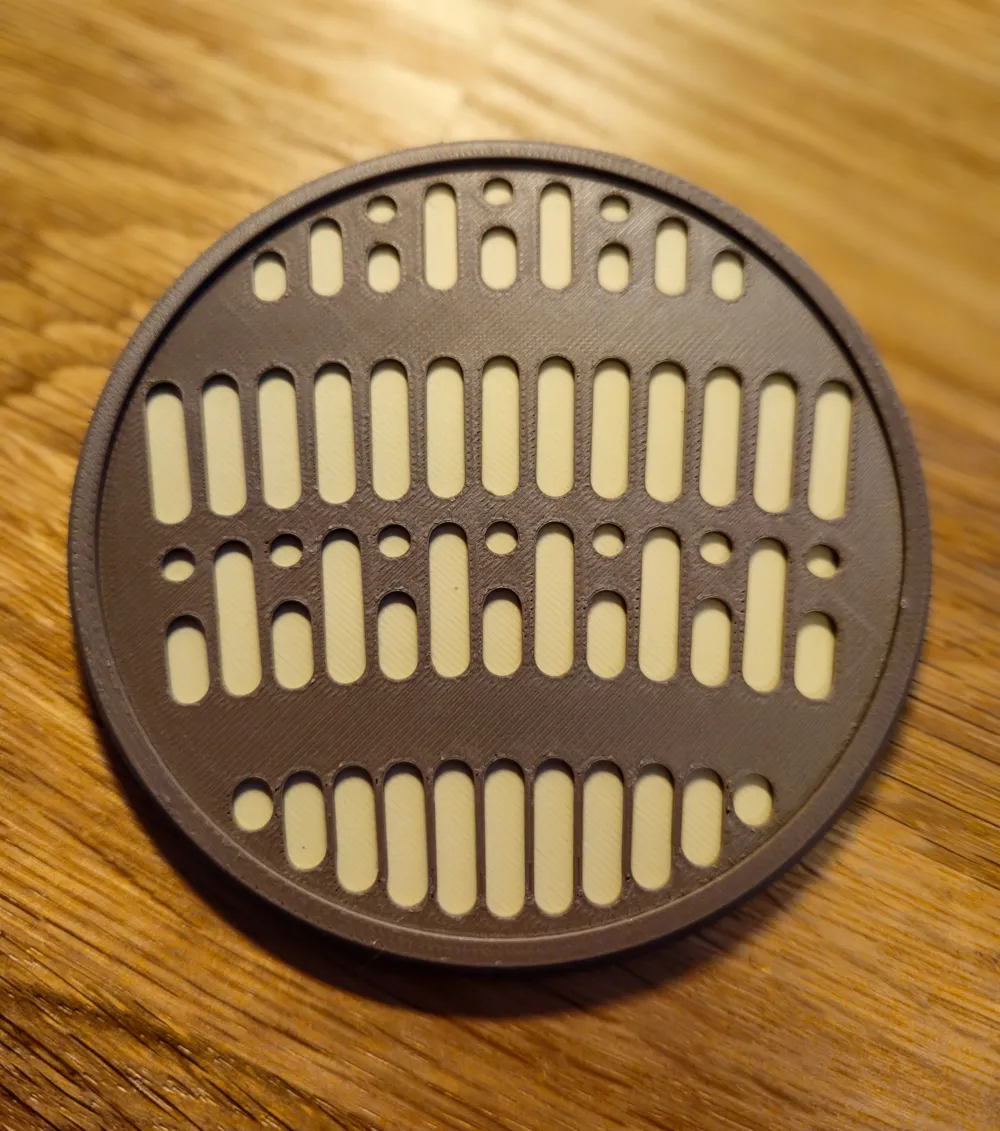
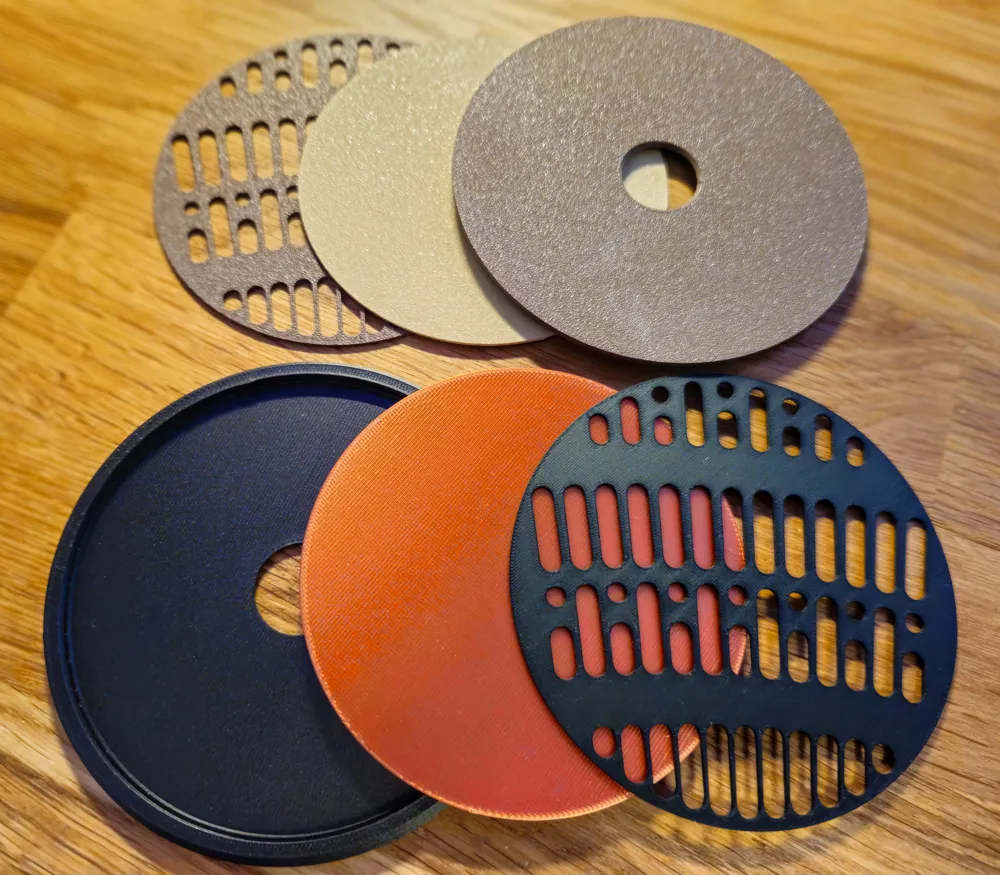
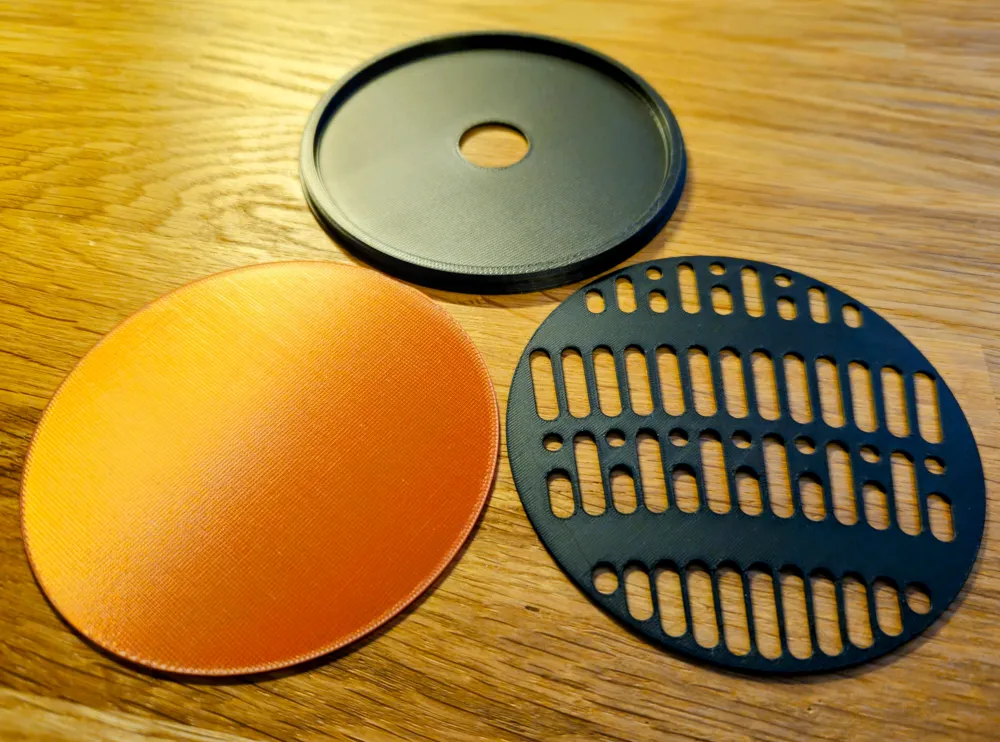
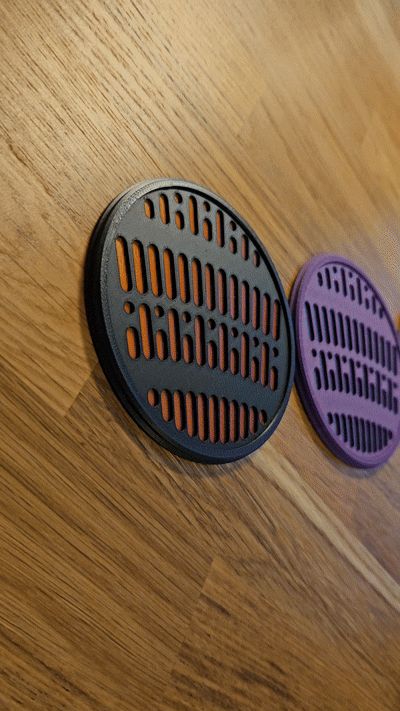
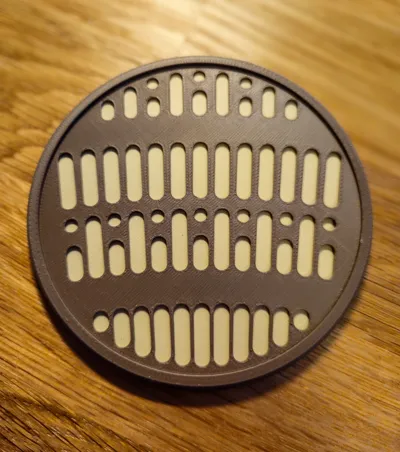
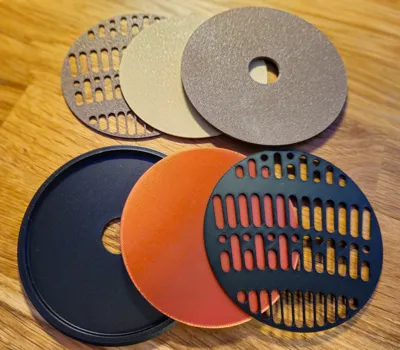
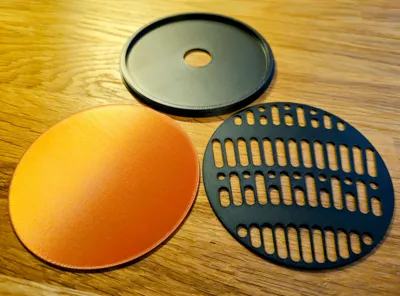
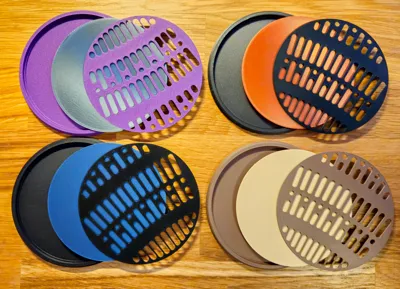
I took one of the set designs of the floor of the specific scene on to a coaster. The coaster comes in three pieces:
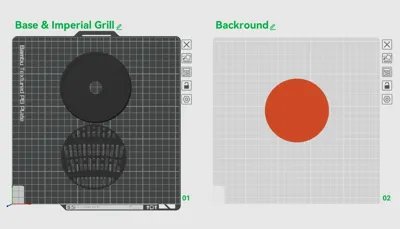
The base, grill and the backround. Choose the colors you like!
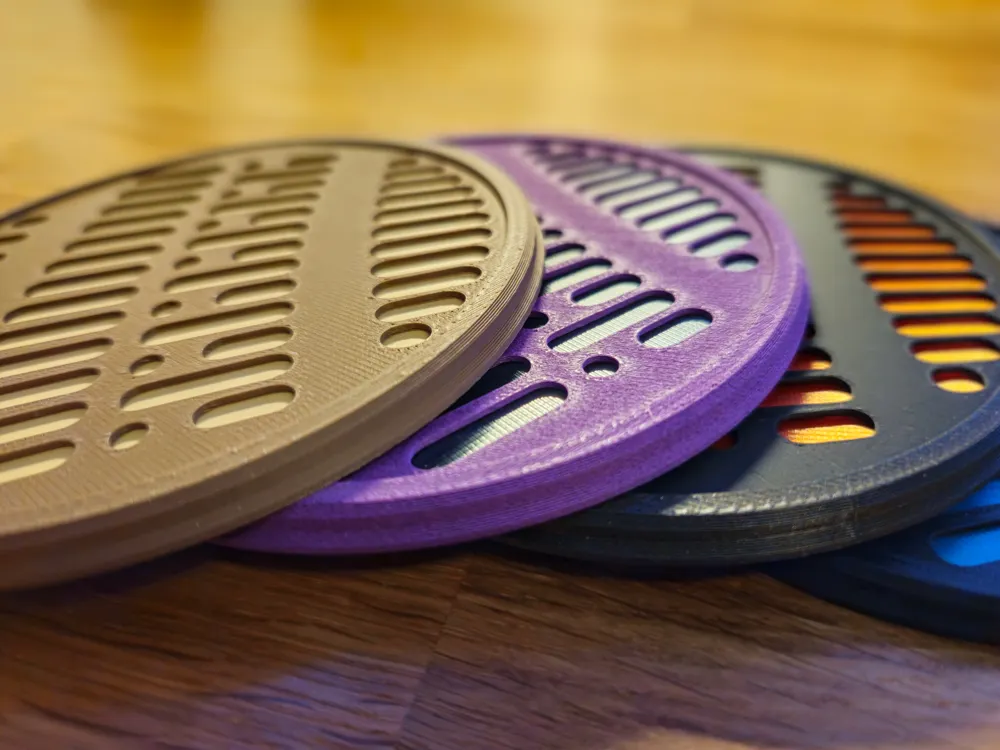
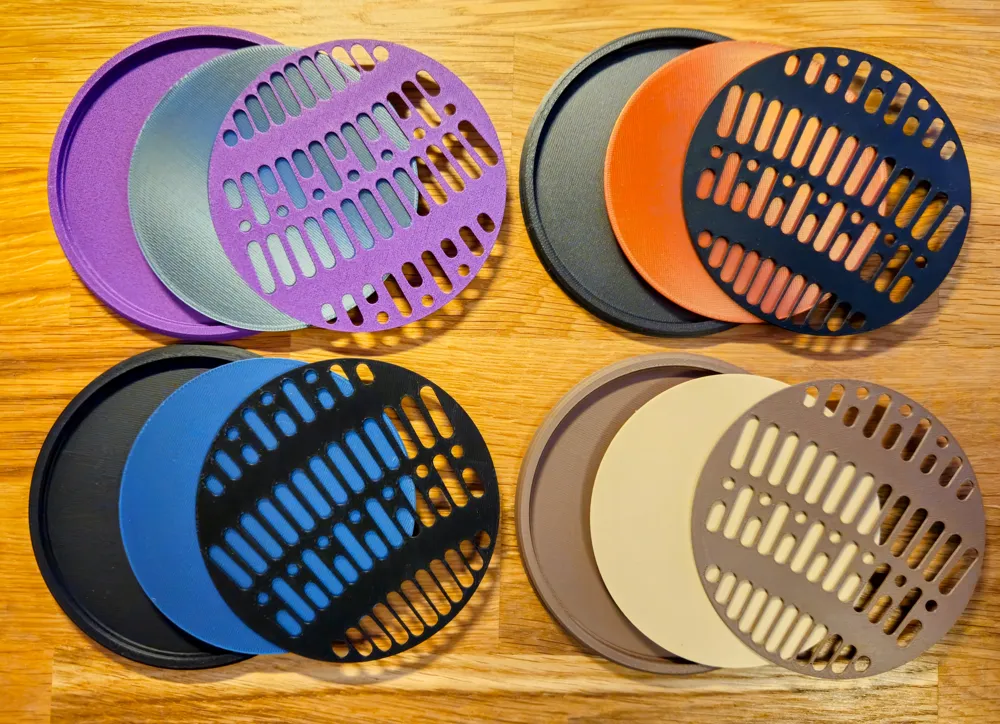
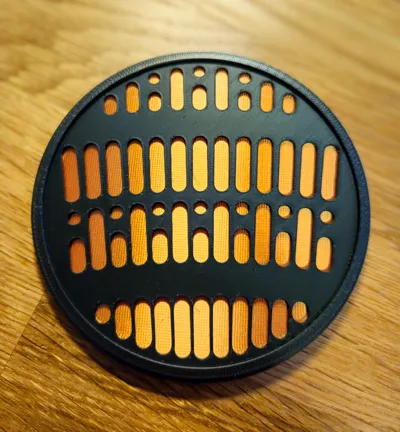
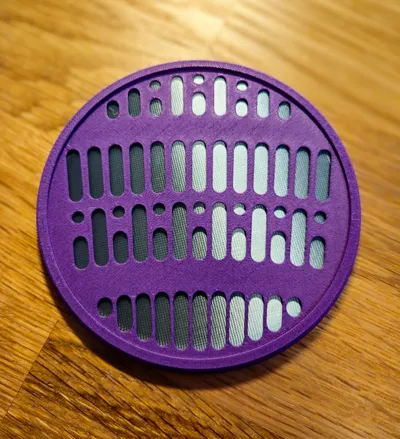
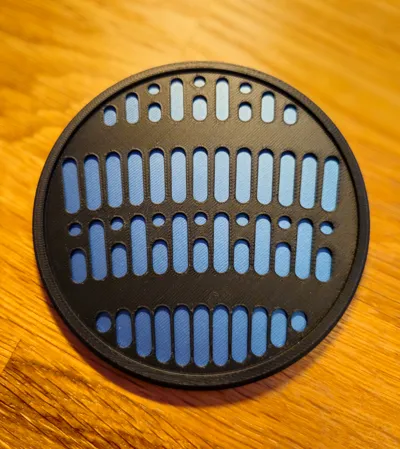
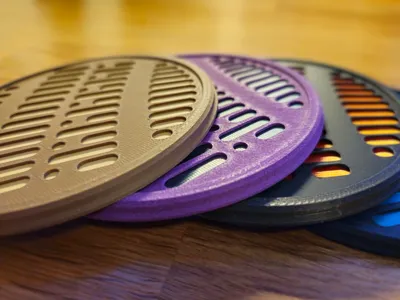
For example on the pictures you see:
- Bambu Lab PLA Matte Charcoal with Eryone Silk Copper
- Bambu Lab PLA-CF Iris Purple with Bambu Lab PLA Silk+ Titan Gray
- Bambu Lab PLA Matte Dark Brown with Bambu Lab PLA Matte Desert Tan
- Bambu Lab PLA Matte Charcoal with Anycubic PLA Metal Blue (Bambu Lab PLA Metal Cobalt Blue is very similar)
Boost Me (for free)
If you like this model I would be happy to get a boost from you ;-)
Print tipps and infos:
- The base has a slight overhang to the inside to hold the grill in place. After the print, put the backround into the base and on top the grill - push the grill on the outer ring down.
- If some of your drinks drips onto the coaster and you want to clean it: simply push with your thumb through the little hole in the base and press the backround and grill up.
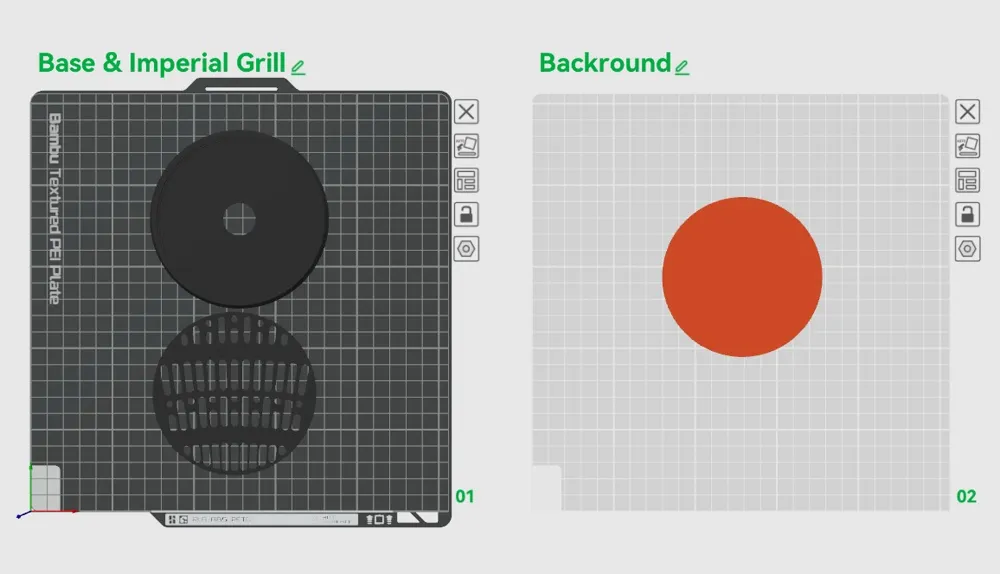
- Printing speed for the first layer is set to 40 mm/s and the first layer height is 0,25 mm for a better plate adhesion.
In the print profile the printing speed is slowed down for the outer walls and surfaces to get the best out of the matte color for the base and grill, and silk for the backround. If you want to change filaments, simply set the printing speed in the speed menu for the surface and outer walls to:
Matte Colors: 80 mm/s
Silk Colors: 40 mm/s
Metal Colors: 40 mm/s
License



Comment & Rating (2)