
Card Wall : Modular Card Mount PSA, BGS, CGC,&more
Print Profile(2)


Description
Boost Me (for free)
Feed my printing addiction! :)
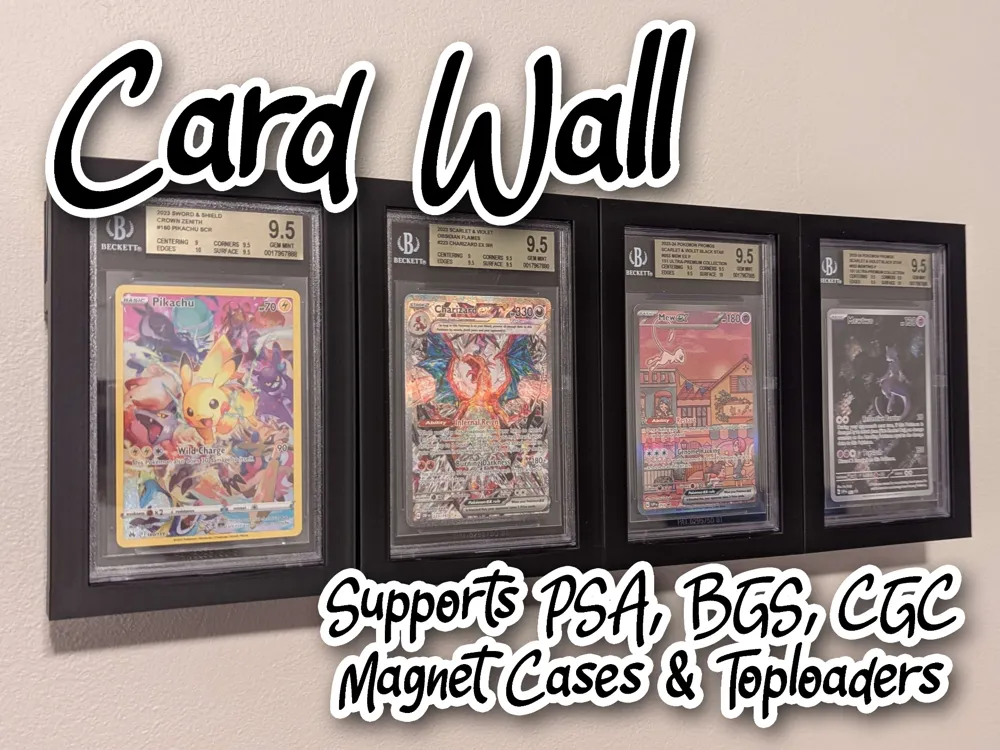
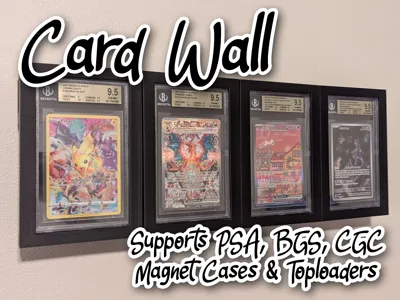
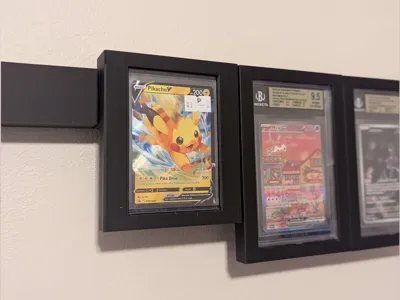
I set out to create a clean, customizable way to mount my card collection on my walls; something that could accommodate a variety of different graded slabs and other storage formats. Inspired by the simplicity and strength of the French cleat system, this solution offers unmatched versatility. Whether you're displaying PSA, BGS, CGC slabs, magnetic cases, or toploaders, this design allows you to mix and match them all in a single, seamless display.
*BGS size will fit ALL slab types: PSA, CGC, & TAG. The fit will be loose for all but BGS slabs, but this may allow for more easily swapping between different slab types.
* Horizontal is using the same base as the BGS, so to be more generic and fit all slab types, the fit may be a little loose for psa, cgc, and tag.
Assembly:
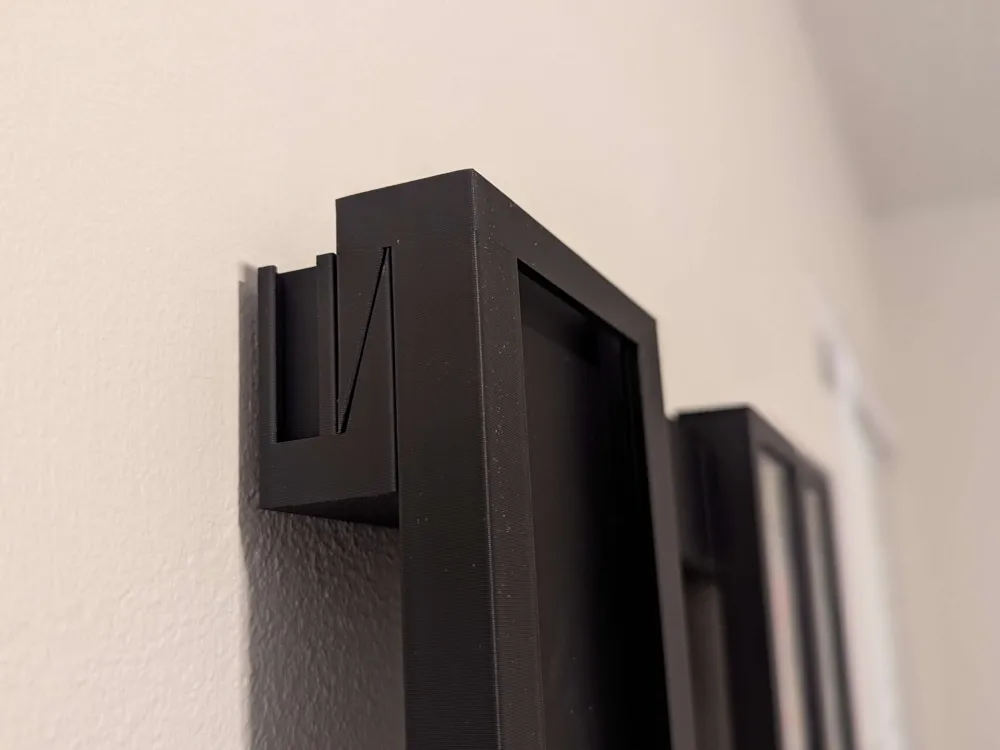
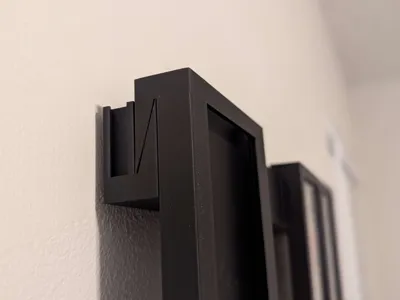
- For optimal installation, I recommend using Velcro Command Strips (this allows for micro adjustments to make leveling easier). Place each strip centered on the back of each wall cleat. If you are mounting multiple cards I would suggest putting the command strip between two connected wall cleats to avoid minimal sagging that can occur with longer segments. The rails are designed to connect in a right-to-left chaining pattern; meaning the rightmost rail supports all those to its left, so always mount from right to left to ensure a stable base.
- If you do not want to use command strips I recently added a keyhole slot version of the wall cleat. Standard wall anchors should be fine to hold up the weight of the cards.
Notes:
- I recommend printing a “test fit”: print a single holder profile for the type of slab you need, and stop the print after about 15-20 minutes to make sure your slabs and my slabs are the same. One PSA slab from 3 years ago may fit differently than one from 3 months ago. Better to check the fit before fully committing. Scaling the print up a few % should help if you find that the fit is a bit tight.
- Do not use the “copies” feature when trying to print multiple card cases, as the supports tend to get ignored in the automatic alignment, leading to overlapping parts.
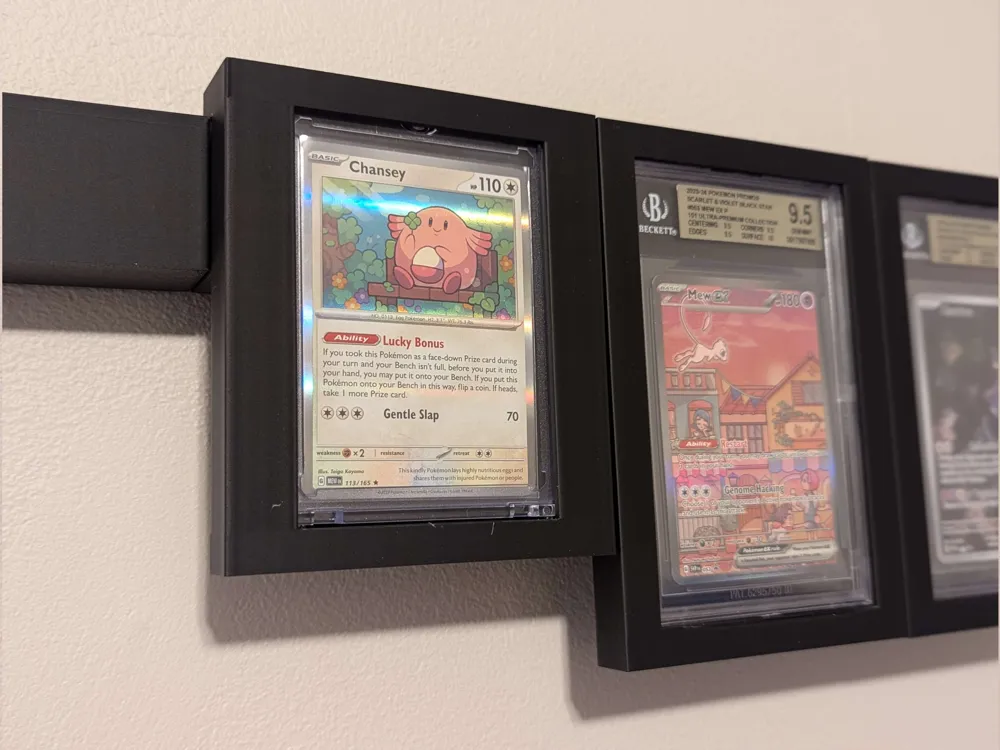
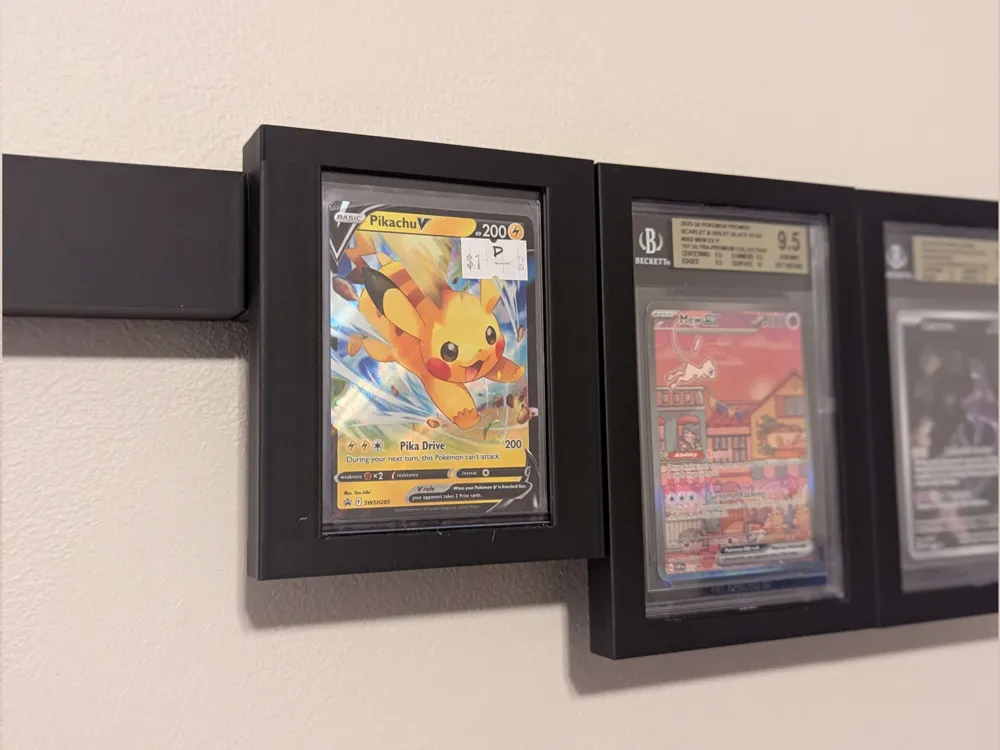
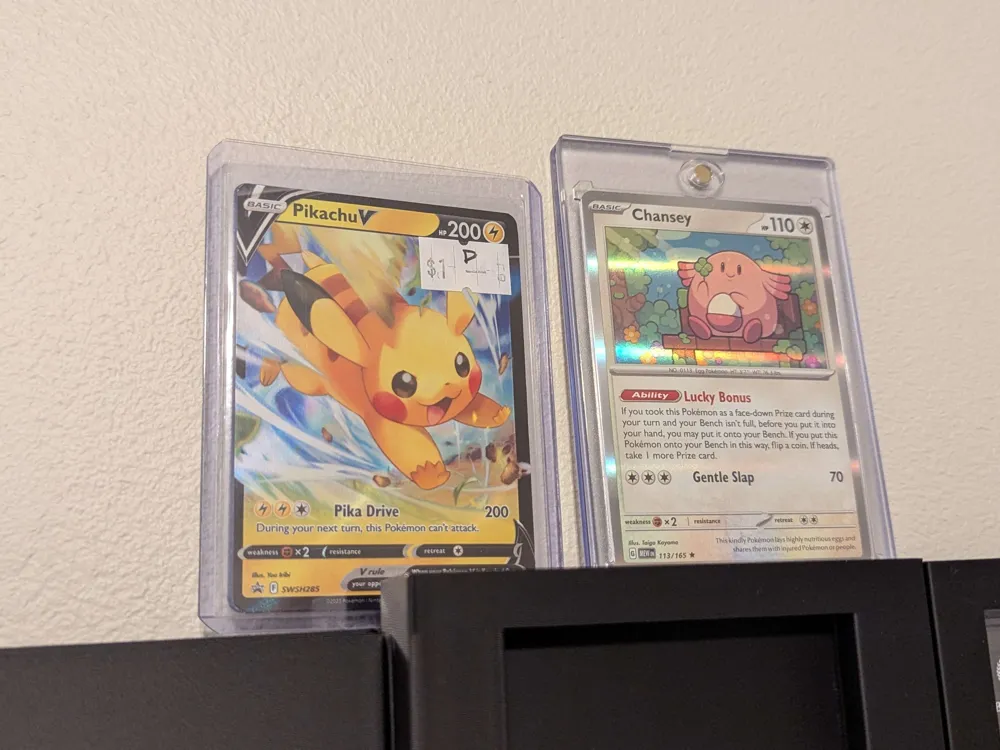
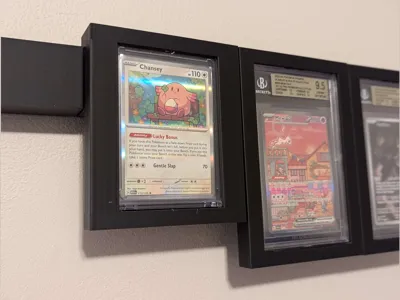
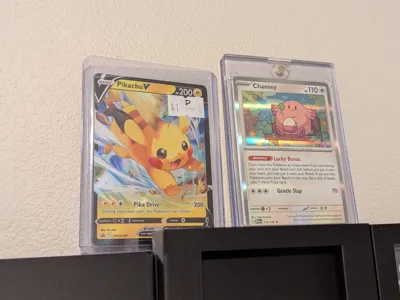
- MagCase/Toploader version is shorter than the Graded Slab variants (see images), so mix and match accordingly to avoid gaps.
- MagCaseXL was created to fit taller cases with labels.
- End caps may need a dab of glue to stay in place.
License

You shall not share, sub-license, sell, rent, host, transfer, or distribute in any way the digital or 3D printed versions of this object, nor any other derivative work of this object in its digital or physical format (including - but not limited to - remixes of this object, and hosting on other digital platforms). The objects may not be used without permission in any way whatsoever in which you charge money, or collect fees.


Comment & Rating (172)