
Hand-Assembled Dual-Mode Mechanical Keyboard—Featuring a Touchscreen, USB Hub, Dynamic Win Lighting Effects, Video Playback, and PD Fast Charging for Extreme Customization
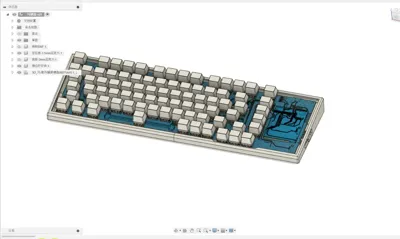
Print Profile(1)

Description
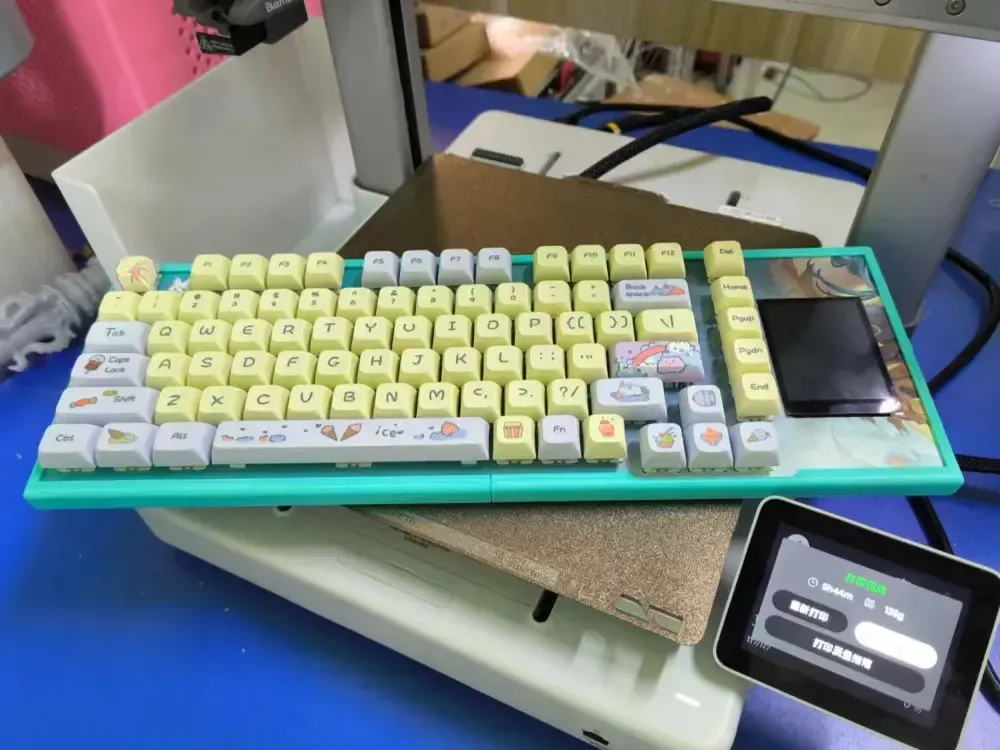
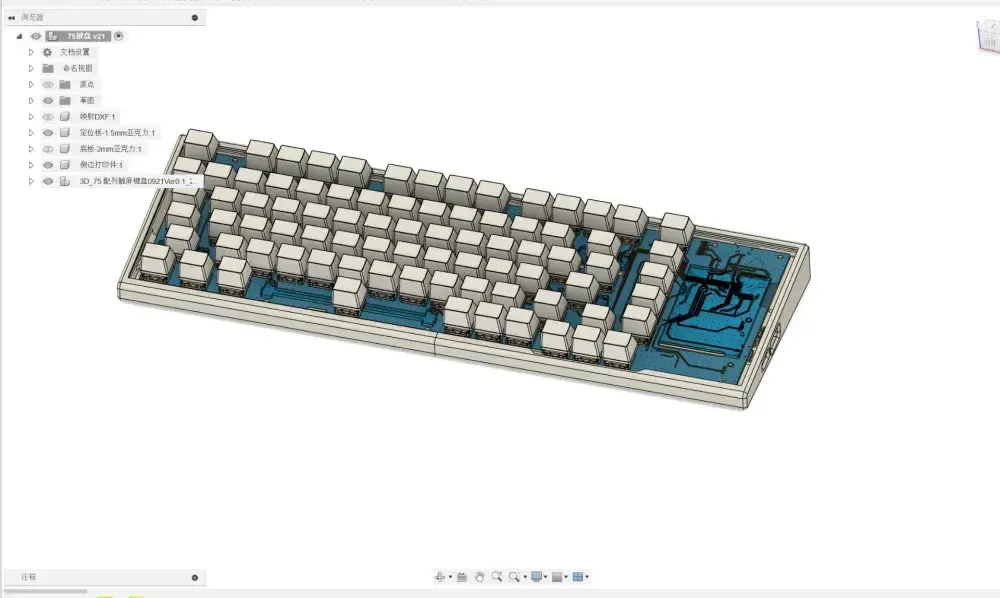
A handcrafted dual-mode mechanical keyboard—featuring a touchscreen, USB hub, dynamic Win lighting effects, video playback, and PD fast charging for ultimate customization
Key Features
- 82-key layout, with arrow keys/most function keys, primarily omitting the numeric keypad compared to traditional 104-key layouts
- Matrix key scanning, supporting full key rollover, 20k software scan rate
- USB polling rate up to 1k Hz, Bluetooth polling rate up to 133 Hz
- Supports over 40+ local lighting effects
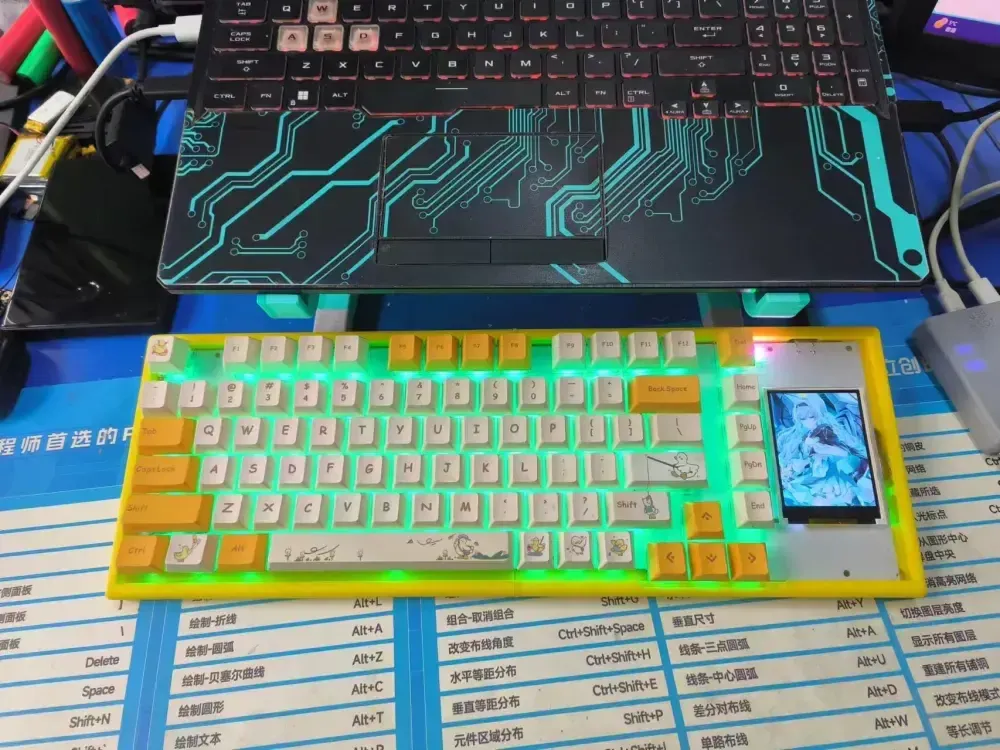
- Supports Win 11 dynamic lighting effects, seamlessly synchronizing with other devices
- USB PD fast charging, 22.5W Max power (12V)
- One USB-A and one USB Type-C expansion port on the side, for connecting mouse receivers and other devices
- 2.8-inch TFT touchscreen, supporting the display of computer performance status (*this software is under development), lighting effect switching, etc., supports MJPEG video decoding (~20fps)
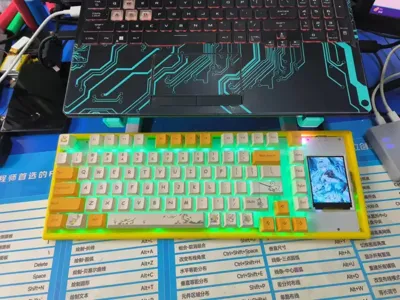
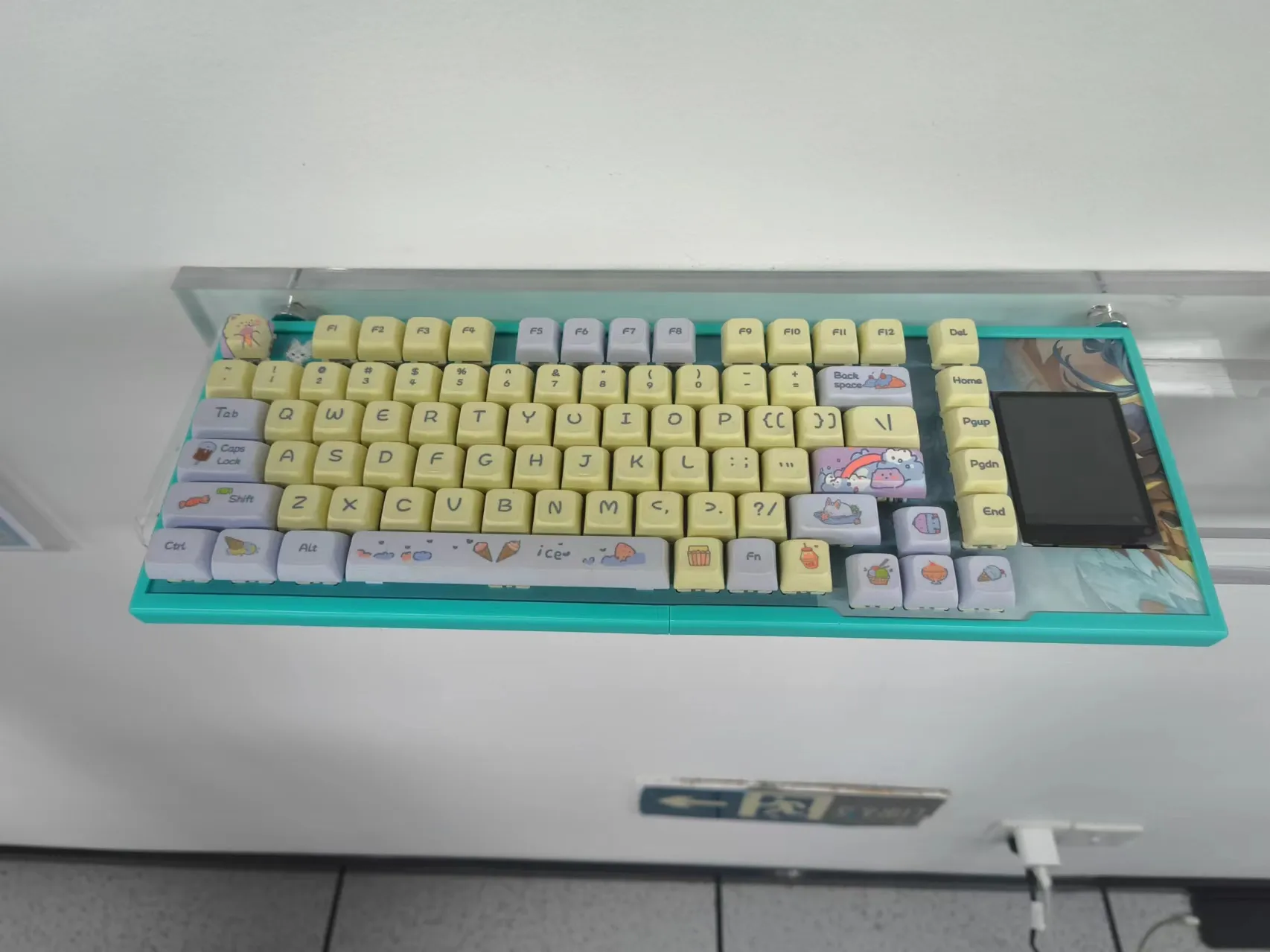
Keyboard Showcase:
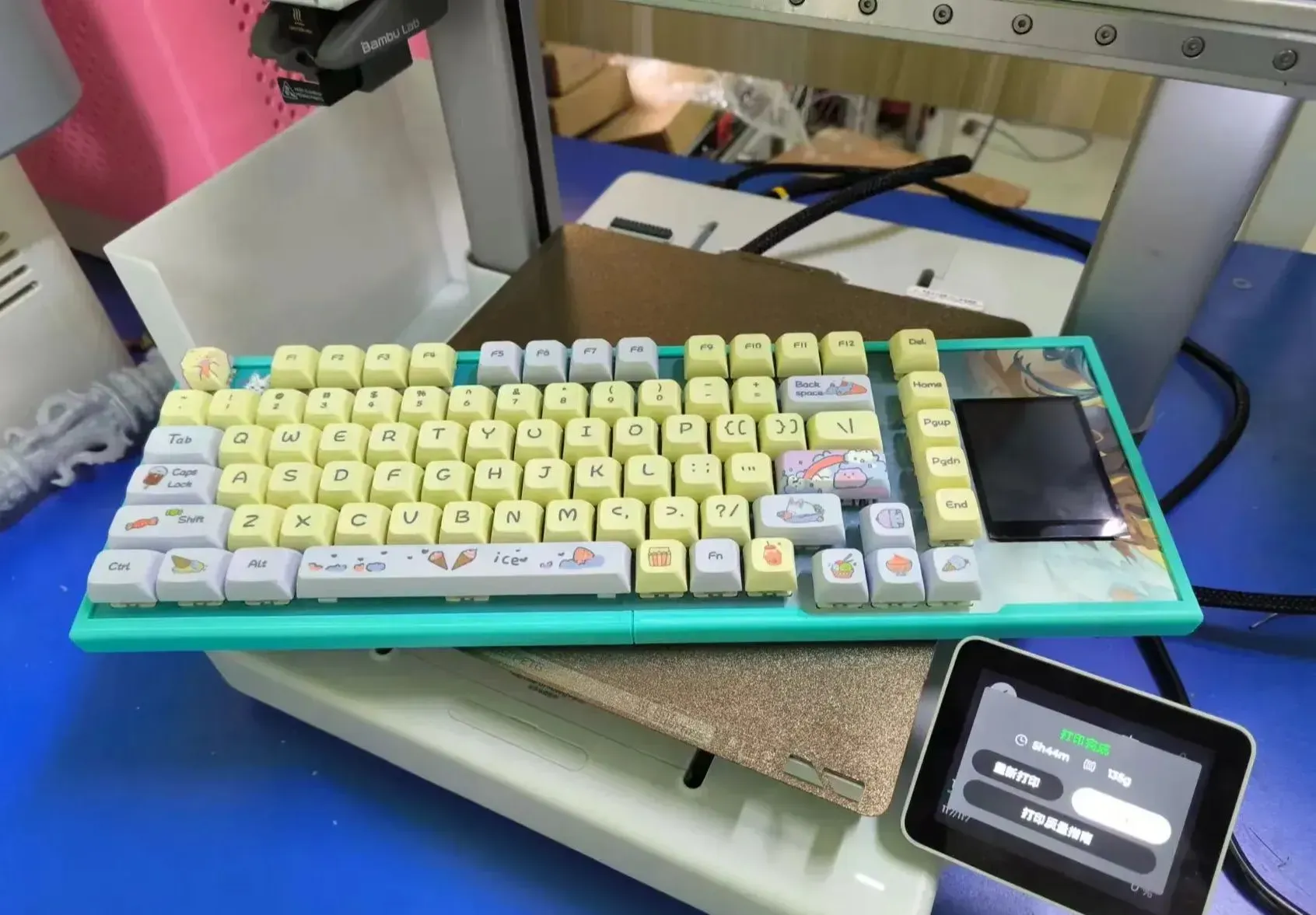
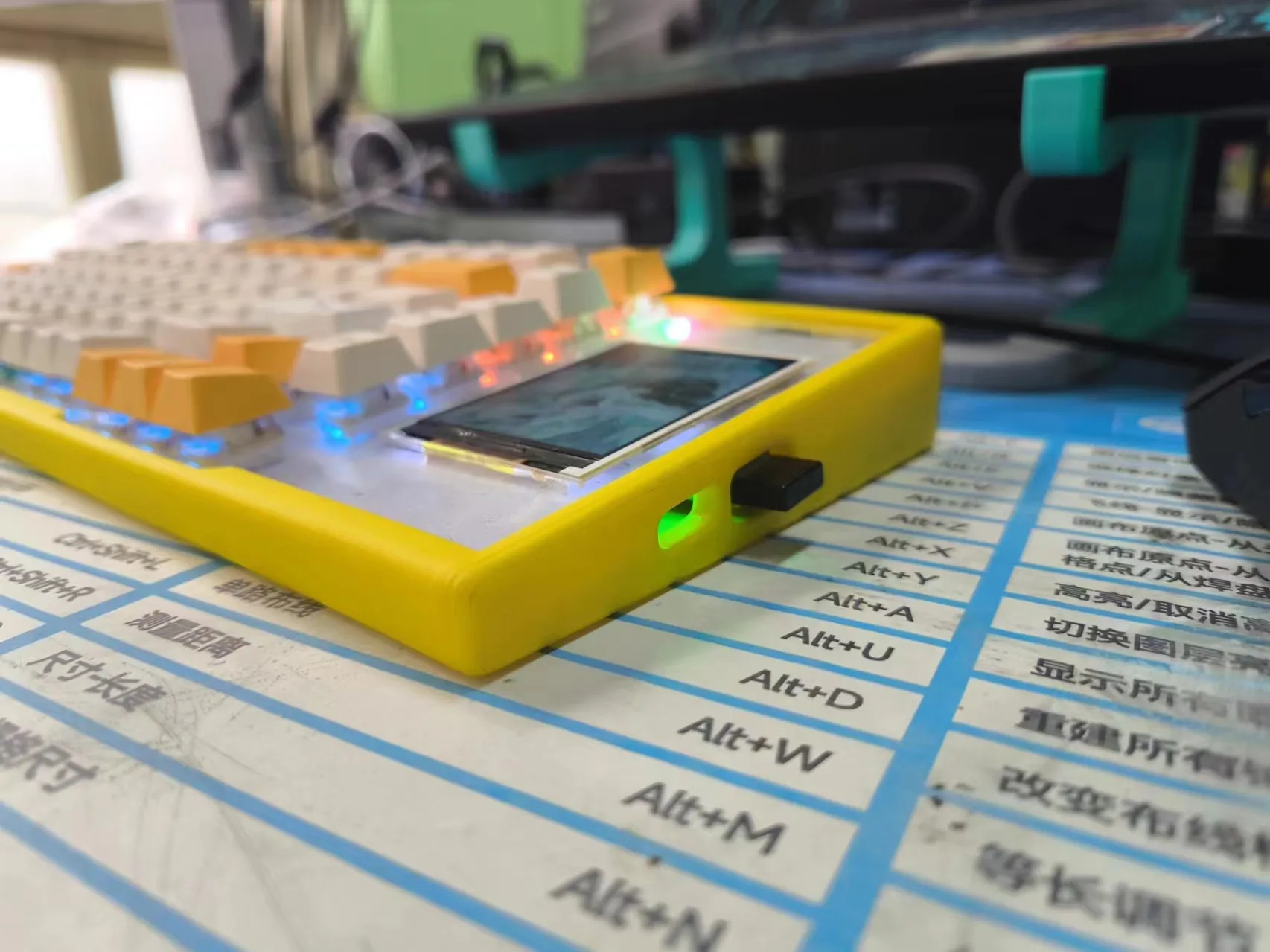
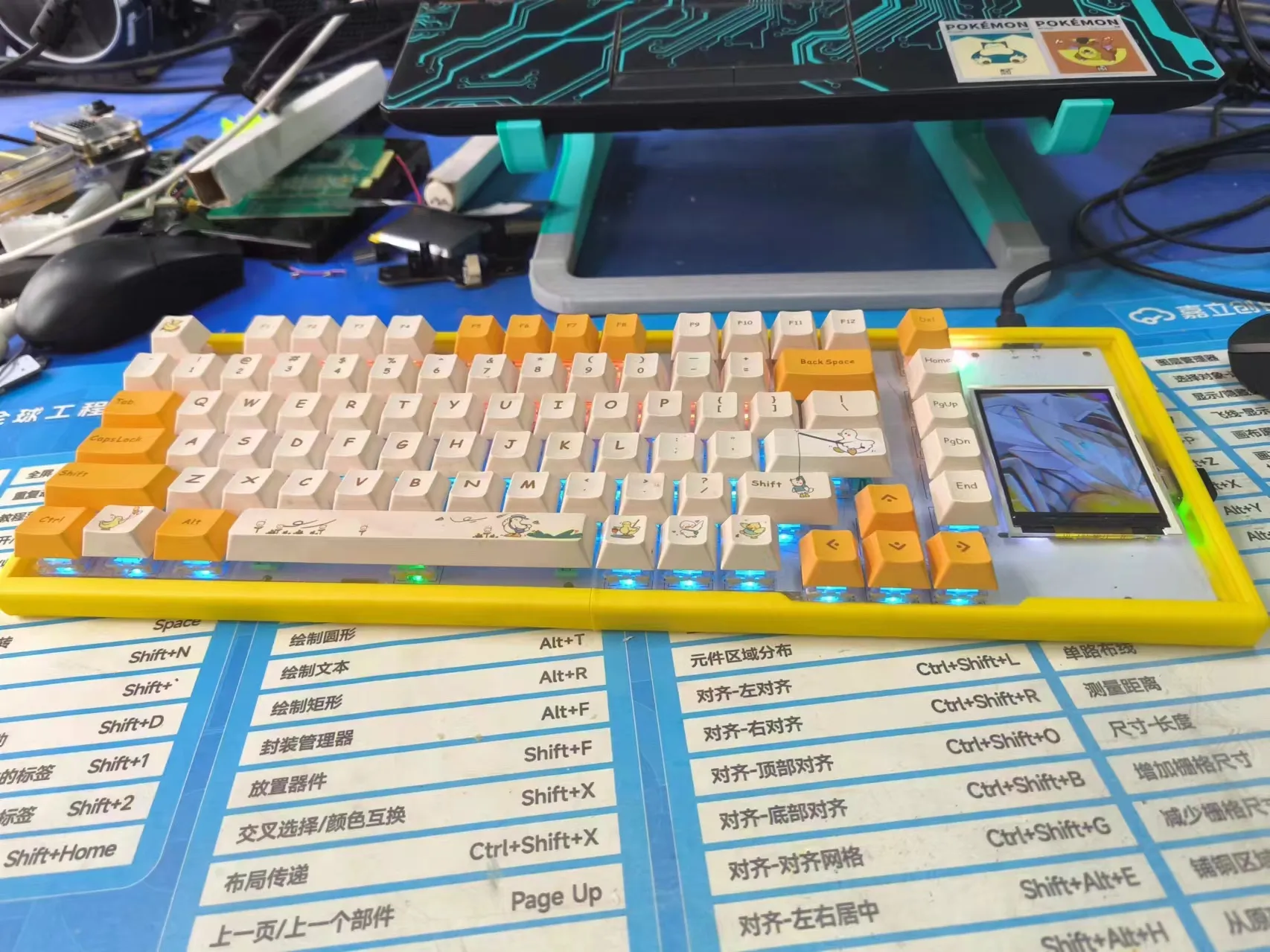 Honkai: Star Rail - Fei Xiao Custom Edition (Laboratory Exhibition Version)
P.S. Forgive my inability to afford custom keycaps
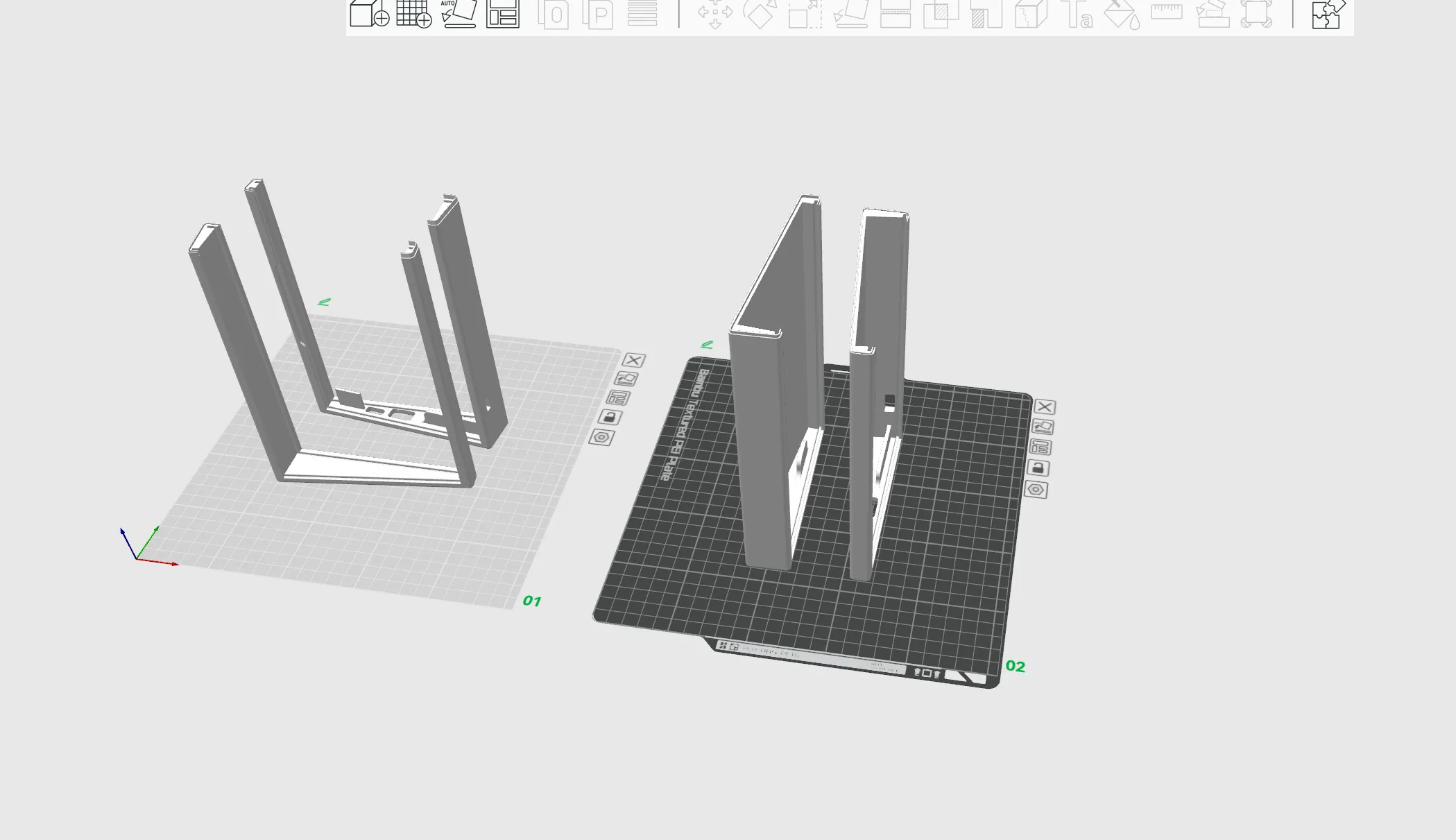
Printing Instructions: Due to print size limitations, (except for the A1 mini) direct printing is possible. Non-coreXY structure models require disabling speed reduction and lowering the overall printing speed to prevent abnormal flow caused by sudden speed reduction in higher layers.
Print Plate Instructions:
Plate 1 is an older version and is not recommended
Plate 2 is the latest model version, requiring only the 1.5mm upper positioning plate, eliminating the need for a custom 2.0mm acrylic bottom plate. Printing according to the sliced files is recommended
Replication Instructions (Hardware):
First, I express my gratitude to 乐鑫(Espressif) for their officially open-sourced original project esp-iot-solution/examples/keyboard at master · espressif/esp-iot-solution · GitHub and accompanying hardware. This project's software and hardware are based on these resources.
The relevant open-source hardware link is Touchscreen Dual-Mode Mechanical Keyboard - Open Hardware Hub Likes and follows are welcome! Open-source hardware is truly a labor of love, purely a money-losing endeavor.
1. Version Notes:
The v0.1 hardware has an IO multiplexing issue. The touch function is directly malfunctioning; the screen requires an additional wire connecting CS to GPIO1, and the SPI rate will result in transmission errors above 20M, making it unsuitable for use.
v1.1 is the current development version, with complete functionality and no significant flaws.
V2.0 is a hardware refinement version, optimizing power, soldering, assembly, and structure while maintaining software compatibility. Due to the current inability to obtain samples, hardware feasibility has not been verified.
2. Component Purchase and Soldering Notes:
The software currently supports ESP32S3/ESP32-S3R2. The R2 version is recommended for easier future upgrades, available on Taobao for 7 yuan/piece.
Excluding PCB costs, the total cost is under 100 yuan, including switches, keycaps, and the screen.
The FLASH needs to be soldered as 16MB (128Mb).
After soldering the lights for V1.1, make sure to check if they light up correctly; troubleshooting later is more troublesome.
Acrylic positioning plate: 1.5mm, bottom plate: 2mm. Custom-made acrylic plates from Taobao cost 18 yuan including shipping for two pieces; see the DXF file and the Open Hardware Hub project panel.
V2.0 Update: No bottom plate needed, only a 1.5mm positioning plate is required, note that the thickness of custom-made plates from Taobao may be thinner than specified (a fellow lab member experienced this issue, and ended up having to apply Teflon tape to the groove where each switch is placed).
3. Software Notes
The firmware is currently being updated. The open-sourced MJPEG video decoding is a .c file embedded in the firmware. The video itself is publicly available artwork provided by an artist and poses no copyright infringement concerns. If replacement is necessary, please replace and compile it according to the firmware instructions.
The currently released software only plays MJPEG versions. Usage instructions: (ensure the .mjpeg file <8M, slightly larger files can be manually resized, files larger than 16M cannot be accommodated)
Crop the video to 240*320 resolution and limit it to 30fps, or limit it within ffmpeg.
Generate using ffmpeg: .\ffmpeg.exe -i test.mp4 -vf "scale=240:320" -c:v mjpeg -qscale:v 2 output.mjpeg
Convert output.mjpeg using the LVGL img converter into a C RAW array and save it.
If the filename is output: simply overwrite the original file;
If you changed the filename: add the .c filename to CMakeLists.txt and replace the array symbol in main.c.
It is recommended to use esp-idf v5.3 for compilation; cross-version issues may occur.
The code project can be found in the Open Hardware Hub attachments.
Attachment Notes:
keyboard_v0.3.dxf Acrylic cutting file for the positioning plate. Ensure the thickness is exactly 1.5mm; otherwise, the switches cannot be inserted.
Documentation (1)
License



Comment & Rating (0)