
Magnetic 3D Scanner Reflective Markers 6mm
Print Profile(1)

Description
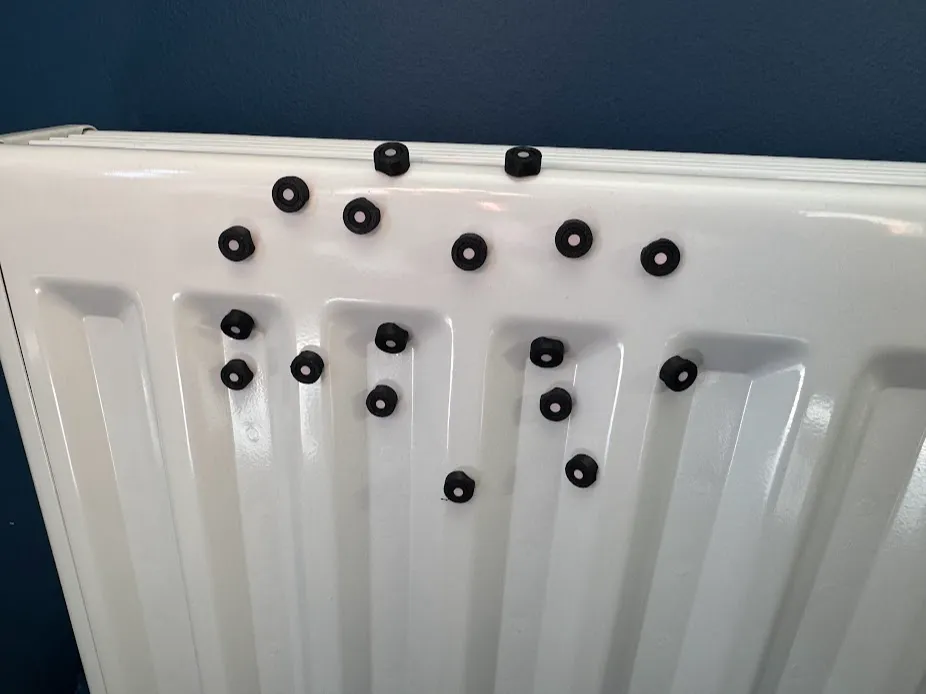
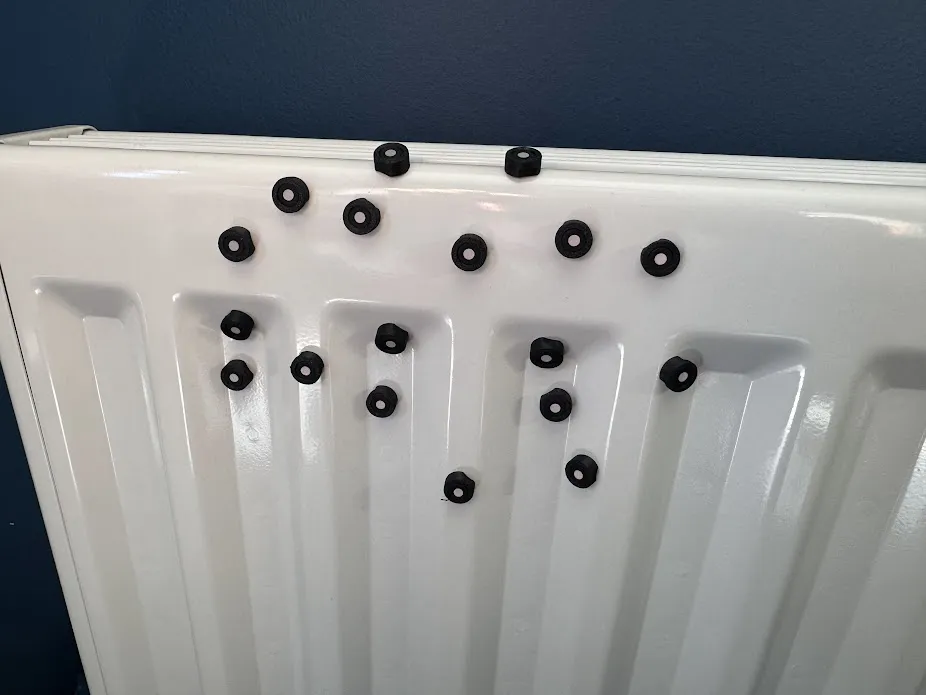
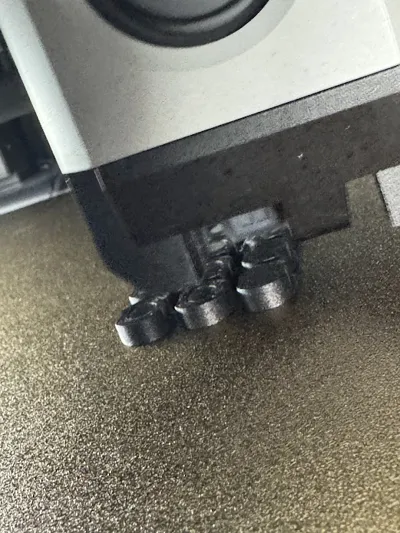
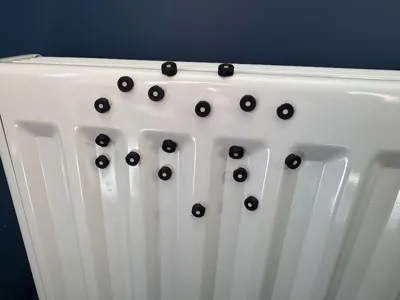
Tracking markers are important for 3D scanners, these markers allow tracking dots to be reusable and make it easy to apply and remove from magnetic surfaces.
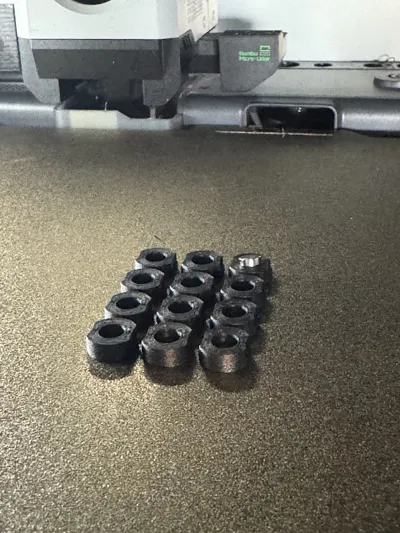
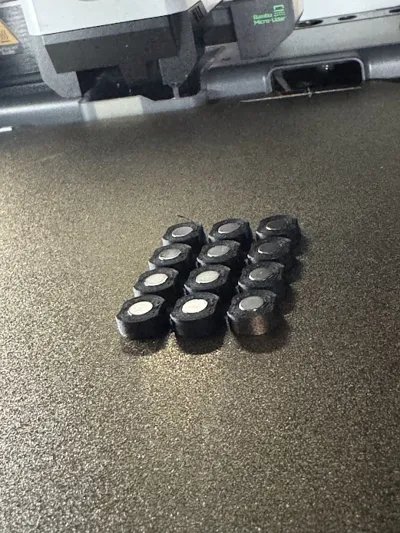
The marker is designed to use cheap 5mm x 2mm neodynium circular magnets. It requires no glue and is designed to embed the magnet into the part during print.
Instructions:
1. Slice the part in Bambulab Studio
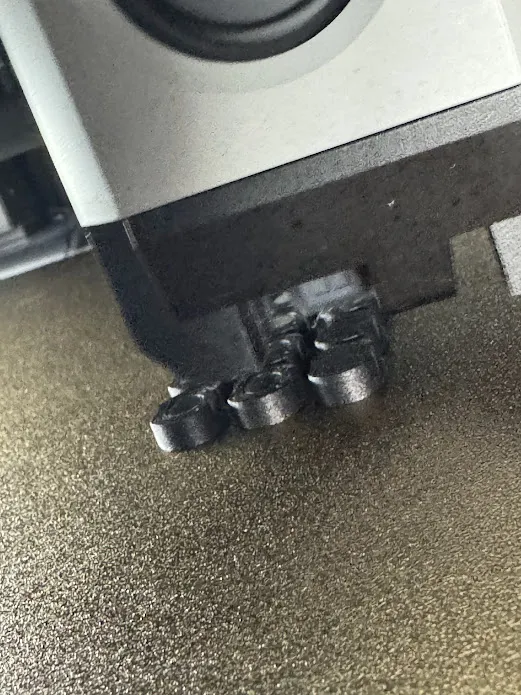
2. Select layer at 4.2mm and add a pause at the start of this layer. Recommend using 0.2mm or 0.1mm layer height
3. Print the part
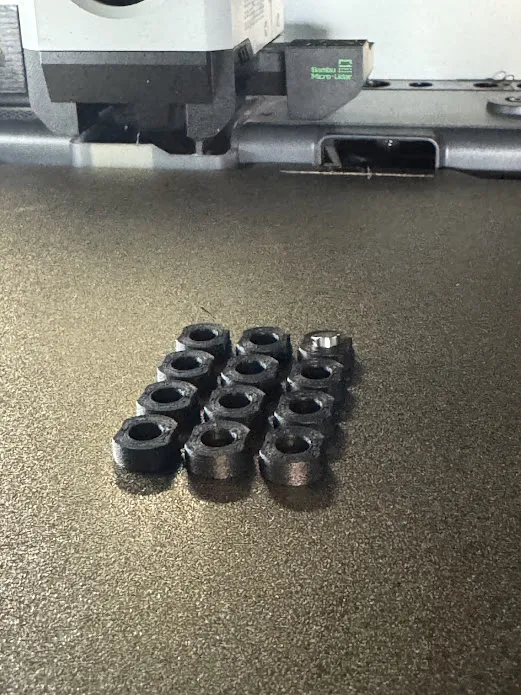
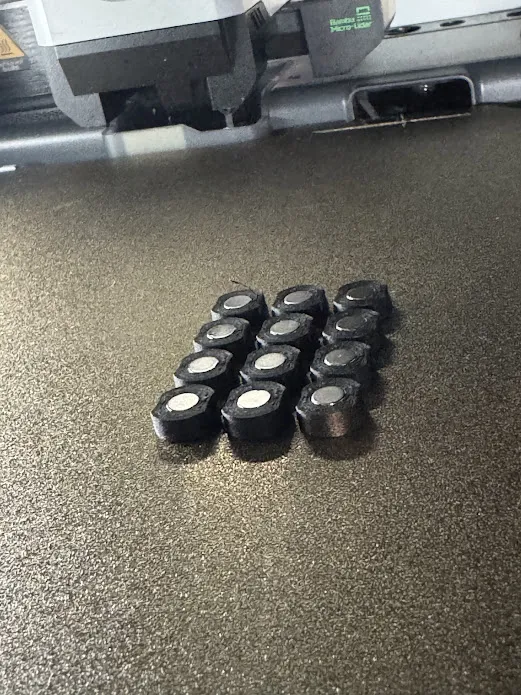
4. When the printer pauses, insert magnets gentling into each of the markers, make sure the magnet is flush with the top surface of the print
5. Resume print
6. Remove part, remove the support, add 6mm adhesive marker dot
License

You shall not share, sub-license, sell, rent, host, transfer, or distribute in any way the digital or 3D printed versions of this object, nor any other derivative work of this object in its digital or physical format (including - but not limited to - remixes of this object, and hosting on other digital platforms). The objects may not be used without permission in any way whatsoever in which you charge money, or collect fees.


Comment & Rating (0)