Search models, users, collections, and posts

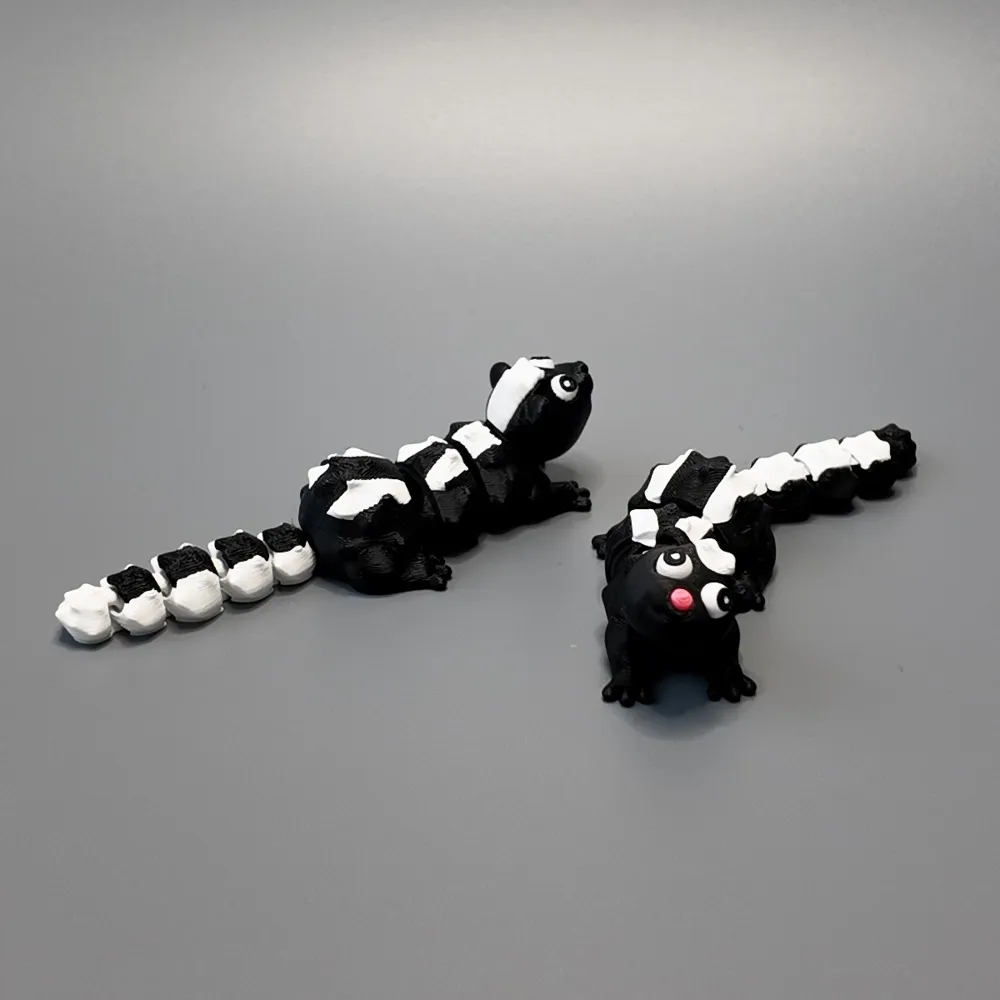
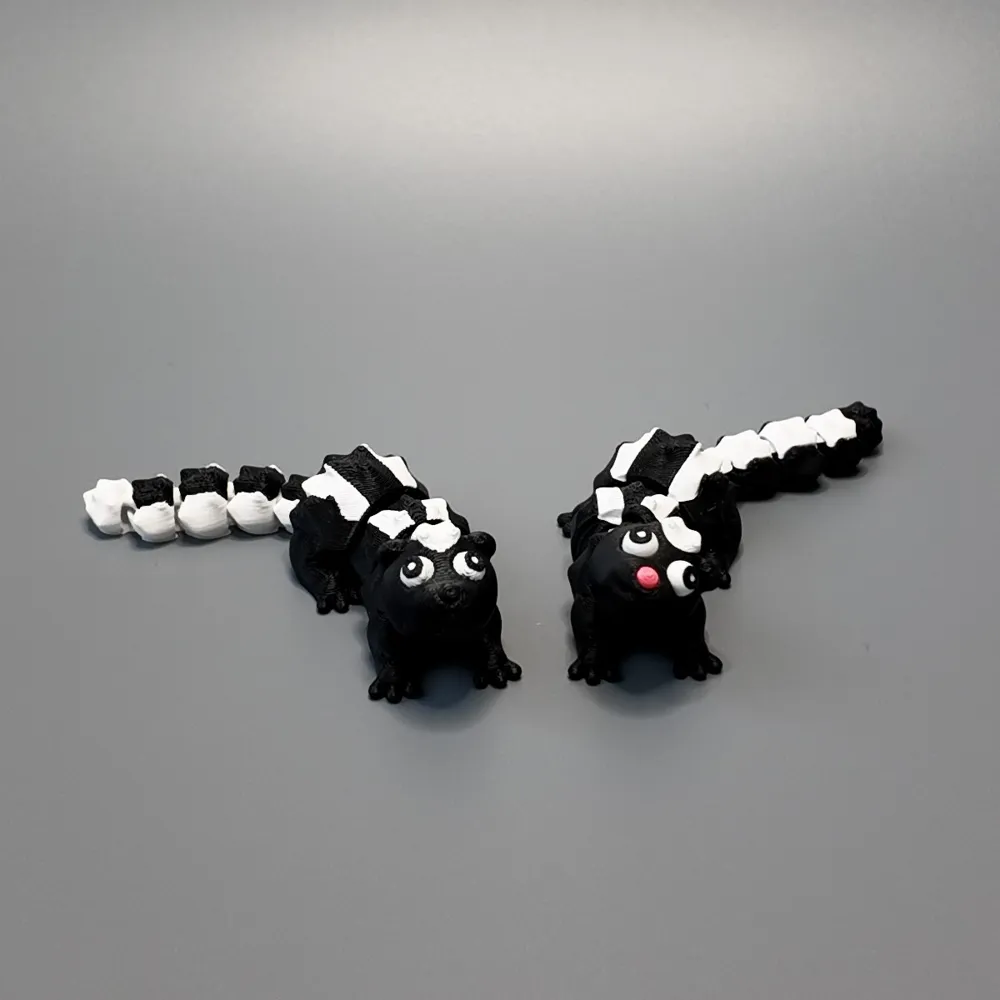
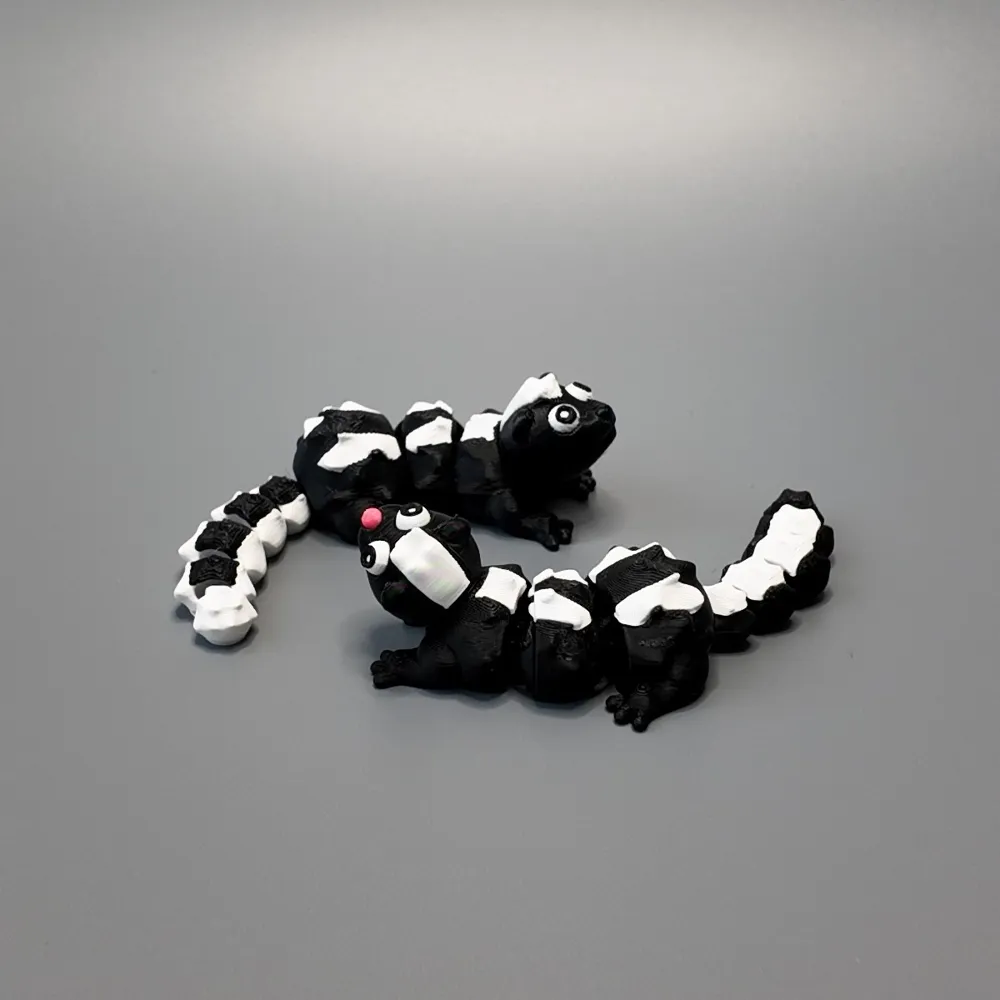
Flexi Skunk

Print Profile(2)

All
A1 mini
X1
H2D
P1P
A1
X1 Carbon
X1E
P1S
H2D Pro
H2S
P2S
H2C
X2D
A2L

0.2mm layer, 2 walls, 15% infill
Designer
4 h
1 plate
4.9(115)

0.2mm layer, 2 walls, 15% infill
Designer
3 h
9 plates
5.0(6)

Open in Bambu Studio
Boost
1440
3276
148
59
2.3 k
1.4 k
Released 

Description

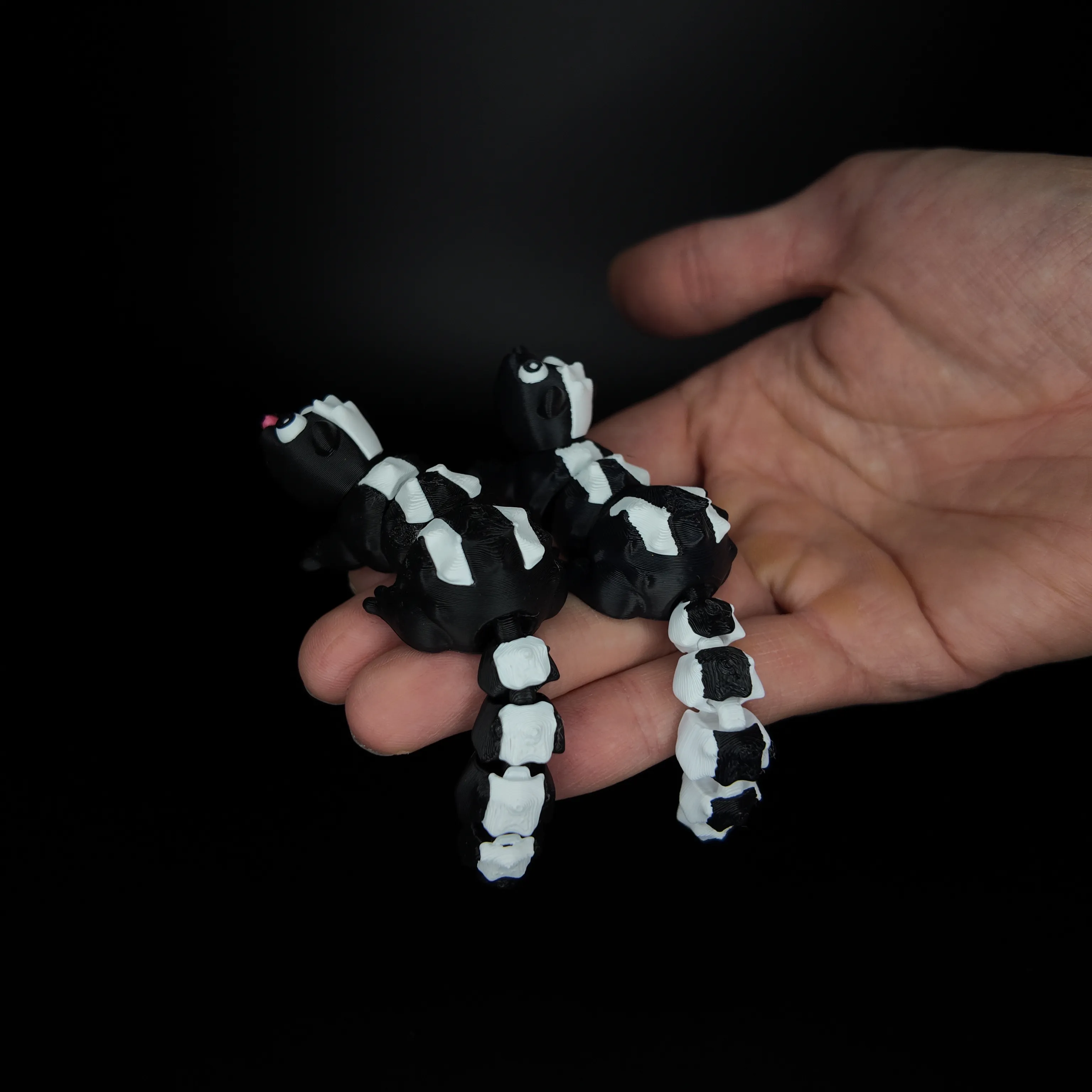
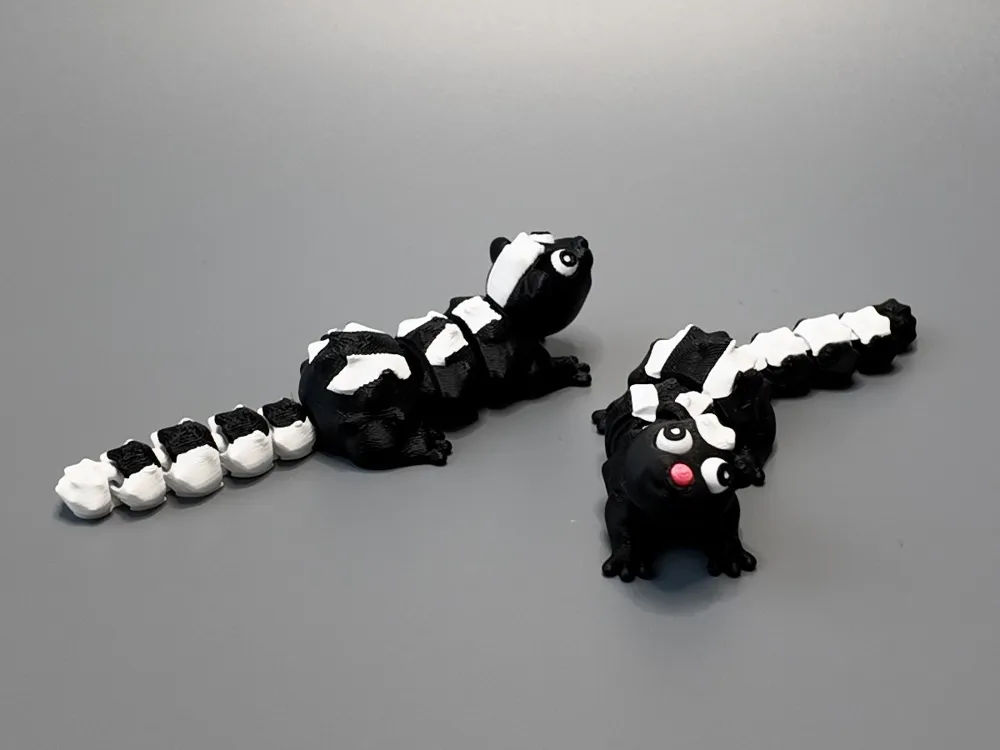
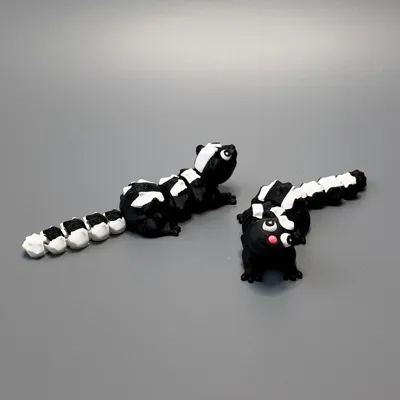
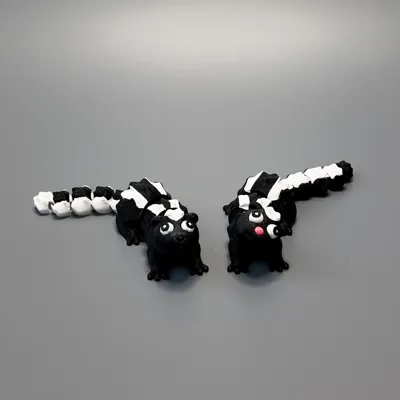
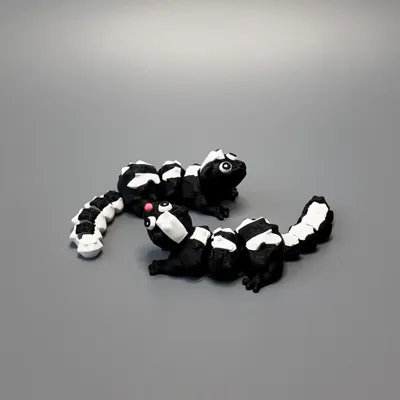
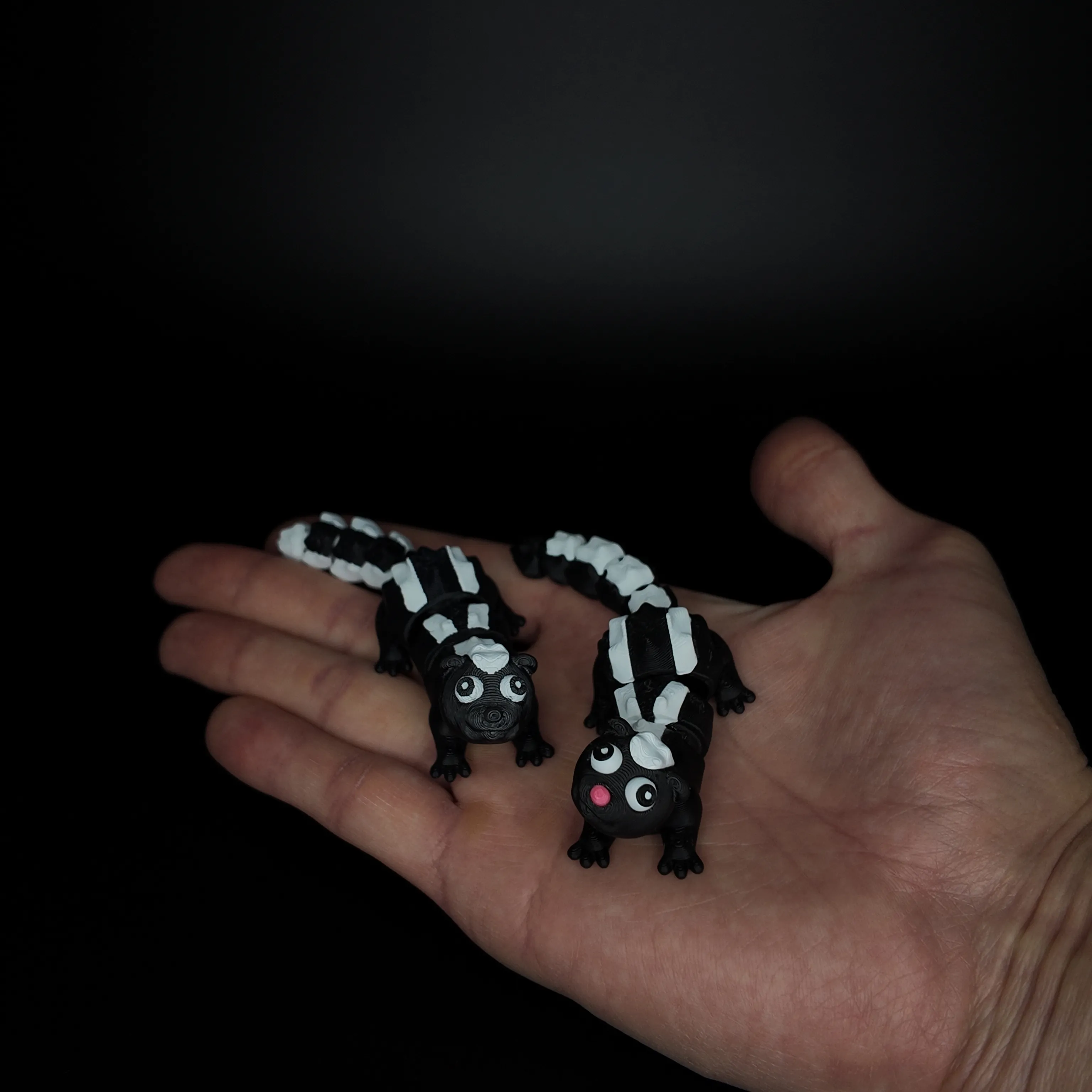
I made an articulated multi-colored skunk. You can print it multicolored with or without AMS. To print the model in different colors without ams you will have to use glue. 
Model description:
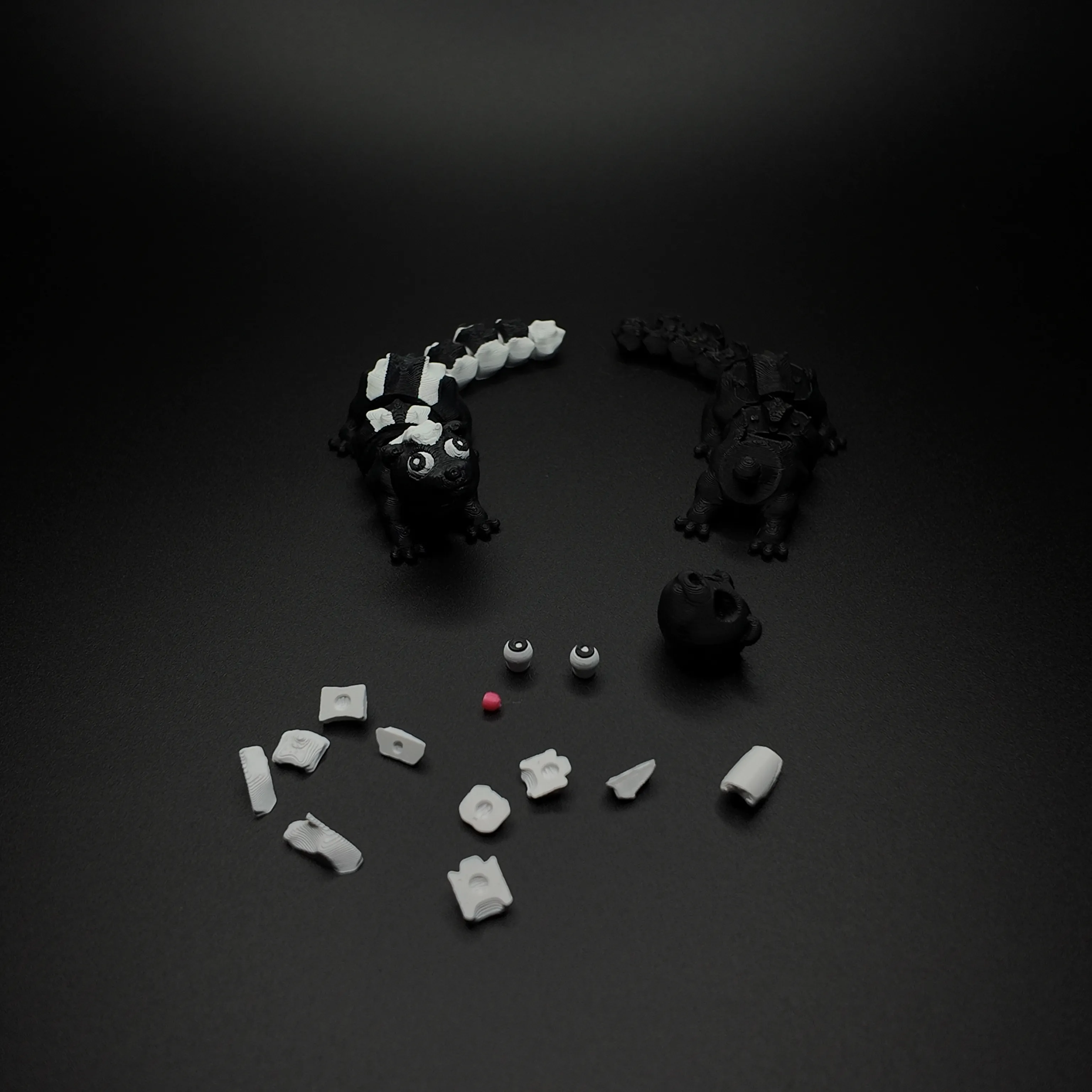
STL Body Whithout Fur is the skunk body without fur and head ( fur can be printed in white and glue them to the body ).
STL Body is a skunk body without a head.
STL Eyes are the skunk's eyes ( you can print them in different colors. Print the model with white color and the last 2 layers with black color, the layer height should be 200 microns )
STL Fur is the skunk's fur and hair ( you can print them in white and glue them on if you want a multi-colored skunk, but you don't have equipment for multi-colored printing like AMS ). For printing small models like STL Fur, use a brim for better adhesion of the model to the table. 
STL Head With Hairs And Nose is a skunk head with hair and nose but no eyes. 
STL Head With Hairs is a skunk head with hair but no nose or eyes.
STL Head Without Hairs is a skunk head without hair, nose and eyes.
STL Head is a skunk head with hair, nose and eyes. 
STL Nose is the skunk's nose. 
Some models are very small in size so I recommend not using a textured plate, a smooth plate is best. 
All models are printed without supports. 
If you print the nose, eyes and fur separately in a different color you will have to use glue to assemble. 

Don't forget to share your prints.

If you have any problems write to me

Don't forget to subscribe to me

Boost Me (for free)

If you like the model and want to support me you can boosted my model
Comment & Rating (148)

(0/1000)

any idea if something needs to be removed from the head peg? I can't seem to connect the head to the body for the life of me
The designer has replied
0
Reply
Hello, could you send me the video? I can't understand the cause of the problem.
0
Reply
Replying to @ilnur999khariso :
sure thing, here's the video, the issue is that the piece that sticks out of the head doesn't fit into the body. I don't know if I need to remove some plastic from the peg that comes out of the head or what else can we done. https://youtube.com/shorts/OePyKc8wKnM?si=mdK1SqnnL1V_AV5p
0
Reply
Print Profile
0.2mm layer, 2 walls, 15% infill
Too Cool! I loved it
The profile uploader has replied
0
Reply
Thank you for the wonderful review and photo - it's so helpful to see!
0
Reply
Replying to @ilnur999khariso :
your welcome
0
Reply
Print Profile
0.2mm layer, 2 walls, 15% infill
cute print - eyes could be a bit smaller but nice easy print
The profile uploader has replied
0
Reply
Thanks
(Edited)
1
Reply
Print Profile
0.2mm layer, 2 walls, 15% infill
The print quality is excellent
The profile uploader has replied
Show original
0
Reply
We're so happy to hear your positive comments and to see the photo!
0
Reply
Print Profile
0.2mm layer, 2 walls, 15% infill
profile
1
Reply
what am I doing wrong my printer will not print this
The designer has replied
0
Reply
Hi, could you send me a private message with more details about your issue?
0
Reply
Replying to @ilnur999khariso :
I tried to print this skunk without ams and my printer kept saying it was clogged and would stop , but it just wouldn’t print. I finally got the bottom to print with the different plates so now I’m not sure which plates to print to finish it up . if you can please help . I also tried to print the bigger skunk and had the same problem . I’m not sure if you was the creator of the larger one .
0
Reply
Replying to @user_1008344878 :
If I understand you correctly, your nozzle was getting clogged. I’ve had this problem when: 1) The filament contained fillers, such as wood shavings. To solve this problem, I simply switched to a different filament or installed a larger nozzle in the printer. 2) The filament was of poor quality. To solve this problem, I simply switched to a different filament. 3) The room temperature was too high, causing the PLA to expand before reaching the nozzle and get stuck. To solve this problem, I turned on the air conditioner and lowered the room temperature. 4) The nozzle got clogged. You can try cleaning the nozzle or installing a new one. 5) The material you’re using might not be suitable for high speeds, and you need to set a lower print speed. That’s all I can think of for now.
1
Reply
Print Profile
0.2mm layer, 2 walls, 15% infill
(Edited)
0
Reply
Print Profile
0.2mm layer, 2 walls, 15% infill
This skunk is gorgeous, I love that even its head moves
The profile uploader has replied
Show original
profile
1
Reply
I am delighted to hear you enjoyed it
Show original
0
Reply
Print Profile
0.2mm layer, 2 walls, 15% infill
prints perfect
profile
1
Reply
Print Profile
0.2mm layer, 2 walls, 15% infill
cute little skunks.
The profile uploader has replied
0
Reply
Thank you for your review and high rating.
0
Reply

License

This user content is licensed under a Standard Digital File License.

You shall not share, sub-license, sell, rent, host, transfer, or distribute in any way the digital or 3D printed versions of this object, nor any other derivative work of this object in its digital or physical format (including - but not limited to - remixes of this object, and hosting on other digital platforms). The objects may not be used without permission in any way whatsoever in which you charge money, or collect fees.