
Skadis T-Nut Alignment Tools
Print Profile(1)

Description
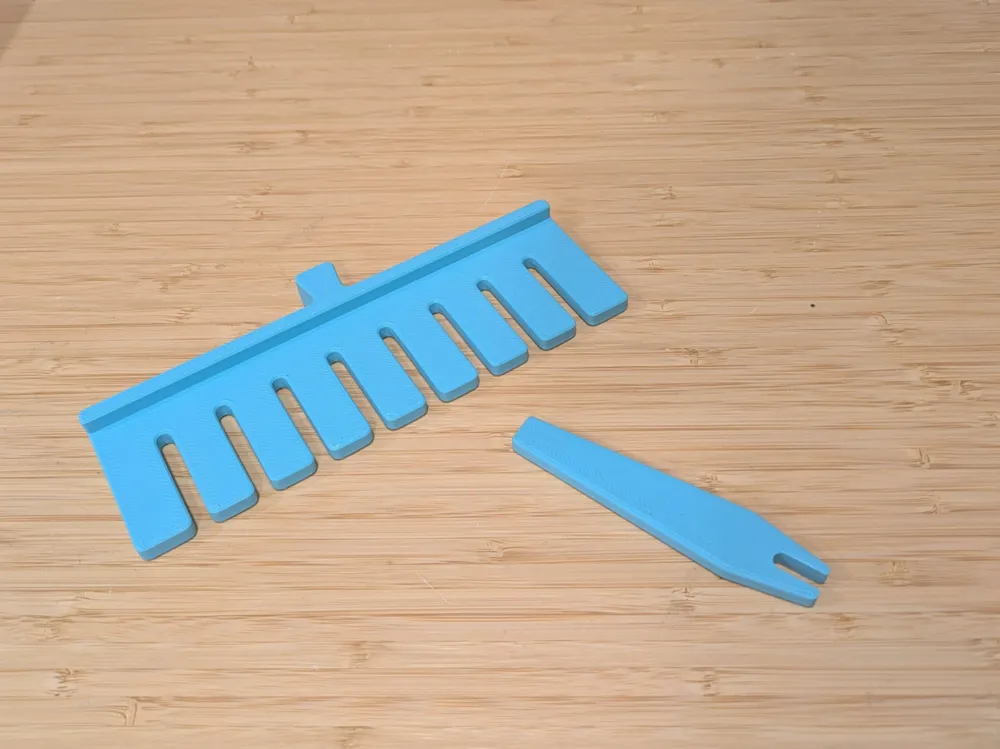
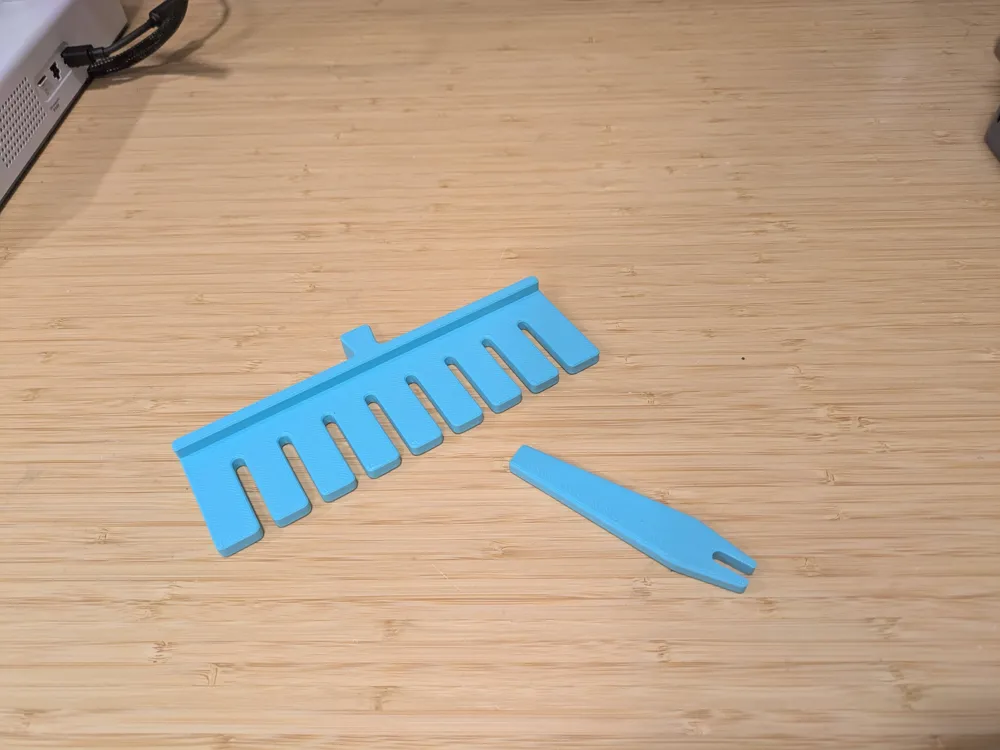
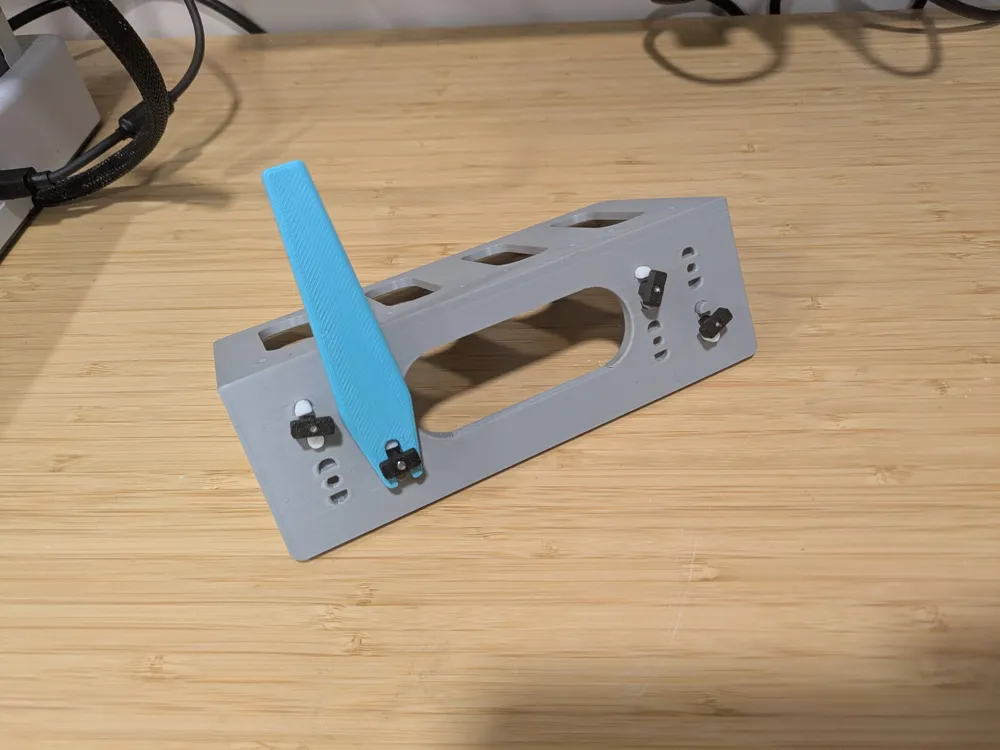
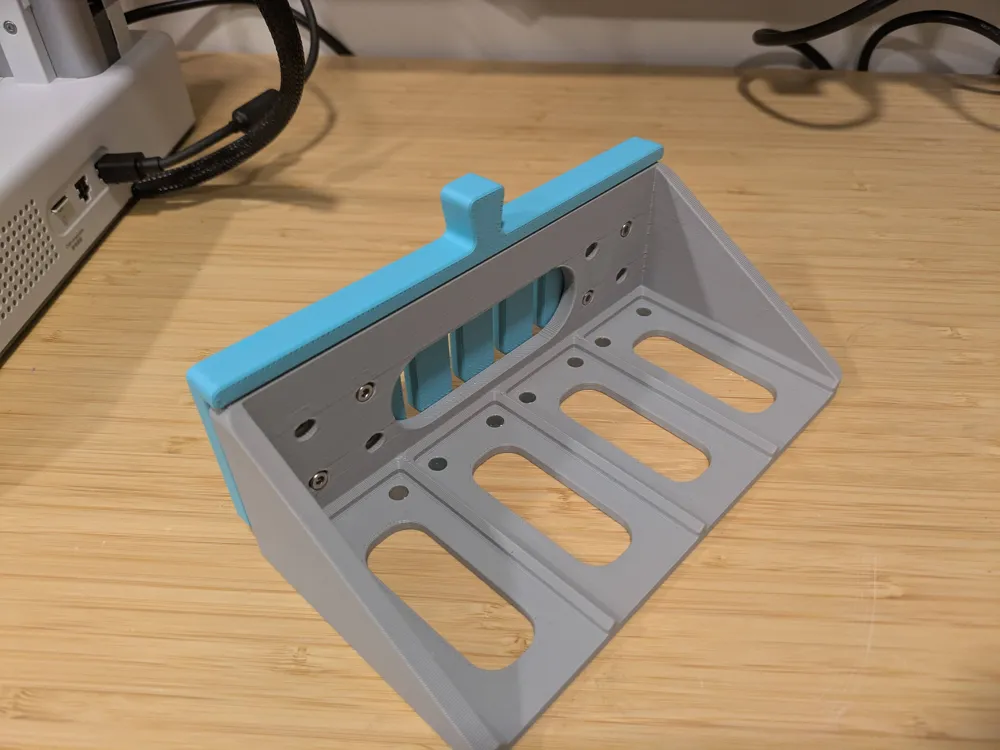
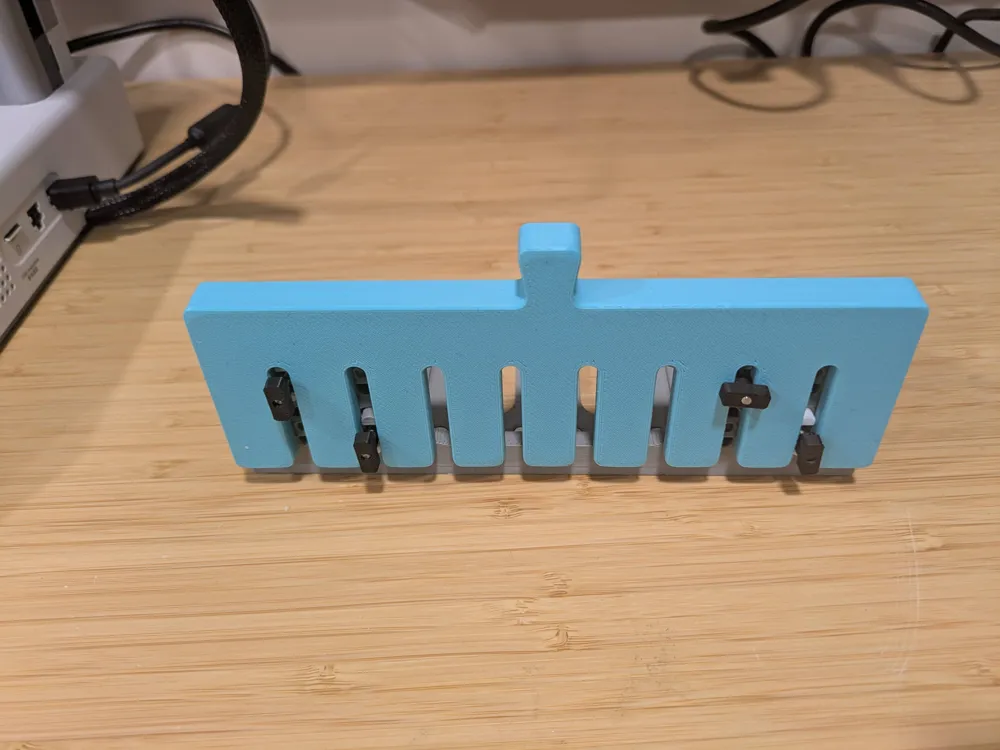
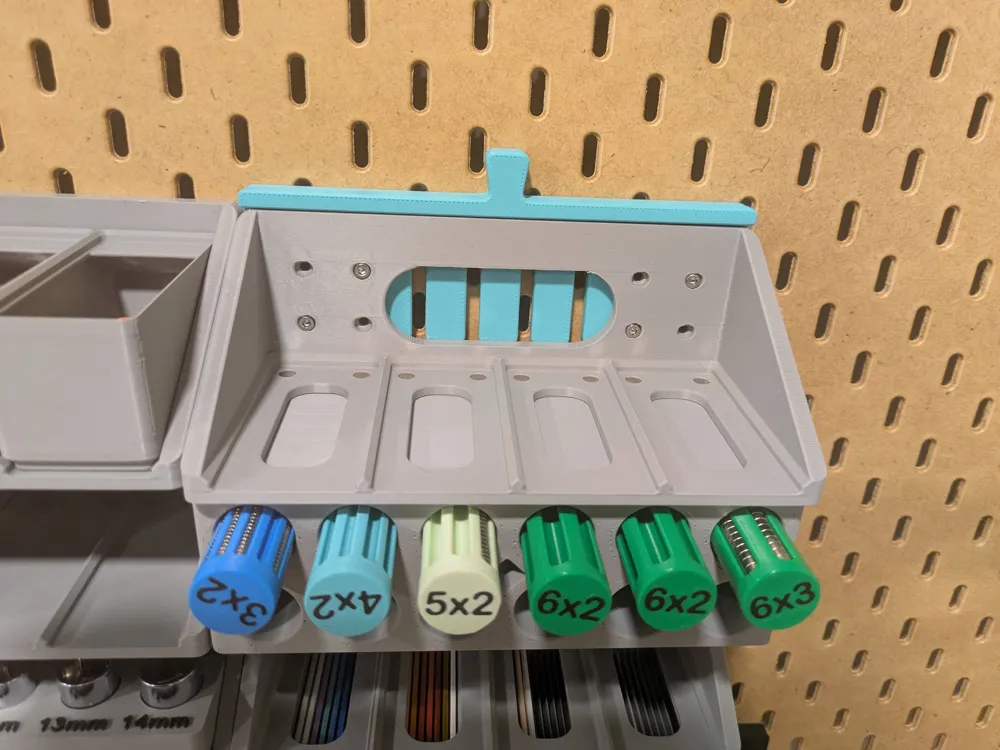
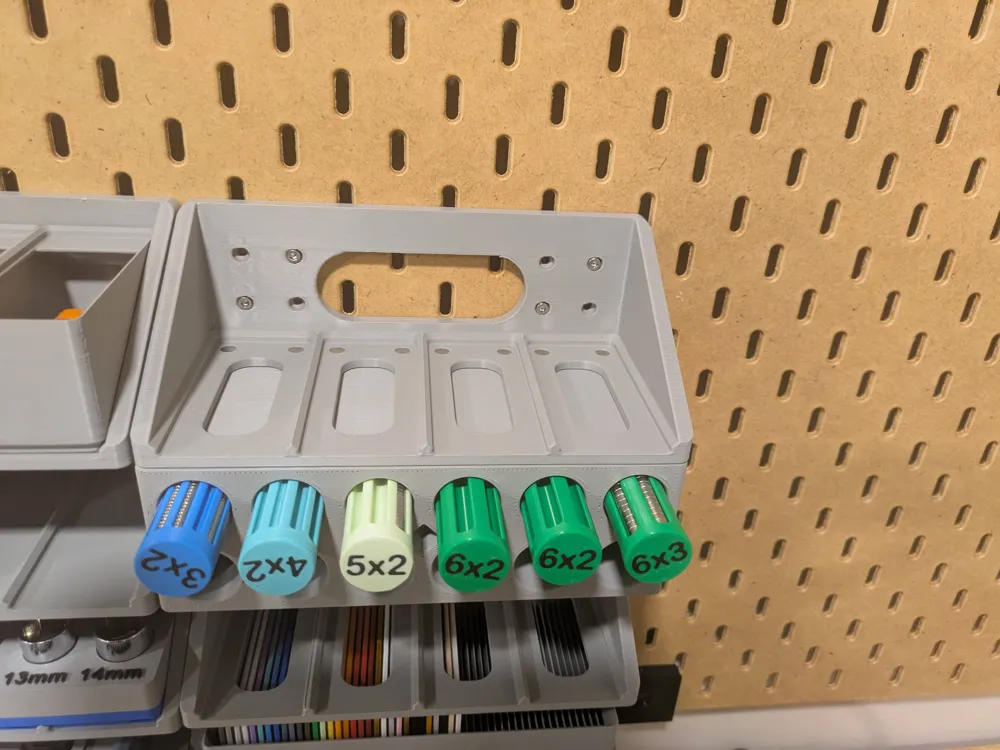
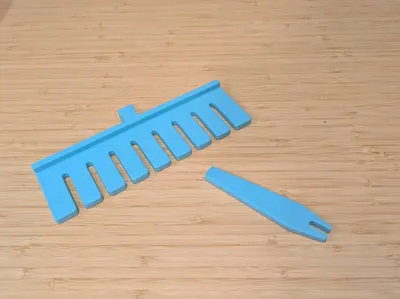
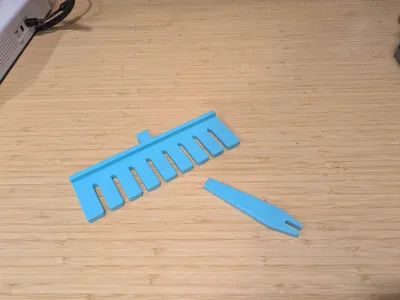
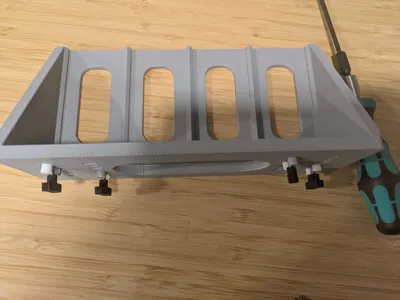
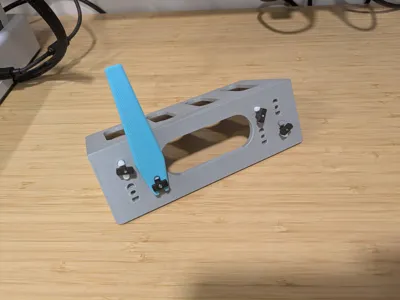
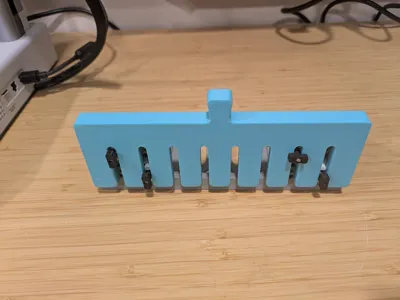
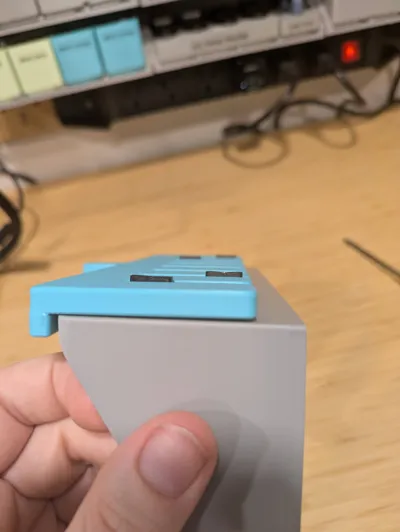
Most of my Skadis designs use the excellent Skadis T-Nuts mounting system by 6d6178 on Printables as I (generally) prefer that to hooks, but, with T-Nuts or hooks, but especially on items using three or more T-Nuts, they can be really fiddly to actually get them all lined up and onto the pegboard to be tightened. I made two alignment tools, one little universal one, and one comb style tool that perfectly fits my slider drawers (and other as yet unpublished models with the same mount dimensions).
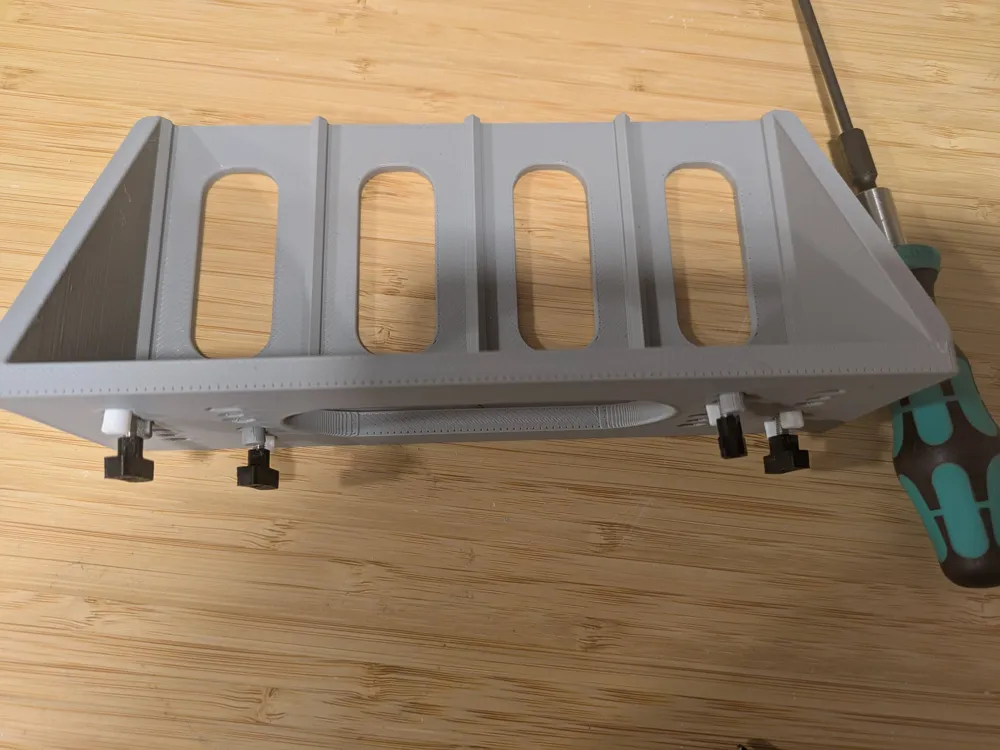
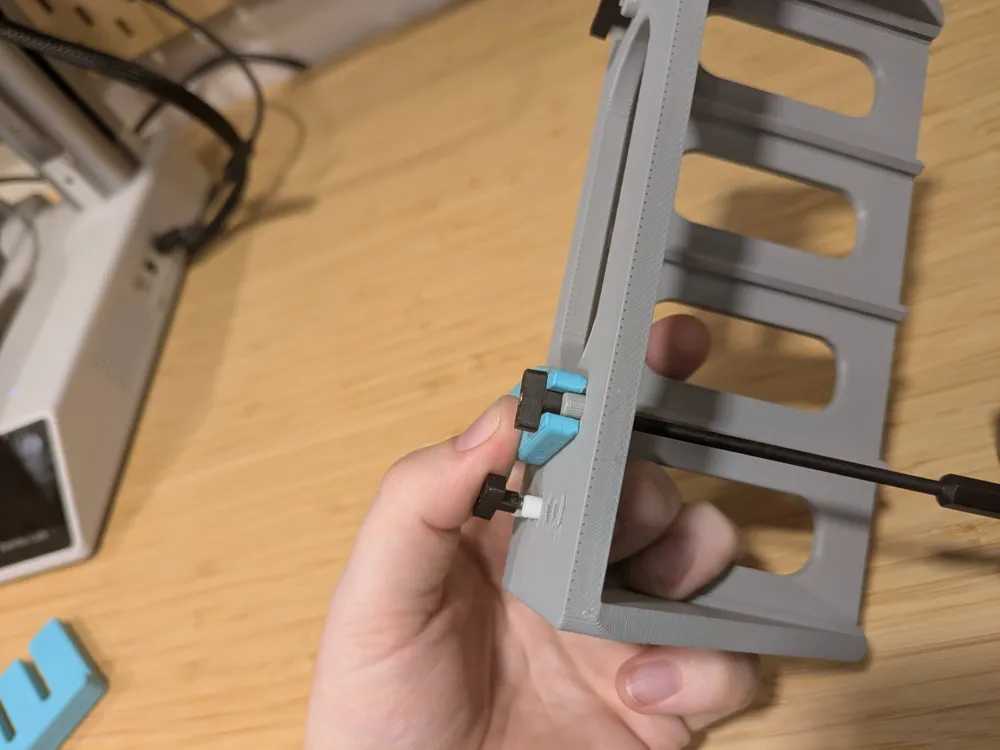
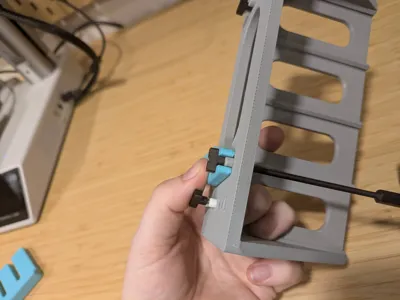
To use them, just take the item to install and loosen the t-nuts almost all the way
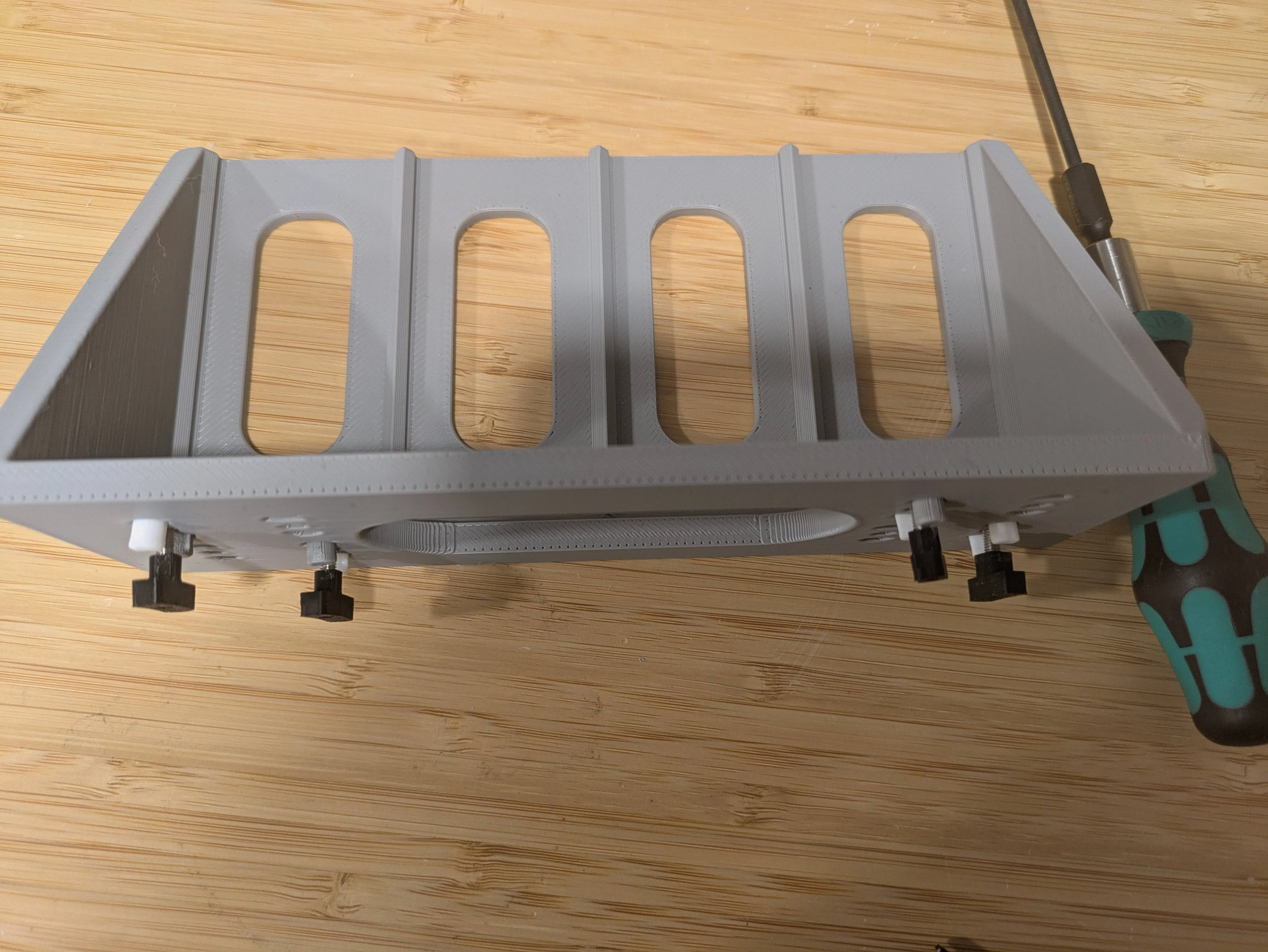
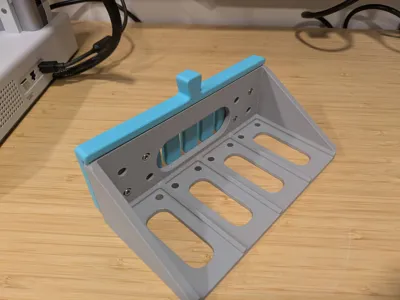
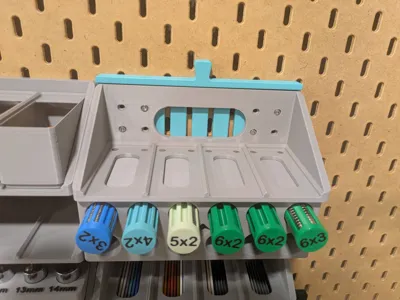
Then slide the alignment tool (or comb tool) over the mounting pegs, and tighten down the t-nut until it just touches the tool
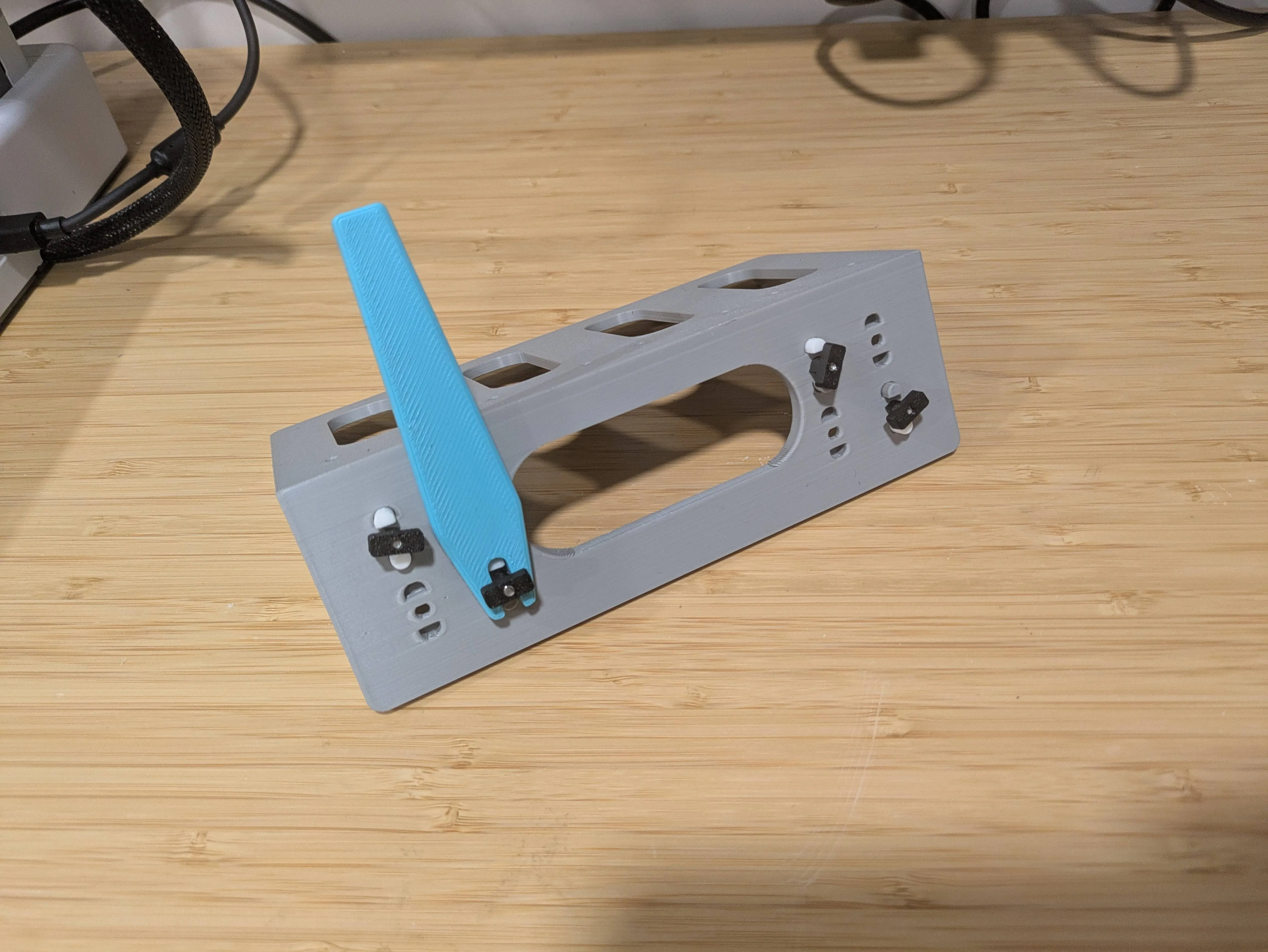
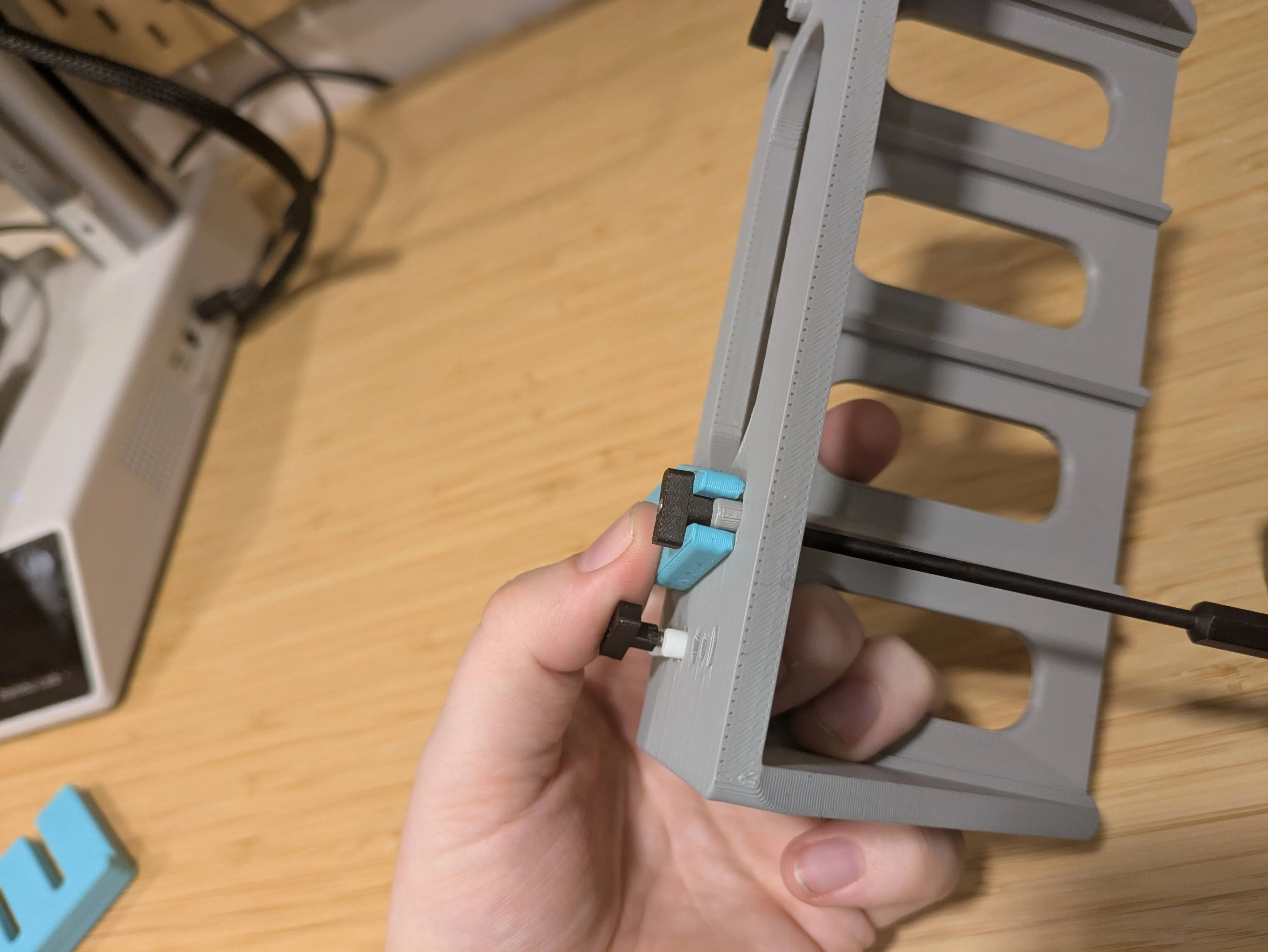
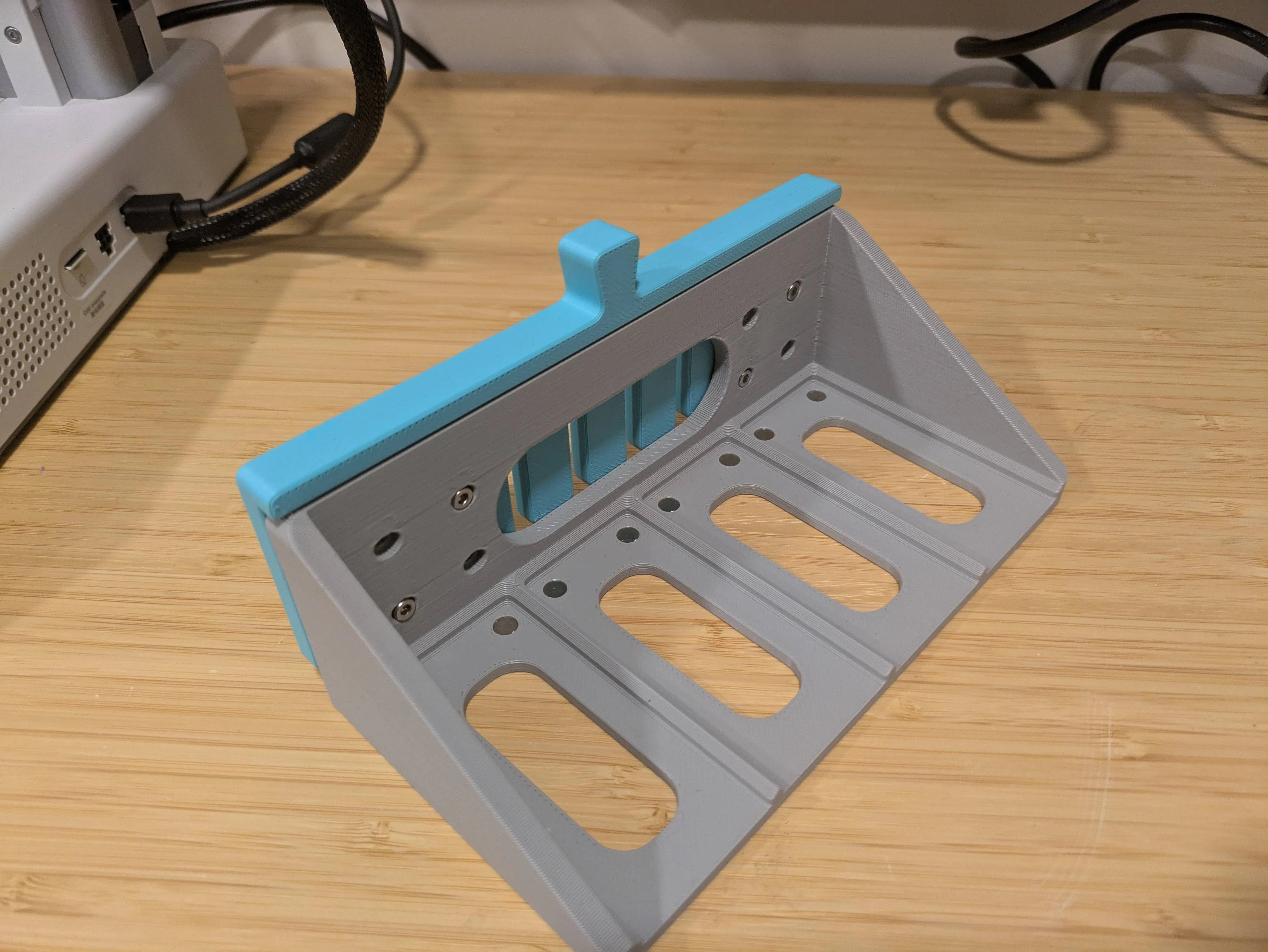
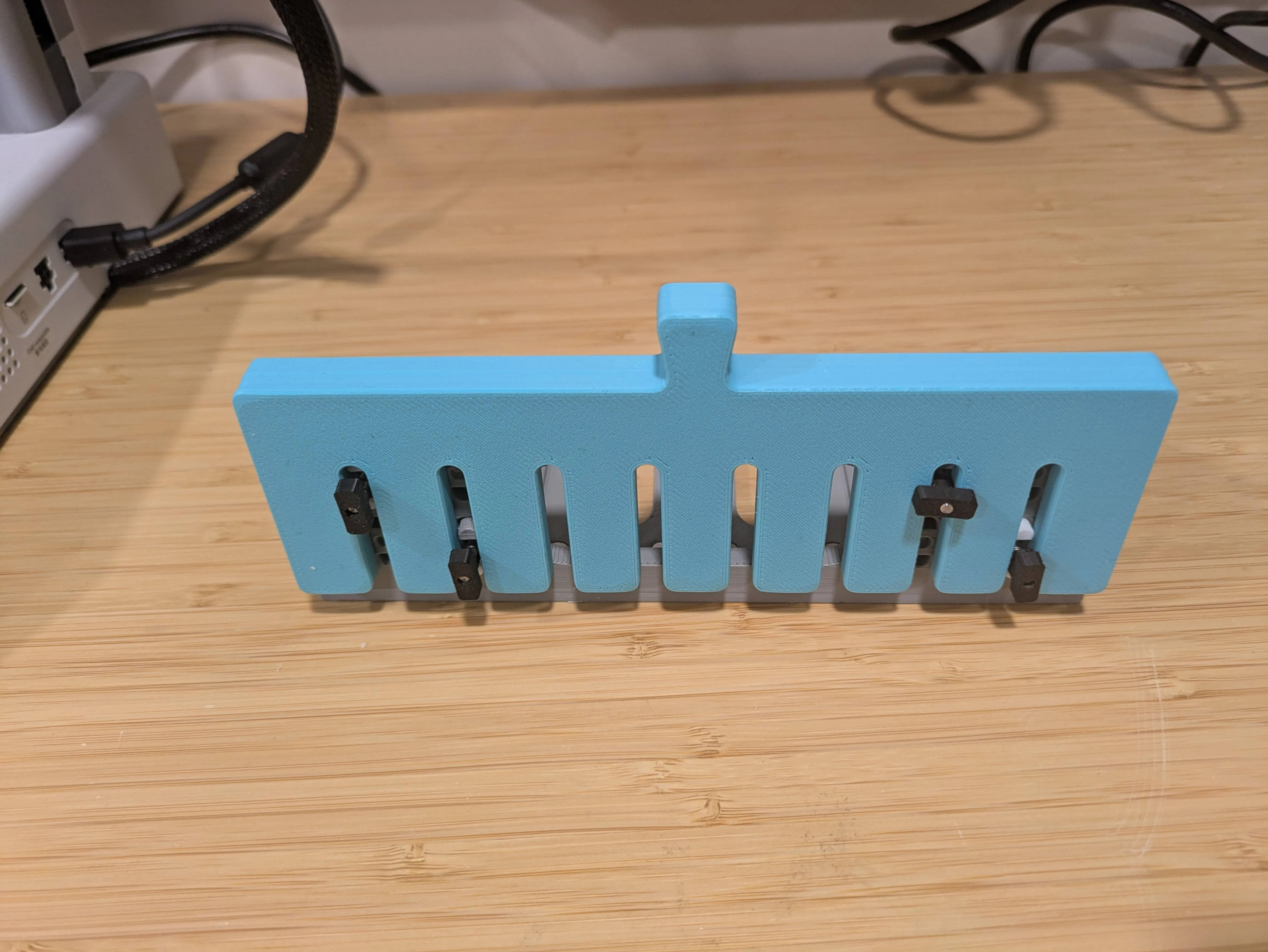
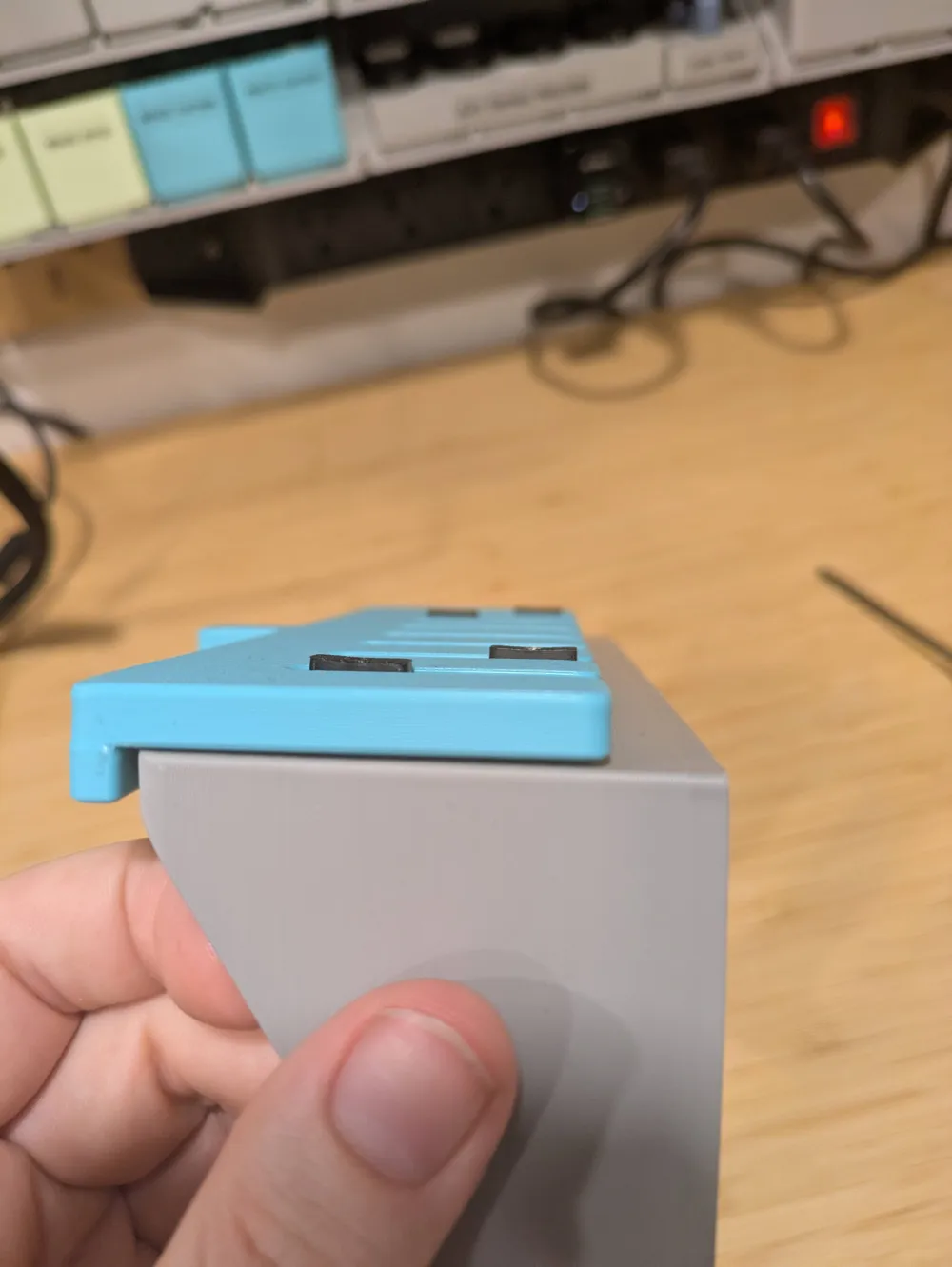
Then rotate the t-nuts to the vertical position and nest them back into the comb so they sit just barely proud of the tool
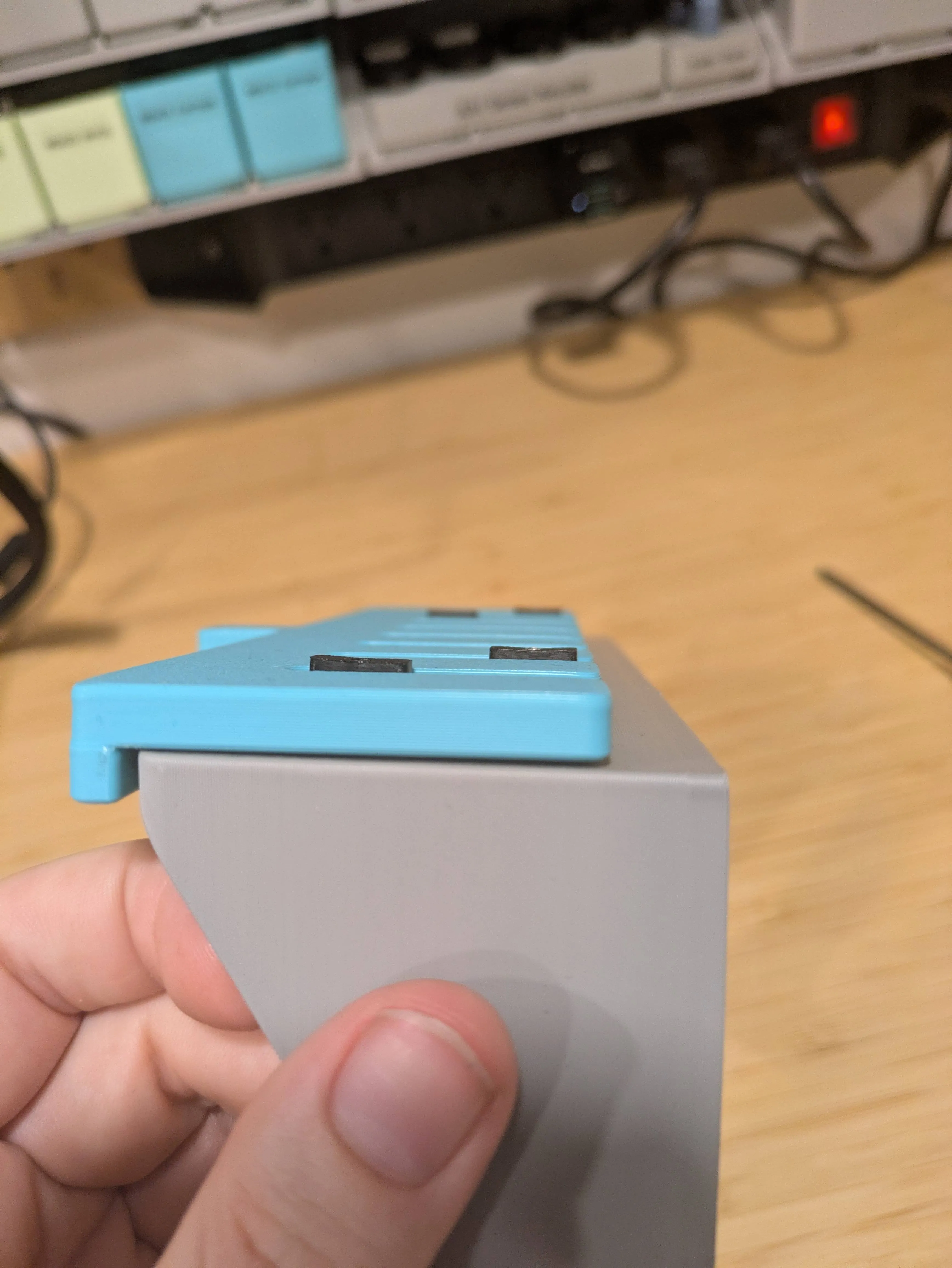
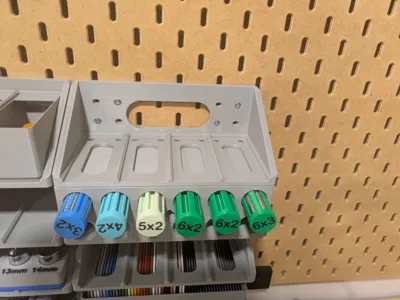
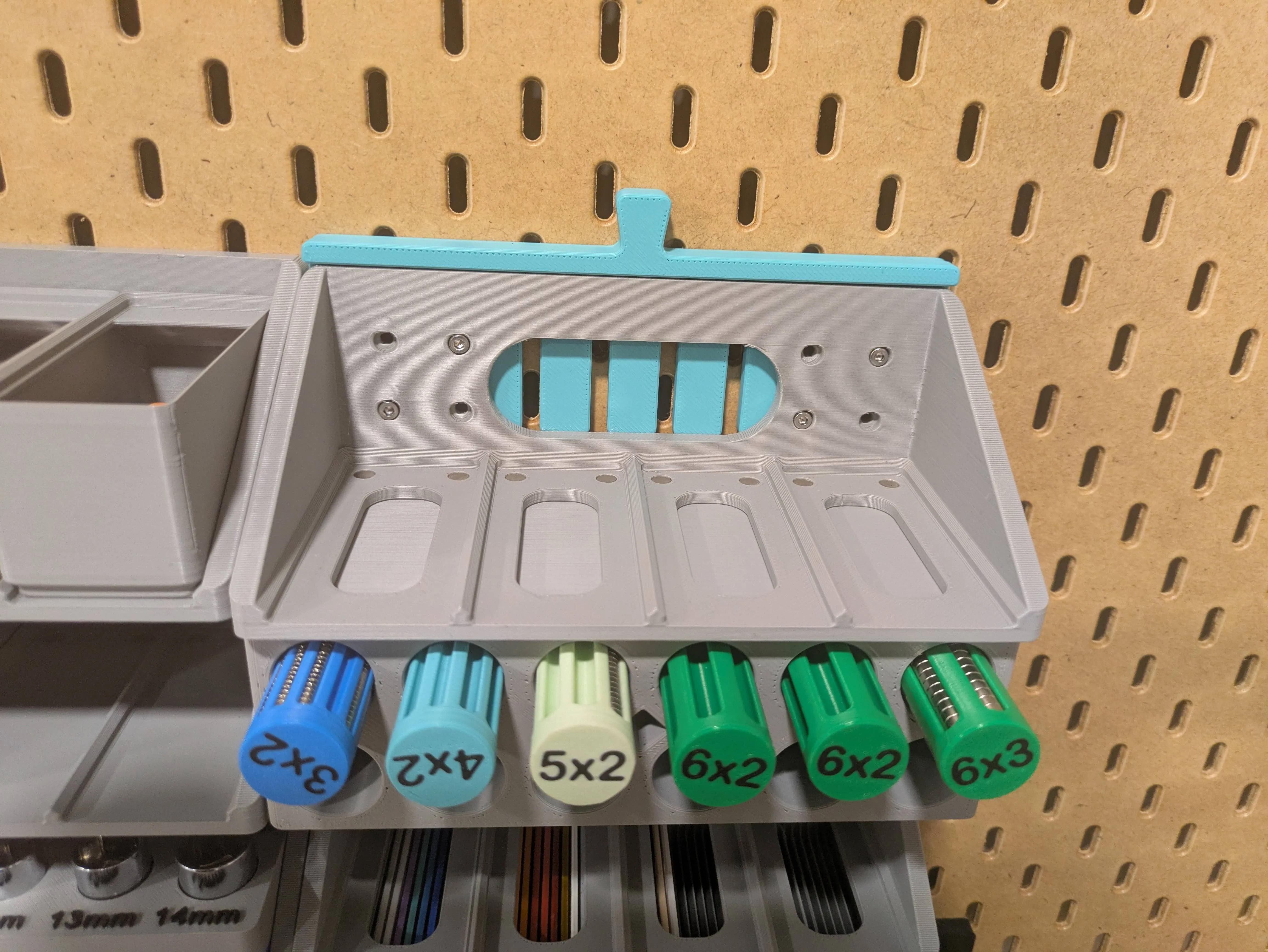
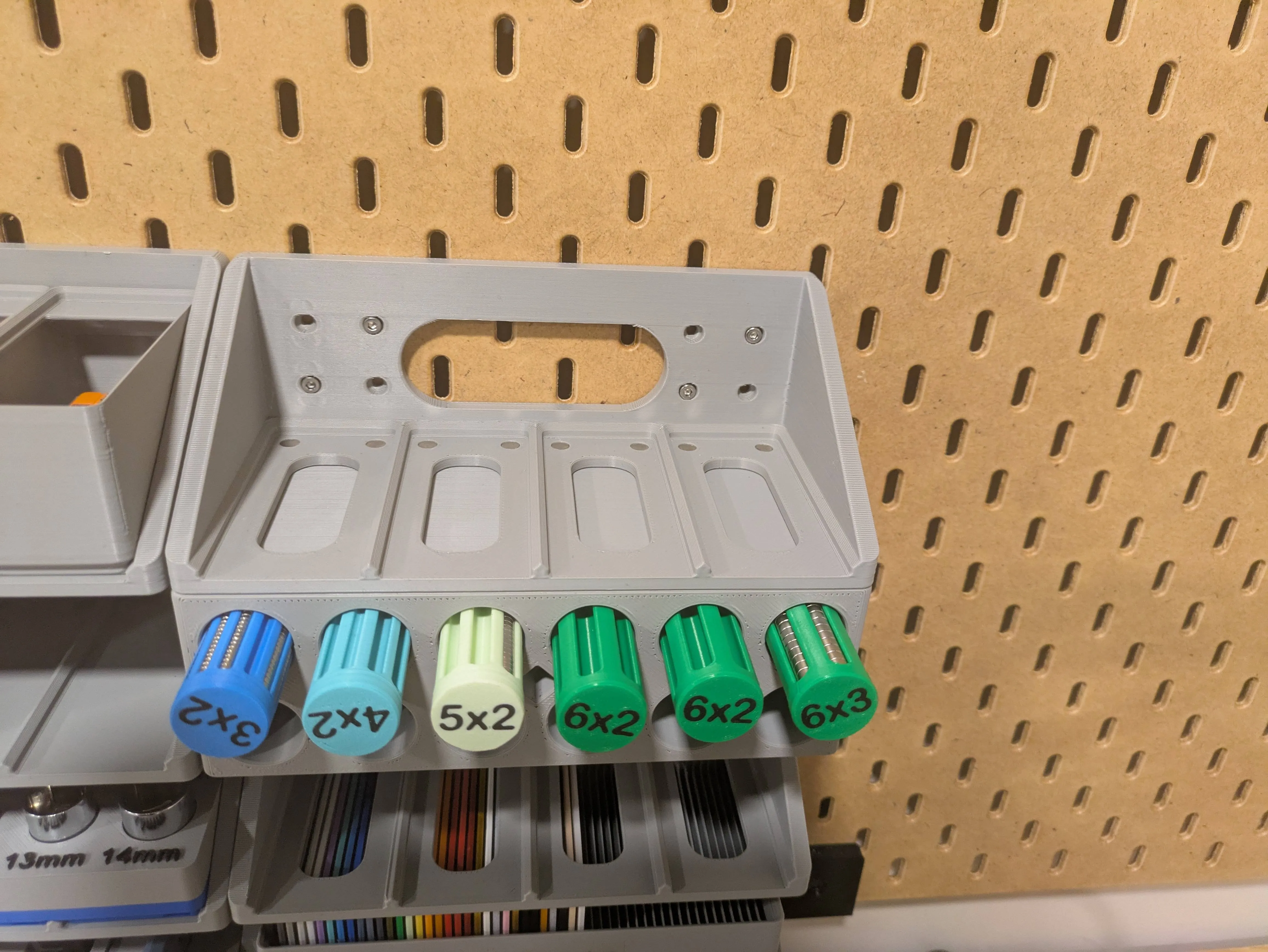
Finally, with the tool still on the item, you can line it up on the Skadis board and then pull it out while pushing the item into the slots
License



Comment & Rating (8)