
MacBook Hard Drive Enclosure External Mount
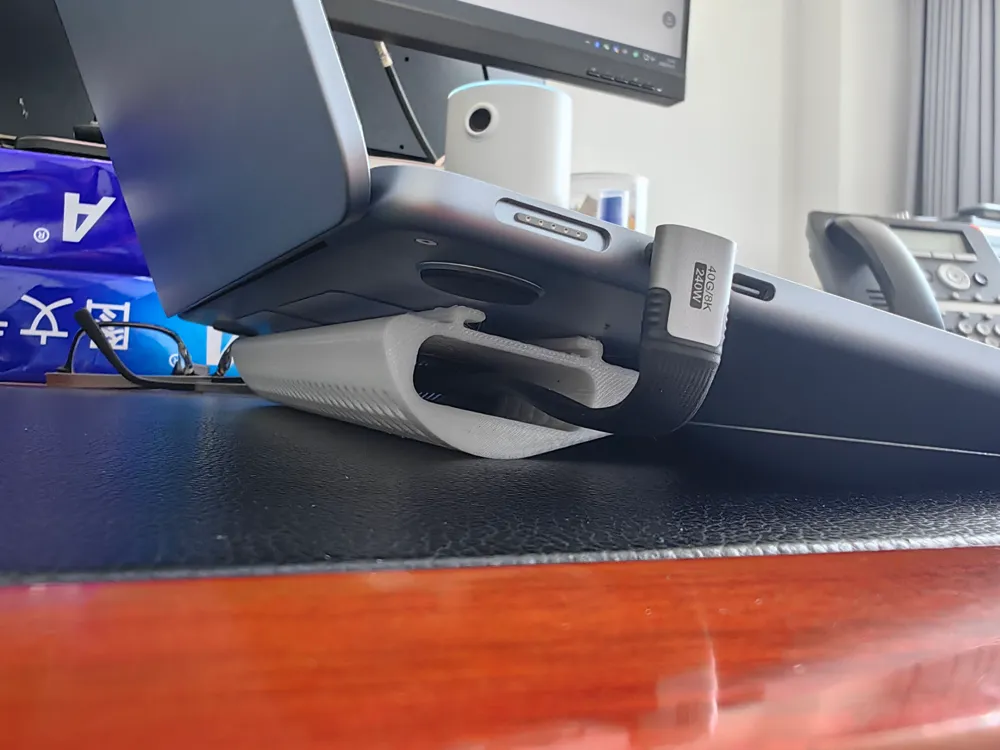
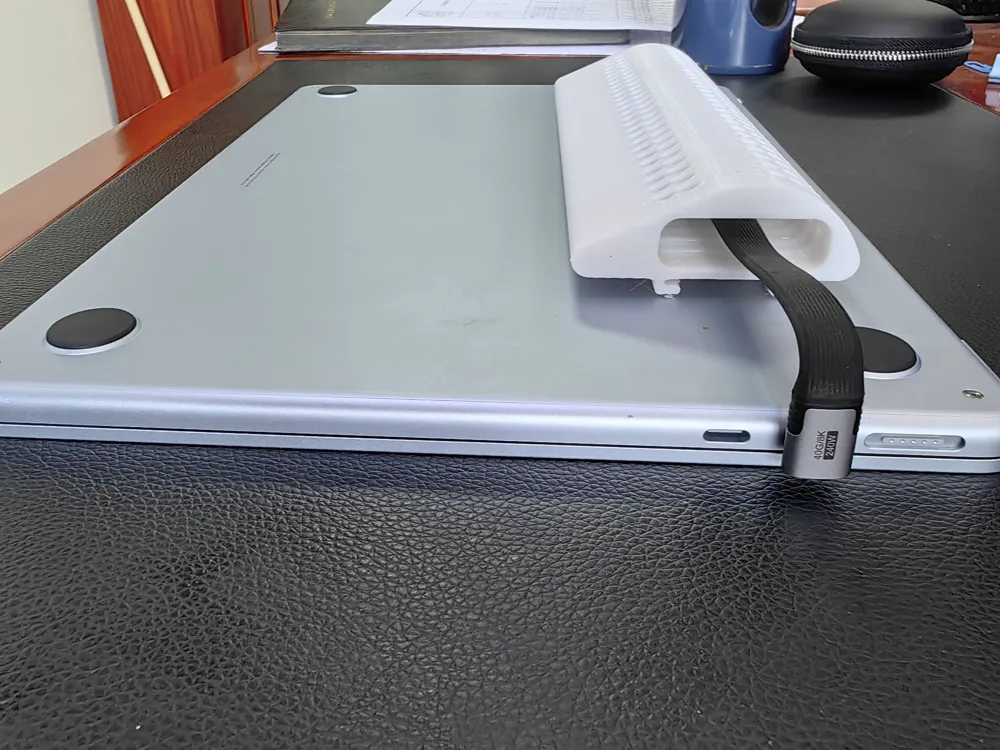
Print Profile(2)


Description
Boost Me (for free)
Feel free to leave comments if you need any model modifications, and if you can, please offer your support
Giving My MacBook Hard Drive Enclosure a 3D-Printed Home—Instant Desktop Cleanliness!
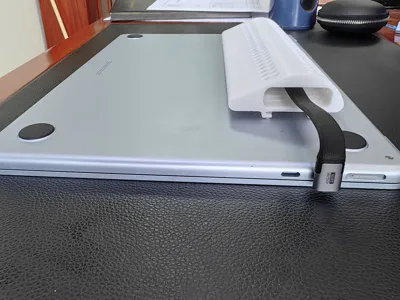
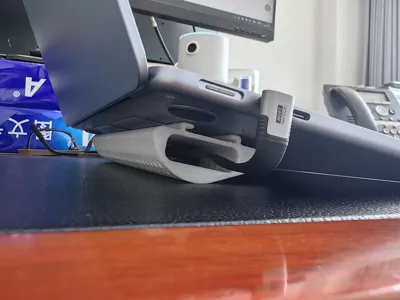
Fellow Bambu Lab enthusiasts! Today, I'm thrilled to showcase my latest creation—a 3D-printed MacBook hard drive enclosure external mount!
We MacBook users understand the struggle: 128GB/256GB hard drives quickly become insufficient, making external enclosures a necessity. However, a challenge arises—placing the hard drive enclosure on the desk either leads to it wobbling and taking up space, or the cables tangle into a "spiderweb," creating a visually unappealing mess.
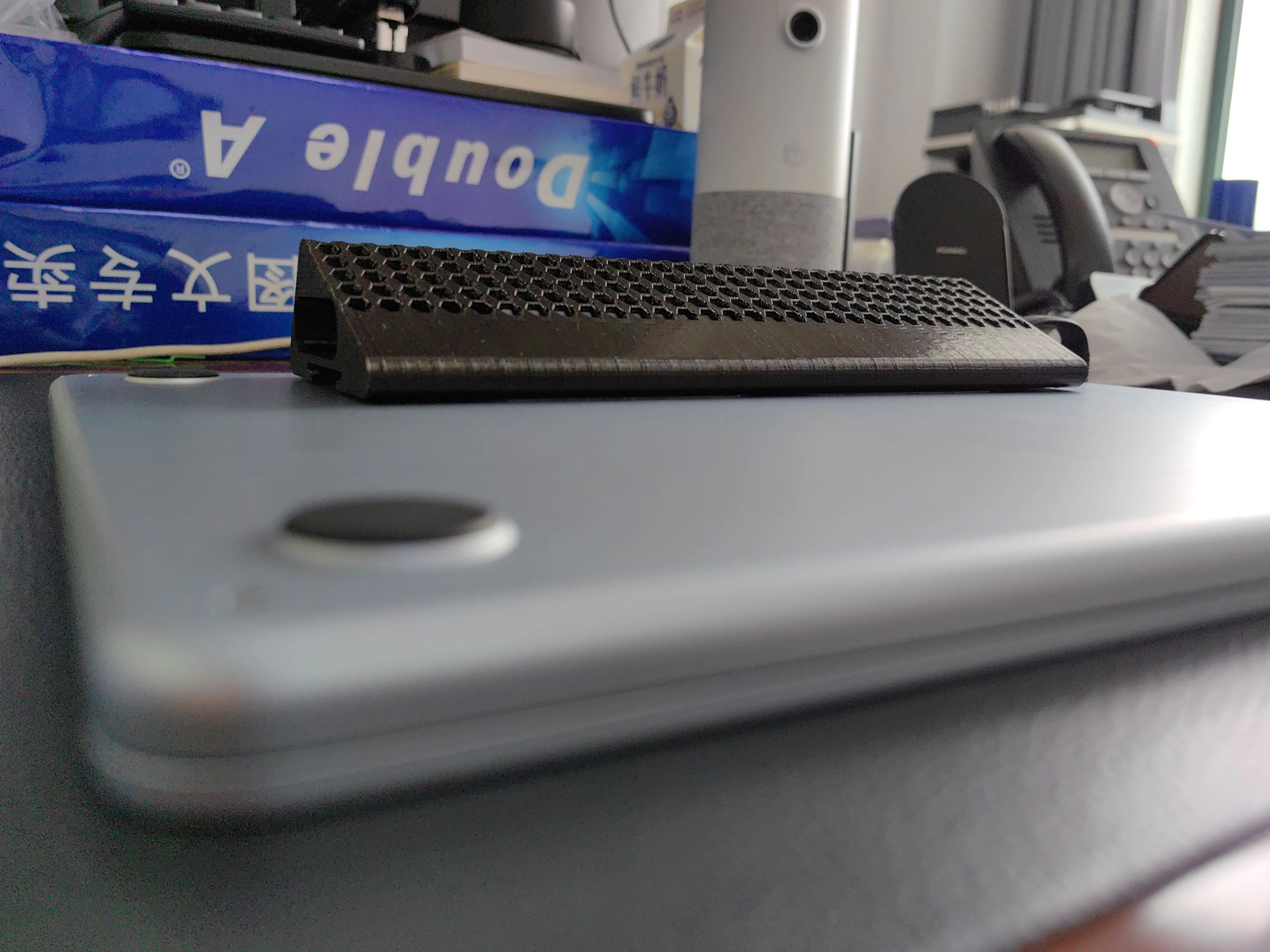
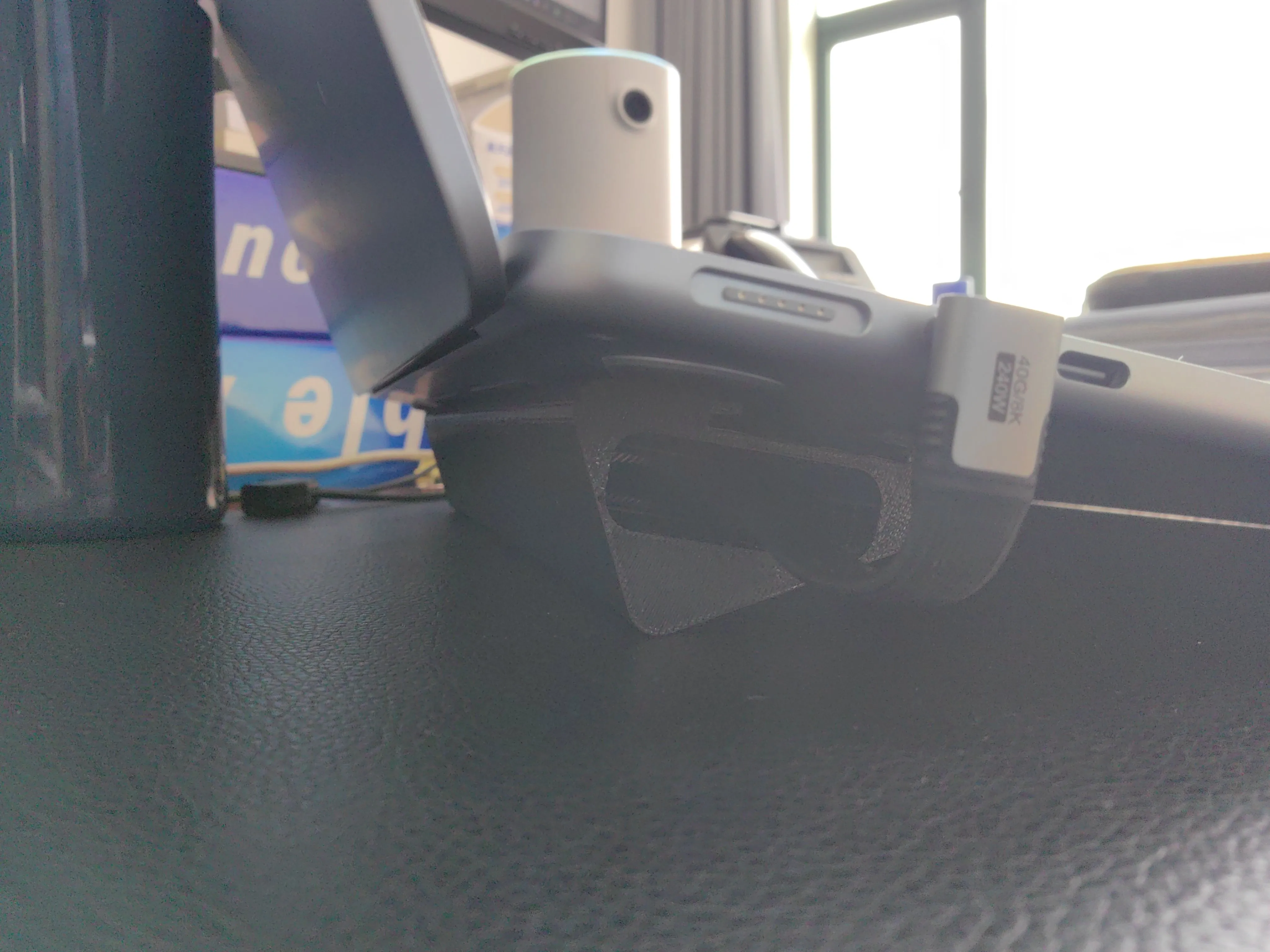
Thus, I designed this mount! It seamlessly integrates with the hard drive enclosure, offering a perfect angle while also optimizing hard drive cooling: it avoids obstructing MacBook ports, keeps the enclosure firmly attached to the side of the device, and crucially, conserves desktop space! My desktop is finally free from the "hard drive enclosure odyssey," and the cables are neatly organized, resulting in a far more aesthetically pleasing setup.
The printing process deserves special praise for Bambu Lab's exceptional machinery—the detail is exquisite! The mount's latches and contact surfaces are incredibly precise, devoid of burrs and exhibiting no looseness; the hard drive enclosure fits snugly without any wobble. I opted for PETG material for its lightweight yet robust nature, and after using it for nearly two weeks, there's been absolutely no deformation.
This small design is incredibly practical for us MacBook users! If you're also tired of the lack of space for your external hard drive, consider printing one yourself. I've iterated on the design through six versions, and I've uploaded both the final and source files for your convenience. Feedback and suggestions for improvements are also warmly welcomed—after all, the joy of 3D printing lies in collaborative tinkering and optimization!
Perfectly compatible with the GreenLink M.2 mobile hard drive enclosure. Link to purchase on JD.com: Click here.
Angled USB4 data cable. Link to purchase on JD.com: Click here.
#3DPrintingModification #BambuLabUserDaily #MacBookUsefulAccessories #HardDriveEnclosureSavior
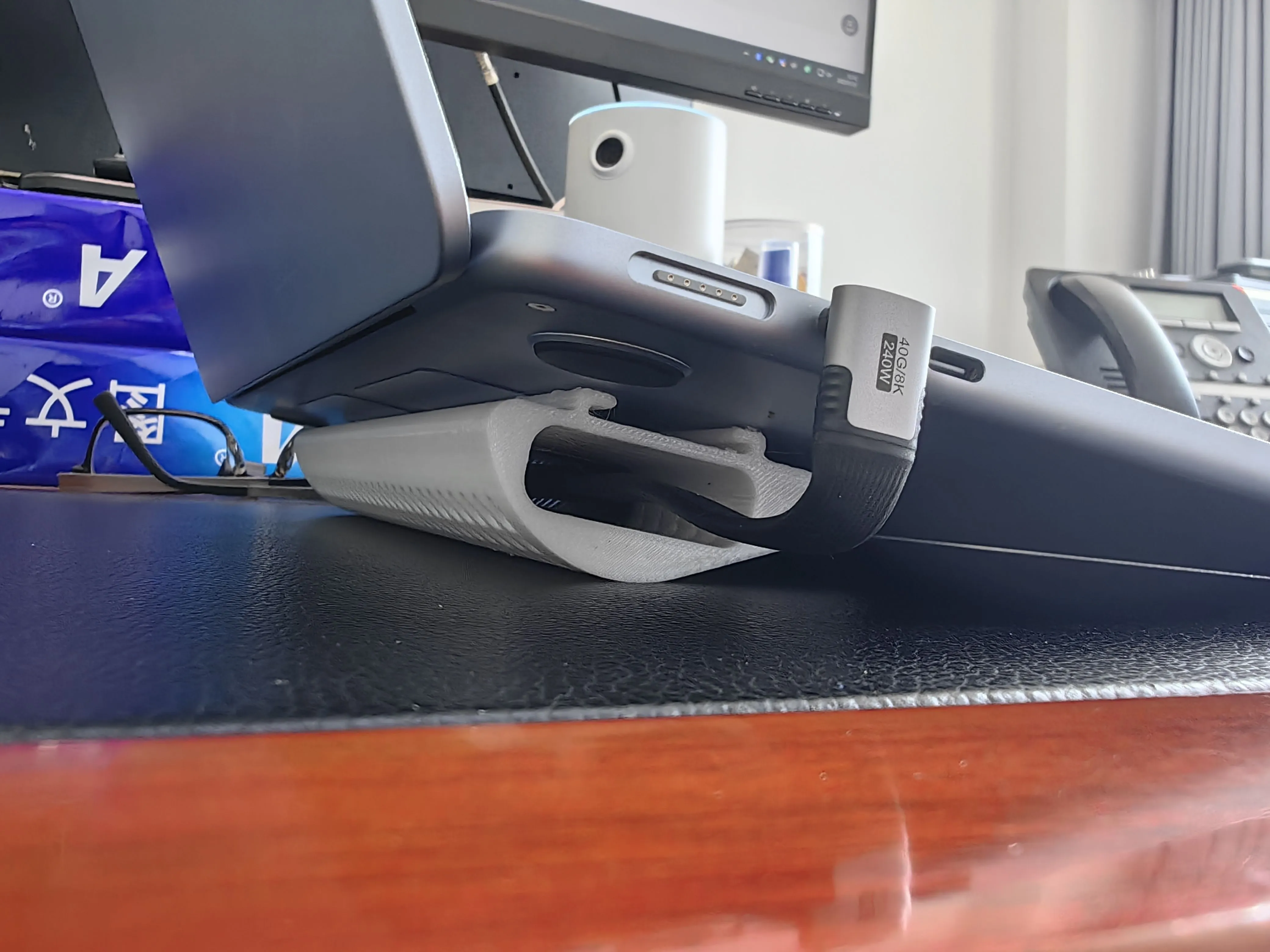
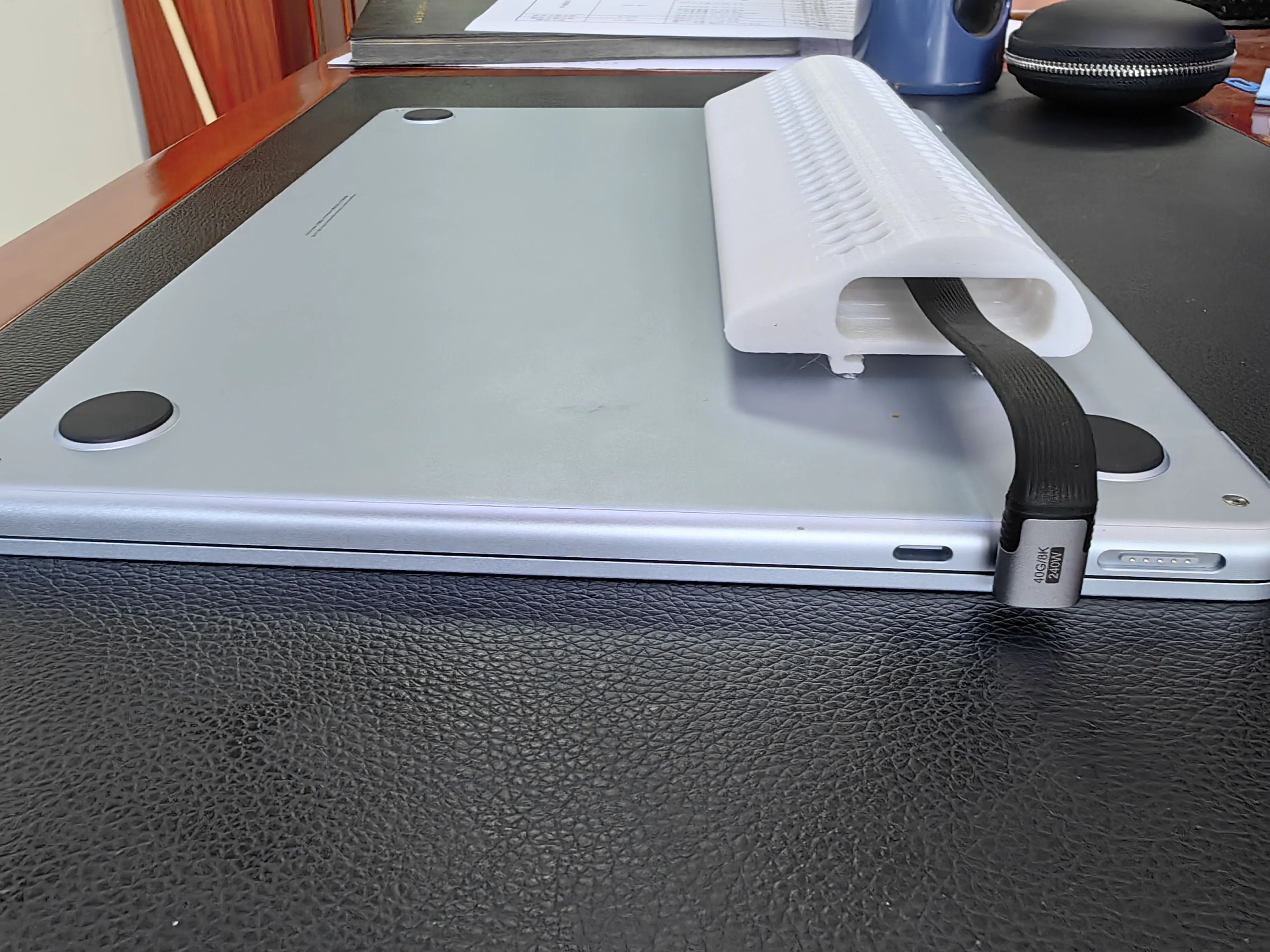
Version 6, iteration 4, features optimized external connectivity and hard drive cooling, resulting in a more seamless fit with the MacBook and enhanced heat dissipation. I currently only have black filament available, but I believe a silver filament print would yield superior aesthetic results.
License



Comment & Rating (0)