
BRICK Minifigure Display Stand
Print Profile(3)


Description
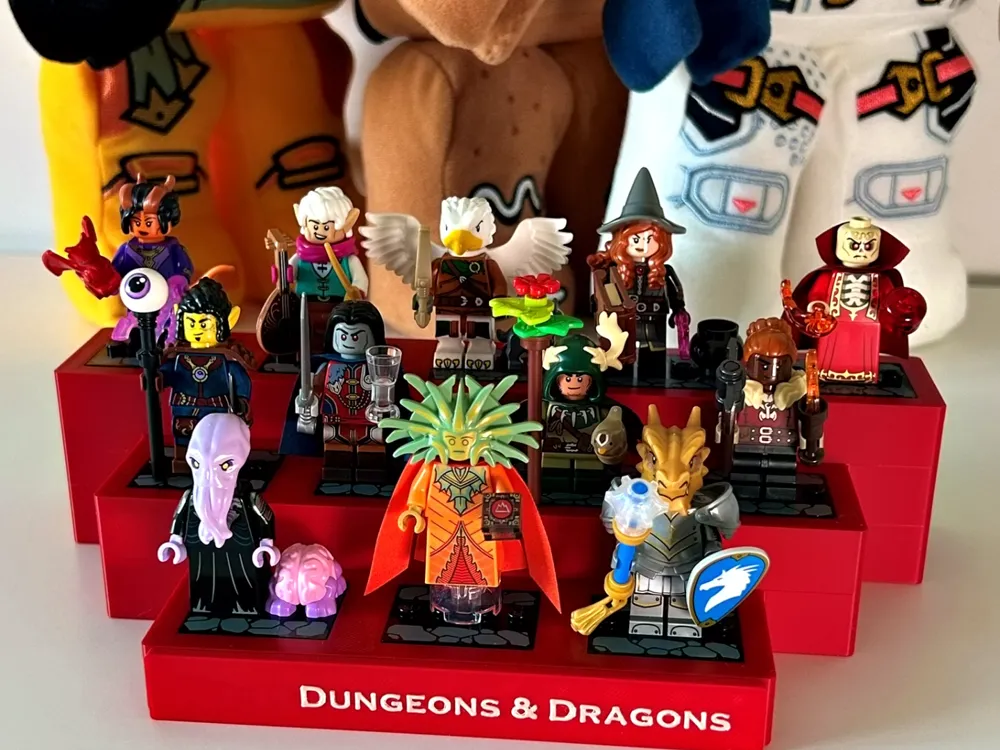
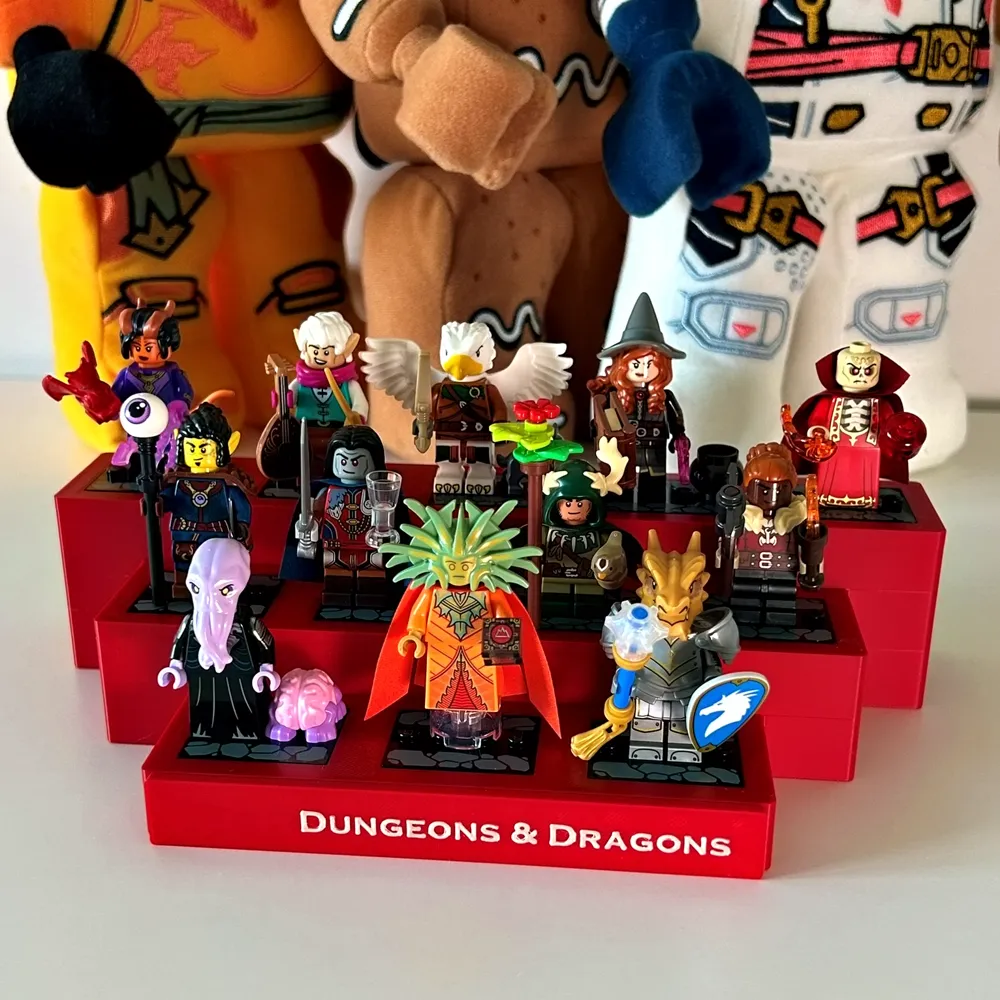
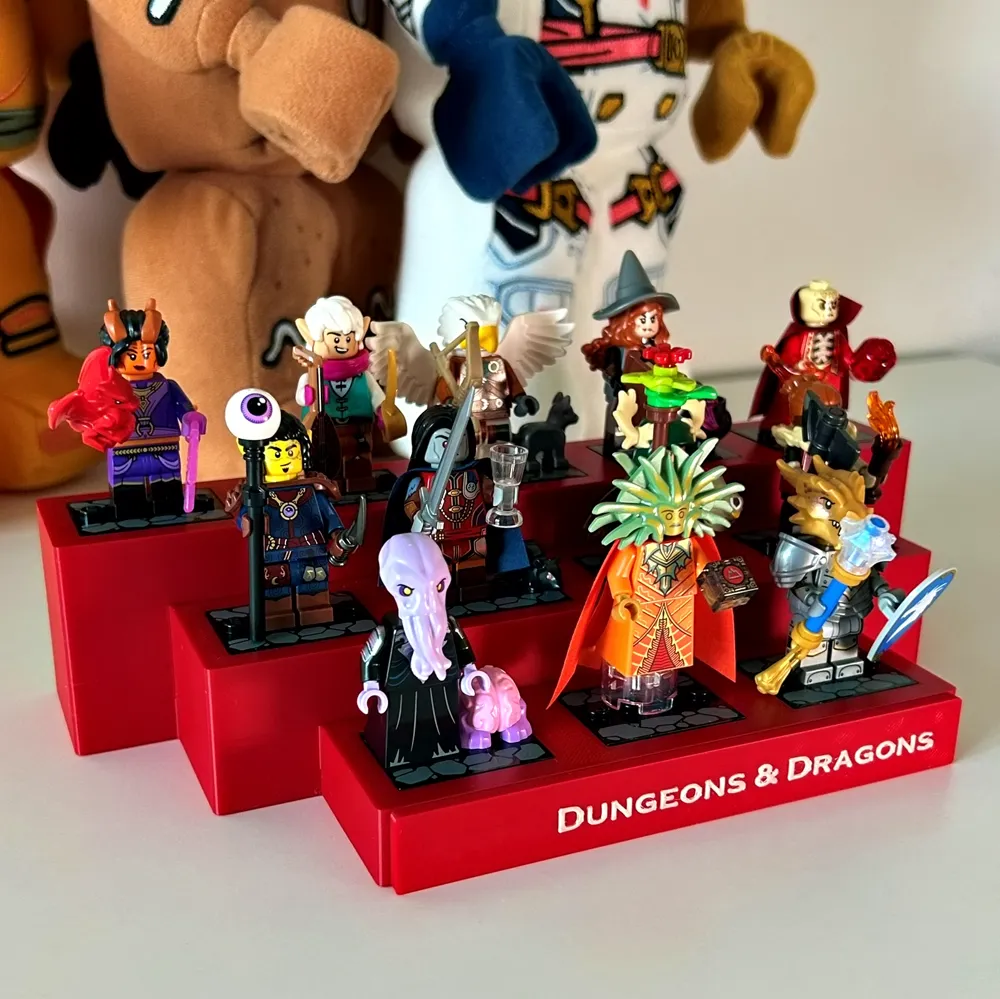
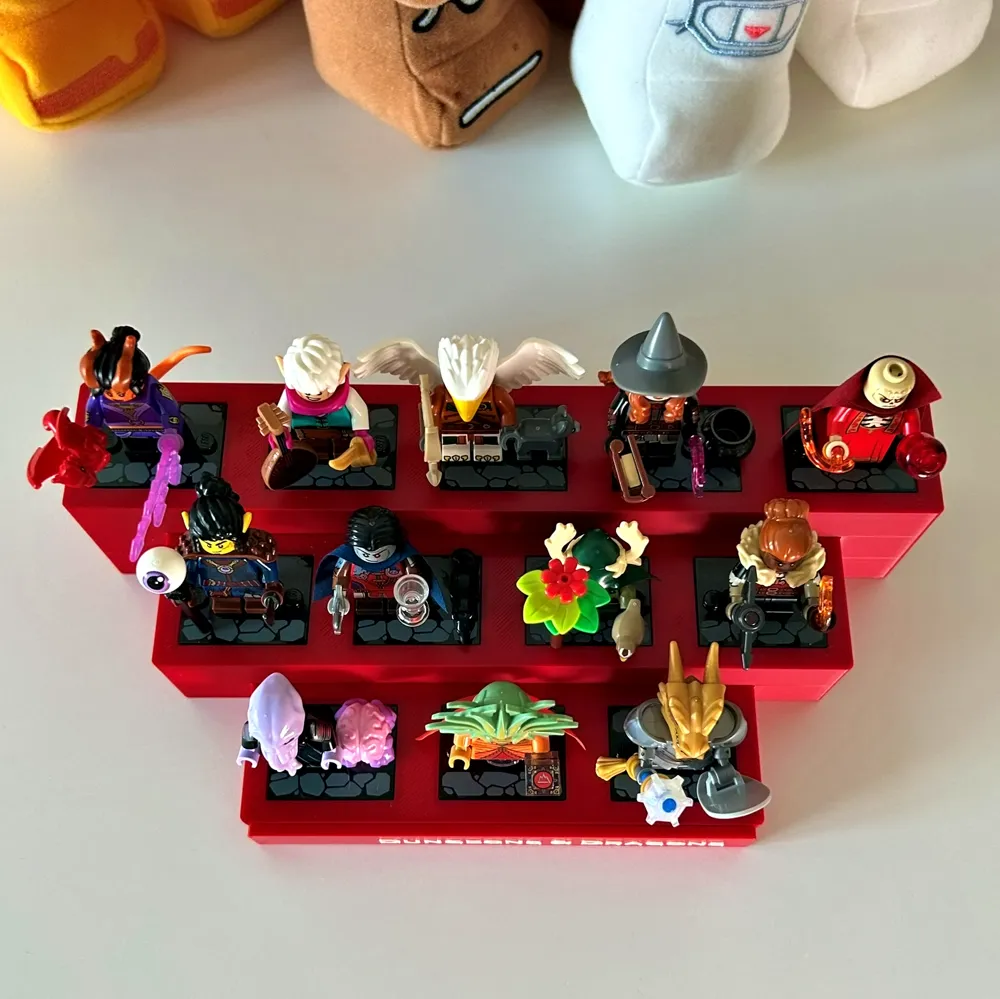
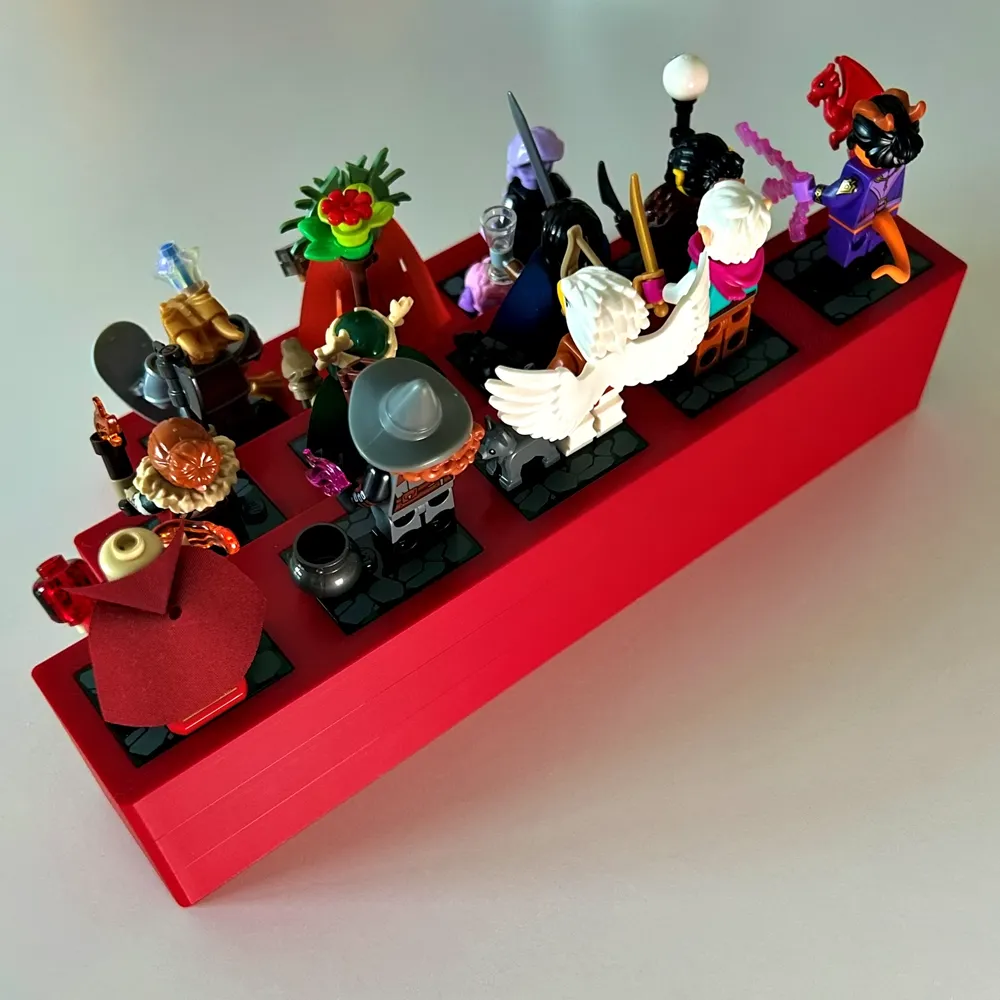
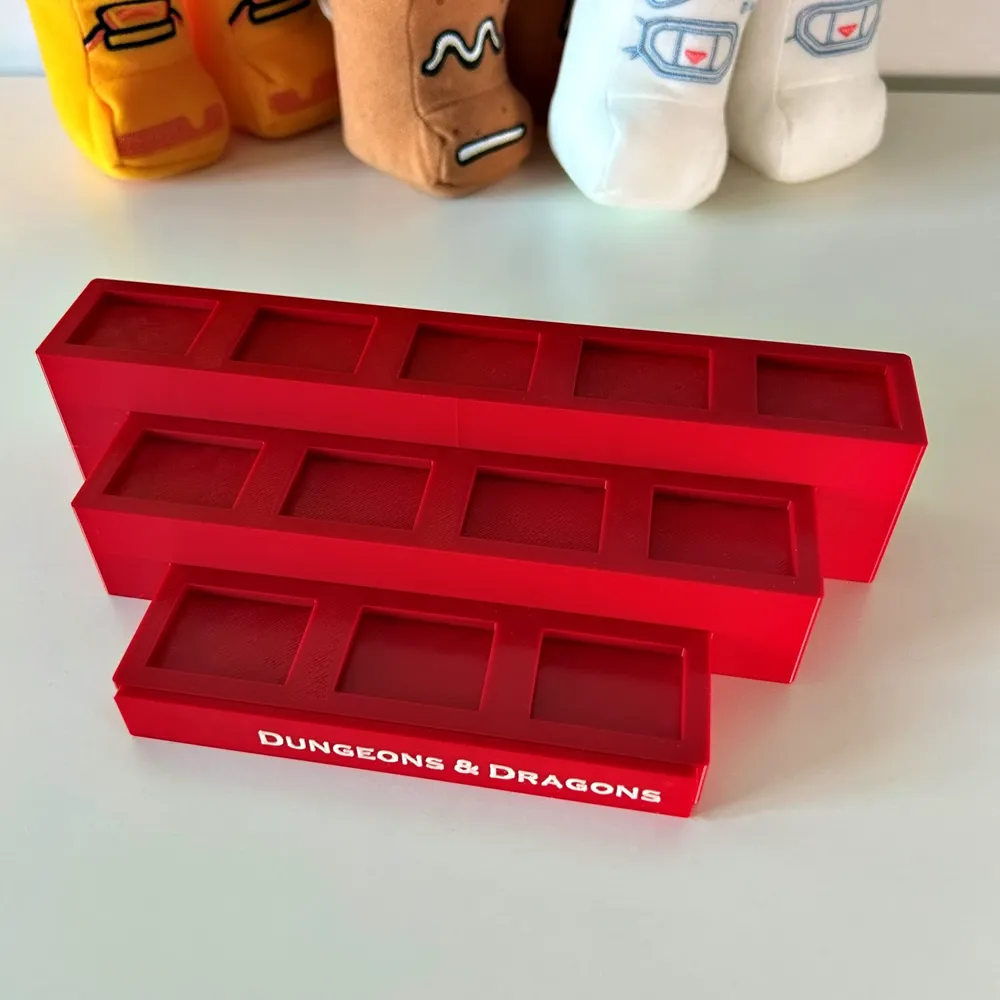
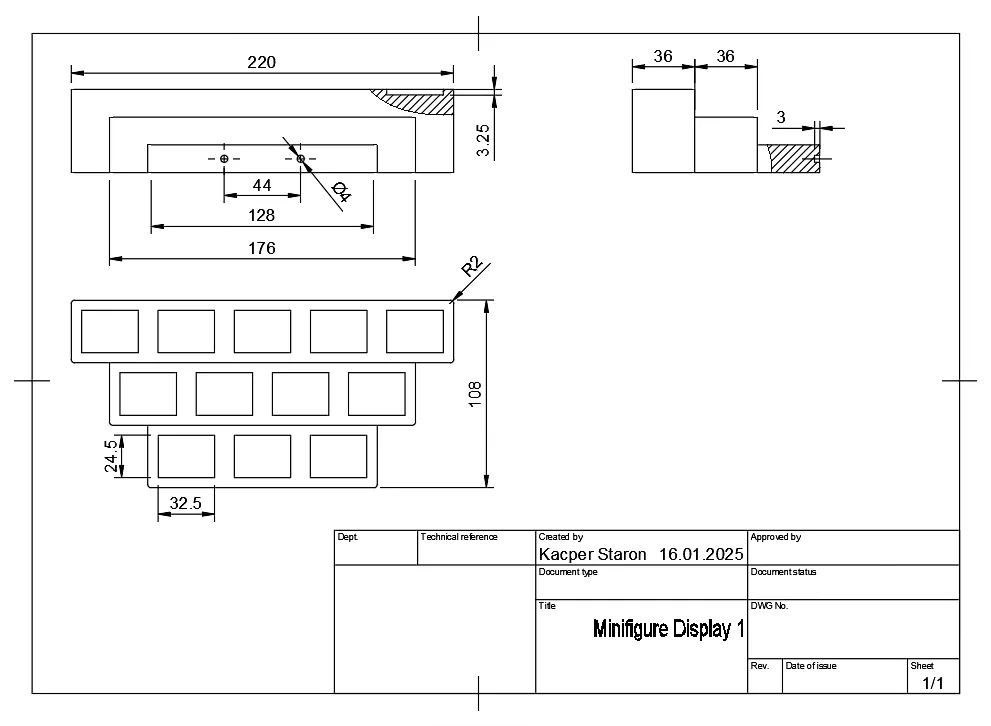
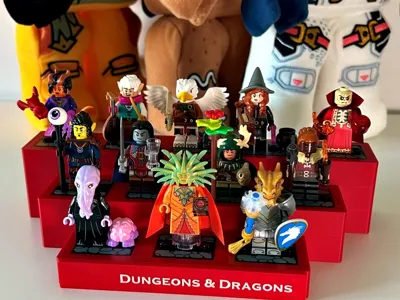
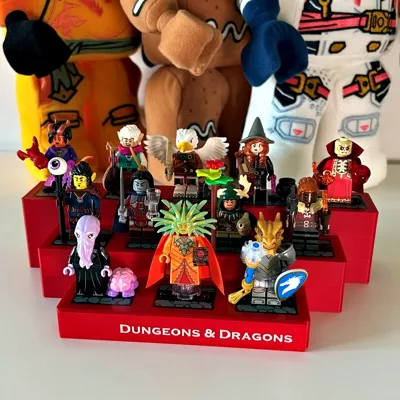
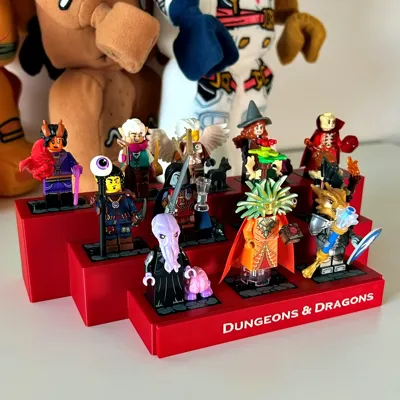
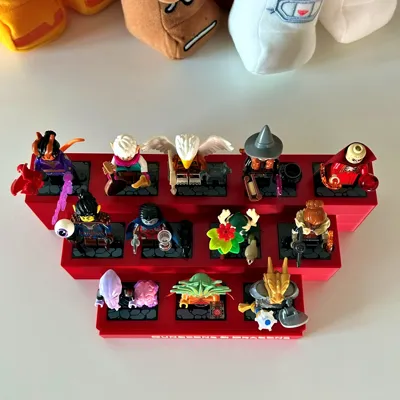
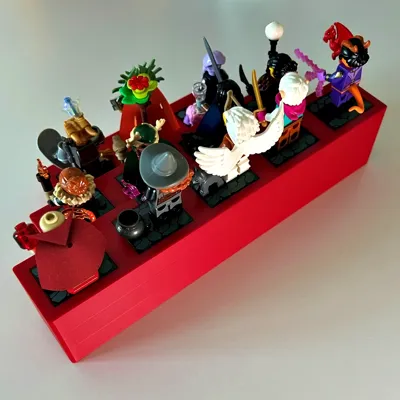
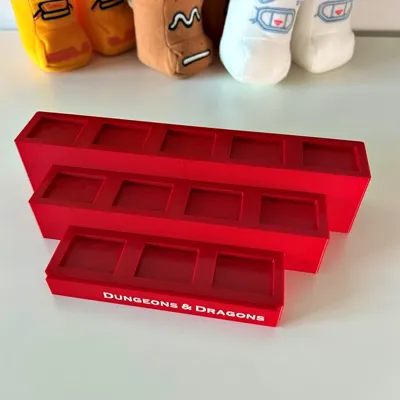
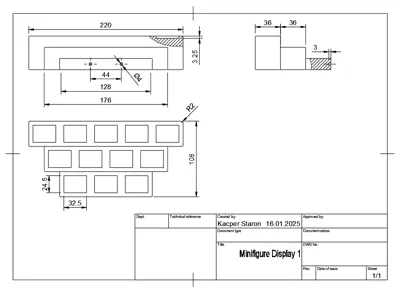
This display stand is designed to showcase a full set of 12 collectible BRICK minifigures. Each figure has its own dedicated slot, keeping the display neat and organized. The sleek, minimalistic design is perfect for shelves, desks, or cabinets, making it an ideal solution for collectors looking to display their figures in style.
If you want just the blank stand version - download the “brick-ds-noholes.3mf” file.
Nameplates
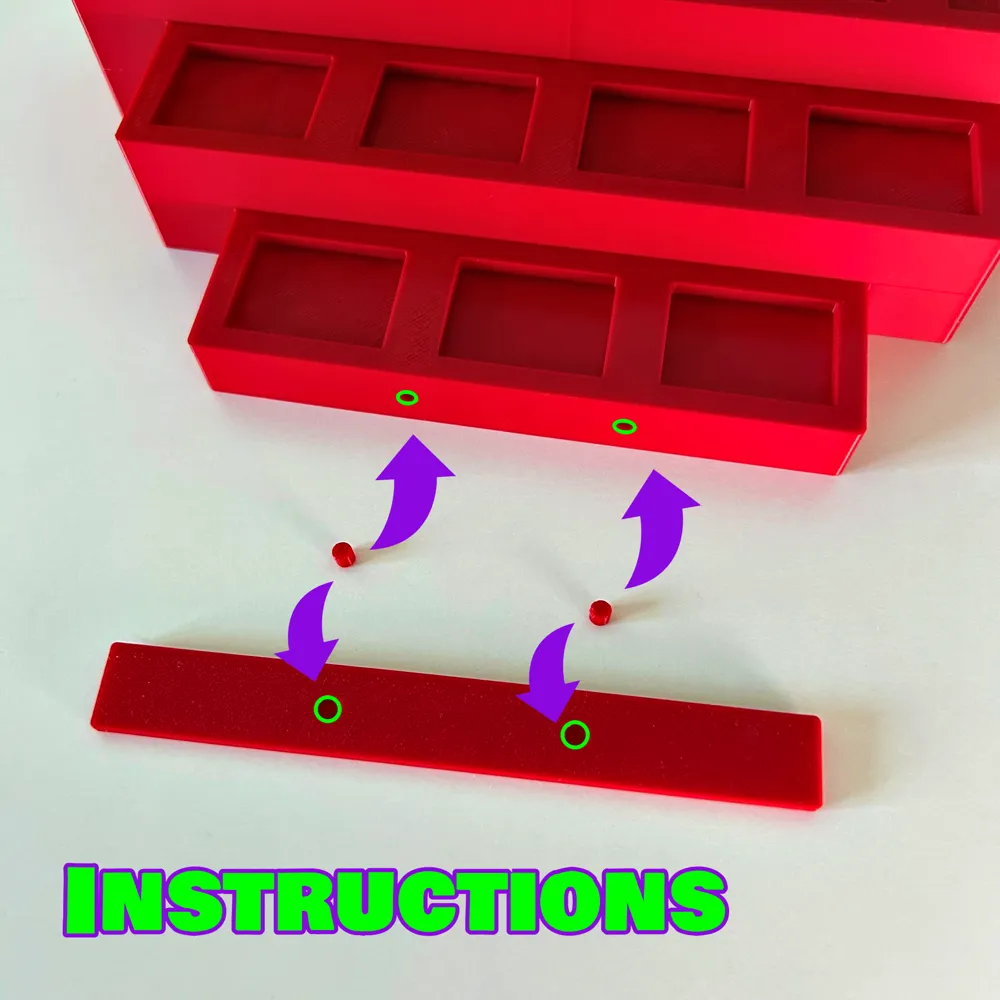
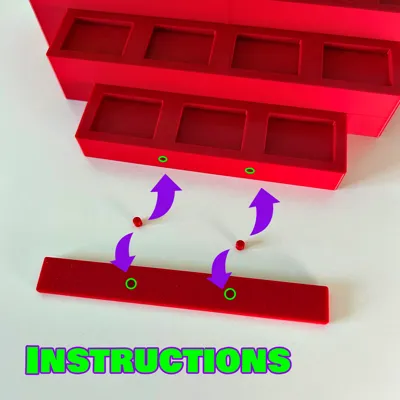
You need the “brick-ds-holes.3mf” version to be able to mount the plate using the pins. A separate, blank nameplate model is included - “brick-ds-np-blank.3mf”. You can add your own text using whatever slicer or CAD software or use the “brick-ds-np-input.3mf” version of the file to change the text and font using BambuStudio. Two pins are meant to be put into the two holes in the display stand and nameplate.
Print Settings
I printed this display stand and nameplate on my Bambu Lab P1S using eSUN PLA+ filament, 0.4 mm nozzle, 0.2 mm layer height, 2 wall loops, 10% infill, ironing on all top surfaces (except for the pins).
You can also print out the "brick-ds-test.3mf” file to see if everything will turn out okay. This will ensure that you don't waste your filament. The lettering, pin tolerances and fit of the BRICK baseplate are crucial.
Boost Me (for free)
Thank you all for the help in fulfilling my hobby!
License



Comment & Rating (3)