Search models, users, collections, and posts

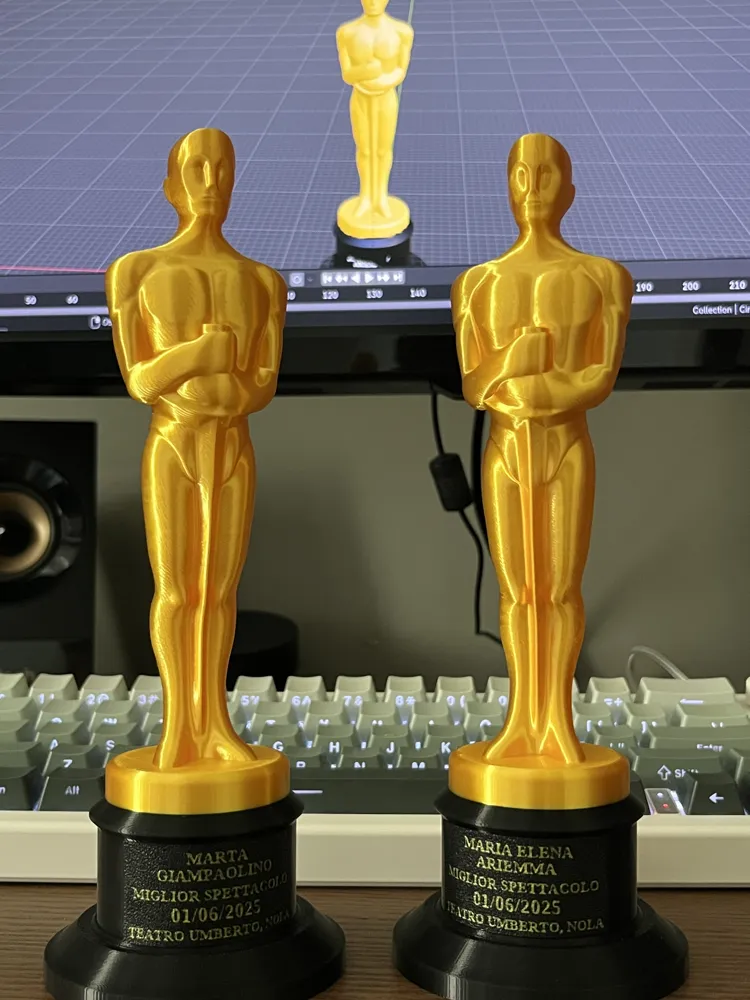
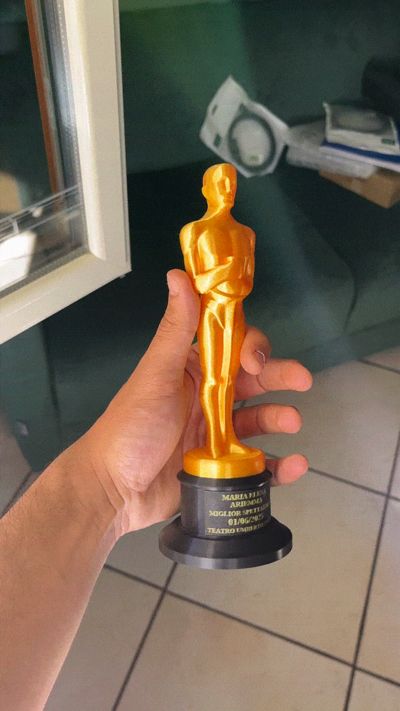
Oscar Statue - Custom Plate
Remixed by
IP Report
GIF
Print Profile(4)

0.12mm layer, 3 walls, 15% infill
Designer
6.4 h
1 plate

Plate with text, 0.4 nozzle, 0.2mm layer
Designer
29 min
1 plate

Plate with text, 0.2mm nozzle, 0.1mm layer, 1 walls
Designer
1.3 h
1 plate

A1 Mini 0.12mm layer, 3 walls, 15% infill

6.4 h
2 plates
Open in Bambu Studio
Boost
200
414
51
30
1.1 k
421
Released
Description
Boost Me (for free)
Enjoyed the model? A boost would mean a lot and keeps me motivated to keep creating!
This is a remix of the classic Oscar statuette model. I customized the black base and the nameplate to give it a personal touch—perfect for gifts, parties, or fun awards. The rest of the model remains unchanged from the original.
If you want to change the text on the plate, follow these steps:
- Download the font you like (I used Tinos-Bold)
- Open the “Oscar Statue” blend file
- Select the plate
- In the upper menu, click on “Geometry Nodes”
- Choose your font in the “String to curves” blocks/nodes
- Write what you like
- Export the model as an stl applying the modifiers
Once you exported the model, you can print it, and I suggest to do as follows:
- Import your new plate in Bambu studio
- Rotate the model so the side that you read is on the buildplate
- Divide the object “By parts”
- Choose your colors
Print it
Optional: while the piece is still warm, press it on the black base and wait for it to cool down, now it will have the base shape
- Glue it to the base
- Enjoy and boost me ;)
This remix is based on

License

This user content is licensed under a
Creative Commons Attribution-Noncommercial-Share Alike


Comment & Rating (51)