
Print Profile(2)





Description
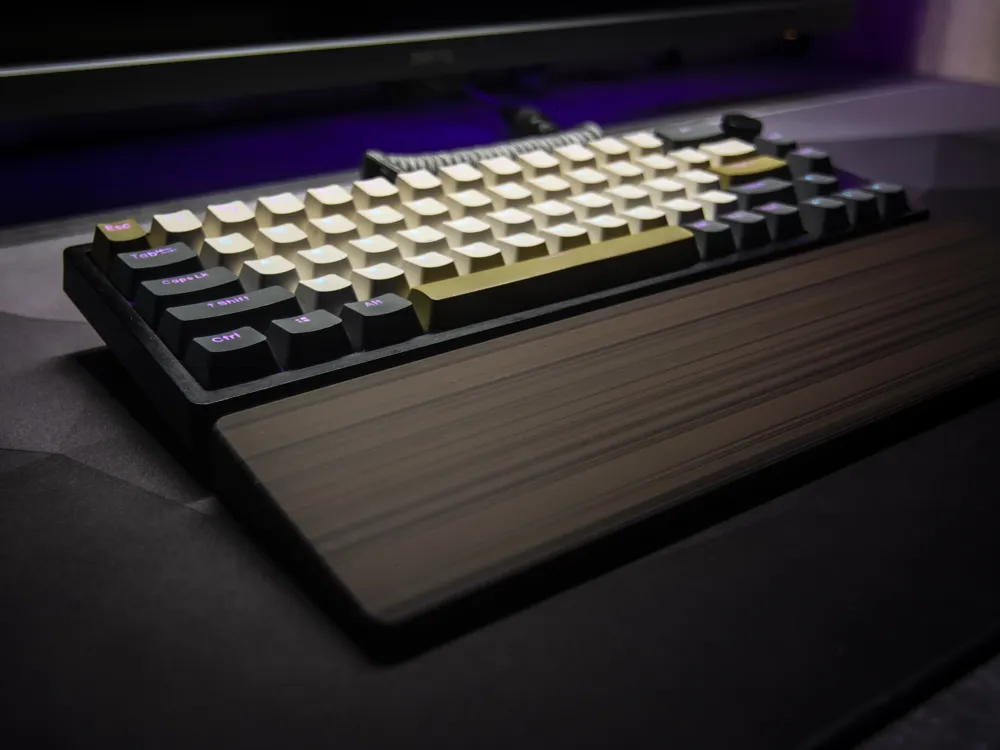
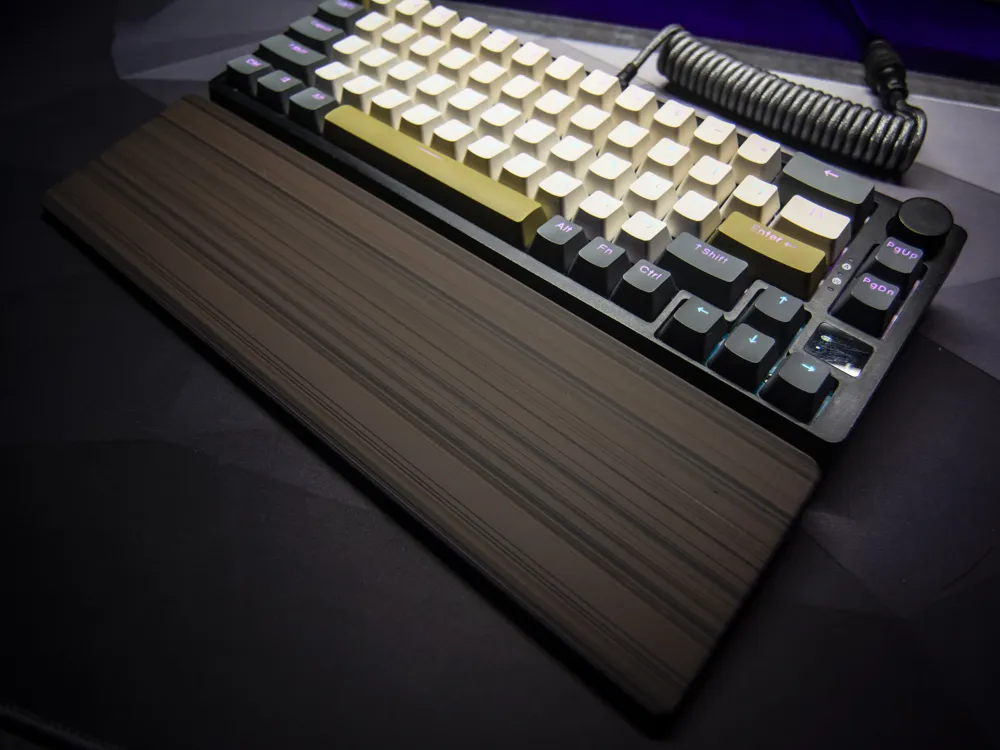
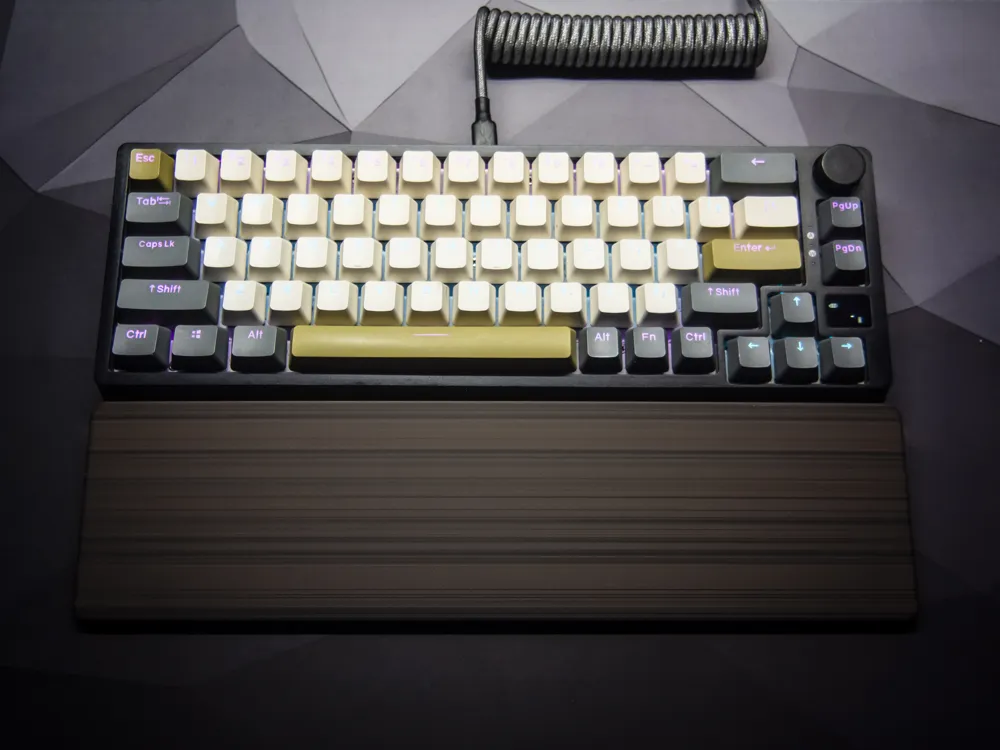
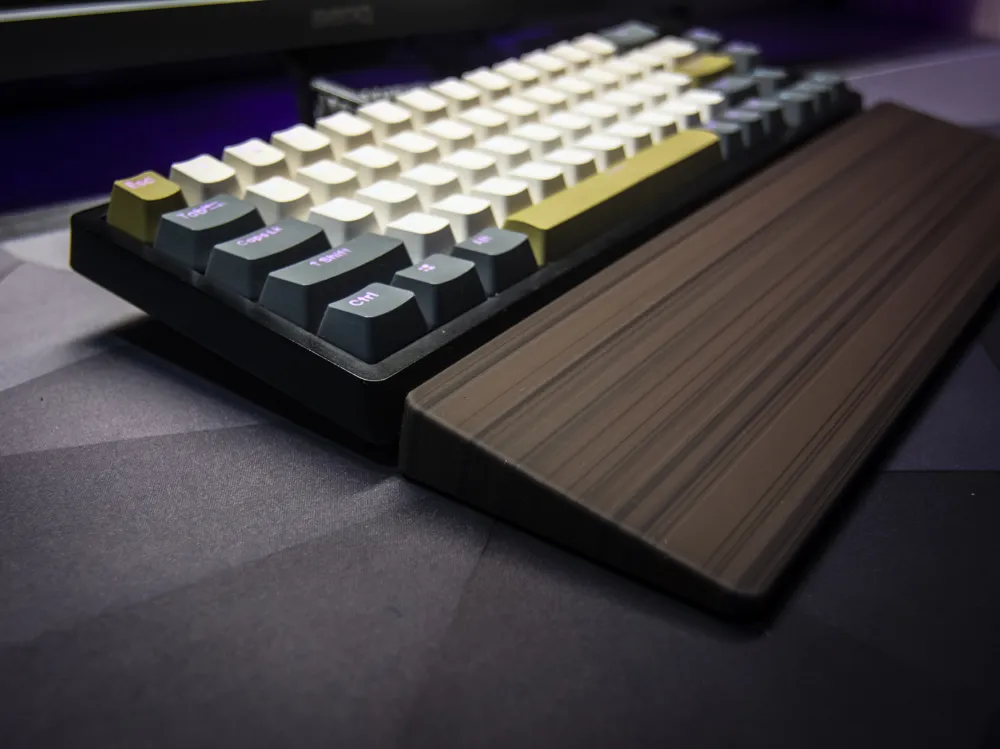
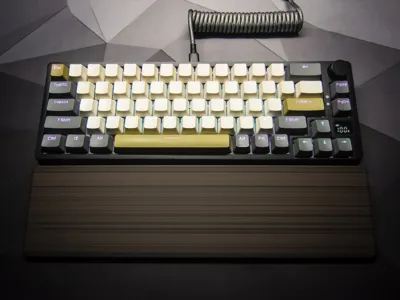
Keyboard Wrist Rest - Wood Style
Boost Me (for free)
to support future, better projects
Membership
Check out how to be part of my world! Every bit of support is a huge boost to my motivation, helping me design even better models
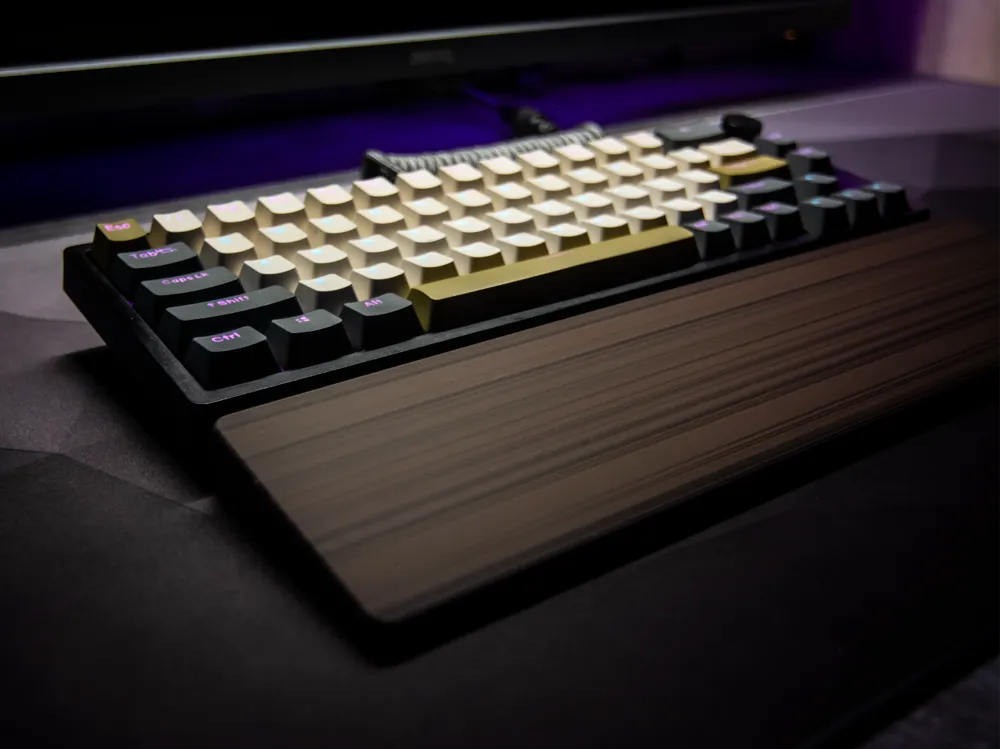
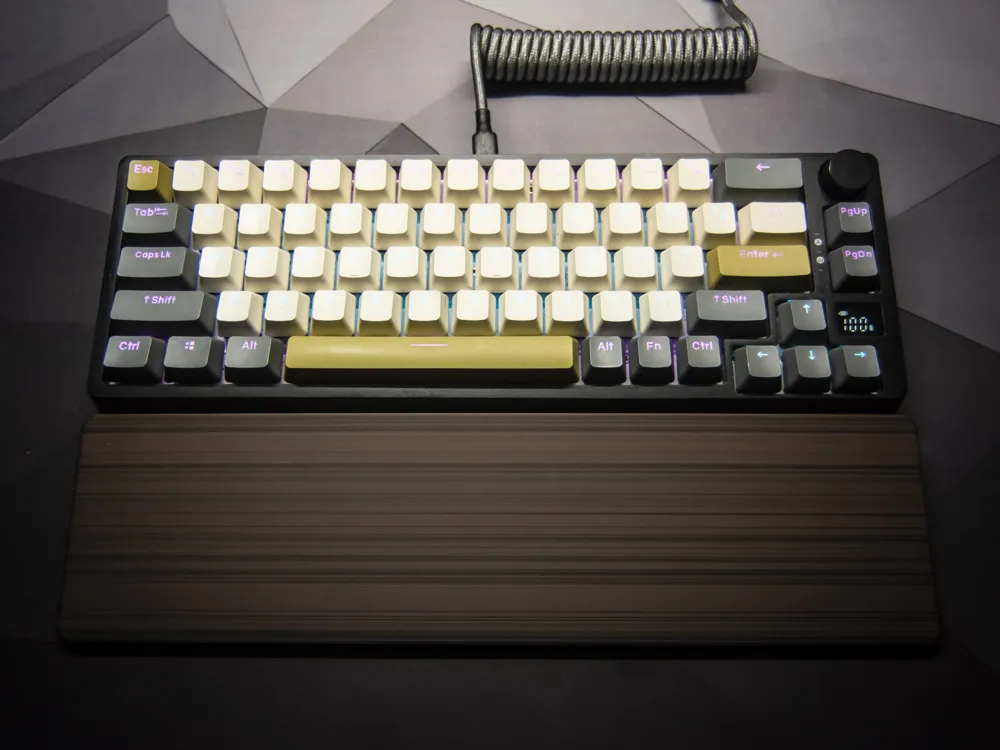
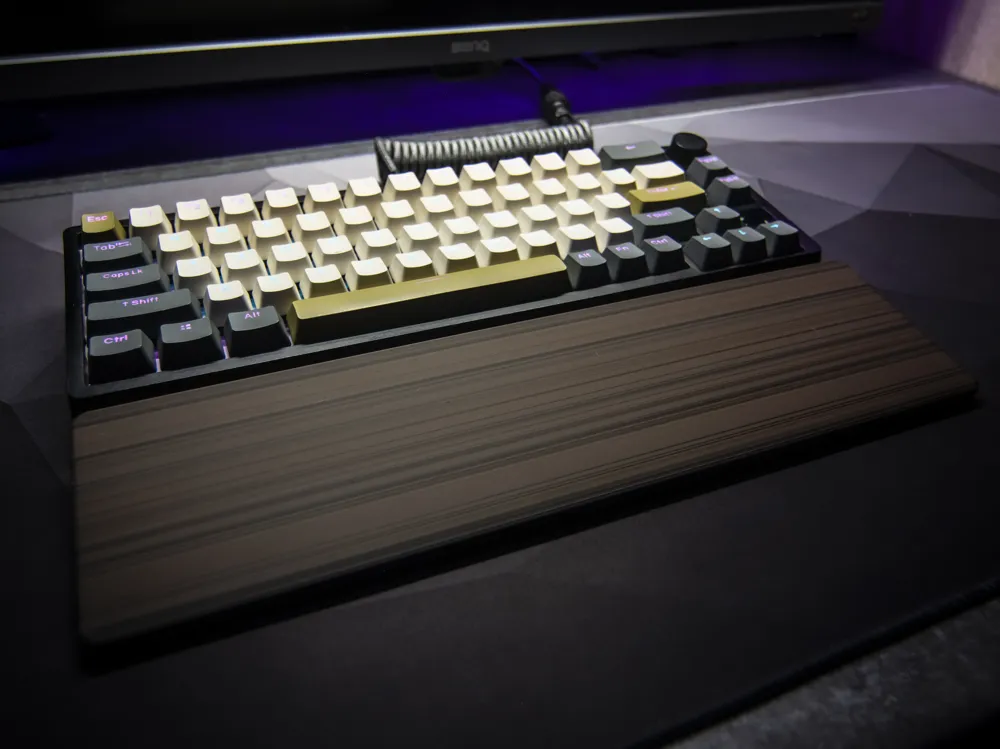
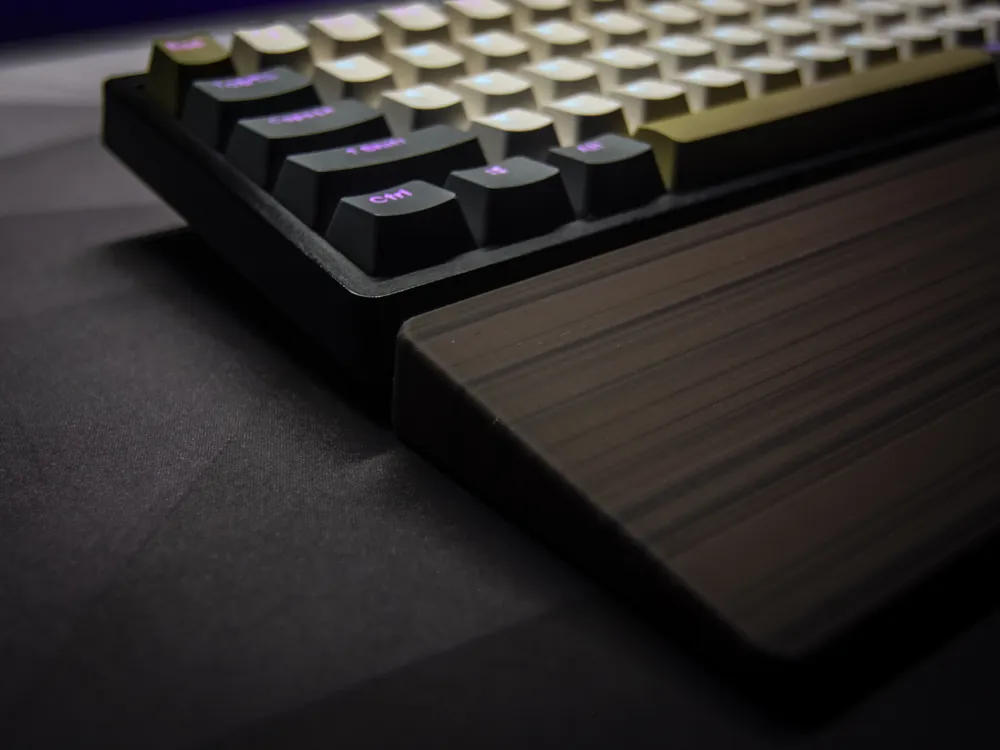
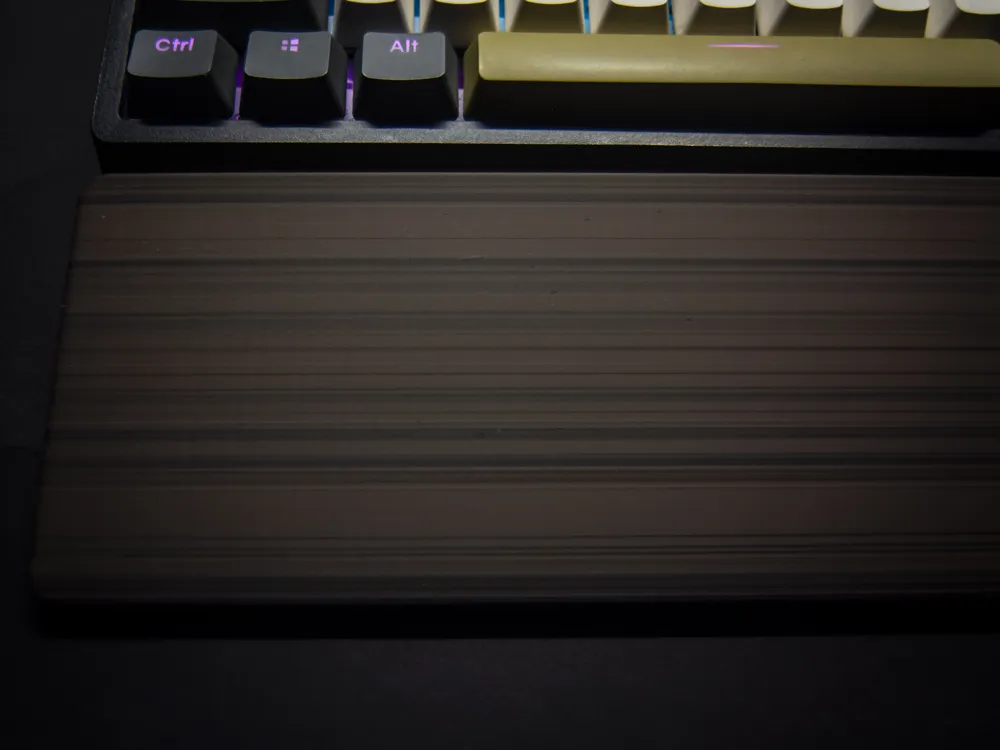
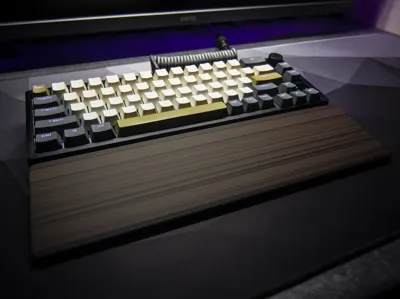
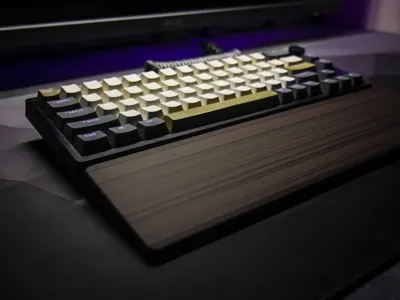
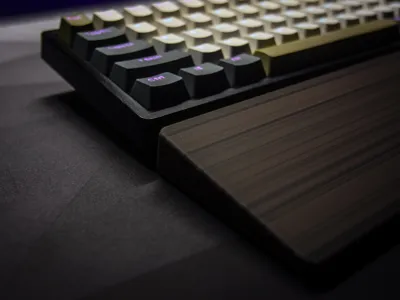
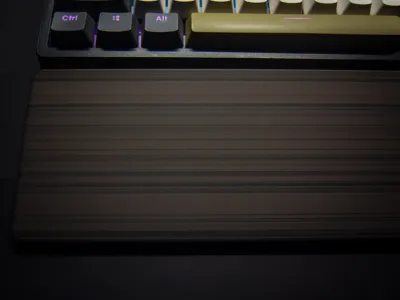
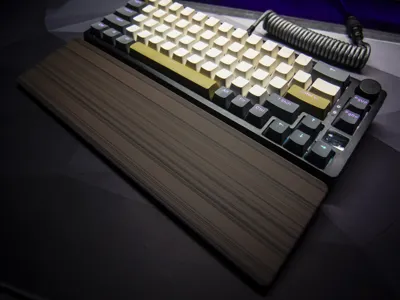
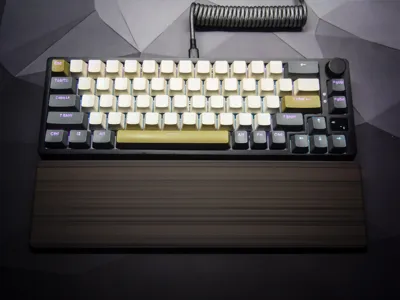
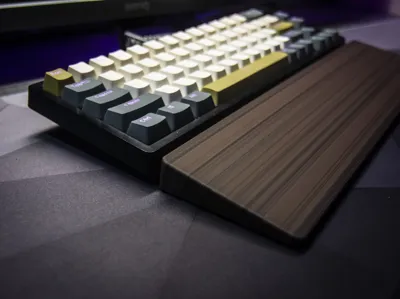
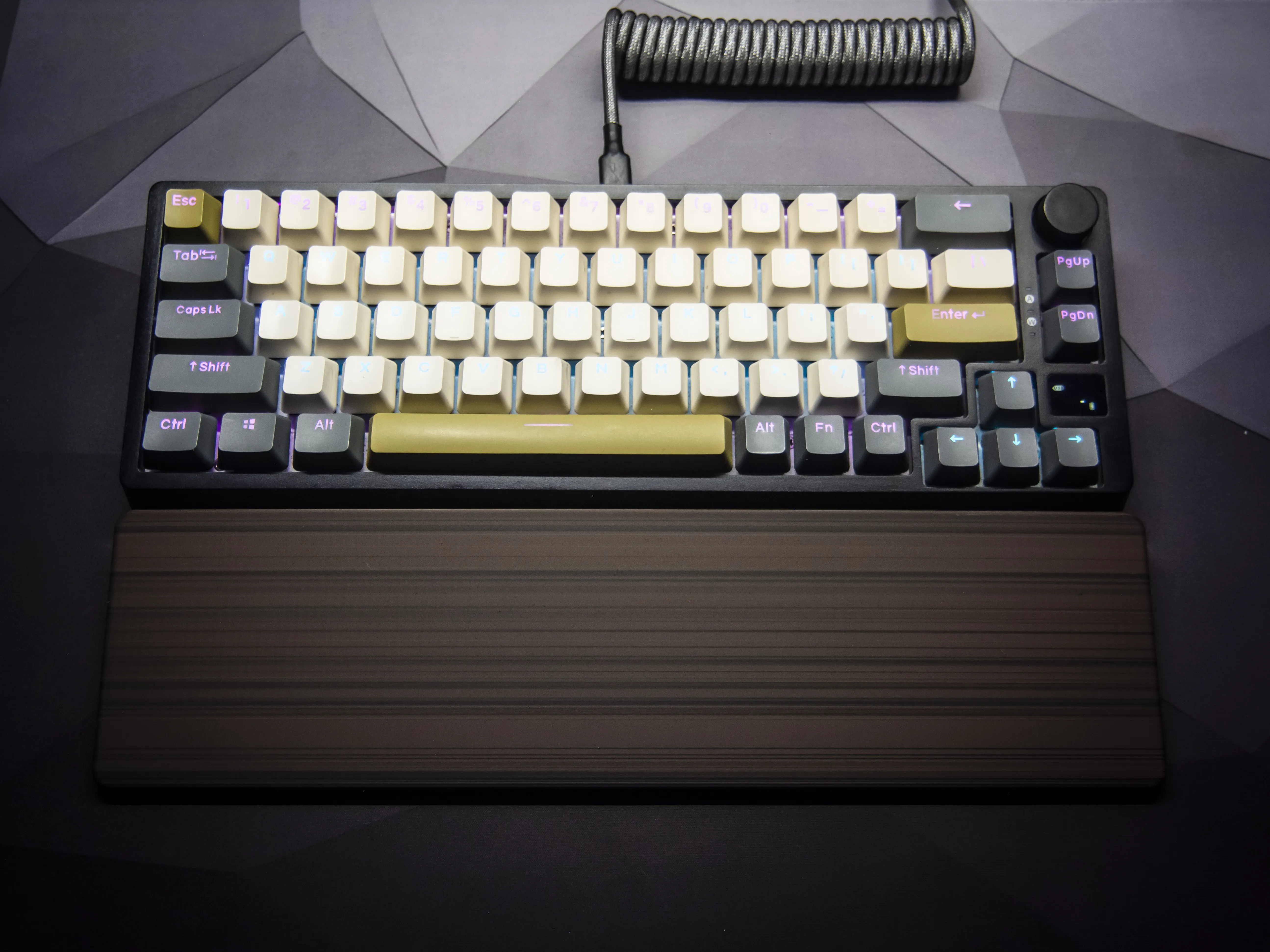
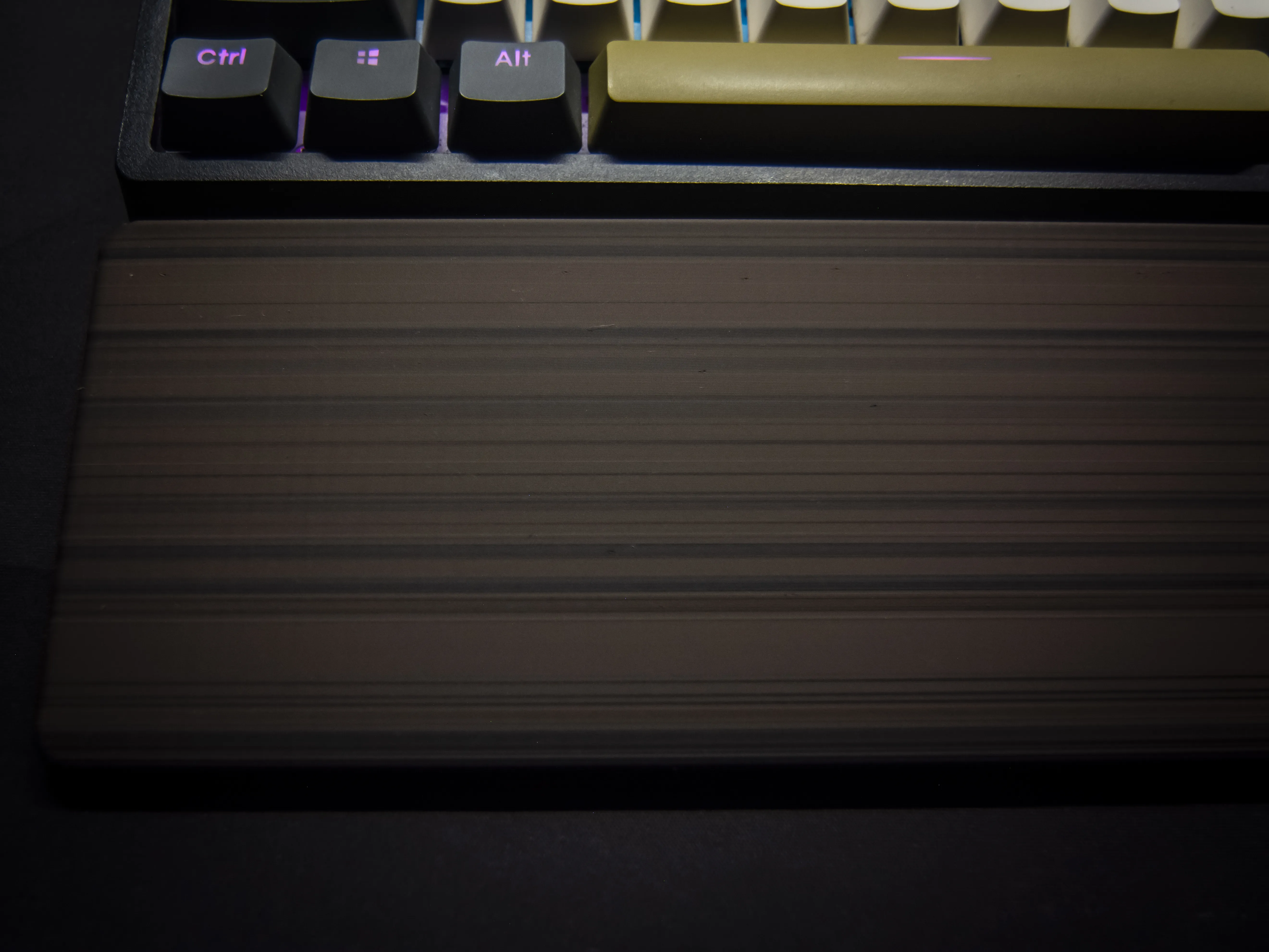
This is a 3D model of a wrist rest designed to imitate the look of natural wood, without requiring wood-filled filaments. It can also be printed in a smooth, single-color version if desired.
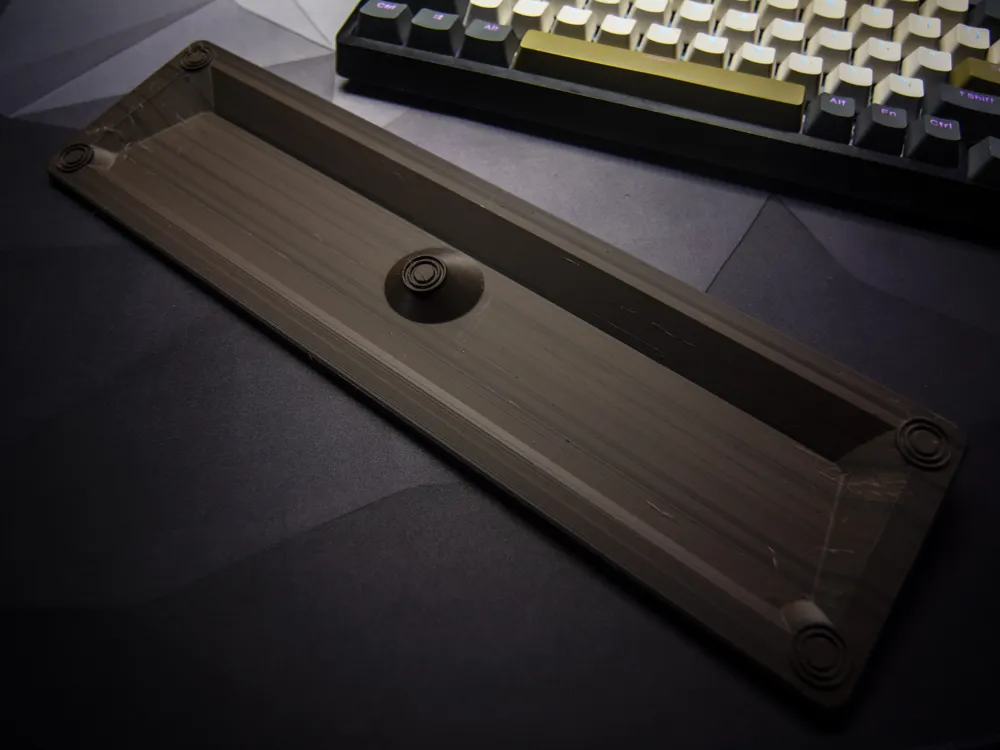
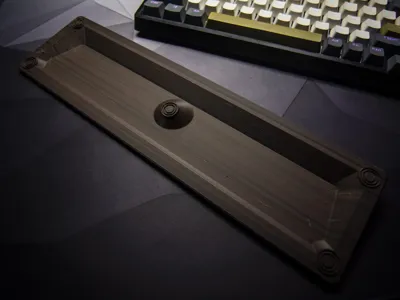
The default dimensions of the wrist rest are 328 mm in length, 88 mm in width, and 20 mm in height.
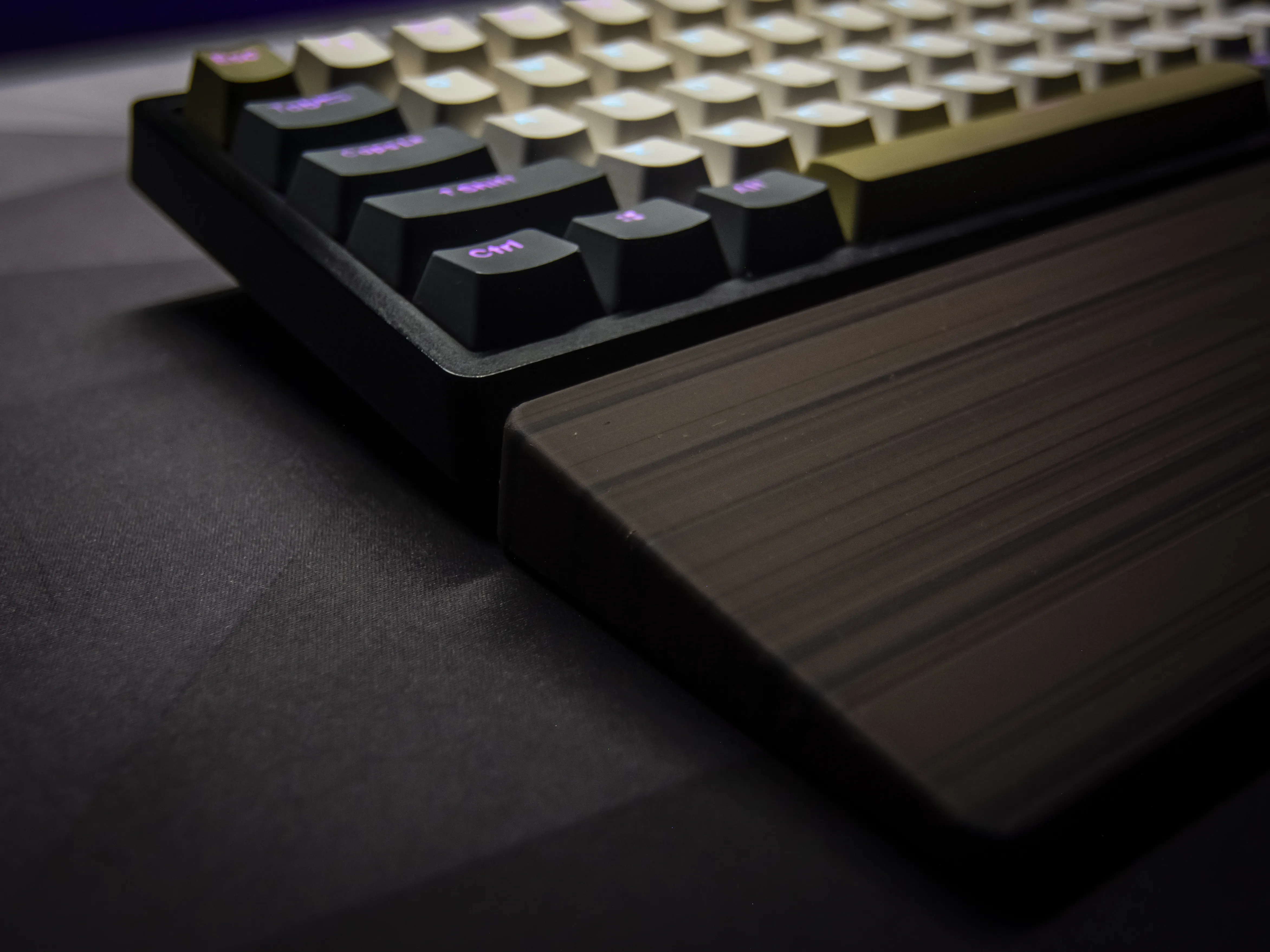
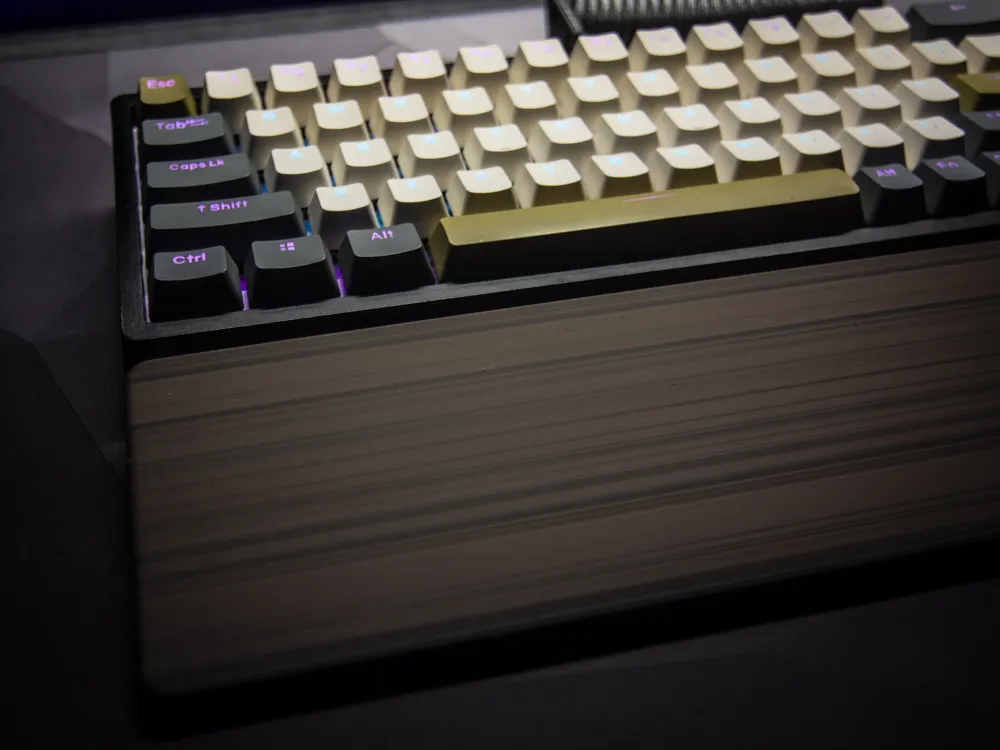
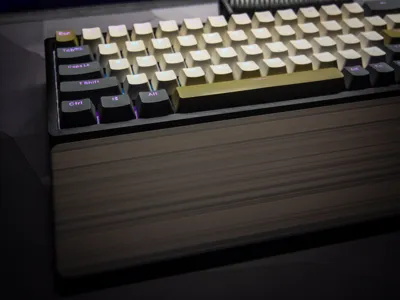
For a more realistic wood effect, it's recommended to use an AMS with three different PLA colors. The print profile is optimized so that nozzle purging is minimal—when the printer switches colors, it continues printing with the previous filament, allowing the colors to blend inside the nozzle. This creates unique, unpredictable shades that closely resemble wood grain.
Additionally, the wall printing order goes from outer to inner layers, which causes subtle shifts when changing colors. These slight imperfections enhance the final look by mimicking the organic texture and layered rings of real wood.
Perfect for adding a natural touch to your desk setup—stylish, functional, and fully 3D printable.
Customization
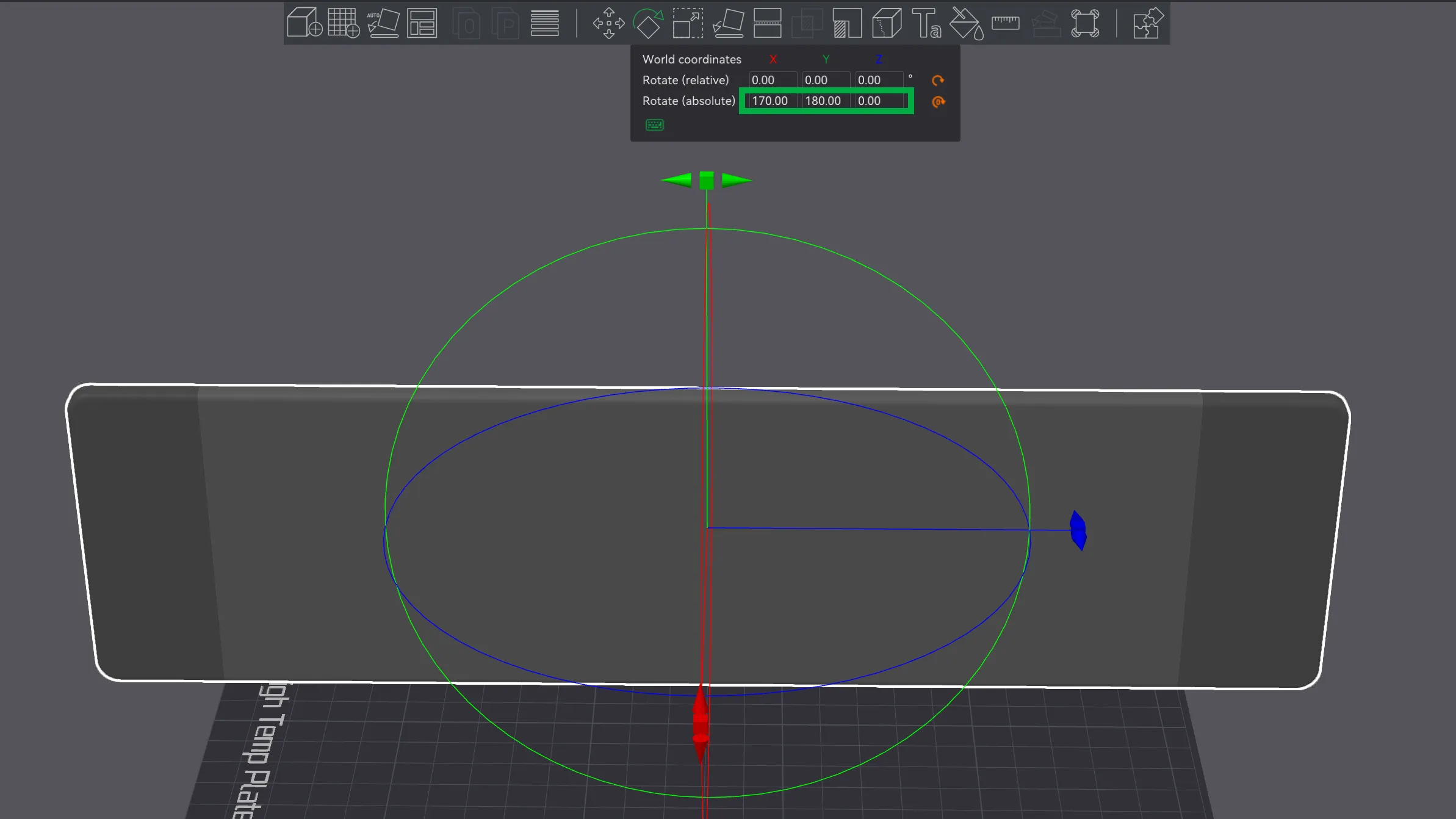
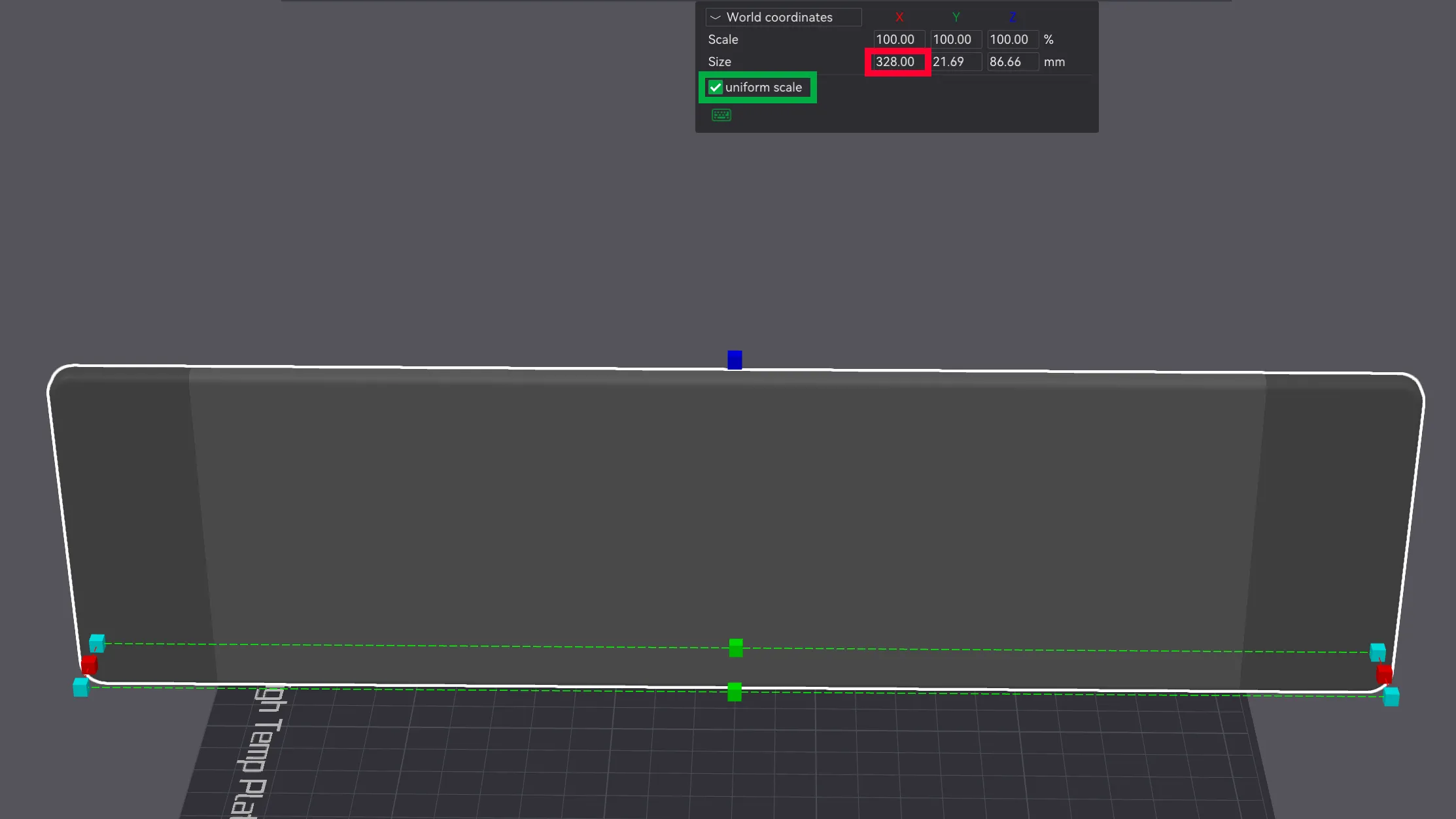
The original length of the wrist rest is 328 mm. To adjust the size, it's recommended to rotate the model in Bambu Studio as shown in the preview image, go to dimension editing, uncheck the "uniform scale" box, and then set the desired length to match your keyboard. This way, the color transitions and print behavior remain unchanged.
Important Information Before You Start Printing!
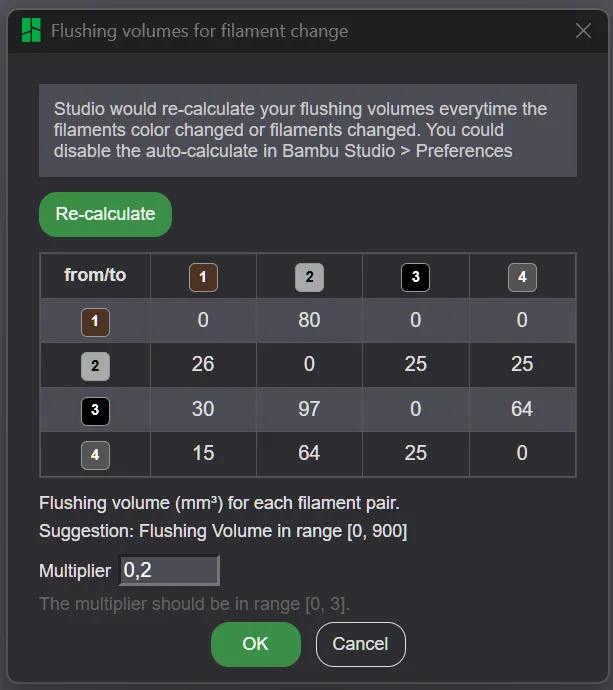
Make sure the flushing volumes are set as shown in the screenshot (or at least close to those values). If the slicer or printer resets them to default, you’ll end up with harsh color transitions instead of a smooth wood-like blend. These values may reset when changing printers, filaments, or even restarting the software—so double-check before printing.
The screenshot shows the settings that work well with my specific filaments. A color list is included with the model. If you’re using different materials, these settings might not produce the same effect, and you may need to adjust them.
It’s recommended to print a small test piece (about 1 cm tall) first. If the color blending looks good, proceed with the full print. If not, stop and tweak the settings until you're satisfied
Good Luck!
License

You shall not share, sub-license, sell, rent, host, transfer, or distribute in any way the digital or 3D printed versions of this object, nor any other derivative work of this object in its digital or physical format (including - but not limited to - remixes of this object, and hosting on other digital platforms). The objects may not be used without permission in any way whatsoever in which you charge money, or collect fees.


Comment & Rating (61)