
Wood Grain Modifier – Add wood grain to any models
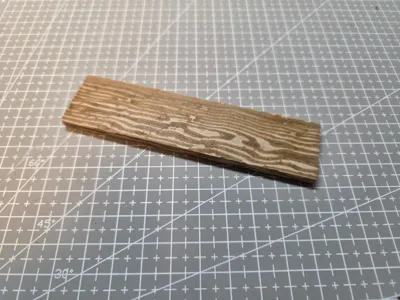
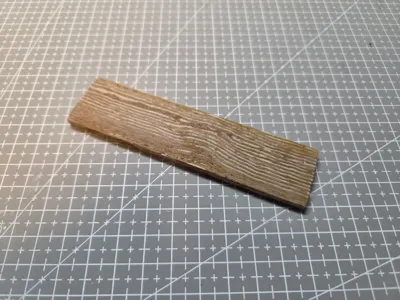
Print Profile(1)

Bill of Materials


Description
Boost Me (for free)
Boost popup workshop
Wood Grain Modifier
This model isn’t meant for printing, but is used as a modifier to define color areas.
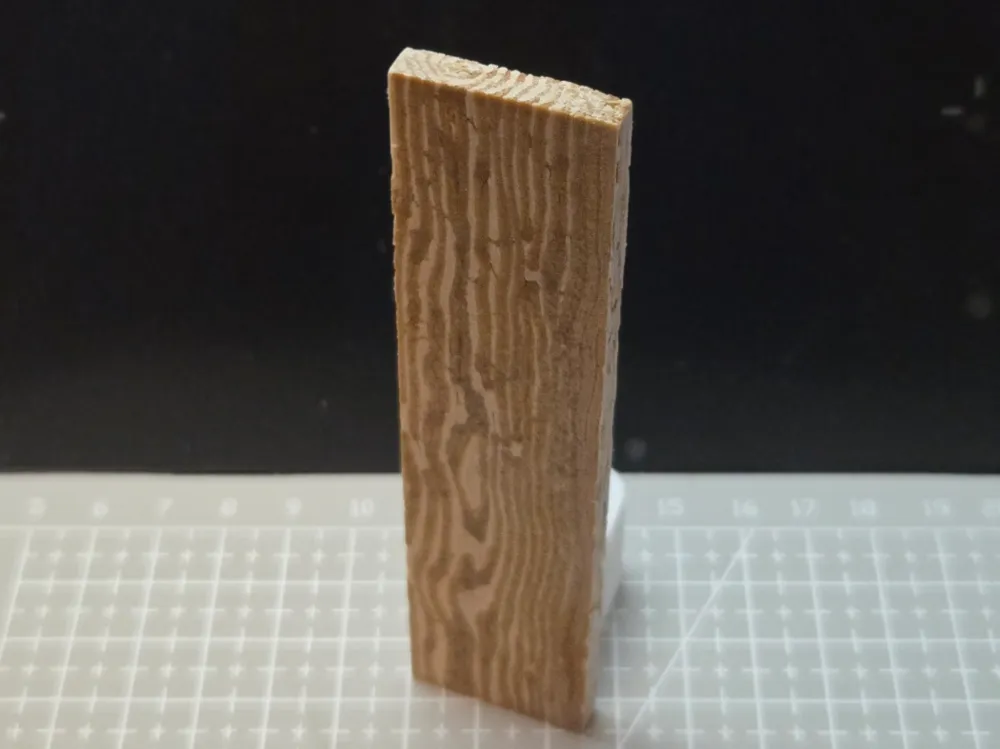
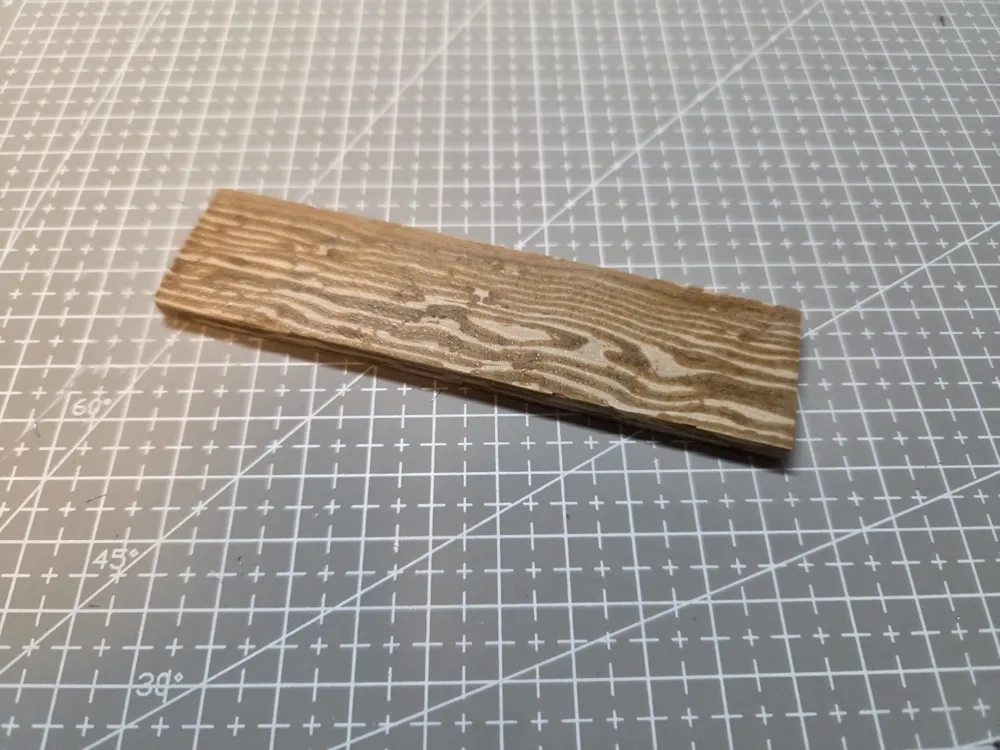
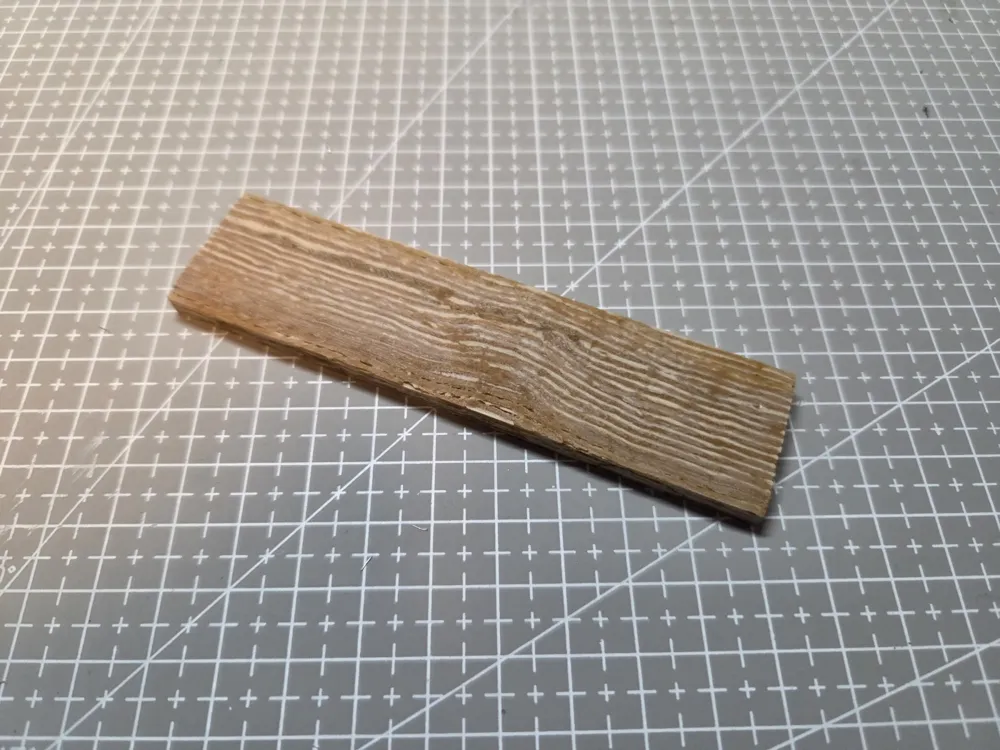
You can add it to your model to give it a wood grain look.
AMS is required.
Instructions
*Flushing volumes are set to 0, and the prime tower has been disabled to save filament and enable smoother blending.
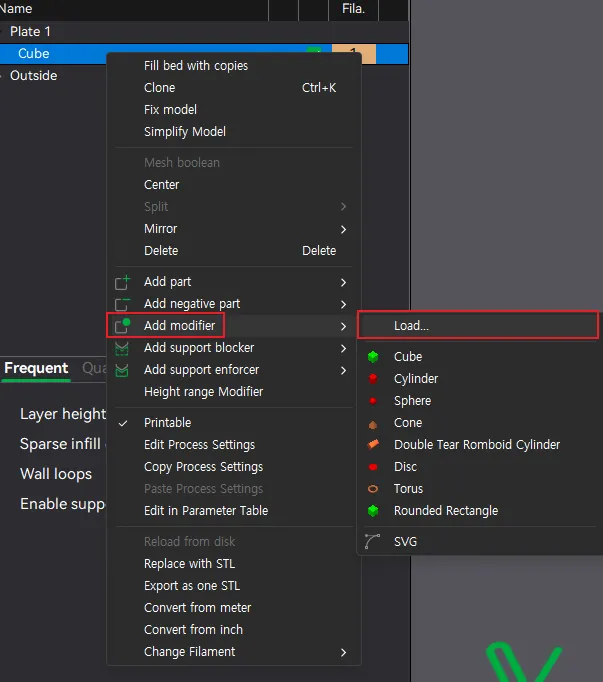
Select the model you want to add the wood grain to, then click Add Modifier > Load and import the WoodGrain_Dark.obj file.
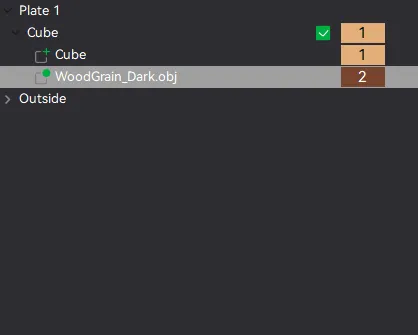
Apply the base wood color to your model, and assign the second wood color to the WoodGrain_Dark modifier.
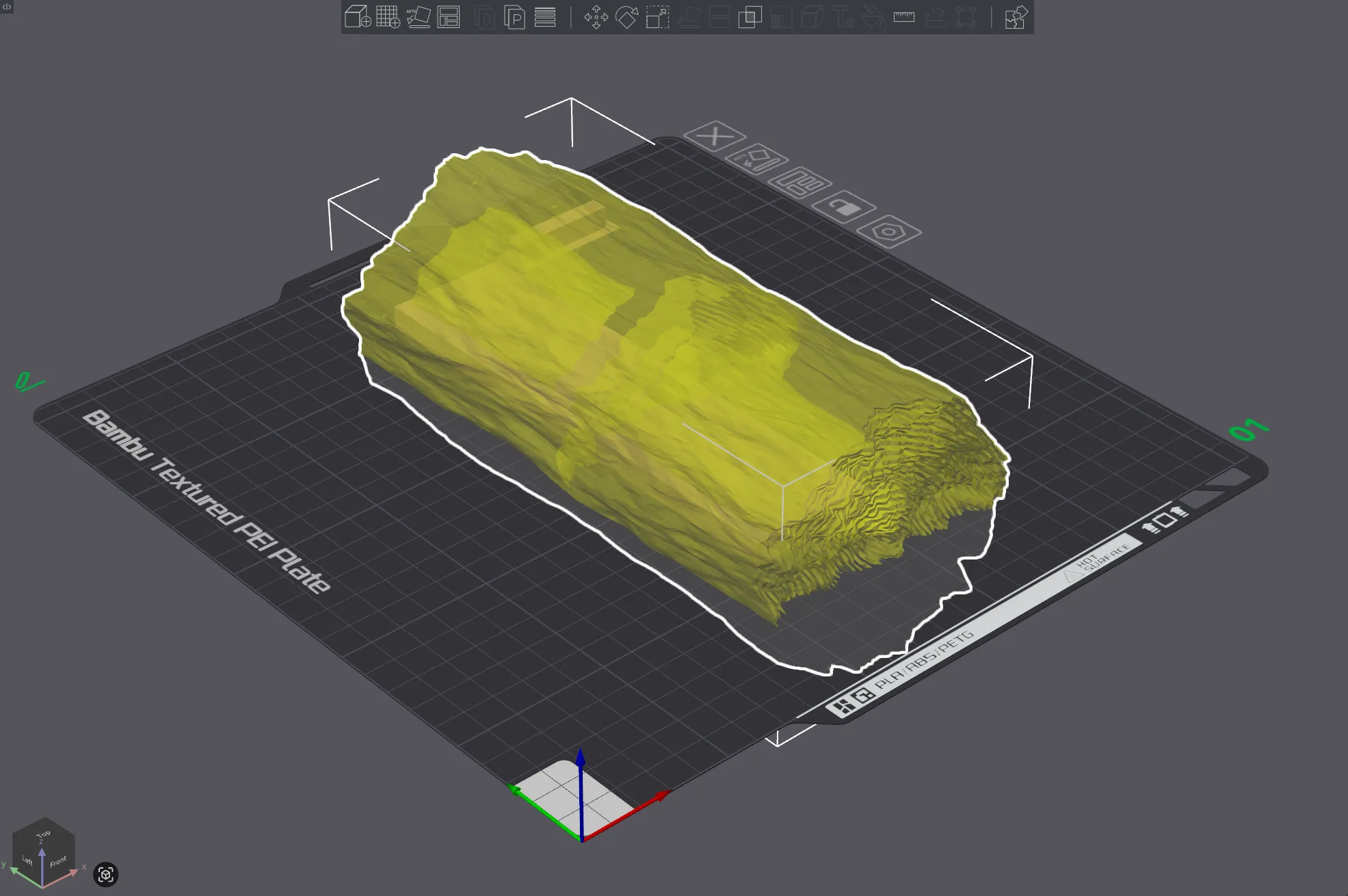
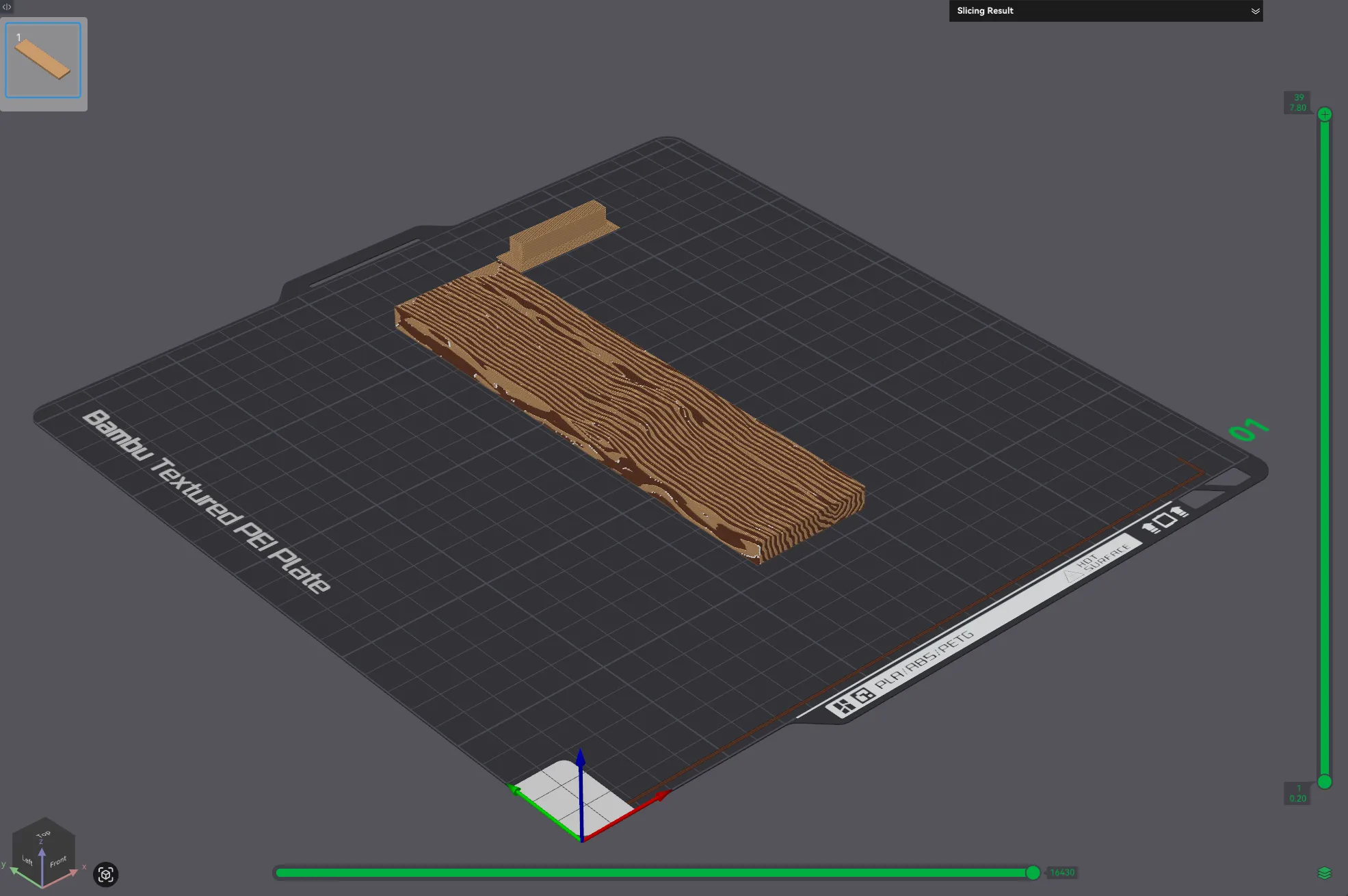
Adjust the size, position, and rotation of the modifier to create the wood pattern you want
I haven't tested it yet, but using two rolls of the same color filament with different temperature settings might also be a possible approach.
License

You shall not share, sub-license, sell, rent, host, transfer, or distribute in any way the digital or 3D printed versions of this object, nor any other derivative work of this object in its digital or physical format (including - but not limited to - remixes of this object, and hosting on other digital platforms). The objects may not be used without permission in any way whatsoever in which you charge money, or collect fees.


Comment & Rating (45)