
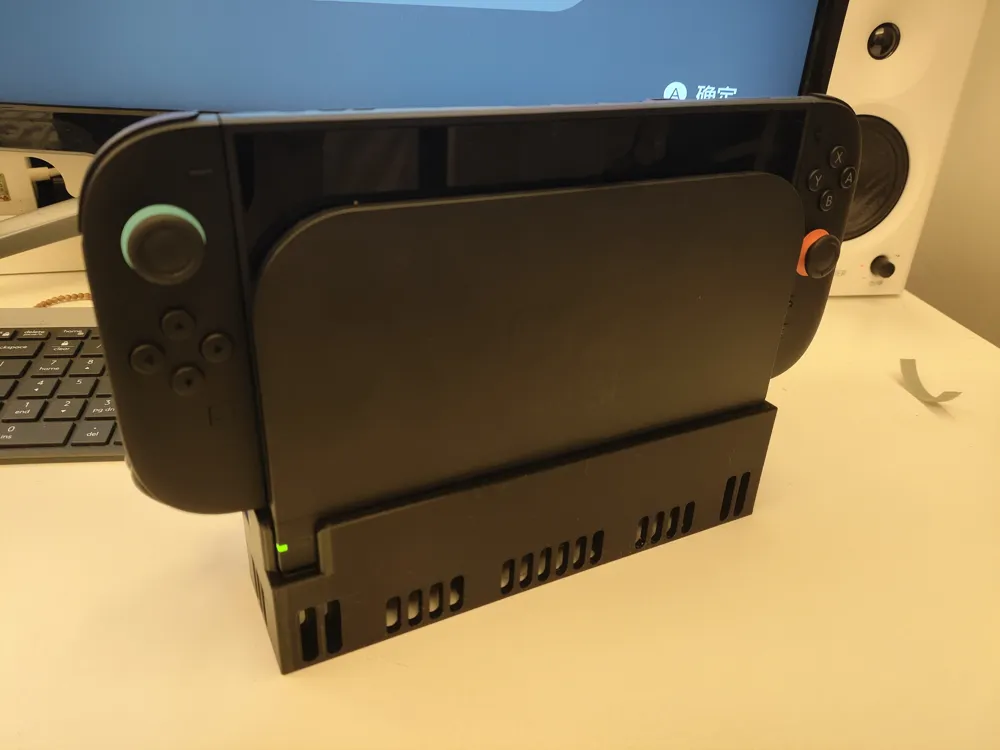
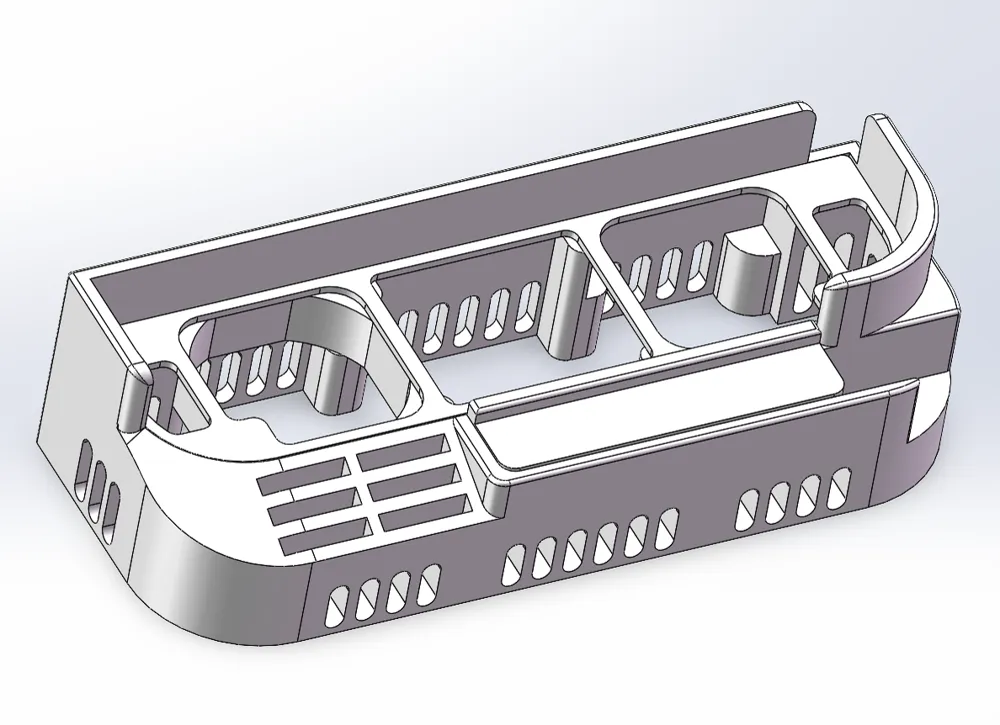
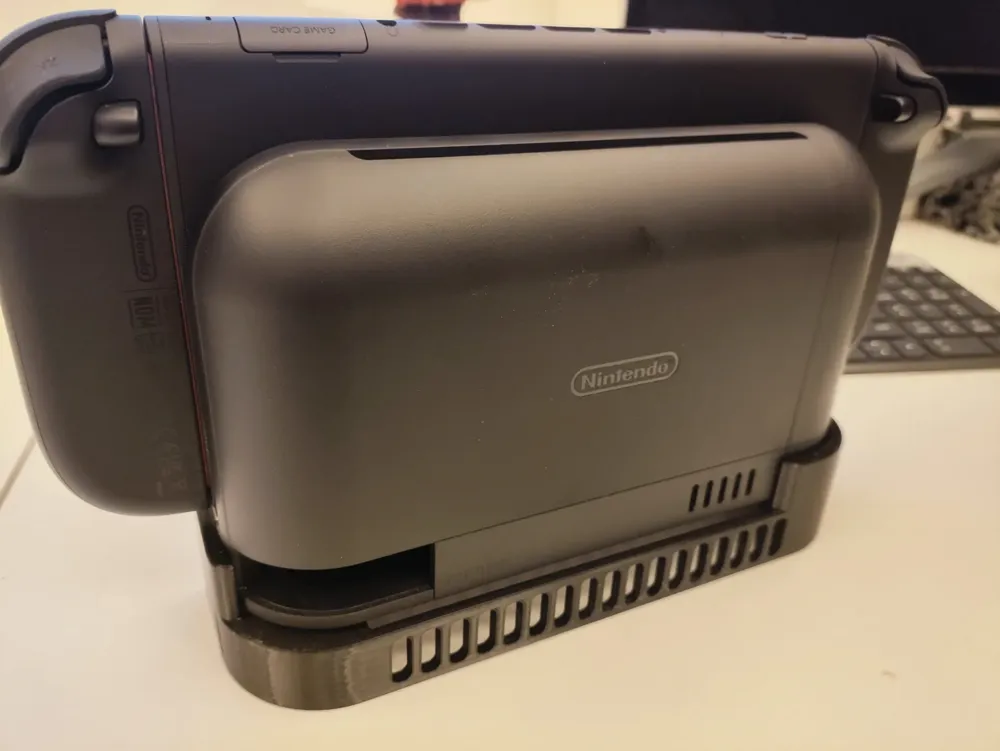
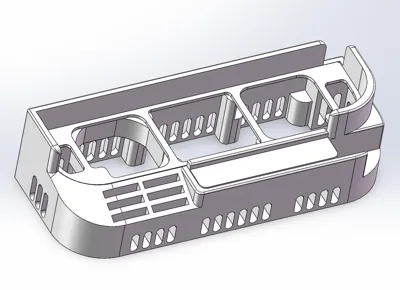
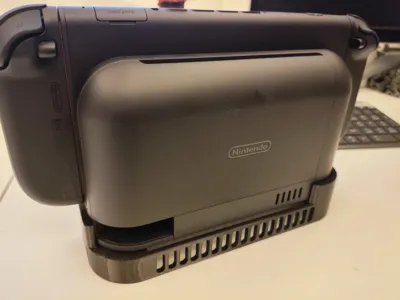
switch2 ns2 enhanced heat dissipation base (active & passive heat dissipation)
Print Profile(3)


![[Noise Warning][High Wind Warning][High Cost][Additional Tools Required]15000 RPM Industrial High-Velocity Fan Version](https://makerworld.bblmw.com/makerworld/model/US2337a3c8da4356/326514511/instance/2025-06-13_0a1a1722e04a9.jpg?x-oss-process=image%2Fresize%2Cw_100%2Fformat%2Cwebp)
Description
2025-06-20 Notes
- Acquired a thermal imager for research purposes, and it's proven invaluable. After 30 minutes of operation at room temperature without active cooling, the temperature reached 46.4°C. Activating the cooling system and continuing operation for another five minutes reduced the temperature to 42.7°C.
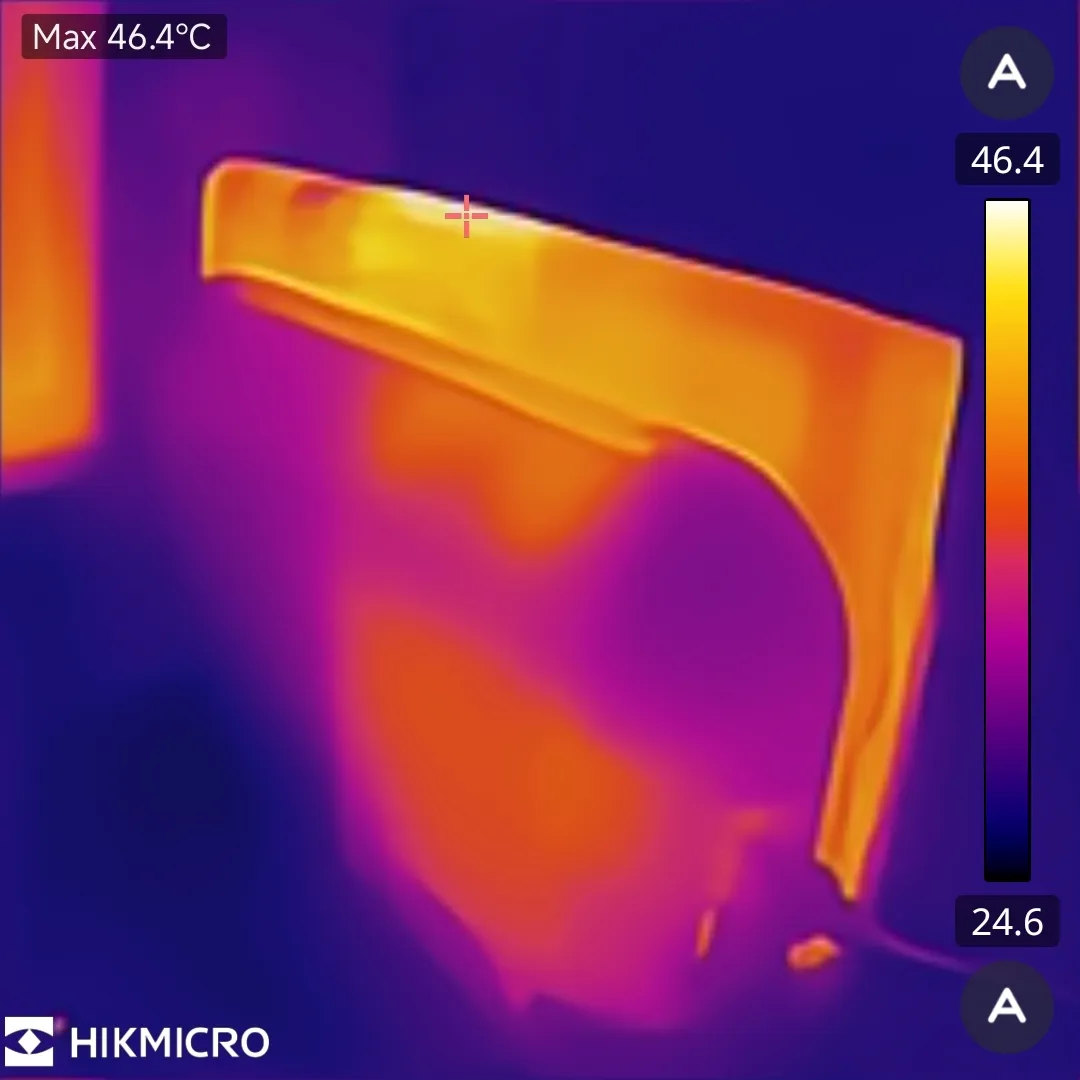
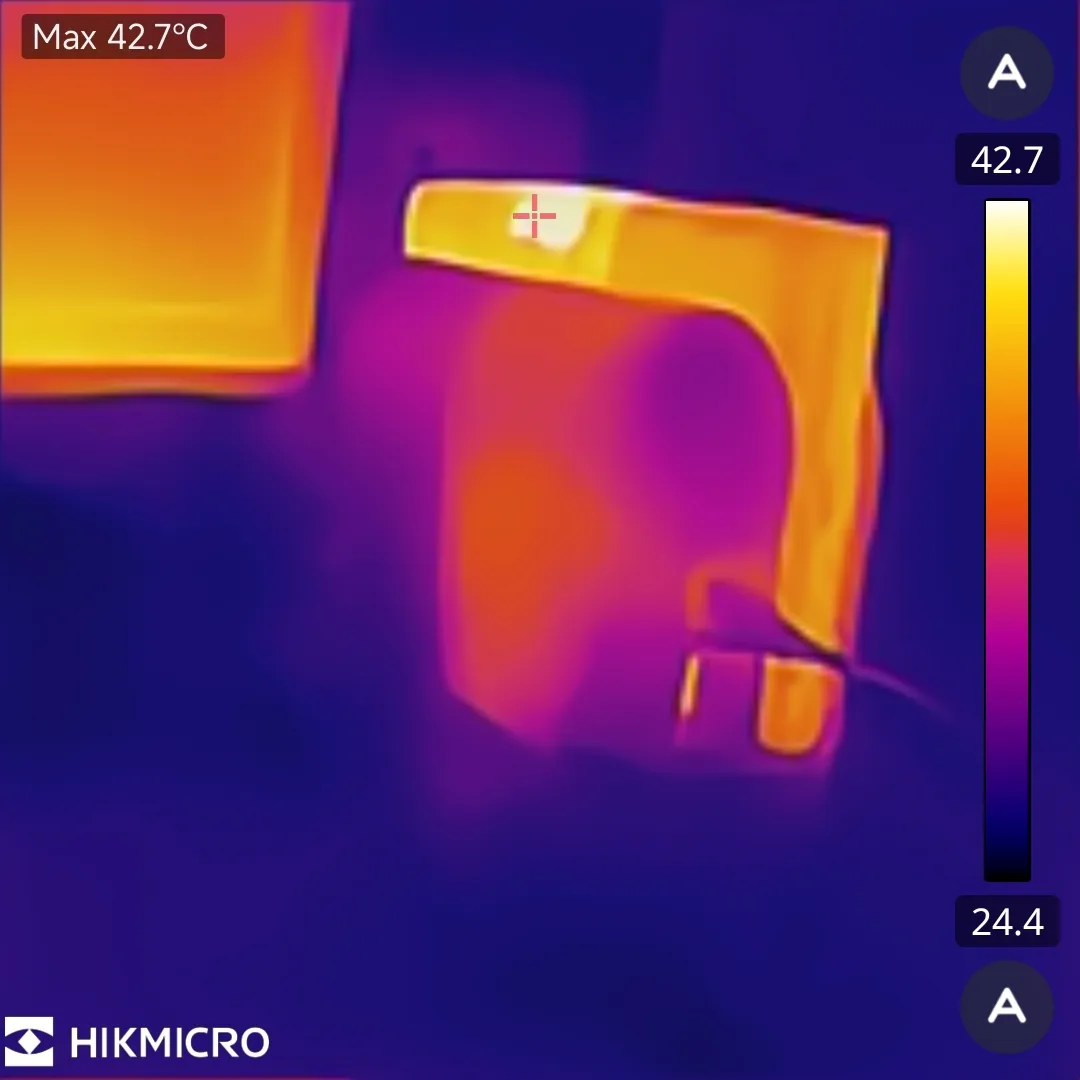
2025-06-13 Notes
- Uploaded the high-speed server fan version. Strictly for entertainment purposes; it's not practical. Instructions are provided at the end.
- Commercial use is strictly prohibited; authorization has not been granted to any vendors. If any Taobao vendors still attempt to pilfer my model, please lend your support.
=======================
Active Cooling with USB Fan—Instructions
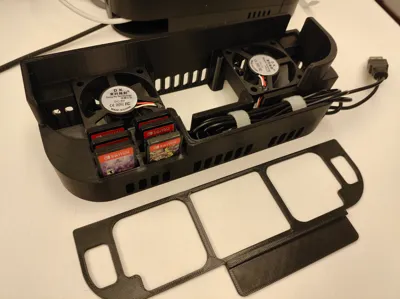
- The cooling effect is satisfactory; a noticeable airflow is felt when placing a hand on the top of the device, resulting in a perceived temperature reduction of 3-4 degrees.
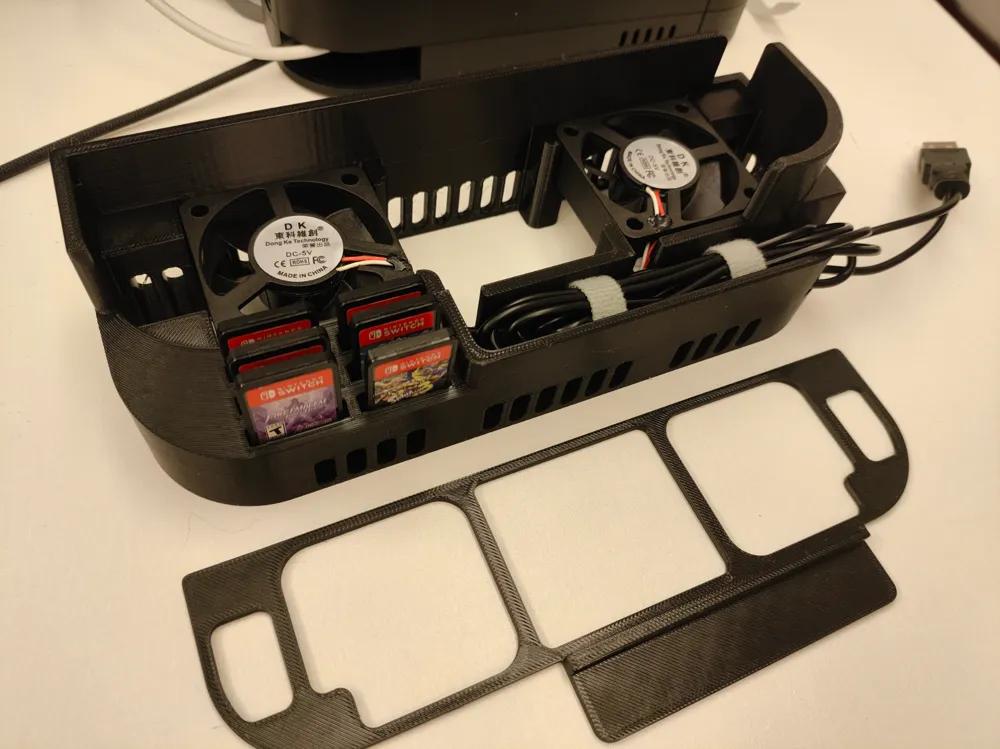
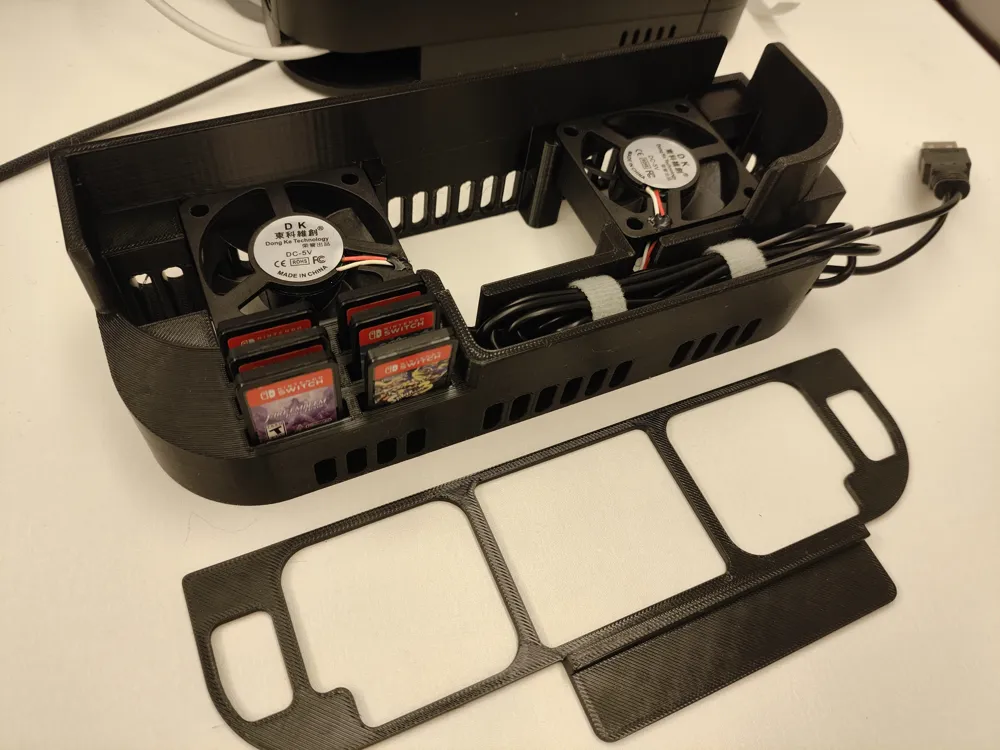
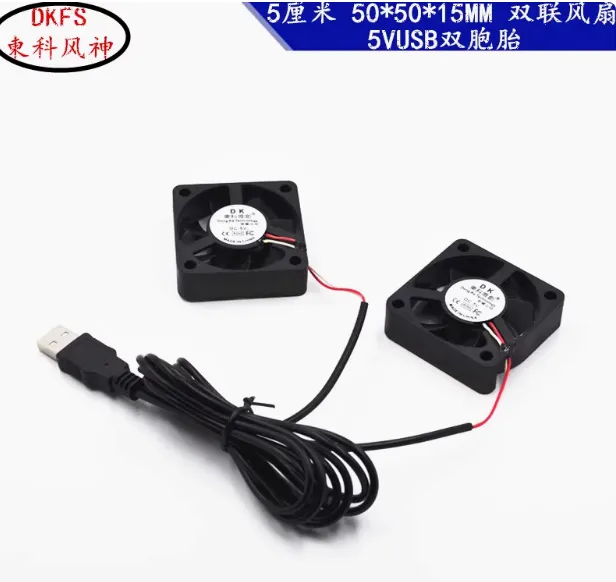
- Requires separate purchase of a 50*50*15mm 5V dual USB fan (7 yuan), available on Taobao: USB multi-model small fans 2/3/3.5/4/5/6/7 centimeters CM5V twin parallel router cooling fans - Taobao
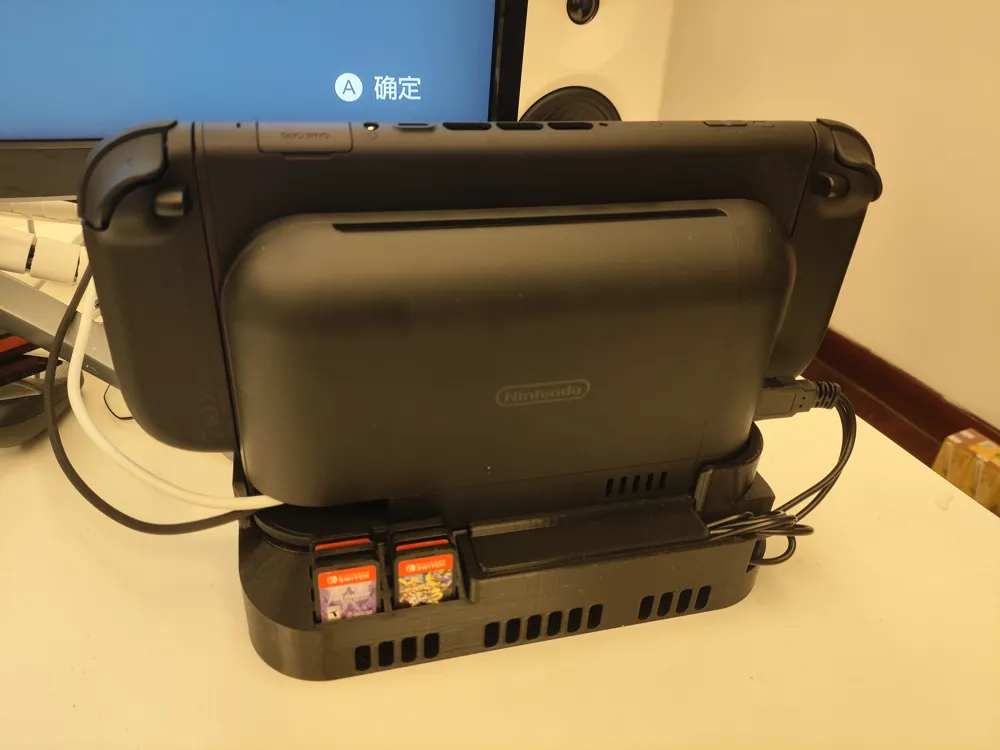
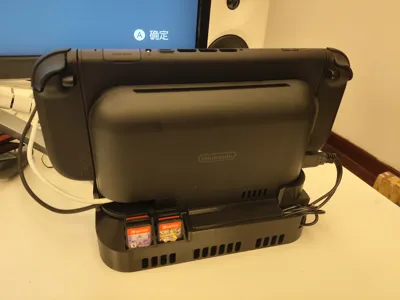
- The fan connects directly to the USB port on the Switch dock; it operates whenever the dock is powered. Remember to unplug it when not in use. A USB extension switch is recommended for added convenience.
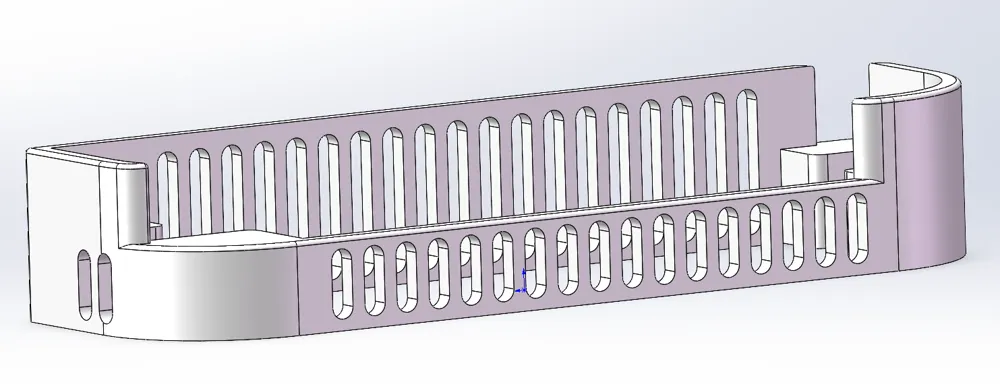
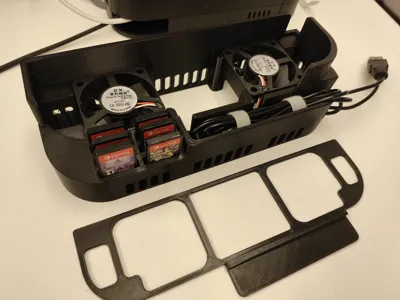
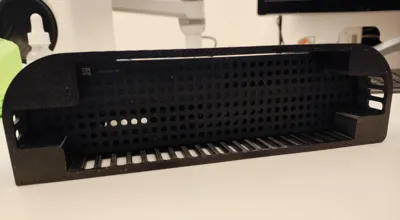
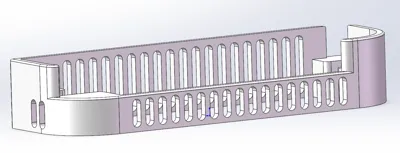
- Installation is straightforward; refer to the accompanying images. The perforated cover is essential for securing the fan and concealing the cable management channel; printing it is mandatory for stable dock support.
- I only found a version with a 1m USB cable, which makes neat cable management somewhat challenging. Consider searching for shorter cable options.
=======================
Passive Cooling—Instructions
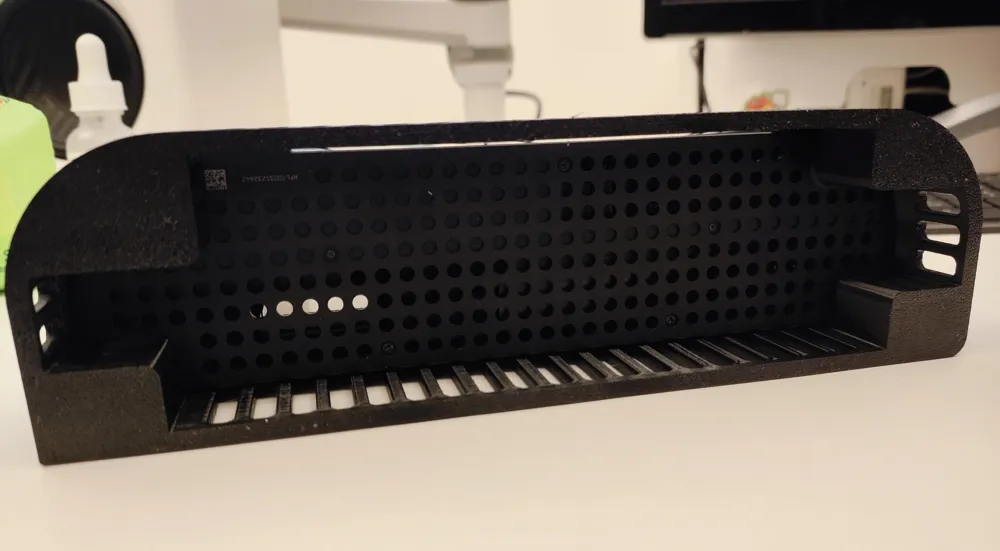
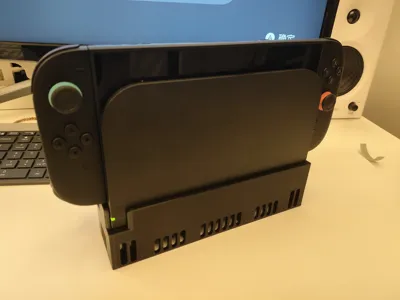
- The air intake of the NS2 dock is located underneath; raising it by 2cm enhances passive cooling performance.
- No additional accessories are required; only 50g of filament and a 2-hour print time. Prioritize using a high-temperature-resistant material; I used PETG.
- Gratitude to Lin Tangxiuyi for uploading the A1 mini's extreme bed leveling configuration; this allows for direct printing on all model machines.
.
.
.
.
.
.
=======================
High-Speed Server Fan Version—Instructions
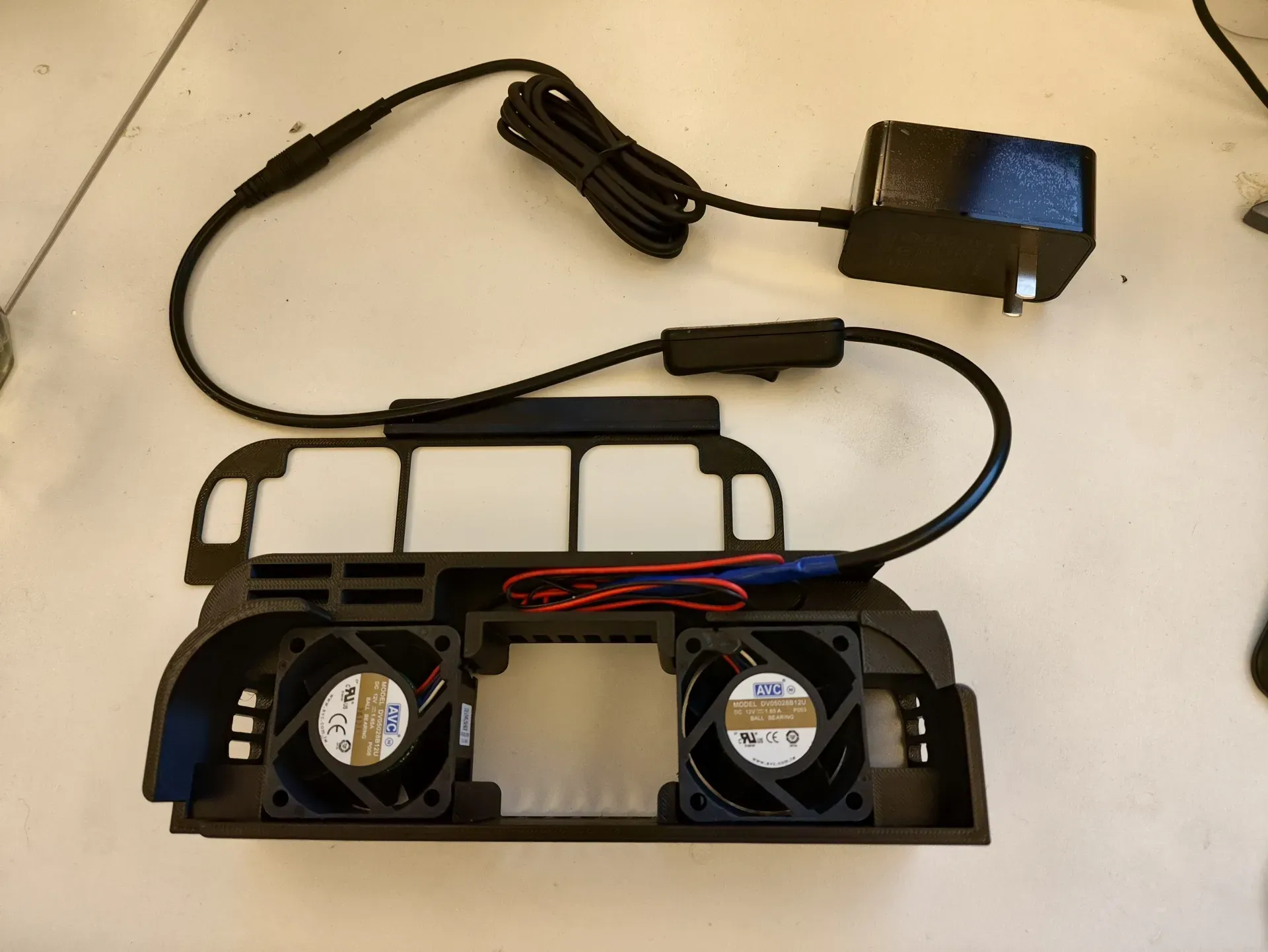
- Caution: The Switch might overheat, and the high airflow may make the game audio inaudible. Use with extreme caution.
- Requires additional accessories:
- Two 50*50*28mm 12V 1.65A 15000rpm Delta high-speed fans - 35 yuan
- 12V 4A DC power supply - 27 yuan
- Dual female DC power switch cable - 10 yuan
- Installation method:
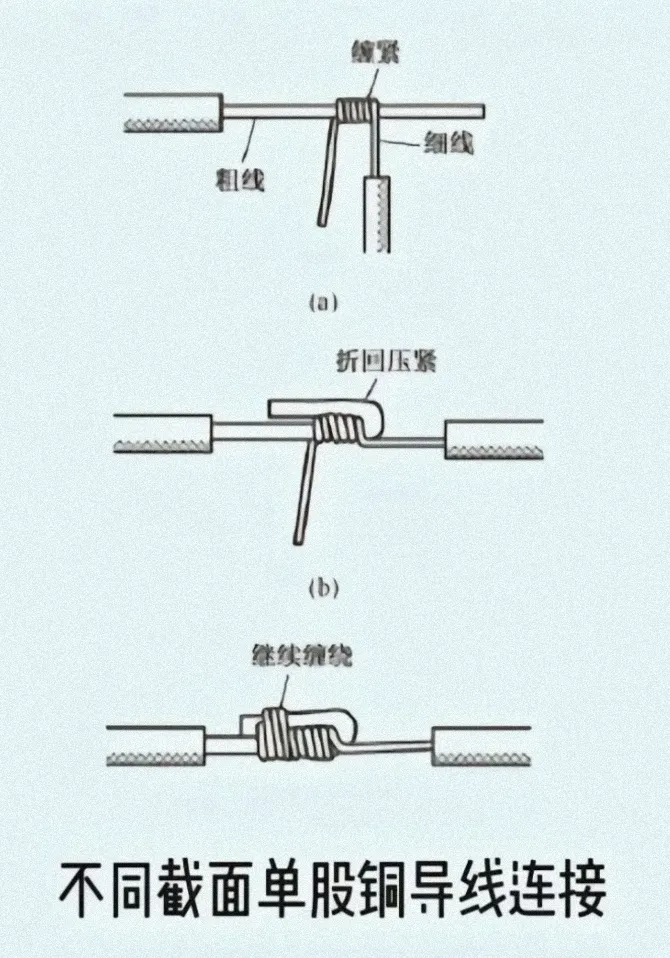
- Cut off the A1 connector from both fans, exposing 4 wires, and strip approximately 2cm of the copper core from each using wire strippers (scissors can be used, but are less efficient).
- Cut off one of the female connectors from the dual female DC cable, remove about 10cm of the black outer insulation to expose the positive and negative red and black wires. Further strip the insulation from the red and black wires, exposing 3cm of copper core.
Connect the three red wires together and the three black wires together (this is a parallel connection). Secure the connections thoroughly with electrical tape. Refer to the image below for the wiring method.
License

You shall not share, sub-license, sell, rent, host, transfer, or distribute in any way the digital or 3D printed versions of this object, nor any other derivative work of this object in its digital or physical format (including - but not limited to - remixes of this object, and hosting on other digital platforms). The objects may not be used without permission in any way whatsoever in which you charge money, or collect fees.


Comment & Rating (12)