
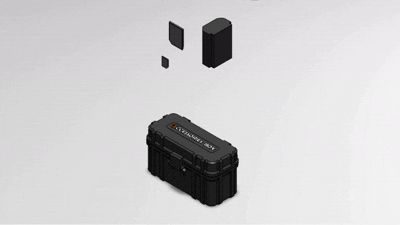
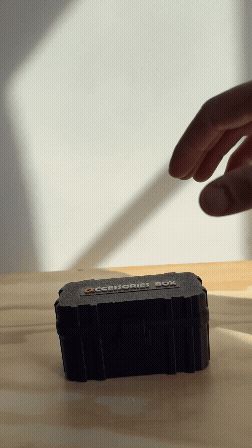
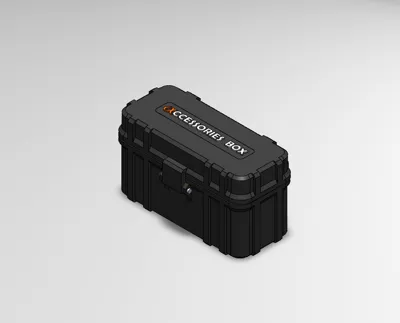
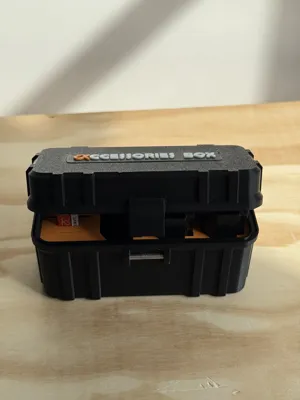
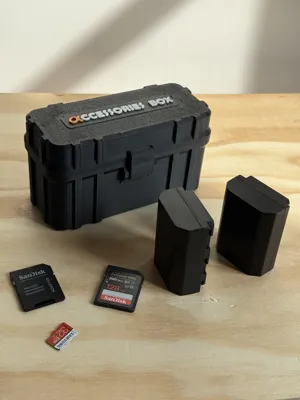
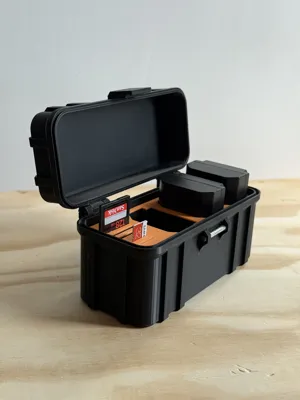
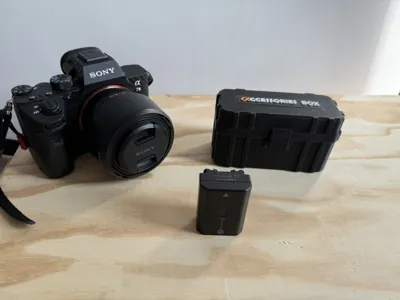
Sony accessories box for FZ-100 baterry and SD
Print Profile(1)

Bill of Materials
Description
⚠️ IMPORTANT BEFORE PRINTING⚠️
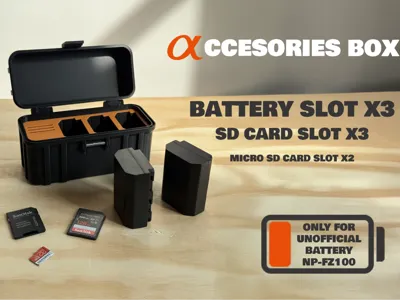
I have been informed that official NP-FZ100 batteries do not fit properly.
Indeed, I designed this box based on unofficial batteries, which are slightly smaller (+-0.2mm)
Below is an updated version adapted for official batteries.
I also took the opportunity, following several requests, to create print profiles compatible with other commonly used Sony batteries in audiovisual: FW50, BX1, and FV70A.
👉 [Sony FW50,FZ100,BX1,FV70A Battery Box + SD Card]
----------------------------
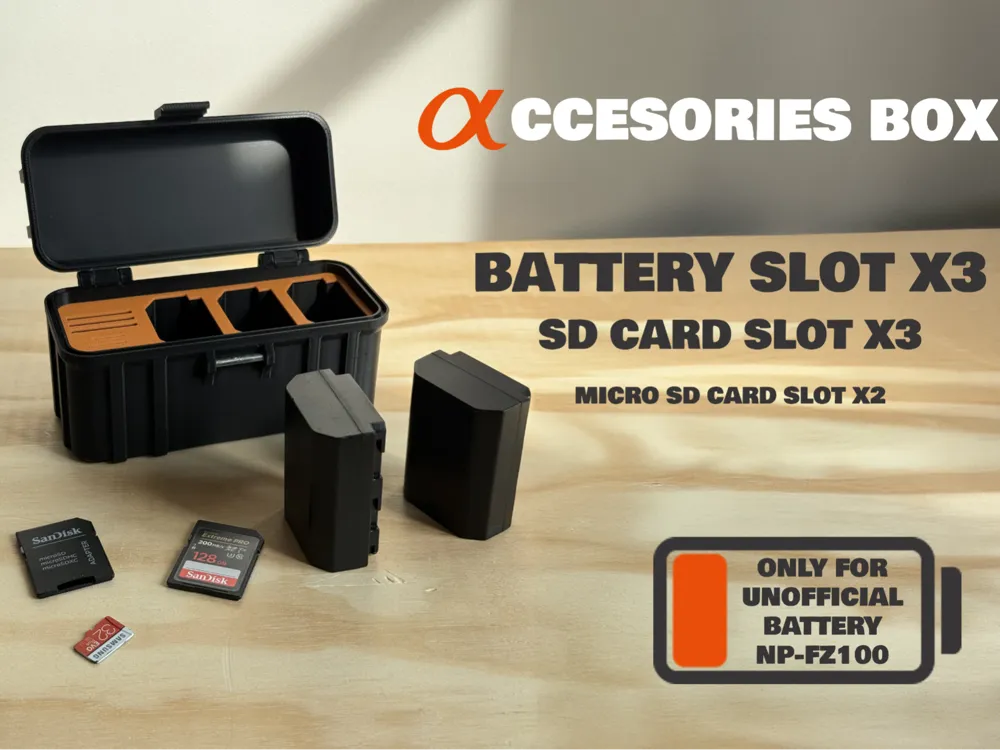
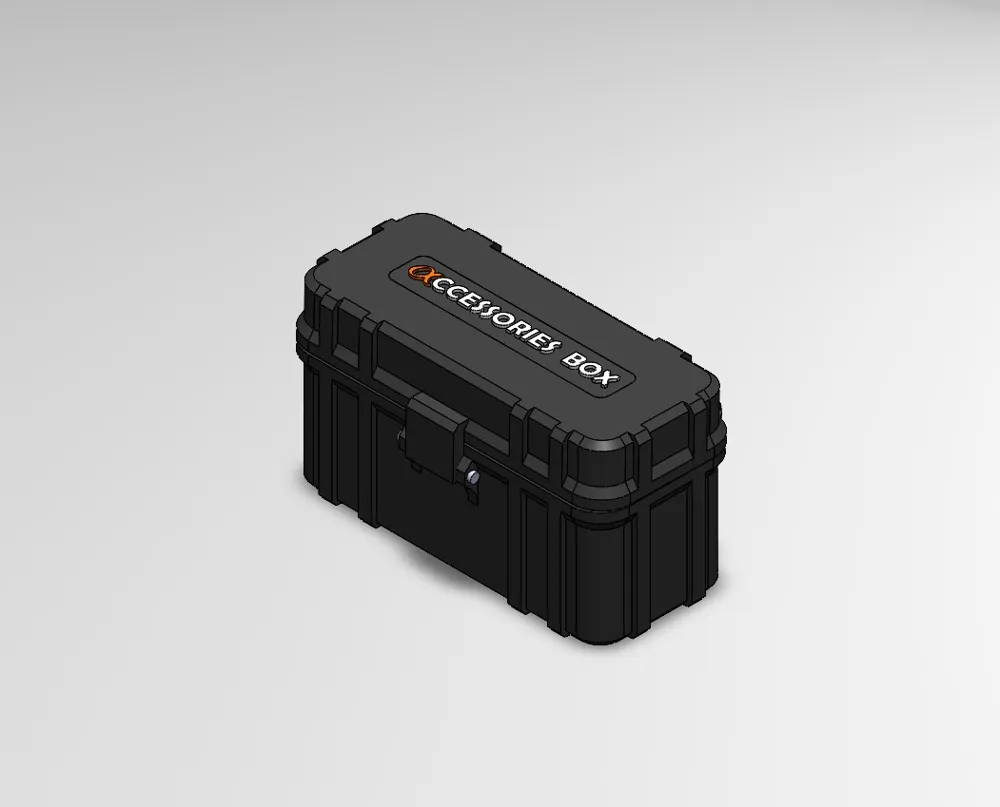
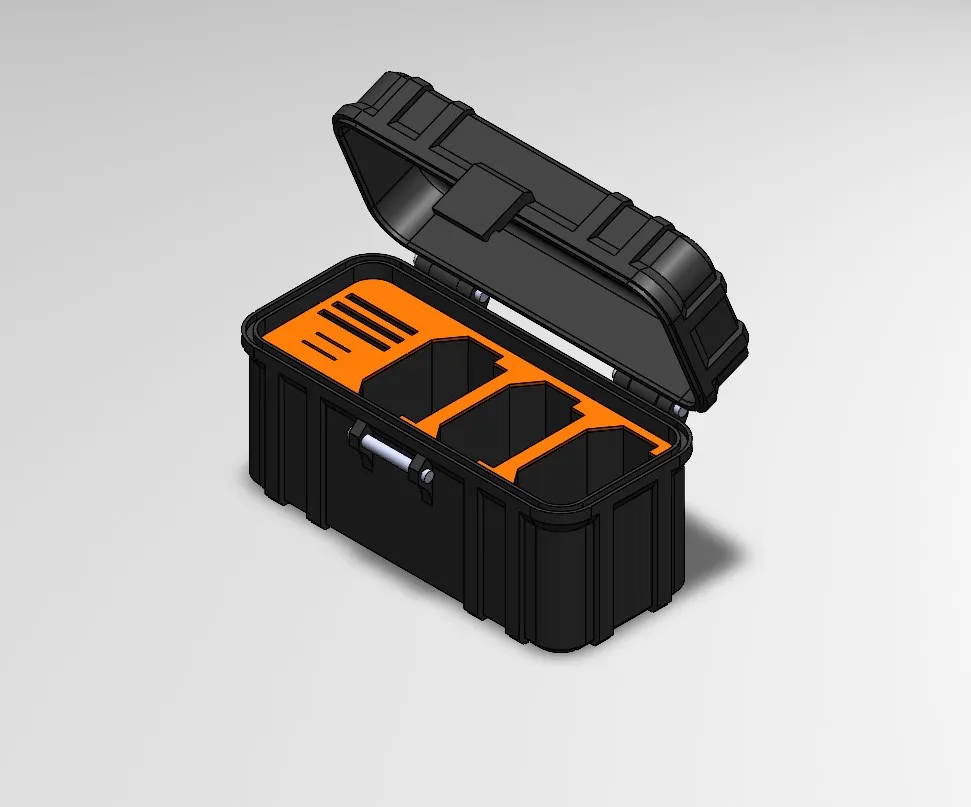
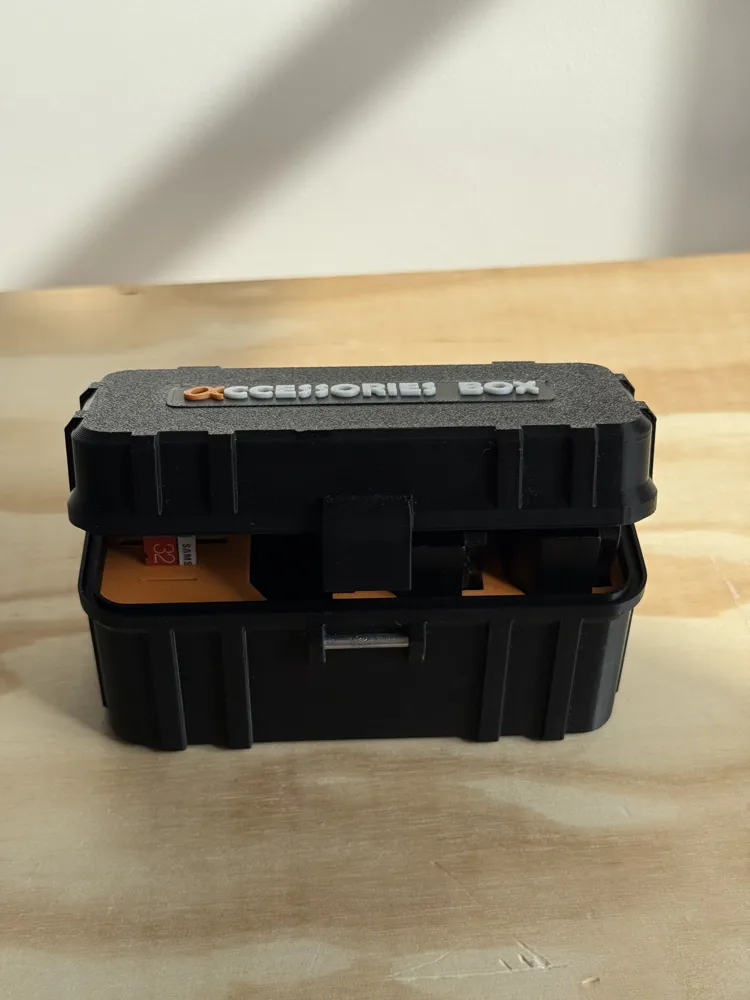
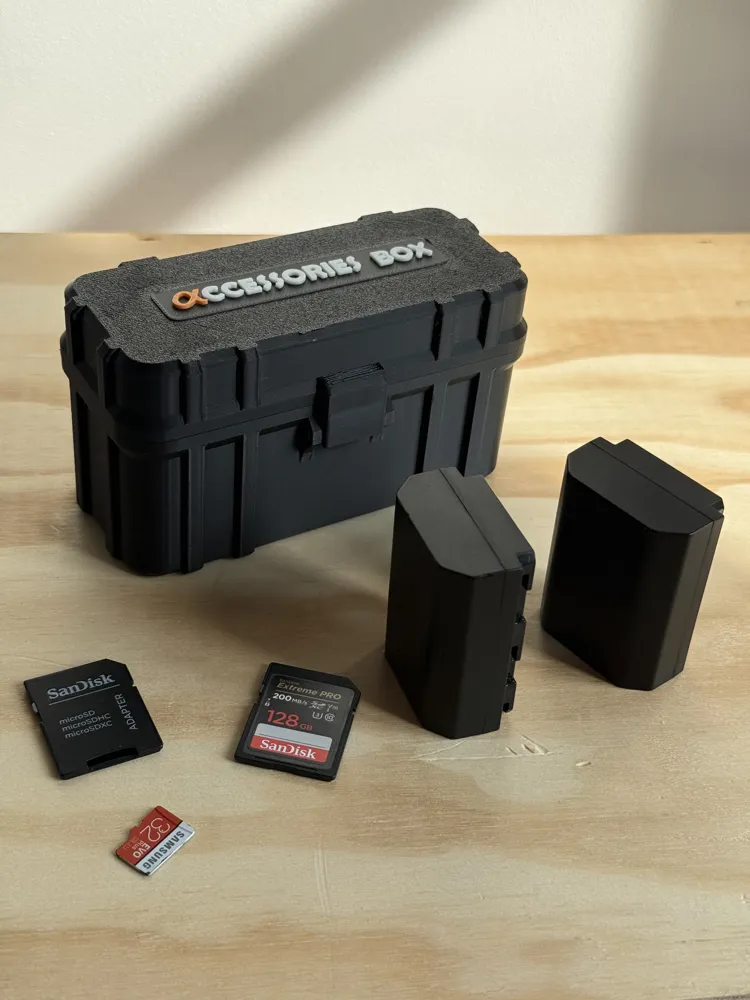
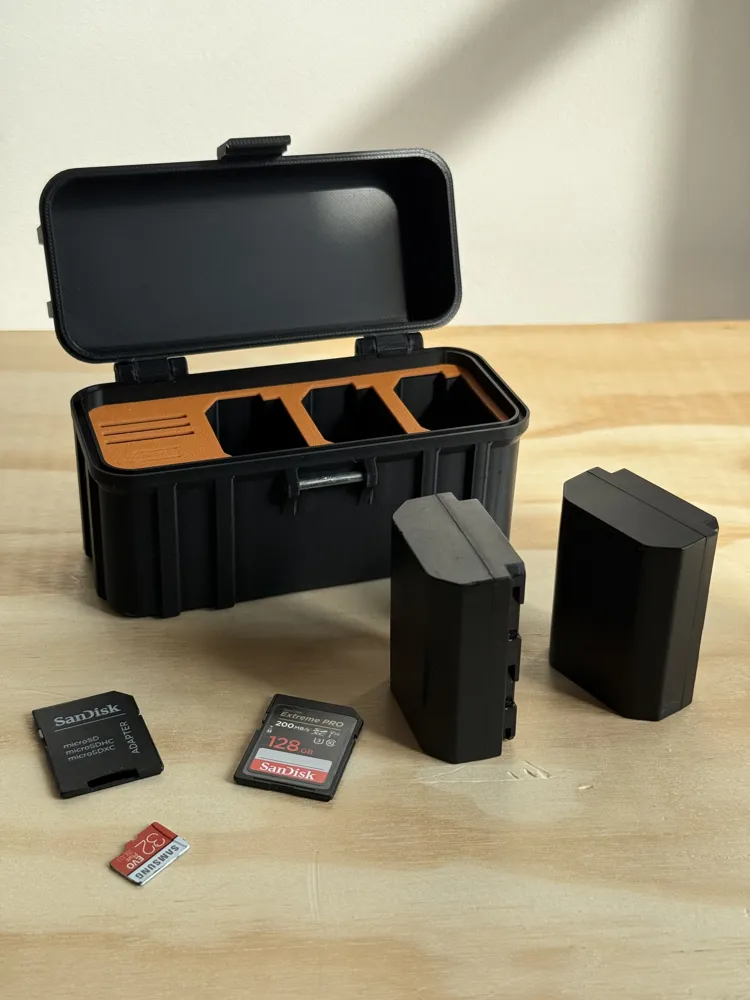
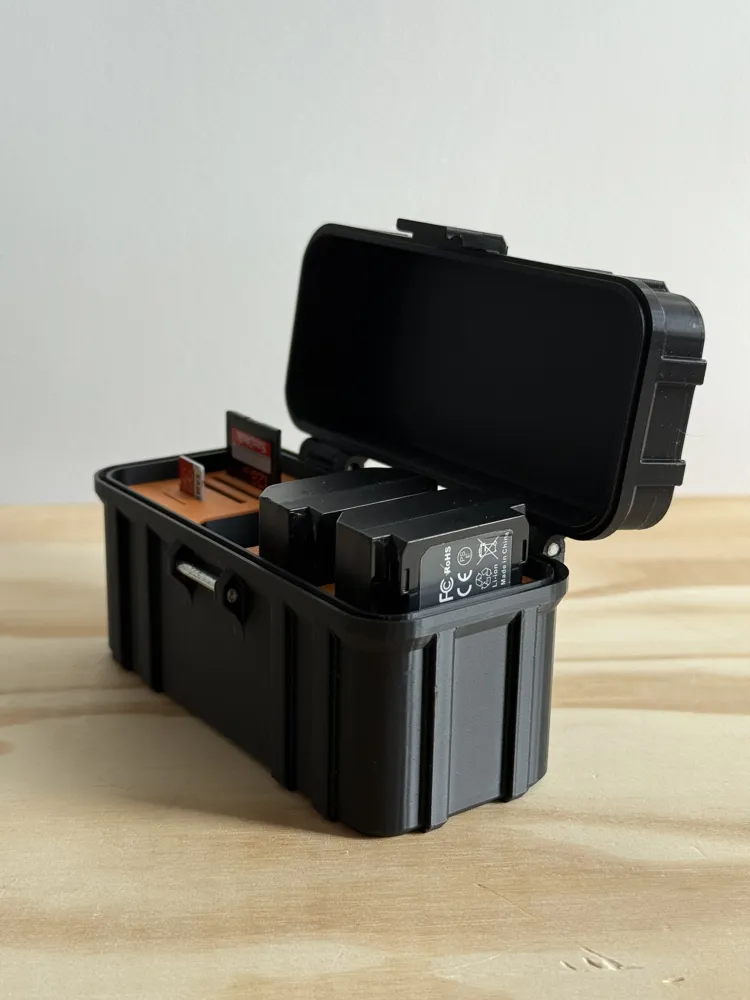
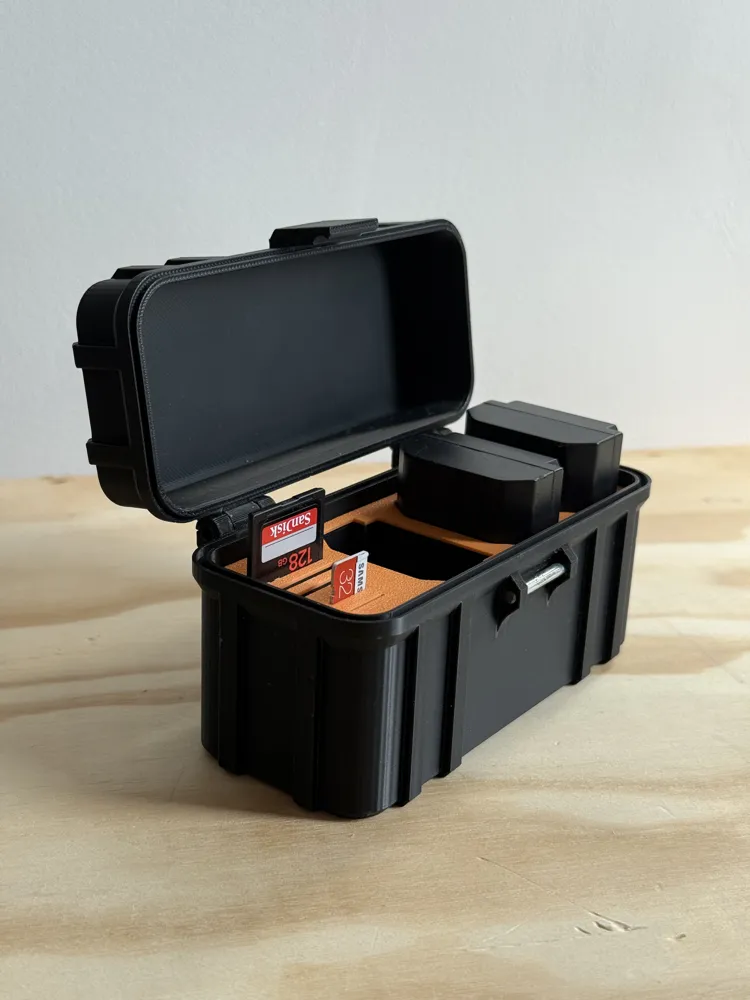
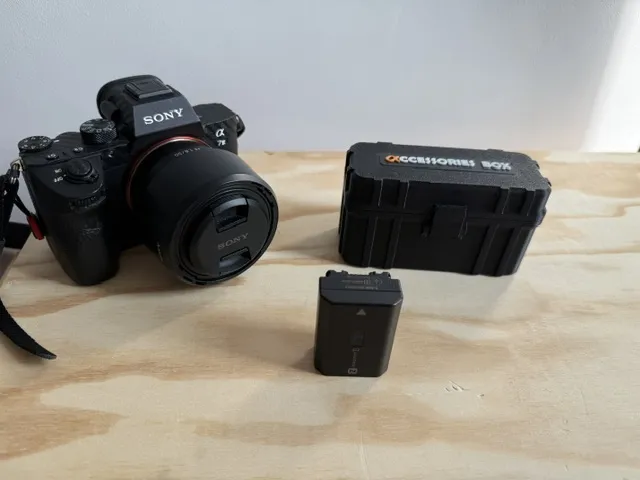
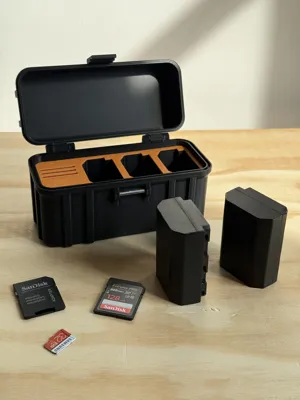
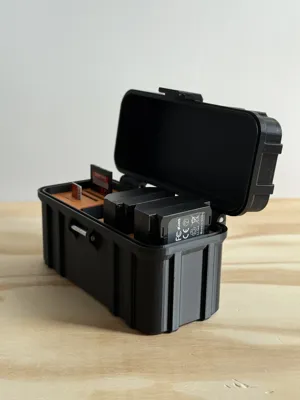
📦 Carrying Case for Sony Alpha Batteries, SD & microSD Cards
A practical box to protect and organize your photo accessories.
Ideal for safely carrying your batteries and memory cards.
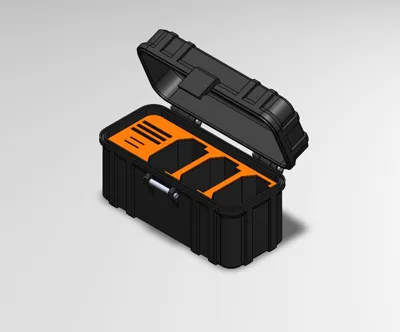
Capacity:
- 3 unofficial NP-FZ100 batteries (used on Sony Alpha A7, A9, A1, FX series… – not compatible with A7II, A6000, etc.)
👉 [Model available here: Sony FW50,FZ100,BX1,FV70A Battery Box + SD Card] - 3 SD cards
- 2 microSD cards
🔩 Hinges & Latch
To assemble the hinge and latch:
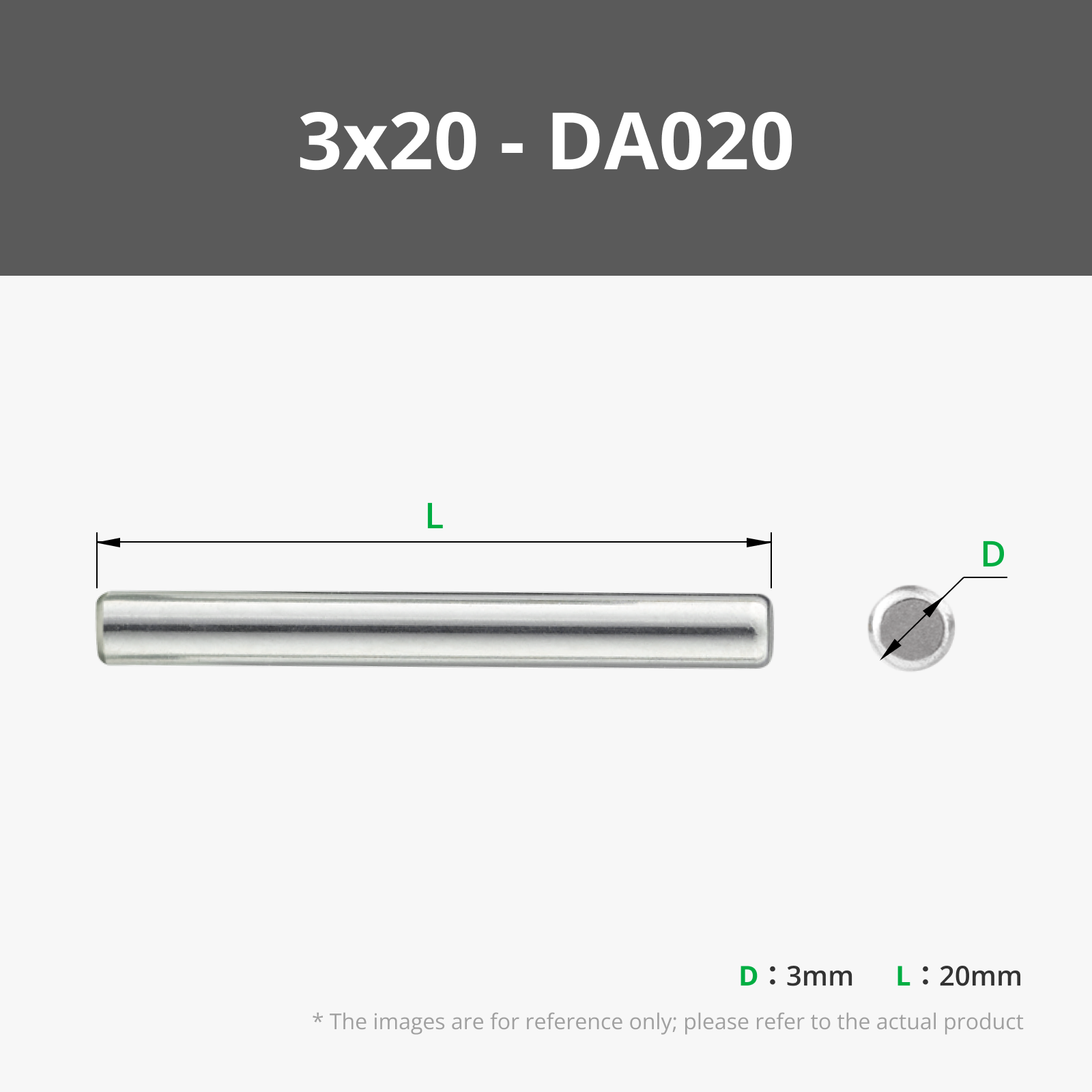
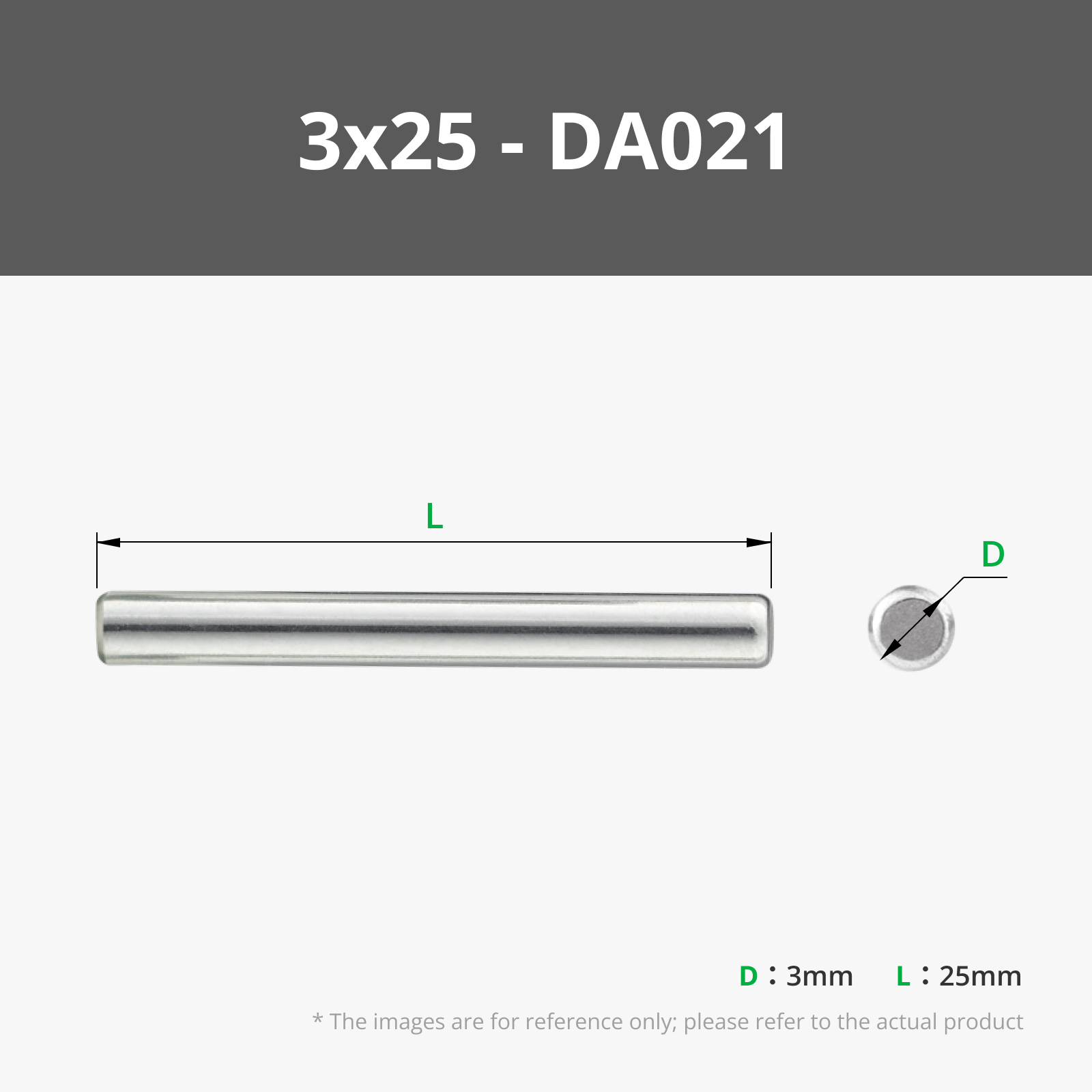
- Use Ø 3 mm metal rods (easily found on AliExpress or elsewhere).
- Personally, I cut a camping tent peg → it works perfectly 😄
Recommended dimensions:
- Front latch: 1 rod of 25 mm (Ø 3 mm)
- Rear hinges: 2 rods of 20 mm (Ø 3 mm)
👉 Example rod on AliExpress: [Direct link]
Alternative: you can print plastic cylindrical axles for a 100% printed version.
💡 Tip: a little spray of WD-40 makes assembly easier.
🧩 Practical Details
- Batteries and SD cards are held with a slight play, sufficient for easy insertion and removal.
(Tested with unofficial ENEGON batteries.) - Even in case of accidental opening or a small drop, in 80% of tests everything remains well in place.
- microSD cards insert until they stop → no need to force, if the print is clean, they hold perfectly.
🌟 Feel free to:
- Give me feedback in the comments
- Share your photos
- Leave a like and a boost if you enjoyed it
Feel free to give me feedback in the comments, share your photos, leave a like and a boost if you enjoyed it.
Happy printing everyone!
Epsilon
License



Comment & Rating (5)