
Panda Knomi Display Cover and Swiveling Front
Print Profile(6)


Description
If you like it, I'd appreciate your comments and a boost :-)
As I didn't have a Knomi
Boost Me (for free)
If you like it, hit the button :-)


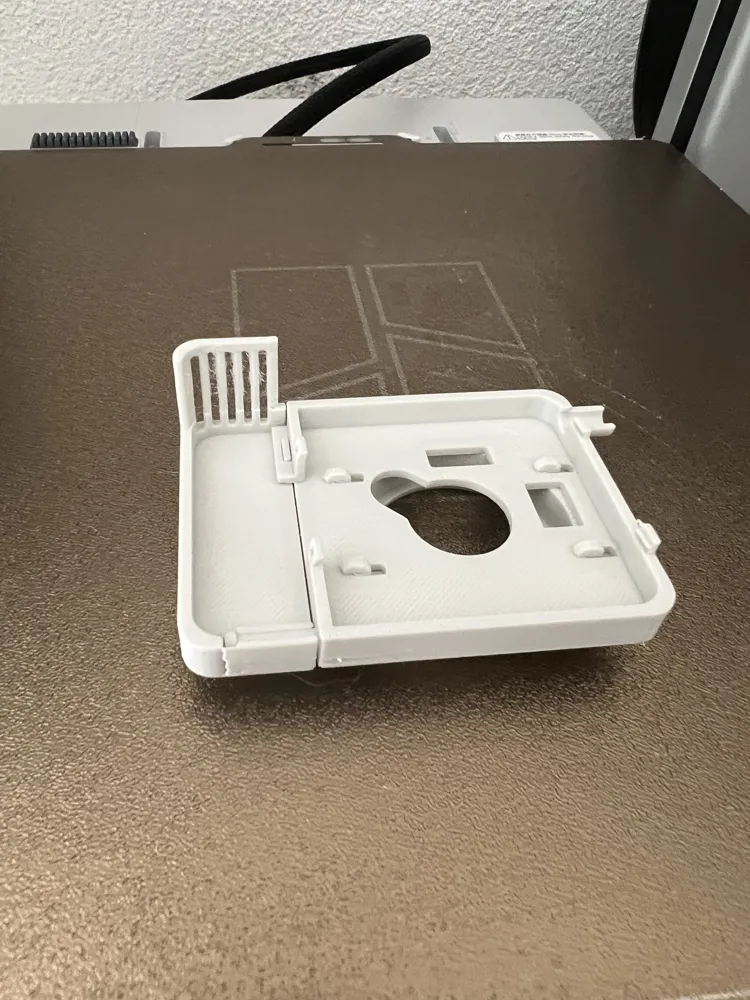
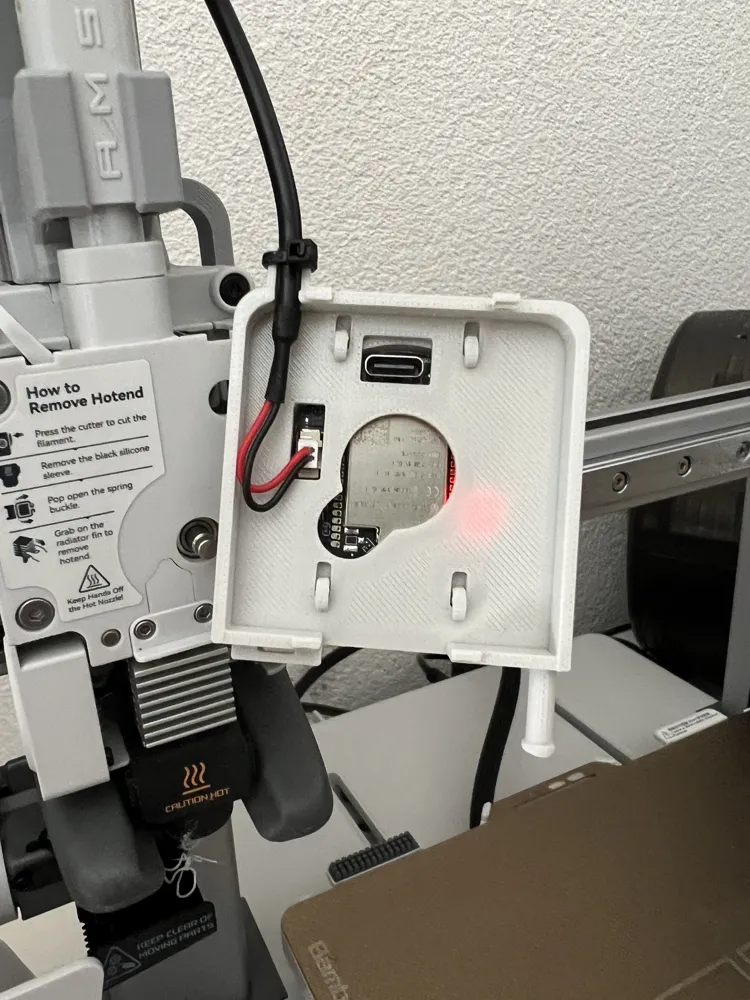
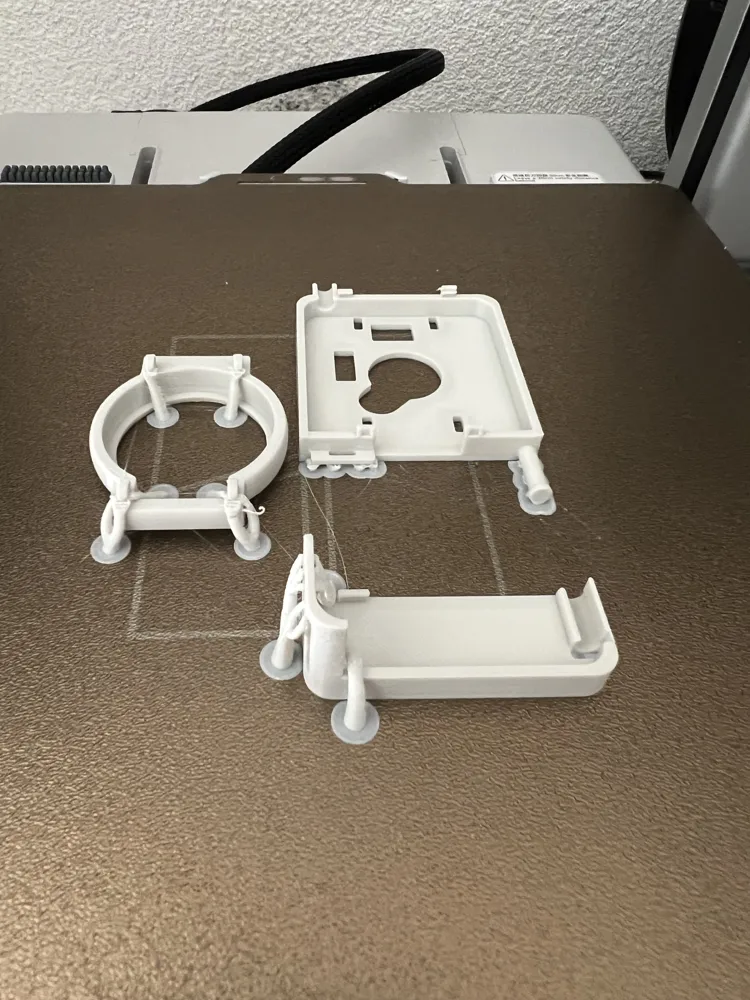
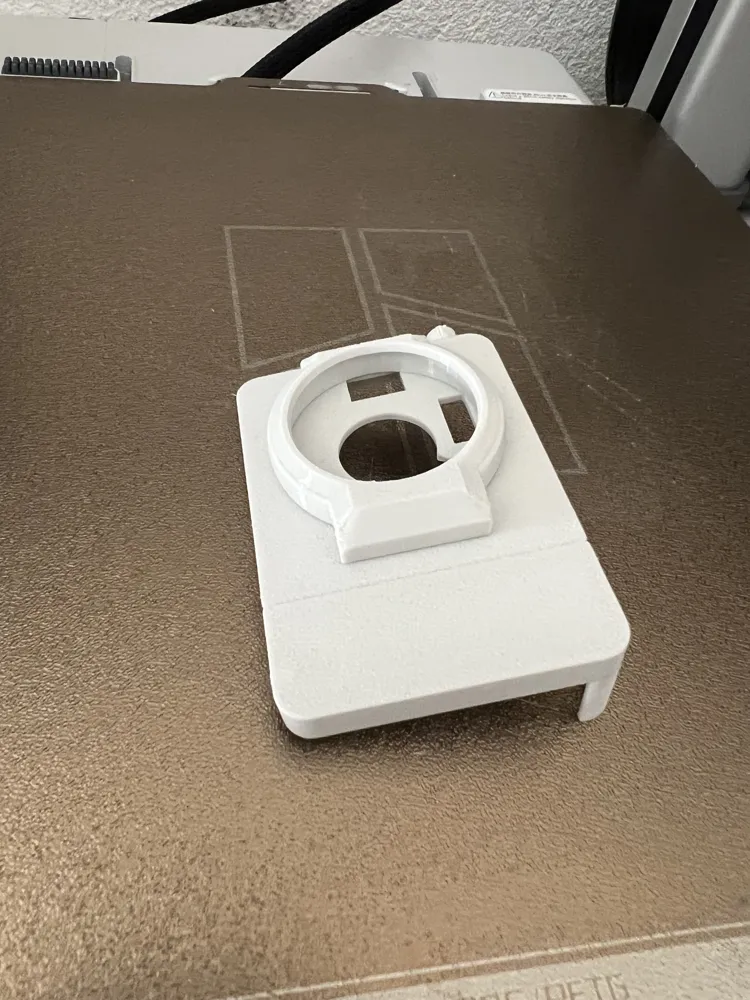
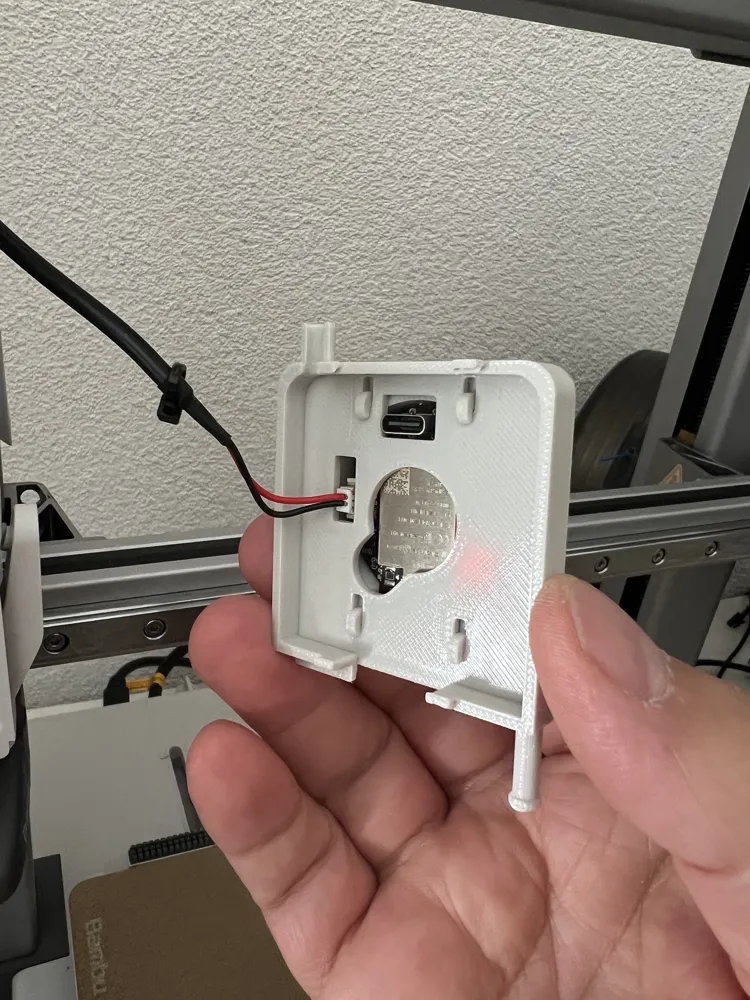
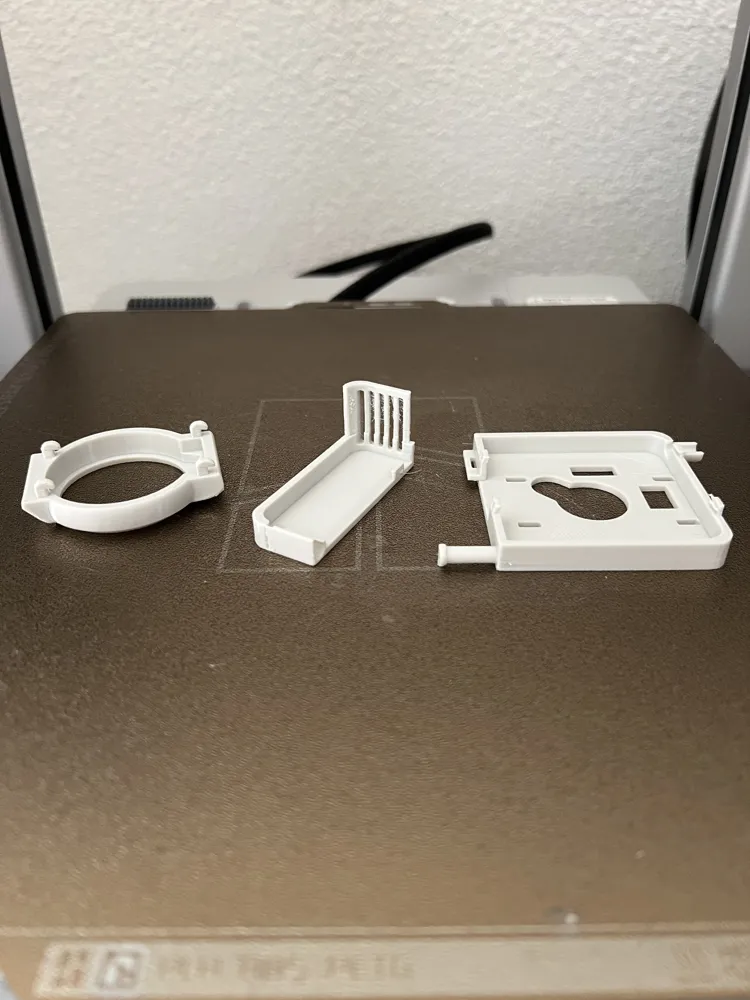

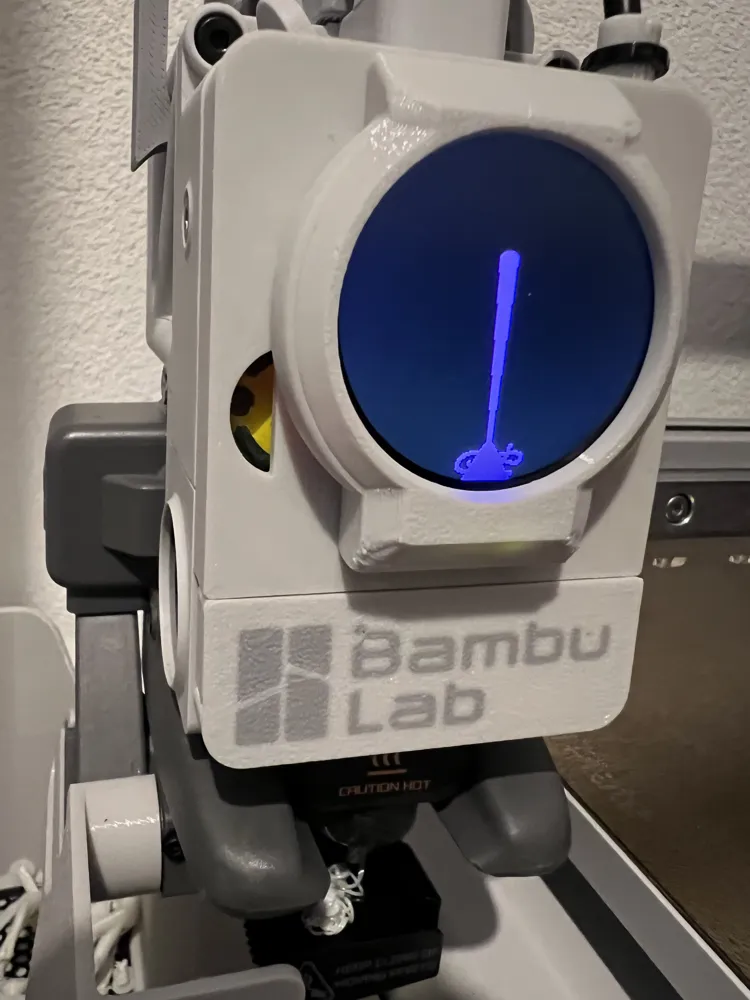
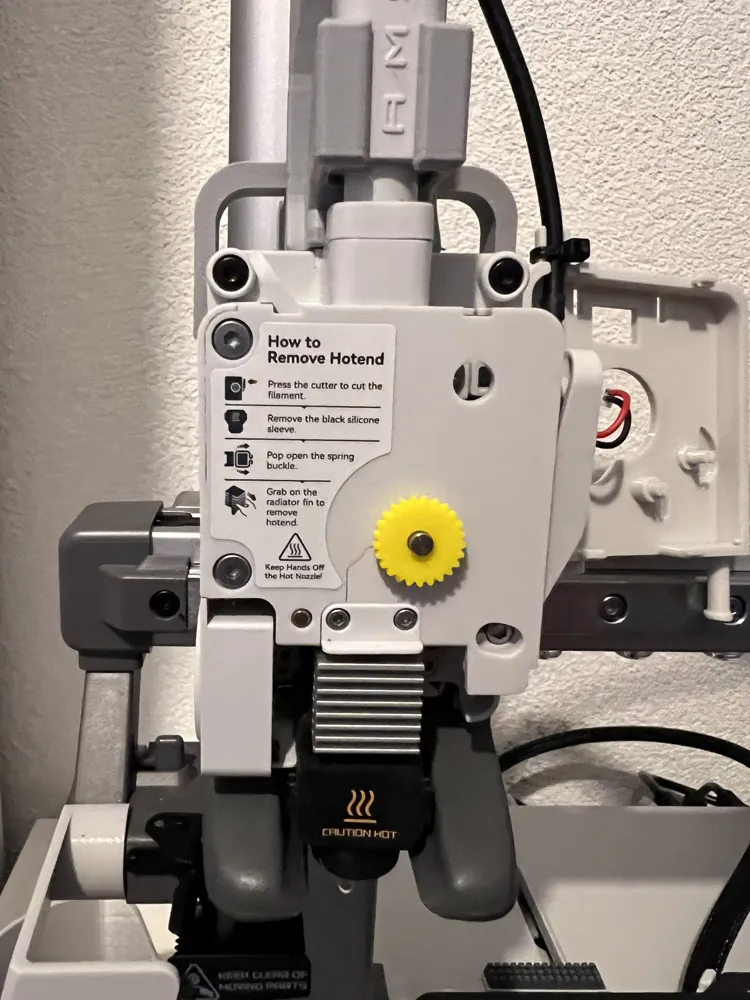

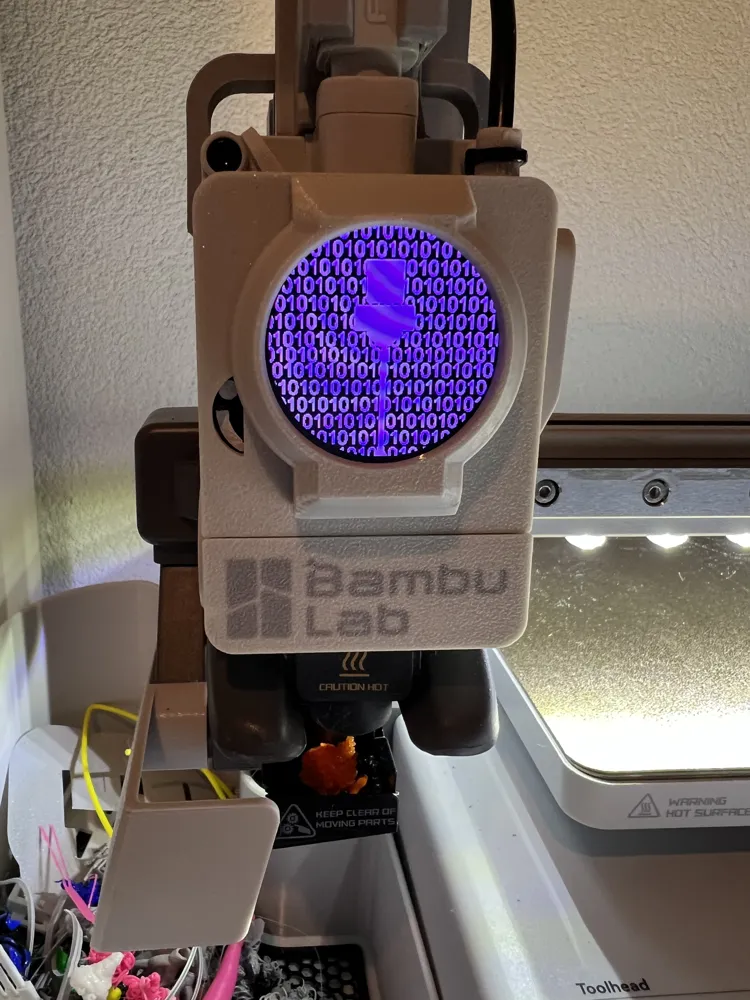
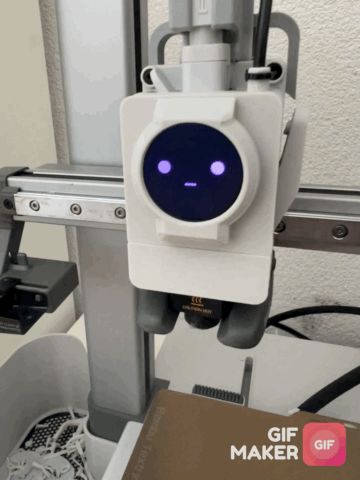
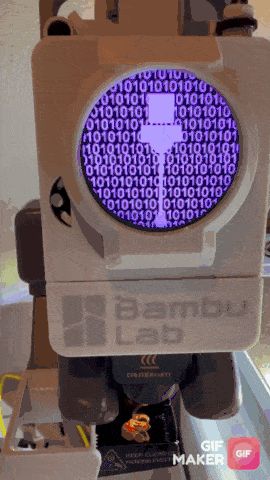
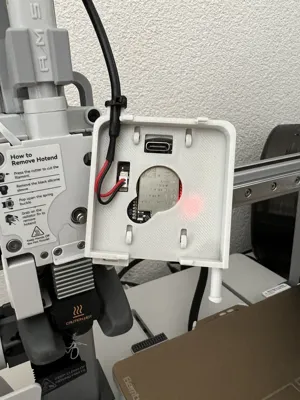
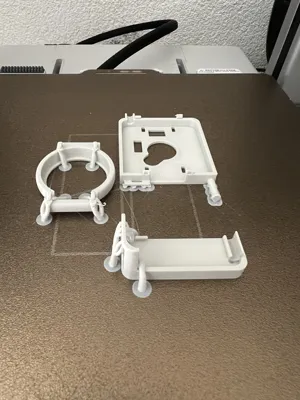
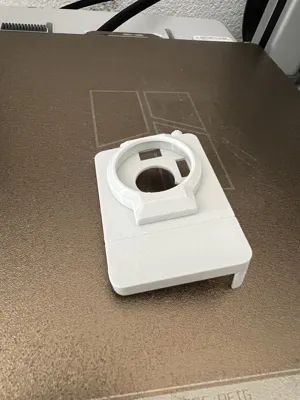
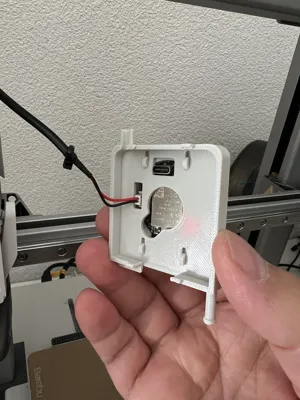
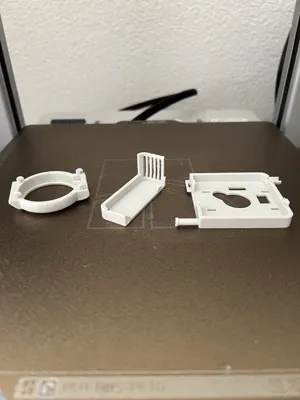
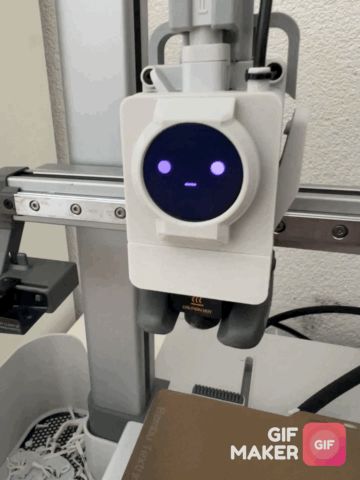
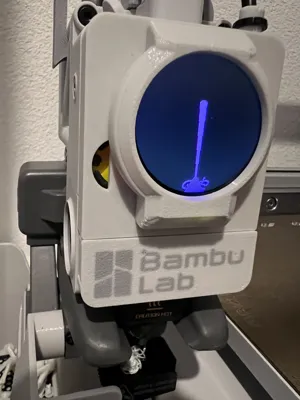
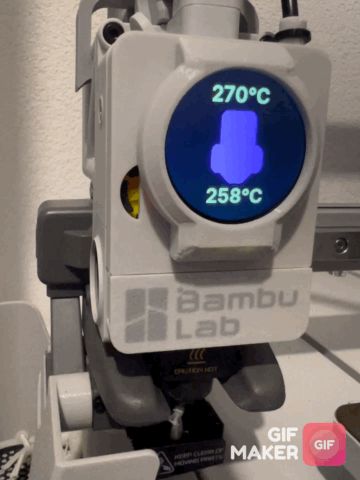
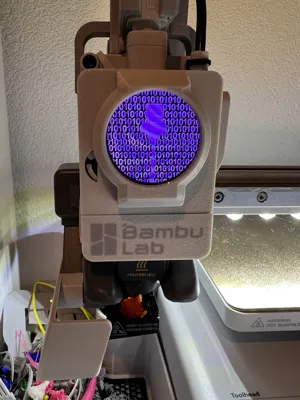
and really liked the cover, I created a suitable model for myself. It features both a cable feedthrough at the top for the Knomi and a swivelling hotend guard for quicker changes. I made several modifications until it finally fit. The print quality is excellent, and my preset print options should definitely be used, as the supports are perfectly adjusted. Furthermore, thin-wall detection must be active. Exercise caution when removing the supports. Otherwise, if everything is clean, the parts should fit together well, and no additional parts are needed. If I have the time and inclination, I will later add a logo to the cover. But all in all, in my opinion, it looks very good and is functional. Perhaps you will like it too. Have fun with it :-)
Update:
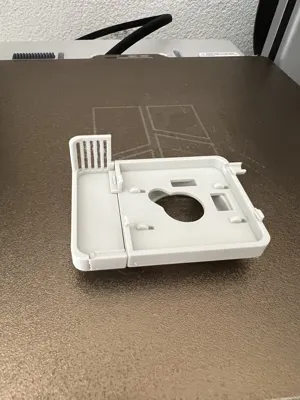
I am currently revising the lower part so that the sleeve is more closed and no longer accidentally dislodges.
The design is complete; however, I can only upload the update later. Those who have already printed everything only need to reprint the lower part.
Update2:
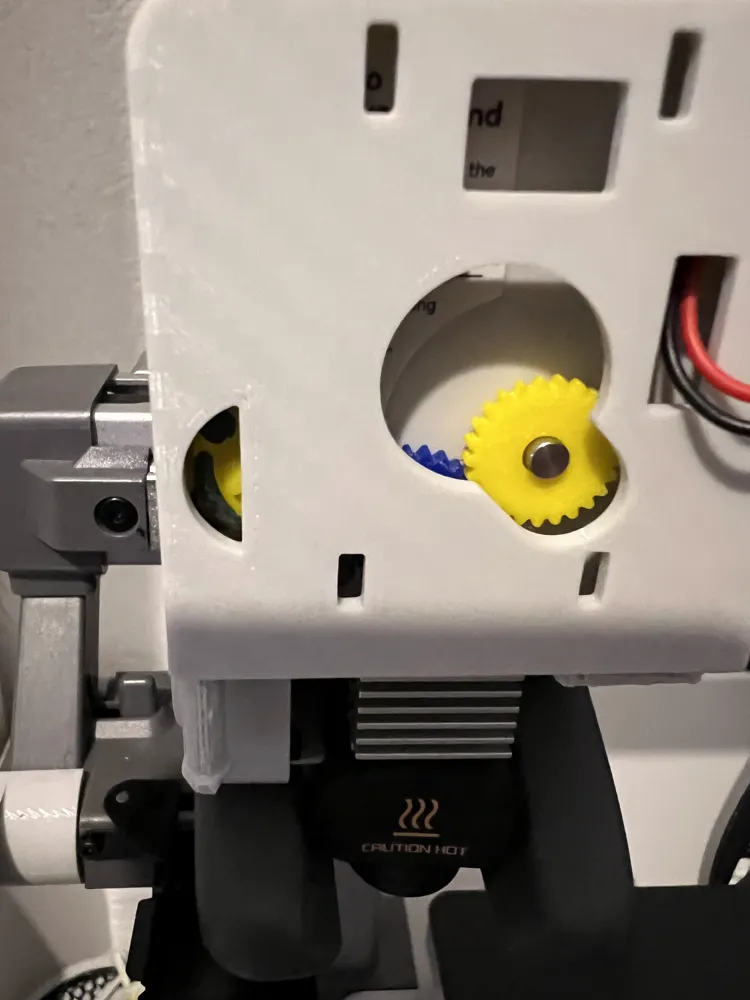
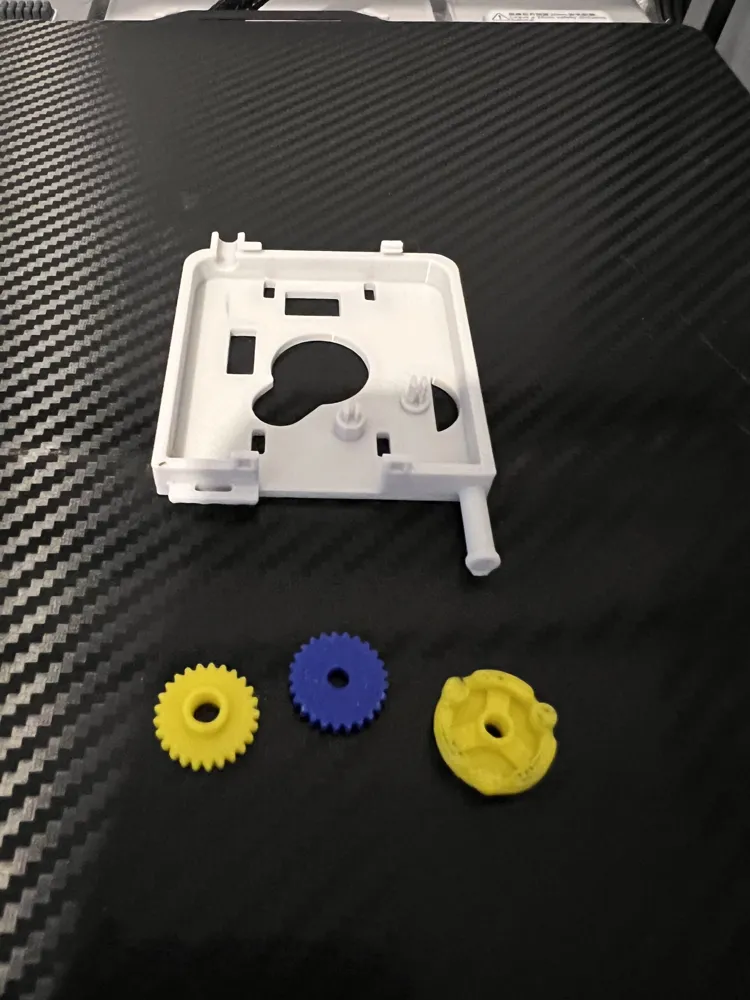
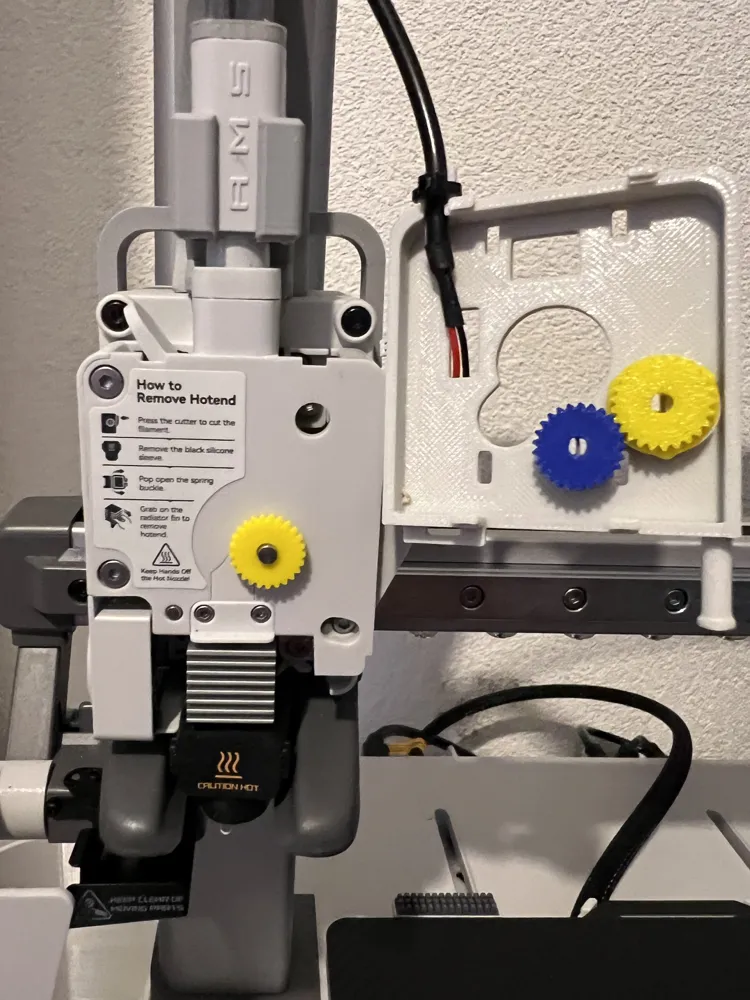
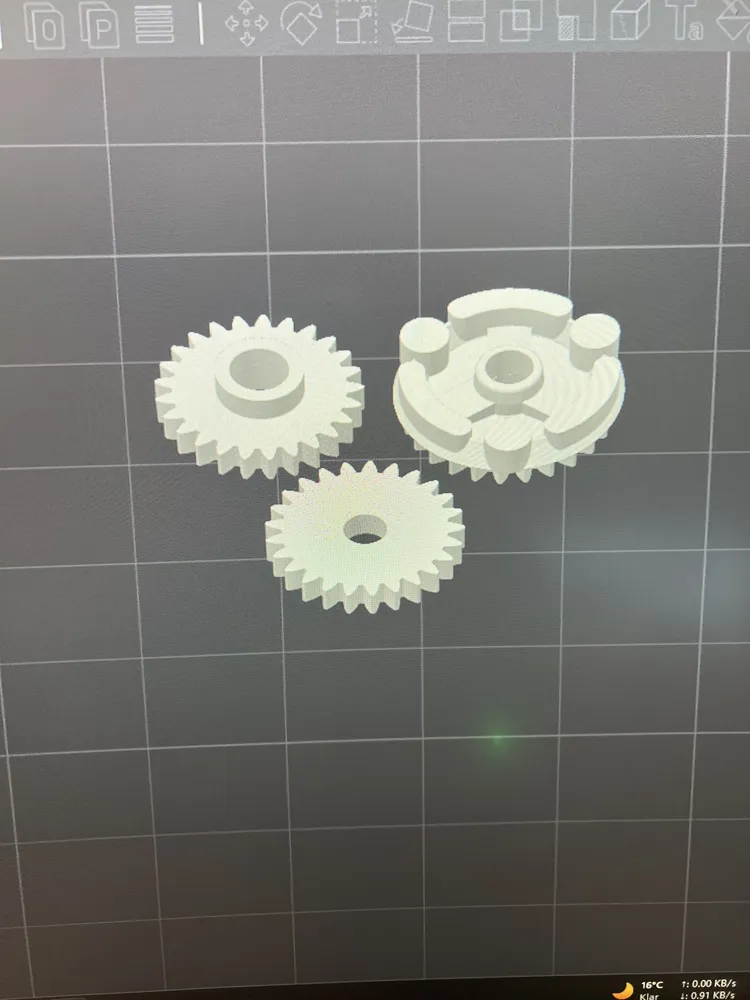
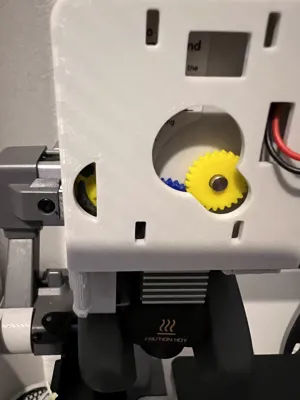
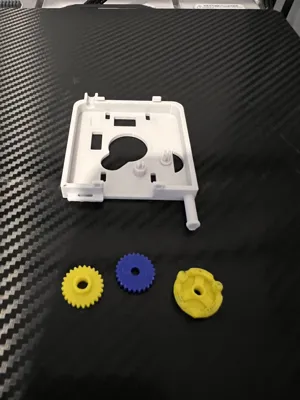
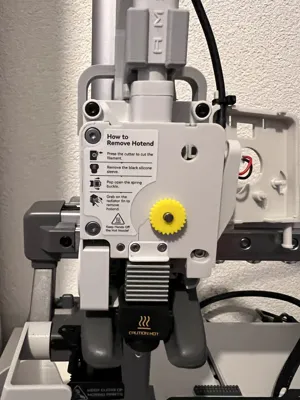
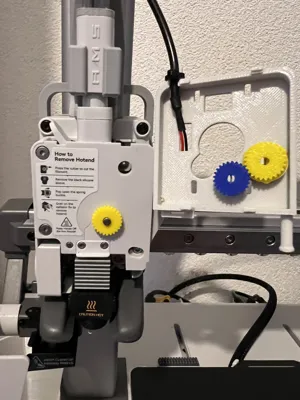
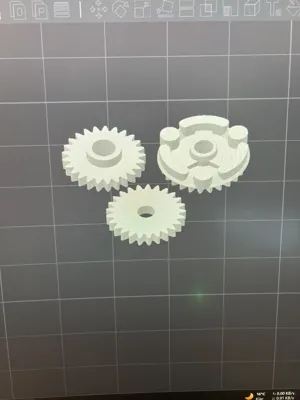
Because I wanted to see the extruder movement despite having a Knomi, I came up with something. A small viewing window to the left and above small gears now allows me to see the extruder movement. Assembly requires some skill and caution, but afterwards, it works quite well, as you can see. I had a version where I closed the viewing window with a transparent layer. However, the visibility was worse. I quickly painted the extruder gear with a marker pen. Later, I will print a two-tone version. This can be designed by anyone using Bambu Studio. Happy Printing :-)
Update3:
I have reworked the Knomi cover's lower locking hooks. They were quite prone to breaking. You also need to be careful during assembly. Carefully remove the supports from the locking hooks and clean them with a utility knife if necessary, so that they engage neatly. I am also currently testing printing the visible extruder wheel with glow-in-the-dark filament. Let's see if it achieves an effect :-).
Update 4:
Since the old print profile for the gears was deleted because no print image was available, I reprinted them and uploaded the print profile again. I recommend printing the gears in black or very dark for contrast. You can then print the last three layers in white, or mark them with a paint pen as I did (visibility).
A small note: In my case, the gear slips on the extruder shaft after some time. I put a drop of superglue on it, and then it holds :-).
License

You shall not share, sub-license, sell, rent, host, transfer, or distribute in any way the digital or 3D printed versions of this object, nor any other derivative work of this object in its digital or physical format (including - but not limited to - remixes of this object, and hosting on other digital platforms). The objects may not be used without permission in any way whatsoever in which you charge money, or collect fees.


Comment & Rating (50)