
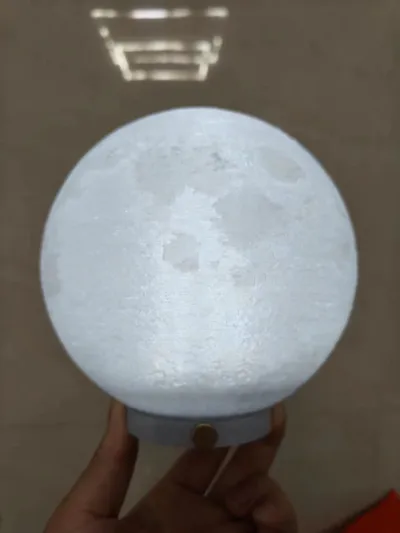
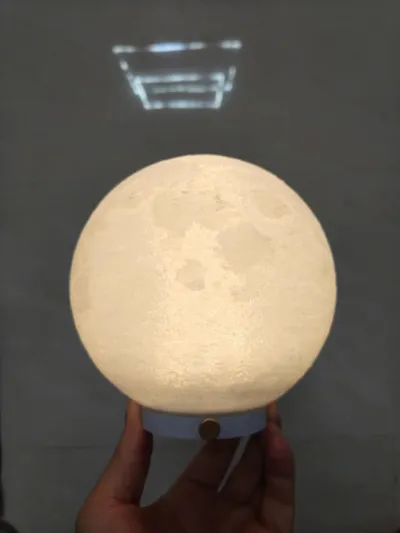
Print Profile(1)

Description
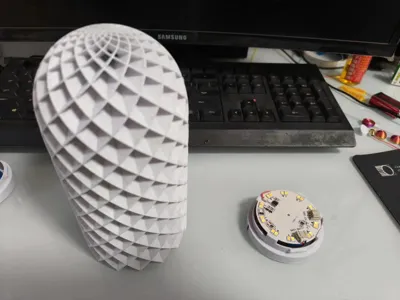
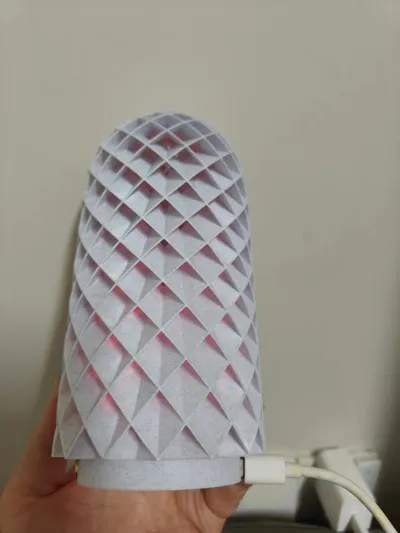
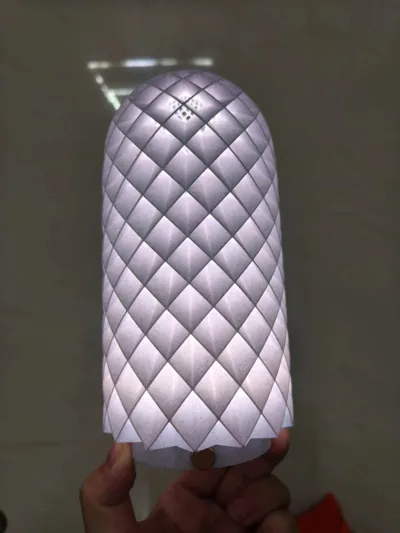
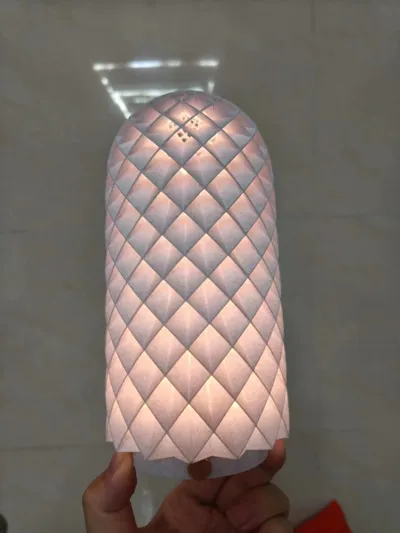
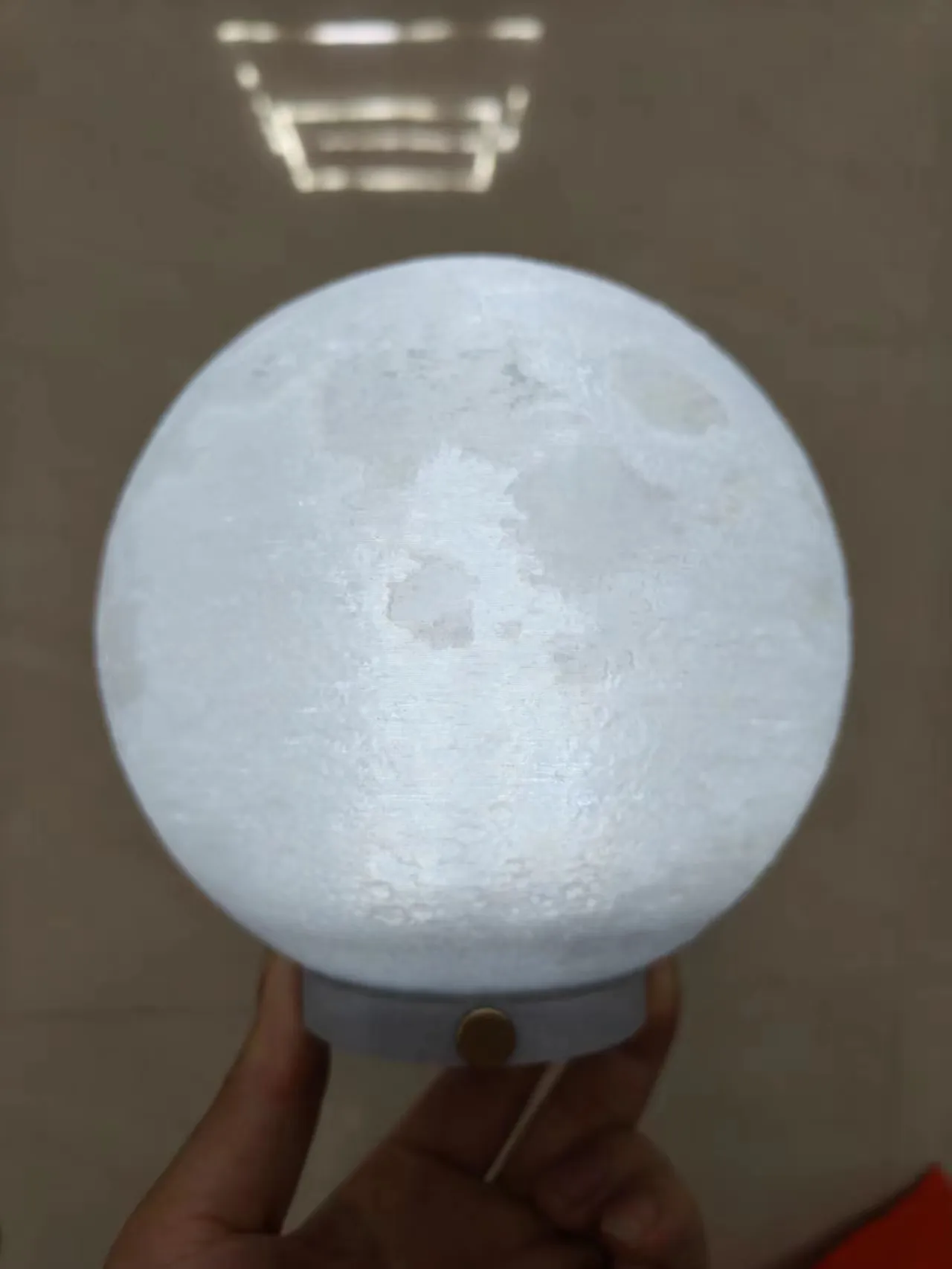
I imagine many of you have also printed the Touzhu night light kit-001. I printed a set myself, but found the wired connection inconvenient during use. So I had an idea: convert it into a wireless kit.
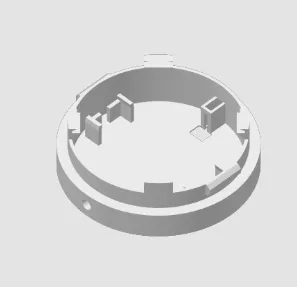
First, print the base.
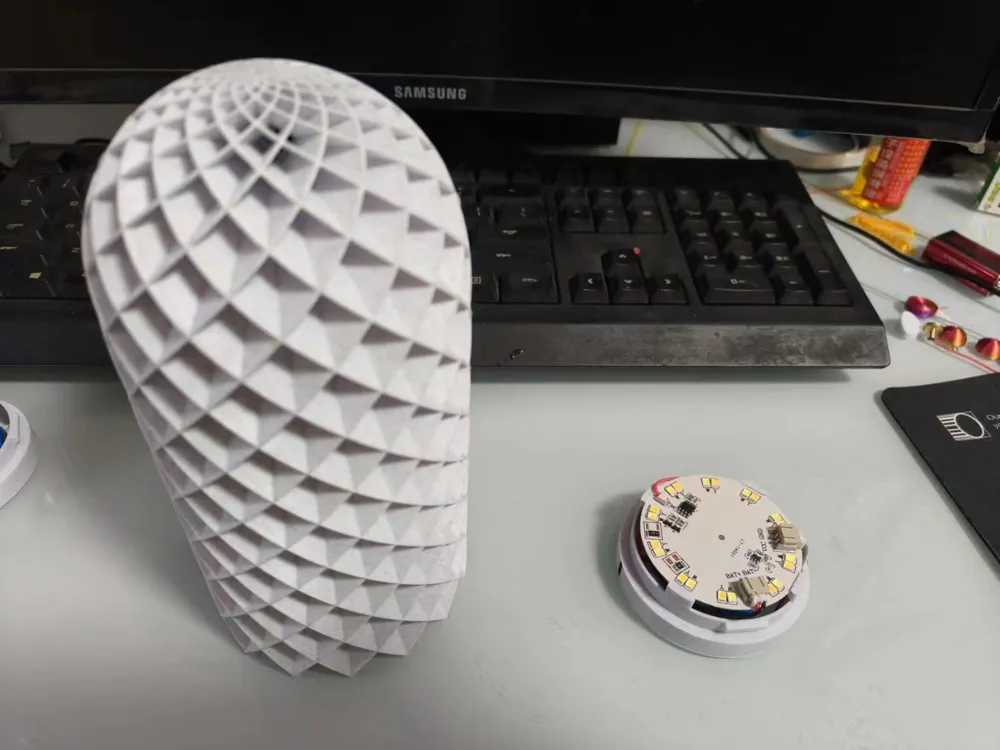
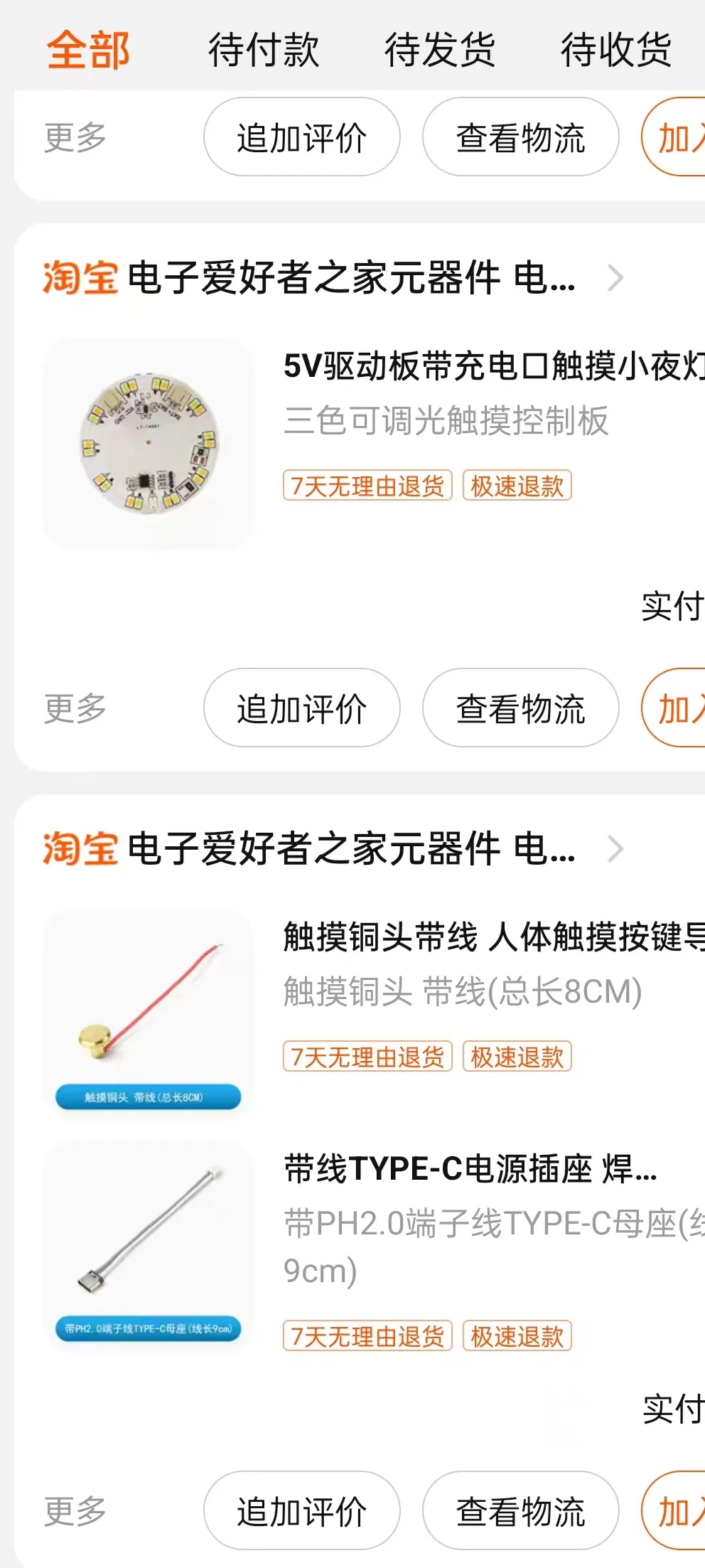
Purchase the battery and wireless LED components. The image below also shows recommended accessories; I compared many vendors to find the most affordable options.
1. Tri-color adjustable brightness touch control panel
2. Touch copper head
3. With PH2.0 TYPE-C female socket
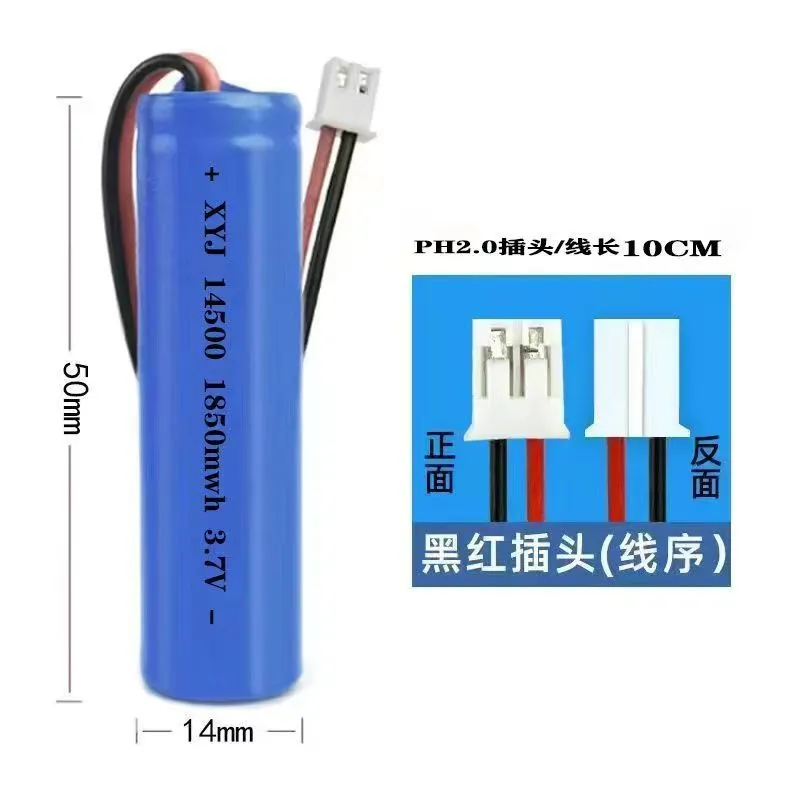
4. 14500 rechargeable battery (with PH2.0 black and red plug, see image below)
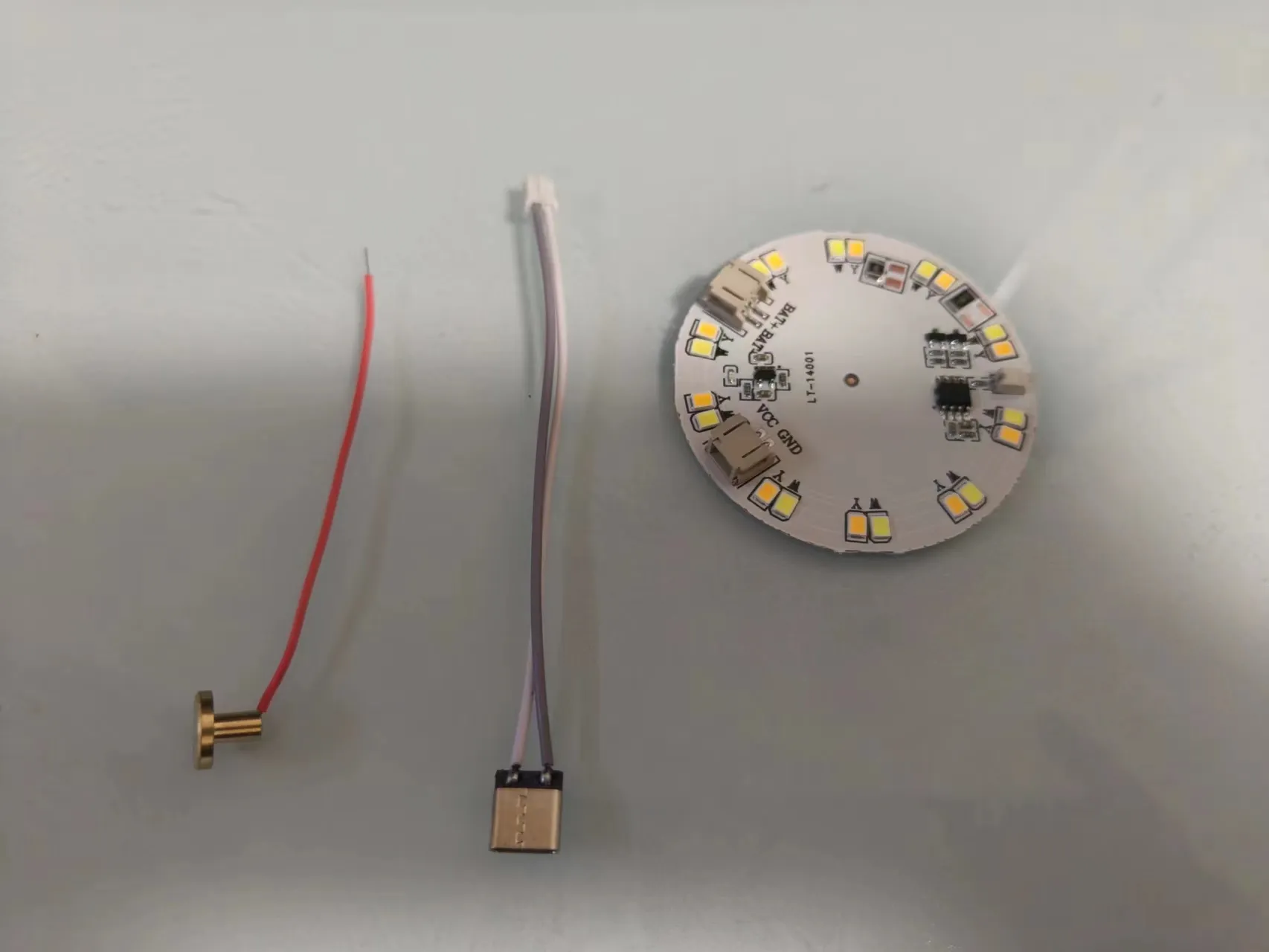
Installation steps:
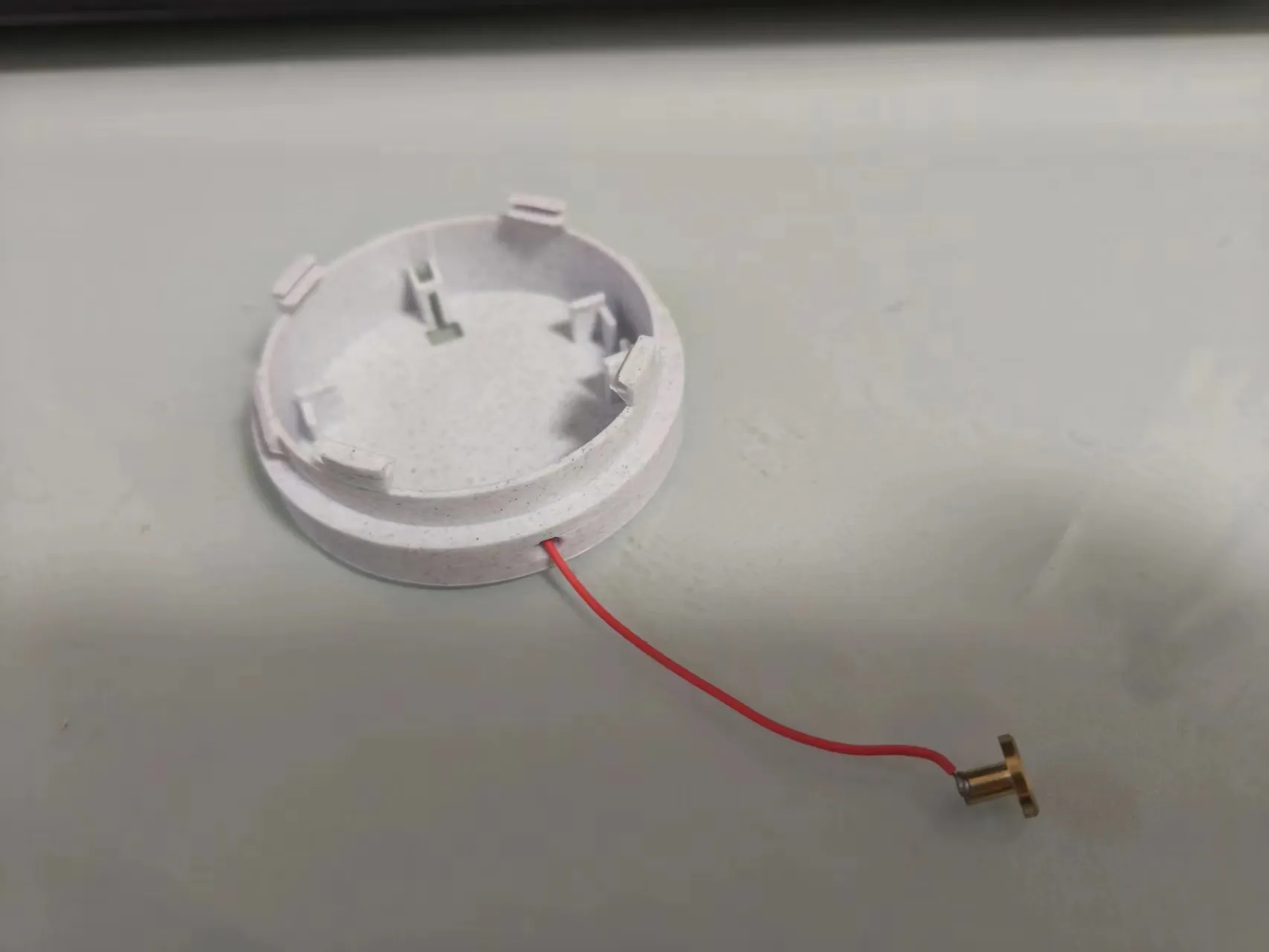
1. Thread the touch copper head wire through the base
2. Install the charging port as shown below
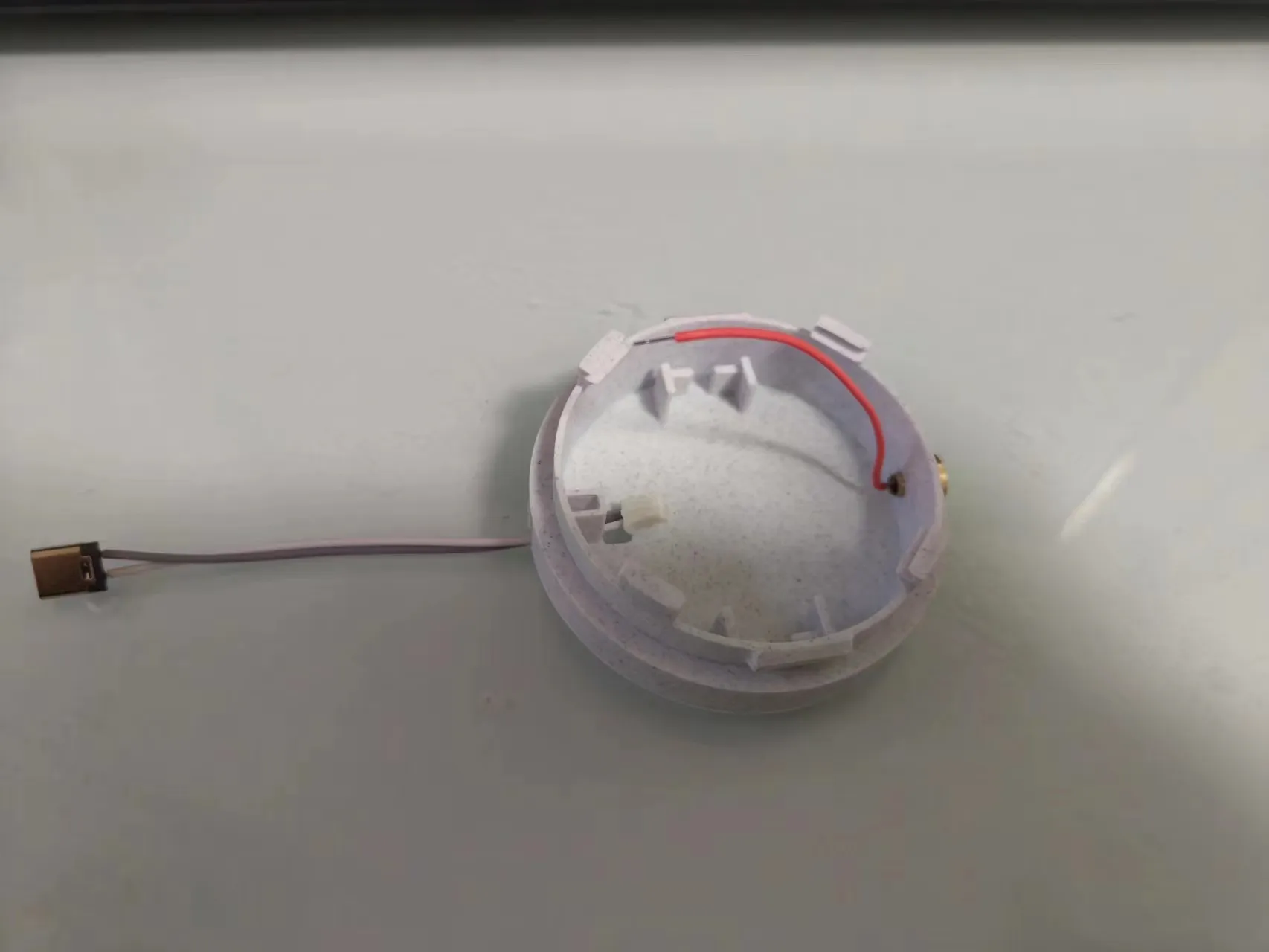
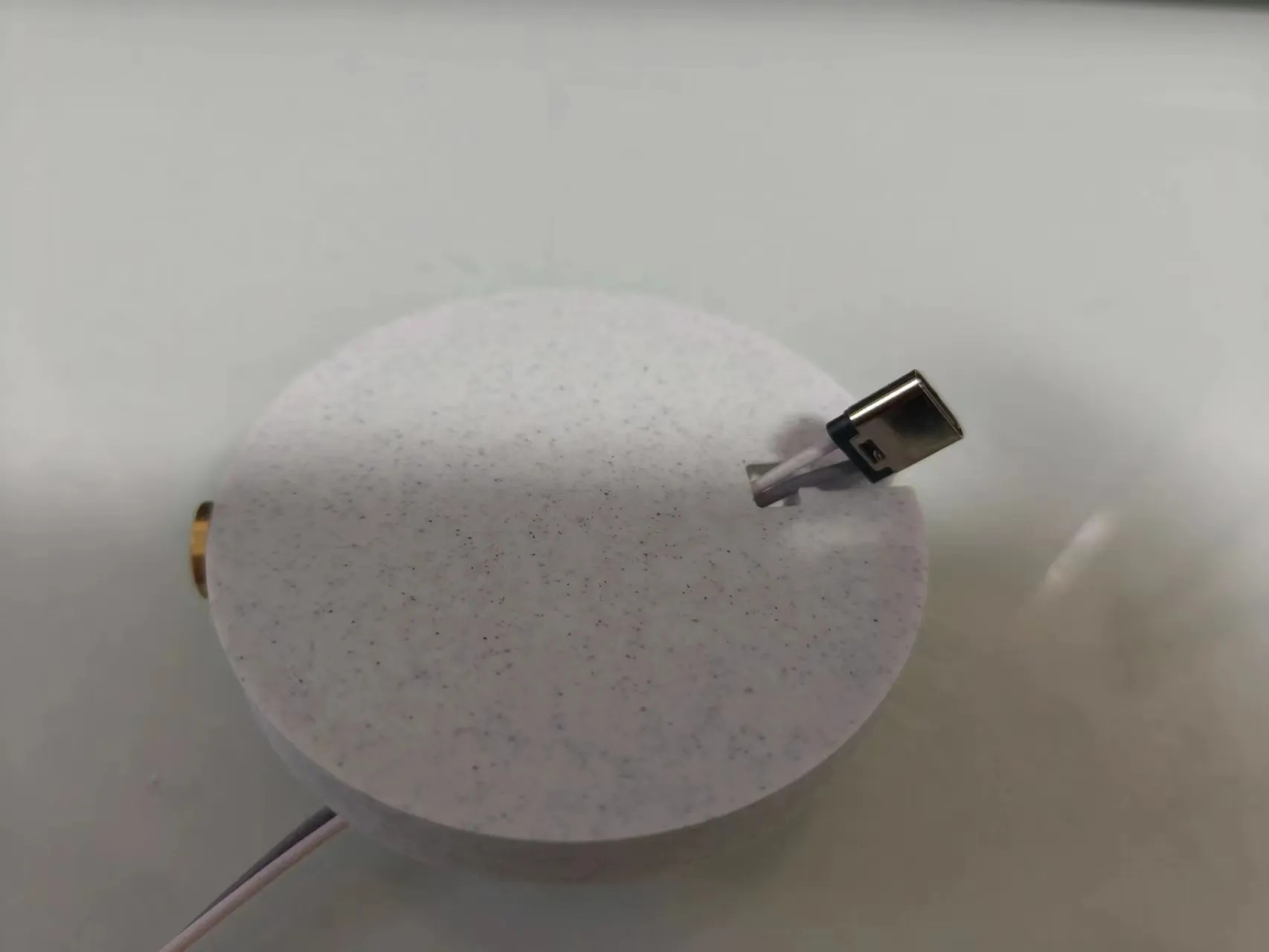
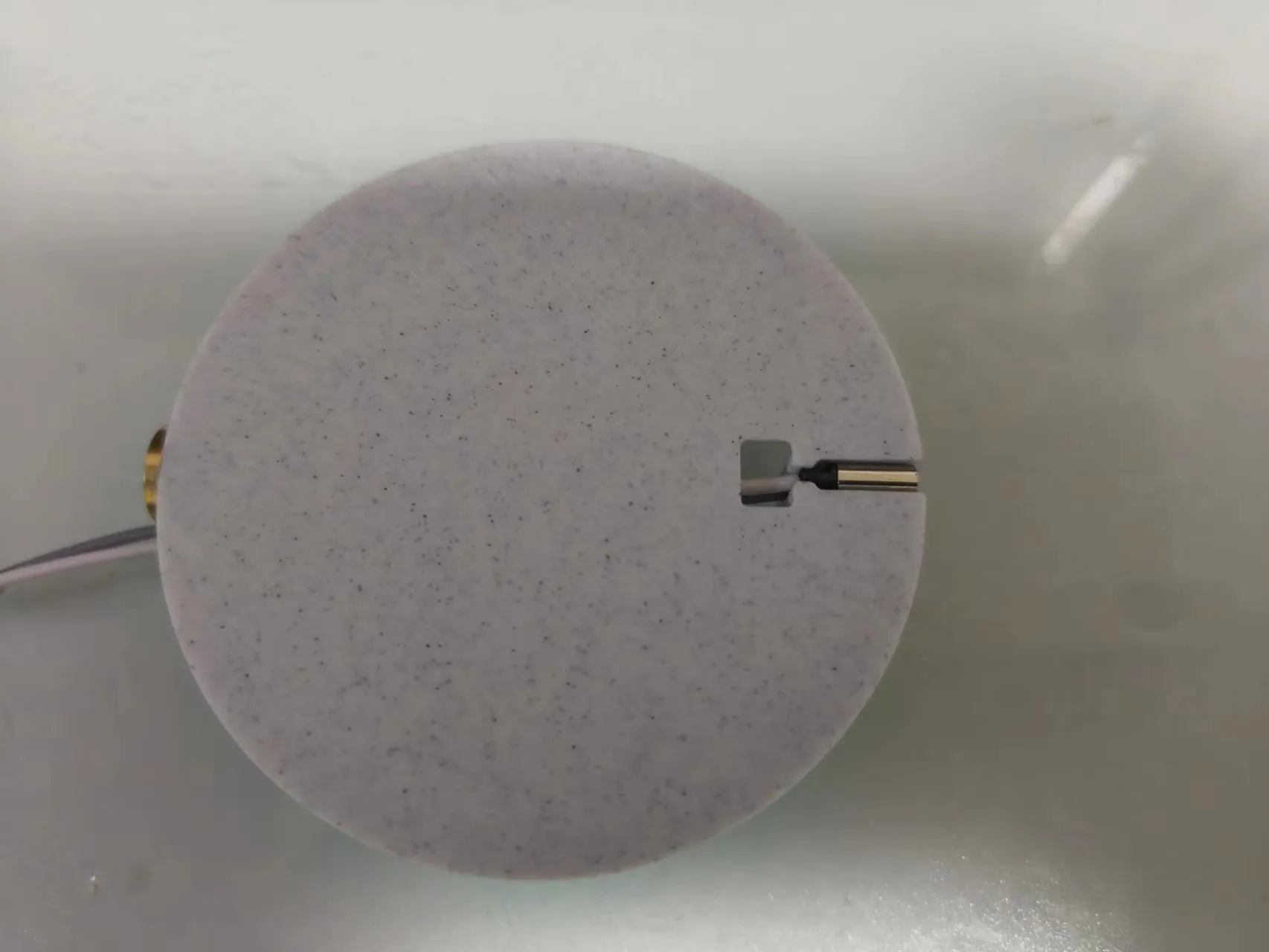
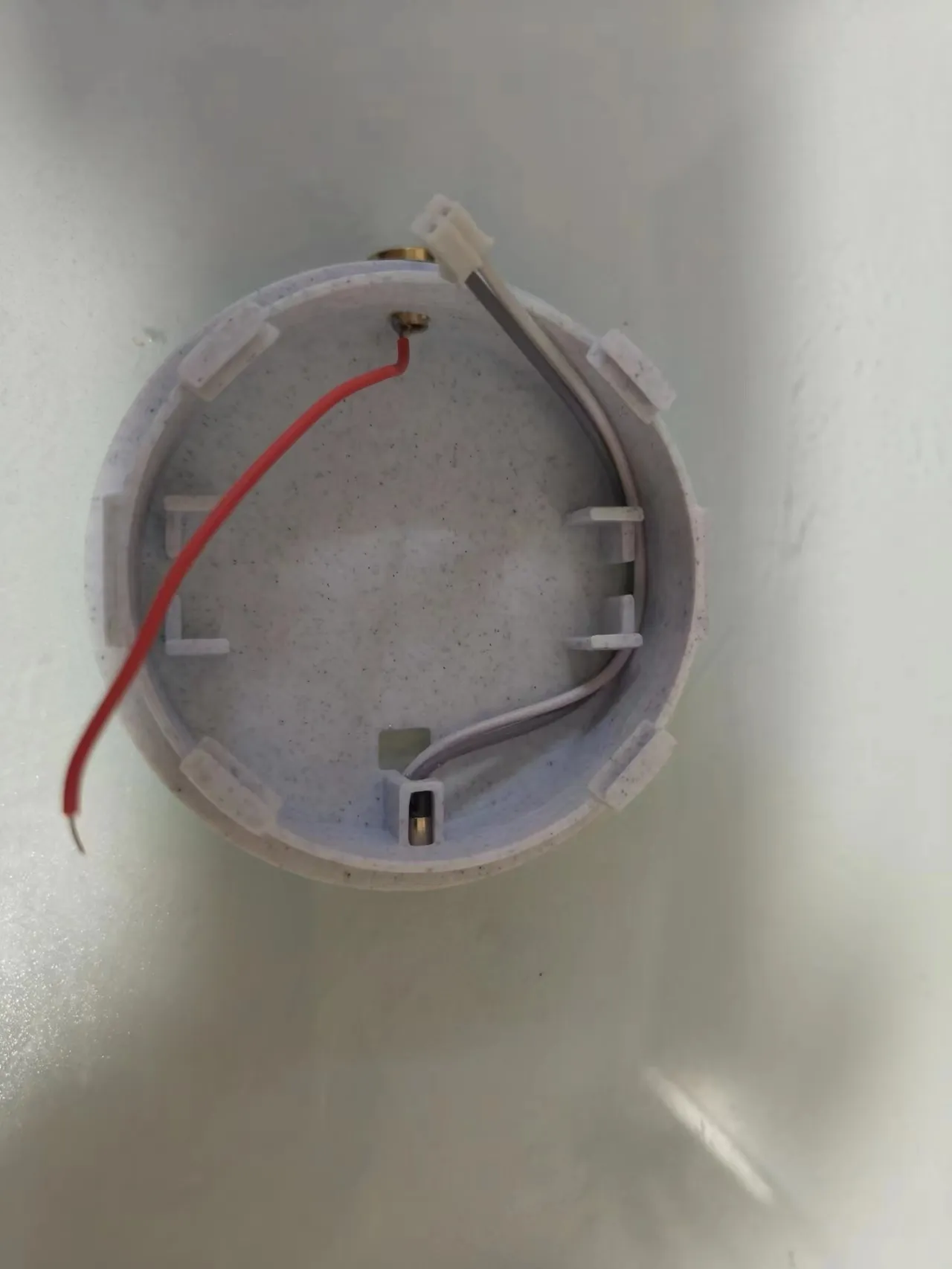
3. Install the battery
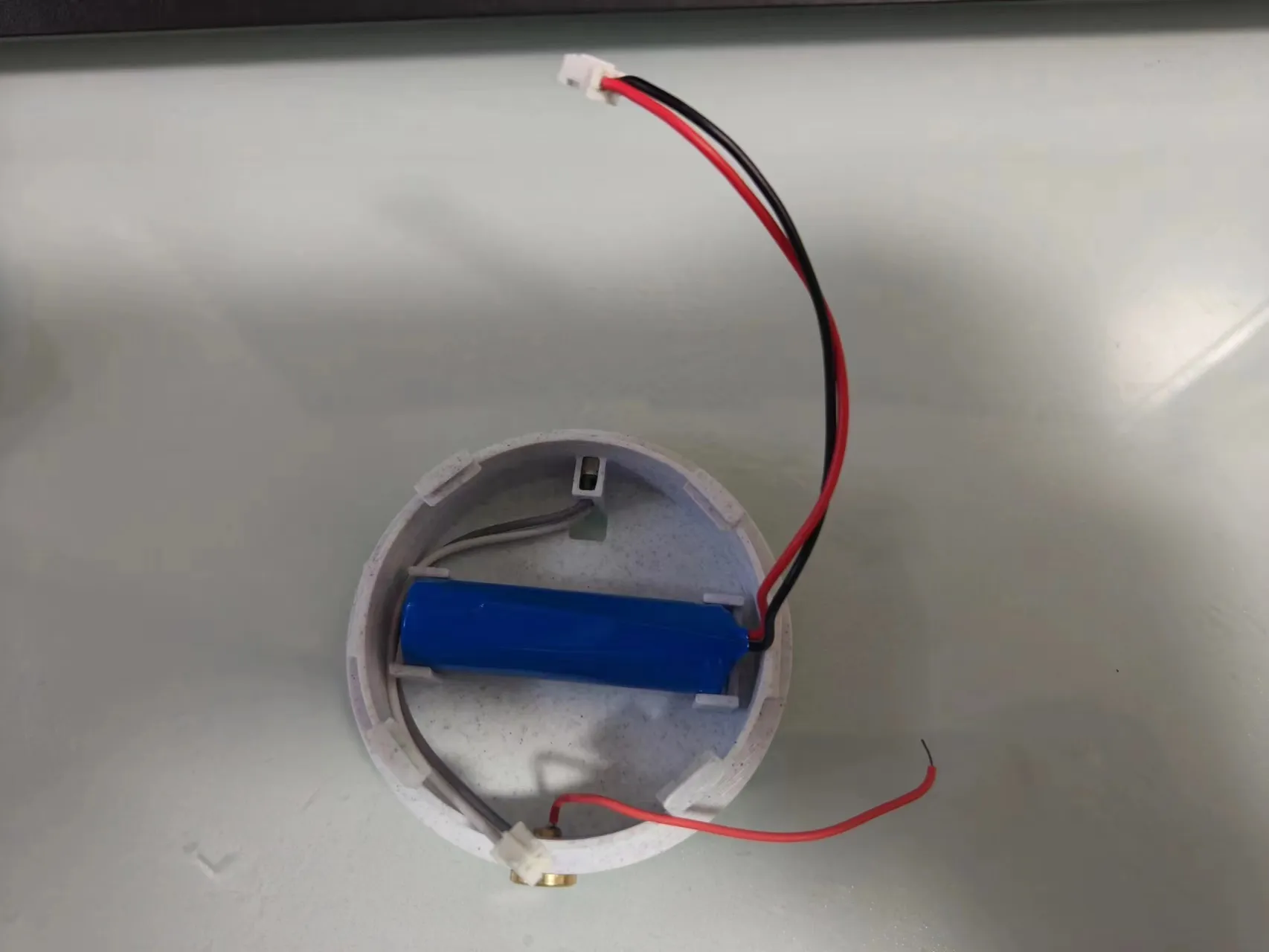
4. Install the tri-color adjustable brightness touch control panel. Slot the control panel into the four recesses, adjust its position, and plug in the terminals. VOC is for the charging port, and BAT is for the battery port. Be careful not to plug them in incorrectly.
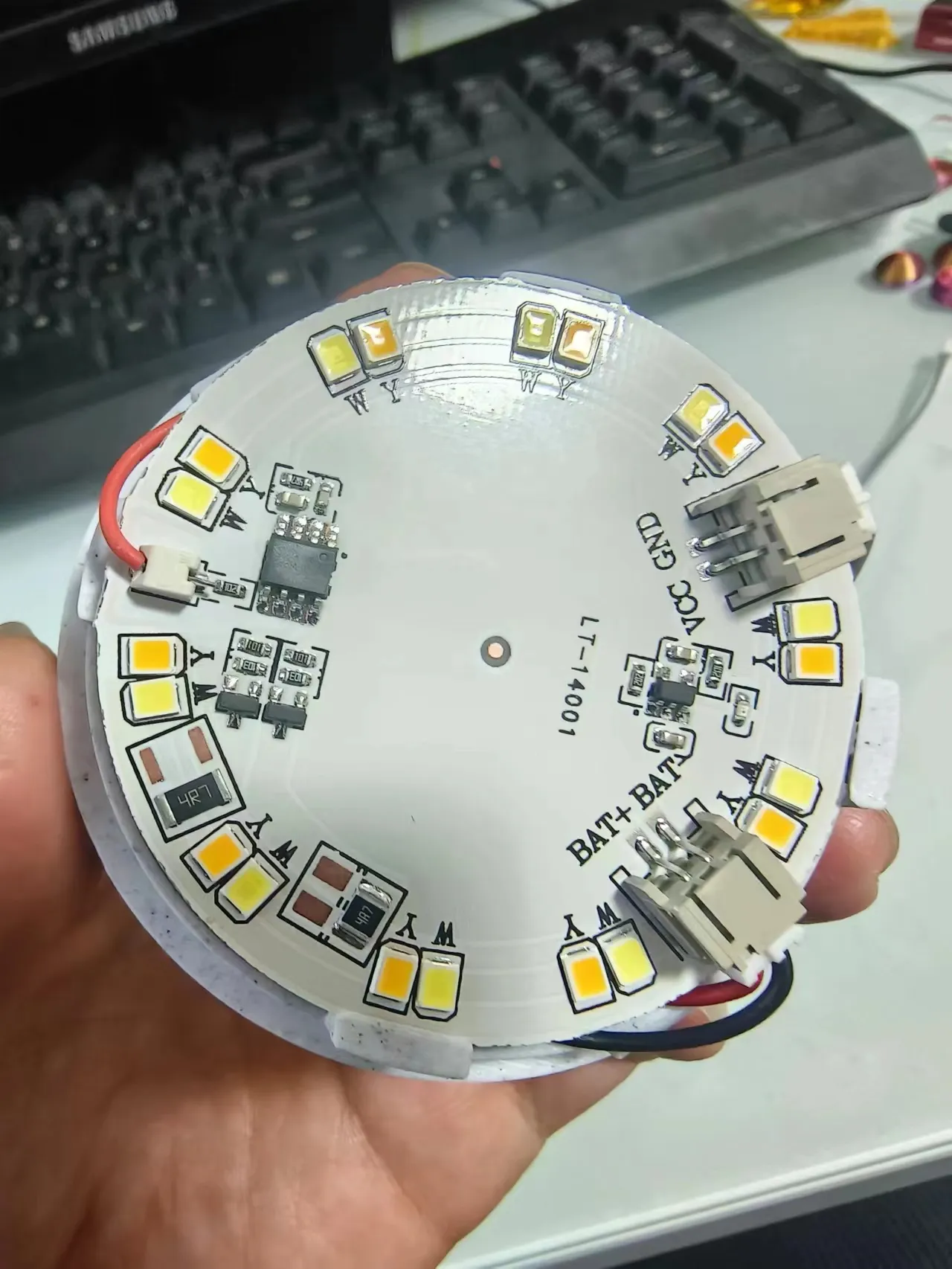
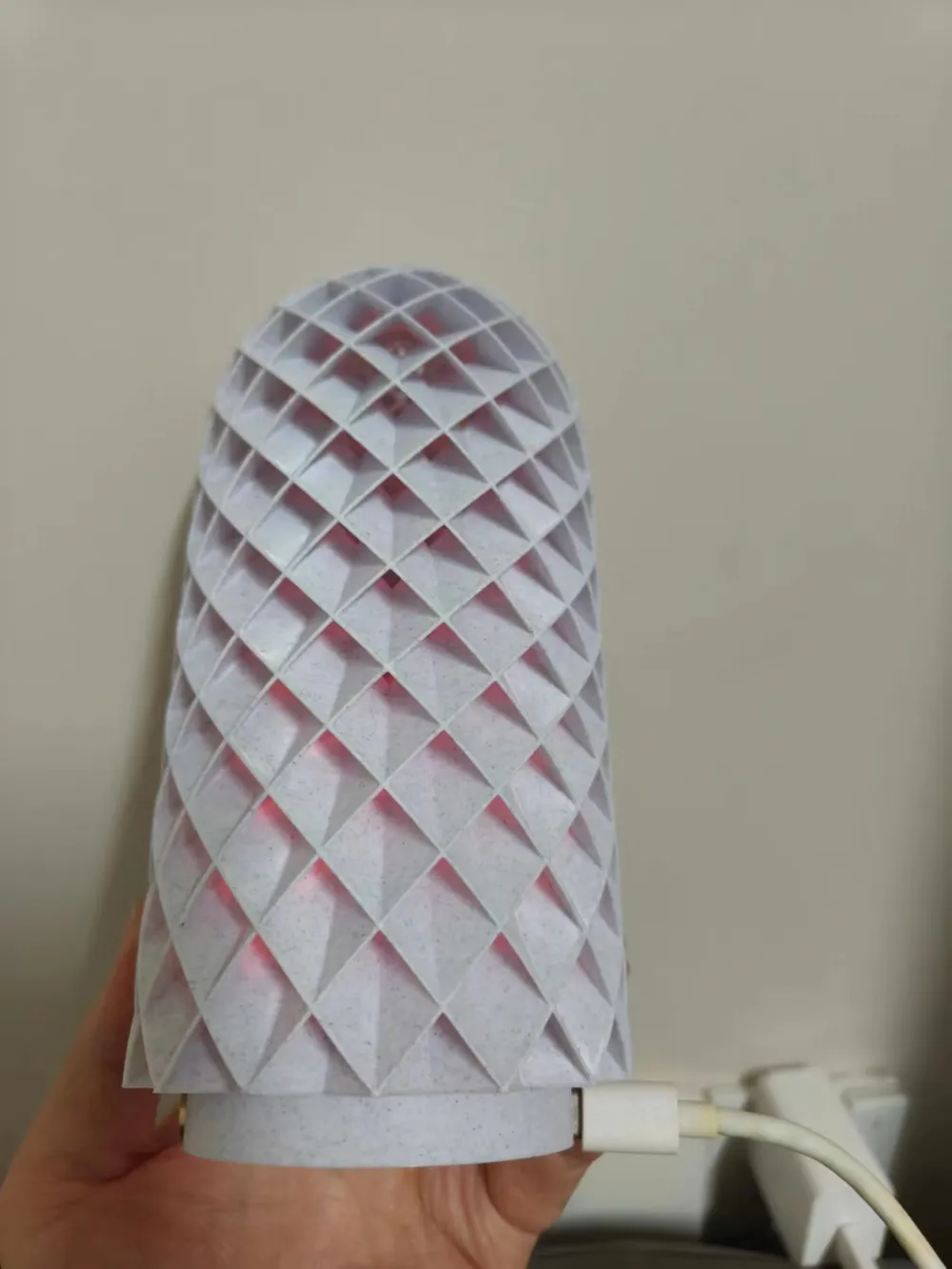
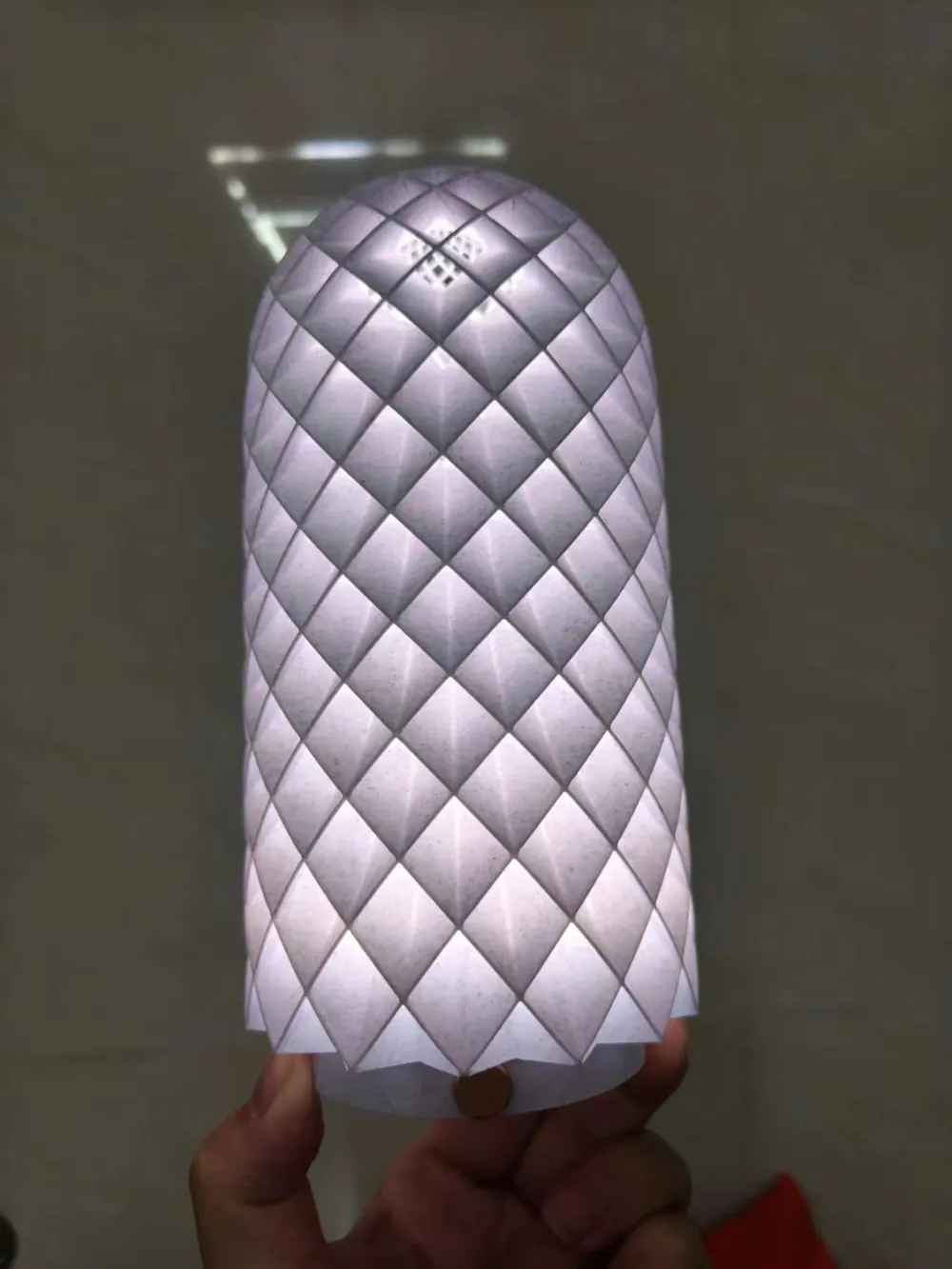
Most of the work is now complete. All that's left is to attach the lampshade.
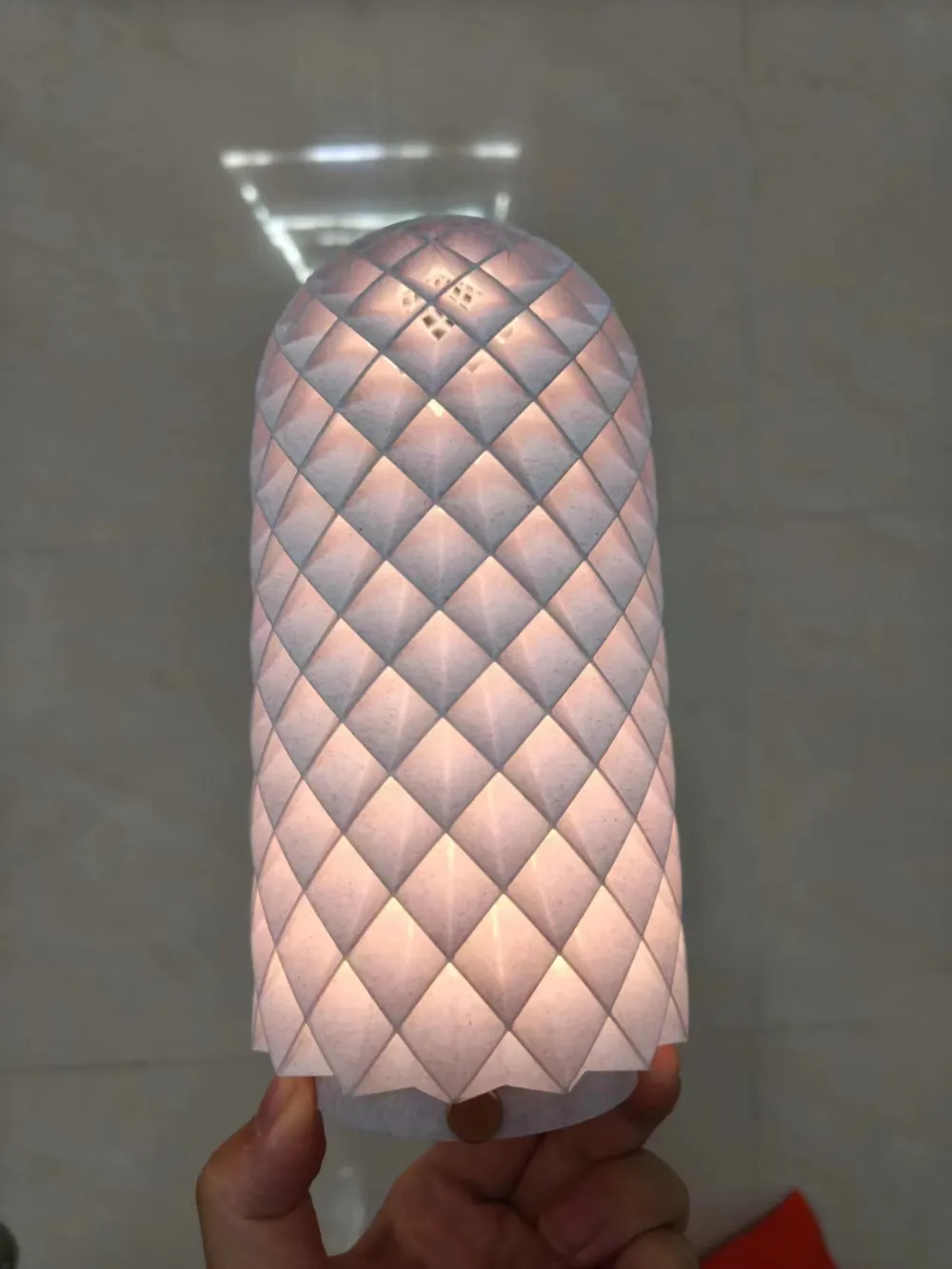
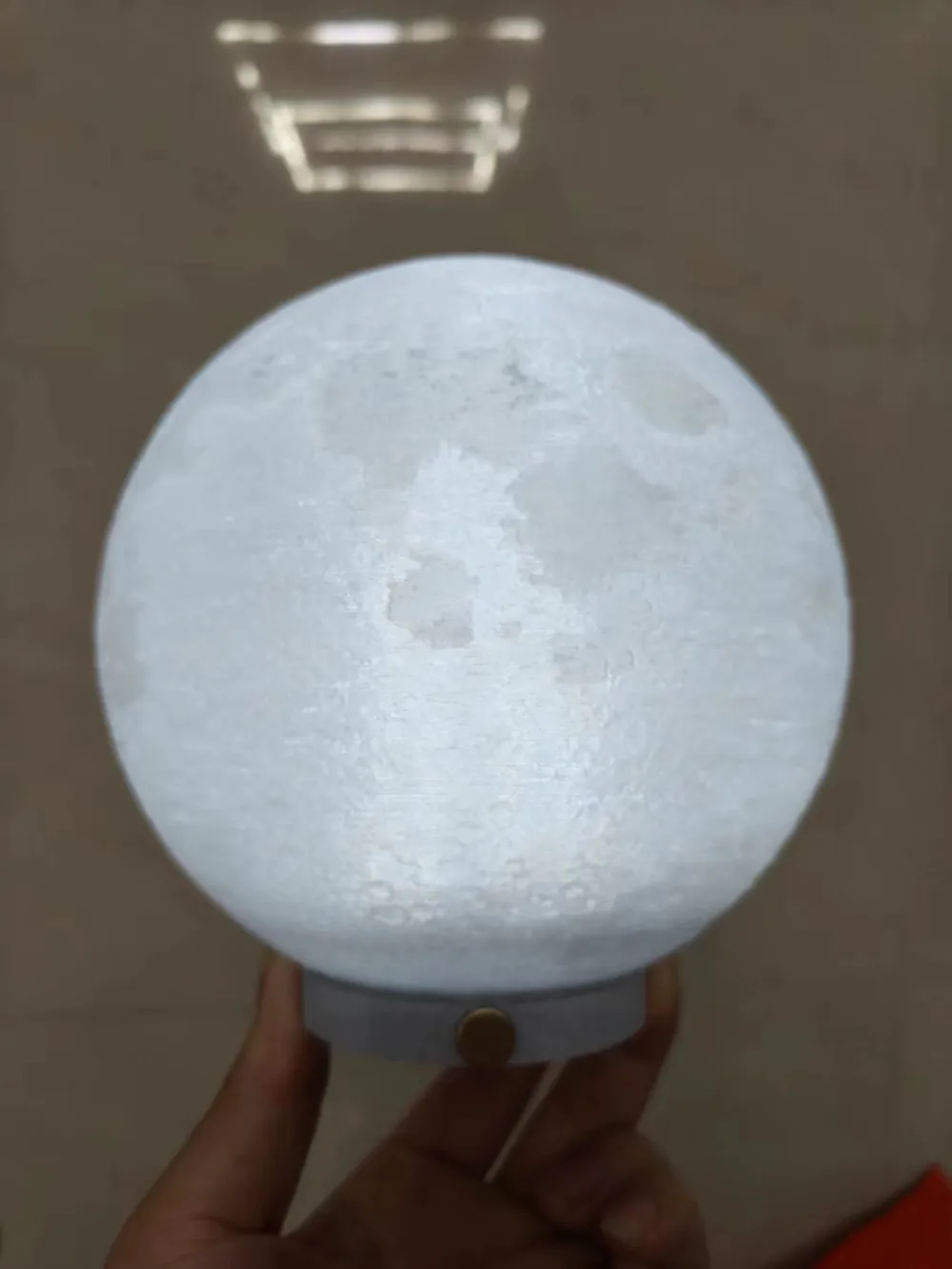
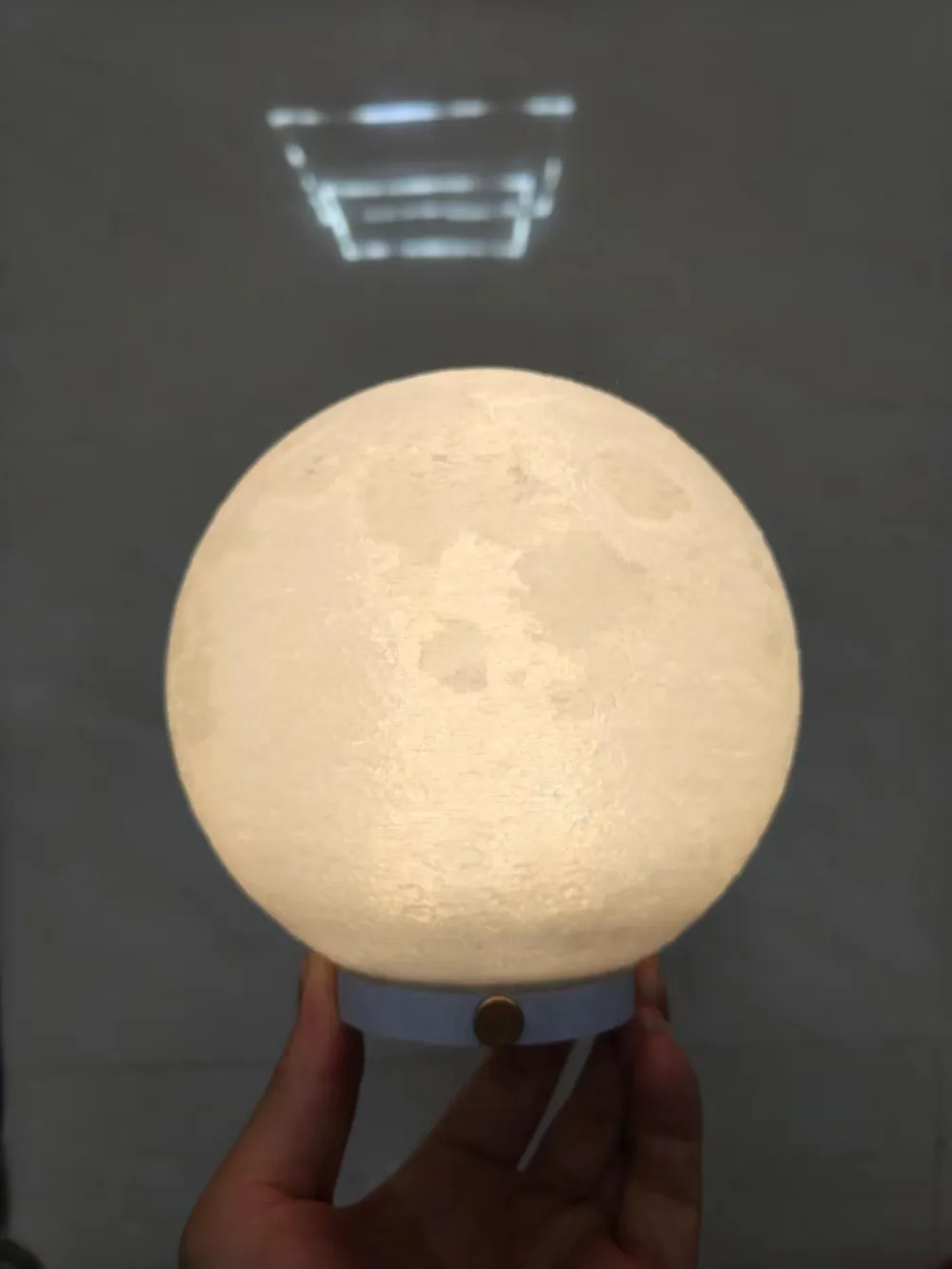
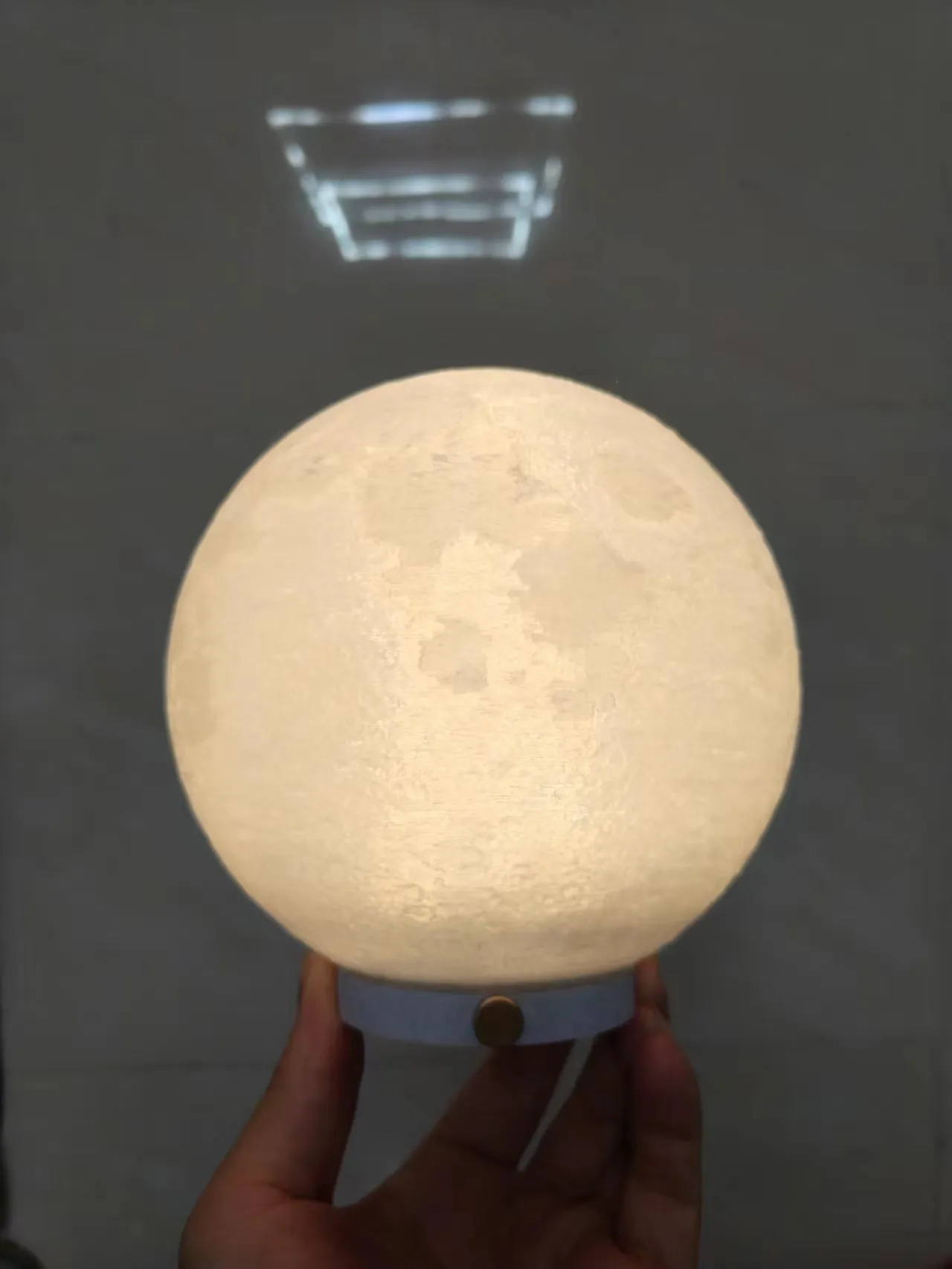
Below are two currently well-suited lampshades; others await your discovery.
Base compatible with Touzhu lampshade LED Night Light 001 from Bambu Lab - MakerWorld
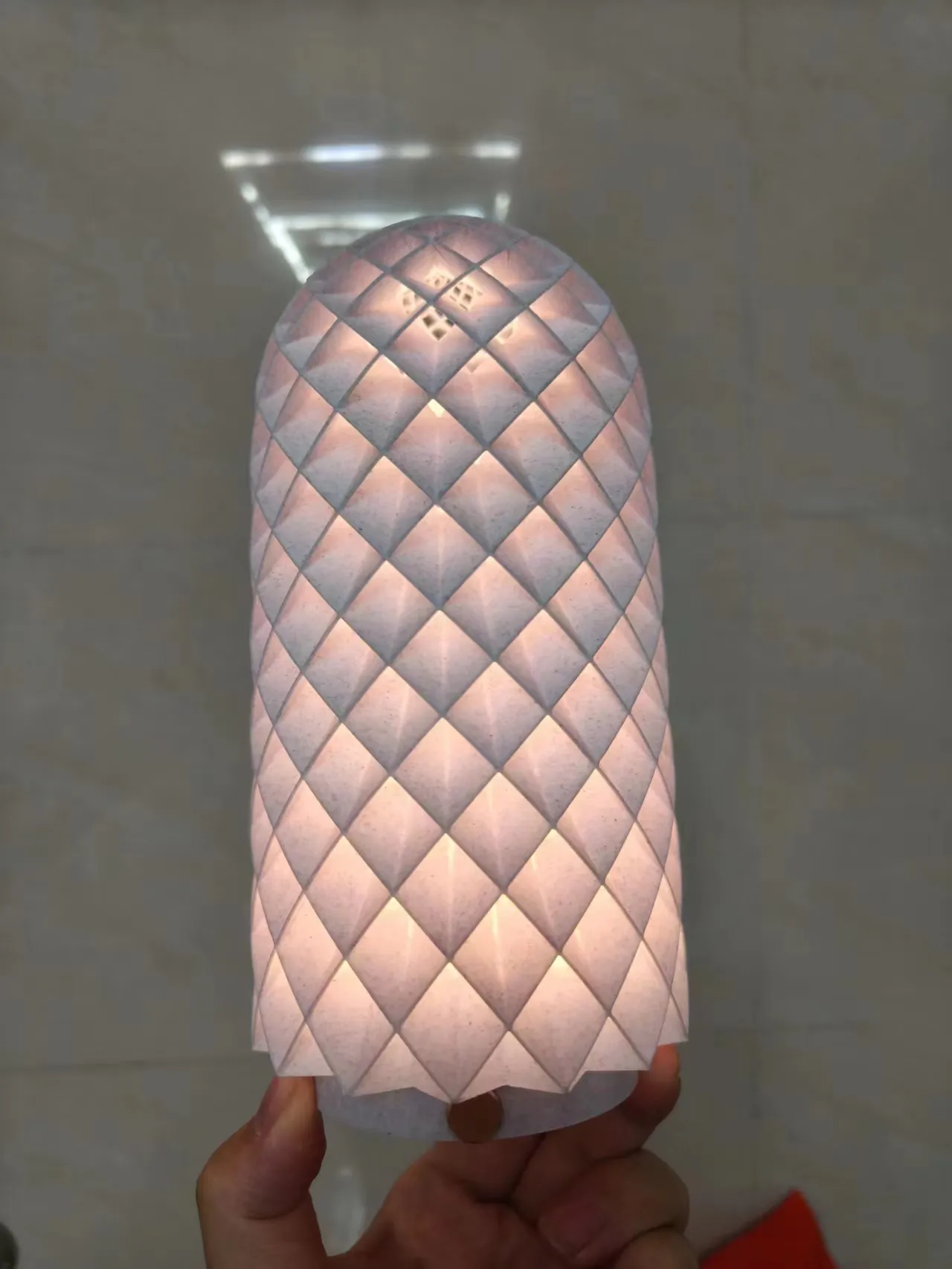
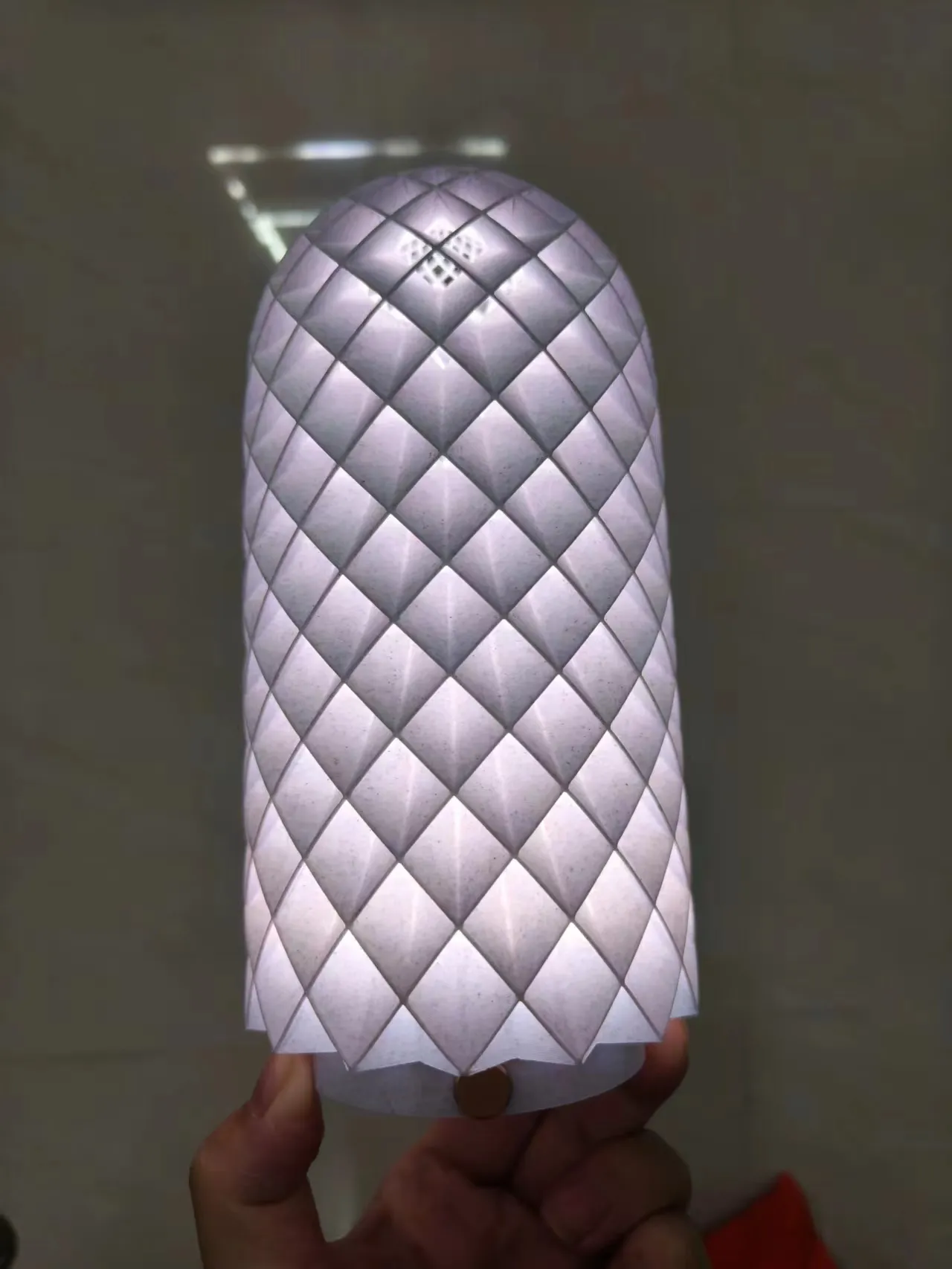
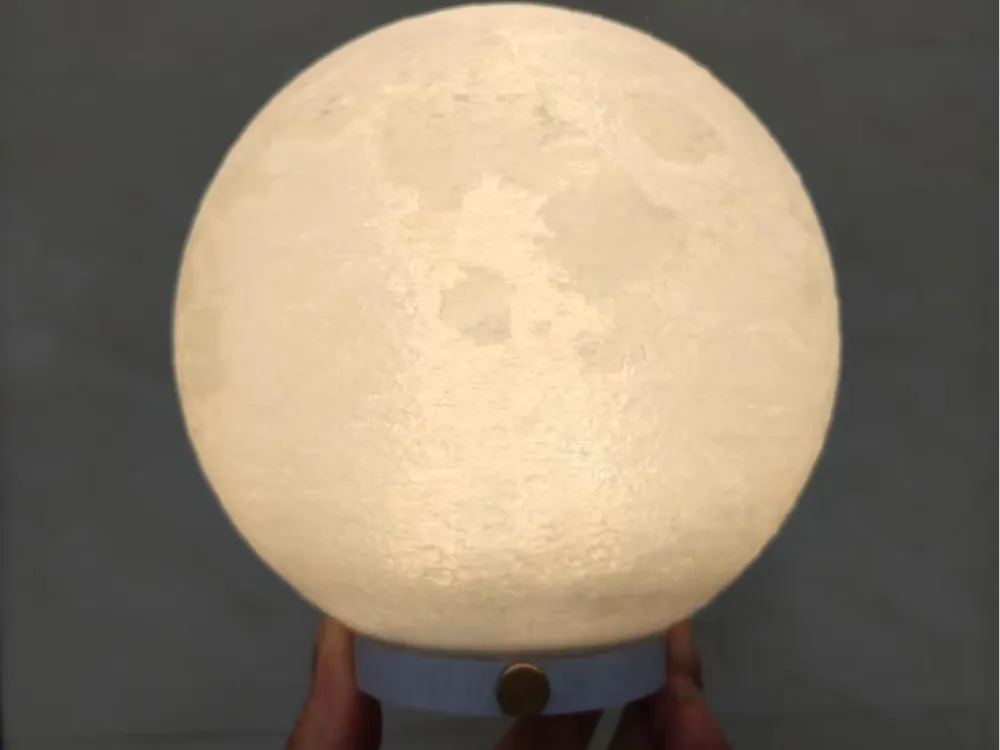
Base compatible with moon lamp LED Lamp 001 Moon Lamp [High Resolution] [No Supports] from LeHa Design - MakerWorld
License



Comment & Rating (0)