Search models, users, collections, and posts

Parametric Box 1 Hinge – Print in Place (Fusion)
IP Report
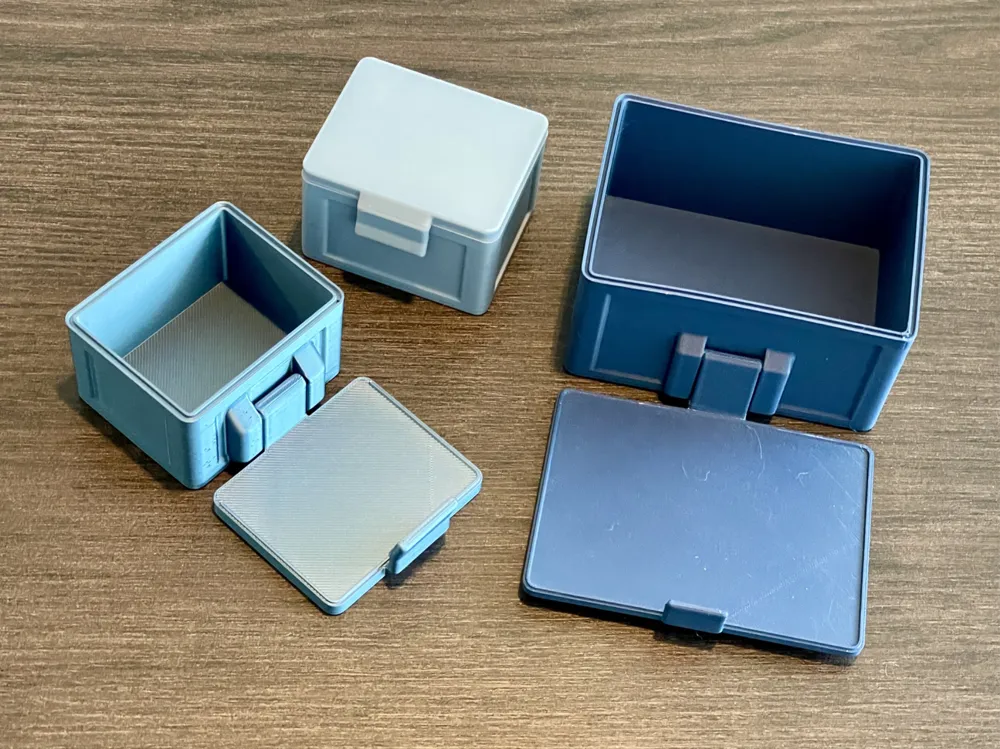
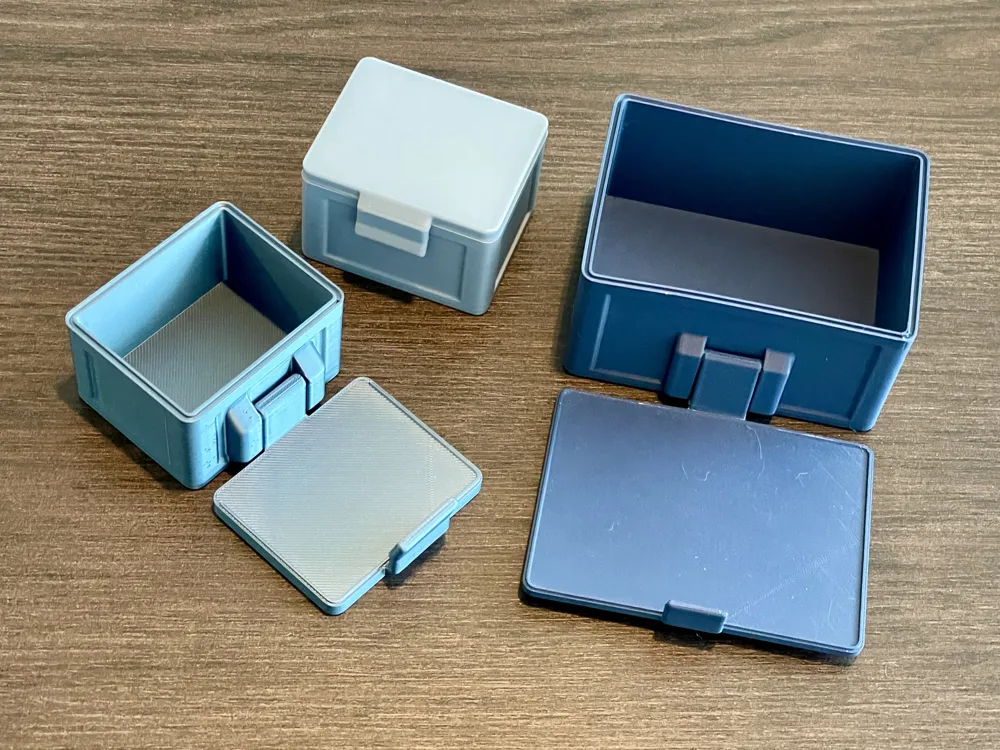
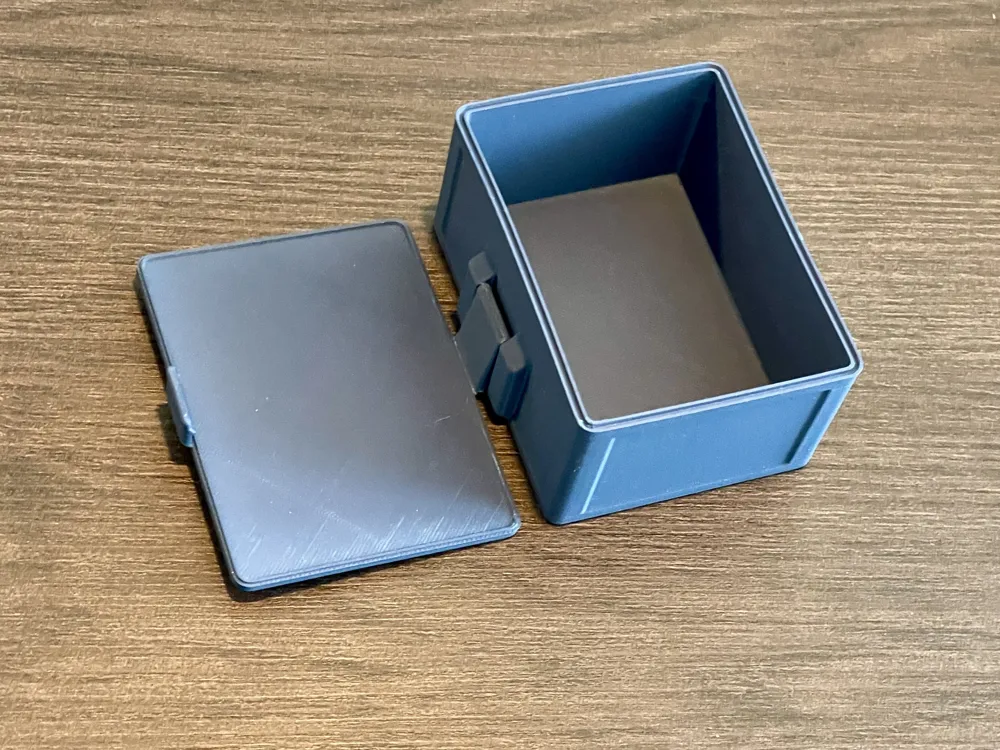
Print Profile(1)

SAMPLE 60x40x30mm
Designer
1.1 h
1 plate
Open in Bambu Studio
Boost
34
96
2
1
104
24
Released
Description
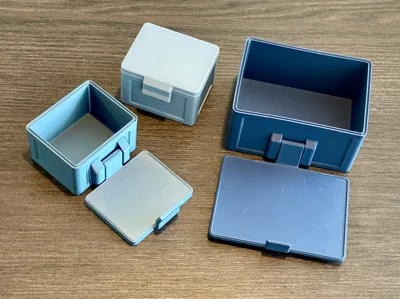
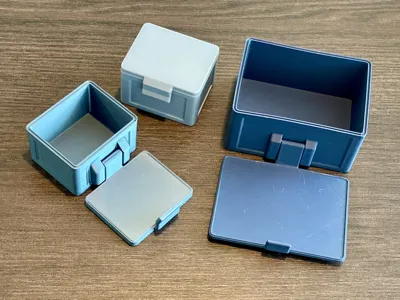
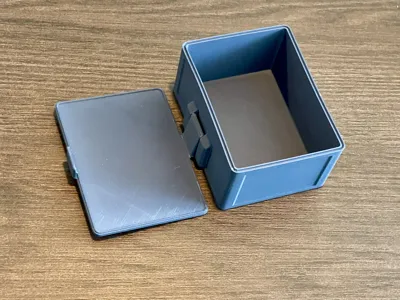
Completely customizable box (AutodesFusion). Print in place!
You only have to edit the parameters.
This model has onlyone hinge which I only made for smaller boxes.
I prefer the version with two hinges!
You need Autodesk Fusion to set the parameters. It's free for private use.
Customization
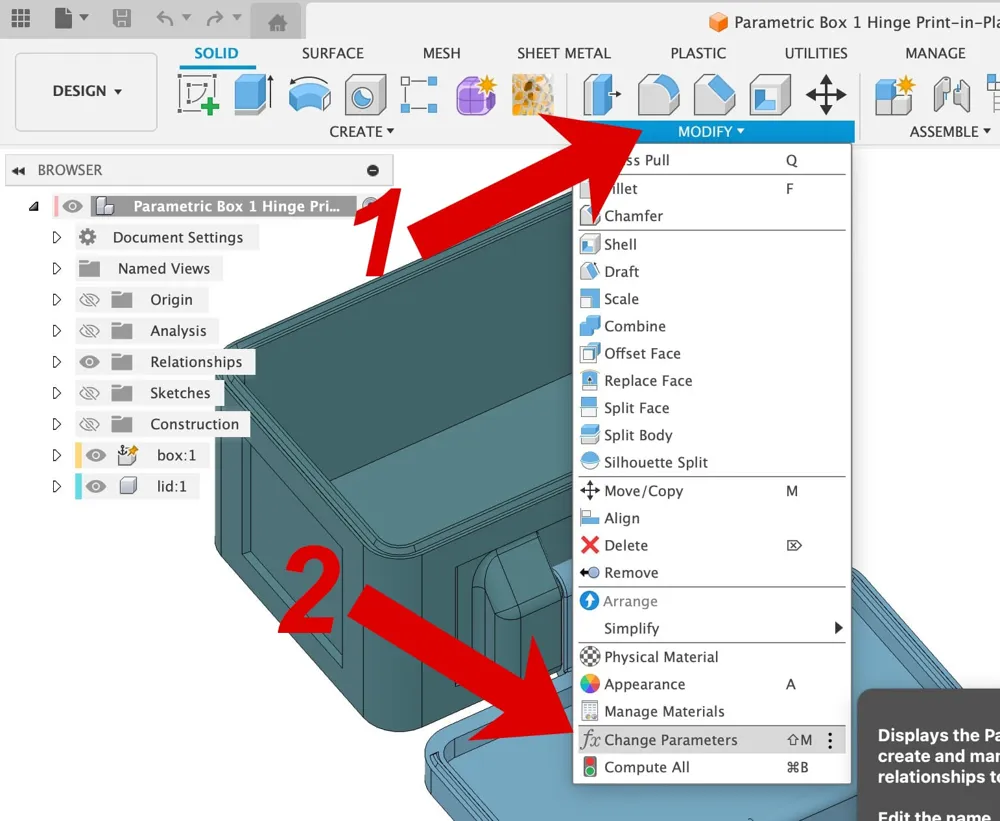
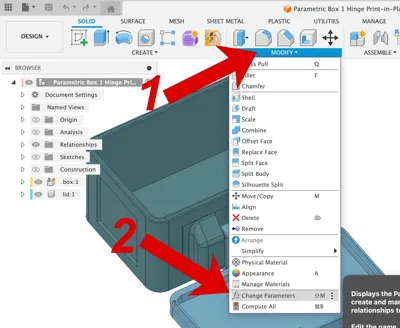
For those who are not familiar with Fusion here are very detailed instructions (see also the uploaded screenshots):
Open Parametric Box 1 Hinge Print-in-Place.f3d in Fusion 360.
- Click Modify …
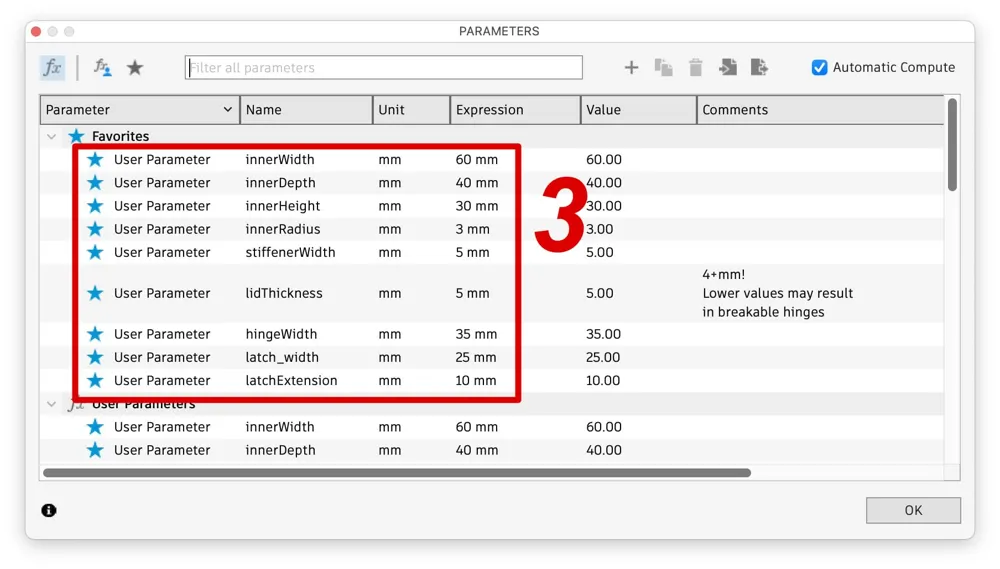
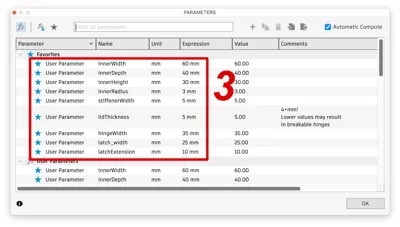
- … and Change Parameters
- In the following dialog you can edit the parameters. If the recalculation of the model fails just use the old value. Probably some other values need to be decreased (e.g. radius or hinge width/distance). Please use only reasonable values.
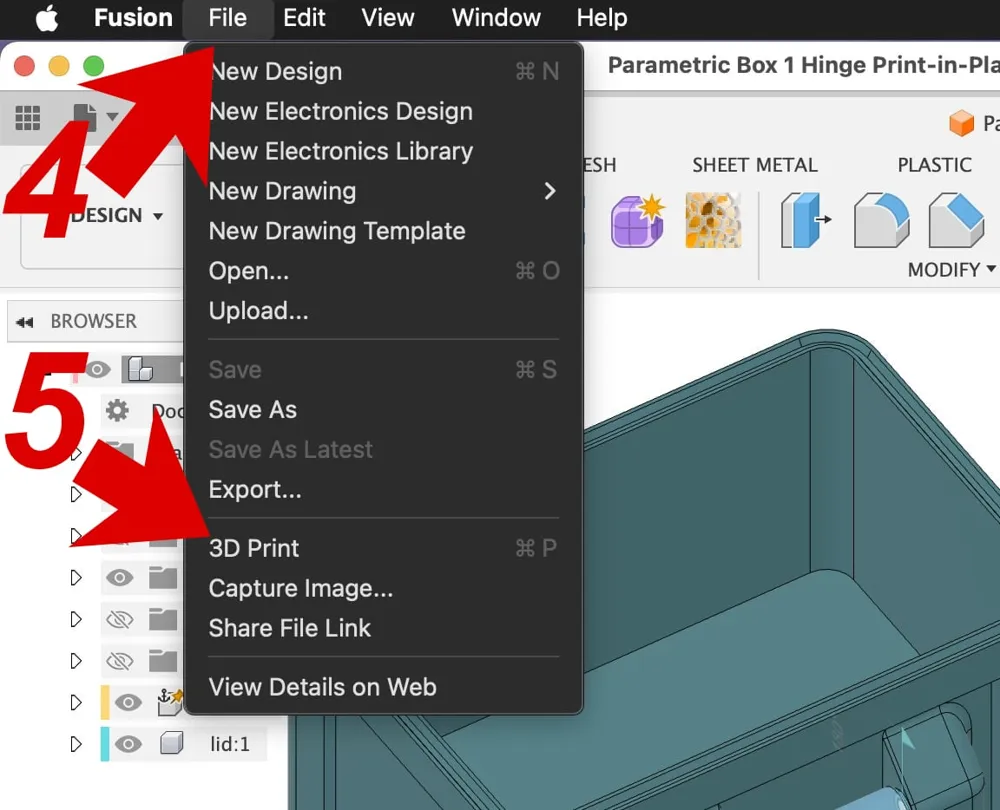
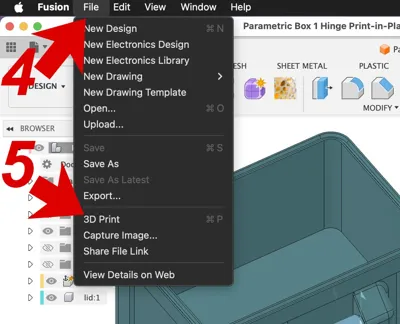
- Click File …
- … and 3D Print
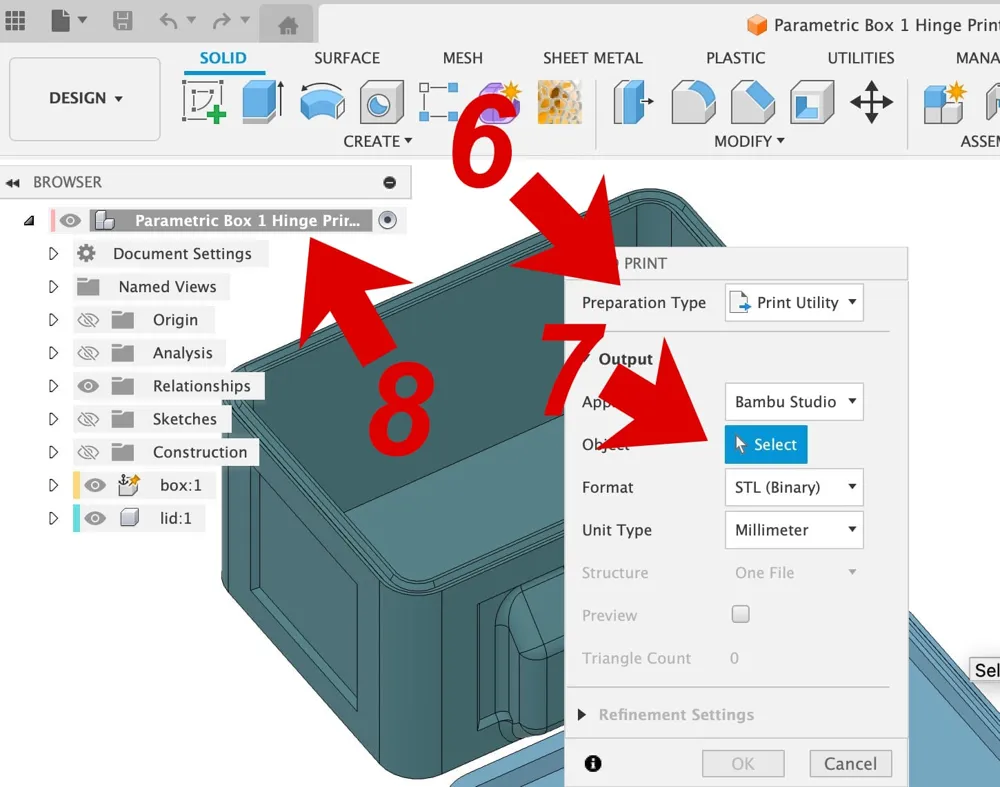
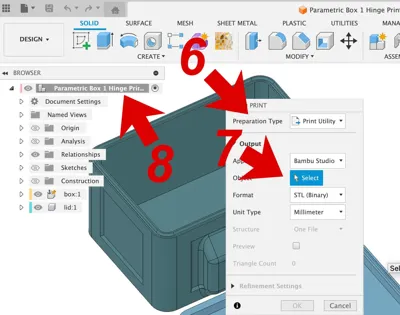
- In the following dialog select your preparation type …
- … click Select …
- … and chose the top item in the browser (!) on the left ("Parametric Box 1 Hinge Print-in-Place").
- Click OK.
Hints:
- I made a lot of tests with the tolerance. 0.3mm worked perfect. But you can increase it if the result is too hard to open and close.
- Don't use too low values for the lid height. This may produce breakable hinges.
Print Instructions
- 3 walls
- no support
PLA with .2mm layer height works fine.
Assembly
No assembly required.
Notes
If you have any hints or suggestions please let me know.
I would love to see photos of your boxes …
License

This user content is licensed under a
Creative Commons Attribution-Noncommercial-Share Alike


Comment & Rating (2)