
The Last Scraper You Will Ever Need
Print Profile(14)




Description
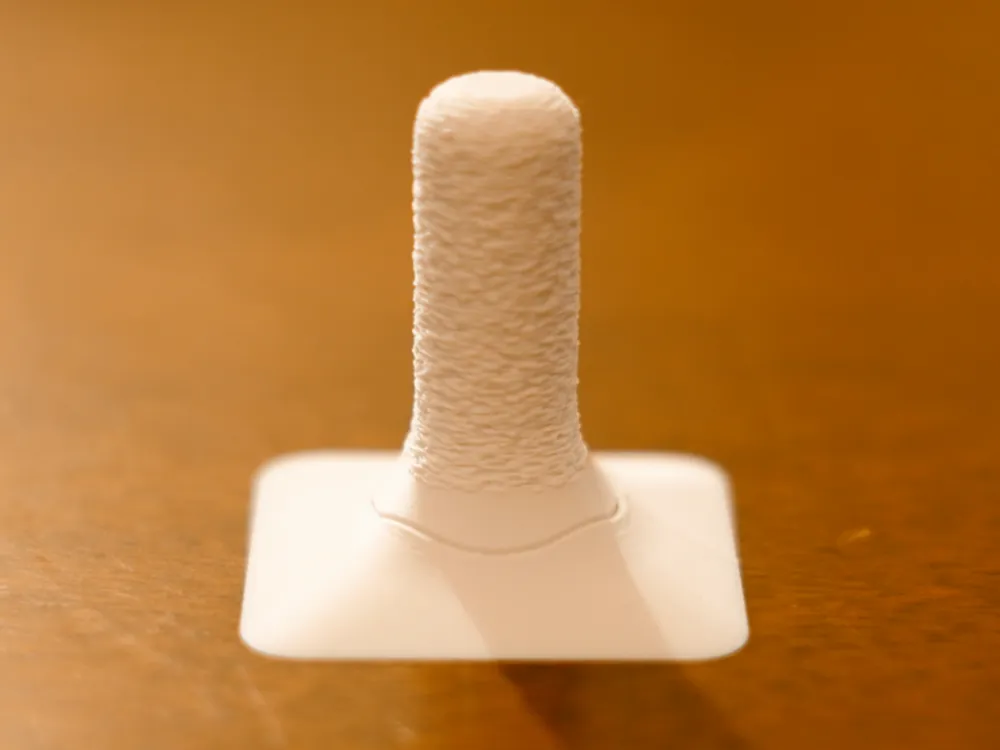
The Last 3D Print Scraper You’ll Ever Need
After trying countless popular scrapers, I kept facing the same frustrations: inefficient scraping, constantly swapping blades, or worse—scrapers so weak they pushed me back to using metal tools. Sadly, that last part cost me two damaged build plates, and it was the final straw. So I set out on a quest to design a scraper that truly works. After many iterations, I believe I finally cracked it!
This is my ultimate 3D print scraper. Since switching to this design, I’ve completely stopped worrying about stuck brims on my SuperTack sheet or PETG gripping my polyurea plate. It lifts prints gently but firmly—no damage, no stress, and no hassle.
Why people love it
- Build-plate protection: Its low, flush profile lets it slide perfectly under prints while protecting your build surface from scratches or dents.
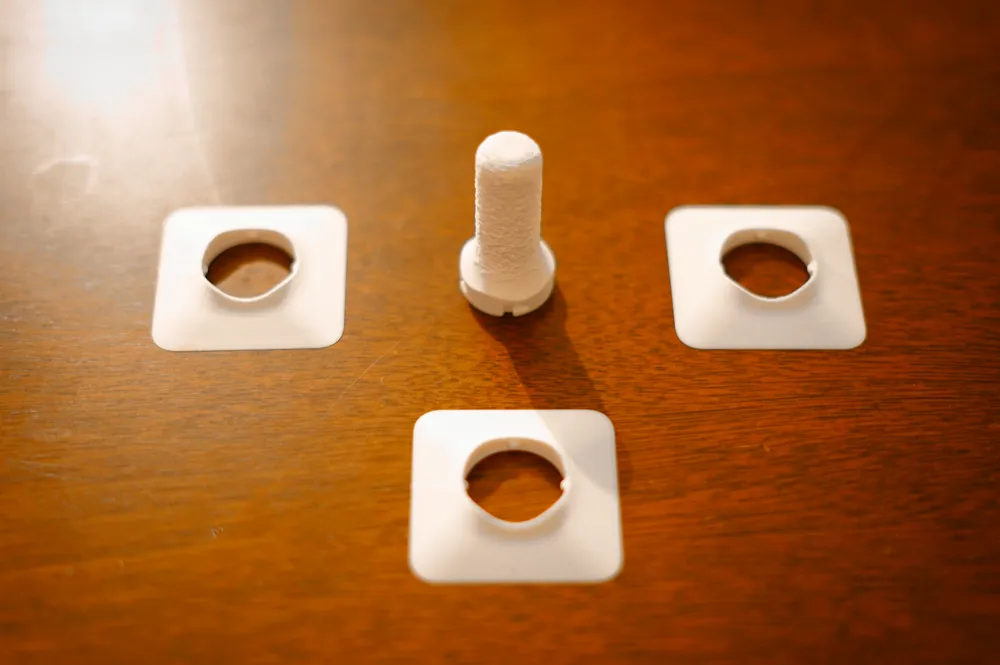
- Maximum Strength: I've iterated on several print settings to make the blade as strong as possible, and the result is a plastic blade that performs better than commercial ones you can find online.
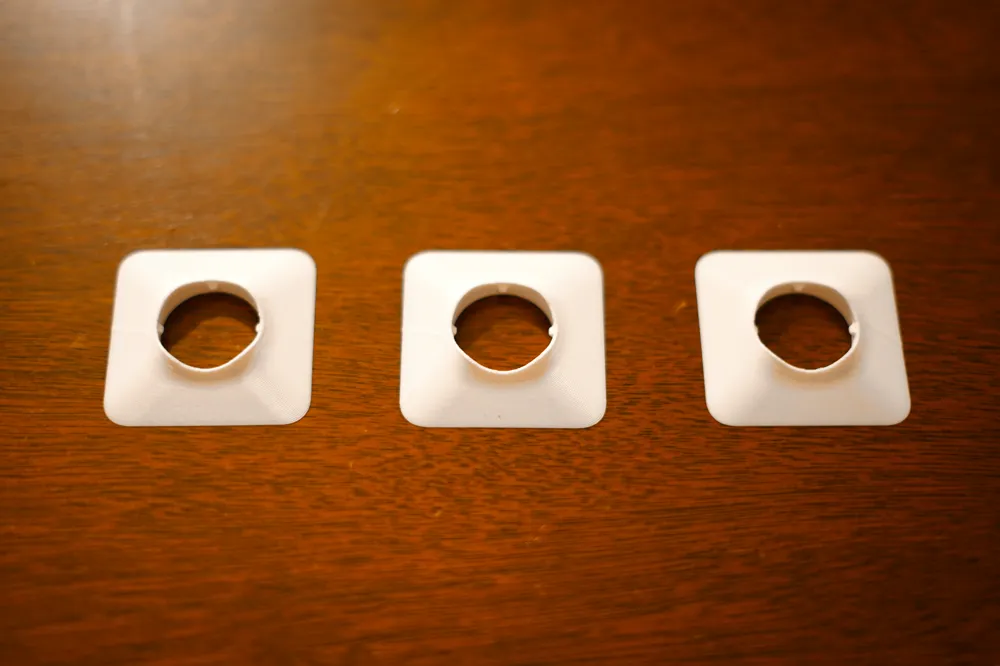
- Lightweight and Durable: The replaceable blade weighs only 5.2 grams, and each one has four usable scraping edges, making it far more durable than typical options.
- Enhanced Grip: The fuzzy-skin handle texture gives you excellent grip and control, making the entire process smooth and seamless.
They say the best designs are simple. This might not change the world—but it's simple, efficient, and does its job exceptionally well.
Note: The blade fits tightly into the handle by design, ensuring little play or wobble during use. When removing or inserting a new blade, I recommend using a cloth to protect your hands from the sharp edges. See the GIF above for guidance.
Boost Me (for free)
If that ends up saving you some effort and time consider boosting me :)
✔️ Recommended Materials: PLA, ABS, ASA. (Just avoid scraping on a blazing-hot bed if you print it in PLA; PETG will also work but wear quicker)
✔️ Getting Perfect Fits: Most people get a perfect fit right away. To reach a snug fit I have to keep tolerances tight, so if you are among the ~5% of users who find their prints are too tight or loose, it's a good sign your printer or filament needs tuning. Here are a few things you can adjust to get perfect results:
- Tighten your belts: Loose belts are a common cause of dimensional inaccuracies, especially for newer printers. Make sure yours are properly tensioned.
- Do the basics: Run the printer's automated calibration routine and then run a flow rate and pressure advance calibration to tune your filament.
- Adjust your filament shrinkage: Print a dimension cube and measure it with a caliper. Follow this guide on how to dial this into your slicer's material profile.
I have also designed Gridfinity Bins for the scraper – You might enjoy it too :)
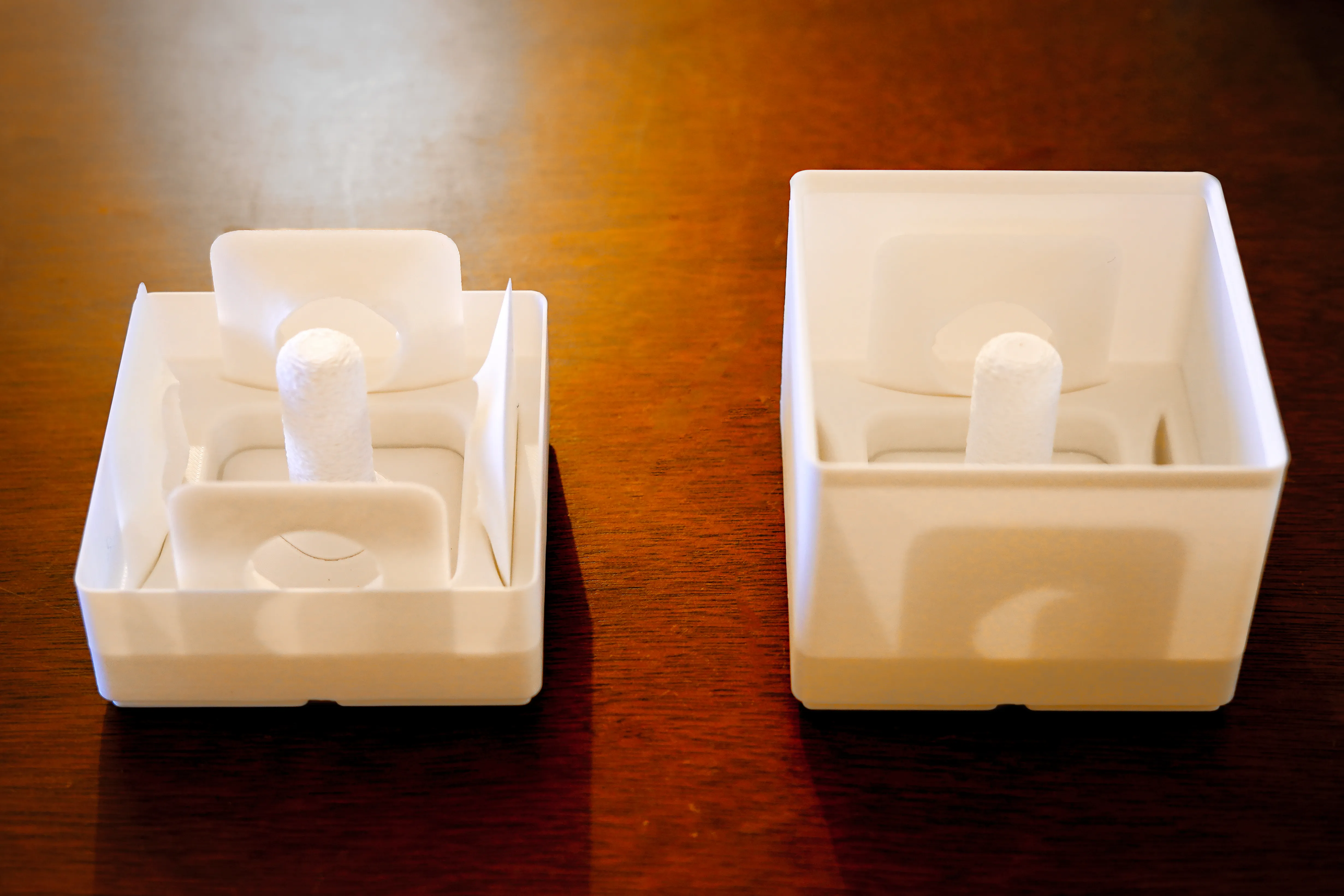
If you use Ikea Skadis, you might enjoy this holder for the scraper as well.
License

You shall not share, sub-license, sell, rent, host, transfer, or distribute in any way the digital or 3D printed versions of this object, nor any other derivative work of this object in its digital or physical format (including - but not limited to - remixes of this object, and hosting on other digital platforms). The objects may not be used without permission in any way whatsoever in which you charge money, or collect fees.


Comment & Rating (3397)