
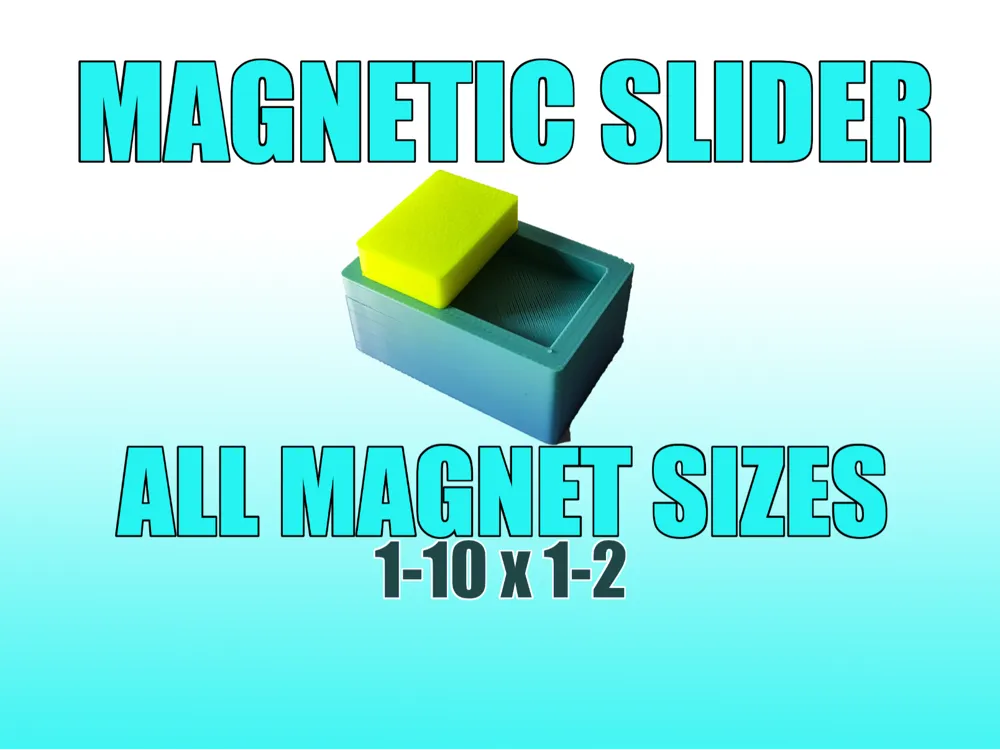
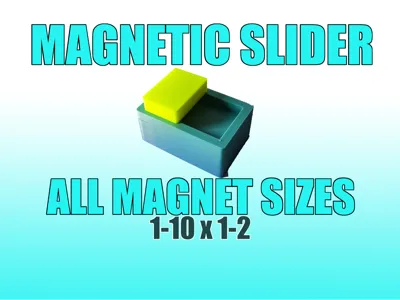
Magnetic Slider Fidget
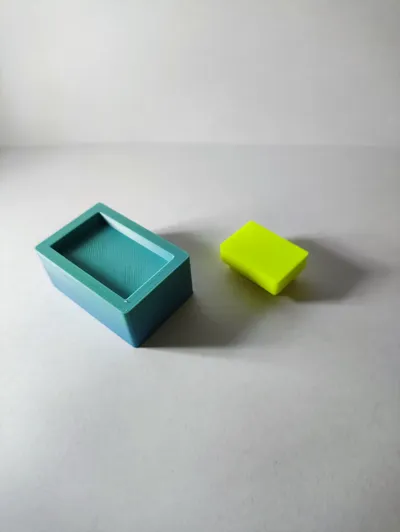
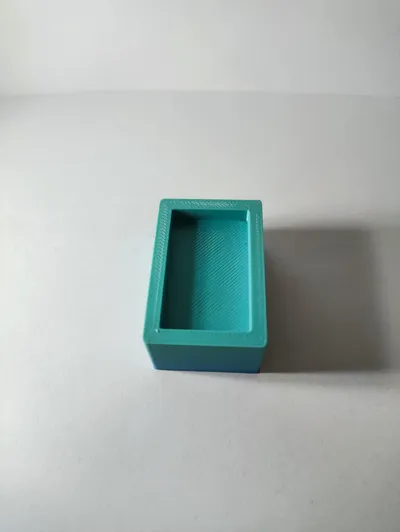
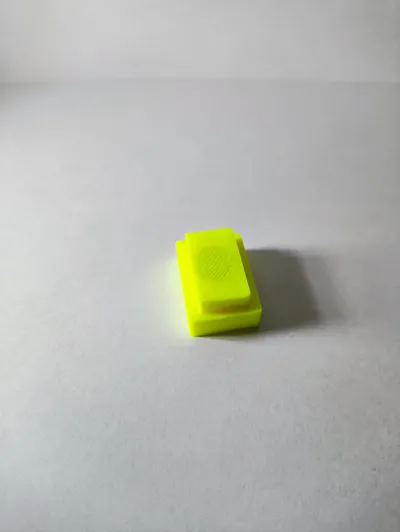
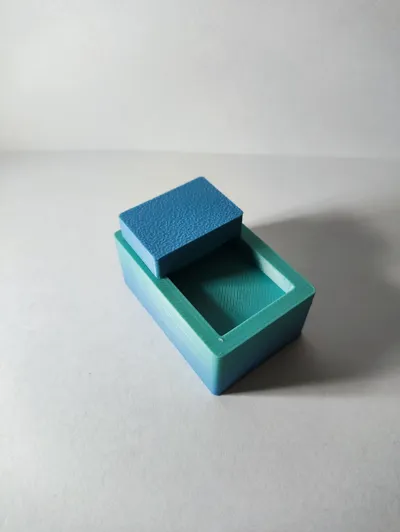
Print Profile(3)


Description
Please read before printing!
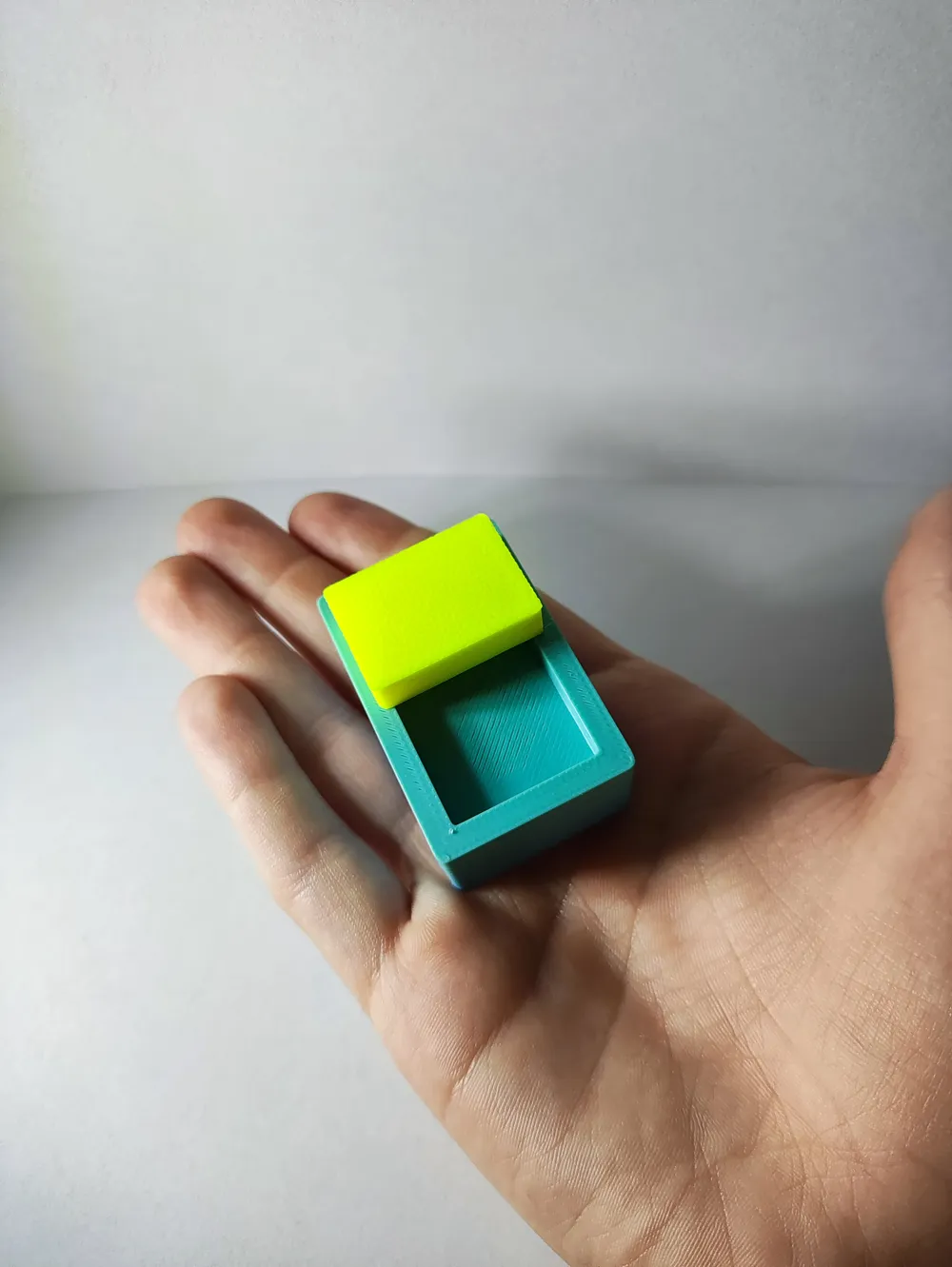
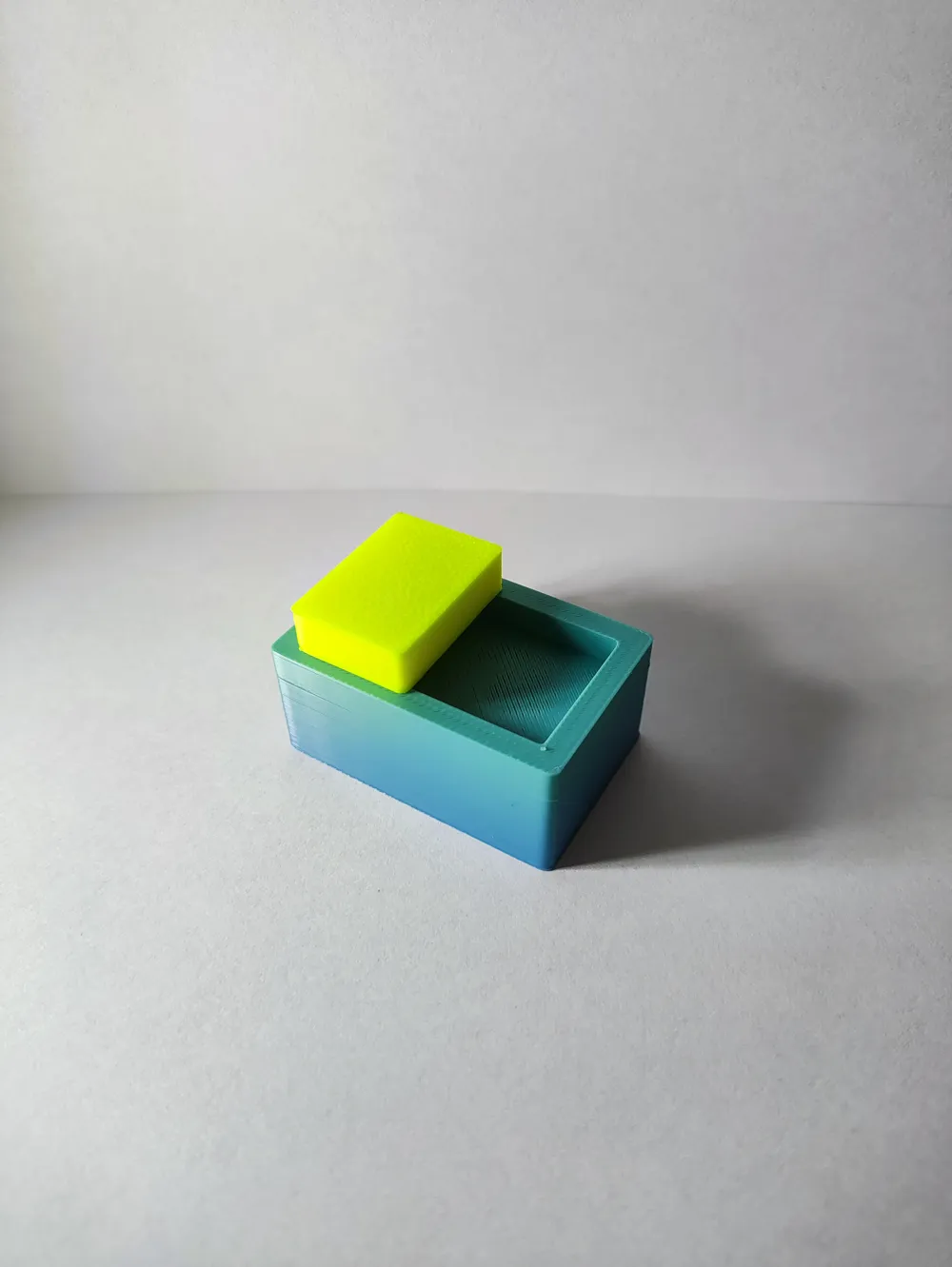
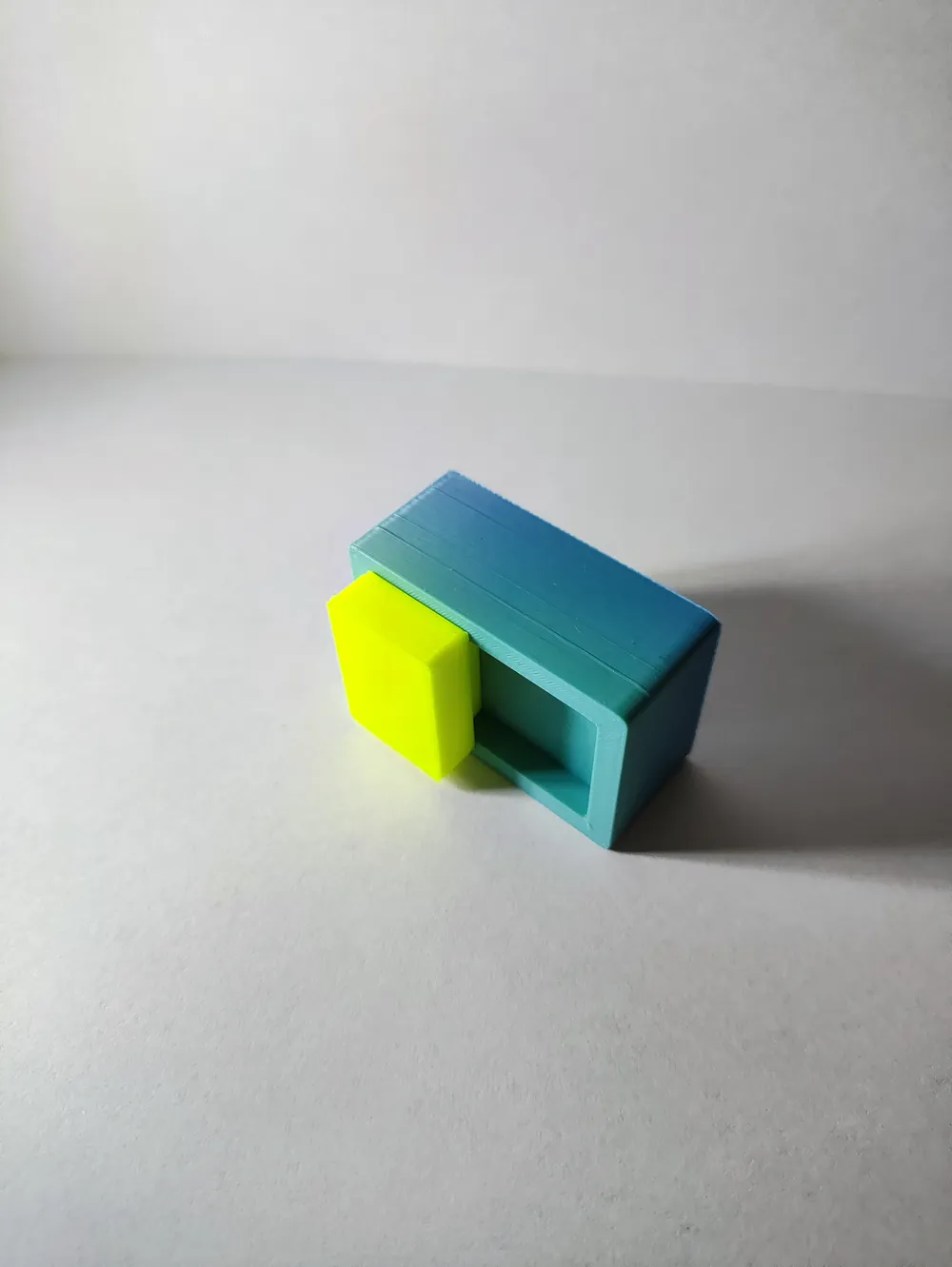
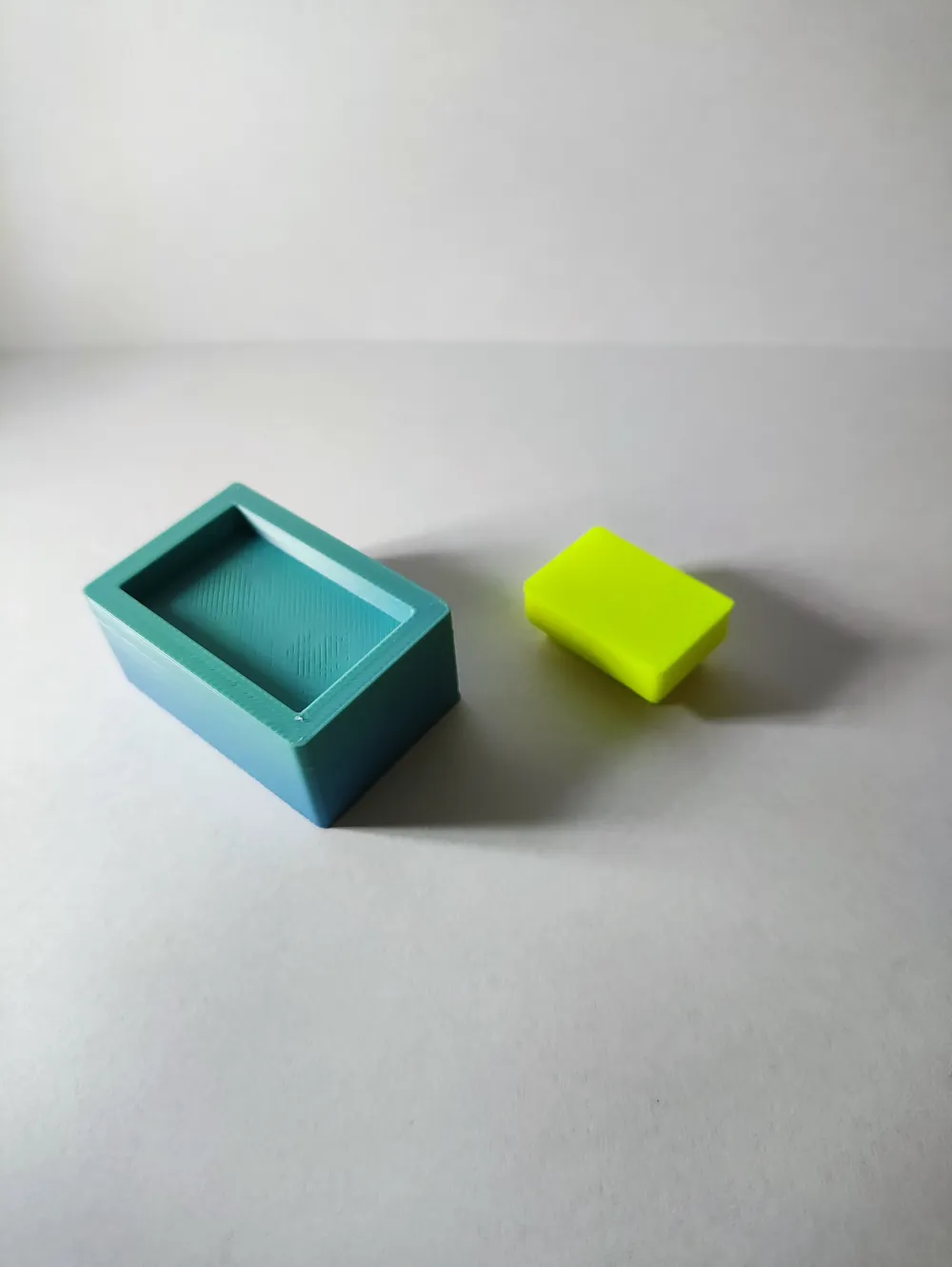
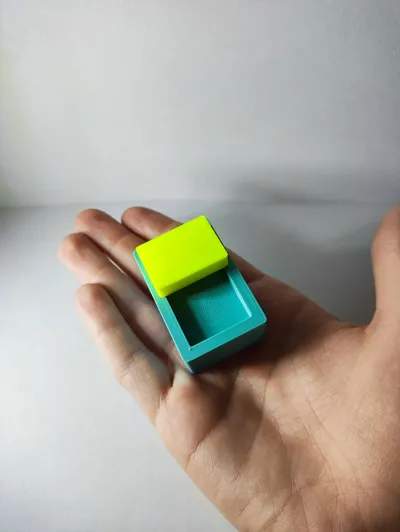
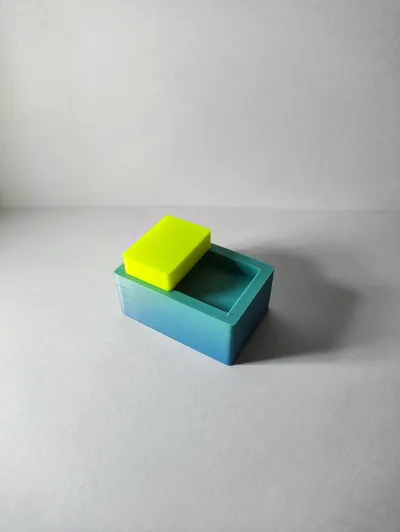
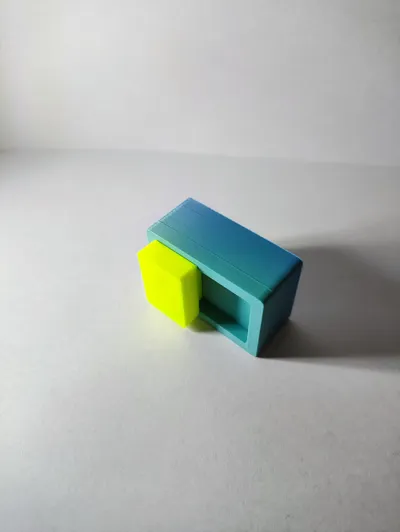
Magnetic Slider Fidget
Main question: what size of magnets does it support?
All of them.
But what does that mean?
Magnet holes are 10x2. You can put any smaller magnets and it will work.
So you can put 6x2 magnets, 8x2, 10x1, etc.
And that means you can't put there 10x3 magnets.
Some more important notes
- you need 3 magnets
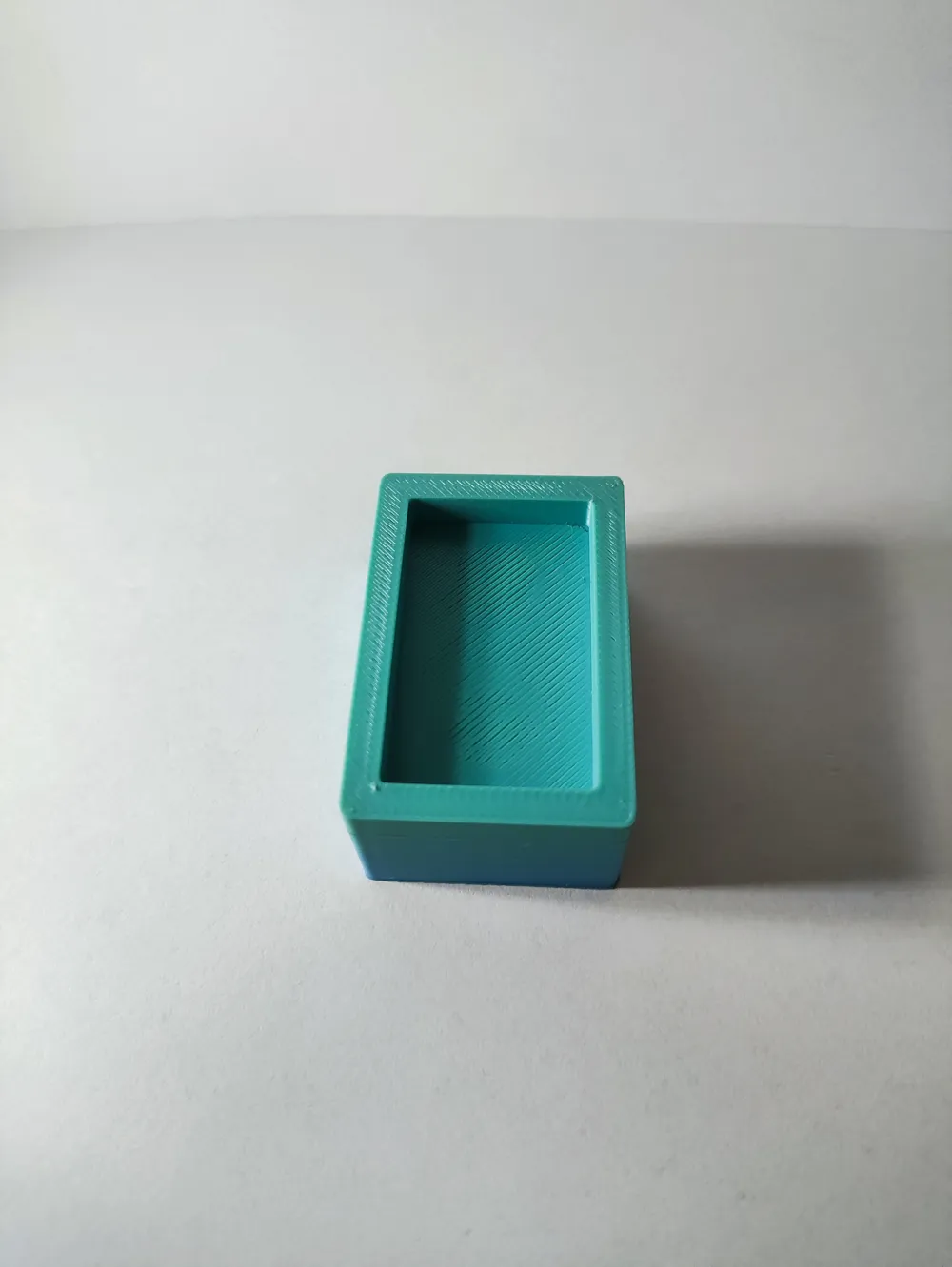
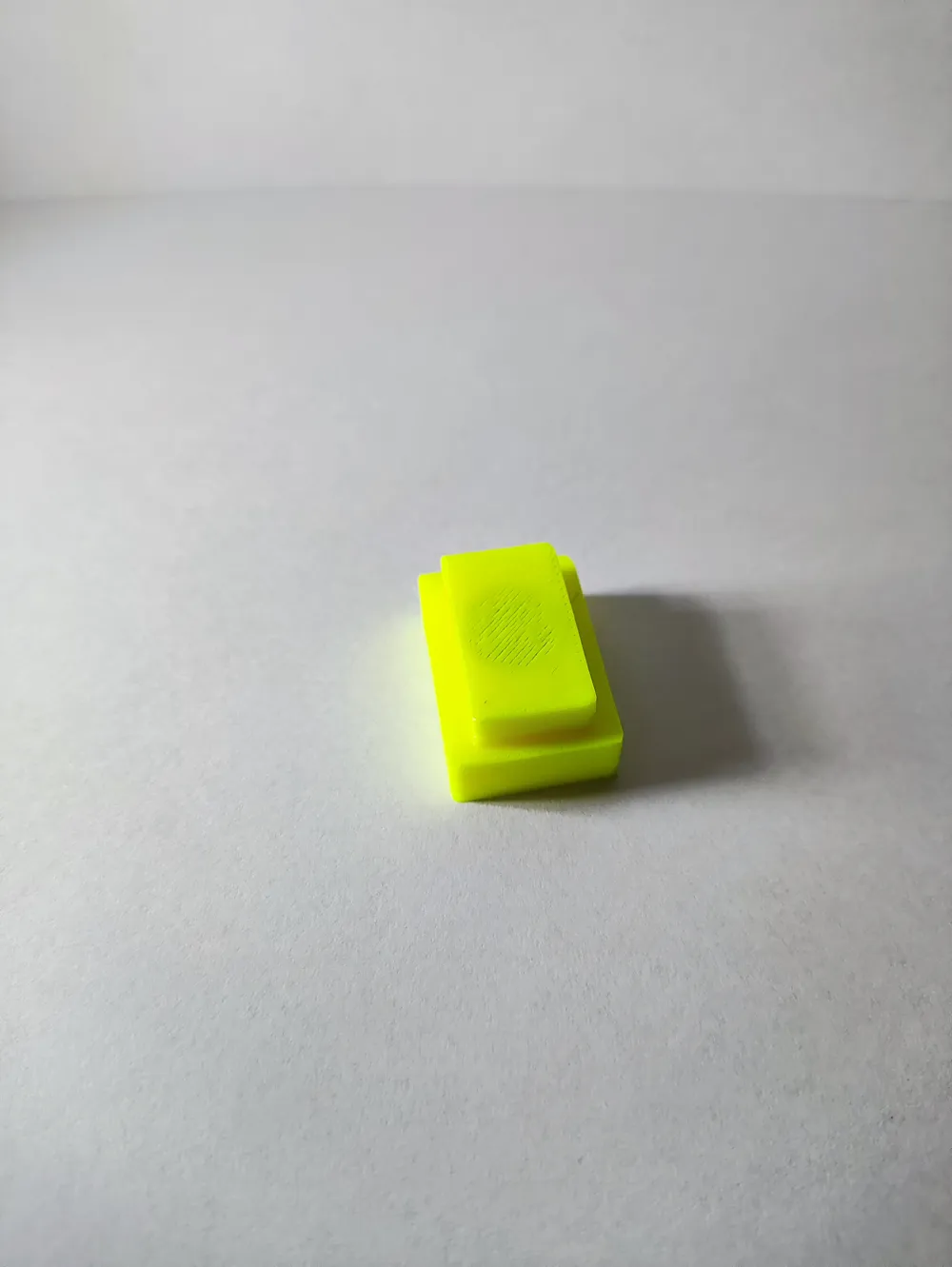
- there are 3 print profiles, main, and 2 for 2 parts if you want it multicolor
- i added pauses for every print profile at layer 58 and 75 so you can insert magnets
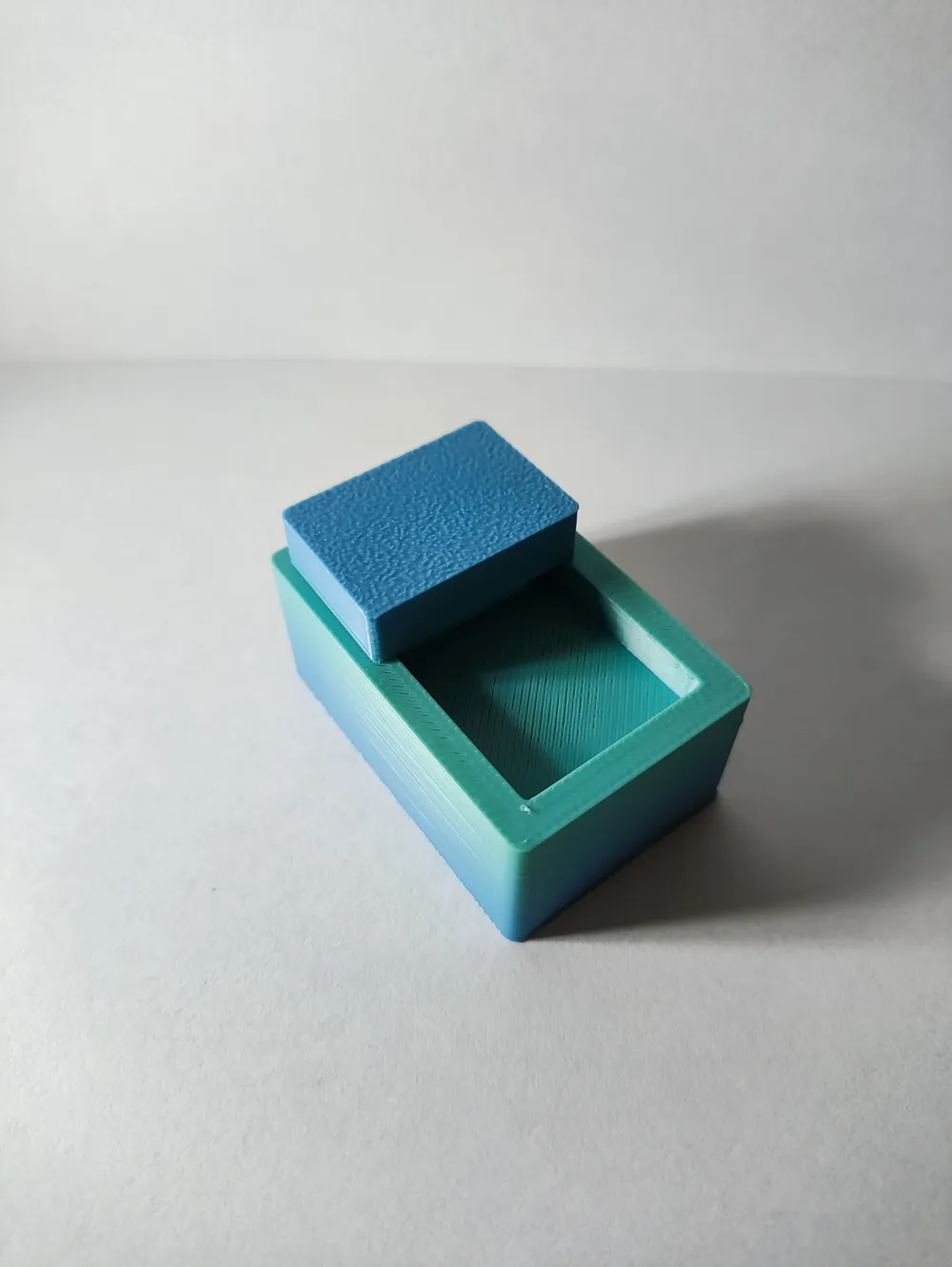
- to assembly, just put the slider into the main part
Disclaimer: I've only tested 10x1 magnets!
Boost Me (for free)
pls boost 🙃
License

You shall not share, sub-license, sell, rent, host, transfer, or distribute in any way the digital or 3D printed versions of this object, nor any other derivative work of this object in its digital or physical format (including - but not limited to - remixes of this object, and hosting on other digital platforms). The objects may not be used without permission in any way whatsoever in which you charge money, or collect fees.


Comment & Rating (1)