
AMS Manual, MMS, Filament change/organizer + Cover
Print Profile(3)



Description
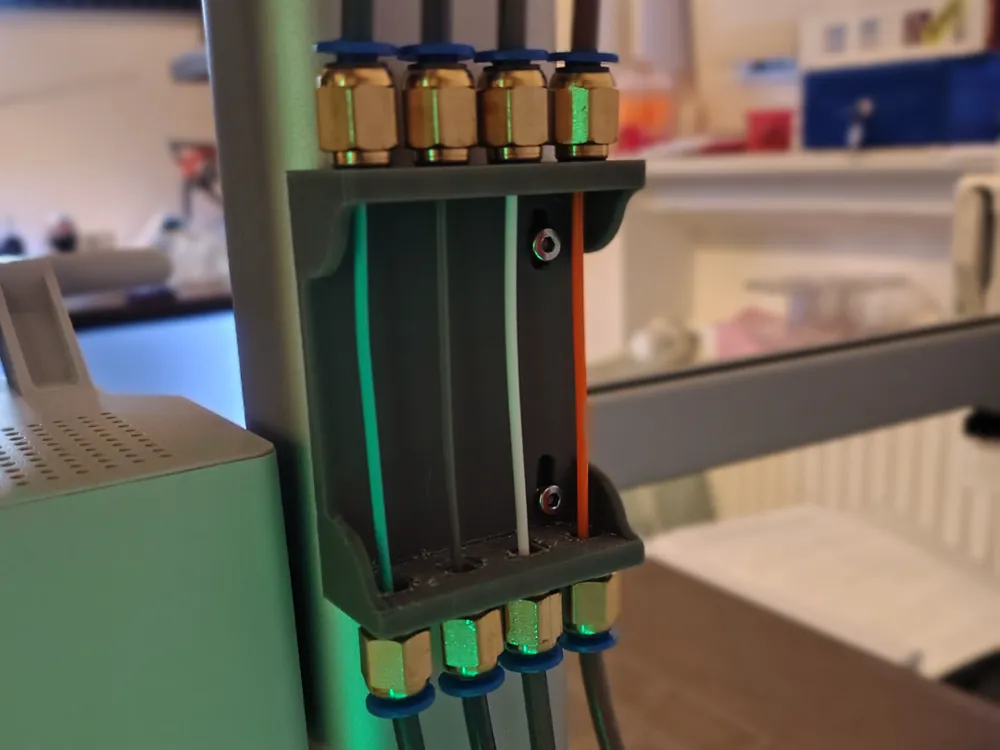
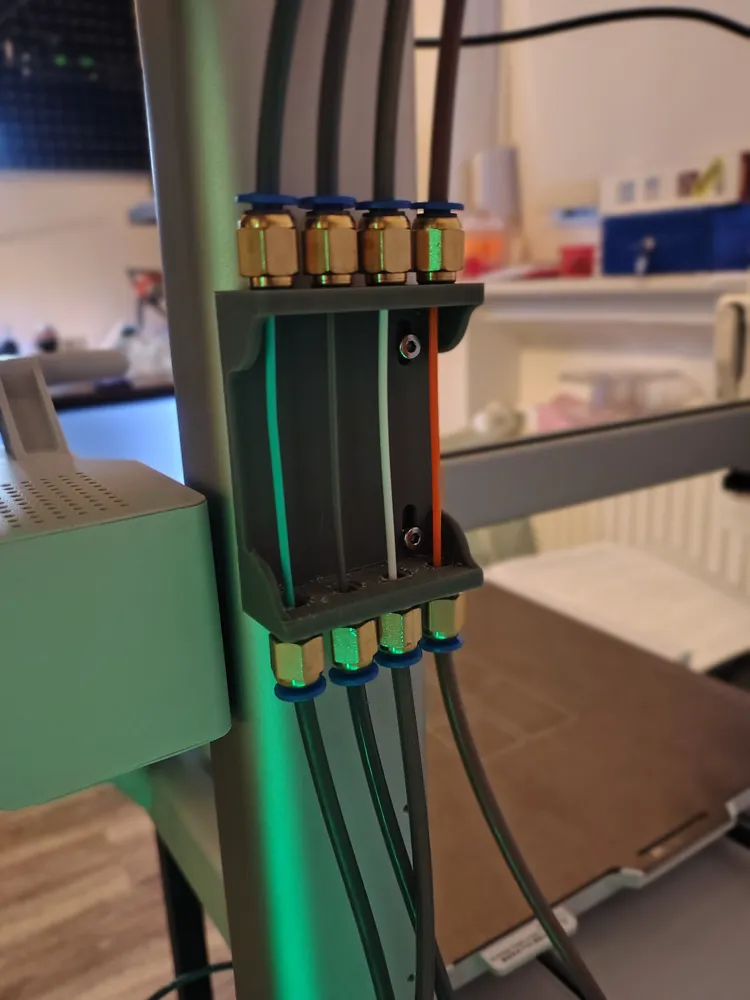
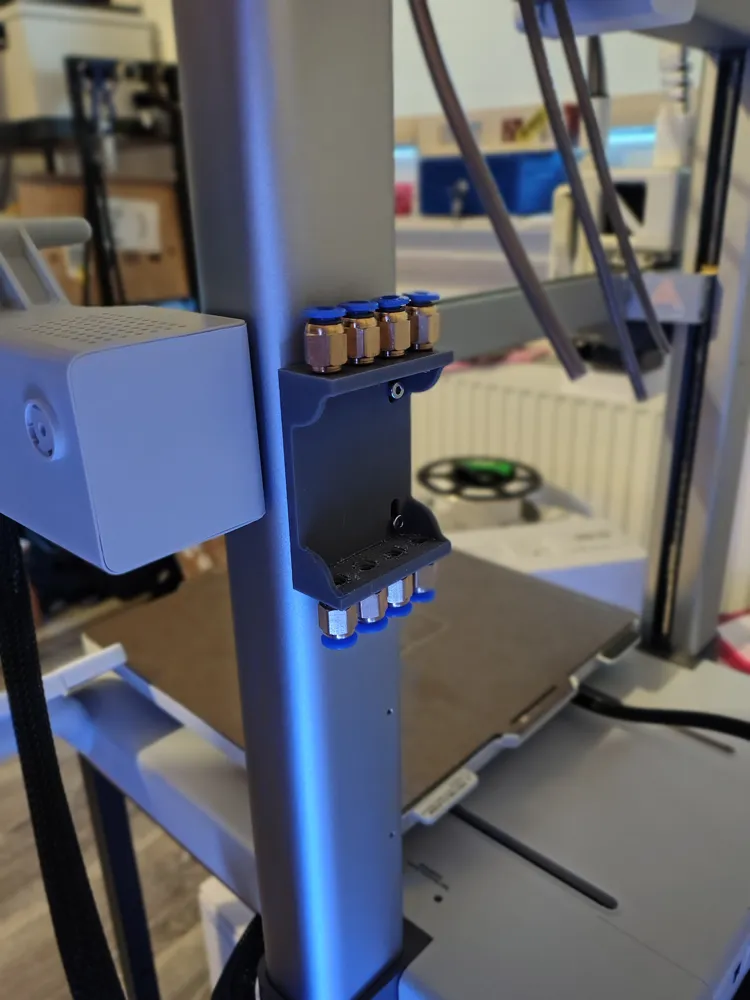
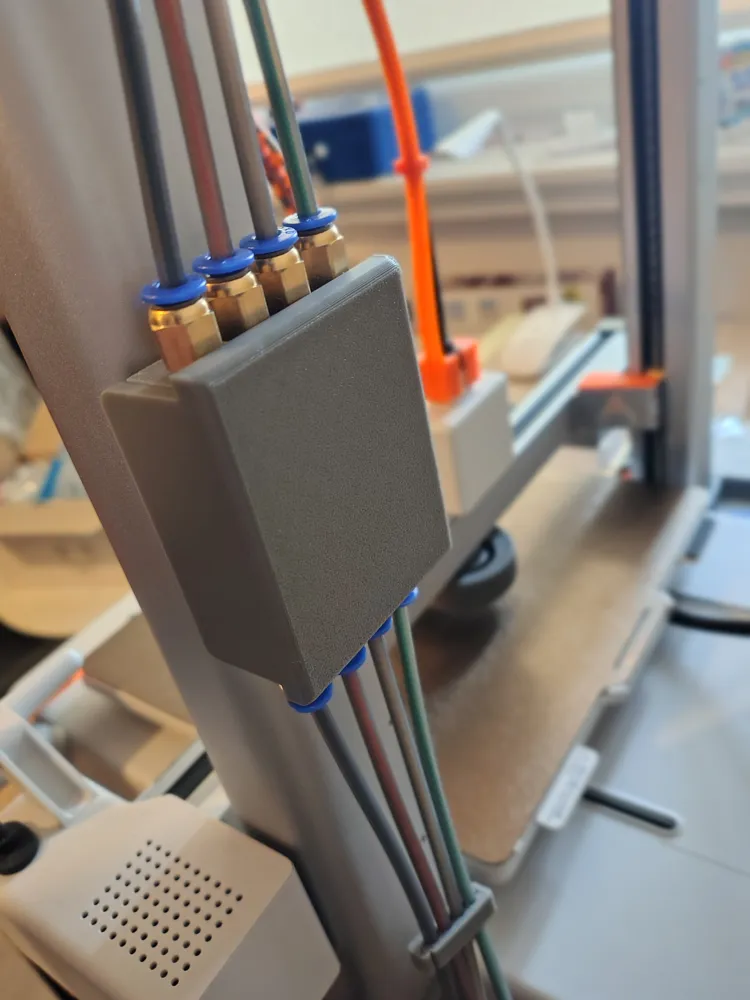
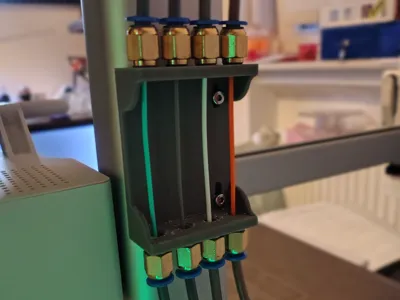
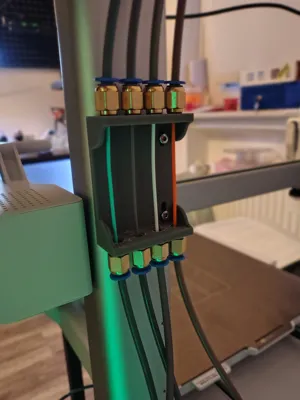
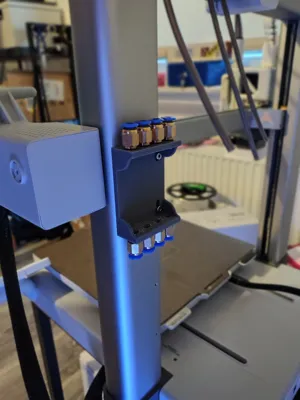
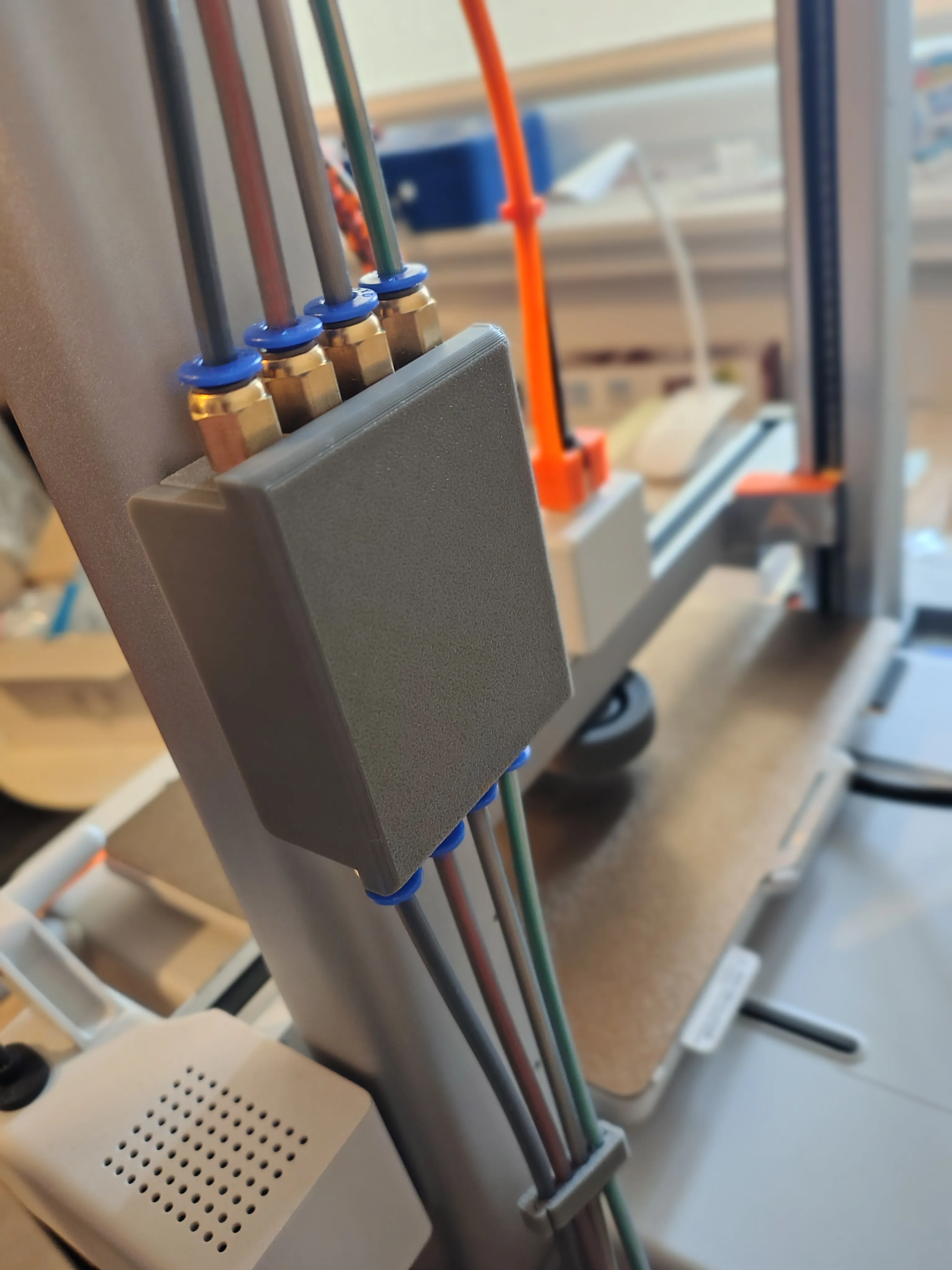
Seeking a compact, minimally intrusive solution for my Bambu A1, I decided to utilize the printer's rear transport mounting screws (see image).
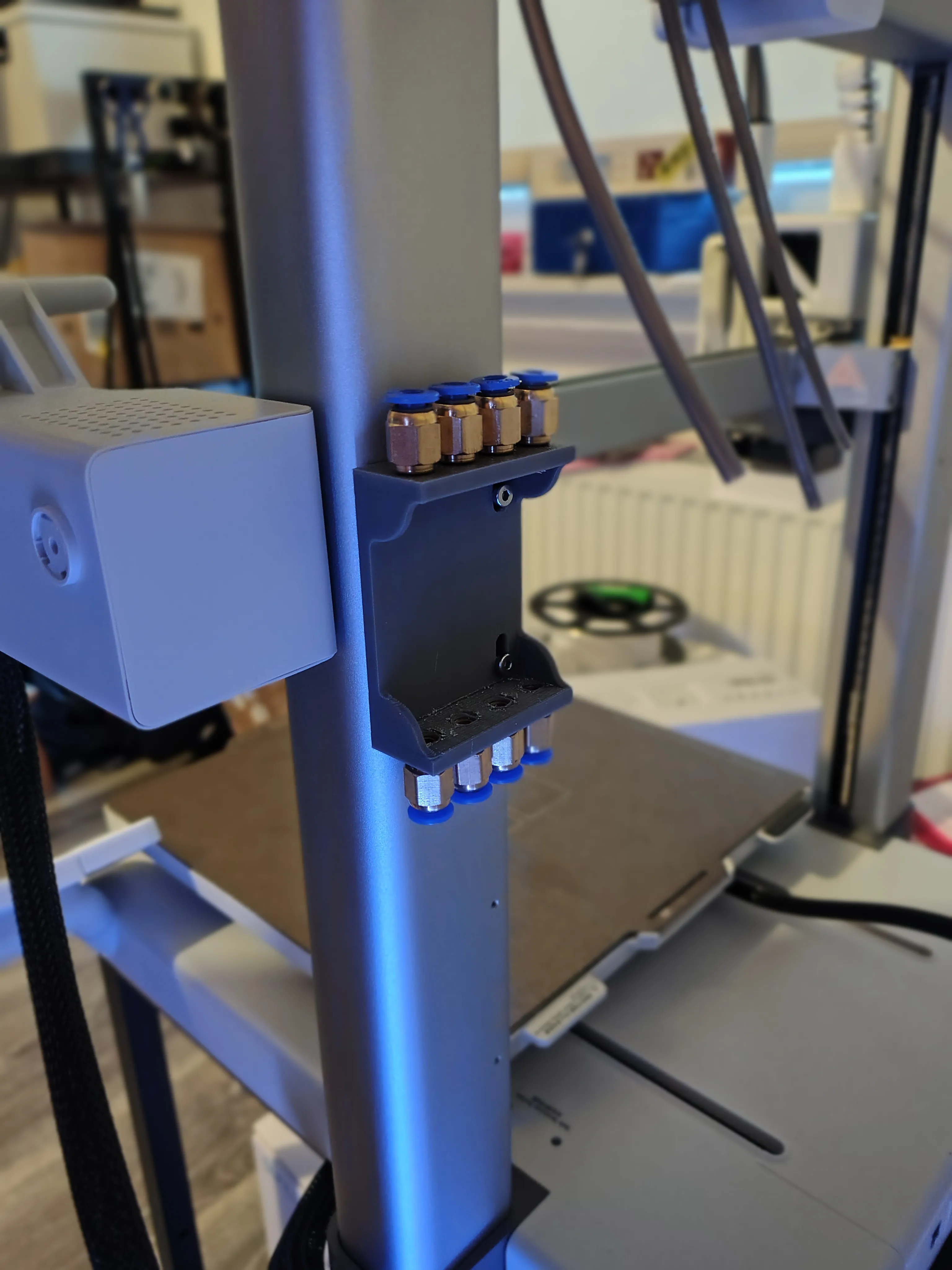
This method avoids unnecessarily burdening the printer's moving axes.
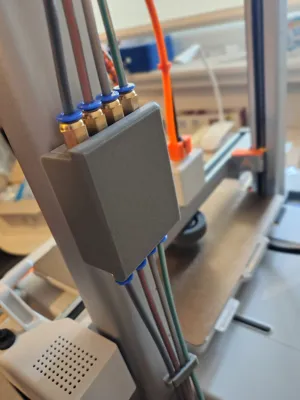
Once installed, I recommend manually moving the axes via the display and verifying that the tubes do not snag on any corners; for this issue, I've designed the following solution:
https://makerworld.com/en/models/1548049-a1-ptfe-tube-guide#profileId-1625681
For assembly, use the same screws that secured the axis blocks.
This manual AMS can be installed on either the right or left side.
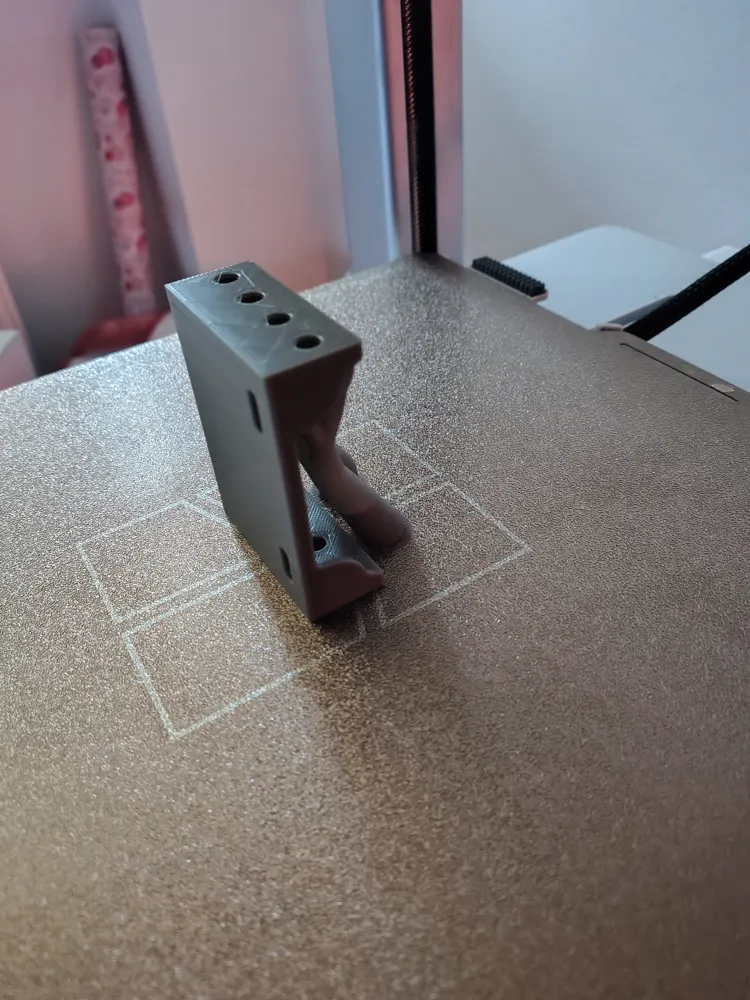
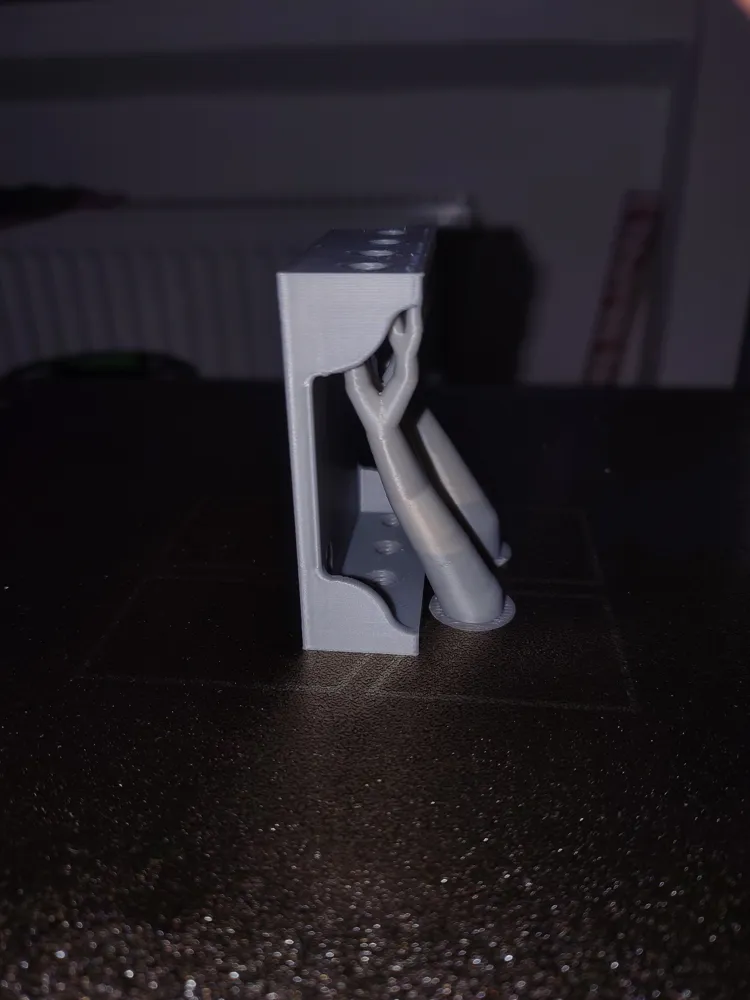
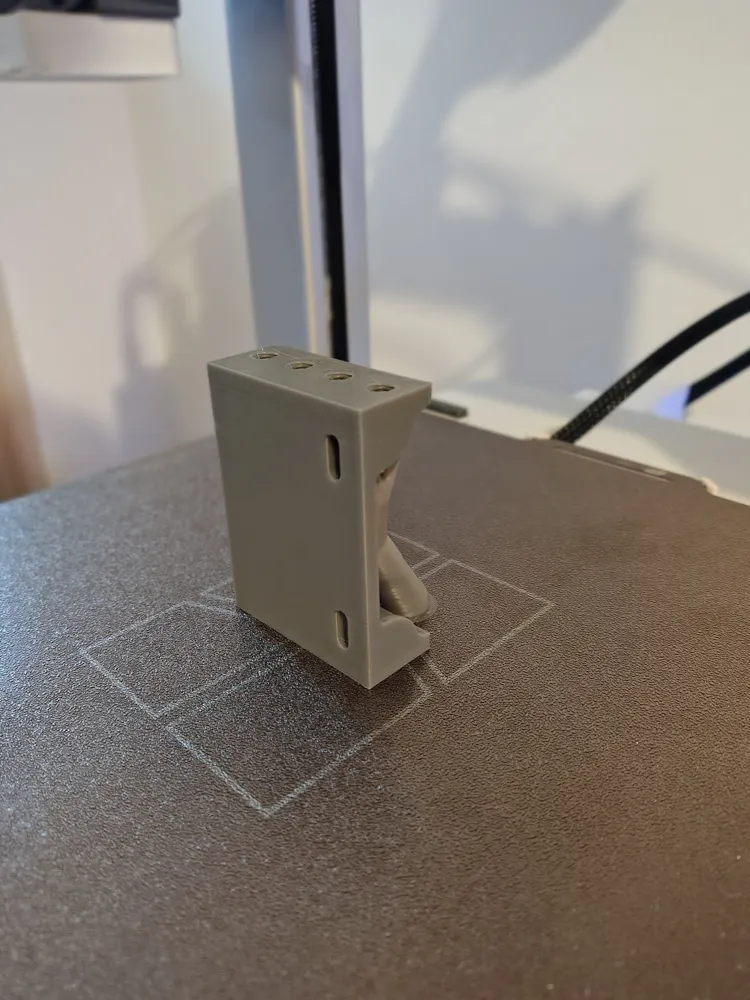
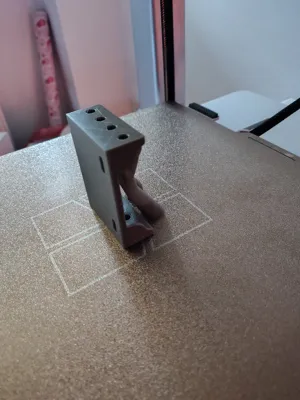
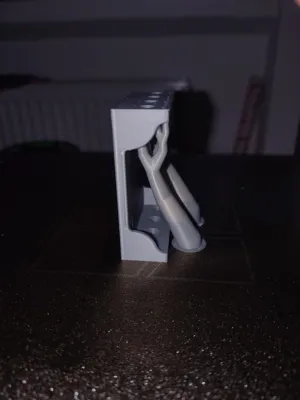
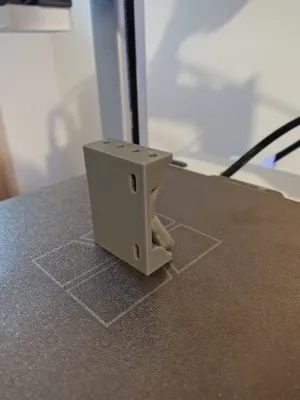
For printing, I intentionally oriented the model vertically with supports to ensure optimal threaded hole printing.
Required Materials:
2x Bambu Lab A1 axis block mounting screws
8x PC4-M6
PTFE tubes
News:
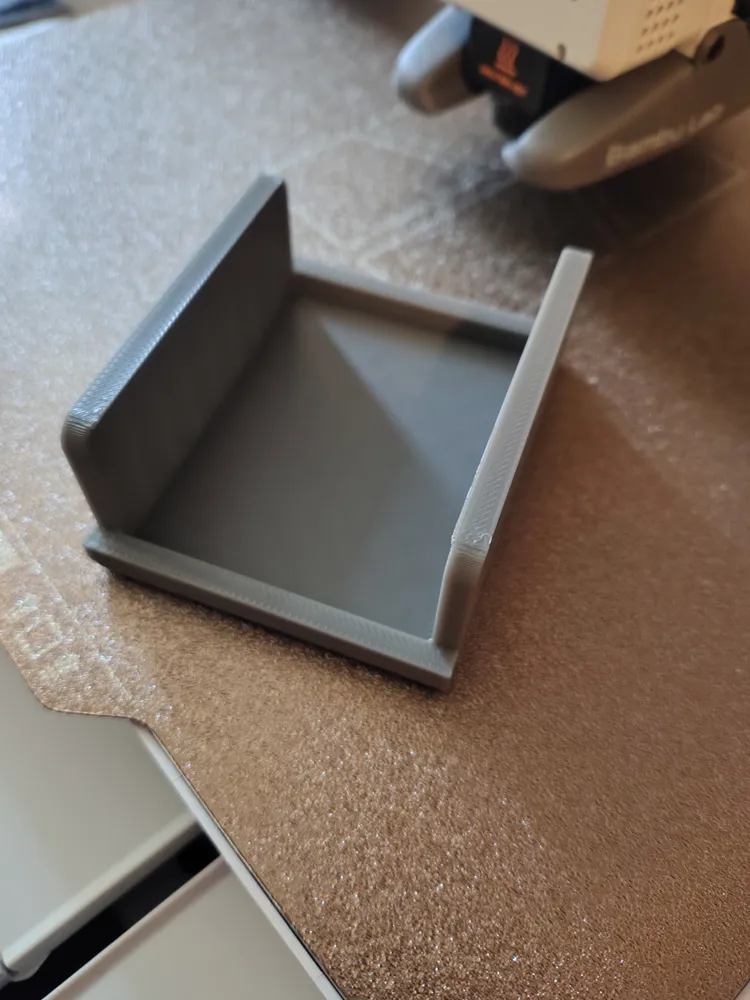
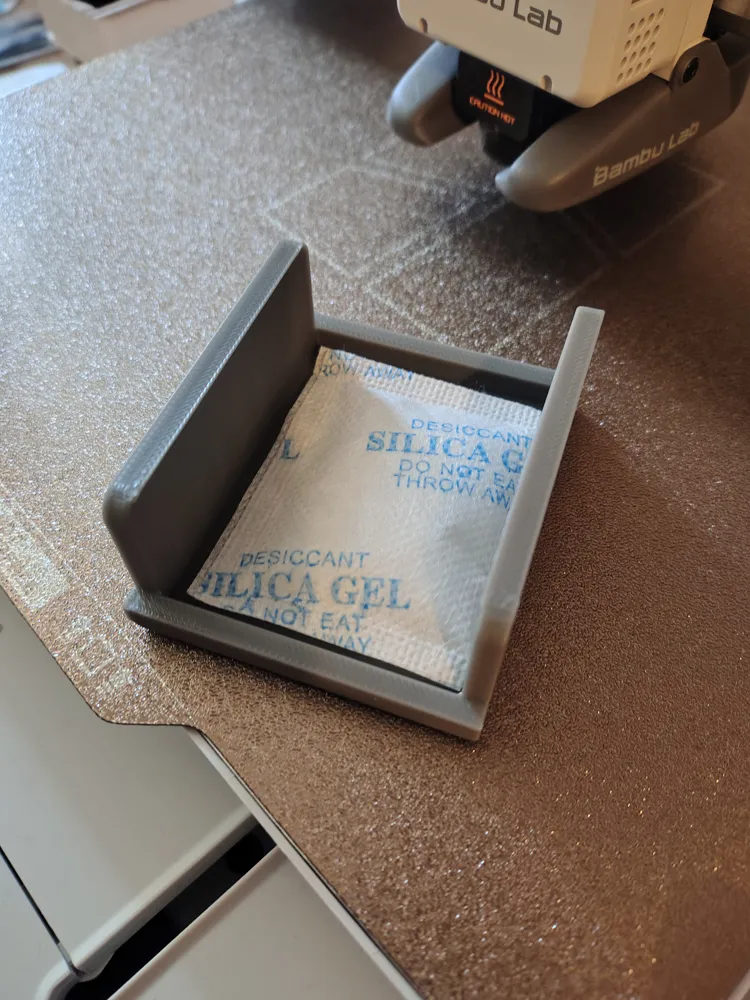
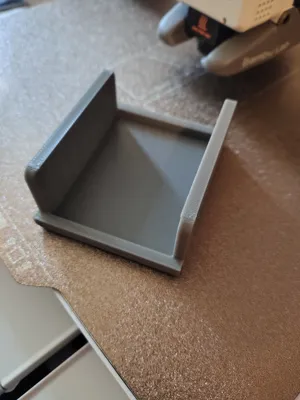
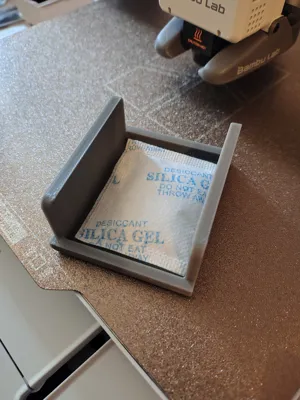
Added a cover with a Silica Gel compartment
License



Comment & Rating (13)