
Switch 2 Joy-Con2 Mini Arcade Steering Wheel
Print Profile(6)


Description
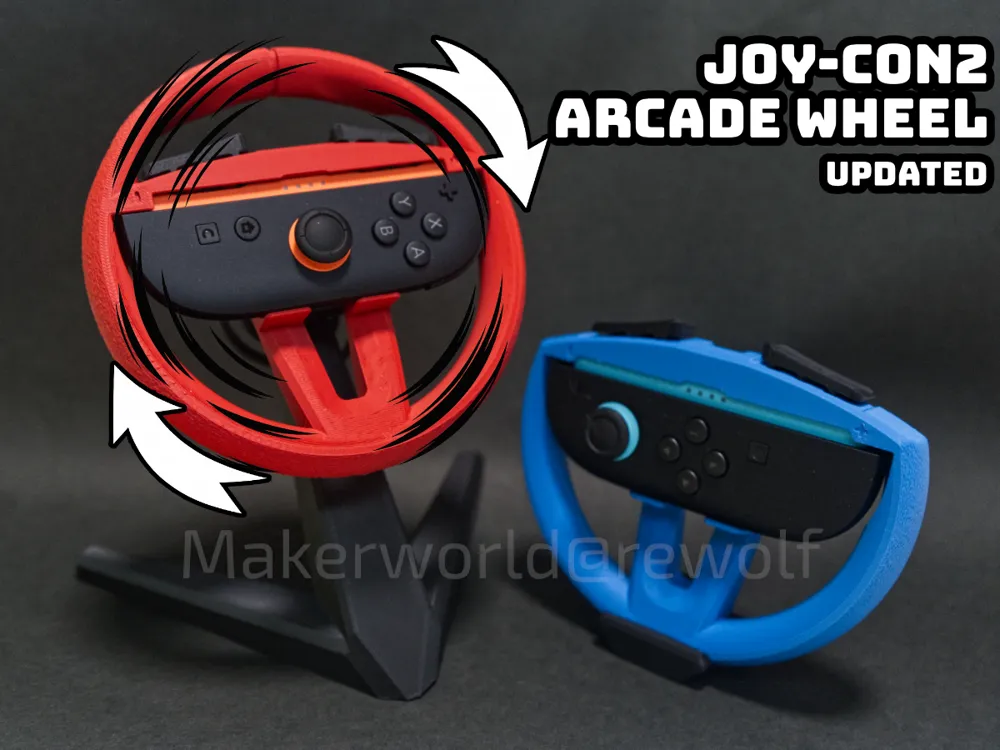
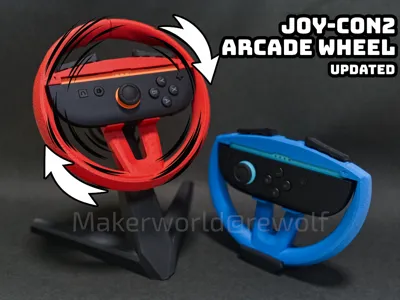
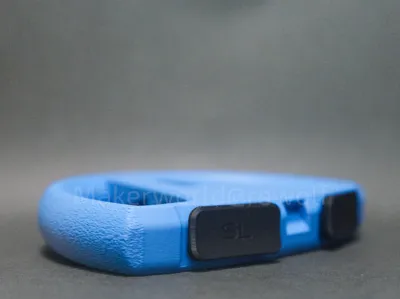
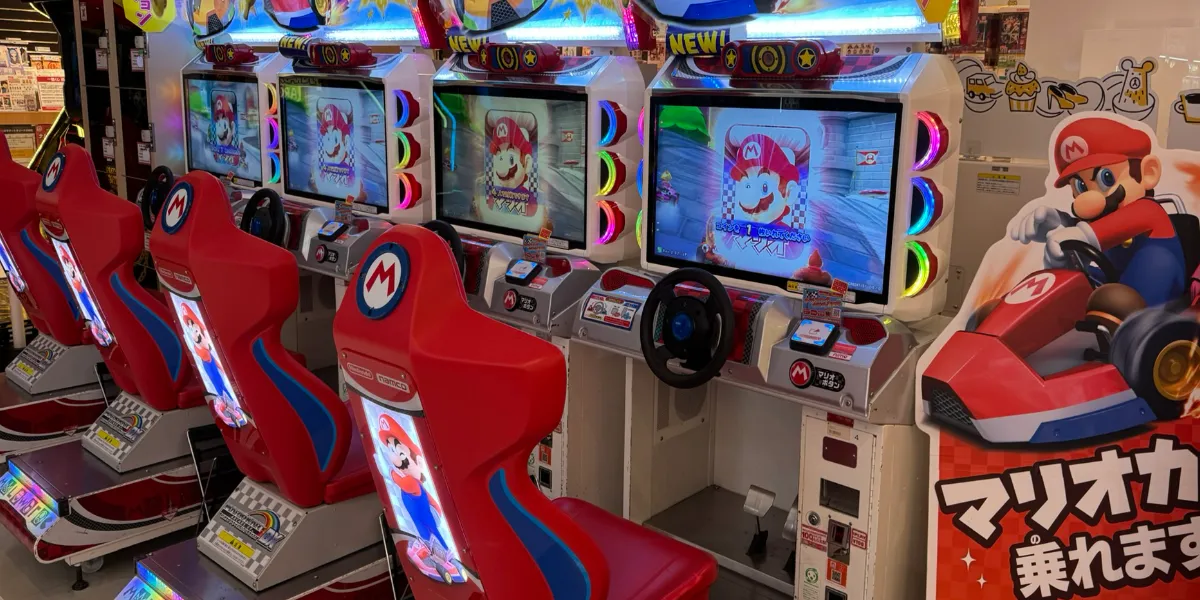
Ever wanted to bring that arcade Mario Kart vibe right into your hands? This Joy-Con2 Wheel Adapter gives you just that—turn your Switch 2 into a bite-sized racing setup that feels straight out of an arcade cabinet.
There are two versions of the wheel to suit your style:
- 🛞 Open-Top Version – Easier access to the SL/SR buttons
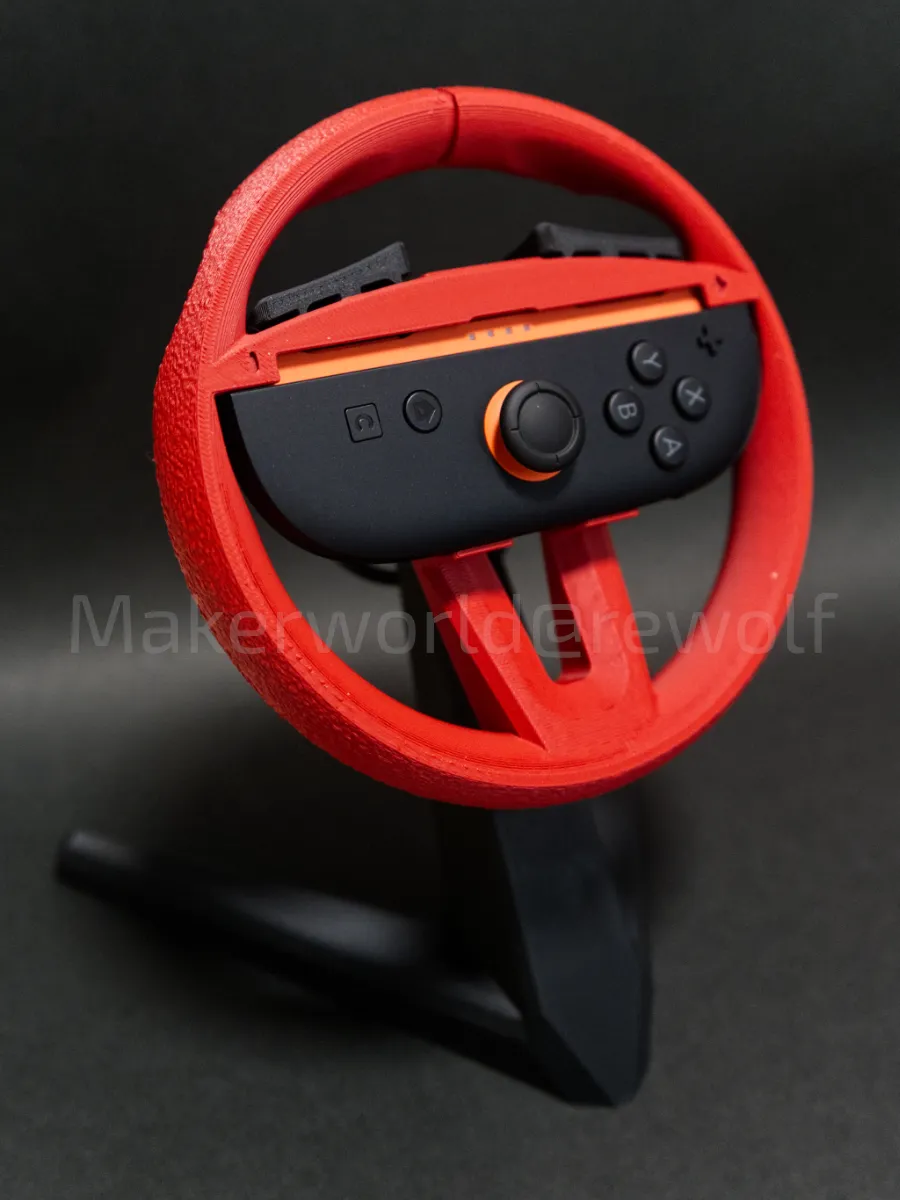
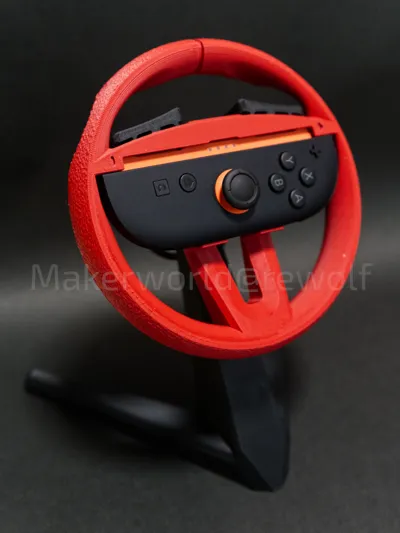
- 🔄 Full Wheel Version – Includes a built-in turn indicator on the top, so you can see how much you’re steering—super fun for that real driving feel (just needs a bit of print support)
⬆️Update 7/9 – V1.2 released
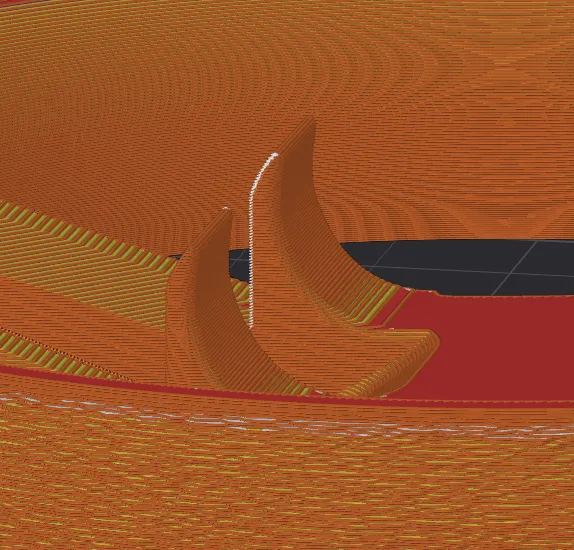
The new V1.2 profile improves the Joy-Con 2 fitting with a redesigned shape (as shown in the screenshot above) to hold the Joy-Con 2 more securely.
Print Tips:
Due to material expansion, the fit might be too tight depending on the filament used. (Tested with Bambu Lab PLA Matte.)
If the Joy-Con 2 doesn’t slide in easily, try increasing the Y scale by 0.5%.
⬆️Update 7/4 – Motion Stand Now Available!

A new stable stand profile has been released to pair with the wheel!

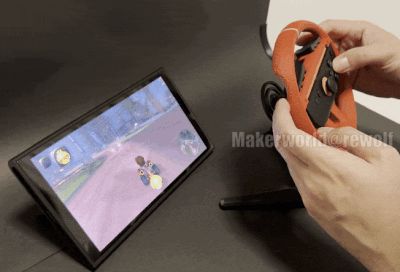
This stand helps provide more accurate control through the Joy-Con’s motion sensor, giving your steering inputs more stability, especially compared to using the wheel by hand.
It also features a return back to center style resistance, using a spring to simulate the feel of turning a real steering wheel.

Not into the spring feature? No worries, you can skip printing it or uninstall it anytime. The wheel still works great without it!
If you’d like to sell physical products based on this design, please consider getting a commercial license here:
👉 https://www.patreon.com/c/rewolfus
Boost Me (for free)
If you find this design helpful, a like or boost would be greatly appreciated—thanks! 🙌
🛠️ Installation Instructions:
🎮 Wheel Adapter:
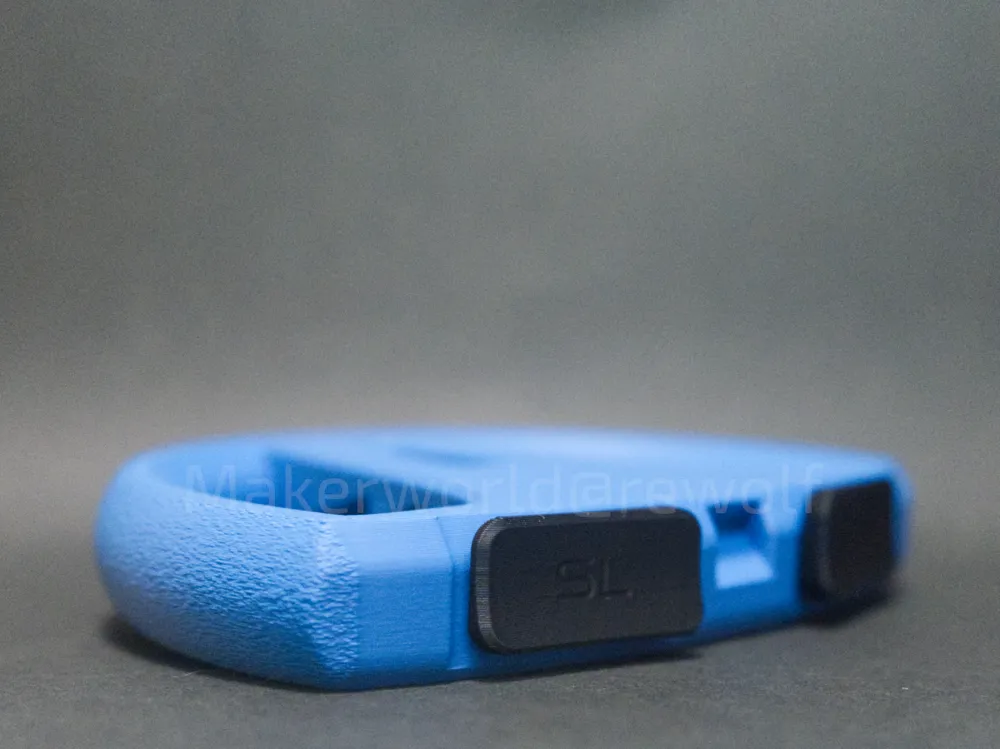
- Print the wheel and the SL/SR buttons first
- Gently push the SL/SR buttons into the wheel (tip: you can use a flathead screwdriver from the other side to remove them)
- If you’re using the Full Wheel (L Size) version, print the turn indicator as well – just slide it into the notch at the top (make sure it’s facing the right direction). A tiny dab of super glue will help keep it in place if needed.
🛠️ Motion Stand:
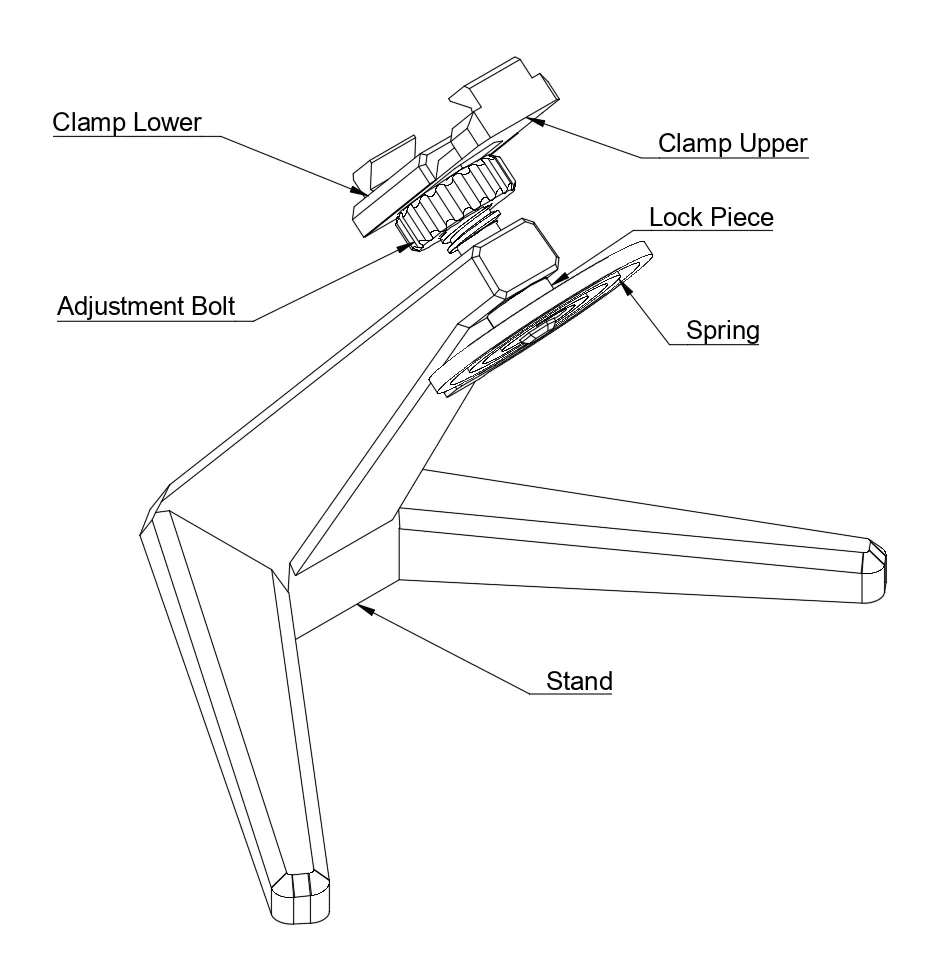
- Print all parts of the stand first
- Combine the clamp upper and lower parts, and secure them using the bolt
- Fit the wheel into the clamp and tighten the adjustment bolt to hold it firmly in place
- Insert the clamp into the stand base
- Use the lock piece to secure the pivot, so the wheel stays in the correct position
- Finally, install the spring if you want that added resistance—skip this part if you prefer free rotation
🖨️ Print Tips
Support:
By default, support is not enabled for the button cutout. If you notice overhang issues around that area, please consider turning on supports to improve the result.
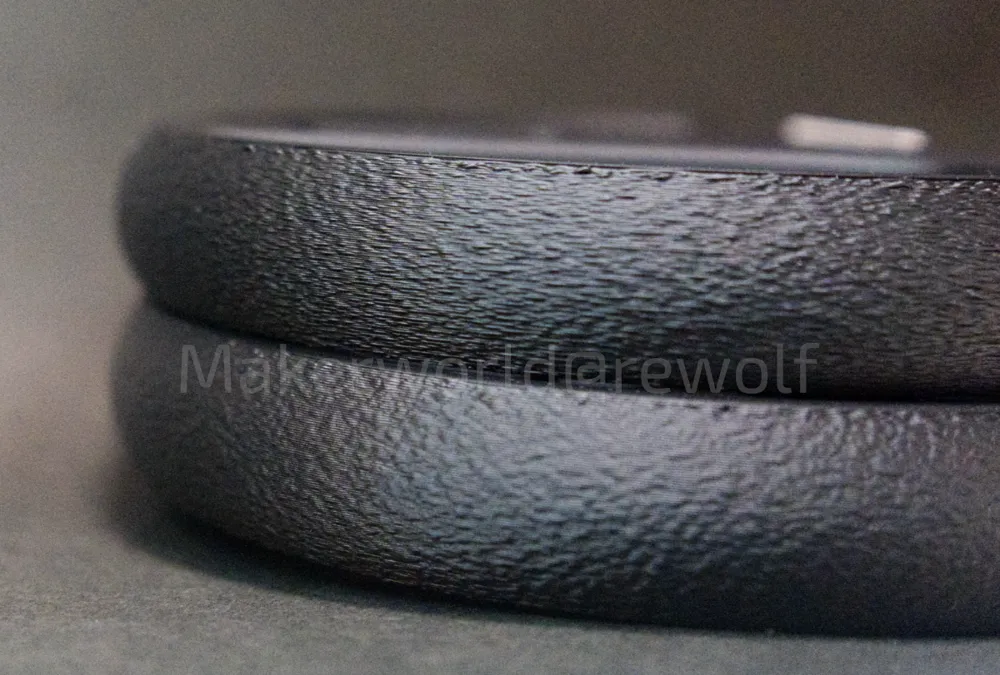
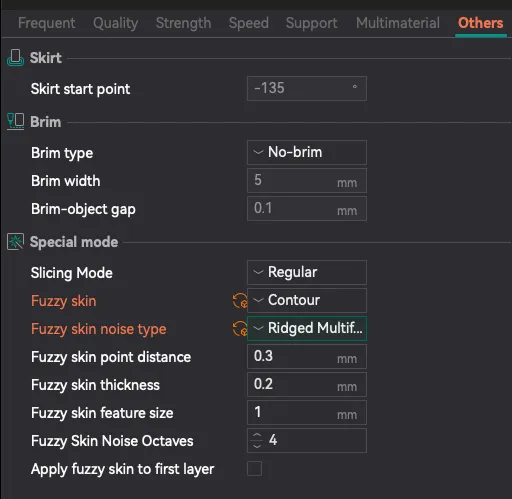
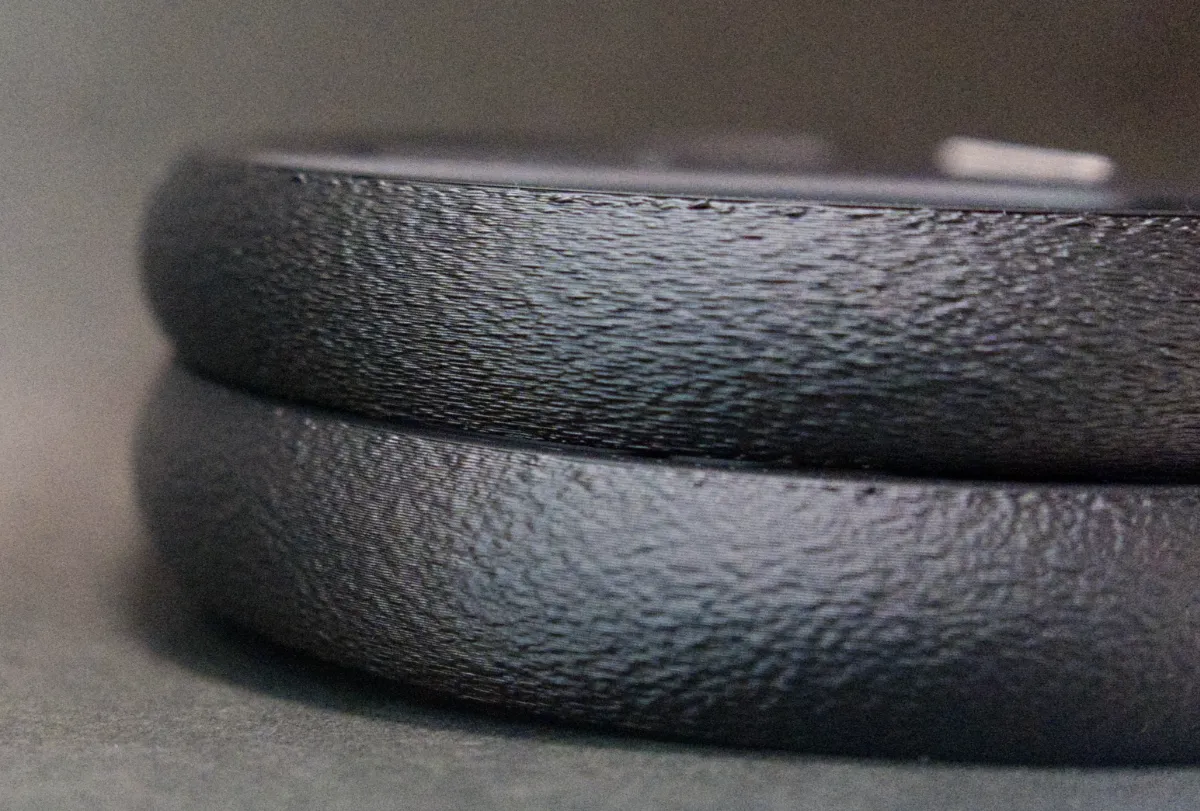
Fuzzy skin :
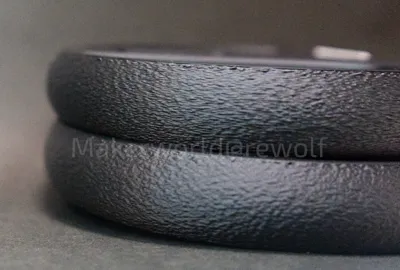
The default print profile has fuzzy skin enabled for better grip.
If you’re using OrcaSlicer, I highly recommend switching the Fuzzy Skin Noise Type to Ridged Multifractal. It gives the surface a nice textured finish that feels great in the hands.
Note: The latest Bambu Studio hasn’t merged this feature into their main release yet, so it may not be available there for now.
Here is a comparasion between the Classic(Top) type and Ridged Multifractal(Bottom) type:
Boost Me (for free)
I’d really appreciate a boost or a like, it helps a lot and keeps me motivated to keep creating more interesting ideas like this. Thanks for the support!

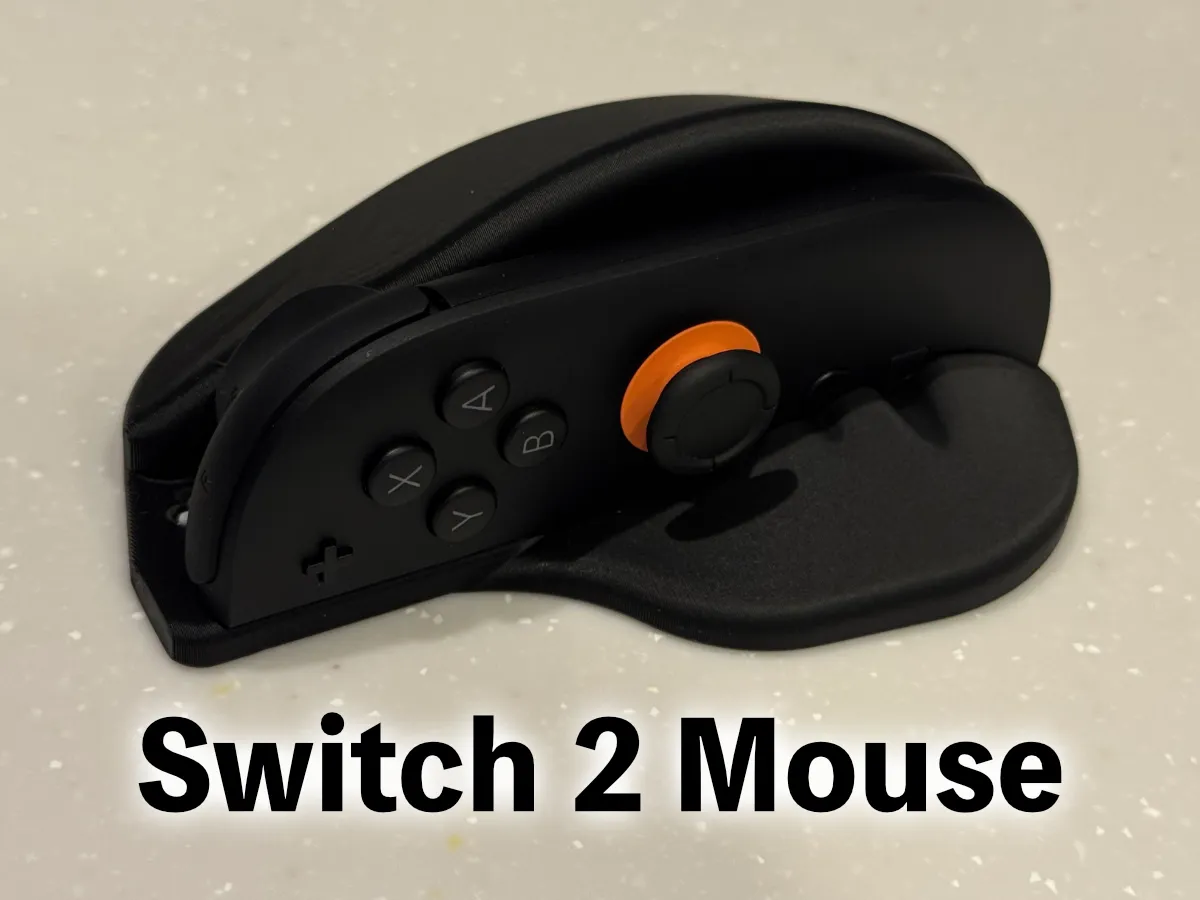
Also check my other switch 2 projects:
JoyCon2 Magnetic Grip
JoyCon2 Mouse Adapter
Membership
Get a commercial license to sell prints!
License

You shall not share, sub-license, sell, rent, host, transfer, or distribute in any way the digital or 3D printed versions of this object, nor any other derivative work of this object in its digital or physical format (including - but not limited to - remixes of this object, and hosting on other digital platforms). The objects may not be used without permission in any way whatsoever in which you charge money, or collect fees.


Comment & Rating (356)