
Print Profile(1)

Description
Boost Me (for free)
I like to tinker around and create my own models, I hope you like them as well 😊 I would appreciate a boost from you ❤️ And if you want, you could follow me and my modelling journey for more content.
I have now published a updated and strengthened version 1.1; that replaces both regular and slim can version:
https://makerworld.com/en/models/1901032-can-opener-and-cover-v1-1
This is the slim can version of my popular model: https://makerworld.com/en/models/1541424-can-opener-and-cover#profileId-1617821
When I designed it, the slim can I grabbed worked with the original design. But some people just couldn't get it to work. I went through the different cans I had at home and discovered that there is different versions of the slim can. This now is adjusted for the slim can I had at home, and I hope it works for you as well. The diameter of the ring on this slim can Ø51.6mm (the regular model is Ø53.9 mm)
My original description:
I got the question from a lady if I could create a beer/soda can opener combined with cover and room for a company logo.
So they could use these at events as giveaways.
This is designed from ground up with a number of iterations in FreeCad.
With this it is easier for people with pain in fingers or someone that is caring about their nails.
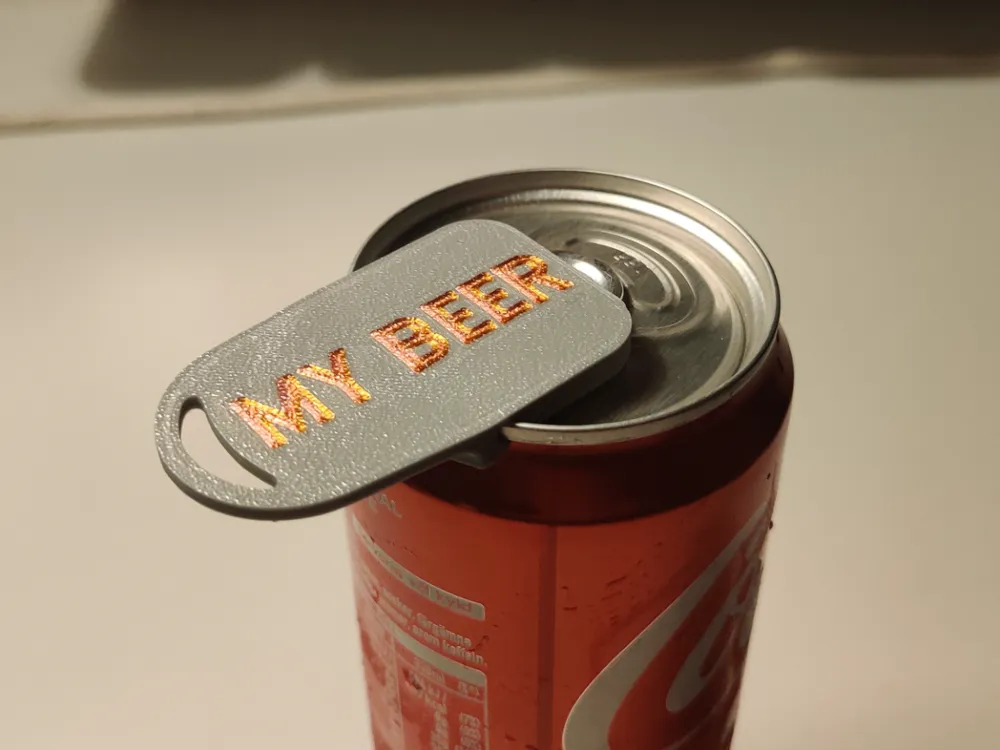
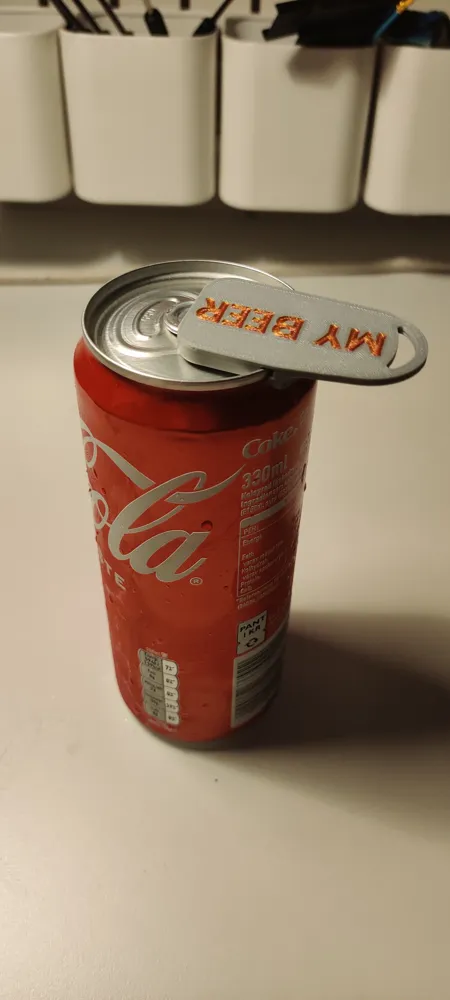
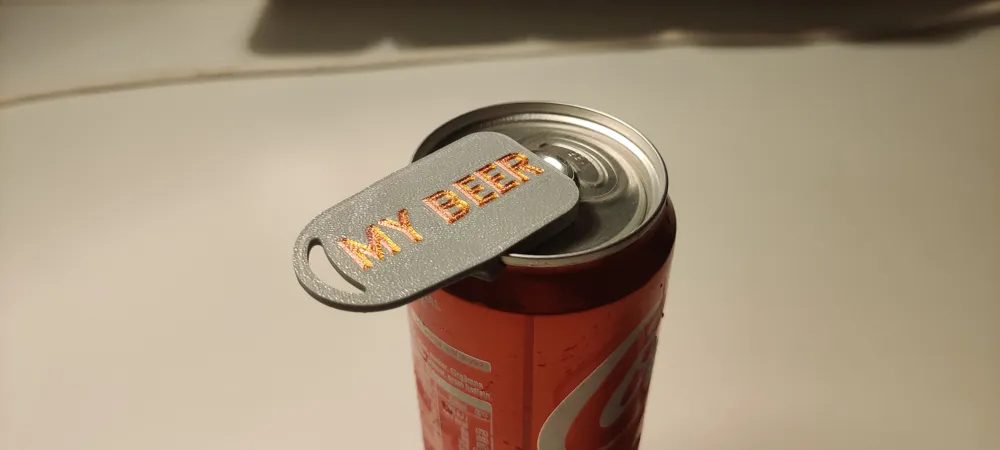
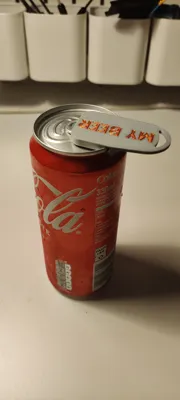
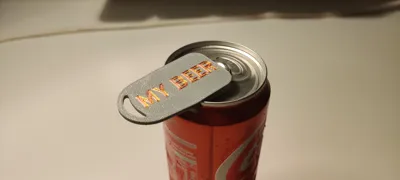
You slide it over the opening tab and it snaps into place over the rim of the can. Then you can turn it around as cover to protect against wasps/flies when you are outside.
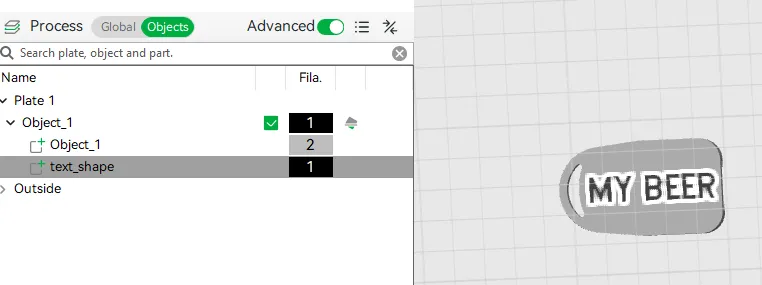
Now the settings in the print profile reflects the experimentation I did around getting a detailed logo in this small place. If you want to print a plain opener you can reset the print profile or change these settings:
- If you skip text or logo you can reset "Initial Layer" to default and "Resolution"
- Skirt loops helped if you want a more detailed logo (the first small line started a little fat otherwise)
- Also using textured plate help hide the imperfections in the print.
You can remove or change the text object in Object explorer:
Several people have asked to sell my design, so I have set-up a Patreon
If you wish to sell physical prints of this design, you must obtain a valid commercial license. Please find licensing options and membership details on my Patreon page:
https://patreon.com/Digital_Smiley
This file is for personal, non-commercial use only unless a license is purchased.
My page with my other designs:
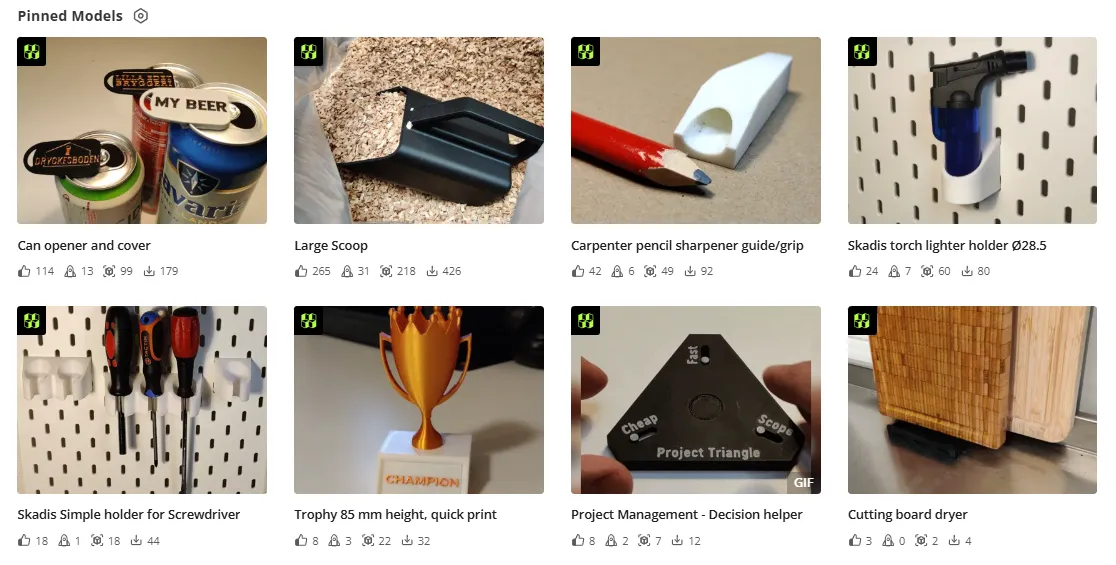
My page with skadis designs:

License

You shall not share, sub-license, sell, rent, host, transfer, or distribute in any way the digital or 3D printed versions of this object, nor any other derivative work of this object in its digital or physical format (including - but not limited to - remixes of this object, and hosting on other digital platforms). The objects may not be used without permission in any way whatsoever in which you charge money, or collect fees.


Comment & Rating (28)