
Essential Tools & Accessory Kit for H2D-Rack4All
Print Profile(7)





Description
Boost Me (for free)
I usually don’t ask for this, but I’ve noticed that many creators actively encourage it on other platforms—and it makes sense, as it helps increase visibility. So, if you can follow me, it would make difference. It’s a great way to support my work and show appreciation. For more insight subscribe my blog at: https://designrepcom.com/ This design is freely available for the community, but if you enjoy my work and would like to show your support, you can boost this project. Thanks!
What is it?
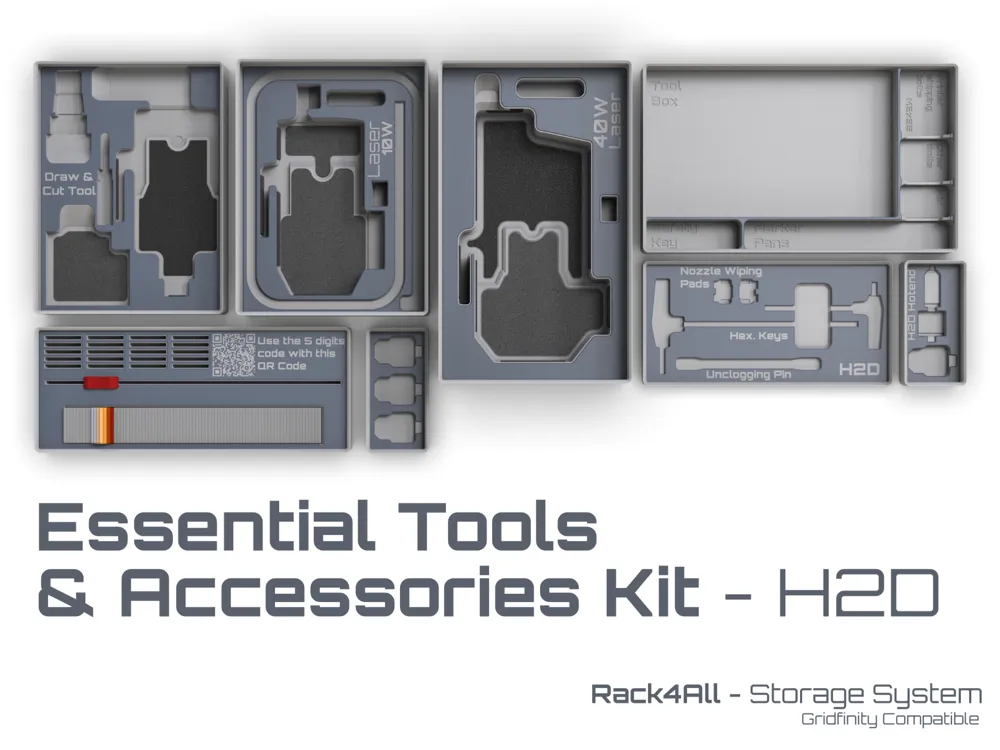
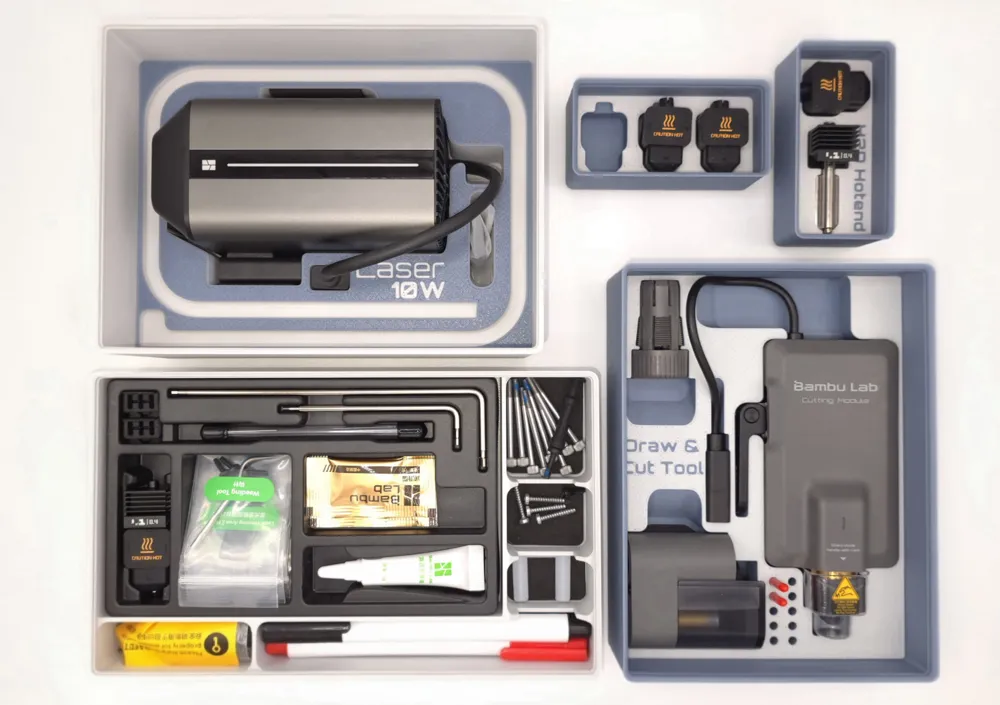
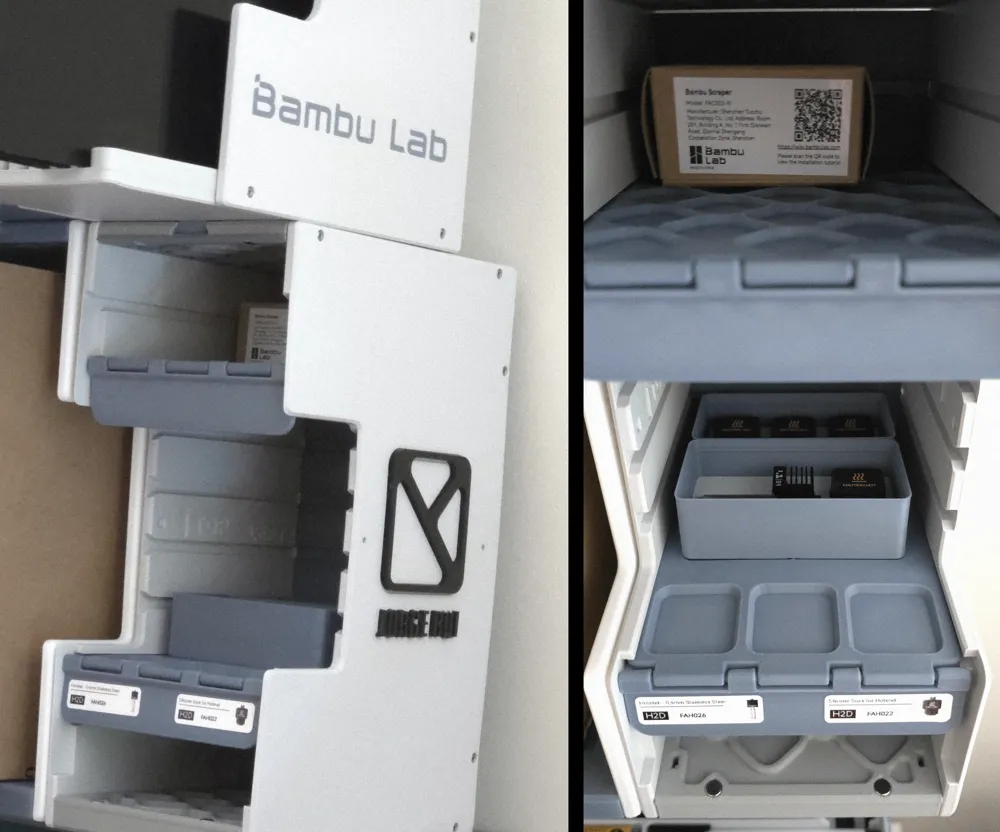
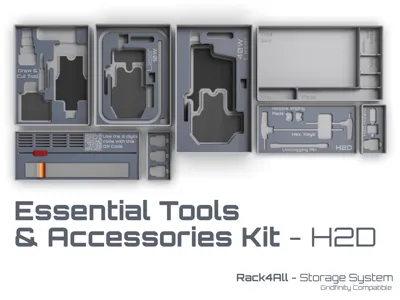
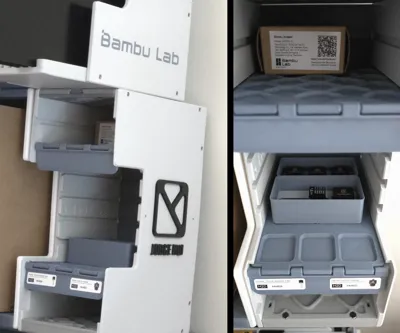
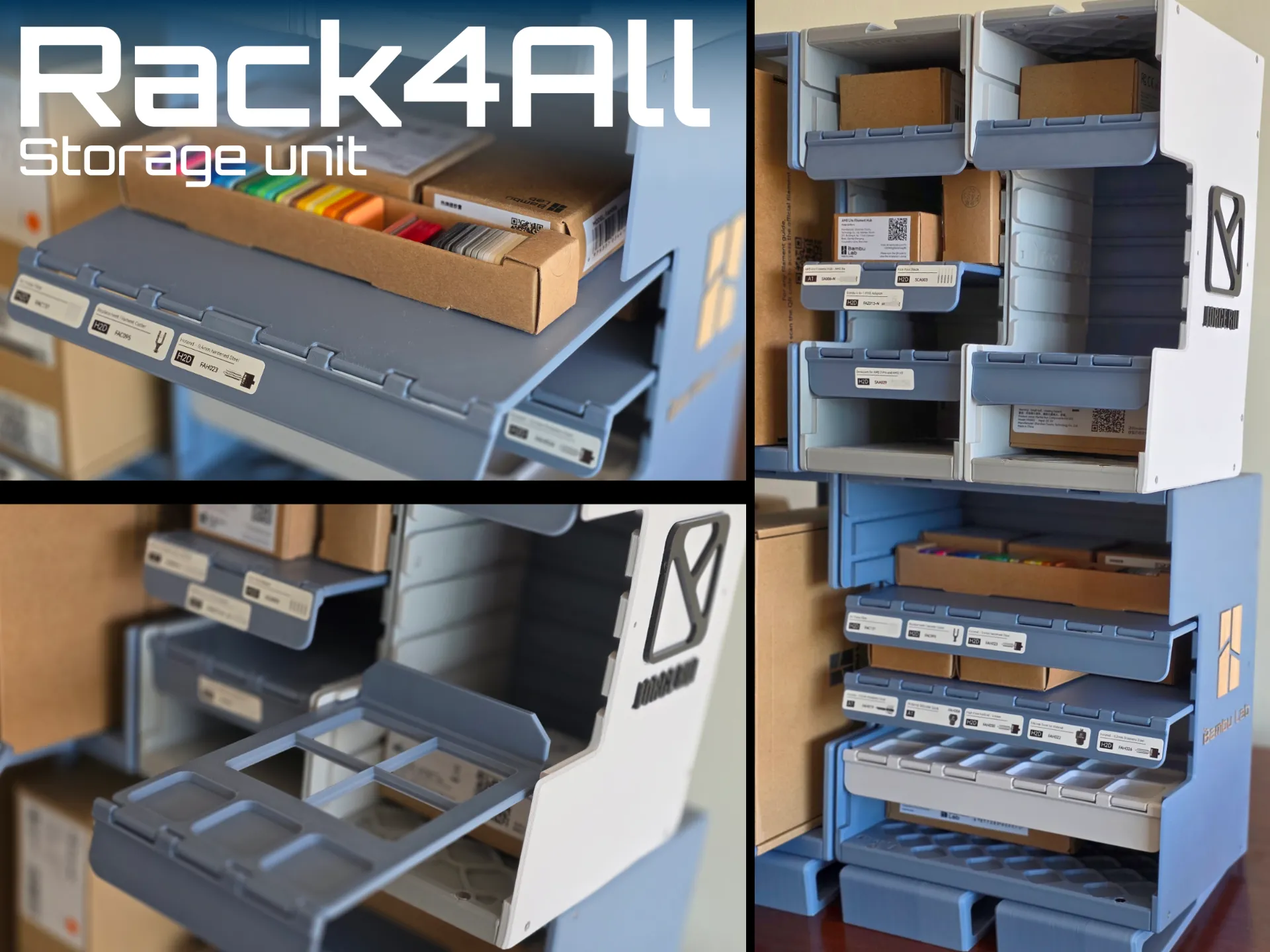
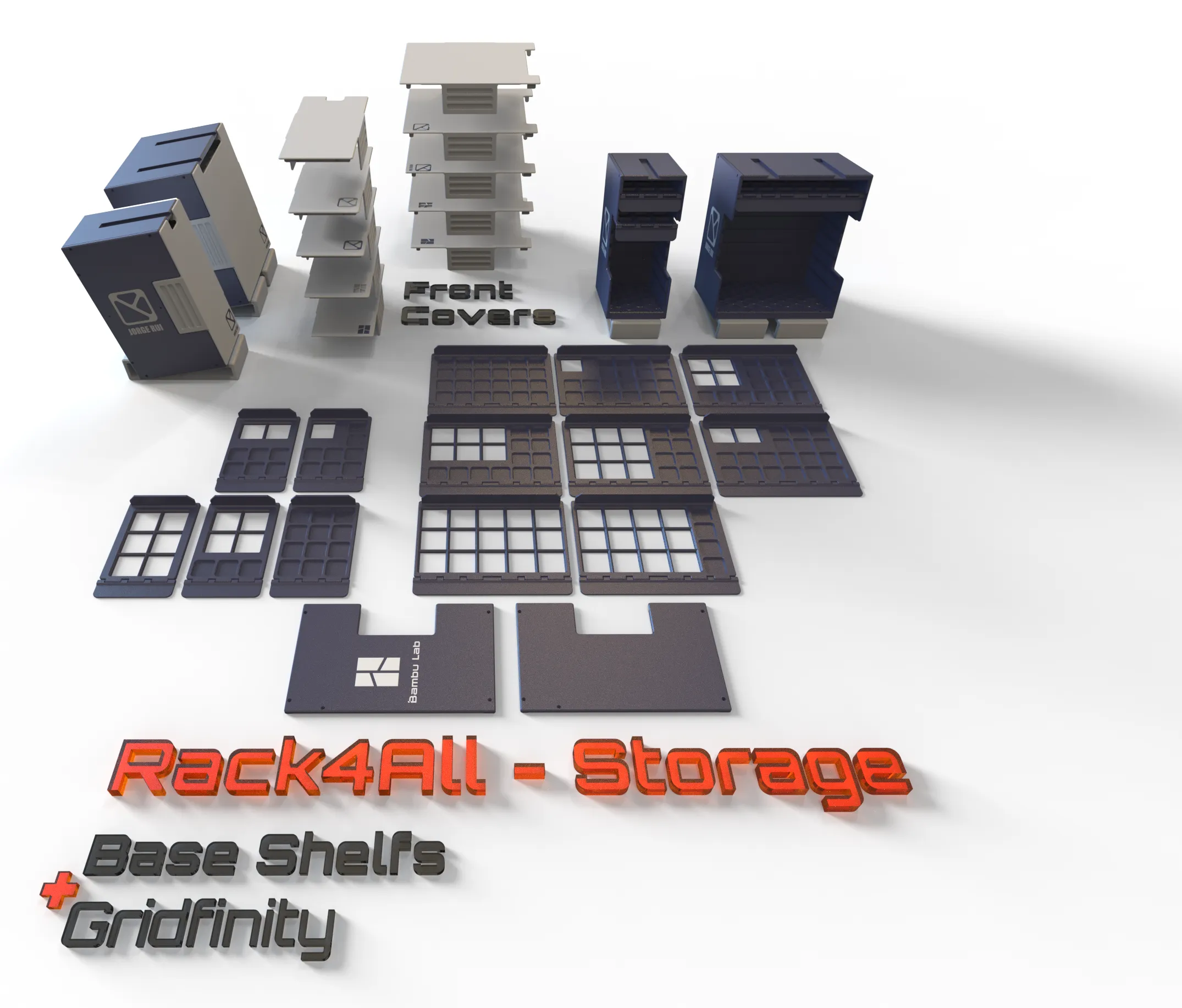
So here starts a comprehensive Gridfinity organization solution designed for Bambu Lab H2D users, with much to come in the near future. This system brings essential tools and components together in a compact, easily accessible arrangement, enhancing your workspace efficiency, that makes part of the Rack4All Storage ecosystem.
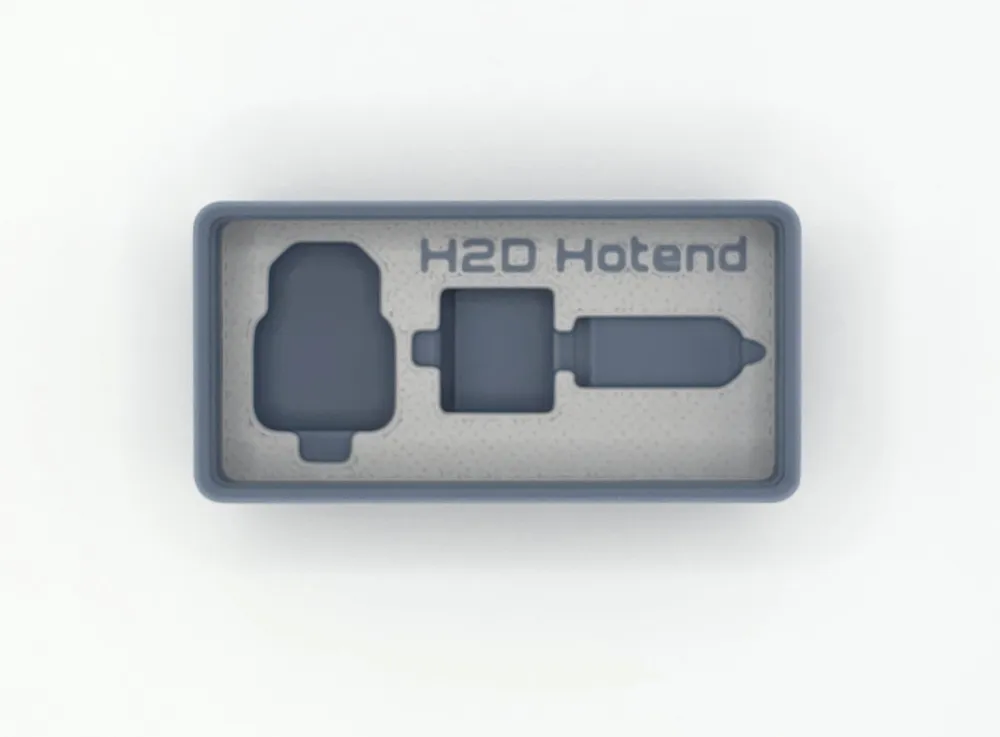
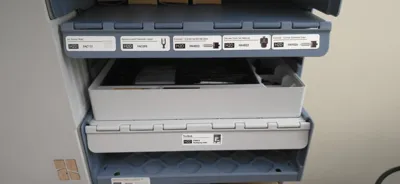
Storage Module for H2D Tools and Accessories
This Gridfinity module is a smart addition to your collection of 3D printable models, focusing on optimized storage and organization for your most important printer components.
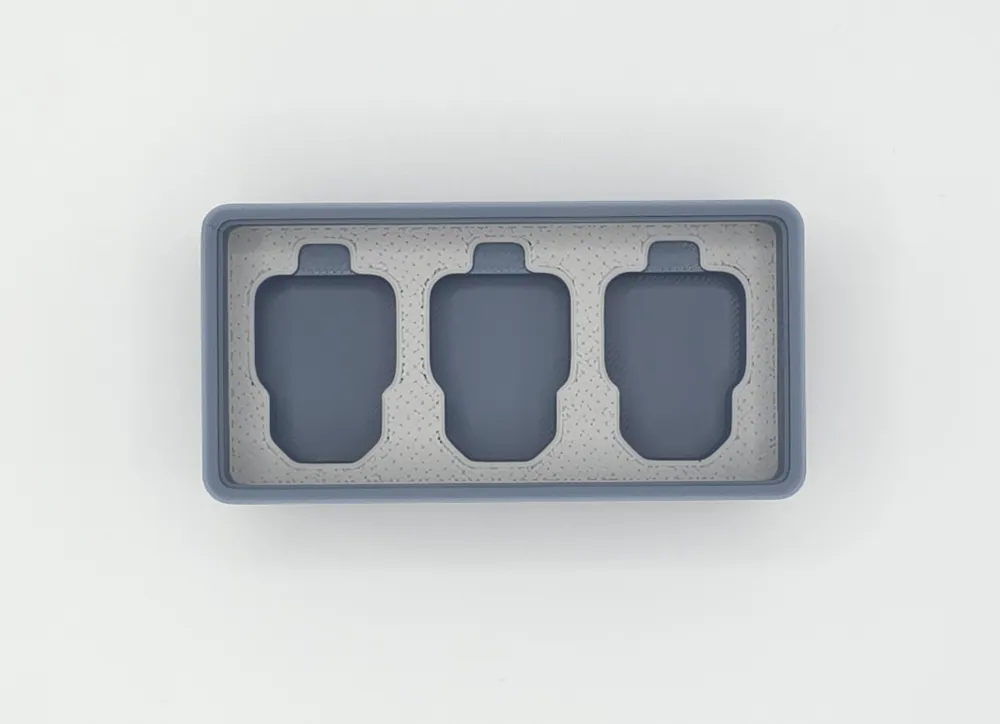
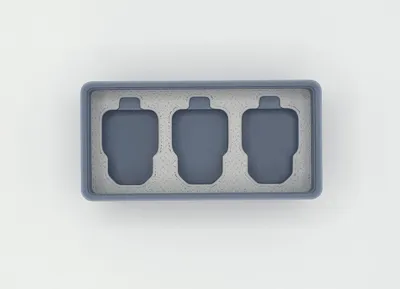
What is it? It's a dedicated Gridfinity bin's, specifically crafted to house H2D tools accessories. Recognizing the need to optimize space utilization, this module includes a perfectly sized pocket for the silicone socks, as these two components often go hand-in-hand. This kit is ideal for basic accessory storage.
Key Features:
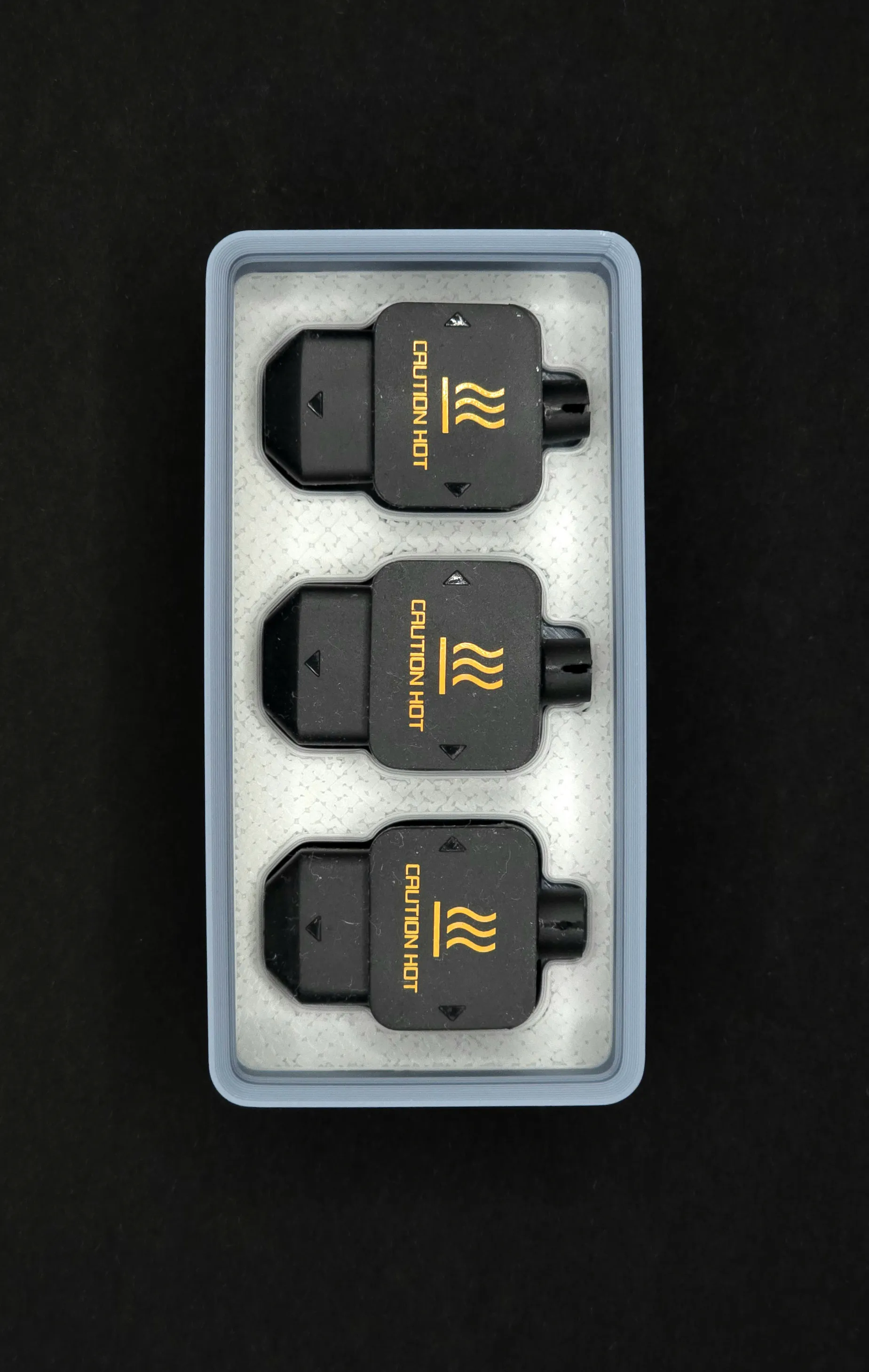
- Dedicated Storage: Custom-fit design for H2D accessories and 3x Silicone Socks (FAH022).
- Integrated Silicone Sock Pocket: Includes a snug slot for the FAH022 Silicone Sock, ensuring both components are stored together.
- Elevated Component Display: The accessories and silicone socks sit slightly higher than usual, making them more visible and easier to remove from the module.
- Perfect Fit Gridfinity Connection: The modules offer a precise fit – neither too tight nor too loose – creating a satisfying hold.
- Two-Color Aesthetic: Designed for multi-color printing (ideal for H2D users!), enhancing the visual appeal of the bin.
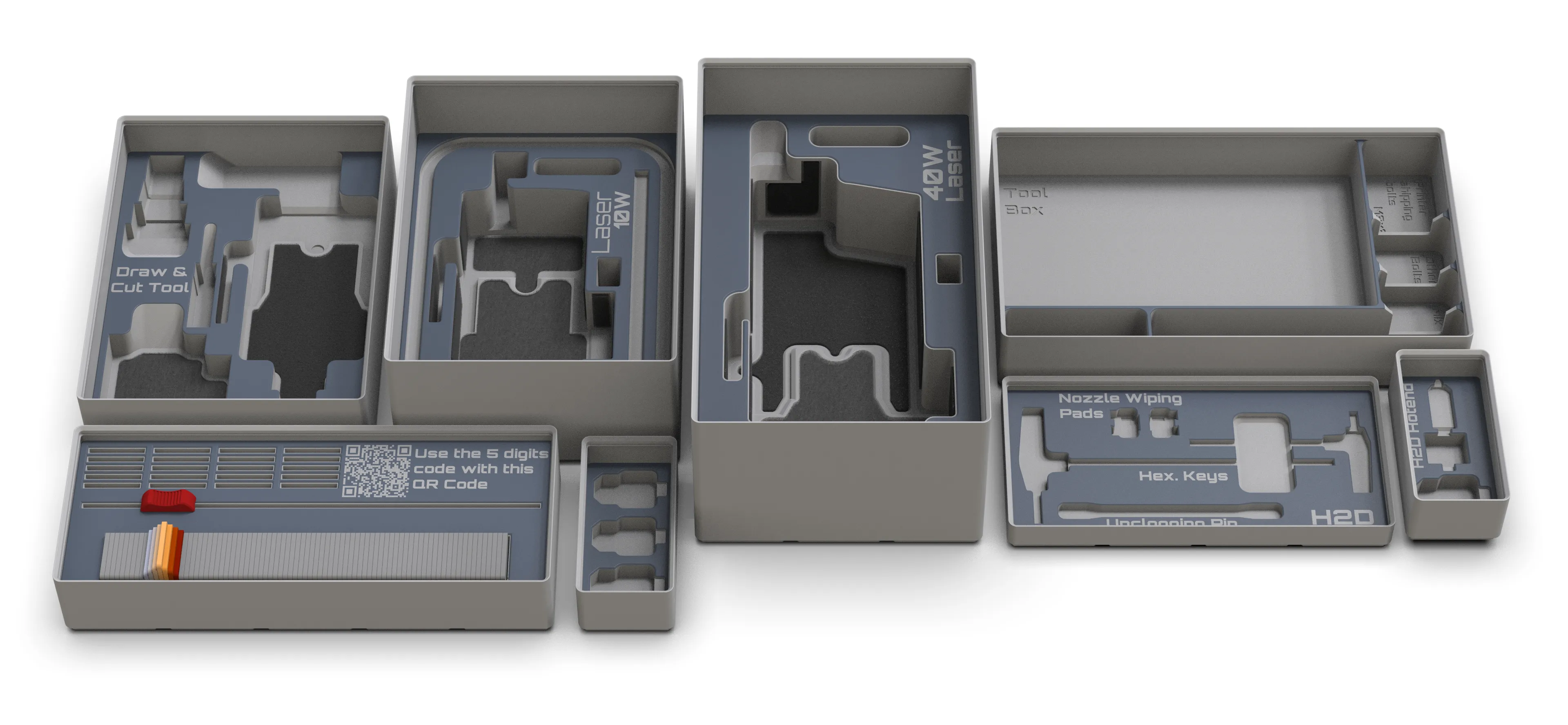
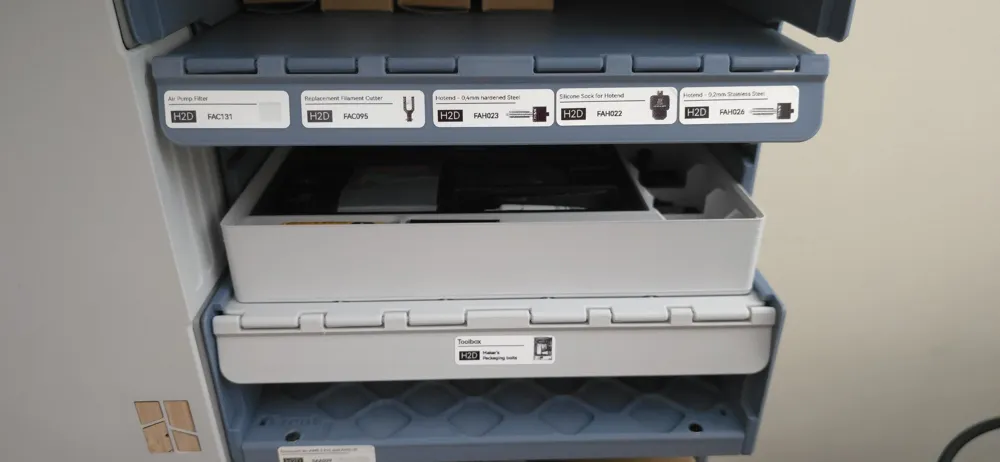
"Tool Box" Storage Module for Bambu Lab H2D Laser Full Combo
Building on our Rack4All projects, this module aims to bring even more organization to your workspace.
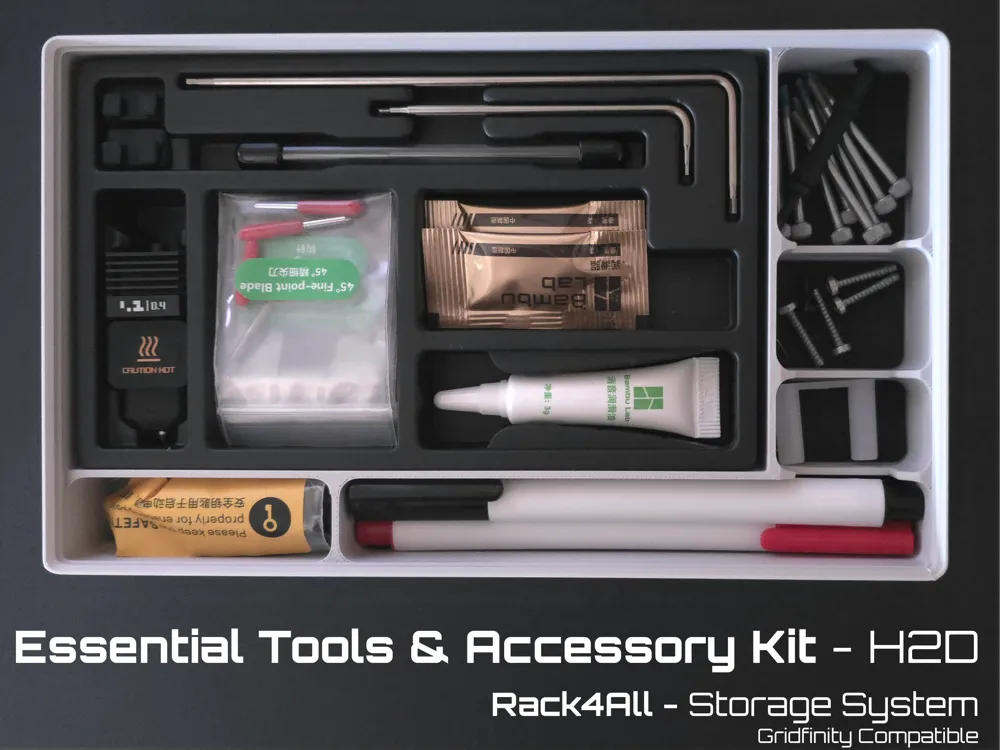
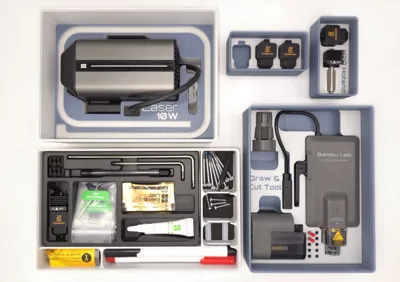
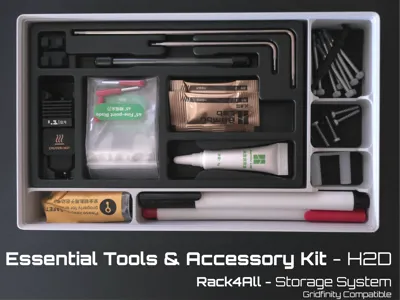
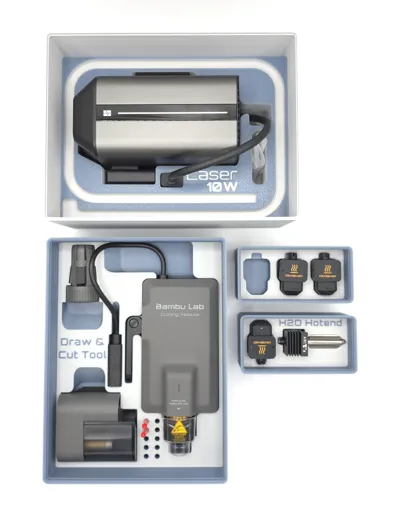
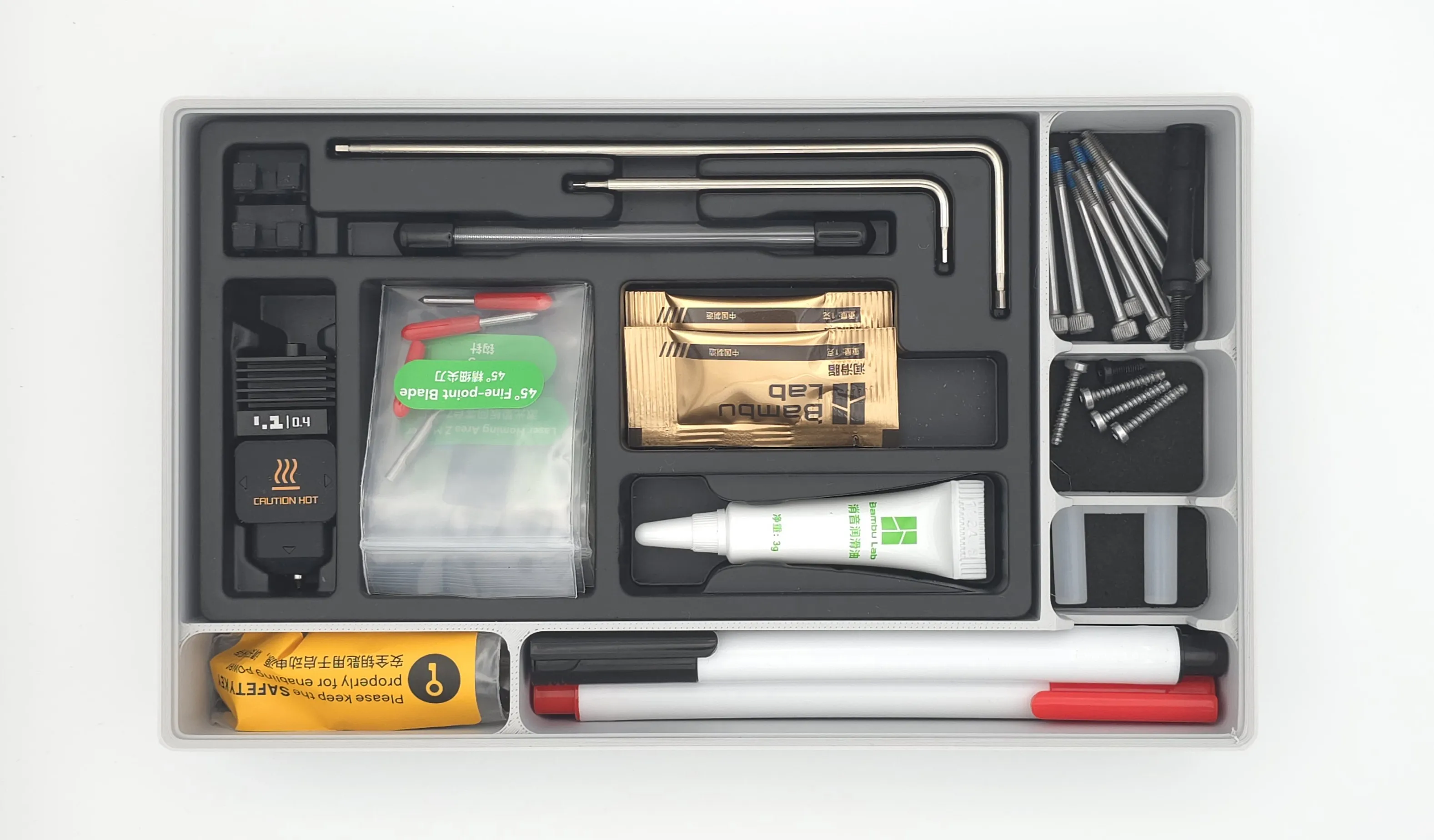
What is it? This module is a large Gridfinity-compatible bin designed to neatly organize and store the various accessories that come with your Bambu Lab H2D printer, specifically targeting the contents of the "Tool Box" included with the Bambu Lab H2D Laser Full Combo. The goal was to migrate the entire thermoformed insert from the original packaging into a custom-fit, accessible Gridfinity module, useful for all H2D users, regardless of their specific configuration.
This module meticulously organizes the following components from your Bambu Lab H2D Tool Box:
- 0.4mm Nozzle
- Silicone Sock for Accessory
- Filament Cutter
- 45° Fine-point Blade
- Unclogging Pin
- Nozzle Wiping Pad
- Nozzle Blocker
- Scraper Blade
- Weeding Tool
- Screws for Scraper
- Screws for Spool Holder
- Allen Key (H1.5 & H2.0)
- Laser Homing Area XY & Z Marker
- Rubber Screws for Chamber Exhaust Fan
- Camera Privacy Cover
- Lubricant Oil
- Lubricant Grease
Additionally, you'll find some extra slots within the module, specifically designed for various small screws that come with your printer's packaging (e.g., screws used to secure the printer during shipping or to hold the AMS internally), as well as dedicated spaces for the laser markers and the safety key.
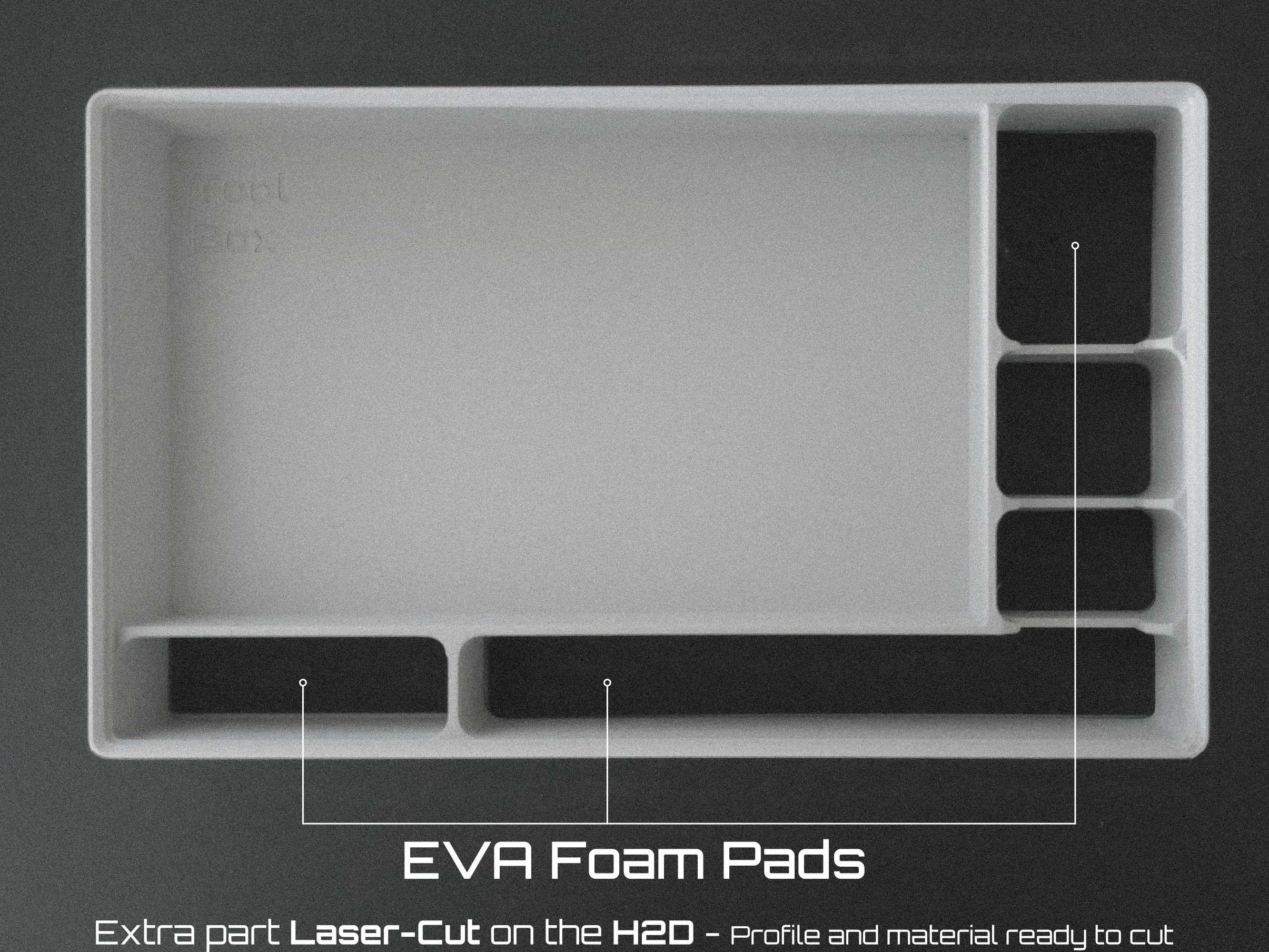
I have added some padding for less impact dampening and increased friction using laser cut EVA foam, so if you have the H2D Laser combo, you can go to “Padding for the ToolBox” and download the profile for the laser cutting operation
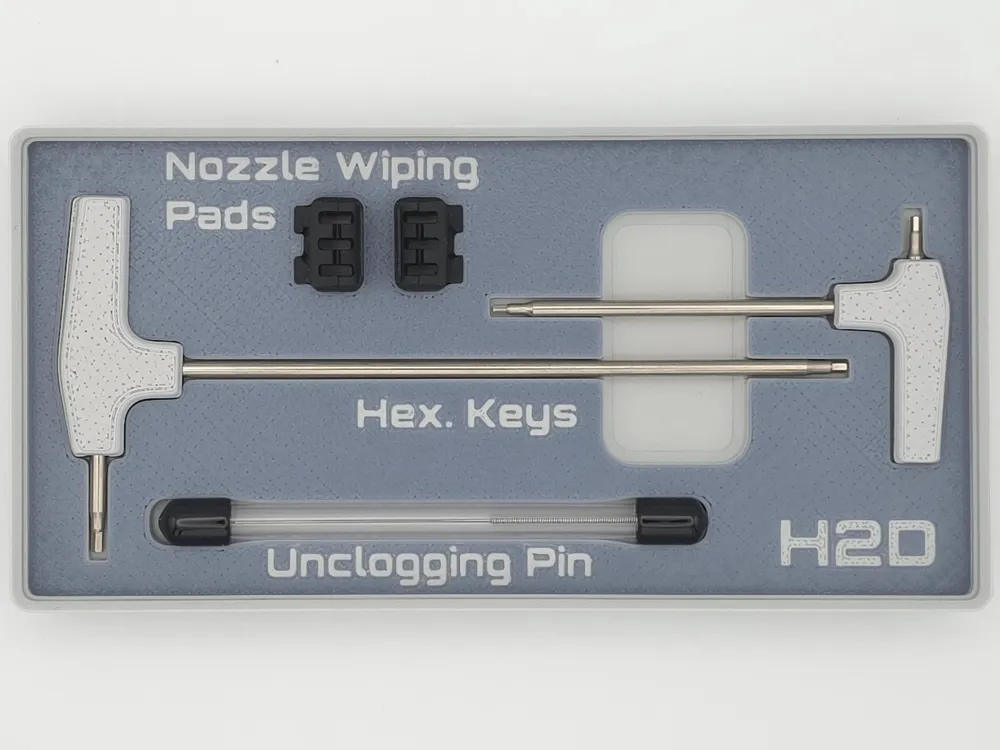
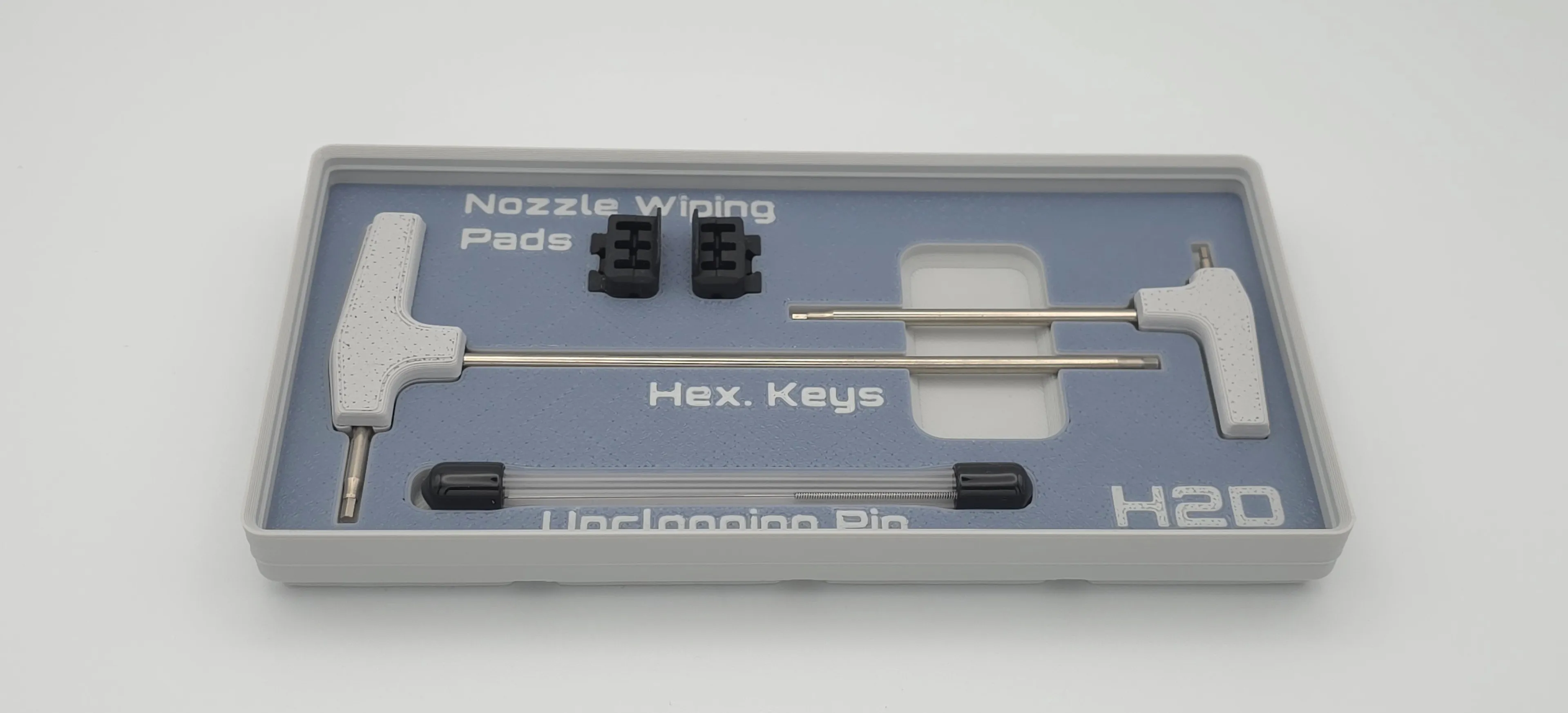
Hex Key Module
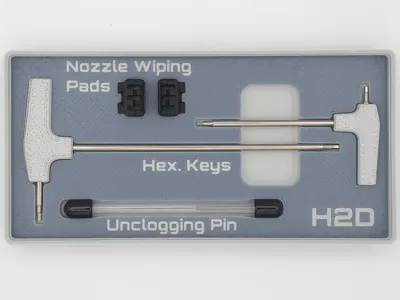
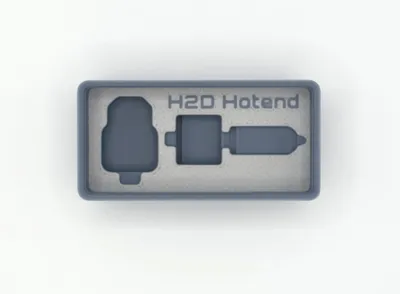
This module is mainly designed to store the original hex keys that come with the H2D and that have been modified with the handle I made, which is available here.
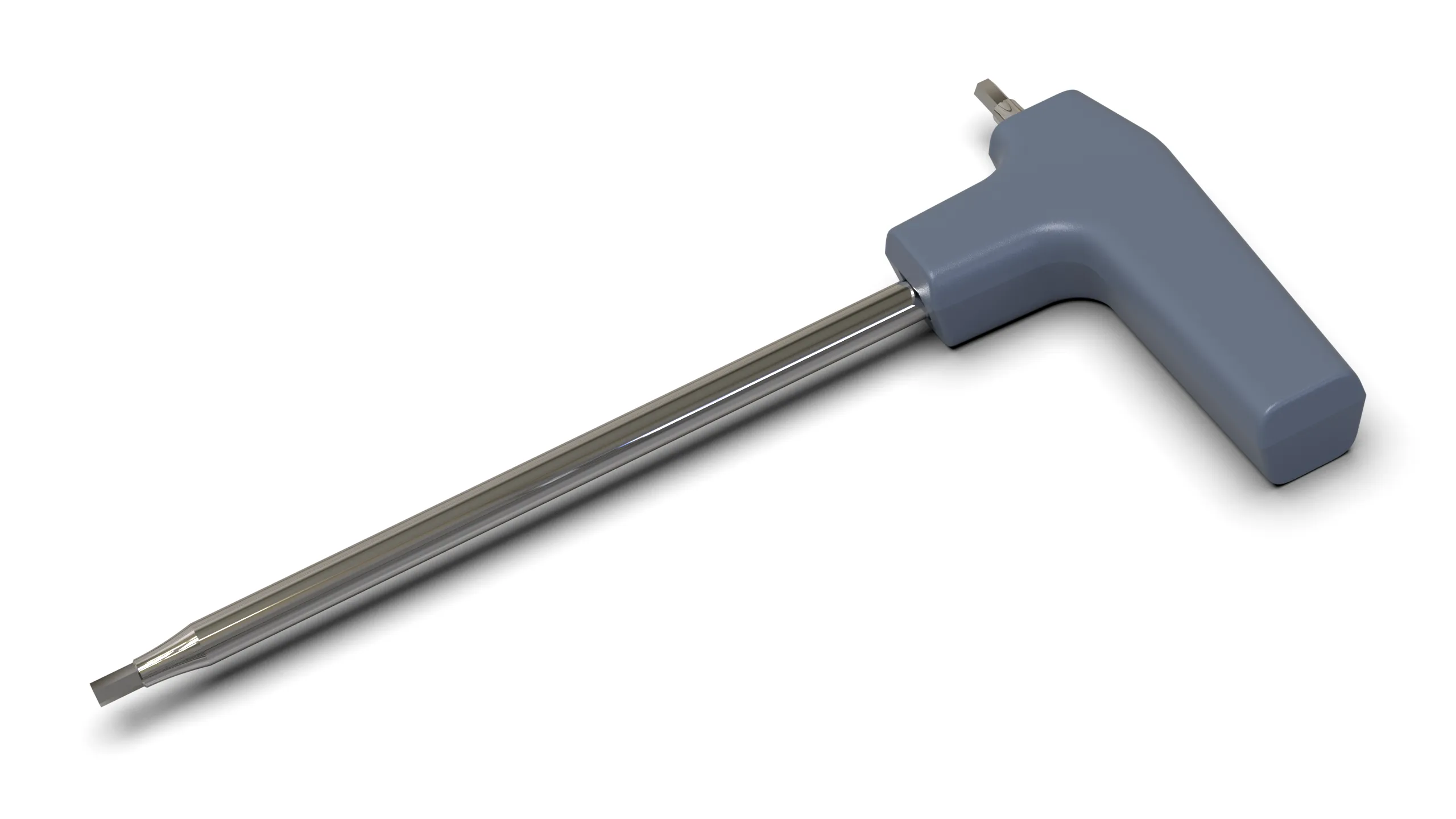
Additionally, to make better use of the available space within the module, I've added:
- 1x Unclogging Pin
- 2x Nozzle Wiping Pad
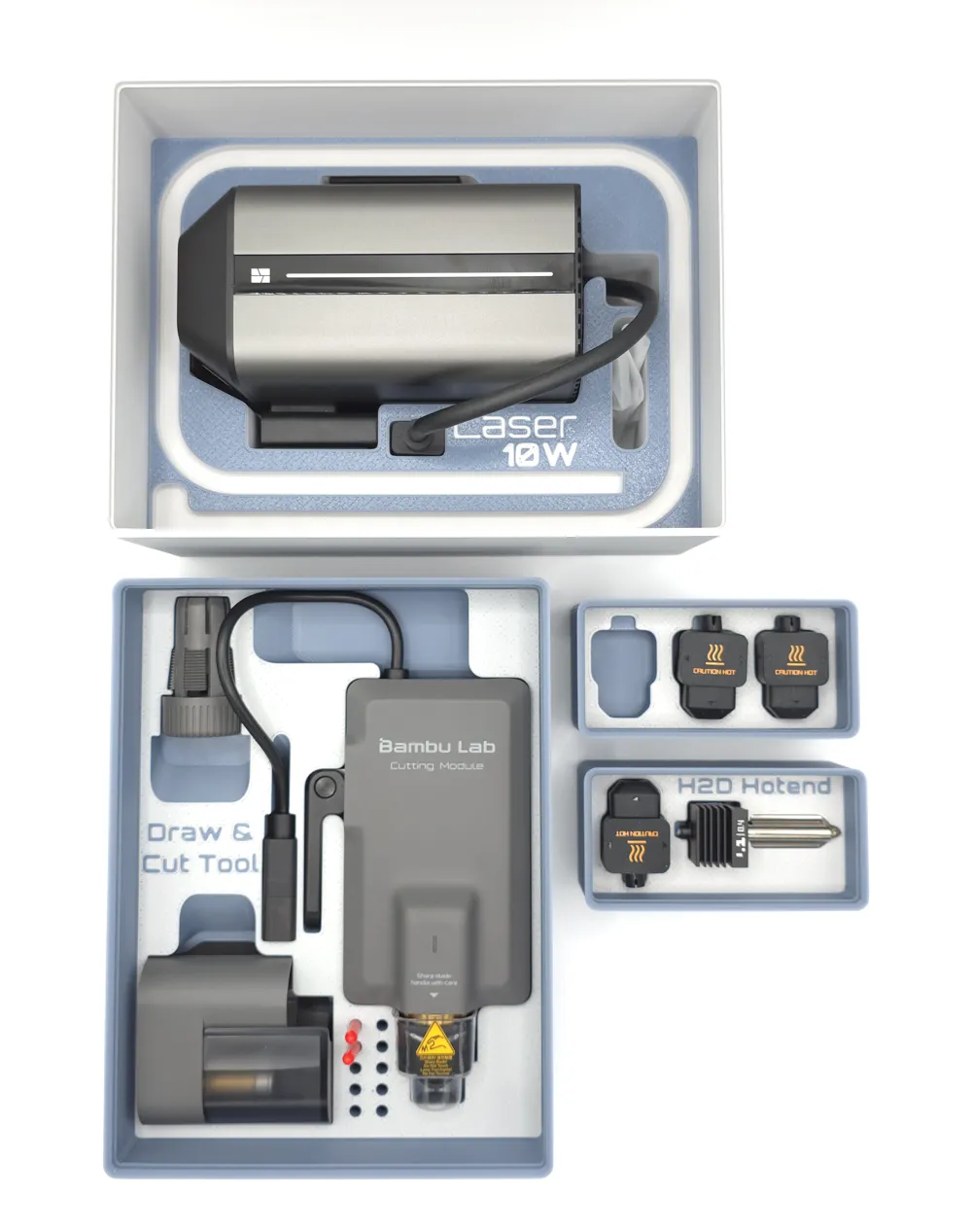
Laser Module
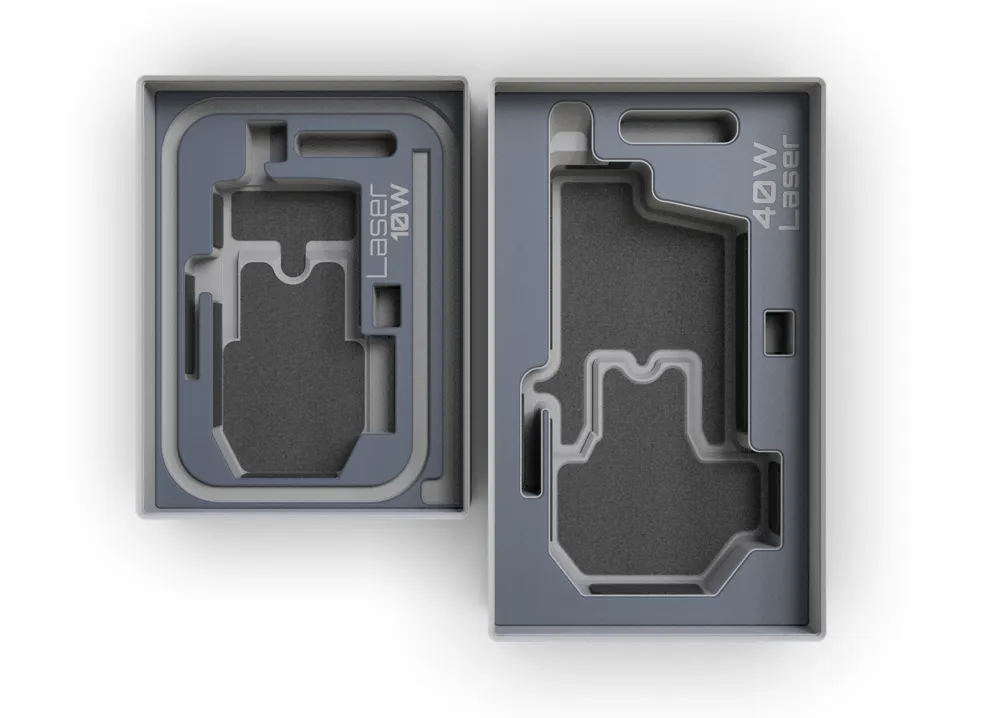
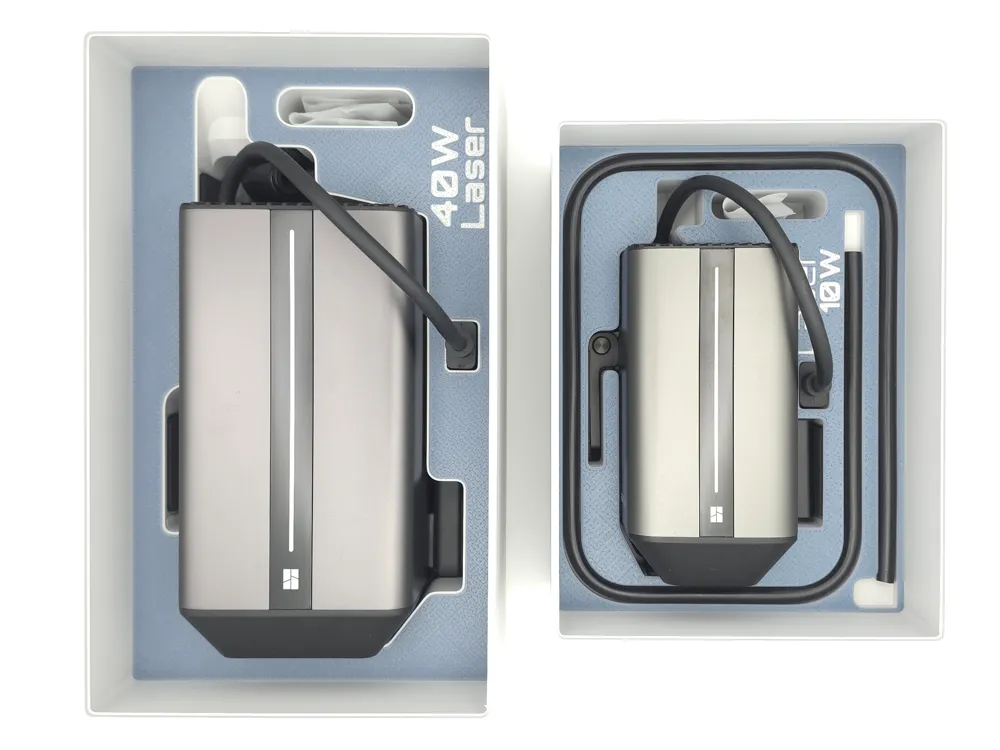
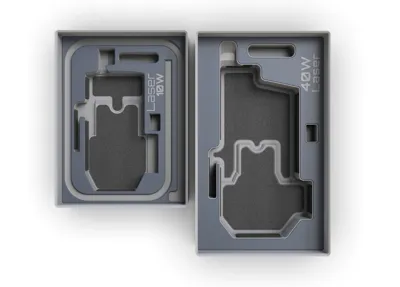
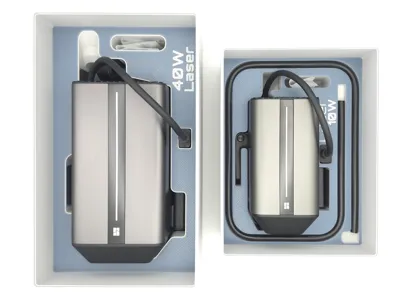
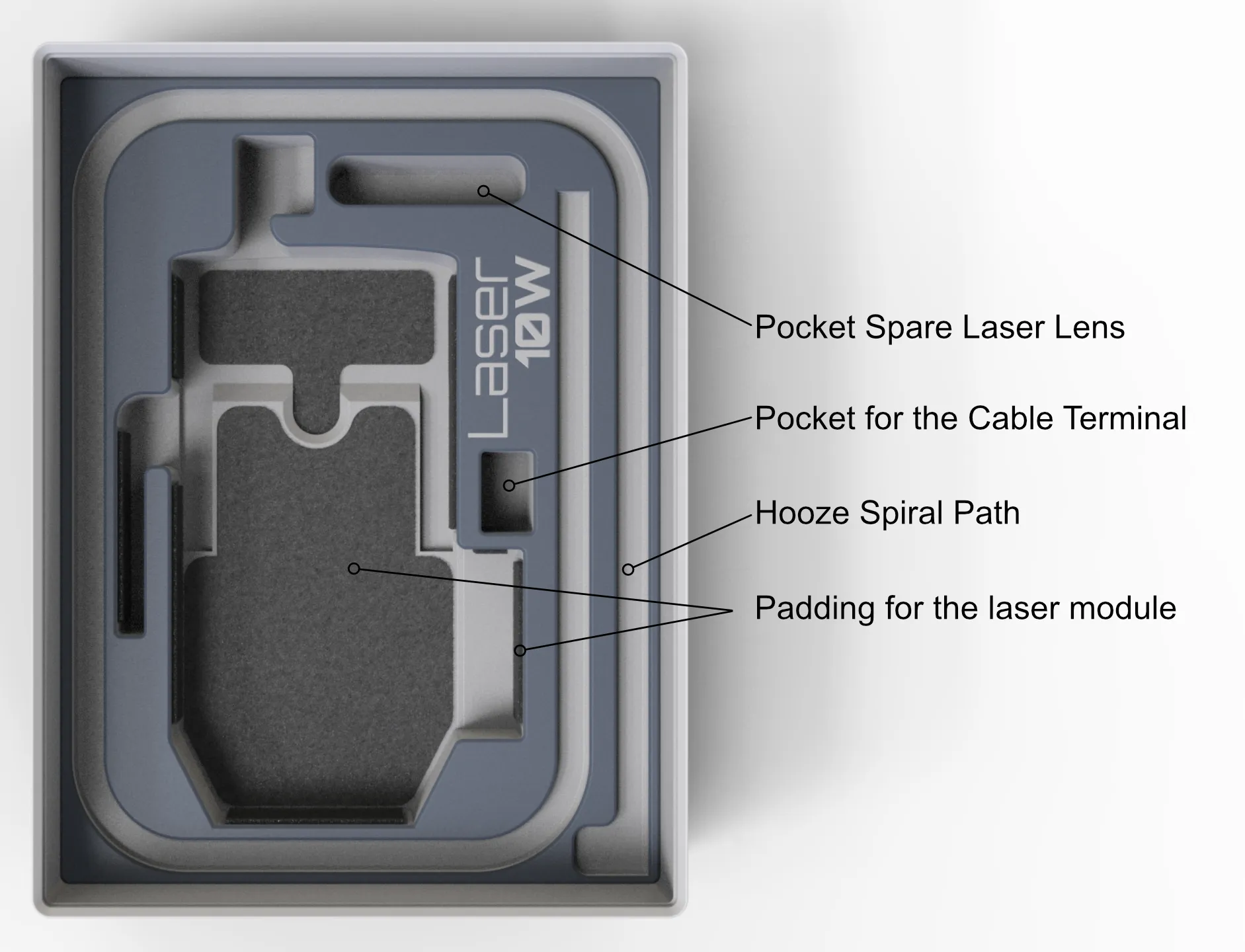
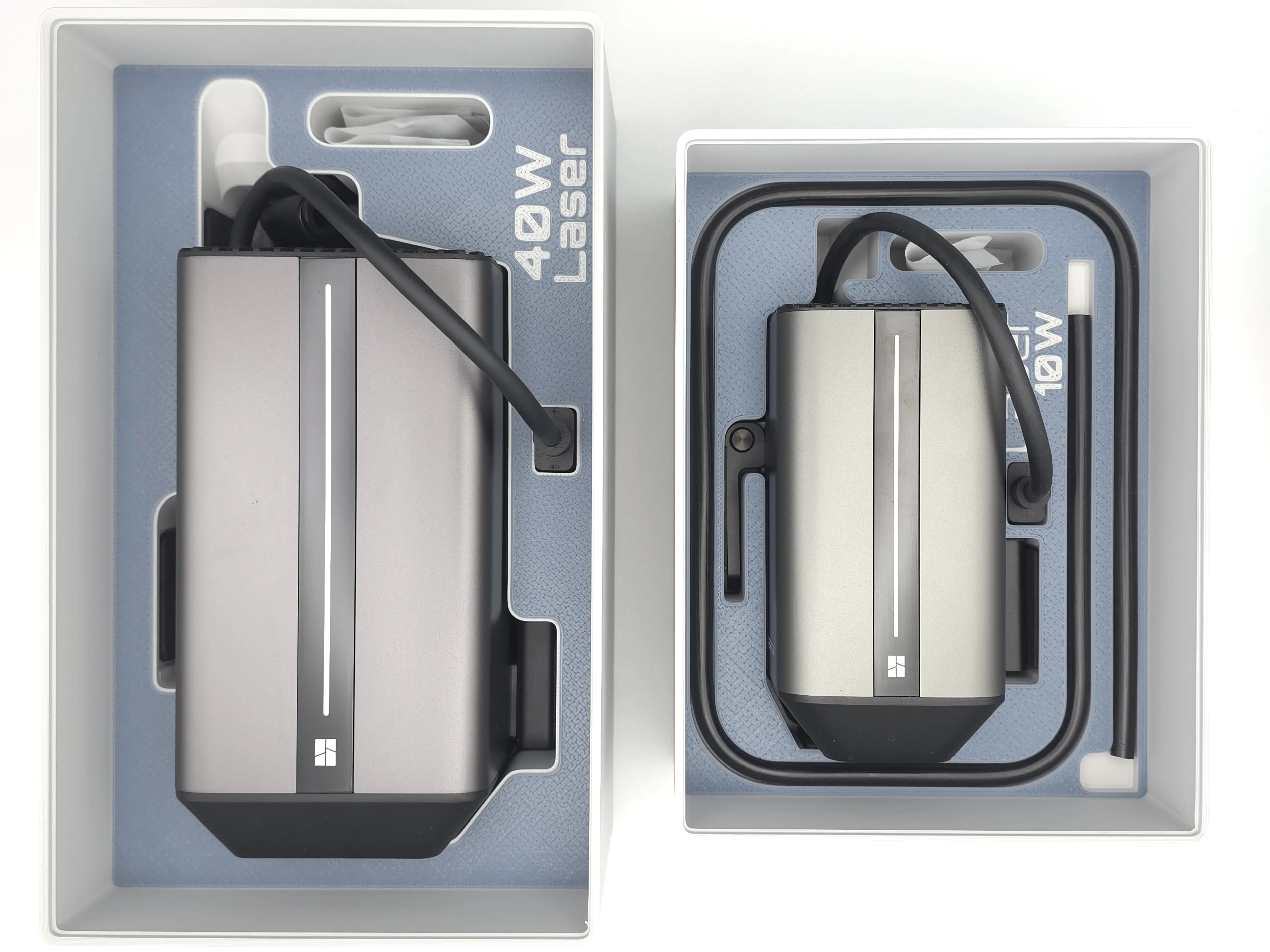
The 10 and 40 W laser module includes all accompanying accessories, namely the compressed air hose, as well as a compartment for storing the replacement lens in its packaging.
The padding works very well, as it prevents the module from being scratched, also acting as cushioning and for adjustment when storing the module.
As the laser allows for cutting, this module is also padded with 2 mm EVA foam. The cutting profile is available here and already includes the material-related settings for perfect cutting. The 40W padding is already done, but at this moment something is wrong with the MakerWorld analysis tools, and I cannot upload it. If you need it, use this link.
At the time this project was launched, Bambu Lab had not yet made any type of EVA foam available and may never do so... However, it is a very easy material to find in various thicknesses and sizes.
Cut and Drawing Tool
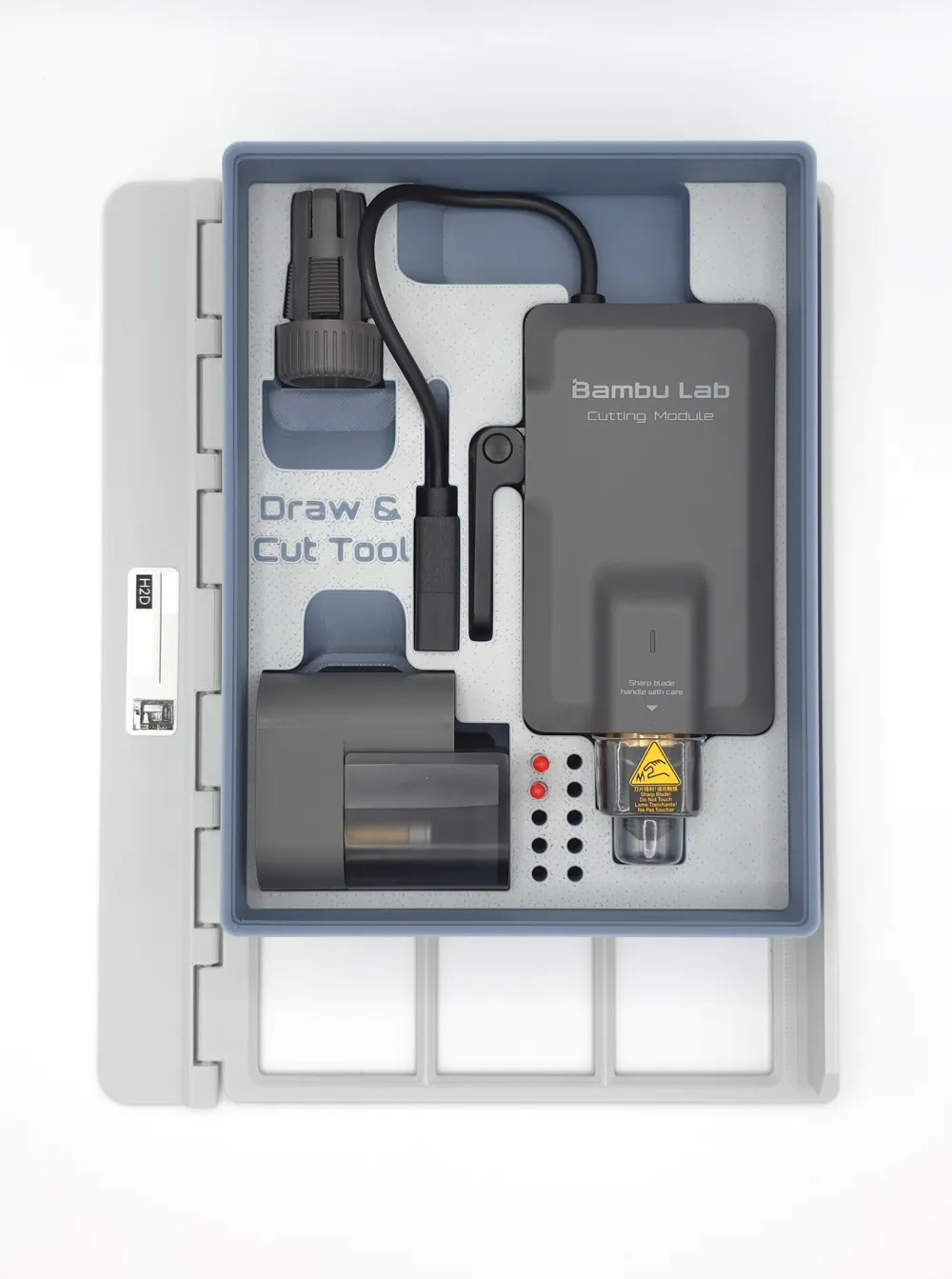
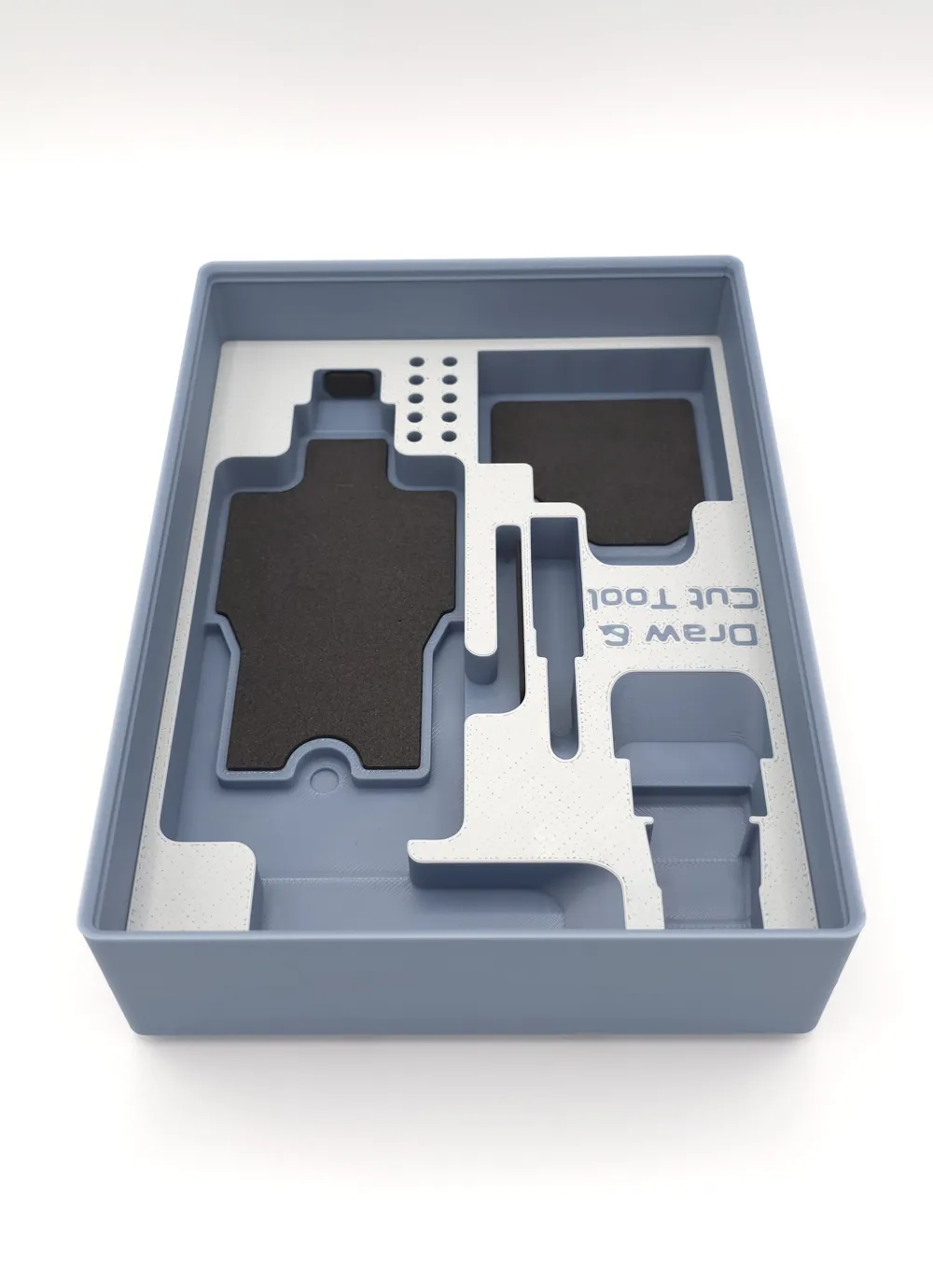
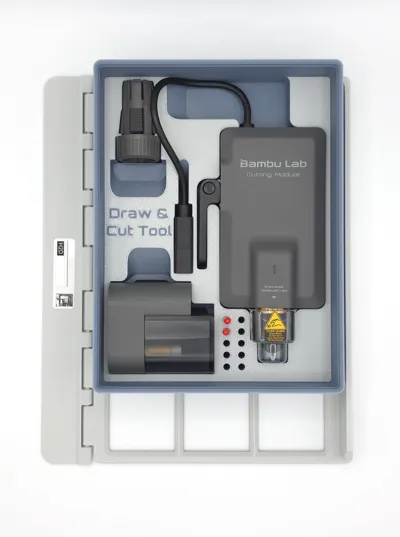
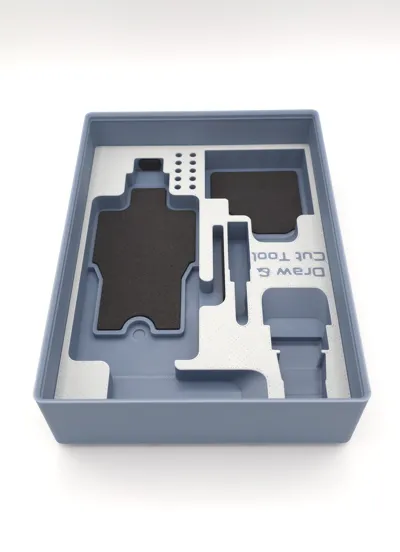
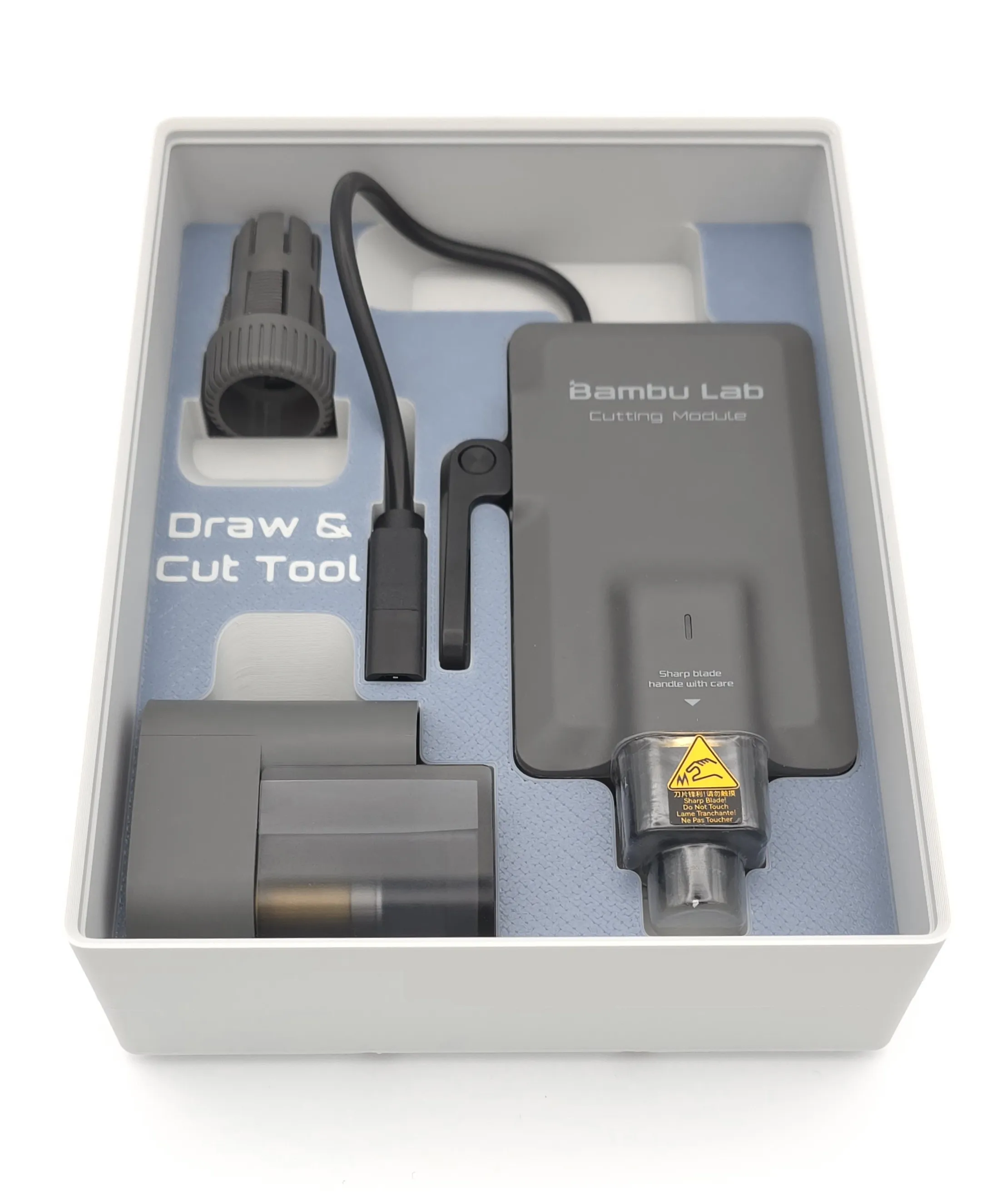
Module for the Bambu Lab H2D drawing and cutting tool. This includes all accessories except the markers, which are in the "tool box" module. However, a specific marker module is under development, allowing multiple markers to be stored in their ideal position.
Similar to the laser module, this module features padded areas that not only create a consistently perfect fit but also help protect the tool and its accessories.
The cutting profile, with the material configured, is already available for download here.
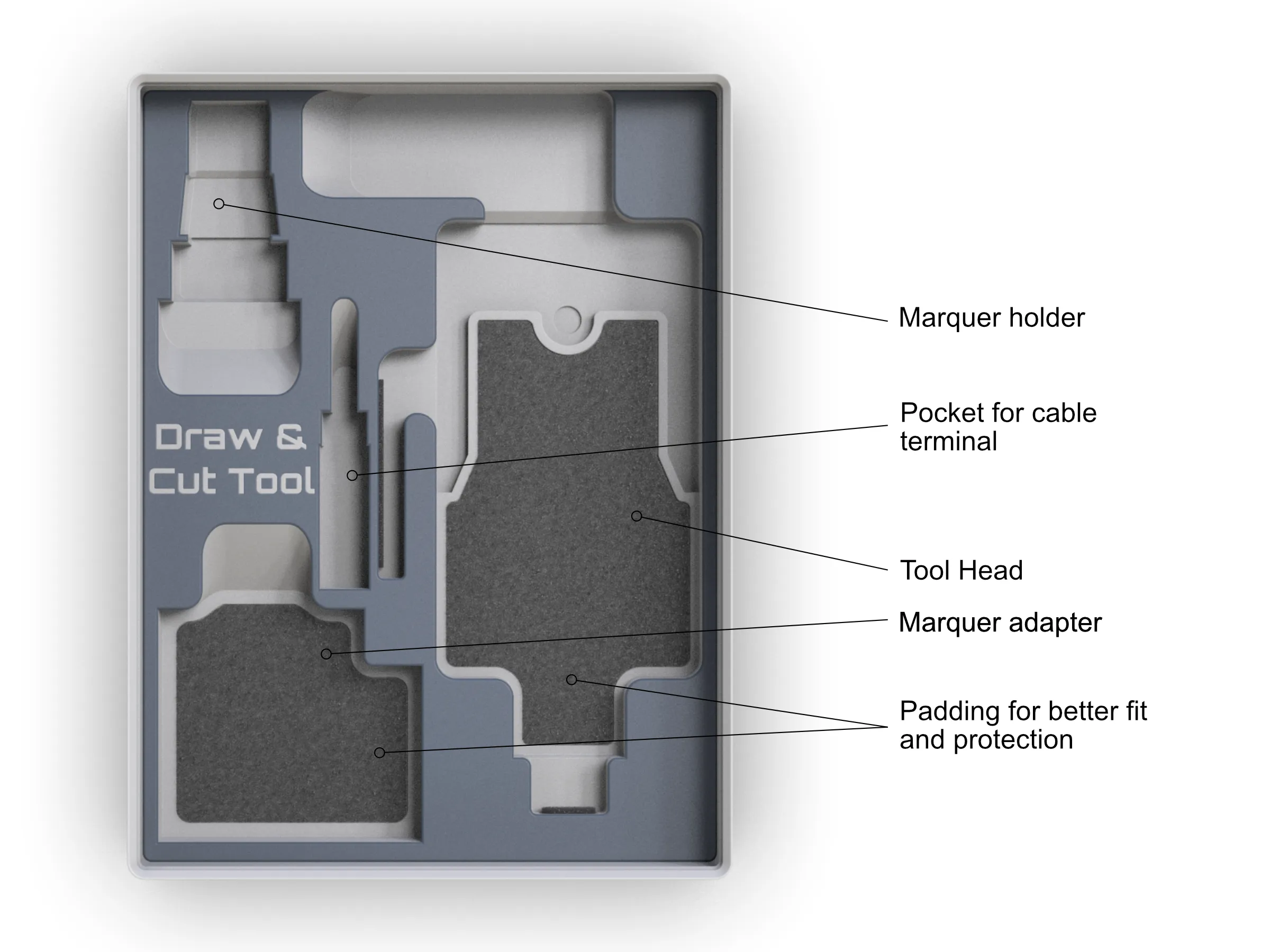
You can find two variations of this model: one with and one without storage for spare cutting blades.
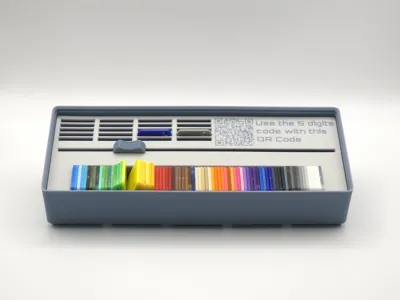
Module for storing "Bambu Filament Swatches.
What is it
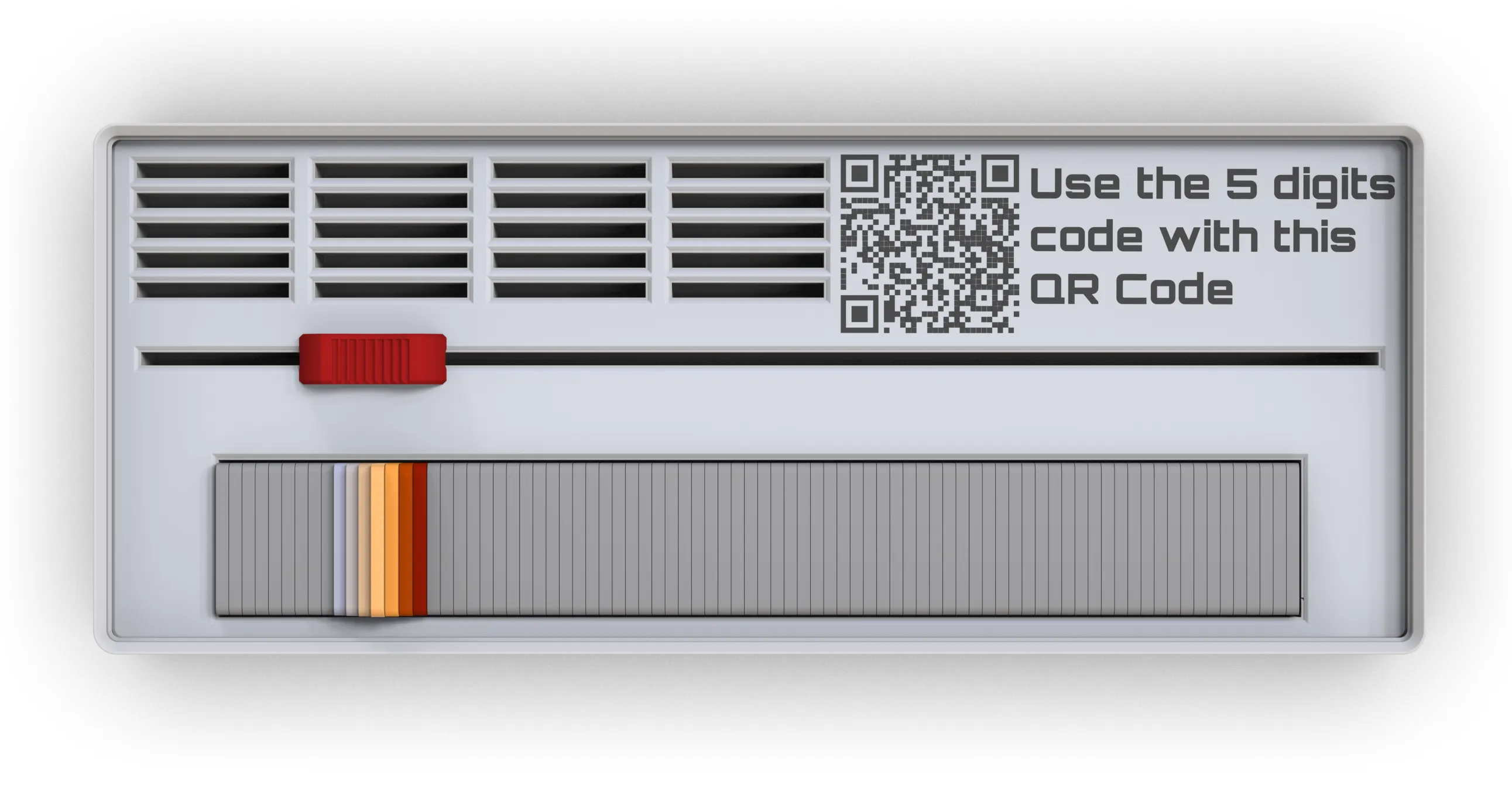
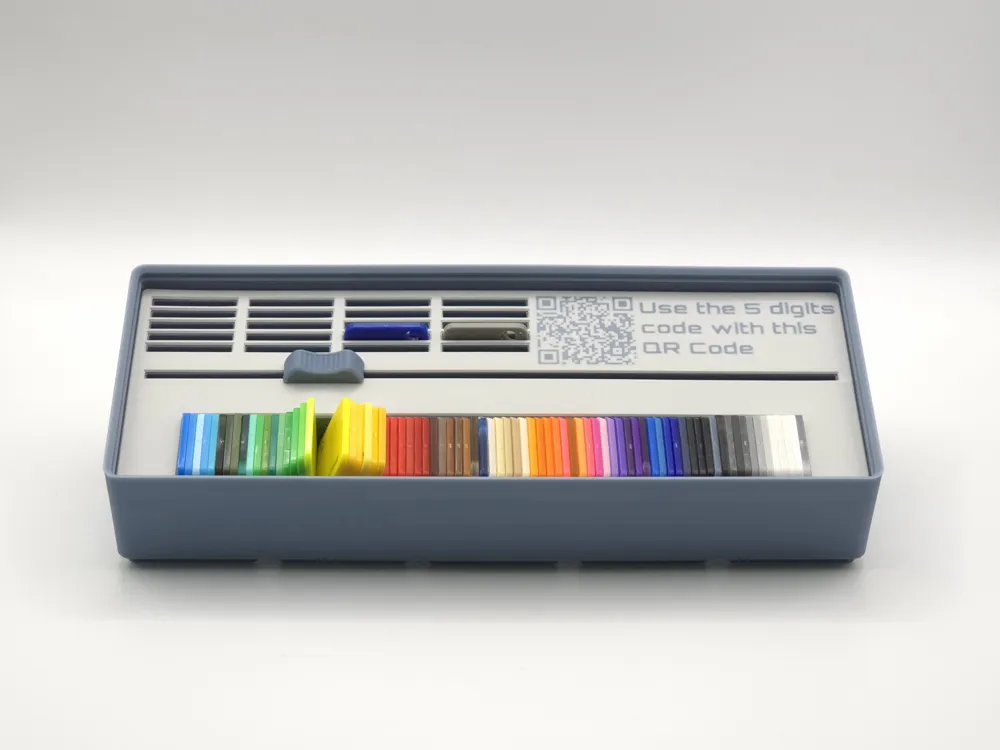

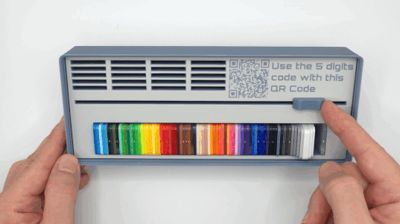
Module for storing "Bambu Filament Swatches." Similar to previous models, this is a module created with a Gridfinity container, though in this case, it's a bit more elaborate in terms of assembly due to the sliding button that will raise the filament samples to facilitate their removal.

How to use
The slot can be used as you like for organizing. The four rows correspond to the slots available on one AMS unit, and the five lines represent five AMS units. However, these slots can also be used to separate swatches corresponding to the filament you intend to purchase in your next order.
To keep the model simple, it's advisable not to take out too many samples at once, as they might eventually fall like dominoes. However, with some care, you can remove those you need, placing them in the available slots next to the QR Code. The QR Code is designed for quick filament access; if you enter the 5-digit code from each sample into the link provided by the QR Code (also found on the "Bambu Filament Swatches" cardboard box), you will be directed straight to the specific filament.
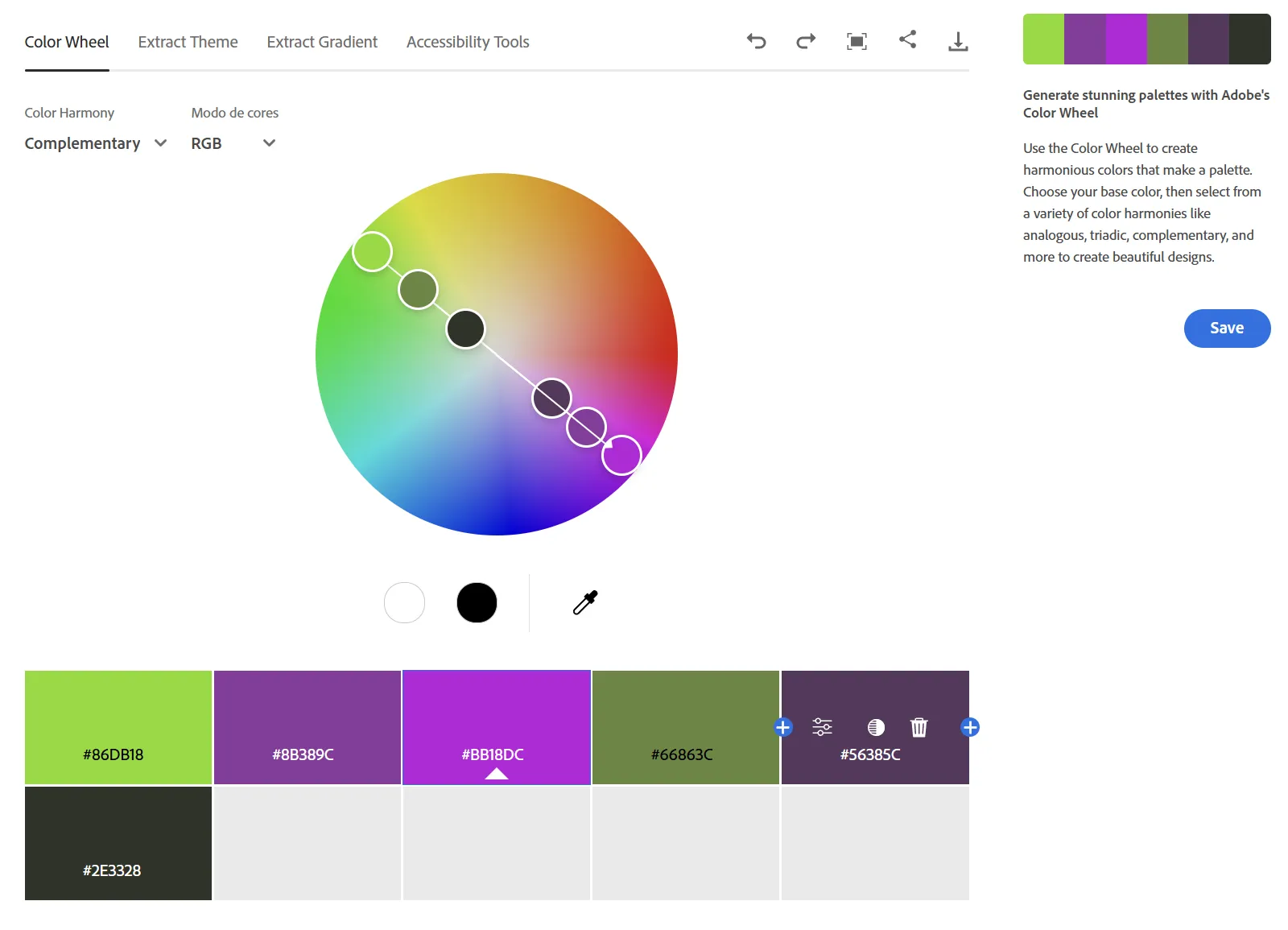
I also recommend this very useful link to help determine which colour combinations work best:
Regarding the assembly of this module:
Material: Specific plastic glue, or another quick cyano acrylate adhesive.
Process: Start by printing all the parts.
Ideally, the cover containing the QR Code should be printed with a 0.2mm nozzle, with a smooth PEI Plate with the text facing the plate. If you don't have a 0,2mm nozzle, consider acquiring one; it's inexpensive and very useful. I'll leave the link here if you wish to learn more. If you already have this nozzle, then use it; you can print all the sliding button parts with it for an excellent finish. The non textured plate is also something good to have as part of your printer tools.
- 0,2mm nozzle for the A1 series
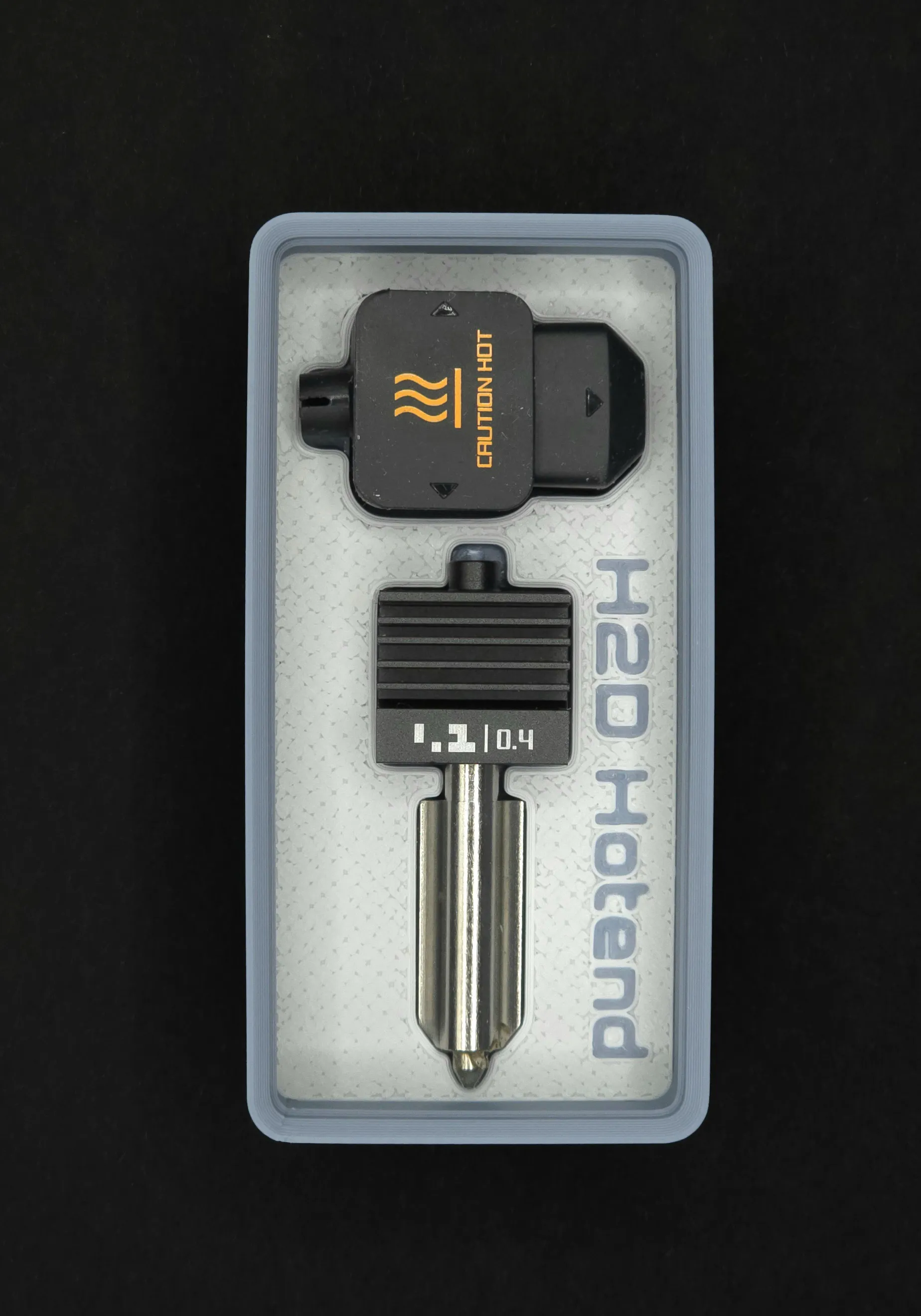
- Bambu Hotend - H2D
- All-in-one Hotends Kit - X1 Series
- All-in-one Hotends Kit - P1 Series
After all parts are printed, follow this sequence exactly
- Pre-assemble the slide button: At this stage, you should glue the "Parabolic Slope" part to the "Guide" part.
- Align this piece in the groove of the "Spacer" part.
- Insert these two pieces into the "External Box" according to the exploded view. Note that the "Guide" part should be forced into the groove inside the "External Box," which will act as a guide. This should only be done once you are certain the parts are well-glued.
- Now it's time to attach the cover: The "Label Top" should be glued and will sit on top of the parts that have already been assembled. Check the alignment.
- The final piece will be the "Slider Button": This should be glued to the top of the "Guide" part. Check the alignment and all angles to ensure it isn't tilted. It will sit slightly above the "Label Top."
That's all for the assembly. Now, place the swatches, making sure to remove the elastic band that holds them together. Remove only a few at a time and do not change the order of the samples; they are arranged in a sequence that facilitates searching.
Key Features on all modules
- Comprehensive Storage: Consolidates numerous small tools and accessories from the Bambu Lab H2D Laser Full Combo's "Tool Box" into one organized module.
- Exact Fit: Designed to perfectly house each specified component, preventing rattling and ensuring easy access.
- Optimized Space: Addresses the issue of oversized original packaging by efficiently grouping frequently used accessories.
- Integrated Extra Slots: Includes dedicated spaces for loose screws from packaging and other small, essential items like laser markers and the safety key.
- Part of an Ecosystem: Continues the development of our "Rack4All - Storage System," ensuring seamless integration with your existing Gridfinity setup.
Compatibility, Assembly, and Materials
Both modules were primarily developed for the "Rack4All - Storage System" project, but they are fully compatible with any standard Gridfinity baseplate or grid.
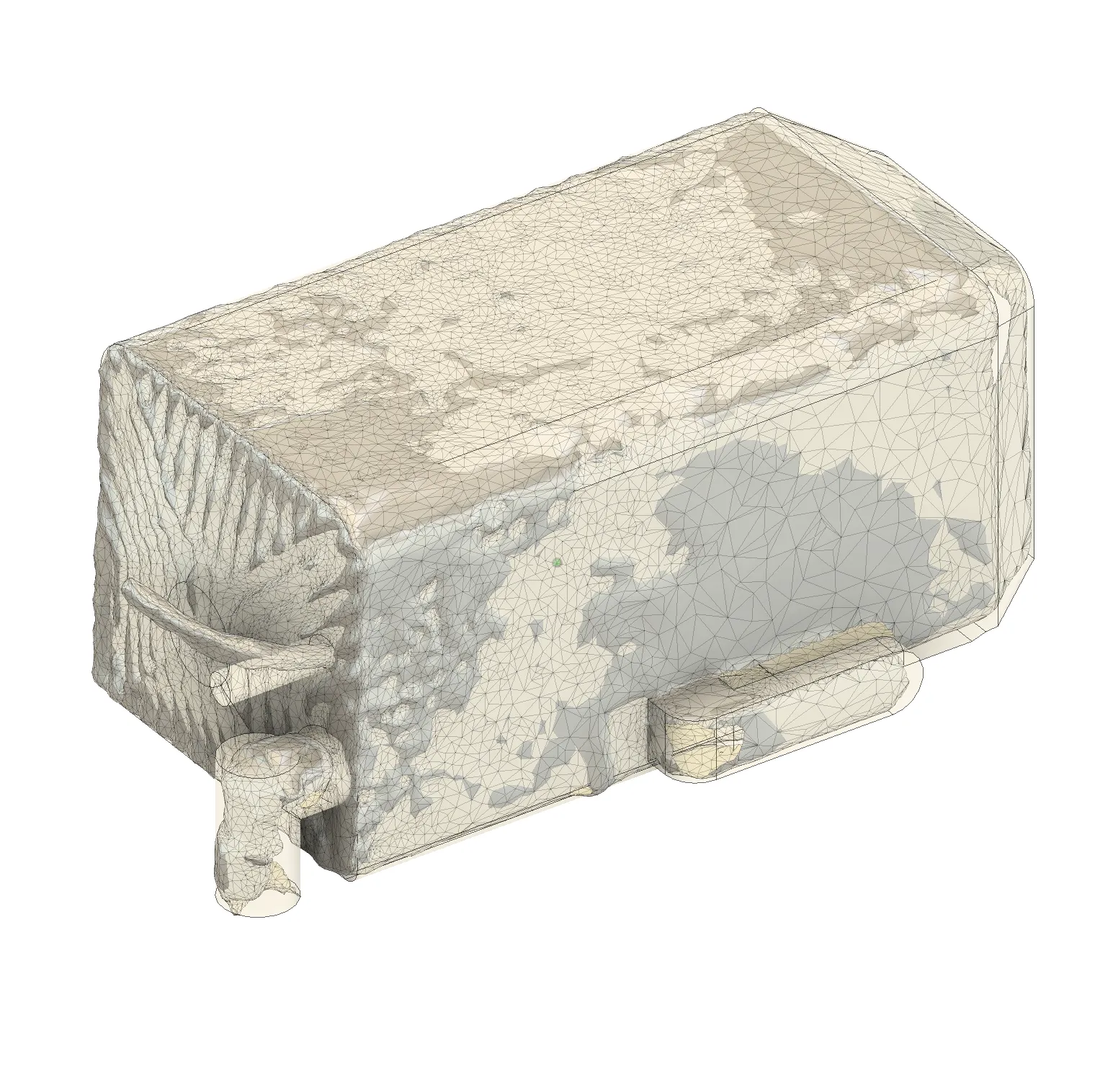
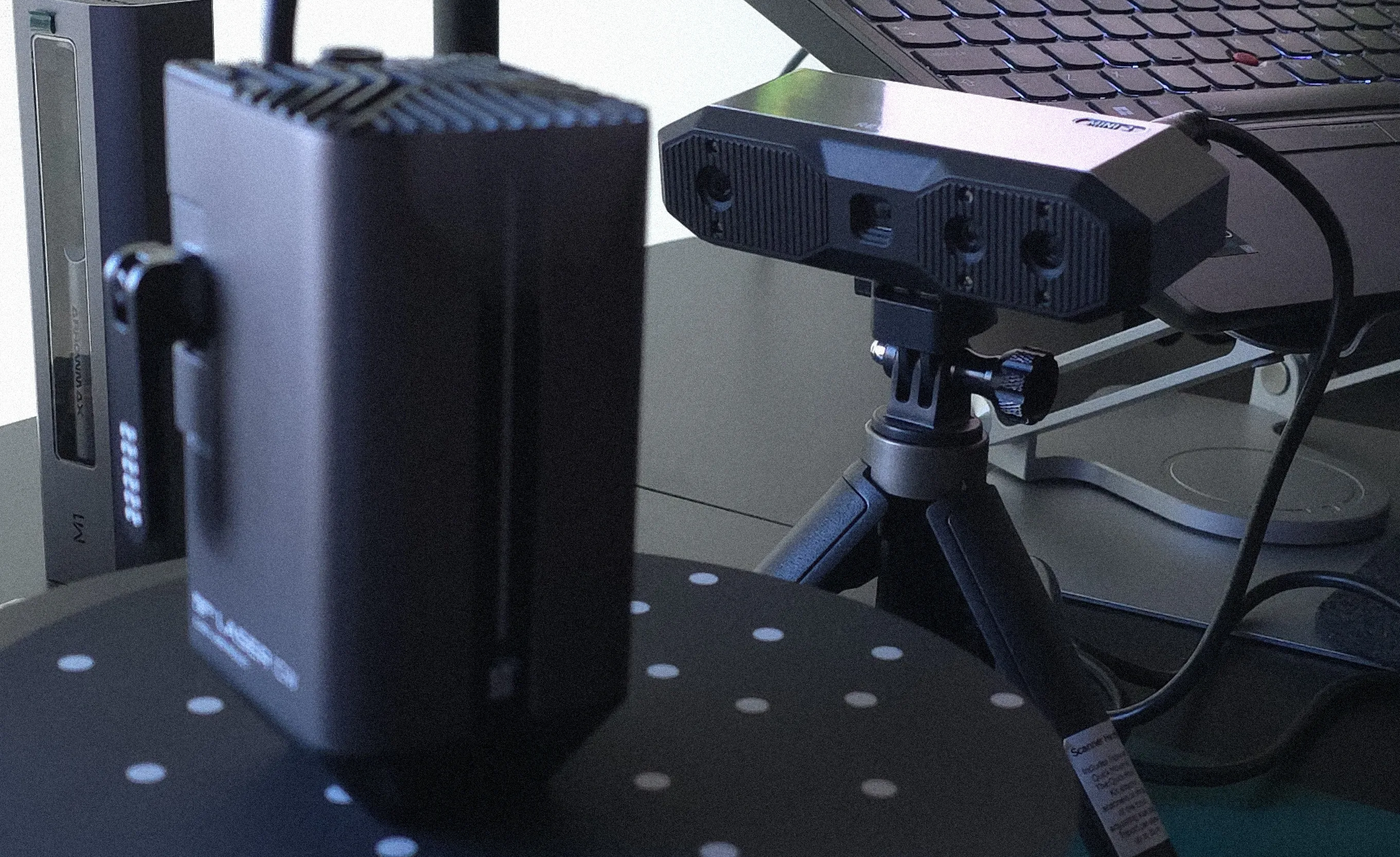
Assembly: Simply print the module, and in the case of the "Tool Box" module, place your Bambu Lab H2D tools and accessories into their designated slots. The module then drops into any Gridfinity-compatible base or drawer. The 0.02mm precision scans ensure a perfect fit, eliminating the need for clips or magnets.
Materials: As with our previous modules, standard PLA is perfectly suitable for printing these modules.
 |  |
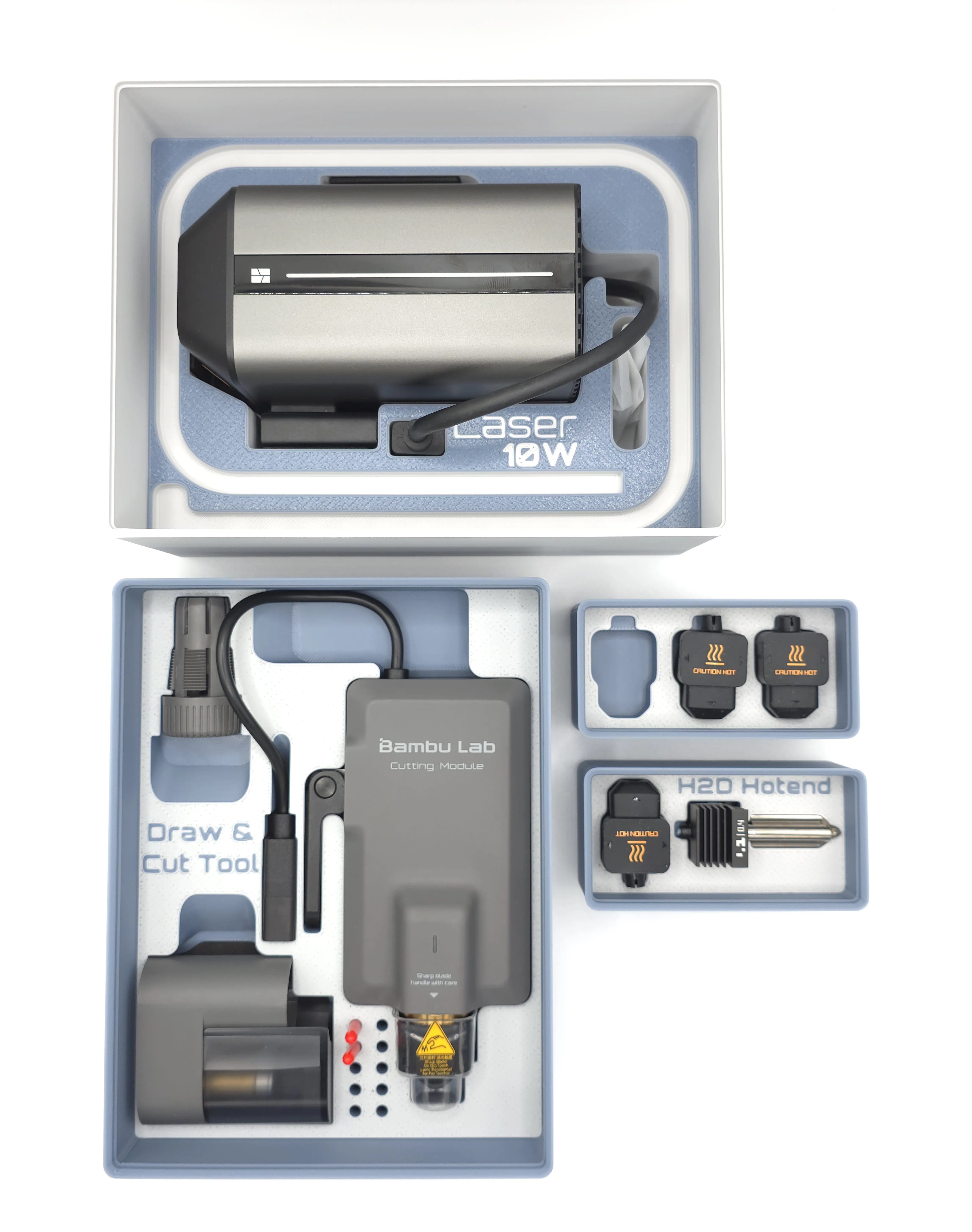
The design philosophy for these bins, and indeed for all our creations, revolves around practical utility combined with thoughtful aesthetics. We believe organizational tools should not only be functional but also pleasant to interact with. By elevating the components and designing for multi-color printing, the aim is to create bins that look great on your workbench and improve your workflow.
These specialized modules are another step in expanding the "Rack4All—Storage System." We've also made available the "Parametric Model Maker - Gridfinity - Rack4all Ed." tool directly on the MakerWorld site. This tool allows you to create custom Gridfinity bins, with or without dividers, that are also compatible with the Rack4All system. Our vision is to provide a comprehensive, adaptable, and user-friendly storage ecosystem that evolves with the needs of the 3D printing community.
Modules available for the 4All Ecosystem
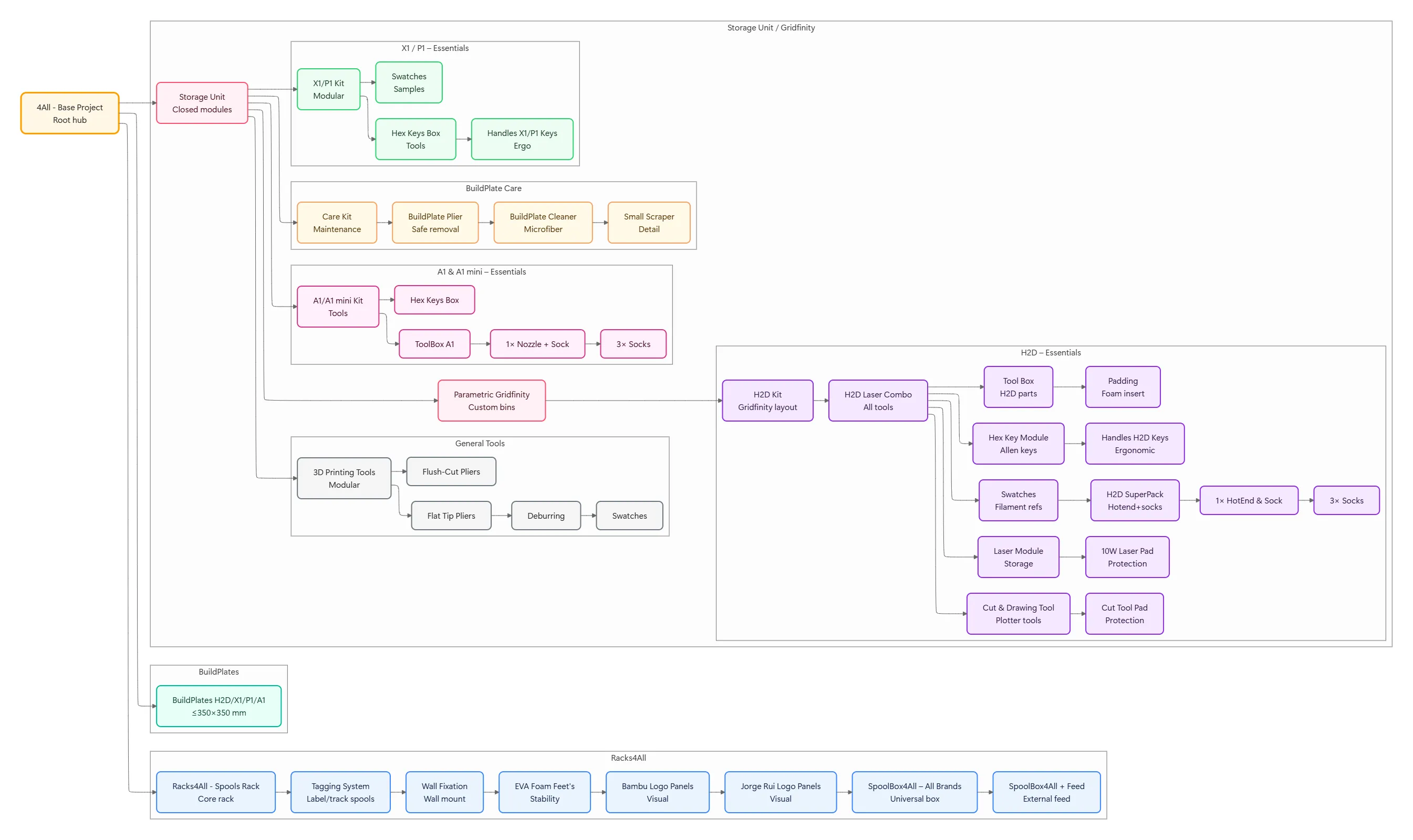
Please refer to the 4All collection at: https://makerworld.com/en/collections/6004654-4all
Curious About My Tools? Check This Out!
For those of you who often ask about the tools I use to bring ideas to life, this article, The Journey From Idea To Object (Part I), offers some insights into the initial stages. It highlights the use of various tools, including software like Autodesk Fusion for CAD design, Blender for render and Bambu Studio for 3D printing preparation, and other... So, if you're curious about the software and hardware too, that I've incorporate in my workflow, take a look at the link for more details!" – Visit https://designrepcom.com/ for much more.
License

You shall not share, sub-license, sell, rent, host, transfer, or distribute in any way the digital or 3D printed versions of this object, nor any other derivative work of this object in its digital or physical format (including - but not limited to - remixes of this object, and hosting on other digital platforms). The objects may not be used without permission in any way whatsoever in which you charge money, or collect fees.


Comment & Rating (281)