

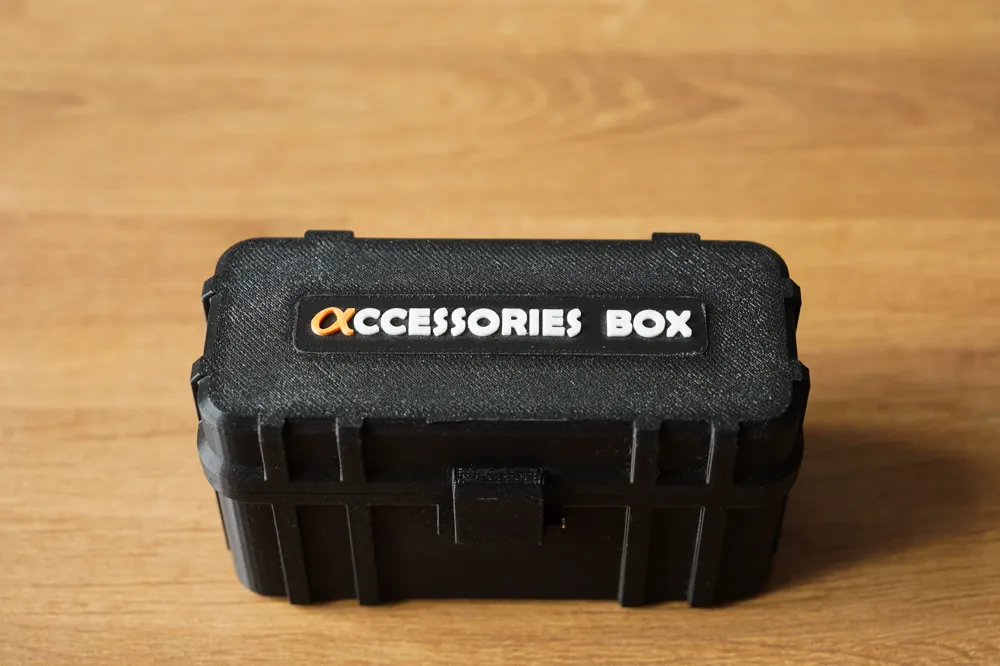
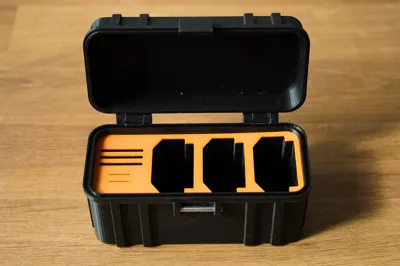
Sony accessories box for all camera battery
Print Profile(7)


Bill of Materials
Description

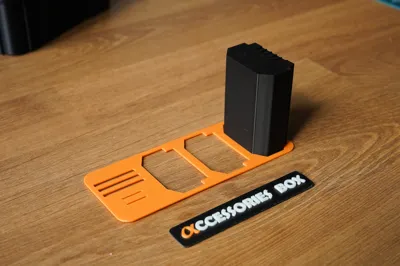
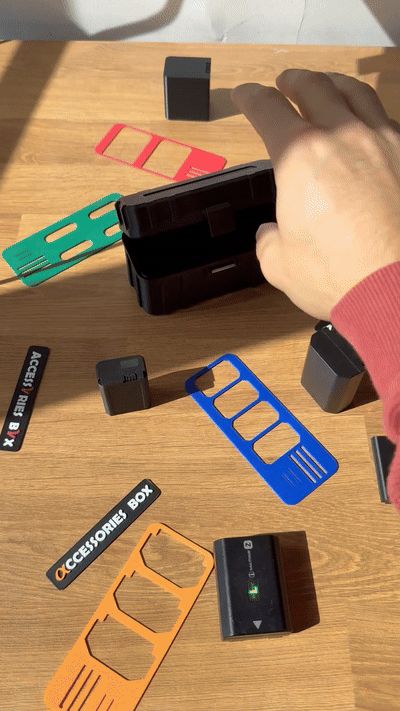


UPDATE 08/11/2025 — Following several feedbacks regarding the battery version 🟧 NP-FZ100, I noticed that the original design, based on very fine tolerances, could be too tight depending on the printers. I have therefore added a print profile with wider tolerances to ensure a more flexible and universal fit (see GIF below, Before / After)
The V1 of my box was solely dedicated to the FZ100 model of the Alpha full frame series, designed for unofficial batteries

After several feedbacks, and then the request from @Burnstation3D to adapt my box for FW50 batteries (APS-C series), here is the model update
UPDATE 08/11/2025
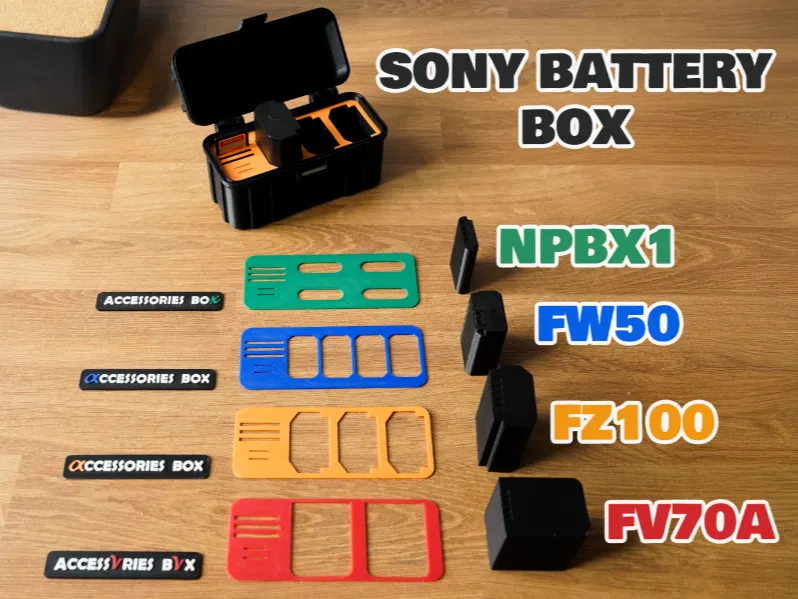
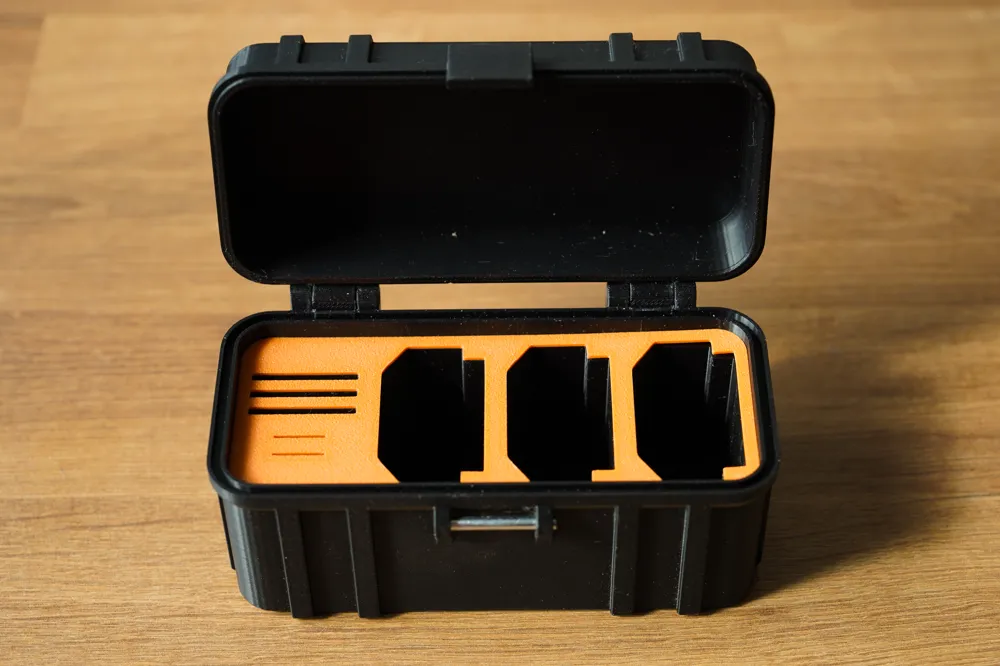
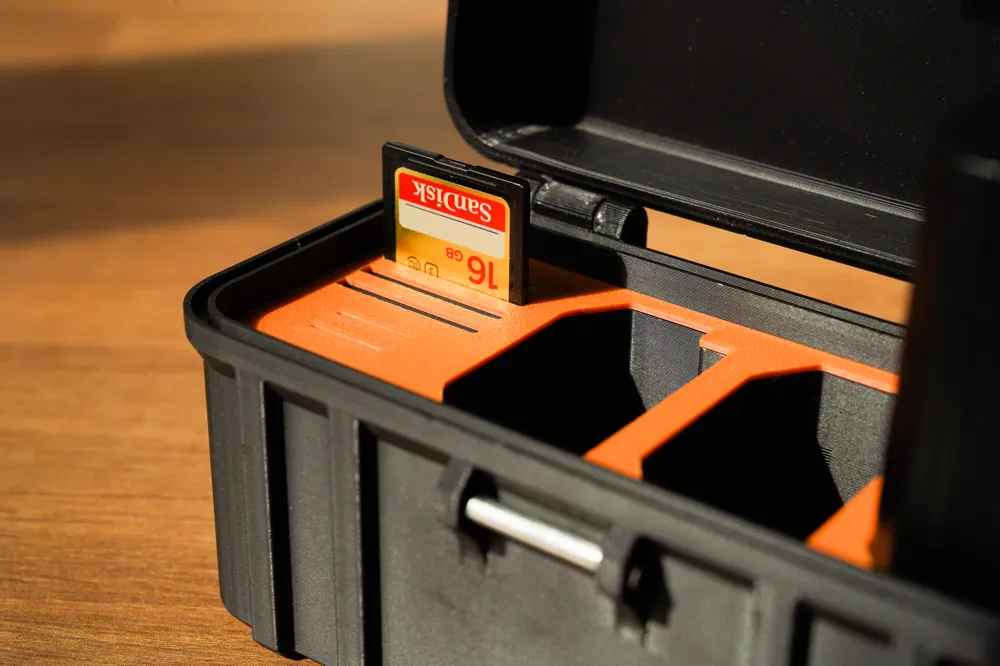
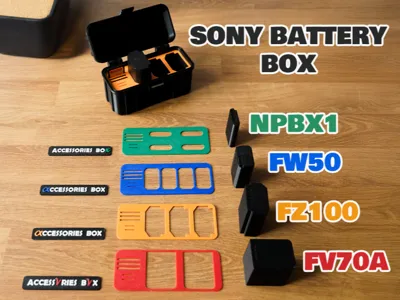
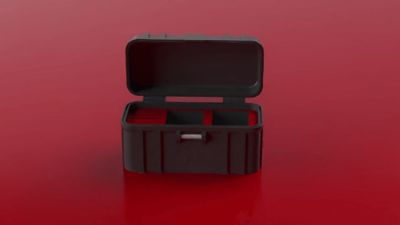
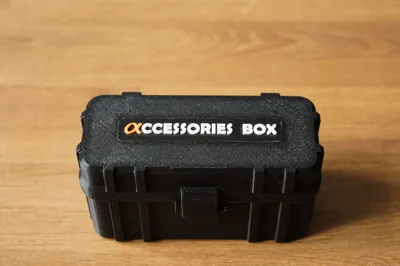
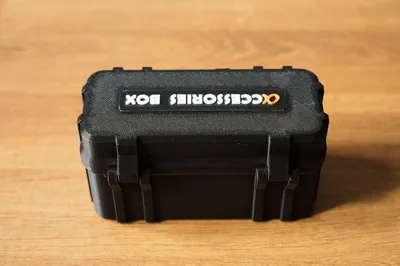
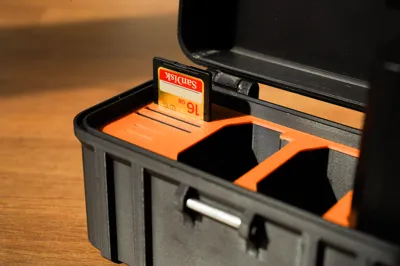
🧰 SONY All Categories Battery & Memory Card Storage Box
A practical box to protect and organize your photo accessories
Ideal for safely transporting your batteries and memory cards
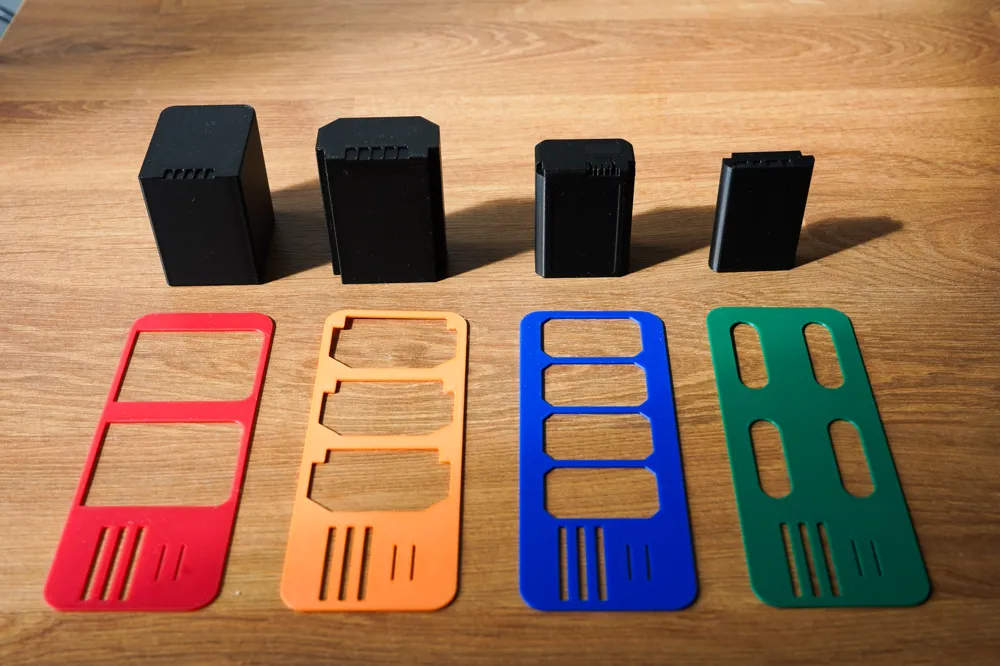
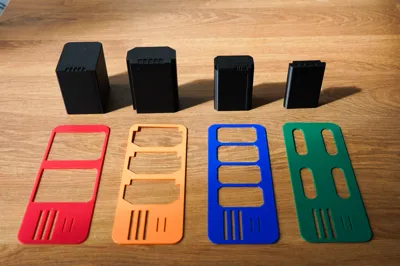
🔋 Available Print Profiles:

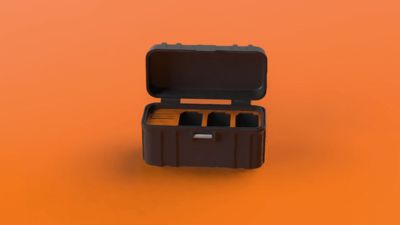
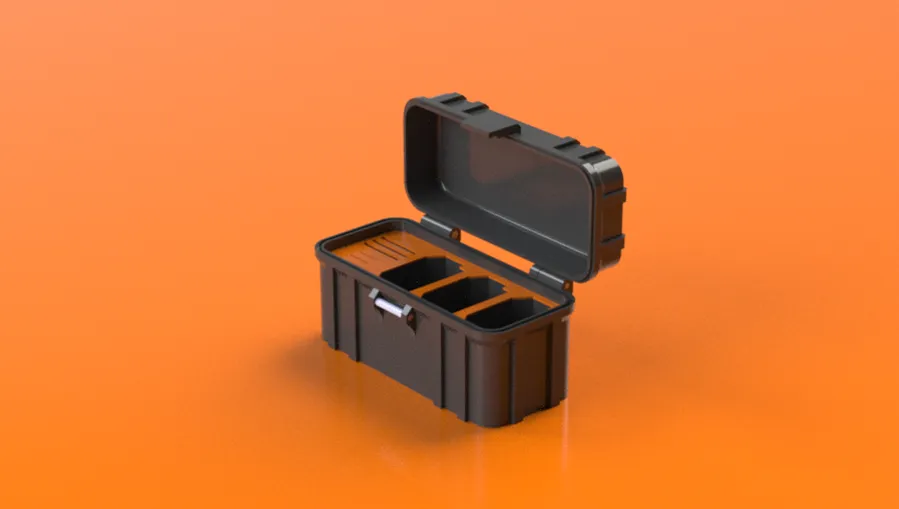
- 🟧 NP-FZ100
Sony Alpha full frame (A7 III/IV, A9, A1, FX…)
→ Color: Orange (Alpha Full Frame series)


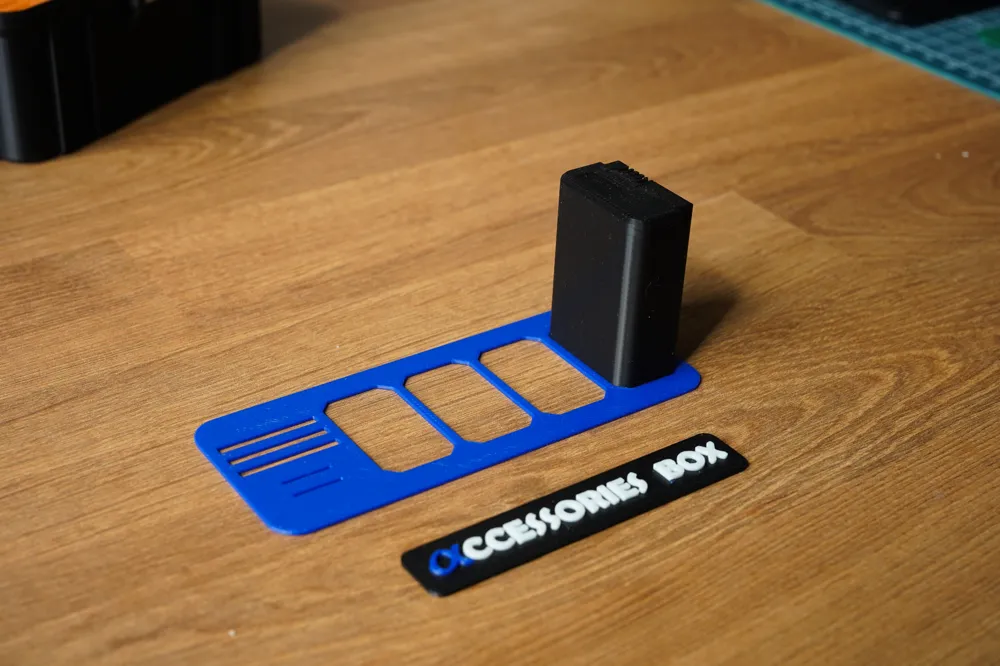
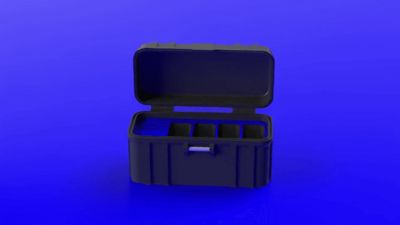
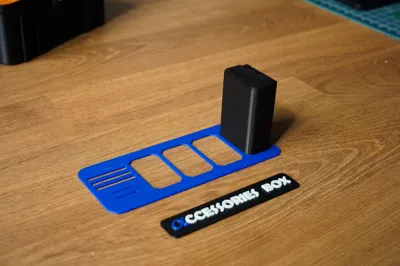
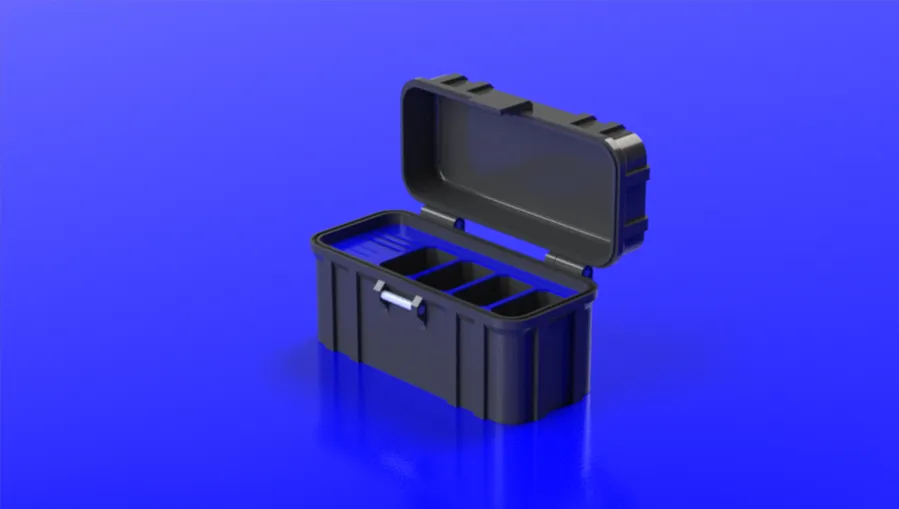
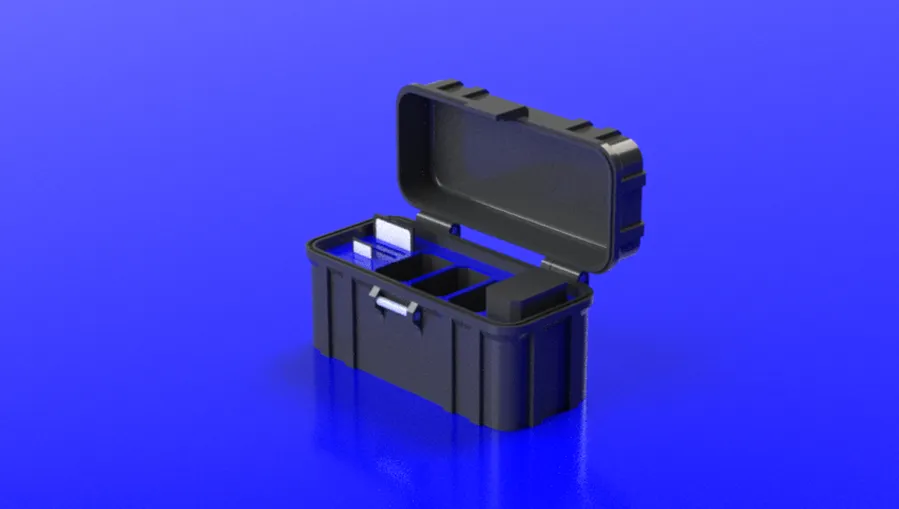
- 🟦 NP-FW50
Sony Alpha APS-C & first generation full frame (A6000, A6300, A6500, A7 I…)
→ Color: Blue (Alpha APS-C series)

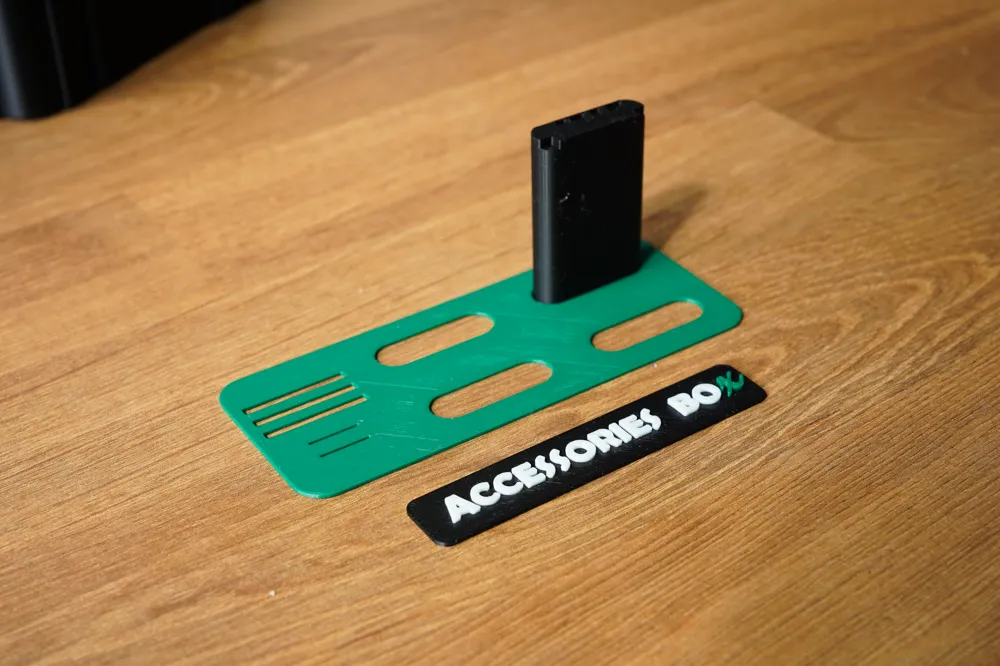
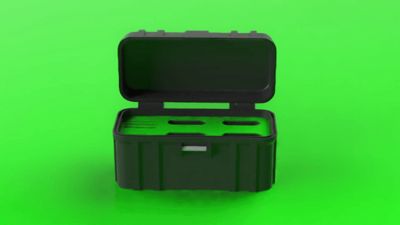
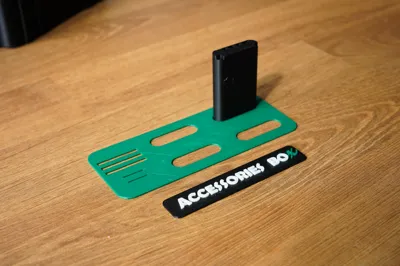
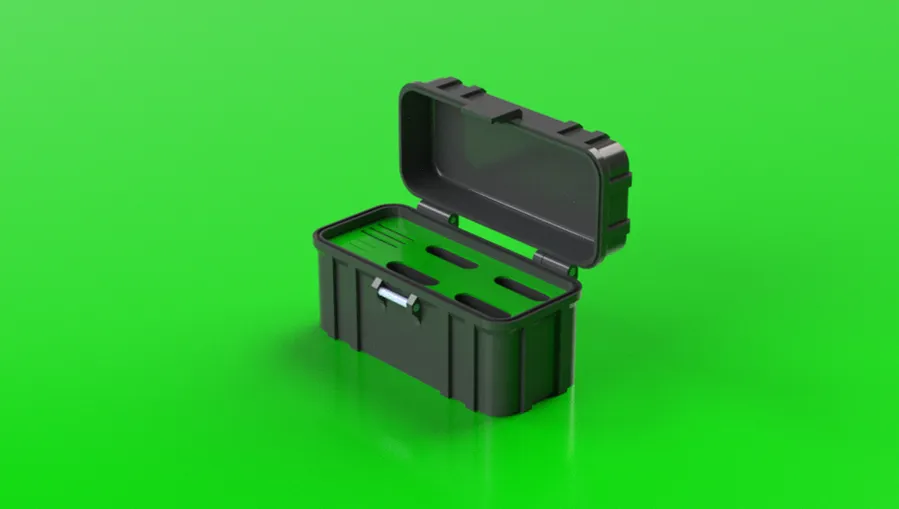

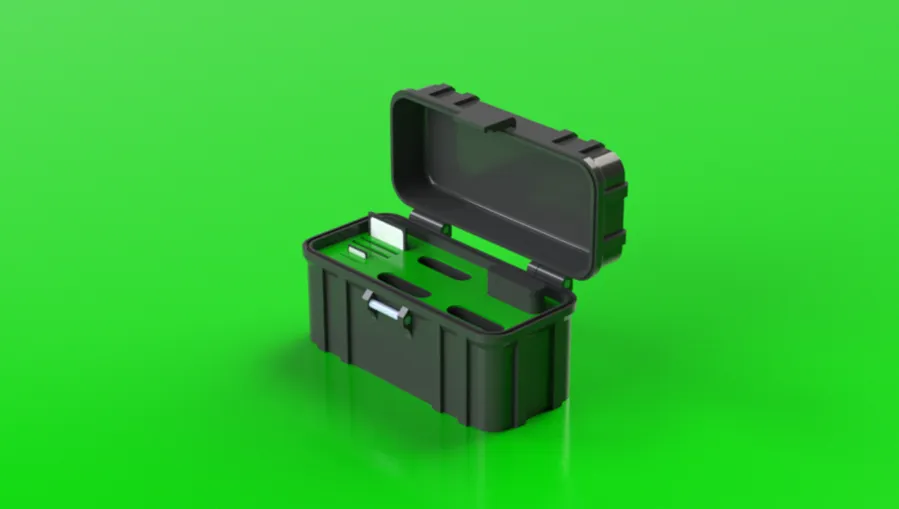
- 🟩 NP-BX1
Sony Compacts & Vlogging (RX100, ZV-1, RX10, compact cameras…)
→ Color: Green (X series)
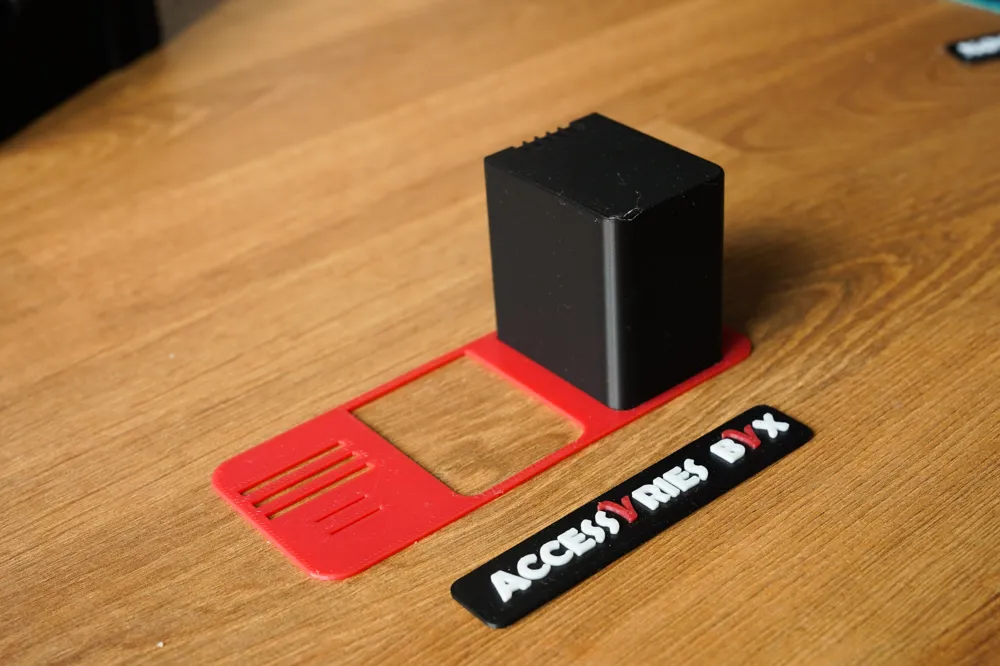
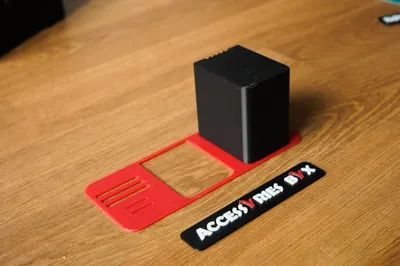
- 🟥 NP-FV70A
Handycam camcorders, FX3/FX30 with adapter…
→ Color: Red (Video/Handycam series)
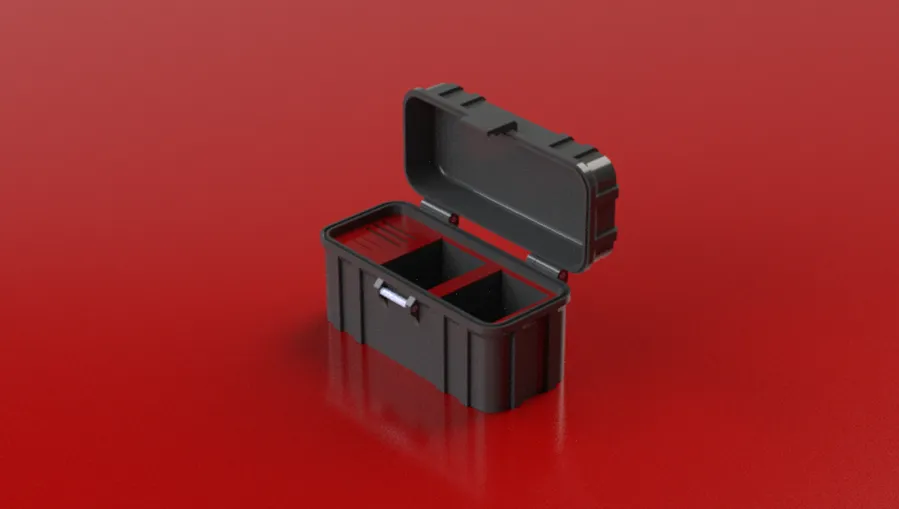

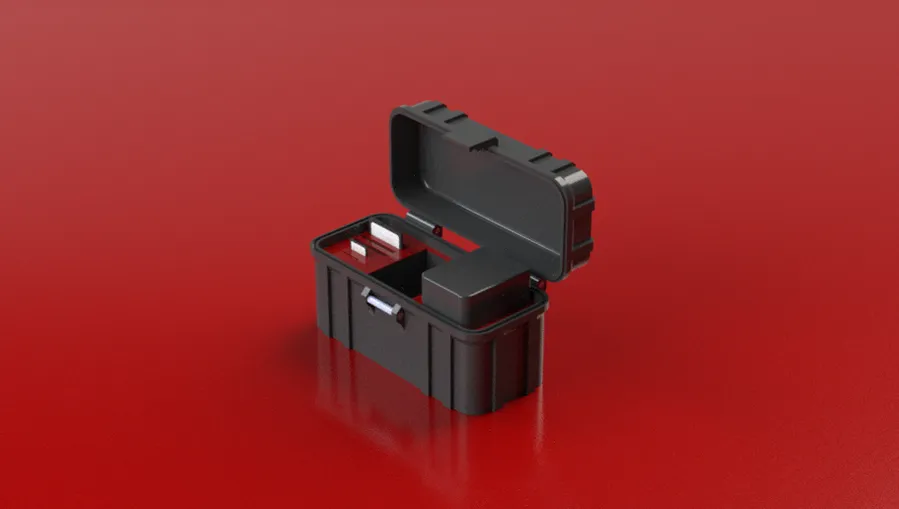
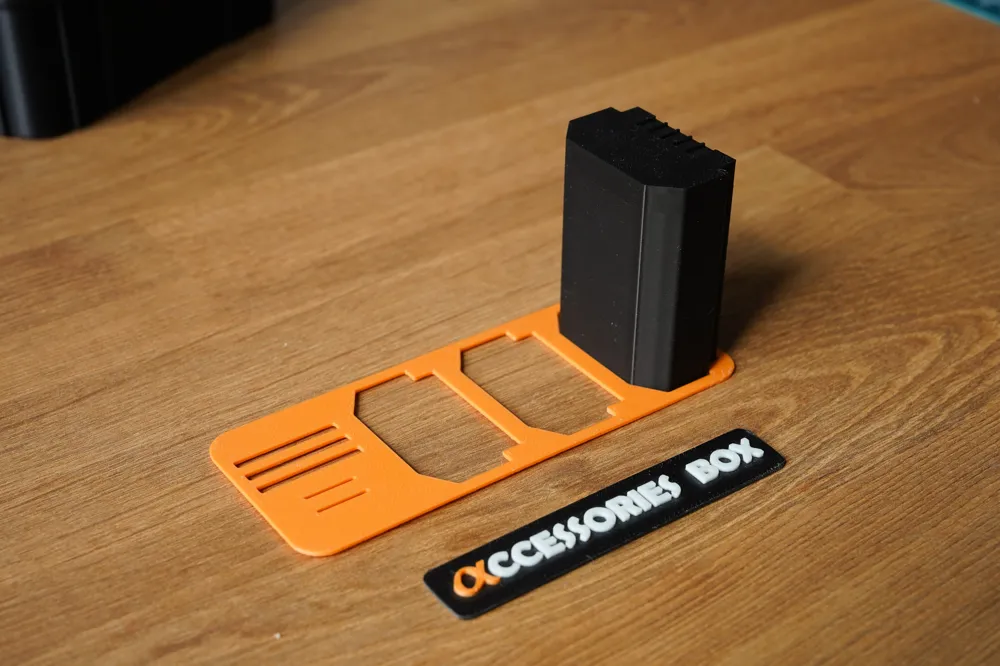
📦 Each print profile is designed for optimal retention of your batteries,
while allowing a slight play for easy insertion and removal
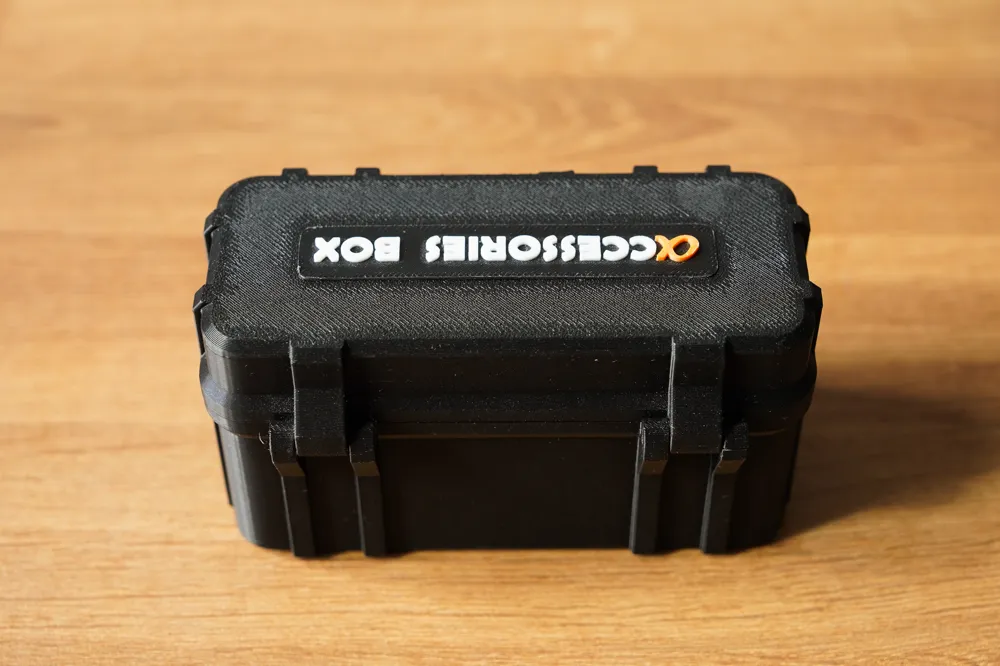
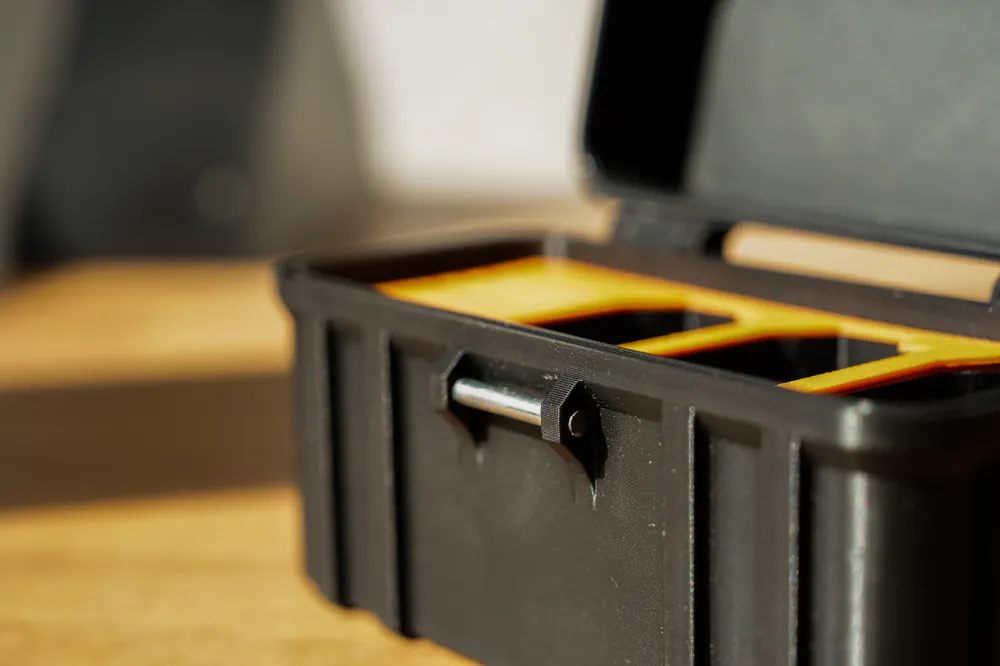
🔩 Hinges and clasp:
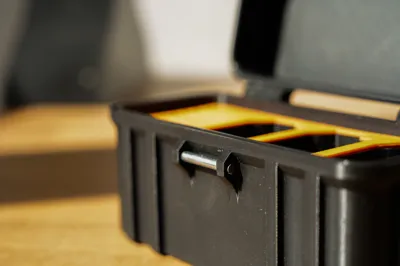
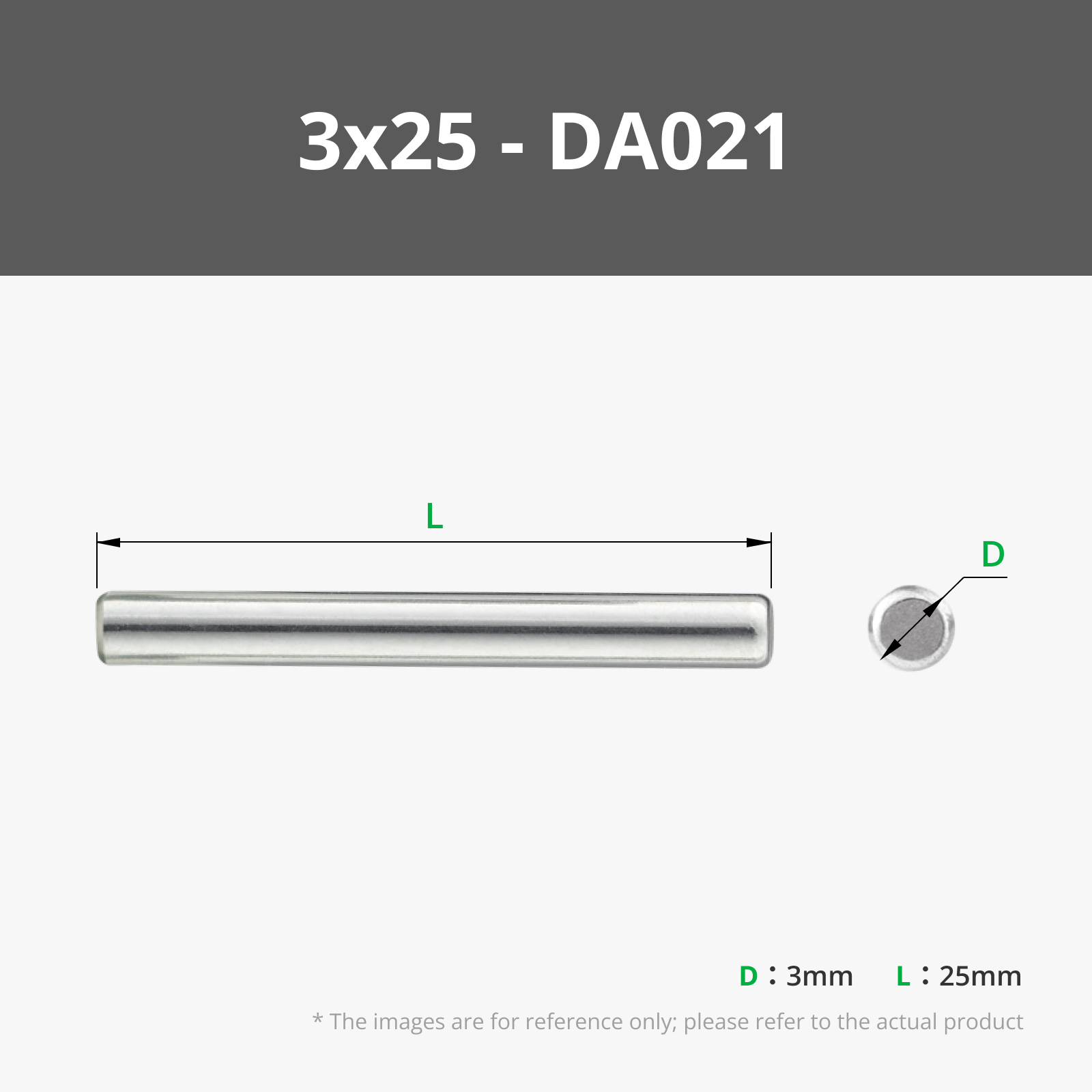
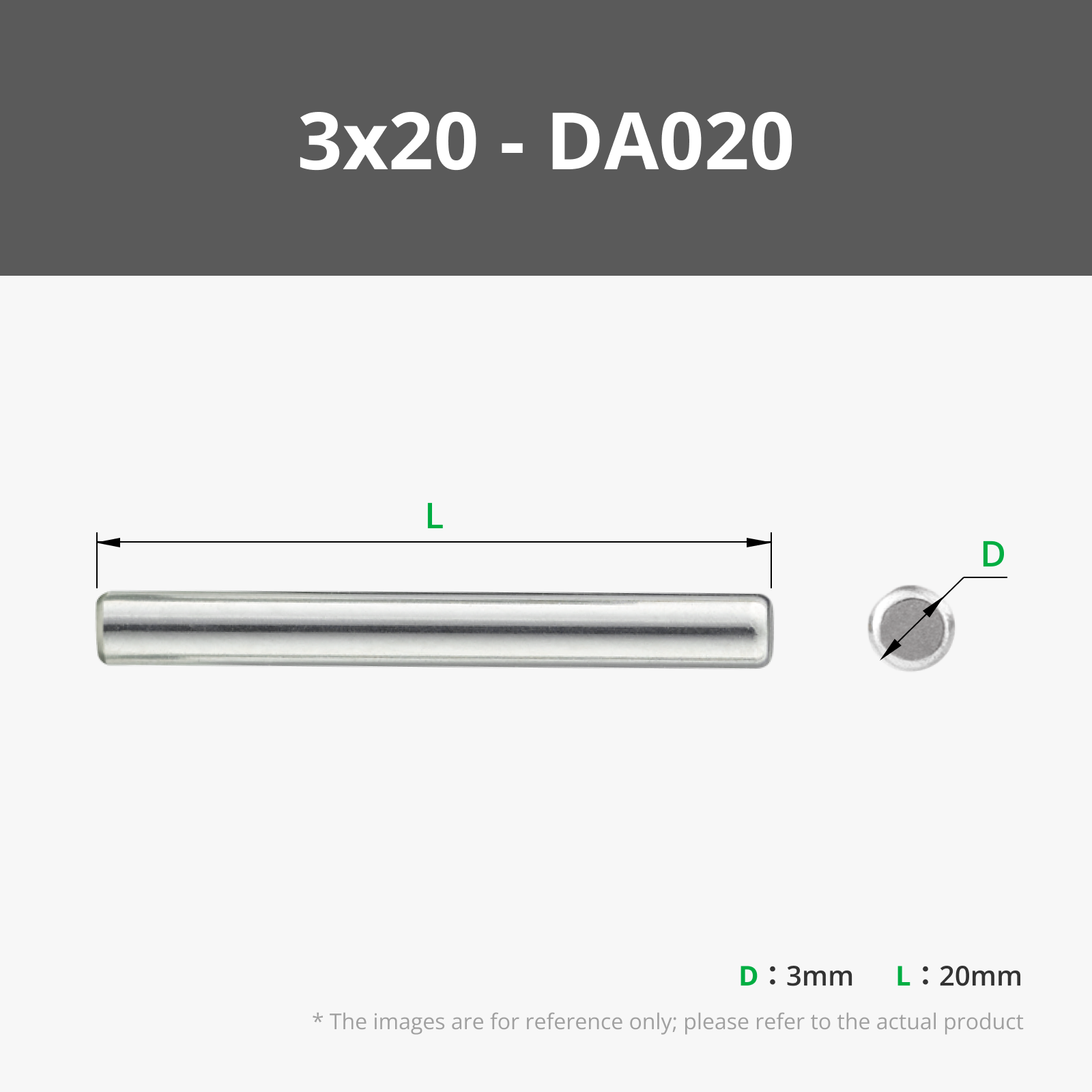
To assemble the hinge and clasp, I recommend using 3 mm diameter metal rods
You can easily find them on AliExpress or other sites
Personally, I cut a camping tent peg: it works just as well 😄
Recommended dimensions:
- Front clasp: 1 rod of 25 mm (3 mm diameter)
- Rear hinges: 2 rods of 20 mm (3 mm diameter)
Example rod
Aliexpress
Maker's Supply
Alternatively, you can print cylindrical shafts if you prefer a 100% plastic solution
💡 Tip: A little WD-40 on the rods helps with assembly!
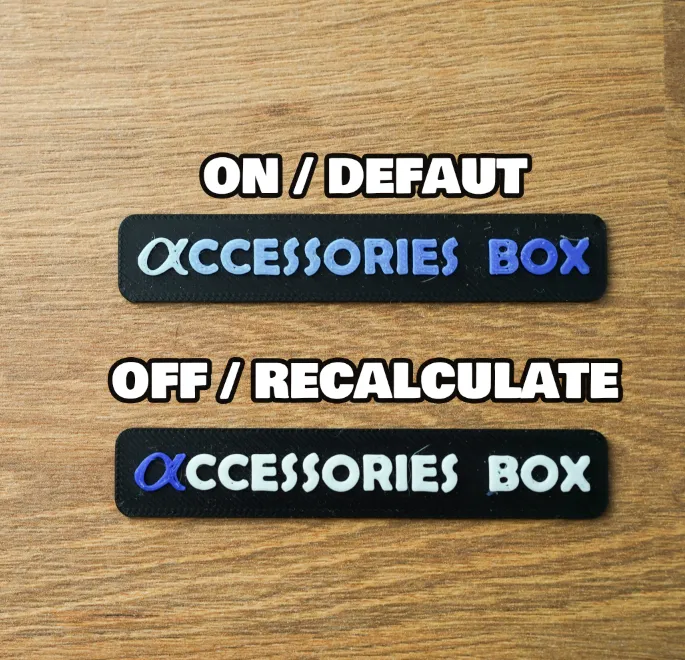
💡 Tip: If you encounter color gradients during your print, you will need to modify the “Purge Volumes”
- Bambu Studio > Preferences > General Settings > Flushing > Disabled
- Purge Volumes > Flushing Volumes > Multiplier > =1
Feel free to leave a comment, share your photos, drop a like and a boost if you enjoyed it
Happy printing everyone!
Epsilon
License



Comment & Rating (55)