
"Grow A Garden" Diorama
Print Profile(4)


Description
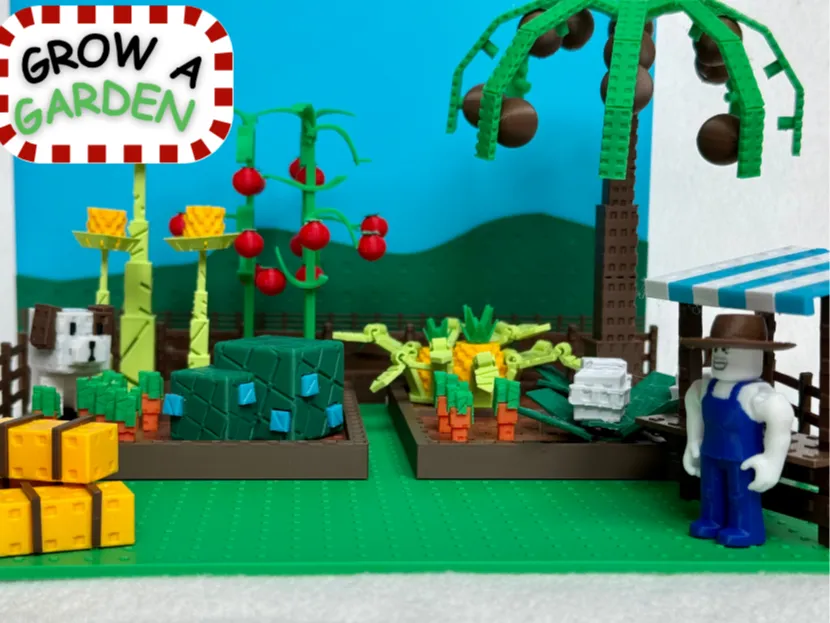
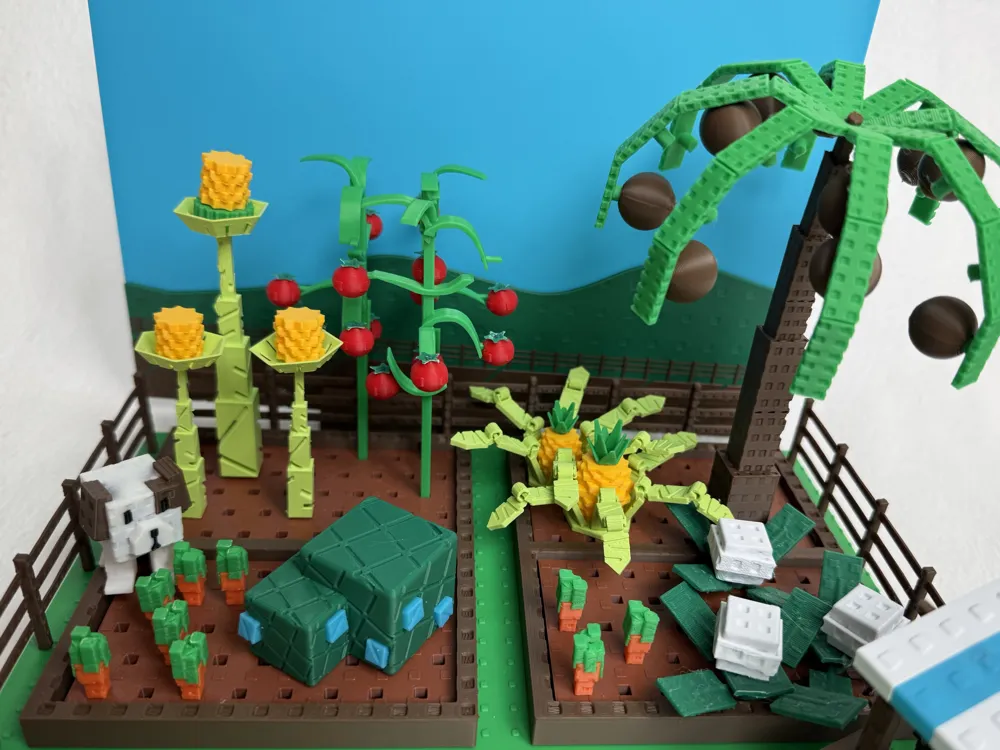
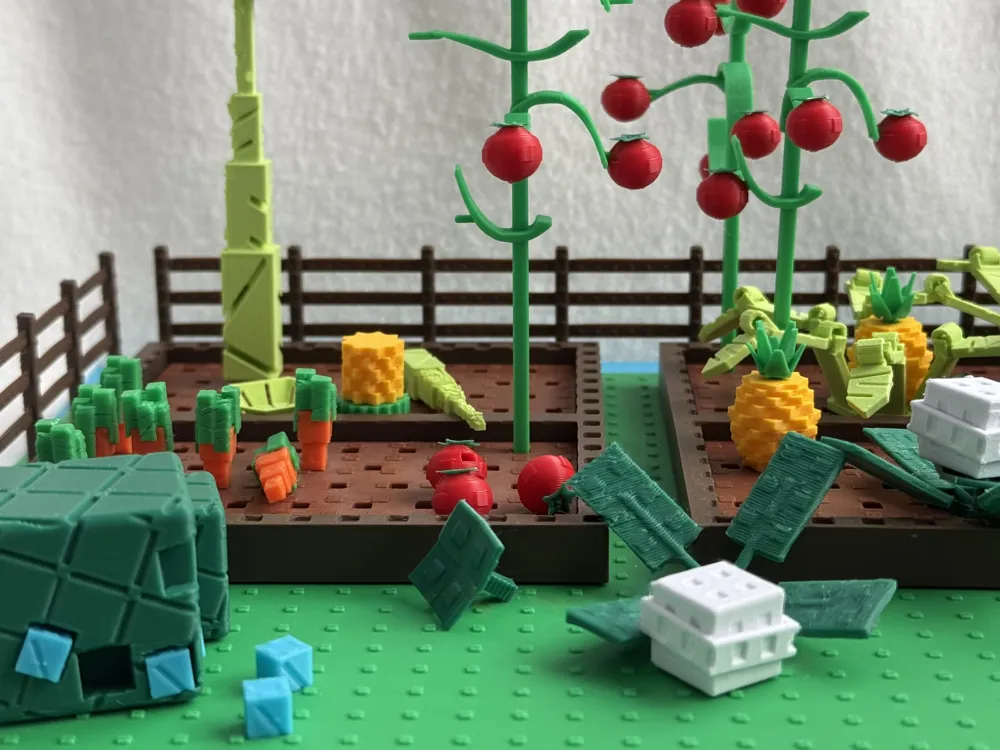
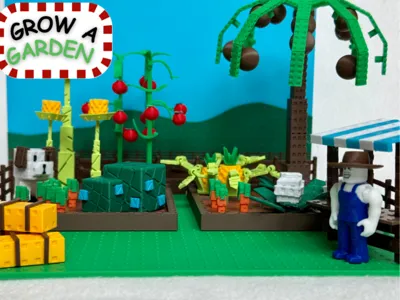
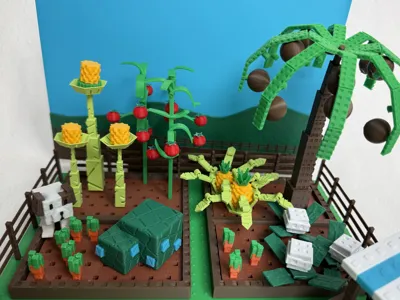
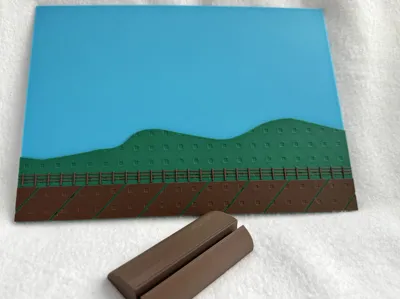
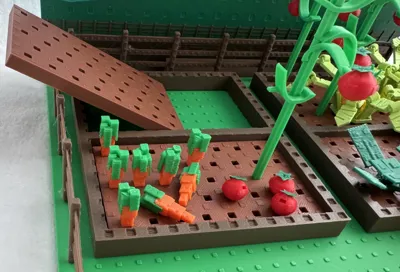
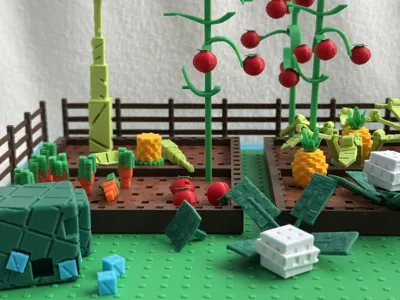
Inspired by my kids' current Roblox obsession and the Diorama Contest, I created this model of the wildly popular online Roblox game “Grow A Garden”.
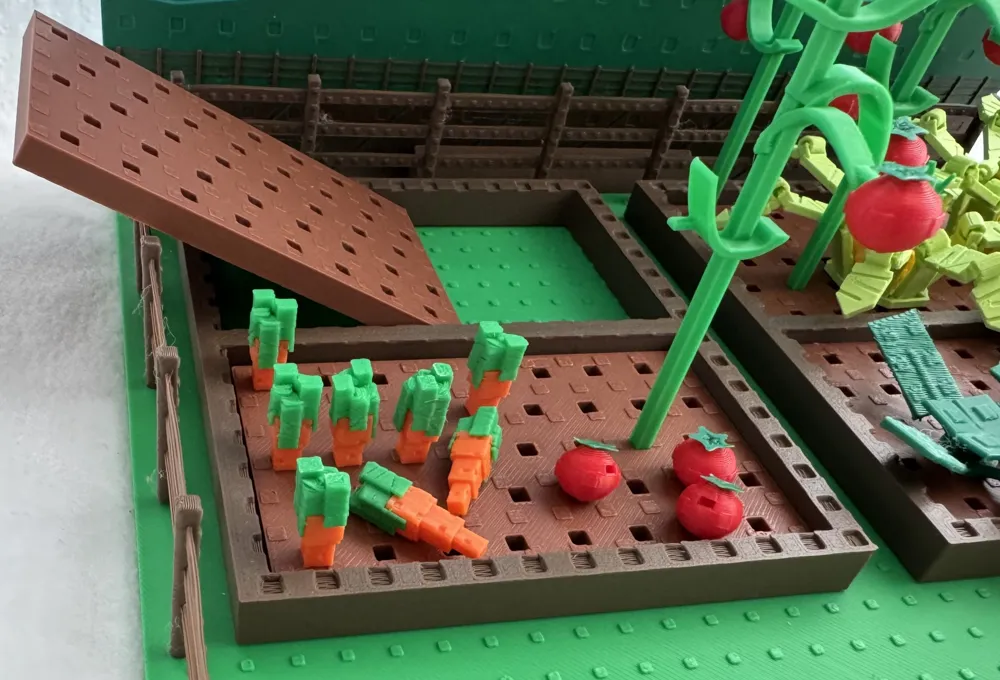
All fruits (and veggies) can be “picked” from their plants. The plants can be moved to different parts of the “garden" and additional plants can be added or removed.
Additional models included:
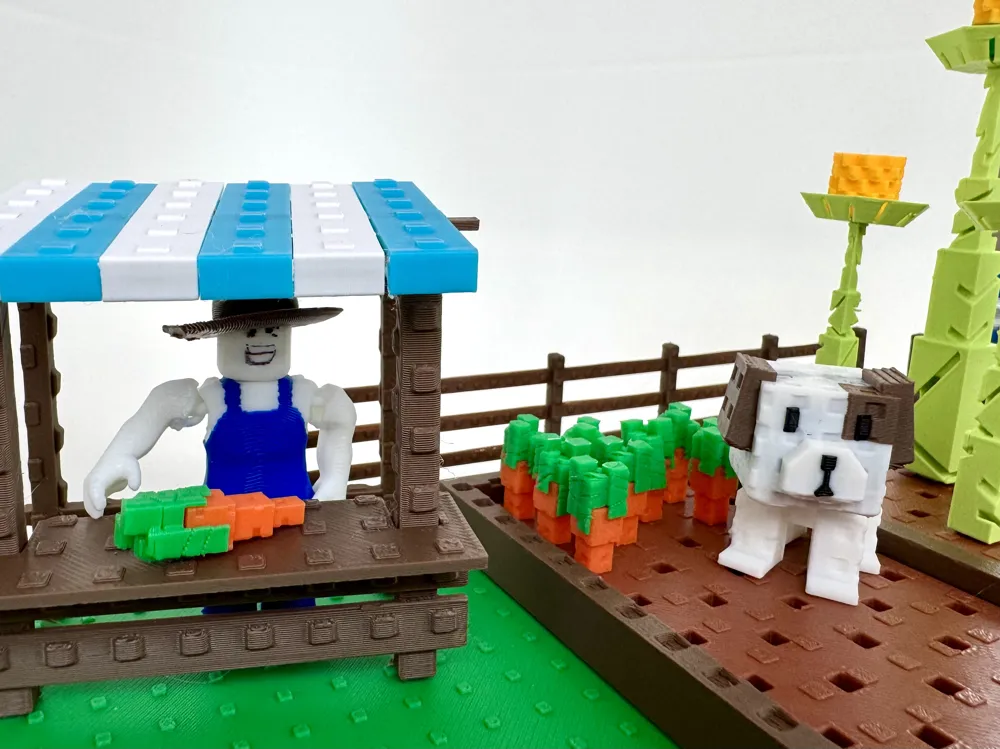
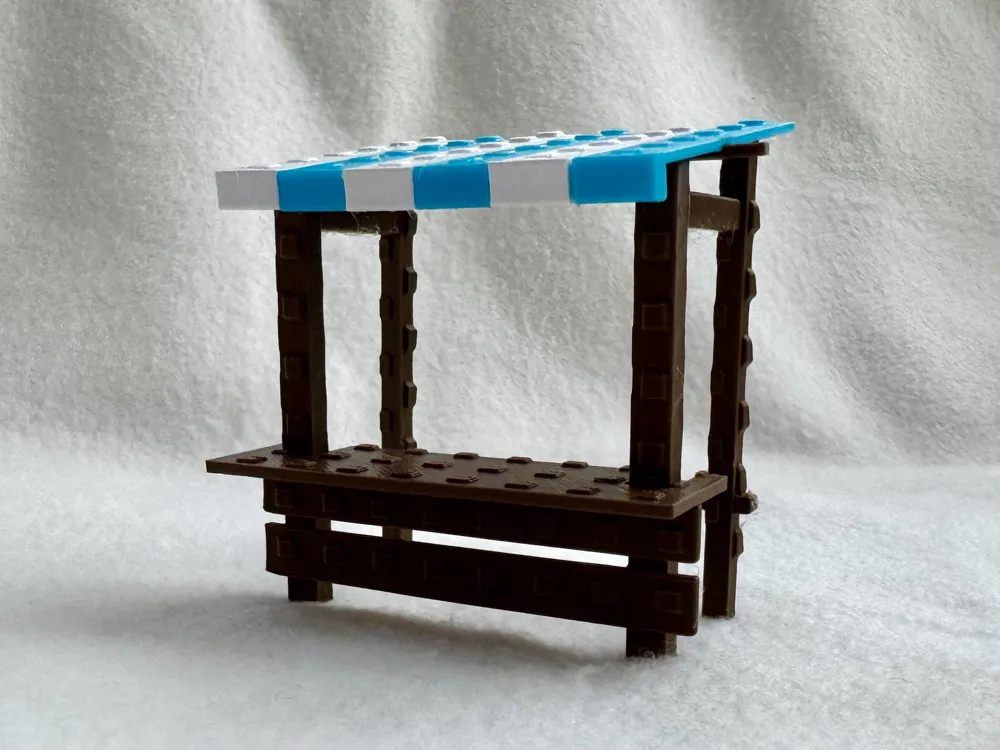
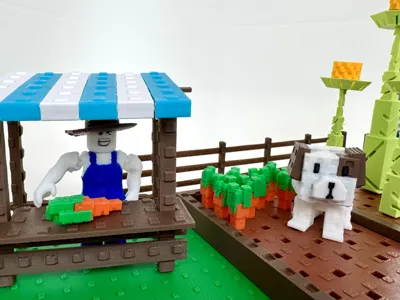
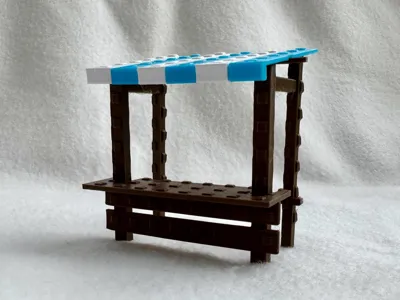
- Seed Shop (pieces can be used for “Sale” shop by switching blue awning panels to red)
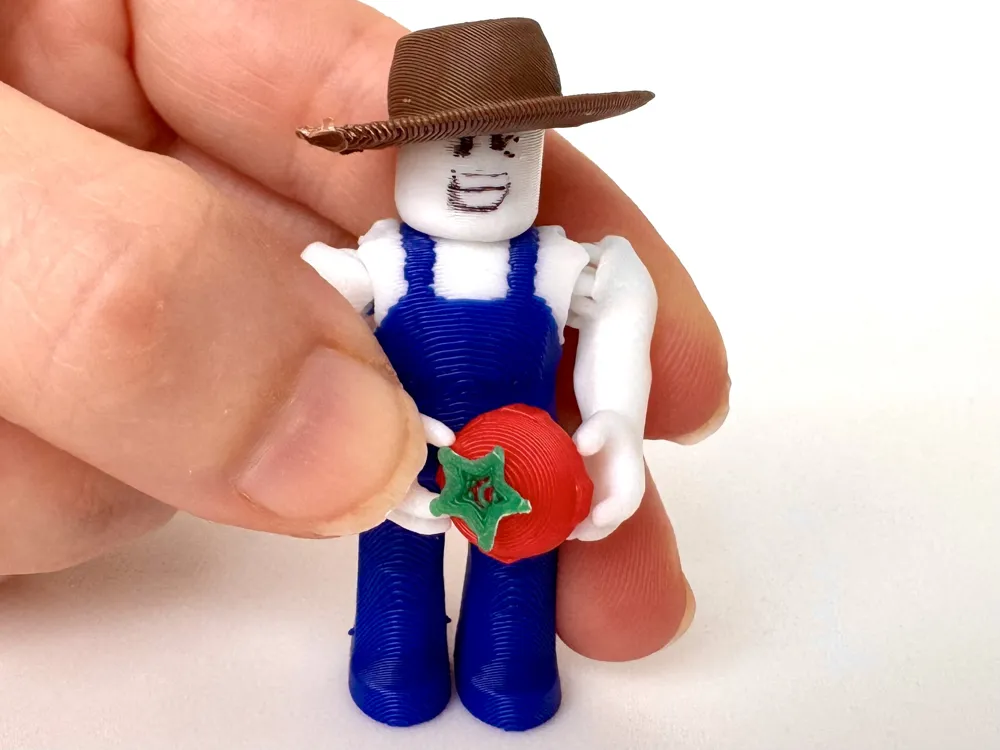
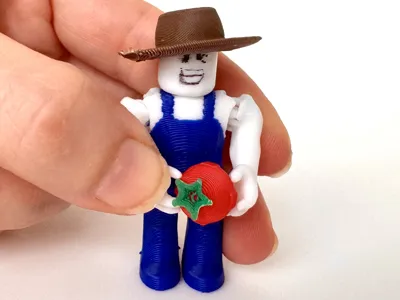
- "Sam" Figurine from the seed shop with articulated arms and removable hat
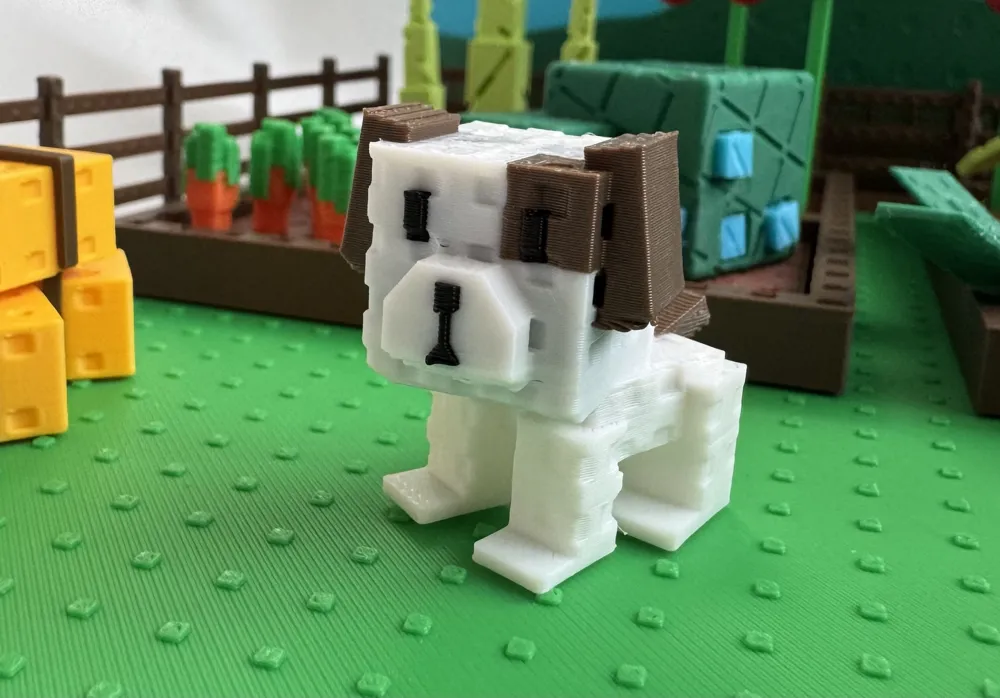
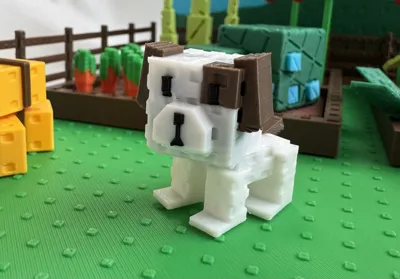
- Pet Dog
- 3 bales of hay
Fruits/veggies included:
- Coconut Tree (new!)
- Carrots
- Tomatoes
- Cauliflower
- Pineapple
- Blueberries and
- Corn
(*the game changes what is available to play with constantly, so not all of these are active in the actual game at the same time.)
Filament waste is minimized as most multicolored items are printed in separate parts that either fit together with connectors and/or need a dab of glue. (For example, carrots and their greens are printed separately.)
Management of filament waste for Pet Dog and Sam:
- Sam Figurine: Adding two cube fidgets and turning on “flush into object” reduced waste to about 1-2g. It produced a couple of fun looking fidgets as well in blue and white.
- Pet Dog Figurine: You'll need taller flush objects to reduce waste for the dog. I like this model - V3 series - Impossible Passthrough Cone - from RJ Design but you'll probably need at least two copies. Alternatively, you could use something like the Huggable Heart Fidget that will decrease filament waste to about 7-8 grams.
Print Profile Details
- Layer Height 0.20 mm
- Support enabled (could select “Critical Regions Only” for many of the items).
- Top Z distance set at 0.22mm to make removing supports a little easier
- Some plates set for “print by object” to allow multi-color printing on the same plate.
Directions for putting together the Seed Shop (also included below as a PDF):
- Align the awning pieces face down on a flat surface. Add small dots of glue on the groove of the awning pieces and align the “Seed Shop Awning Support” in the grooves. Allow to dry.
- Apply small amt of glue to the underside of the “Seed Shop Counter” and slide the counter's grooves onto the uprights of the Seed Shop Front frame. (I used superglue for this part because it dries quickly if you use a tiny amount and minimizes the time required to hold the counter in place.)
- Attach the Seed Shop Front and Seed Shop Rear frames using the connectors at the top (on the cross brace).
- Apply glue to the top posts and rails of the frame and center the awning to complete the model. Allow to dry.
HAVE FUN!!!
Documentation (1)
License

You shall not share, sub-license, sell, rent, host, transfer, or distribute in any way the digital or 3D printed versions of this object, nor any other derivative work of this object in its digital or physical format (including - but not limited to - remixes of this object, and hosting on other digital platforms). The objects may not be used without permission in any way whatsoever in which you charge money, or collect fees.


Comment & Rating (100)