
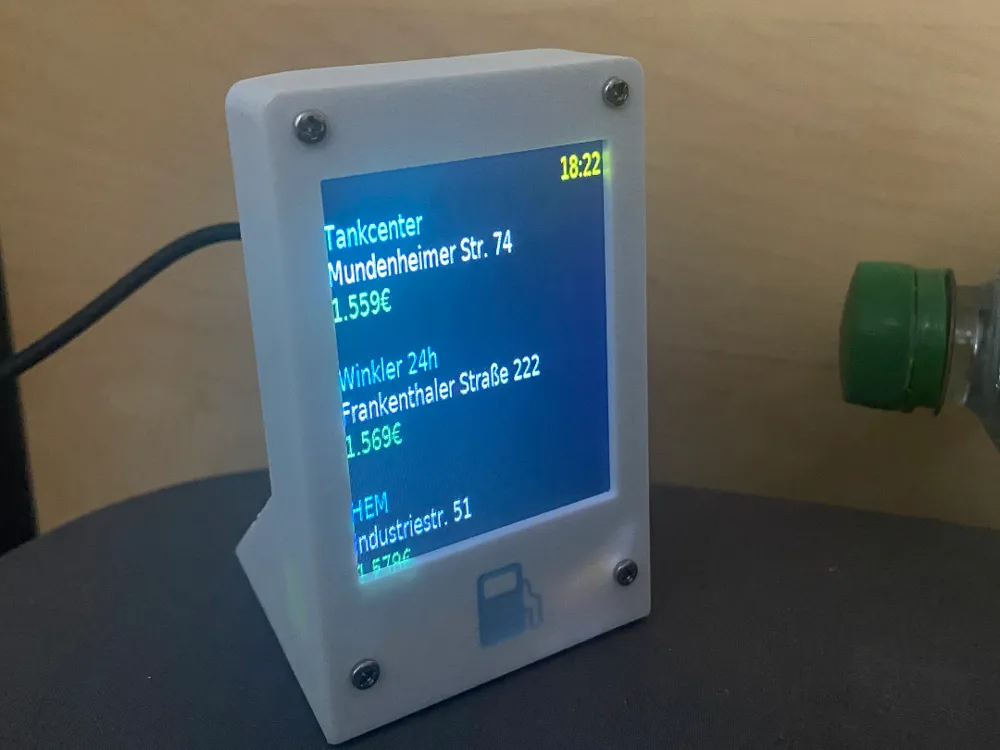
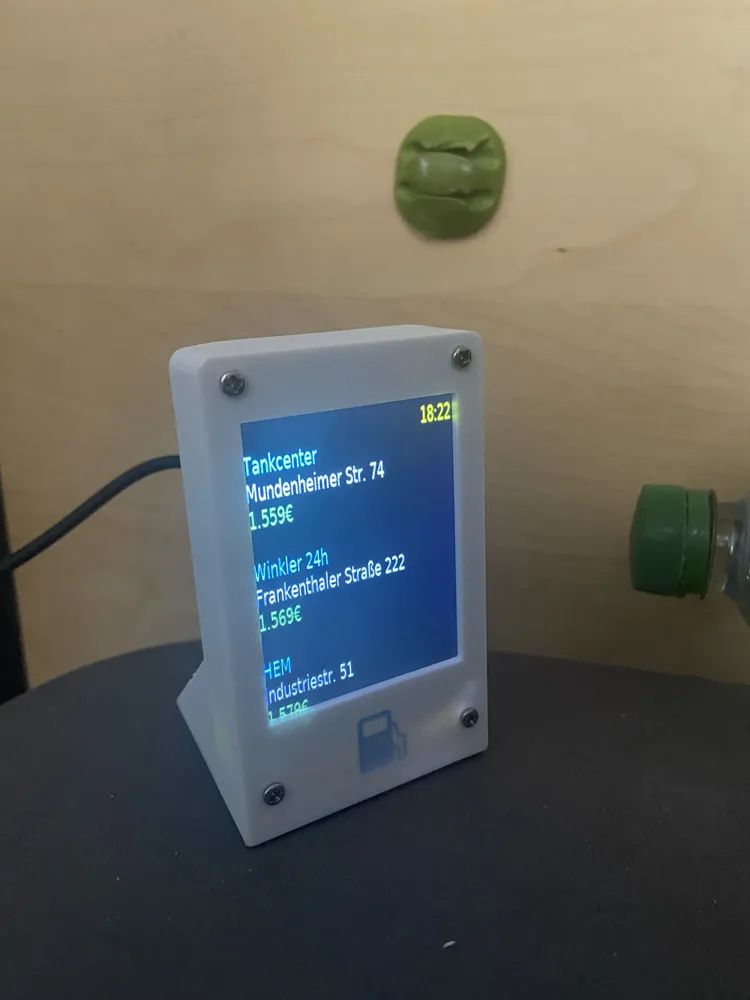
Pi Zero Tankerkoenig Price Display
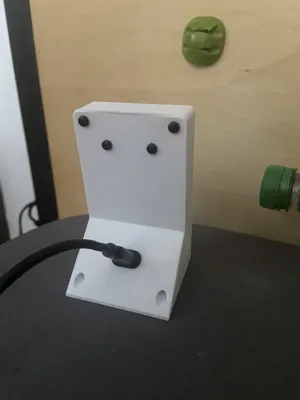
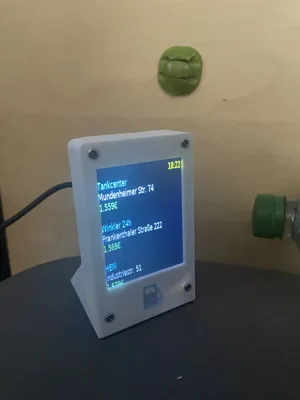
Print Profile(1)

Bill of Materials
- Raspberry Pi Zero W x 1:
- 2.8" 240*320 ILI9341 SPI Display x 1:
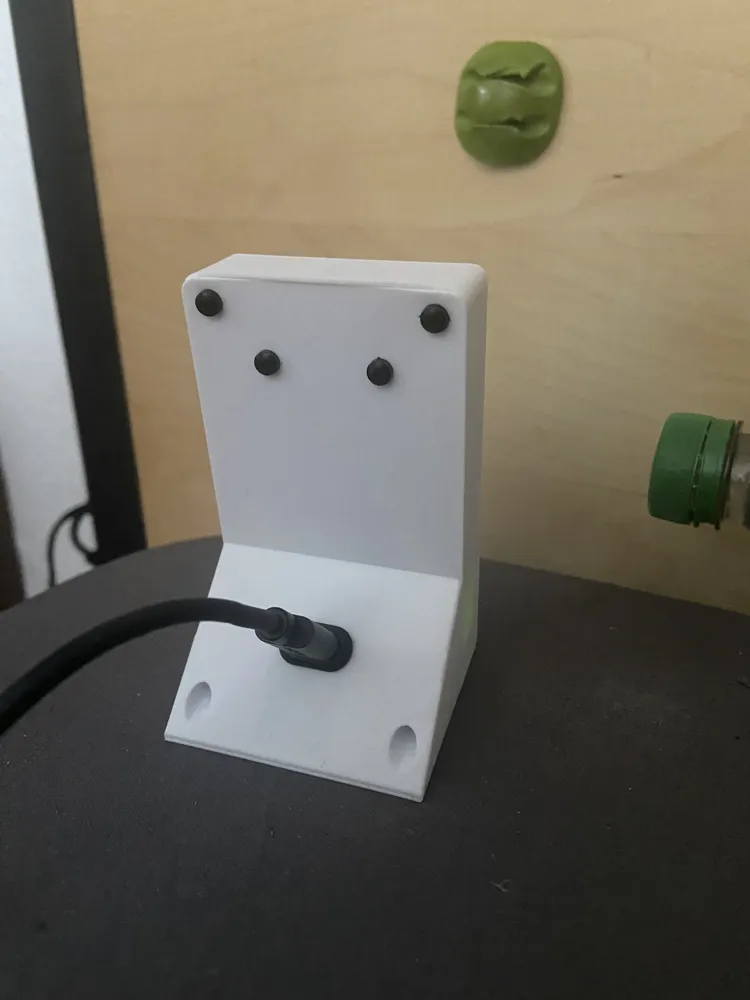
- Type-C Female 2Pin USB Connector x 1:
- M2 Screws x 1:
- M2 Risers x 1: maybe optional
Description
I have 2 Pi Zero 1W laying around and they are super useless for anything else due to lack of processing power.
Therefore I created a “simple” display with them and gifted them to family/friends of me.
BOM:
Type-C Female 2Pin USB Connector https://aliexpress.com/item/1005007469640237.html
2.8" 240*320 ILI9341 SPI Display https://www.aliexpress.com/item/1005006623369442.html
any trash microsd card
pi zero w (gen1)
m2 screws
m2 risers
what I did: installed Python.
packages:
Package Version
------------------ ---------
cbor2 5.6.5
certifi 2025.6.15
charset-normalizer 3.4.2
display 1.0.0
idna 3.10
luma.core 2.4.2
luma.lcd 2.11.0
pillow 11.2.1
pip 25.1.1
pyftdi 0.56.0
pyserial 3.5
pyusb 1.3.1
qrcode 8.2
requests 2.32.4
RPi.GPIO 0.7.1
setuptools 66.1.1
smbus2 0.5.0
spidev 3.7
urllib3 2.5.0
Python Code: see pythoncode.txt
also what i installed: https://github.com/gitbls/autoAP did the full setup
which seem to break my resolv.conf but fixed with:
sudo rm /etc/resolv.conf
echo "nameserver 1.1.1.1" | sudo tee /etc/resolv.conf
echo "nameserver 8.8.8.8" | sudo tee /etc/resolv.conf
Documentation (1)
License



Comment & Rating (0)