
Bambu Scraper V2 (Wera inspired)


Print Profile(15)


Description
After getting tired that all plastic scrapers are done after one use I finally decided to use metal scraper that came with the machine. however I did not particularly like the design of the original scraper BambuLab provides on microSD card/website - see model here.
I decided to model my own which was inspired by Wera tools I love. It is nice design which fits really well into your hand.
UPDATE (2024-08-27)
As requested by some I made a gridfinity stand that fits my design…
UPDATE (2024-03-08)
As requested by some I made a stand that fits my design…
UPDATE V2 (2024-02-03)
Based on the feedback from community here and some more though into the design I modeled V2 of the scraper.
Also you can find info at the bottom how to use it to avoid damage to your plates.
- Improved geometry at the bottom
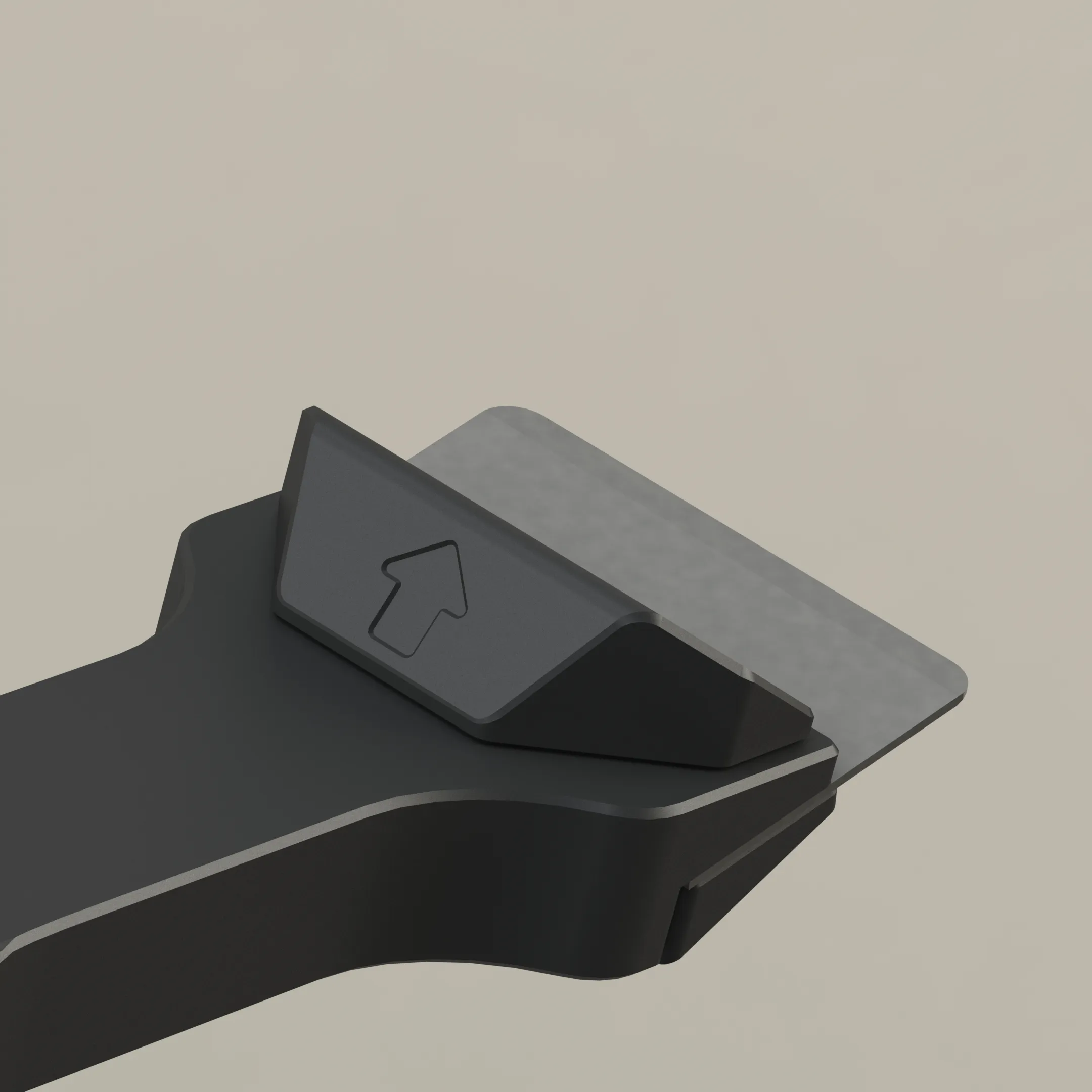
- Tweaked dimensions of finger rest and added indented arrow to prevent wrong orientation
- Added logo to both sides (AMS version only)
- Increased layers for logo for AMS version (to prevent color bleed)
- Lowered indent for magnet so it protrudes just tiny bit (stronger magnet force)
And there is one more thing… I also created honeycomb ultralight and hopefully very cool and stylish version! check it out!
FEATURES
- Cool Wera design
- Easy to print an assemble (no more confusing where does the part go from the original model…)
- No supports, flawless print
- Hole so you can hang it if you wish
- Dedicated space for the magnet
WHAT DO YOU NEED?
Well nothing! You should have everything already when you purchased your printer.
- 18g of material (PLA is just fine)
- 2x screws for scraper
- Blade
- 1x magnet (optional)
HOW TO USE IT?
As the original model also this one can be used from both side, but it shouldn't! I was thinking about poko yoke solution, but that would hinder its functionally so here is an example how to use it. On top of that I added arrow to the part where fingers rest to make it more obvious.
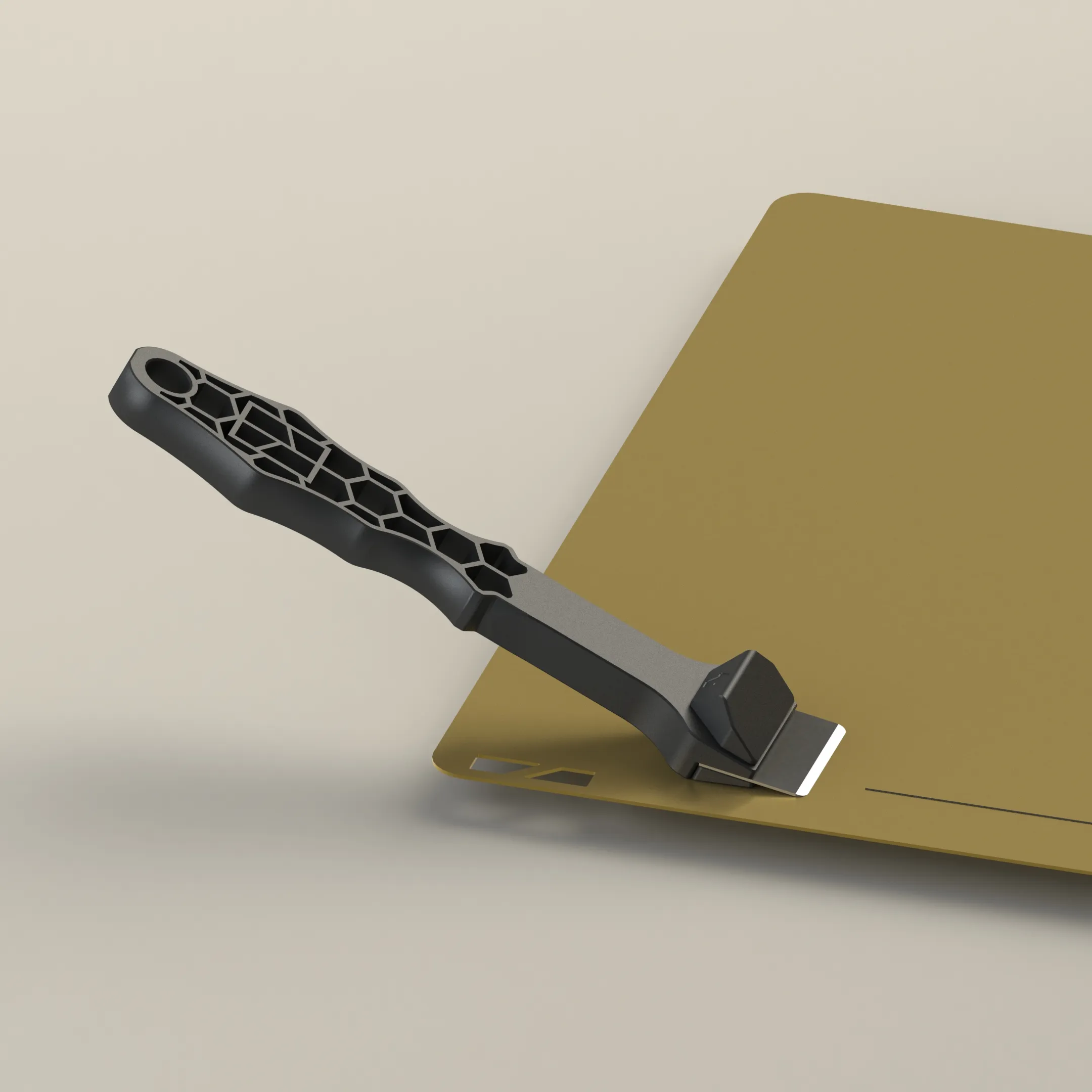
I would not recommend using this scraper of textured plates and would be very very cautions on smooth PEI to. I think it is ideal for cool plate, but could not find any information from BambuLab regarding the use case, so that is only my opinion…
Boost Me (for free)
Hey, you awesome humans! Hit that boost on MakerWorld and let’s make me the VIP of this creative party—drinks on me (virtually)! 🎉🤓
Membership
Hello, everyone. I’d appreciate it if you’d join my MakerWorld membership—your support helps me keep creating and sharing with you.
License

You shall not share, sub-license, sell, rent, host, transfer, or distribute in any way the digital or 3D printed versions of this object, nor any other derivative work of this object in its digital or physical format (including - but not limited to - remixes of this object, and hosting on other digital platforms). The objects may not be used without permission in any way whatsoever in which you charge money, or collect fees.


Comment & Rating (4969)