
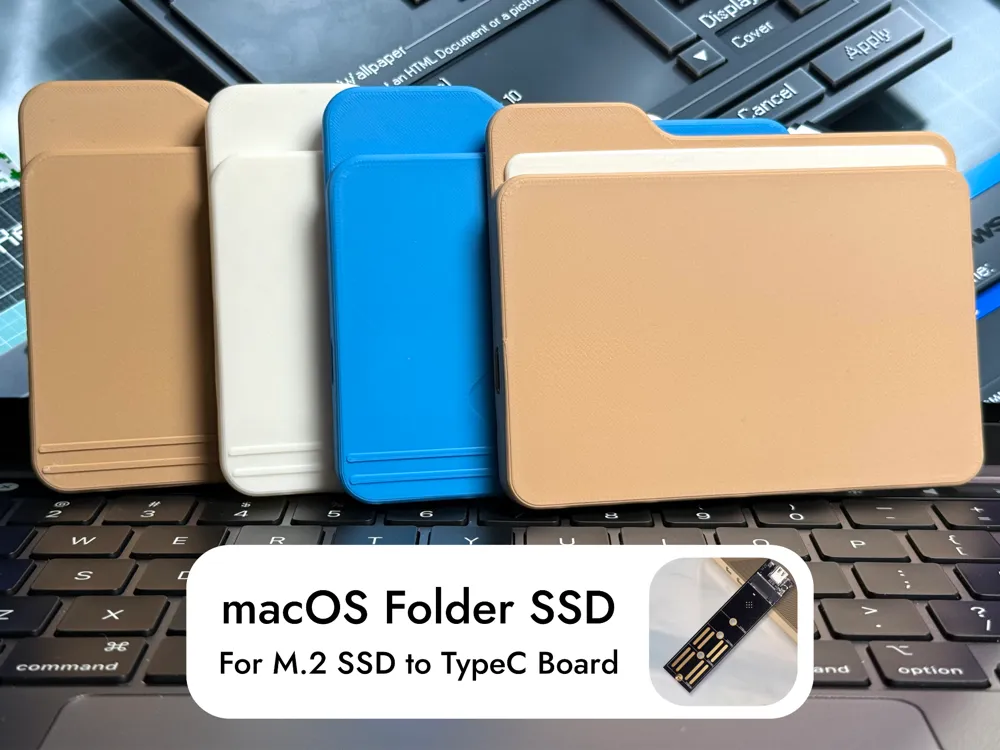
DIY macOS Folder SSD for M.2 SSD to USB-C Board.

Print Profile(2)


Description
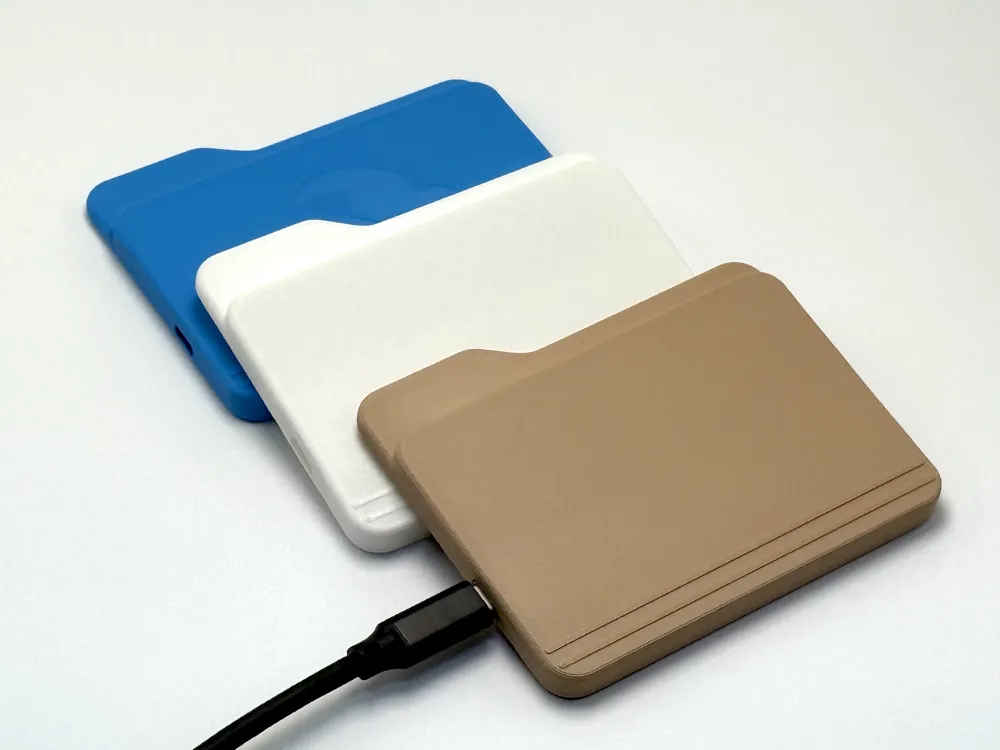
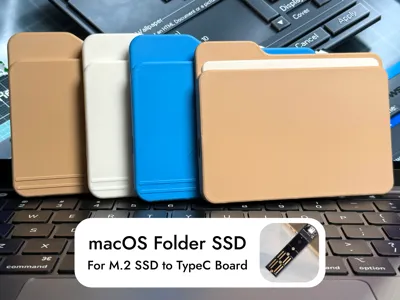
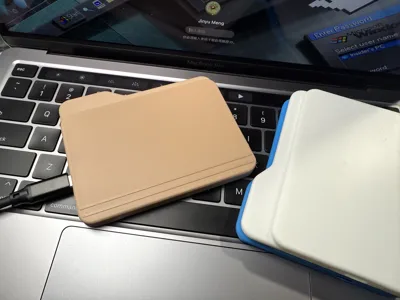
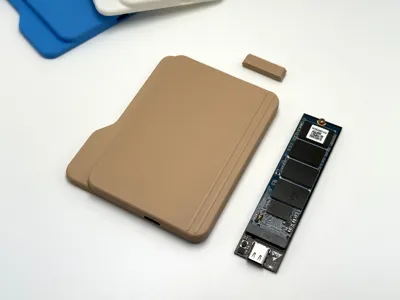
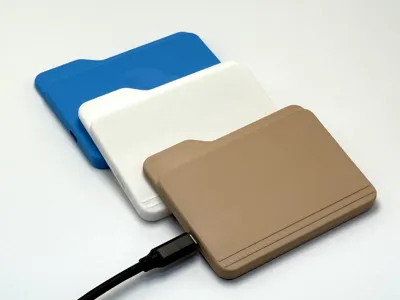
With this model and an M.2 SSD to USB-C converter board, you can make yourself a macOS folder-like SSD.
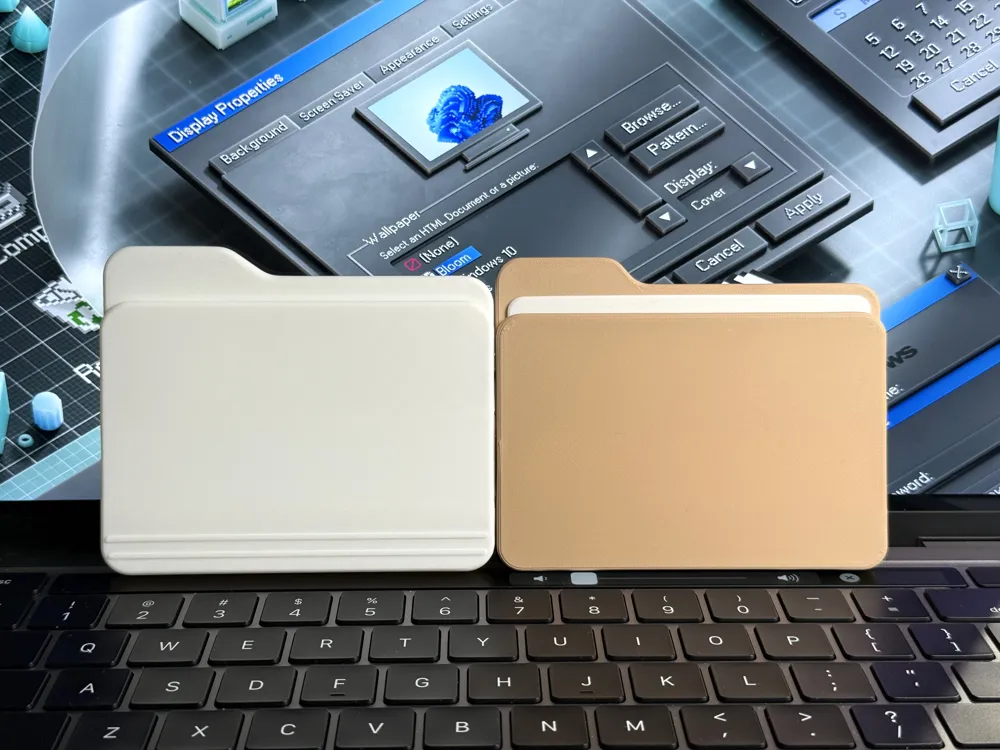
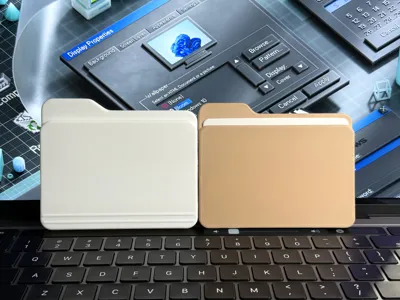
It comes with two designs. One is based on the design after macOS 26 (with a white card inside), and the other is based on the old design before macOS 26.
The original idea is from David Delahunty. I saw his design and decide to create my own version.
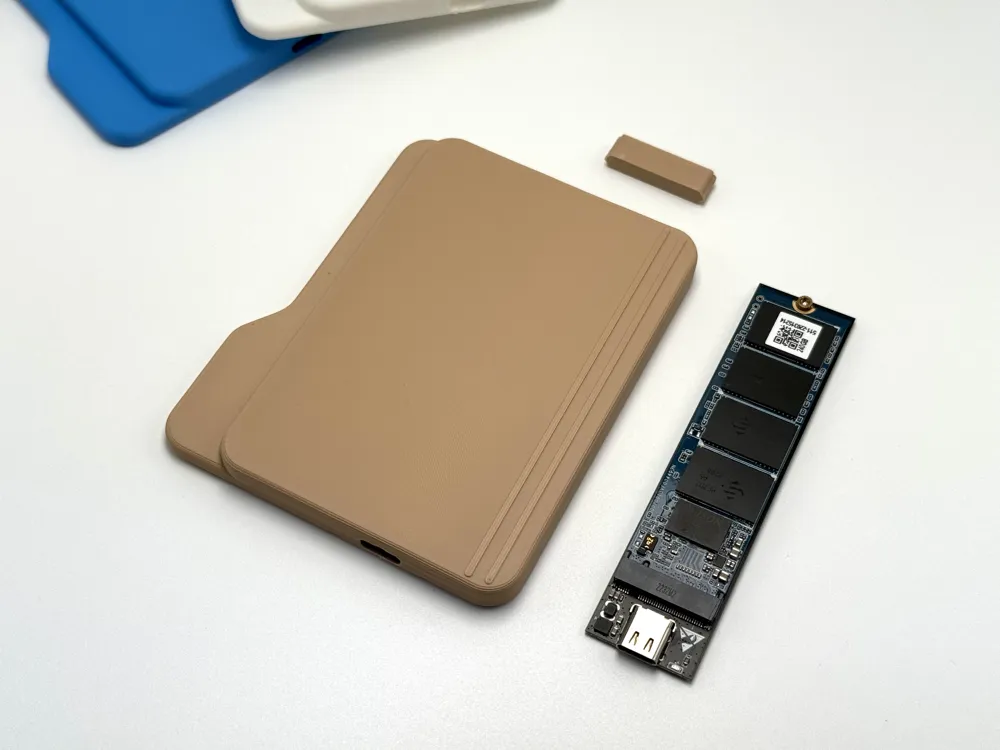
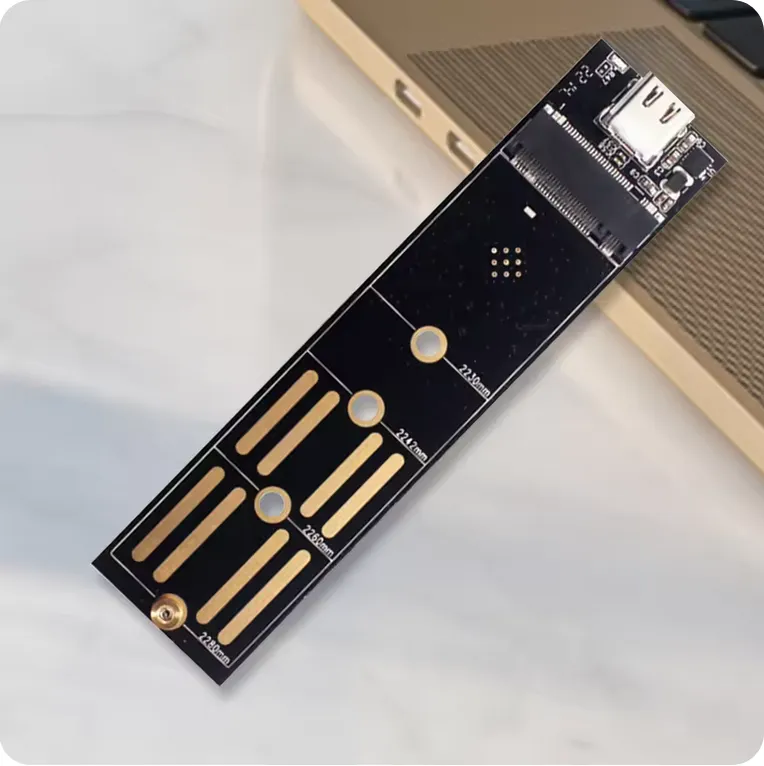
To complete this SSD, you need to purchase an M.2 SSD to USB-C converter board. (Or harvest one from an old M.2 SSD case.) (You also need an SSD, you know.) The size should be about 100*24mm. Here is an example:
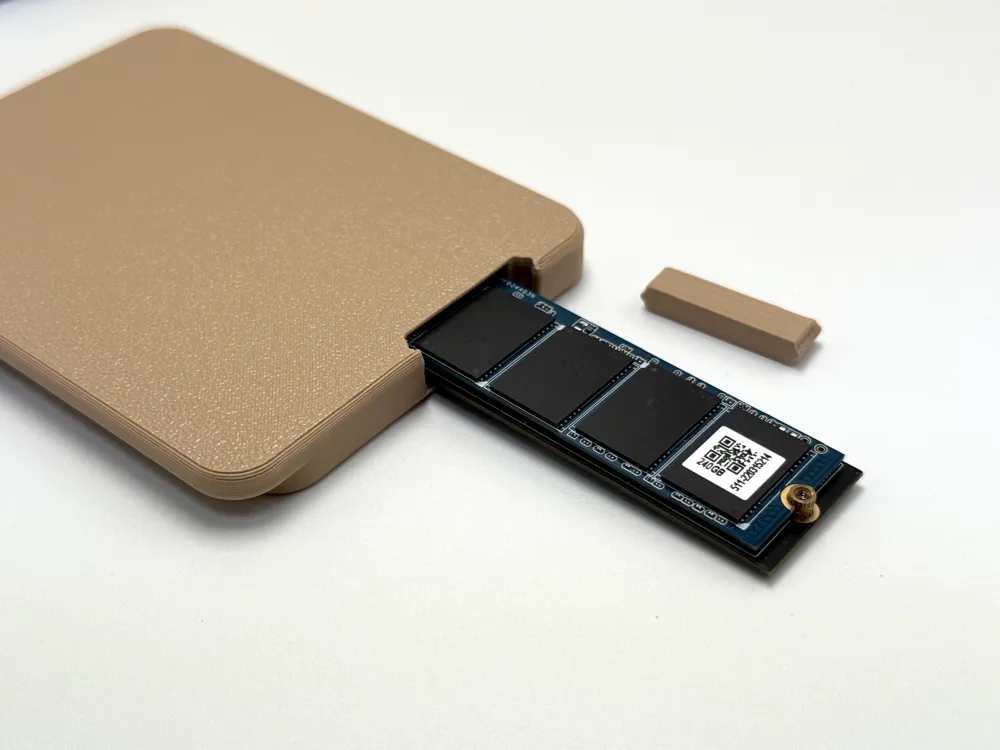
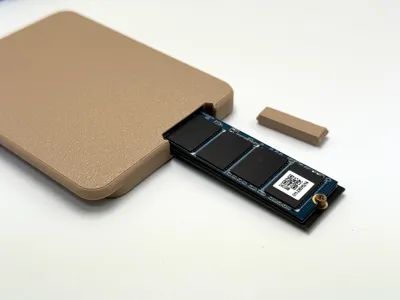
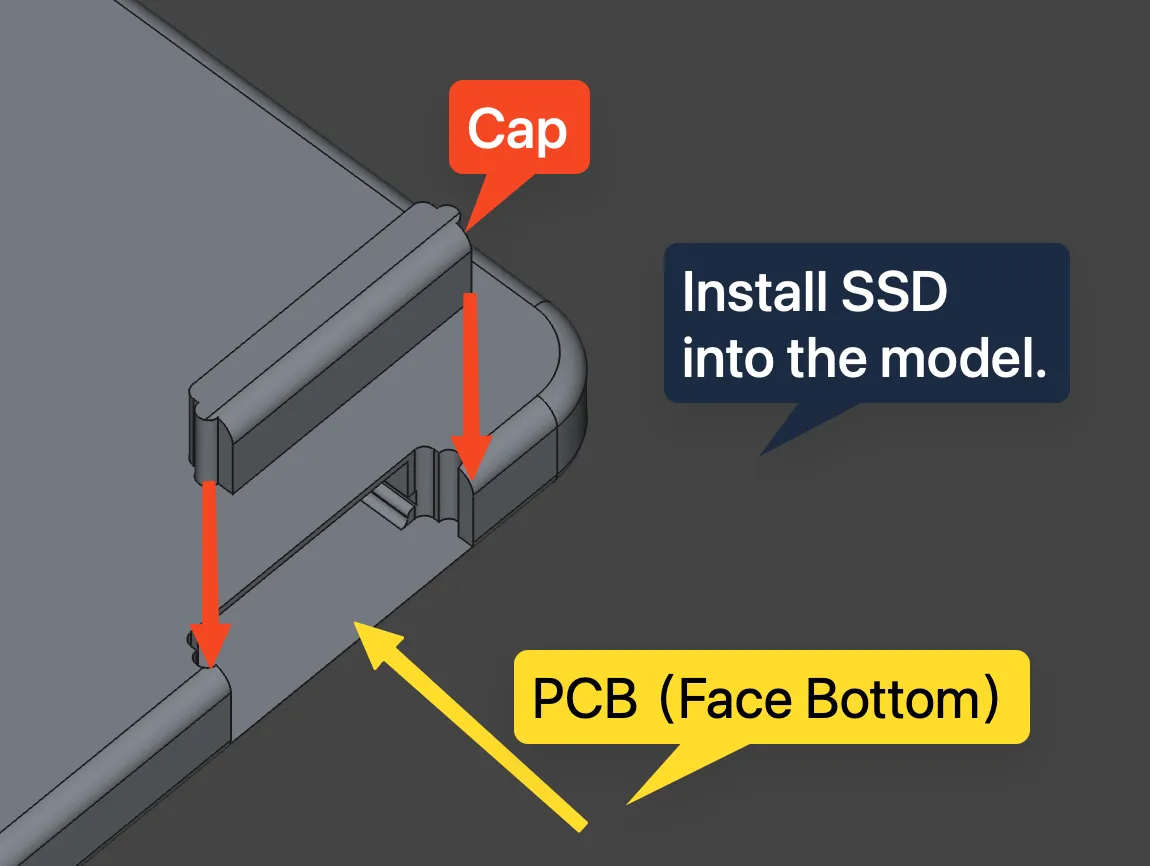
Insert the board upside down and install the cap like this:
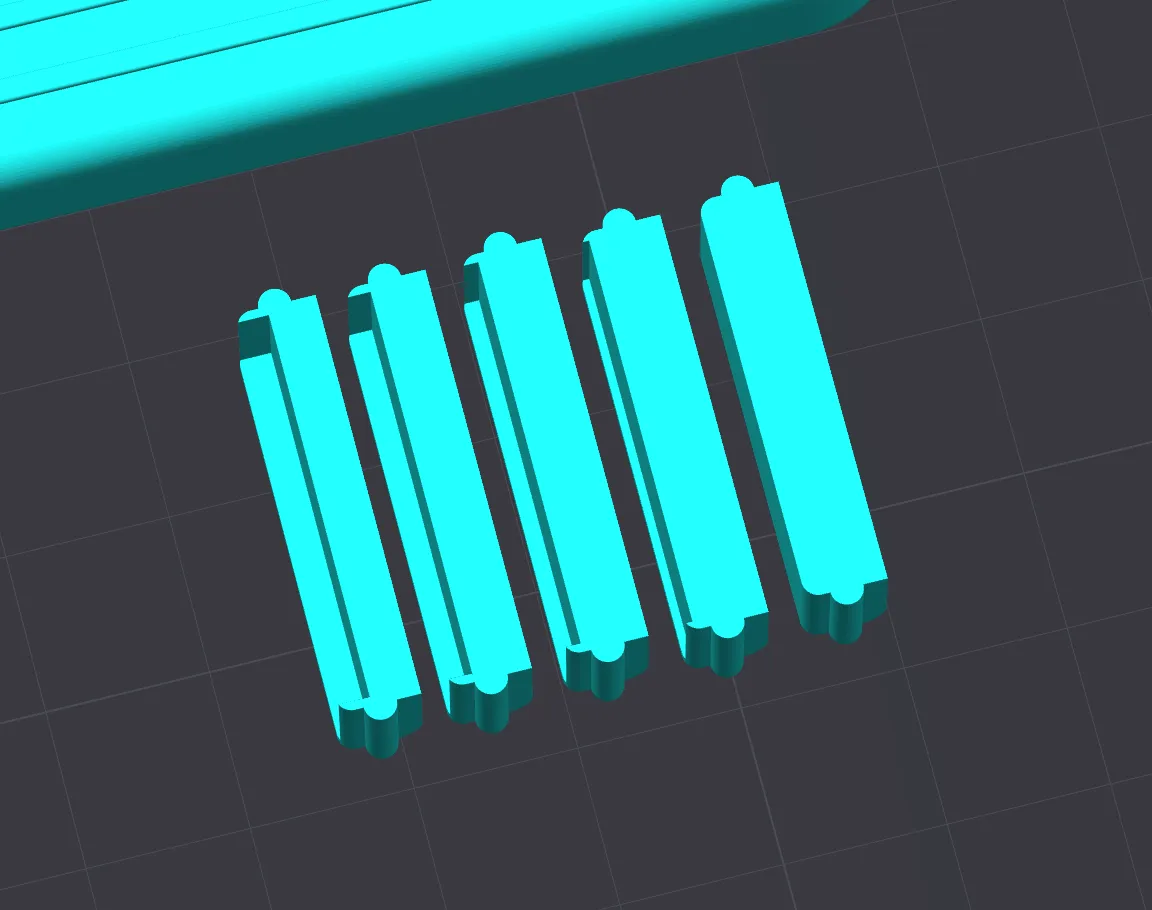
I provided caps with different slot sizes to compensate for the different lengths of converter boards.
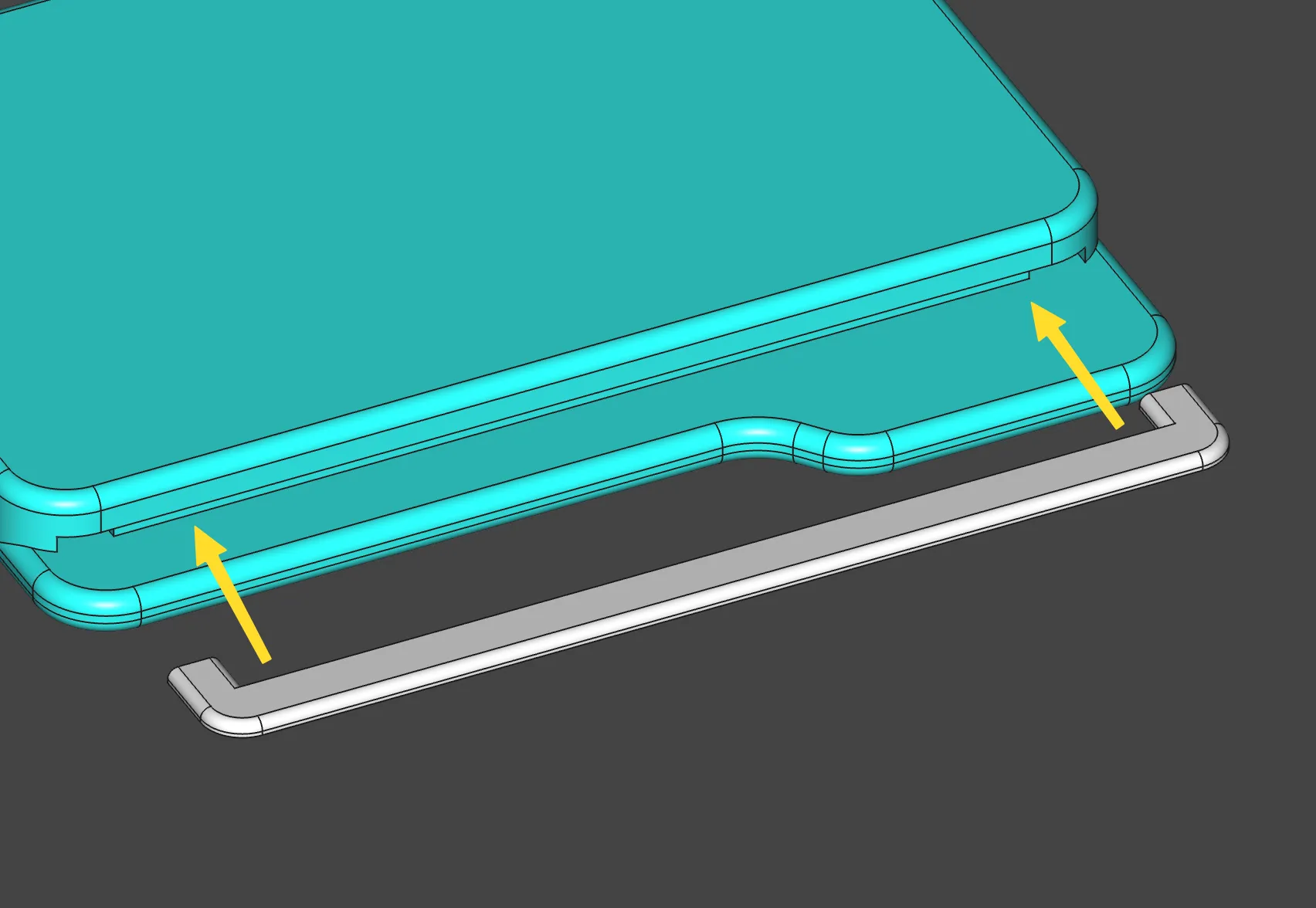
For the new design after macOS 26, install the white card part like this:
After all of this, you should have yourself a cute folder SSD.
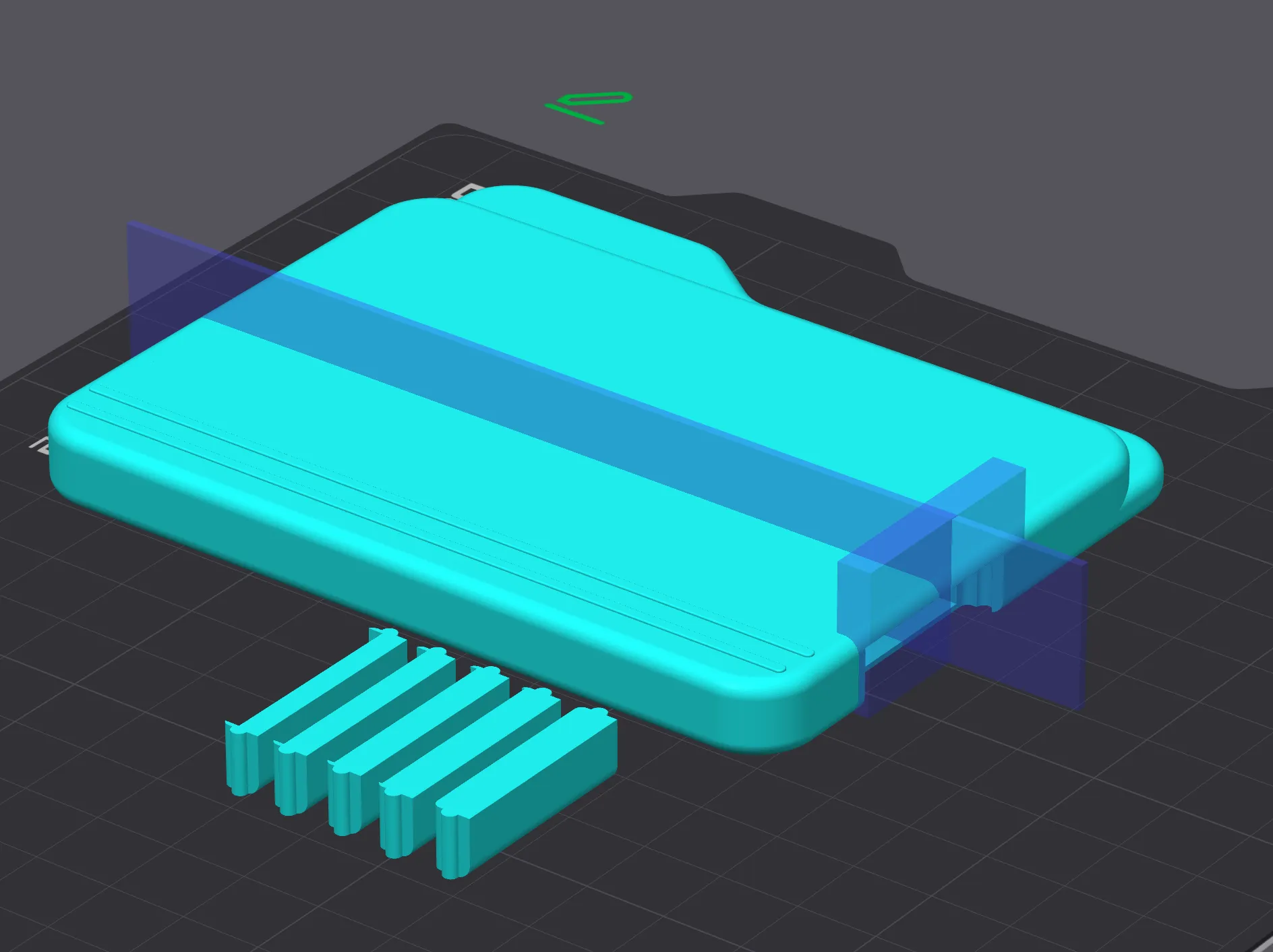
Btw, if you want to create profile for your self, you can add support like this:
License

You shall not share, sub-license, sell, rent, host, transfer, or distribute in any way the digital or 3D printed versions of this object, nor any other derivative work of this object in its digital or physical format (including - but not limited to - remixes of this object, and hosting on other digital platforms). The objects may not be used without permission in any way whatsoever in which you charge money, or collect fees.


Comment & Rating (11)