
H2D Vent Cover
Print Profile(1)

Description
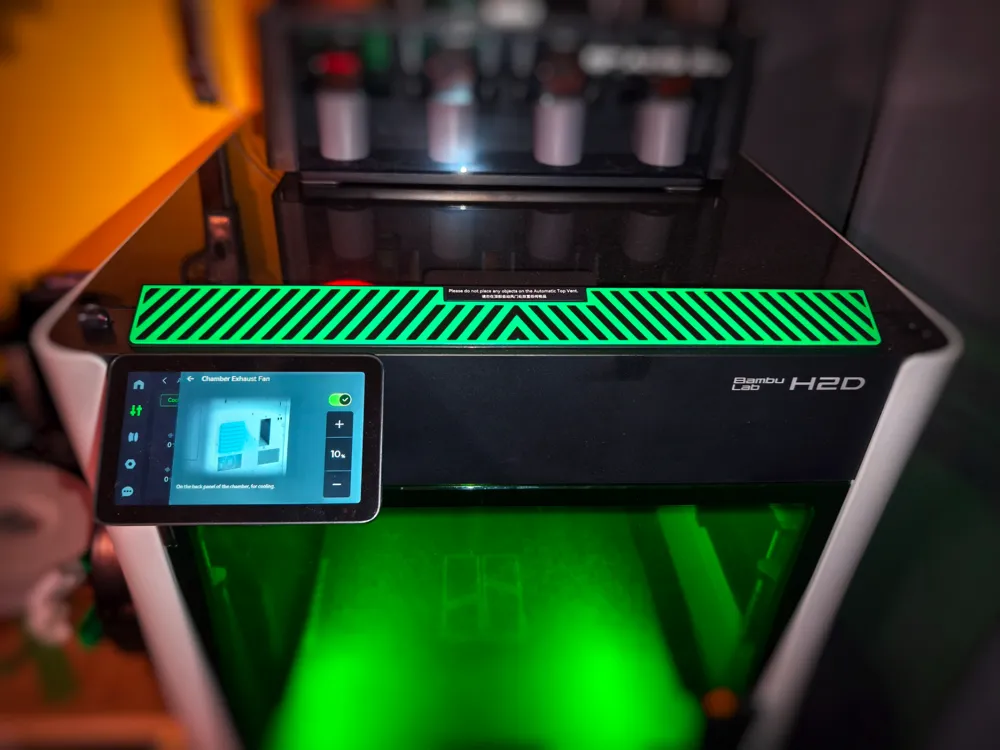
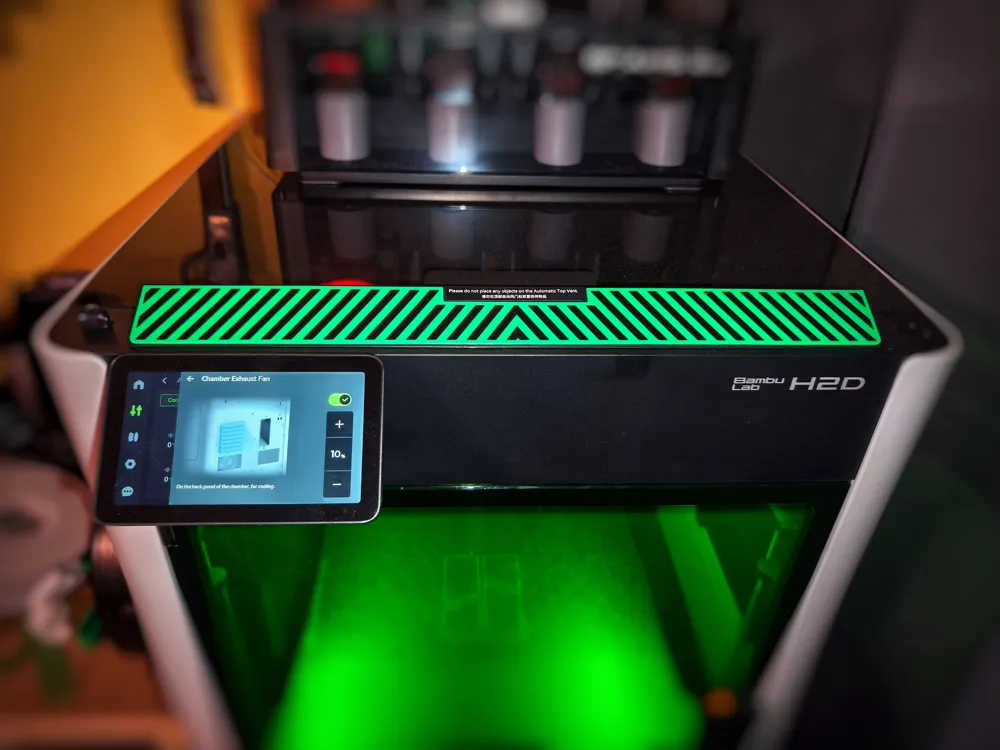
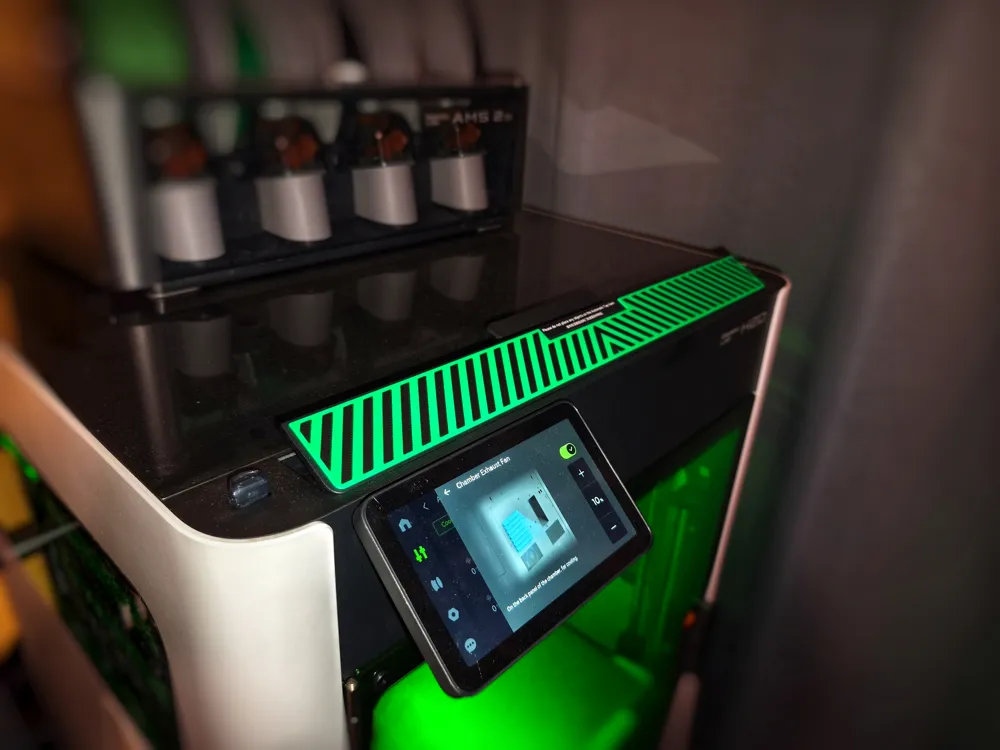
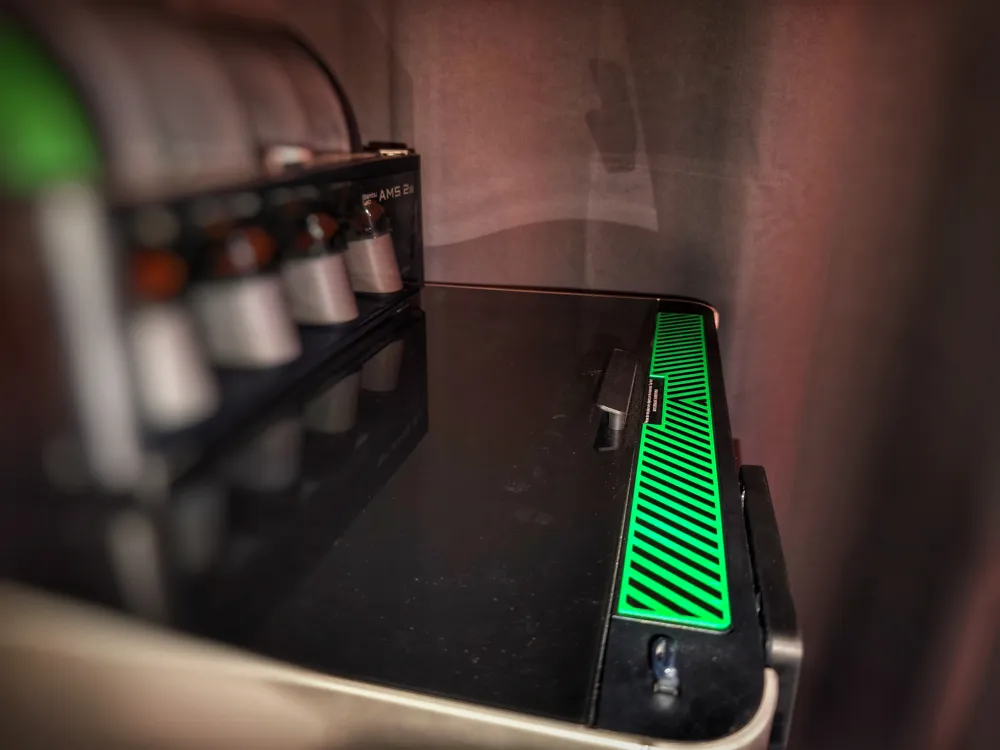
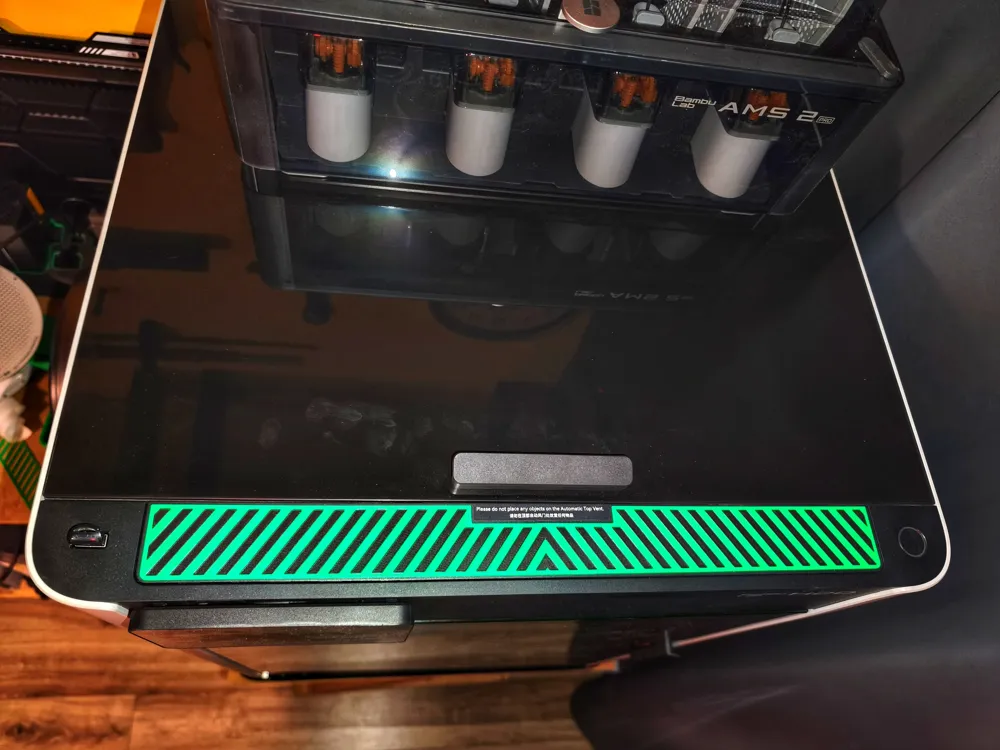
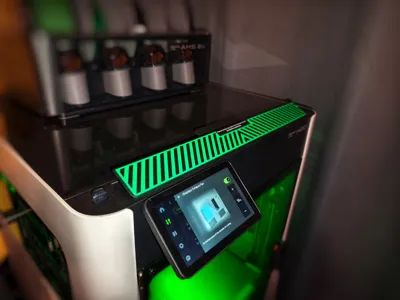
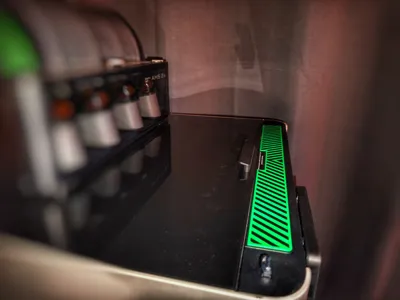
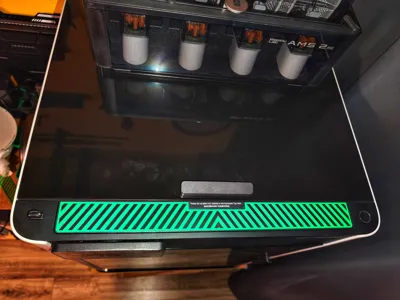
A simple vent cover for the H2D to visually avoid blocking it.
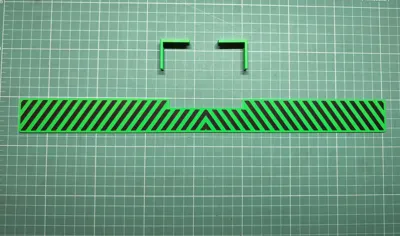
For the installation you will need a bit of double sided tape.
Installation process:
-Put double sided tape on one side of the cover.
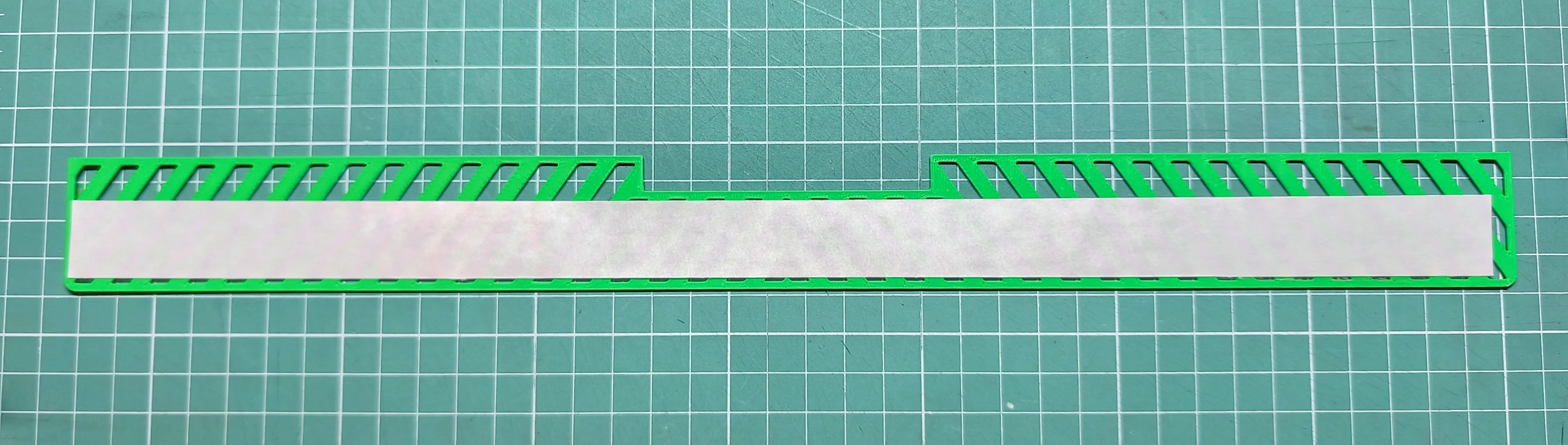
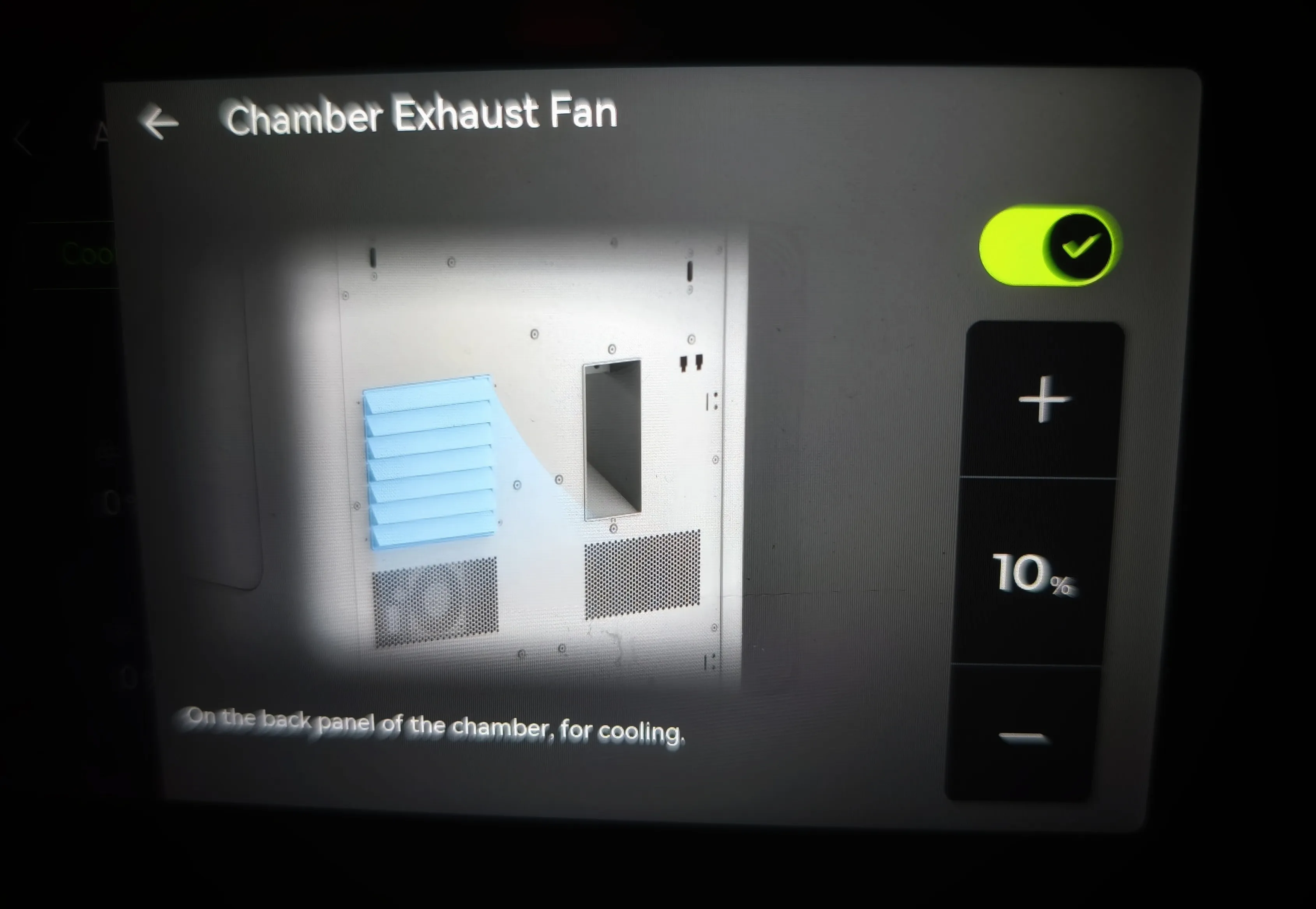
-Open the Vent by enabling the Chamber exhaust fan
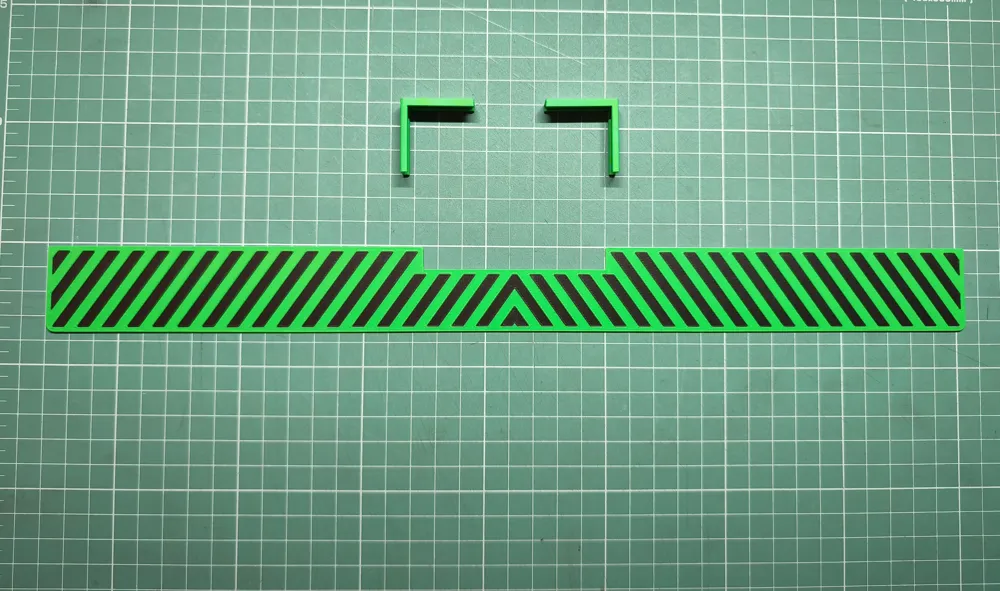
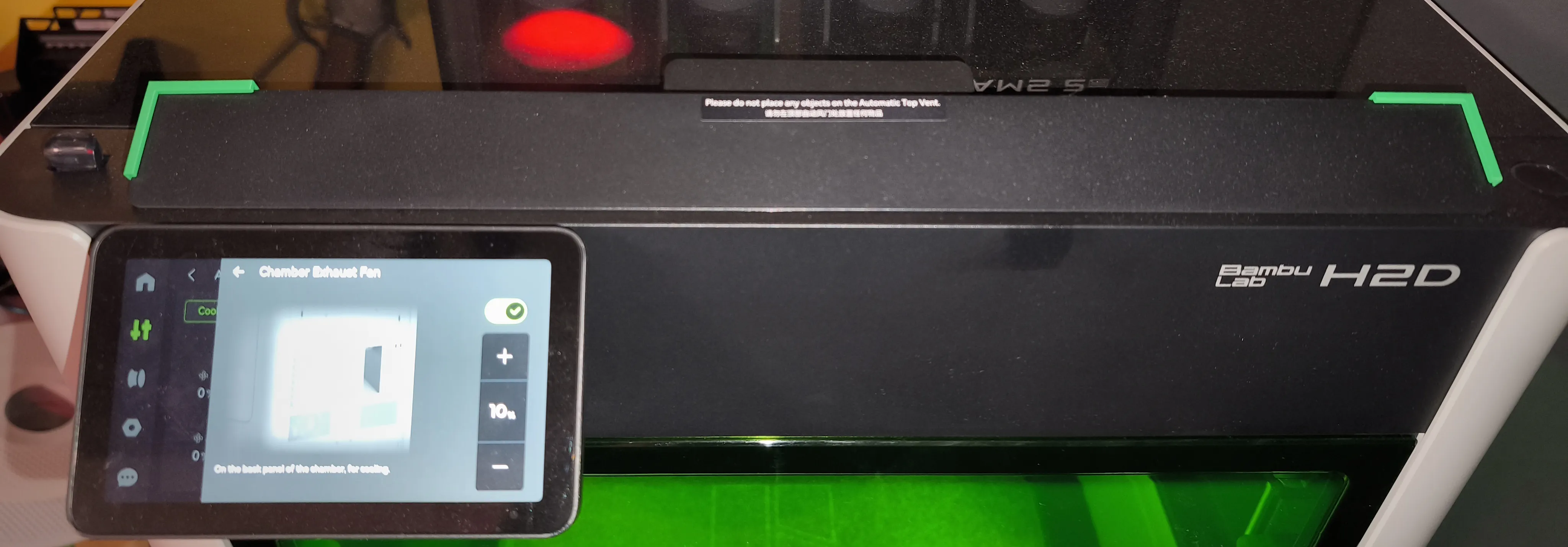
-Carefully put the 2 positioners on the top corners of the vent
-Carefully stick on the cover with the corners touching the positioners
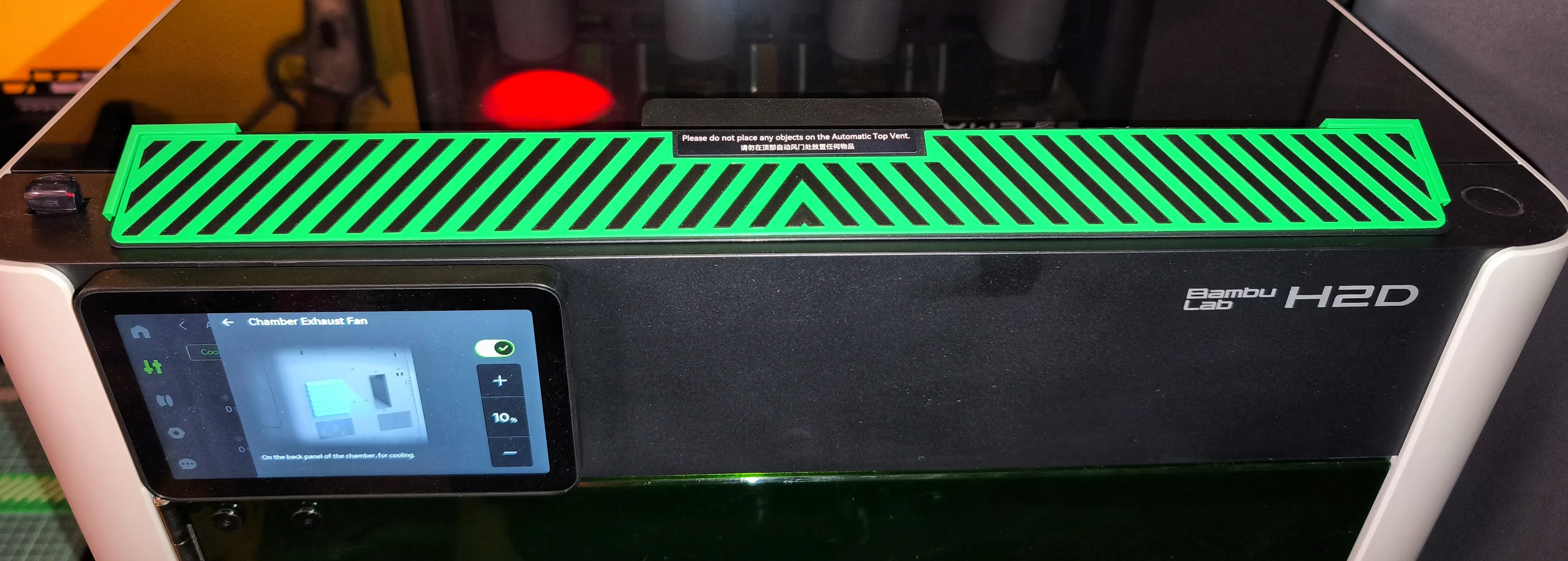
-Remove the positioners and you are done!
If you like my stuff please Boost me, give a like, follow and have a look at my other models HERE
License

You shall not share, sub-license, sell, rent, host, transfer, or distribute in any way the digital or 3D printed versions of this object, nor any other derivative work of this object in its digital or physical format (including - but not limited to - remixes of this object, and hosting on other digital platforms). The objects may not be used without permission in any way whatsoever in which you charge money, or collect fees.


Comment & Rating (22)