
Print Profile(1)

Description
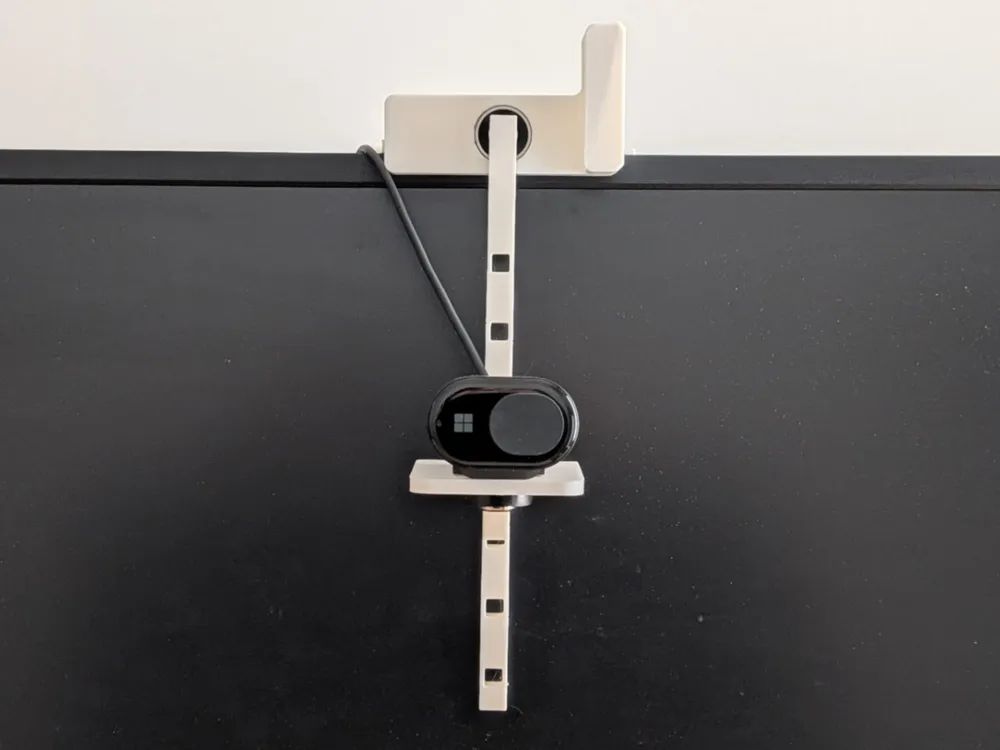
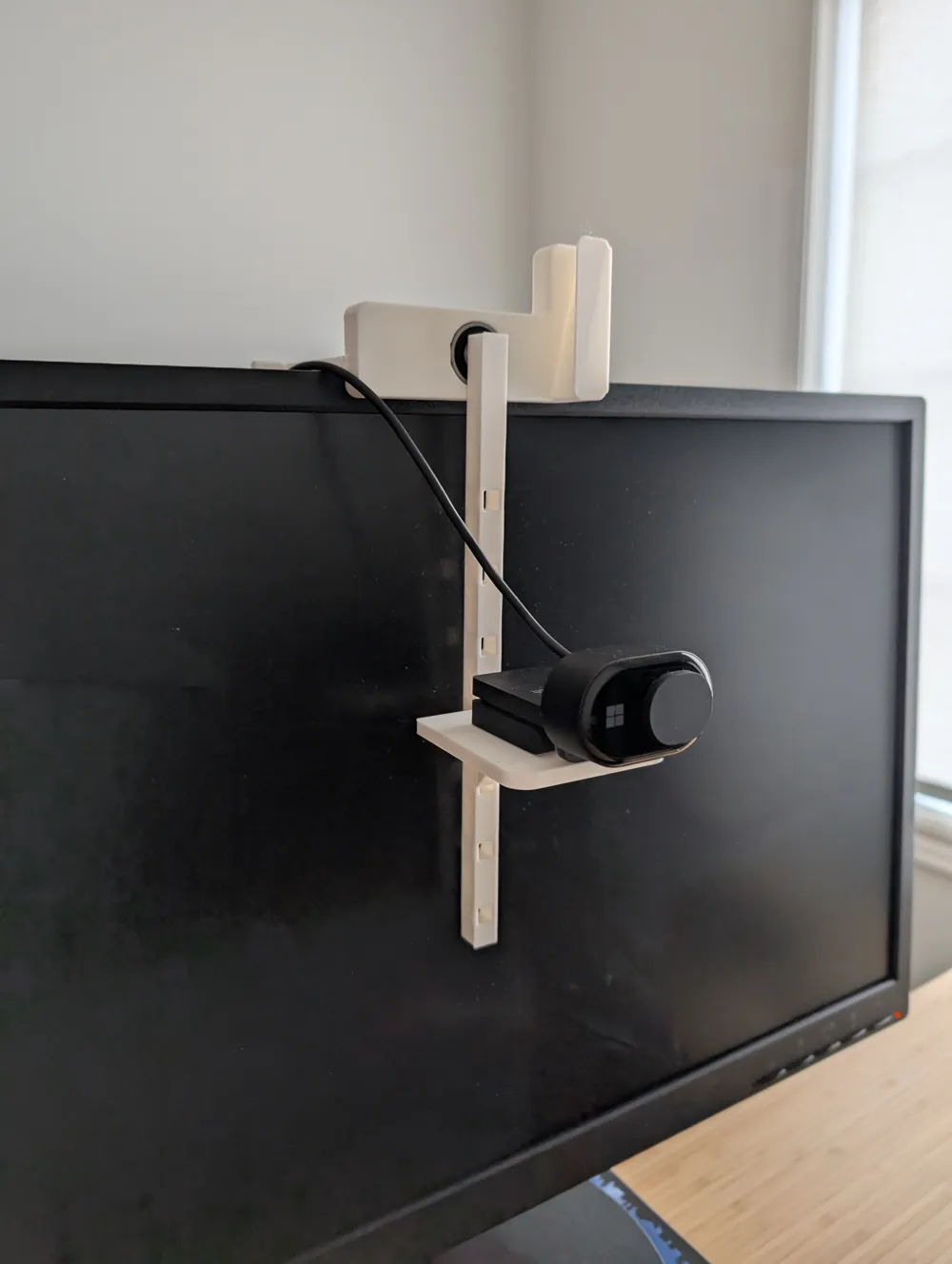
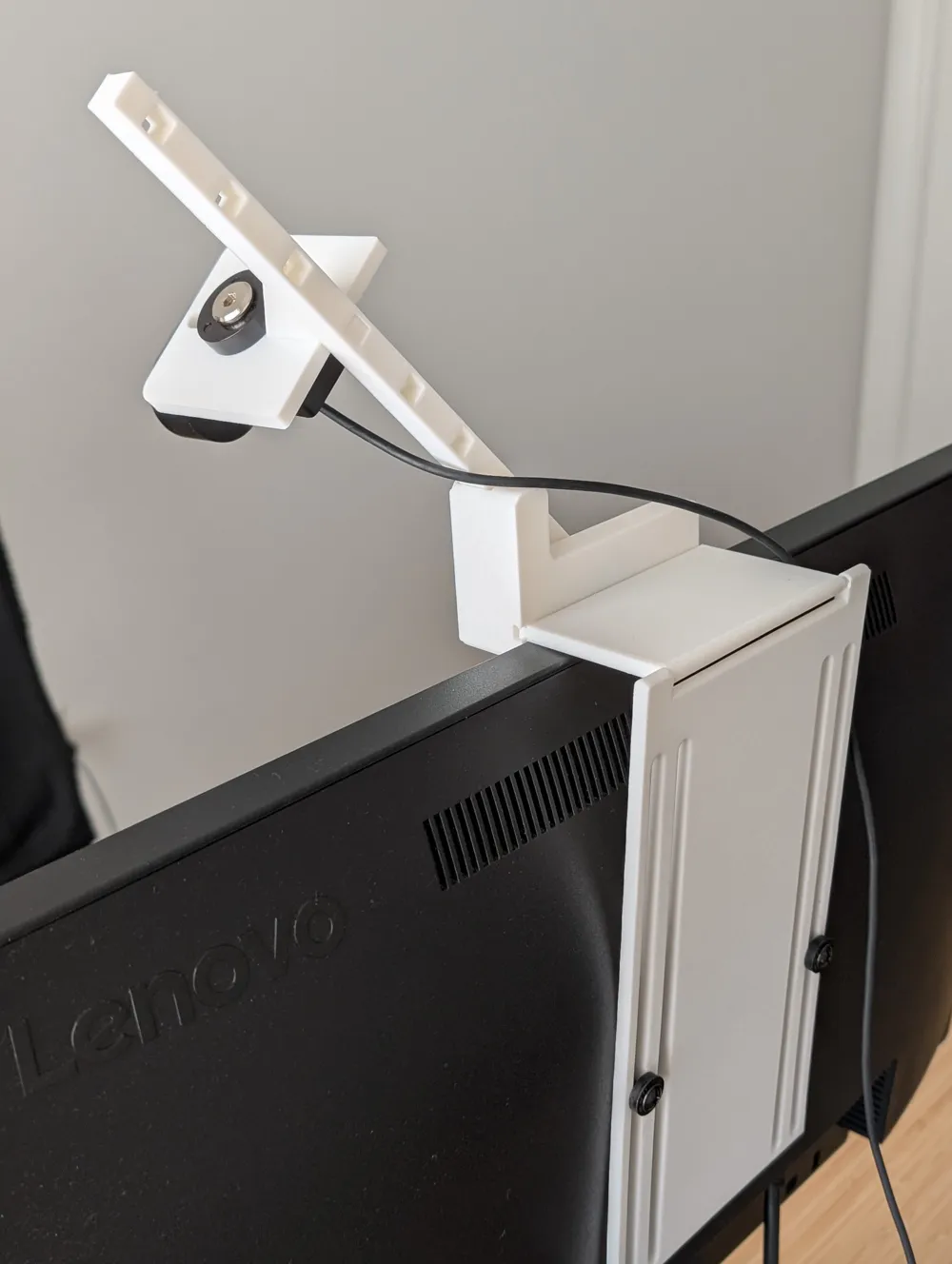
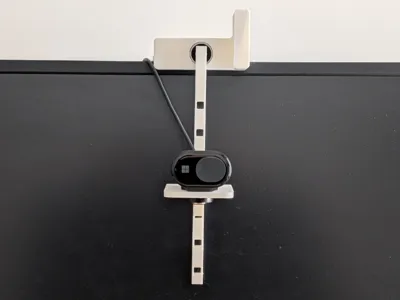
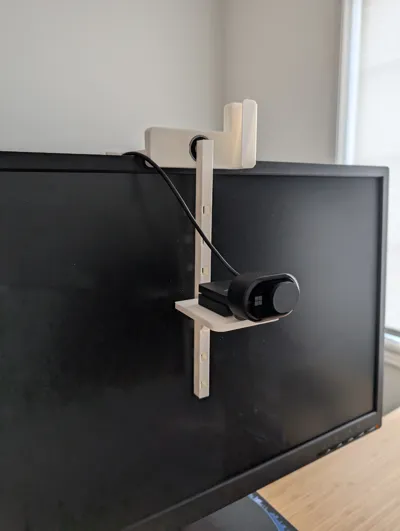
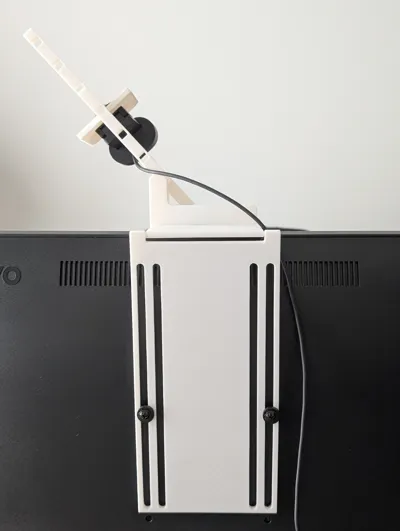
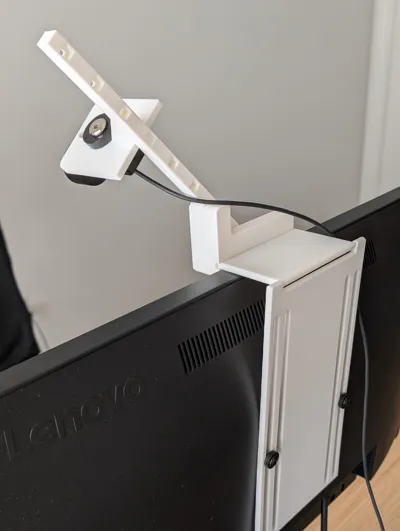
 | If you are tired of looking up to your web cam and want to have a virtual meeting where you look directly into the camera this web cam center mount is just what you need.
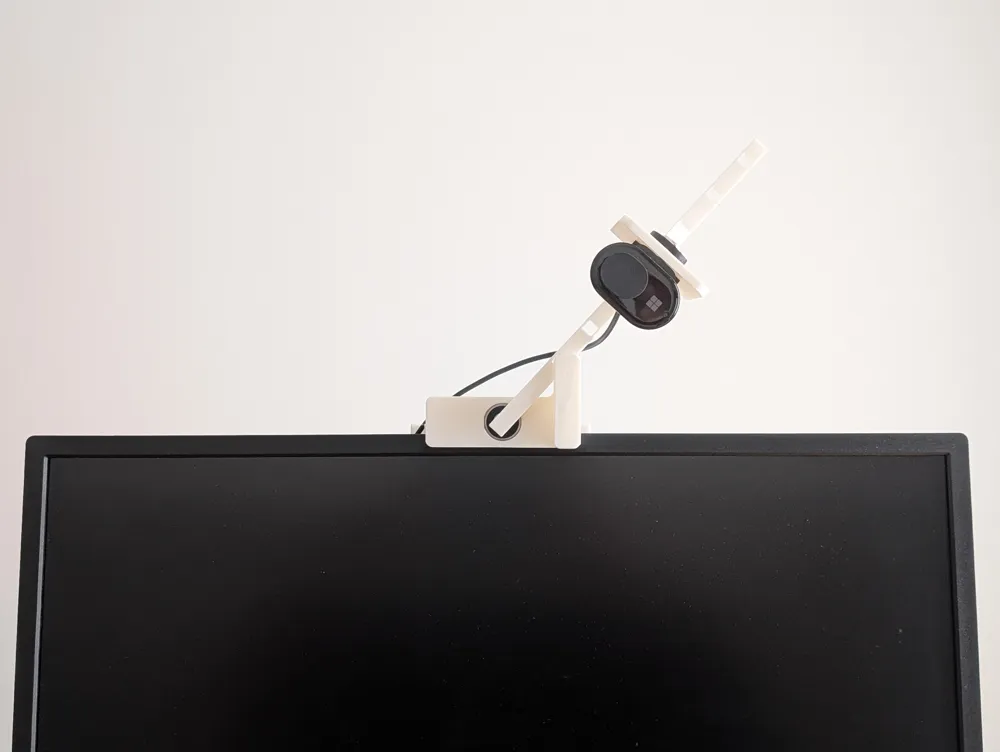
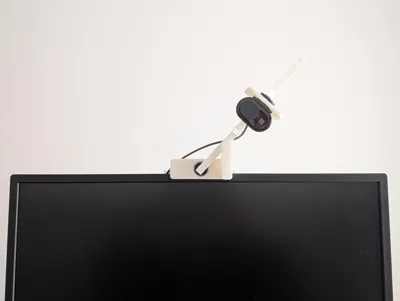
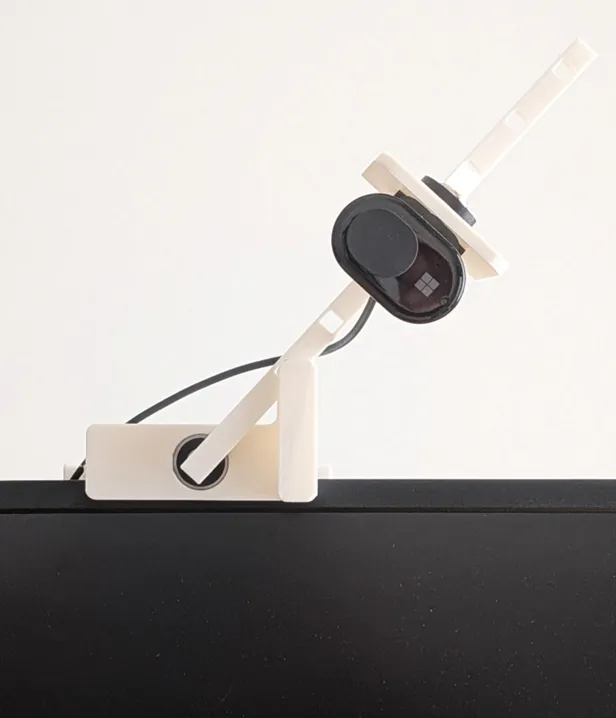
It will rotate to the center of your screen whenever you need it and then rotate out of the way when not in use.
|
Materials Needed:
-Some bolts for your Monitor Vesa holes
-WebCam bolt
-6082RS Ball Bearing x1 (example https://a.co/d/7l84GOZ)
-Some felt for back of arm to avoid scratching monitor screen (optional)
Assembly Instructions:
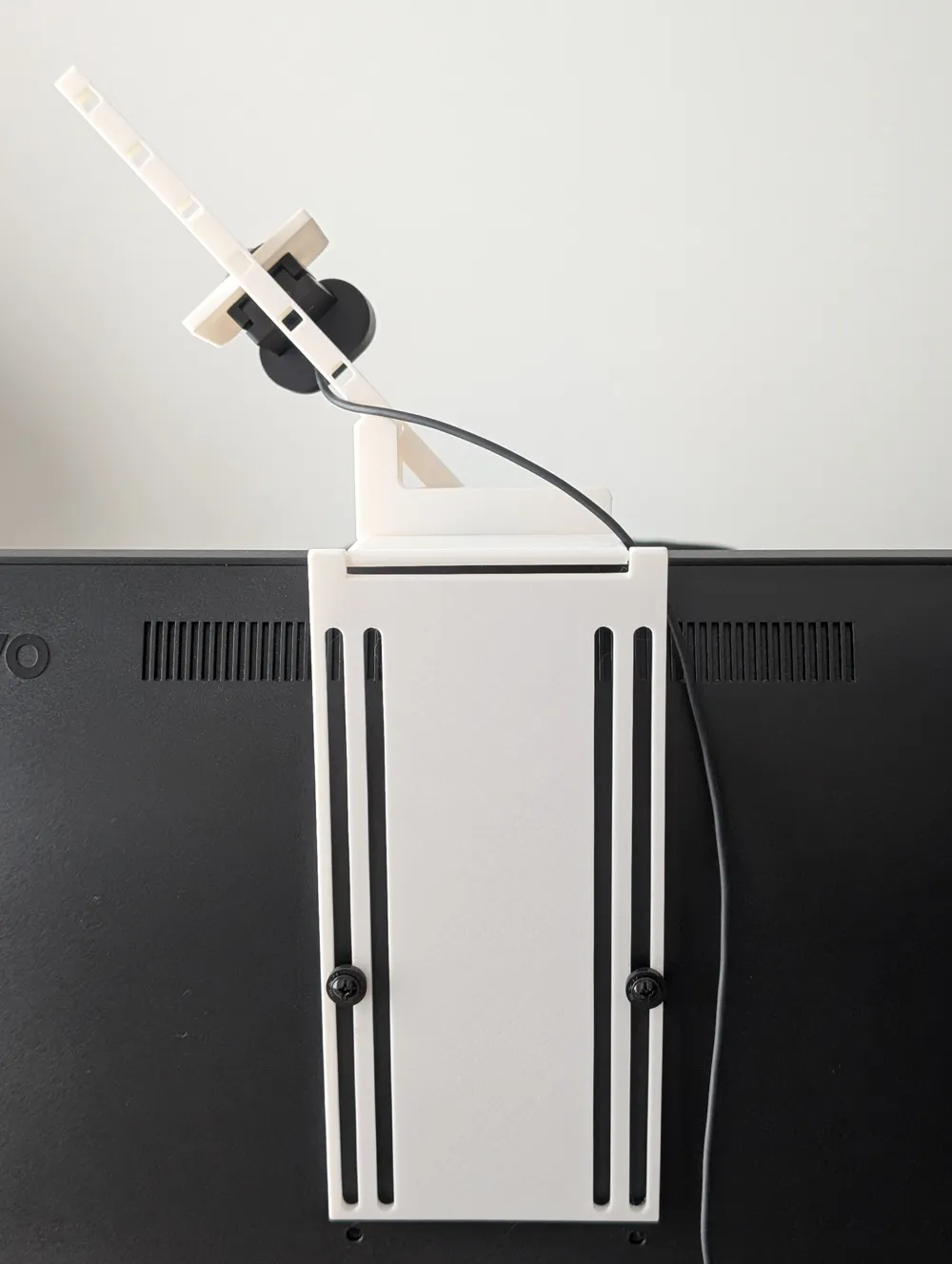

Connect the two hinges together and then slide the front plate across the hinge
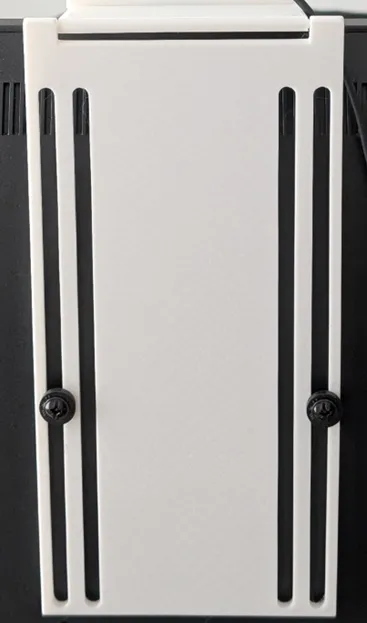
Attach the back hinge to your vesa holes on your monitor (or use strong double sided tape if you are a risk taker)
Connect the ball bearing to the arm

Turn the arm around and find the best square hole for the web camera pedestal (measure on your monitor as it is hard to remove once in)

Finally connect the arm to the front pate by pushing the ball bearing into the recessed hole (you may want to add some felt to the back of the arm that touches the screen to avoid scratches)

To move the web cam out of the way simply rotate the arm
License



Comment & Rating (6)